Creating AI-Generated Interactive Lessons and Slides with Curipod
Curipod
Head over to www.curipod.com
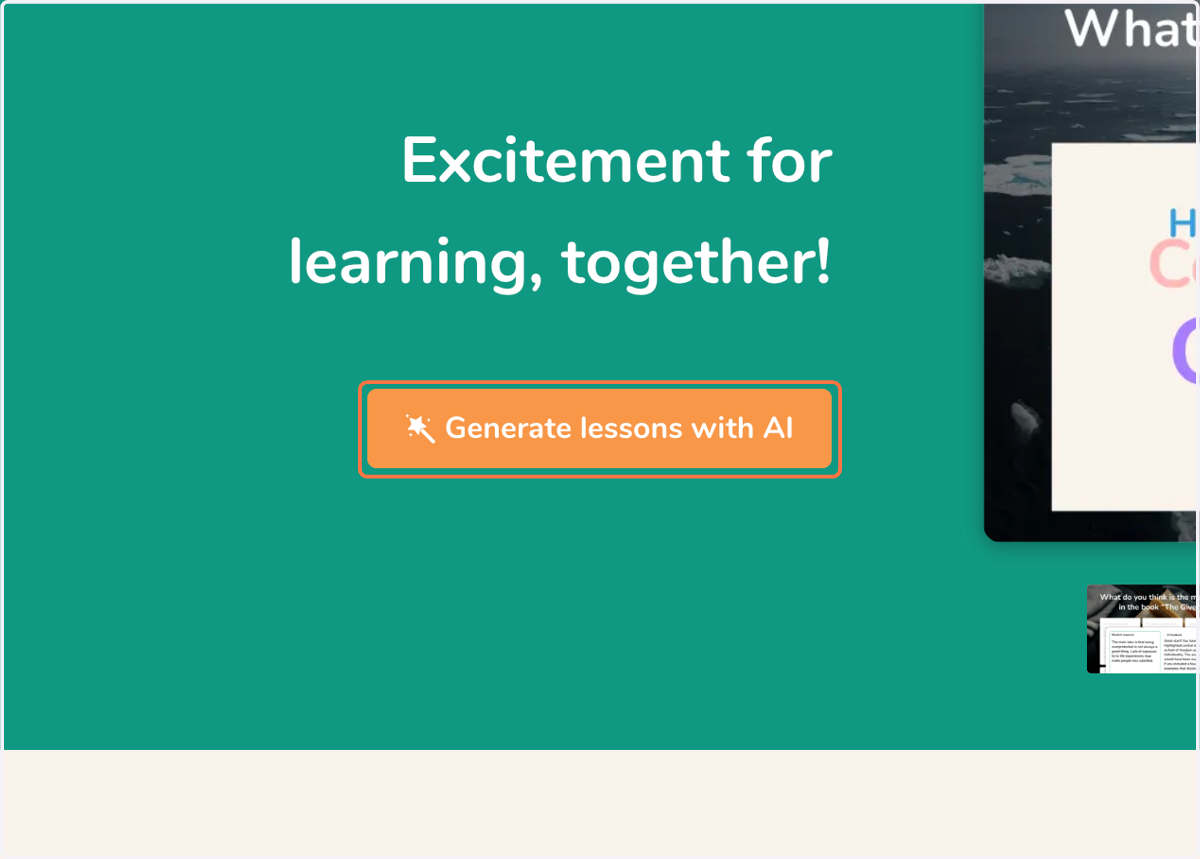
1. Click on Generate Lessons with AI
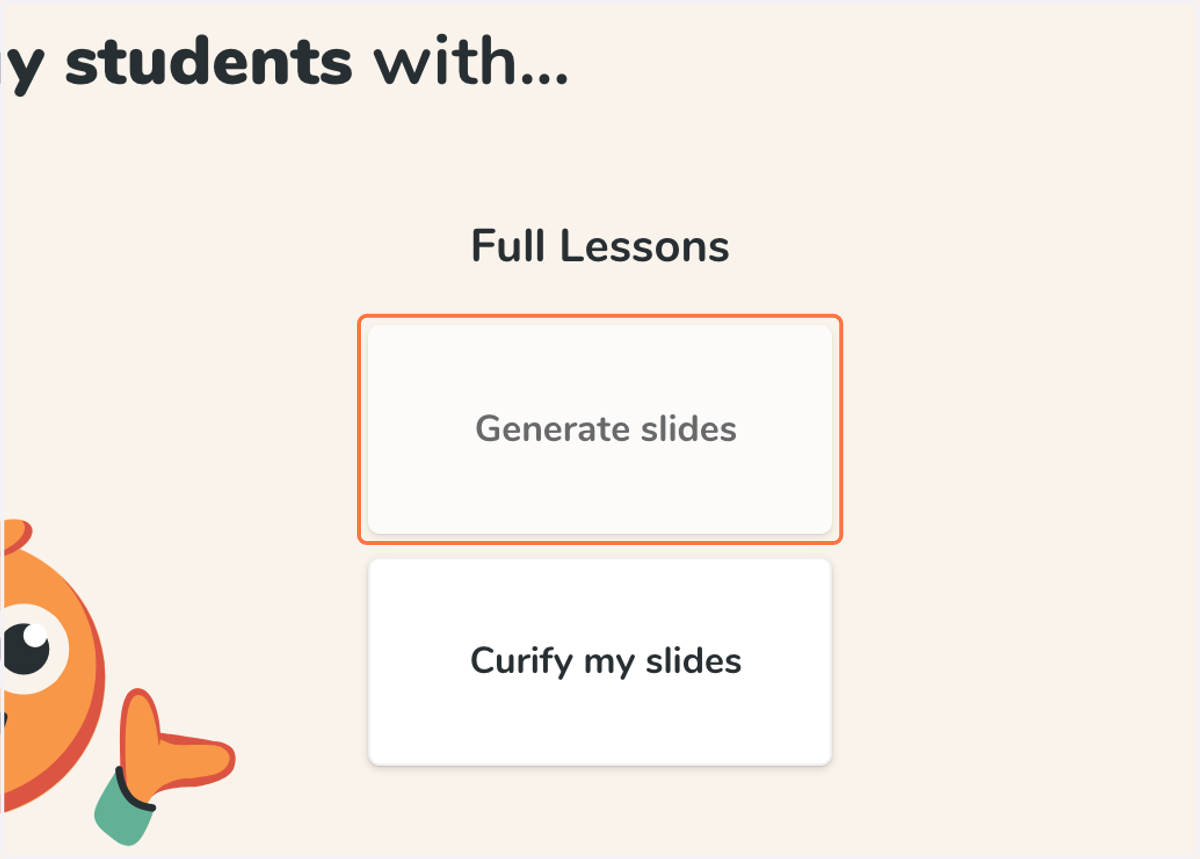
2. Click on Generate slides
3. Type in the content/skill you are teaching
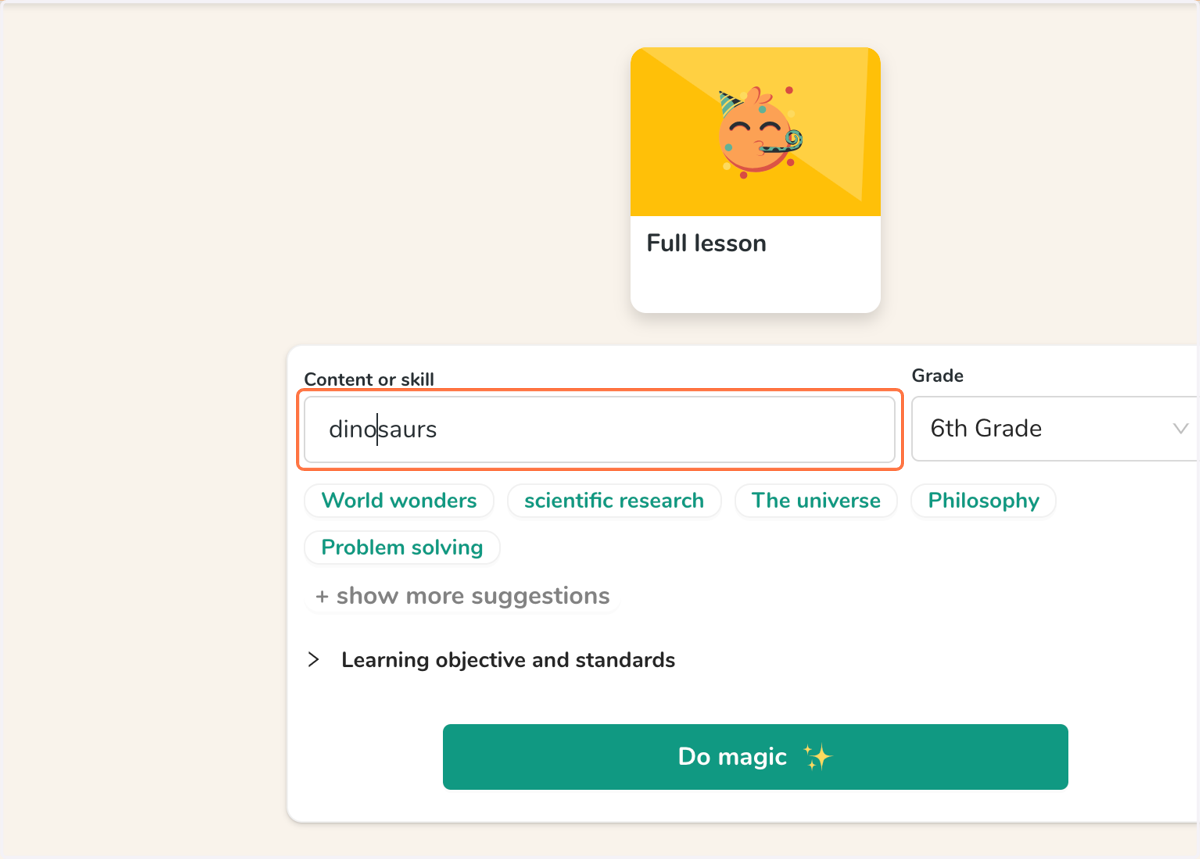
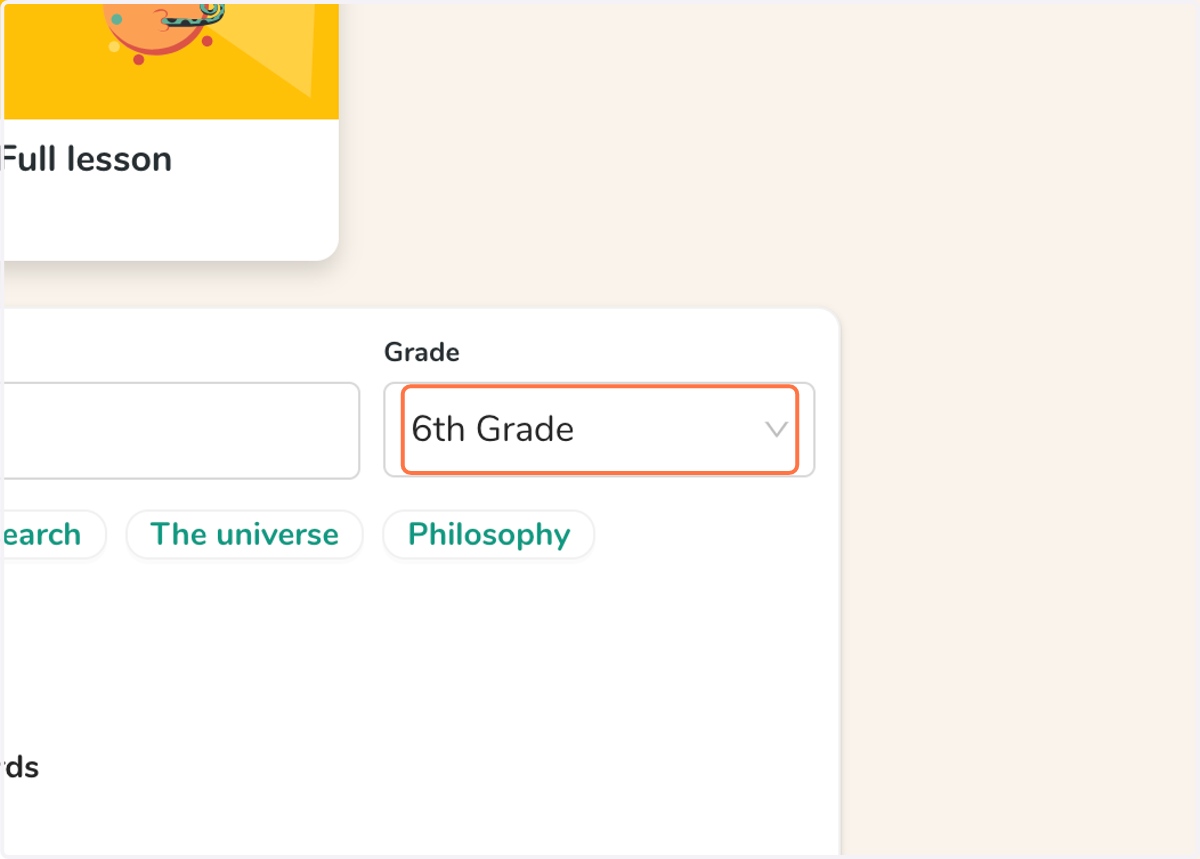
4. Click on the appropriate grade level
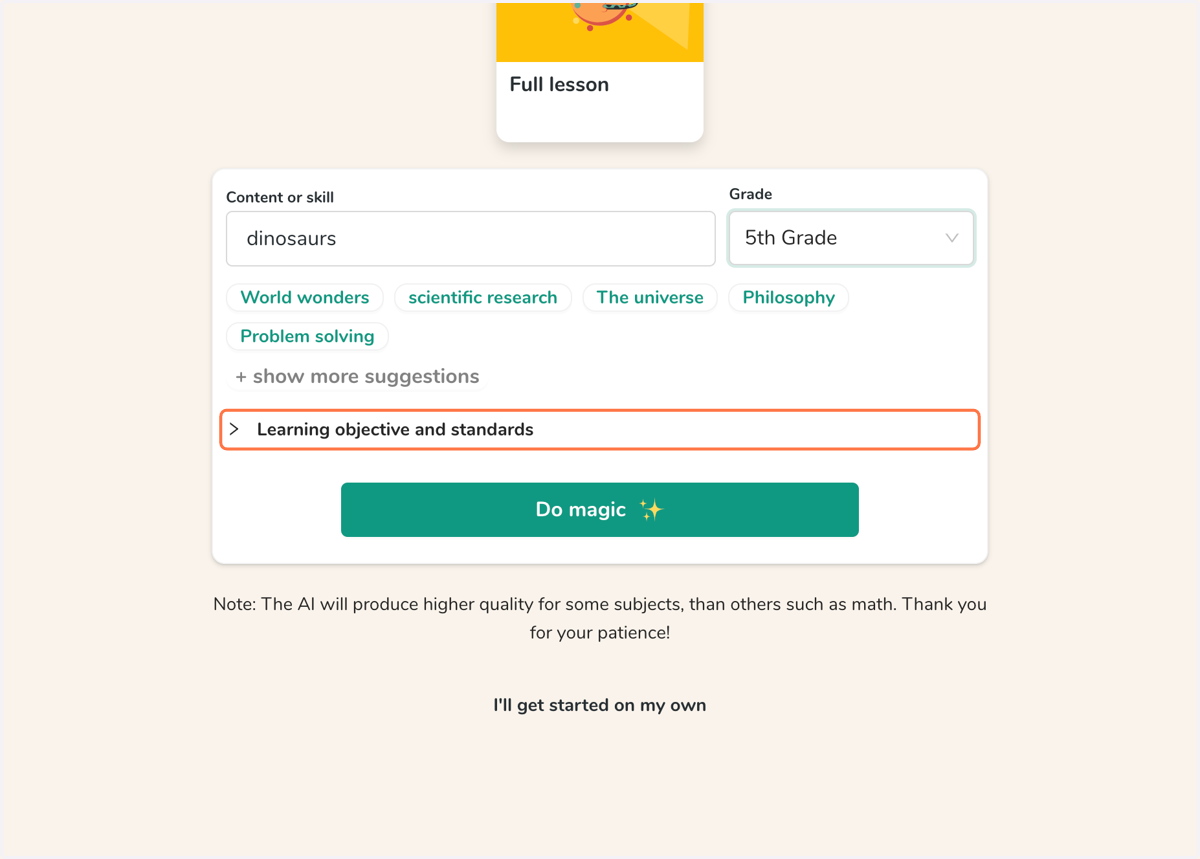
5. Add objectives/standards (optional)
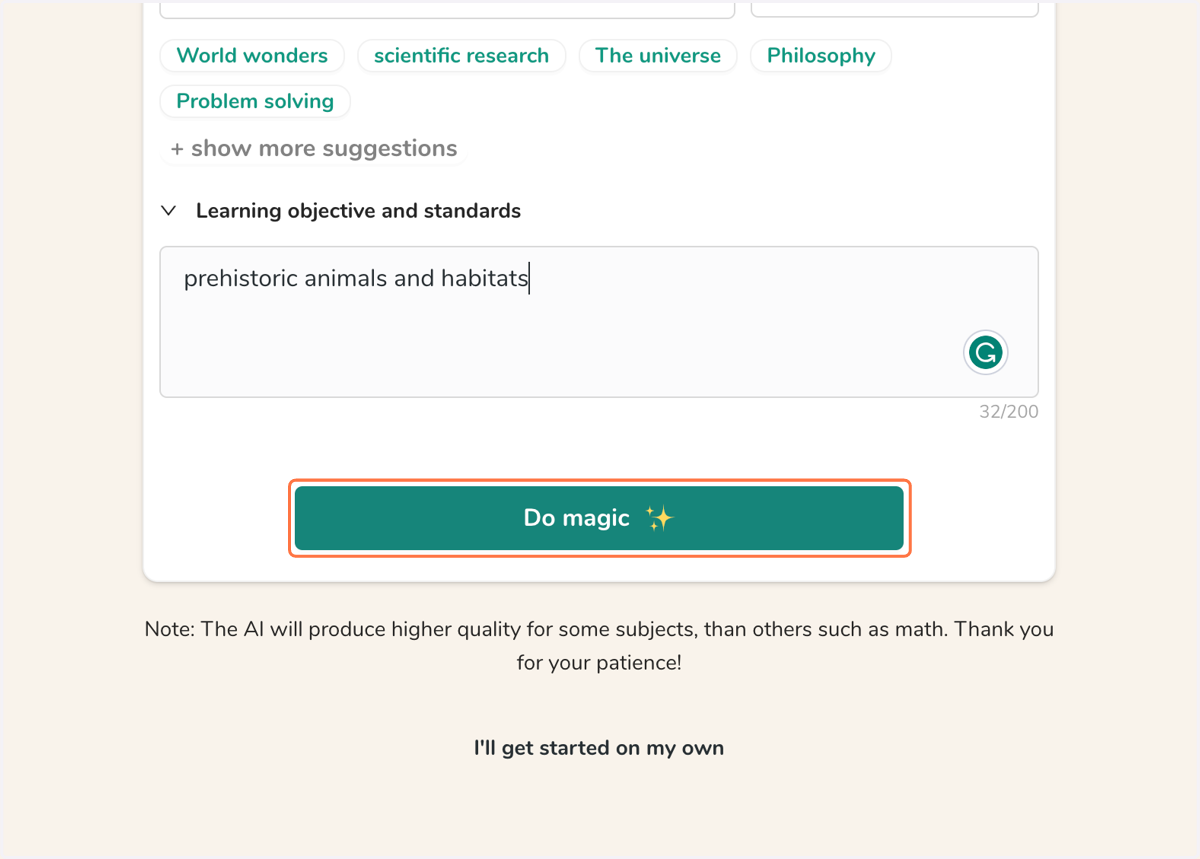
6. Click on Do magic
7. Review the content and slide types to meet your approval
8. Click on Present
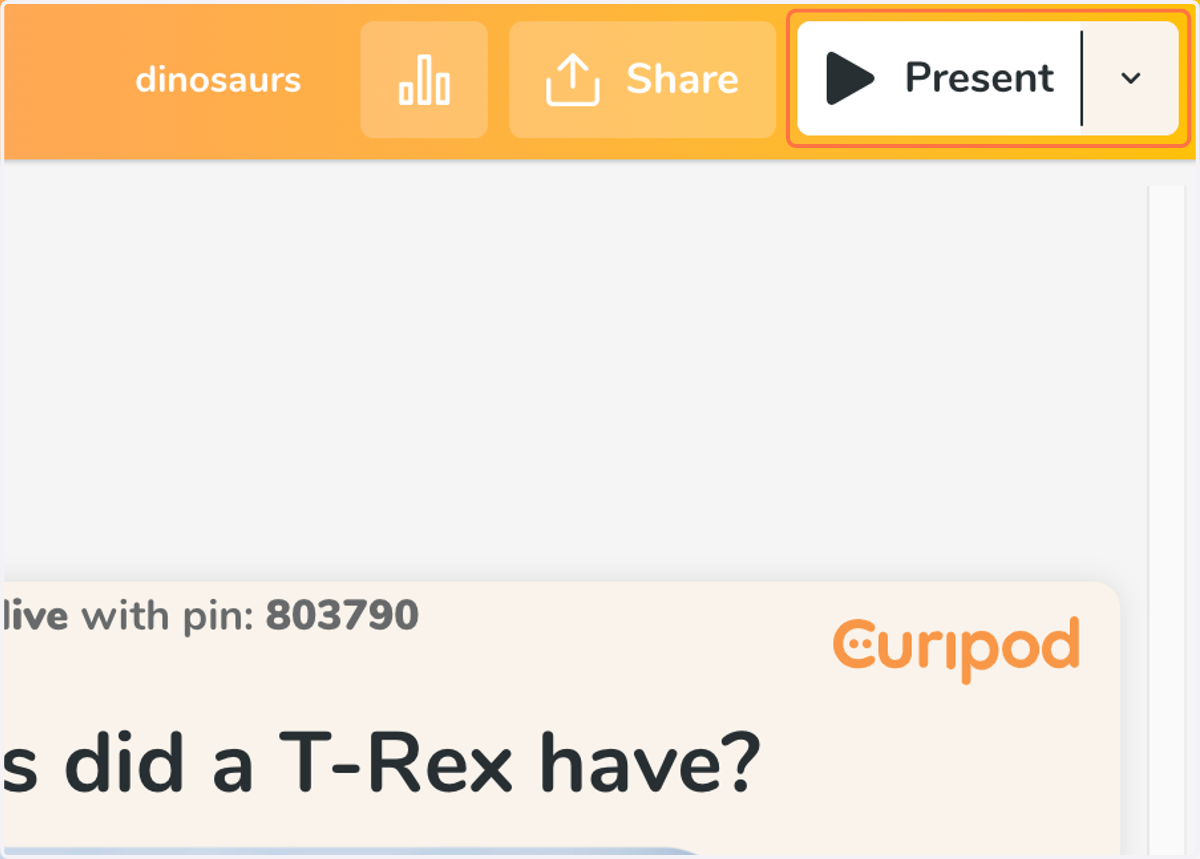
9. Invite students to join using the displayed website and pin code
10. Teach!