Create a new Discussion
Assignments - Sandbox Patti
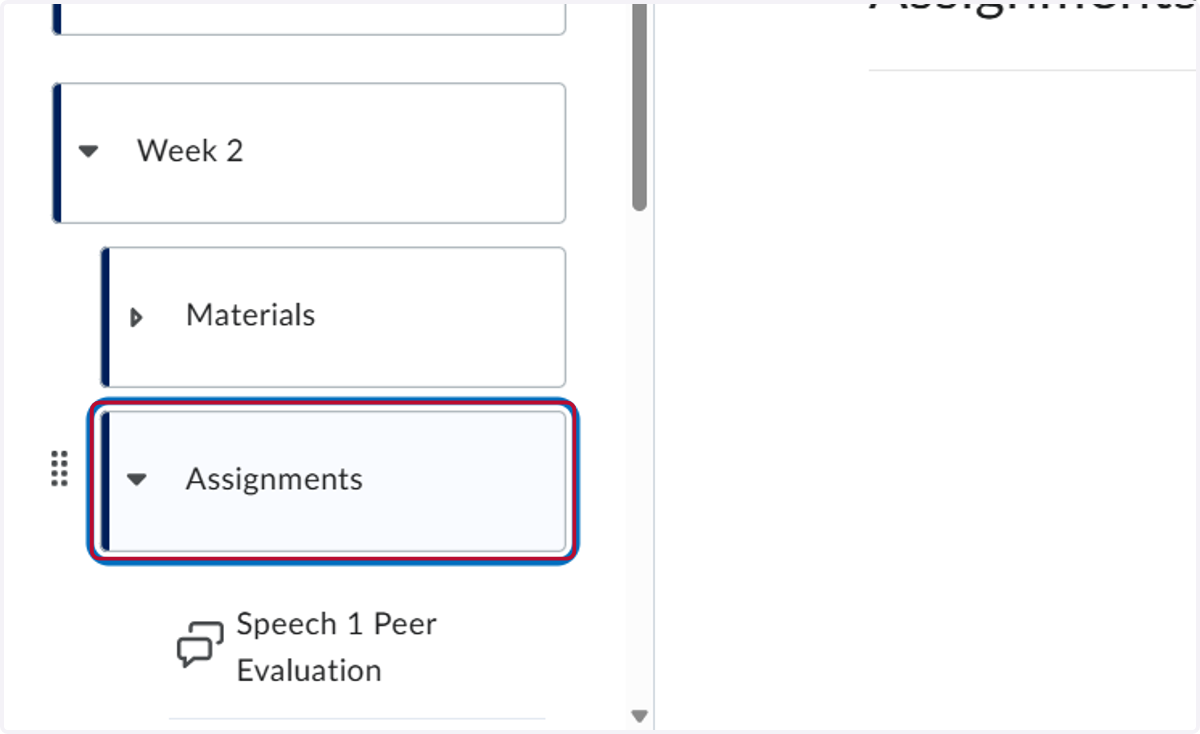
1. Click on the folder you want to add the discussion. We selected Assignments
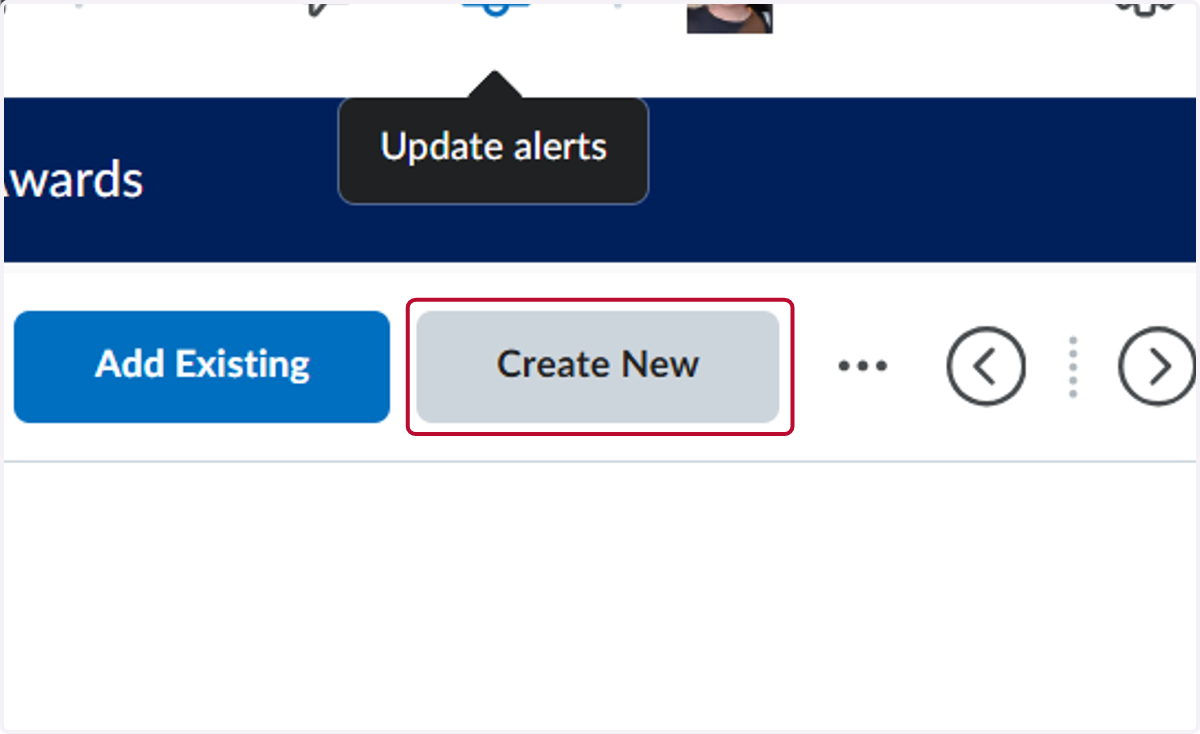
2. Click on Create New
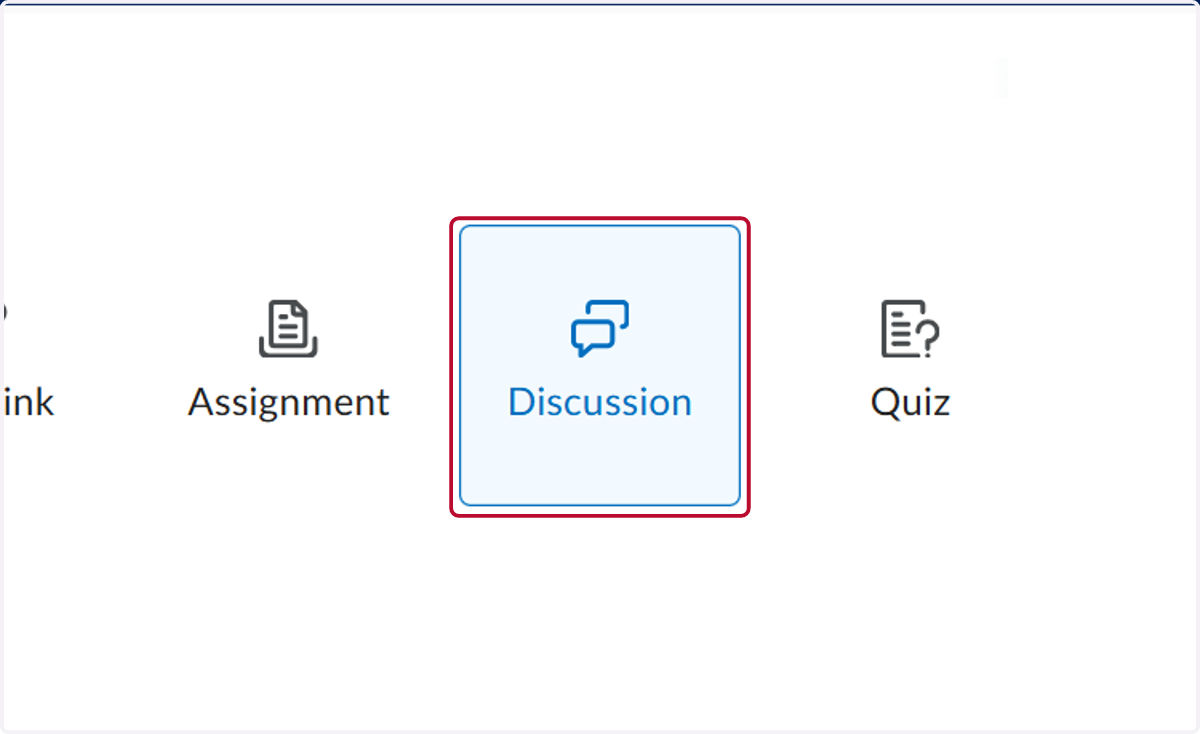
3. Click on Discussion
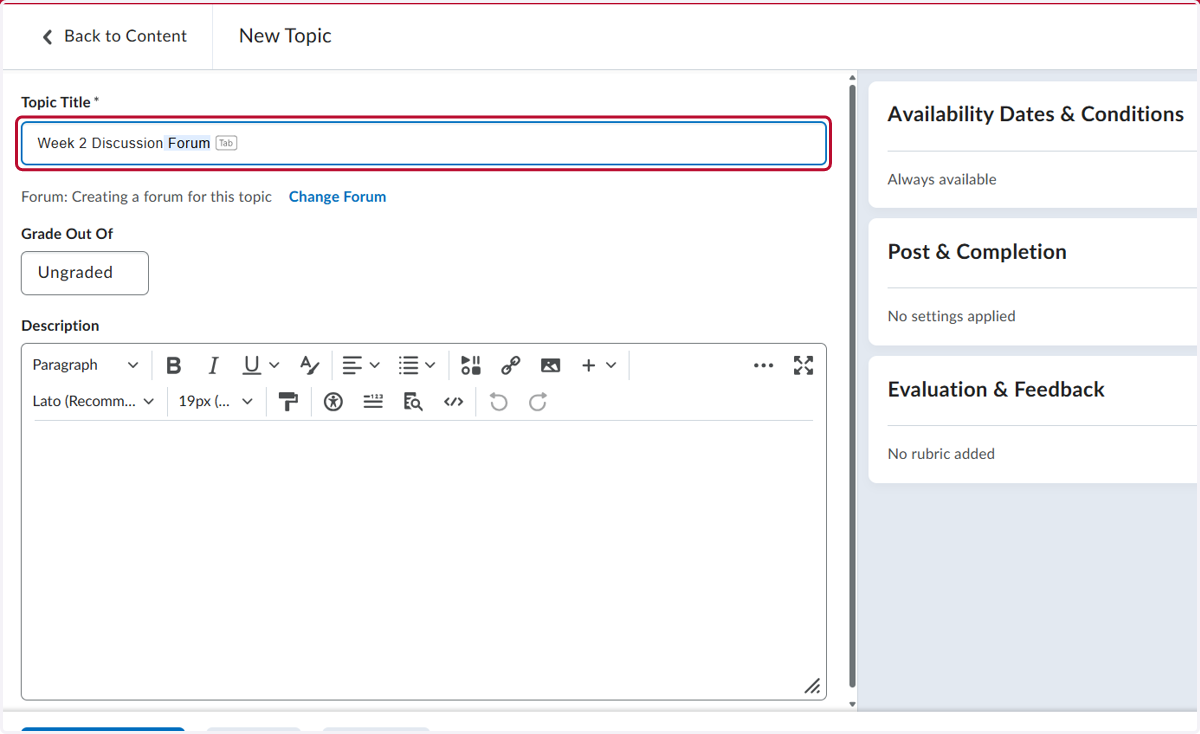
4. Add the Topic Title
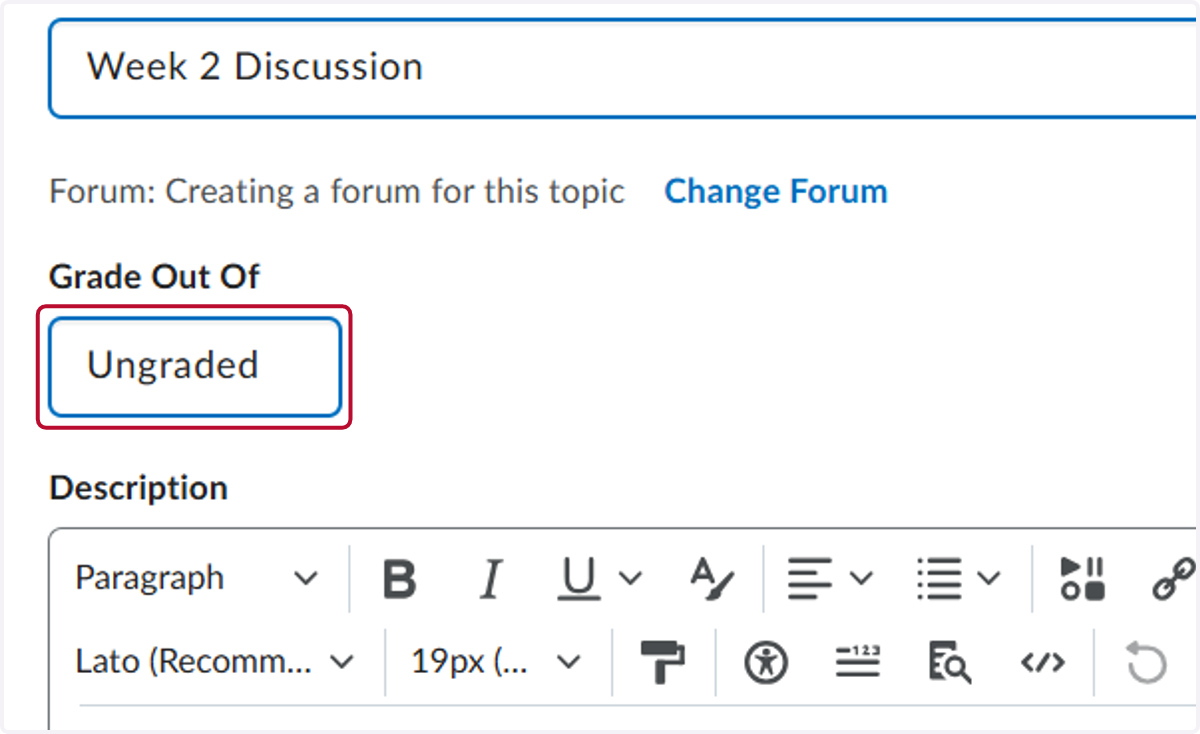
5. Click on Ungraded
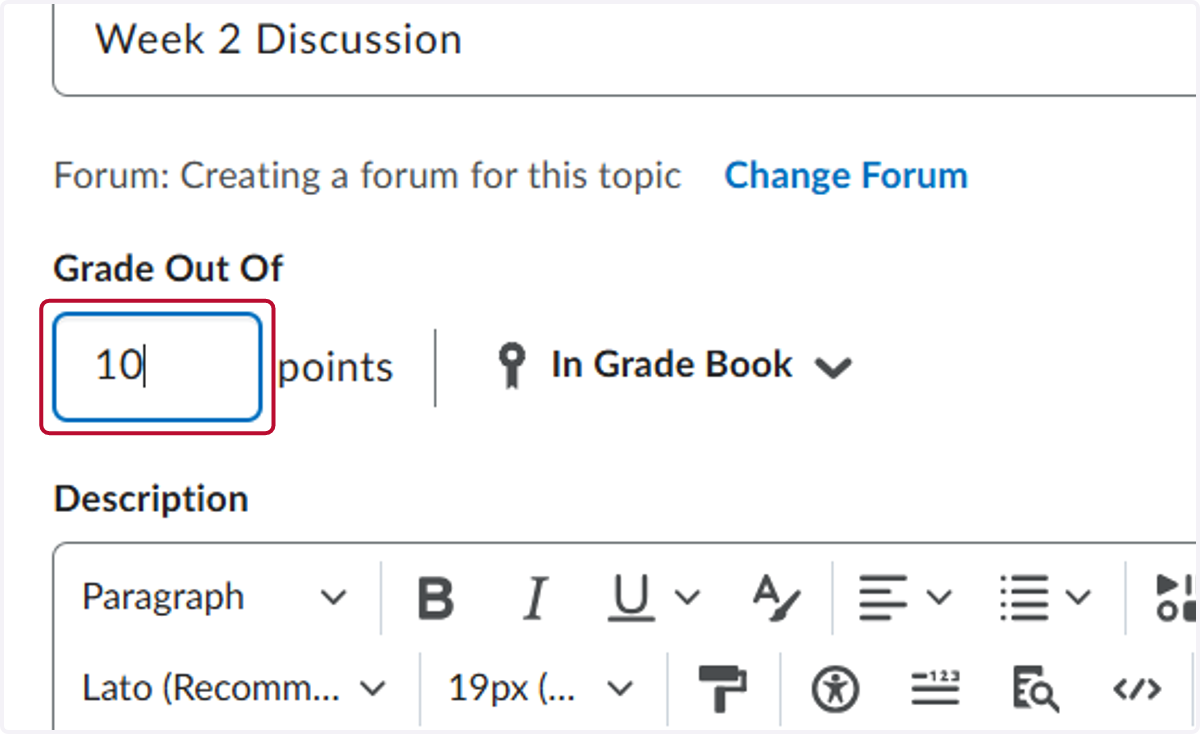
6. Type "10" to add this to the Grade Book
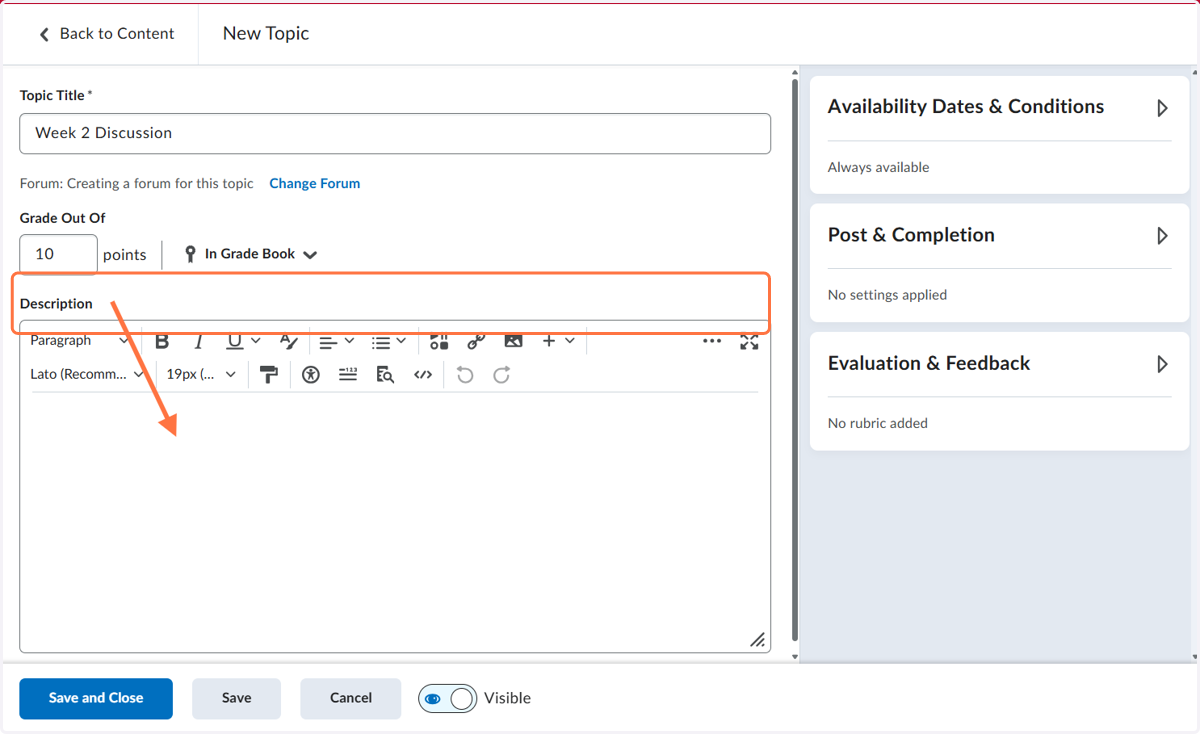
7. Click on Description and type in the information for your discussion
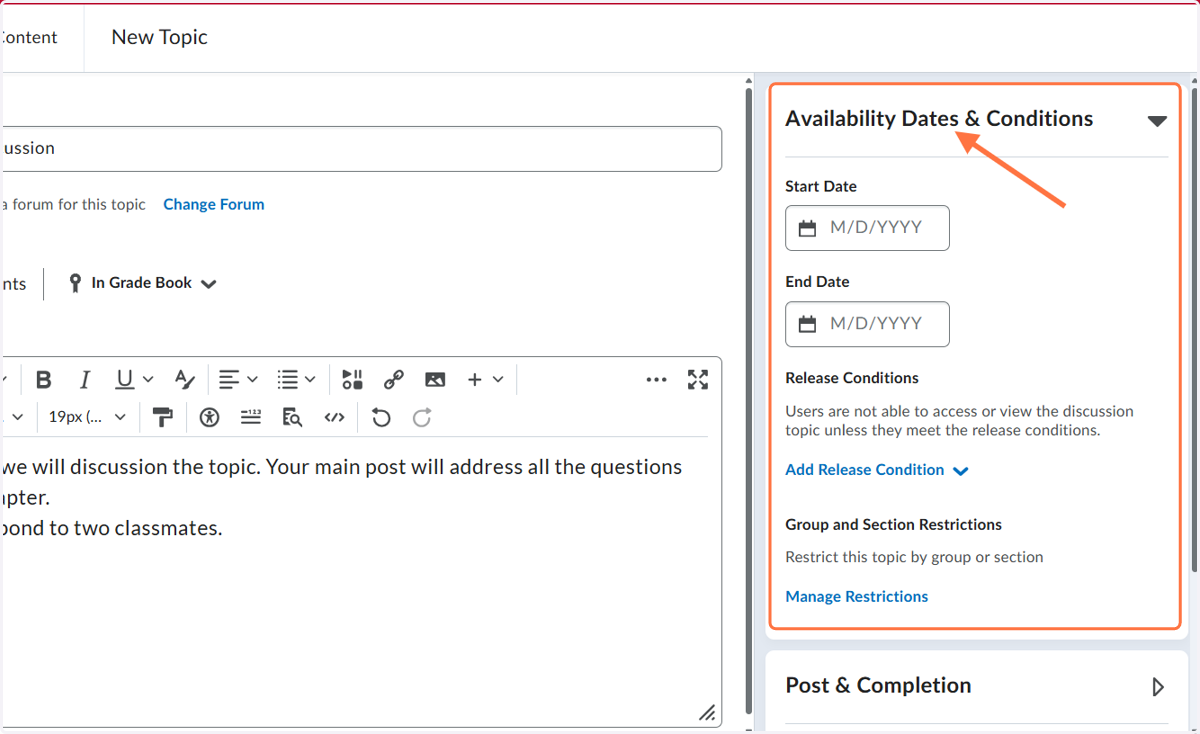
8. Click Availability Dates and Conditions
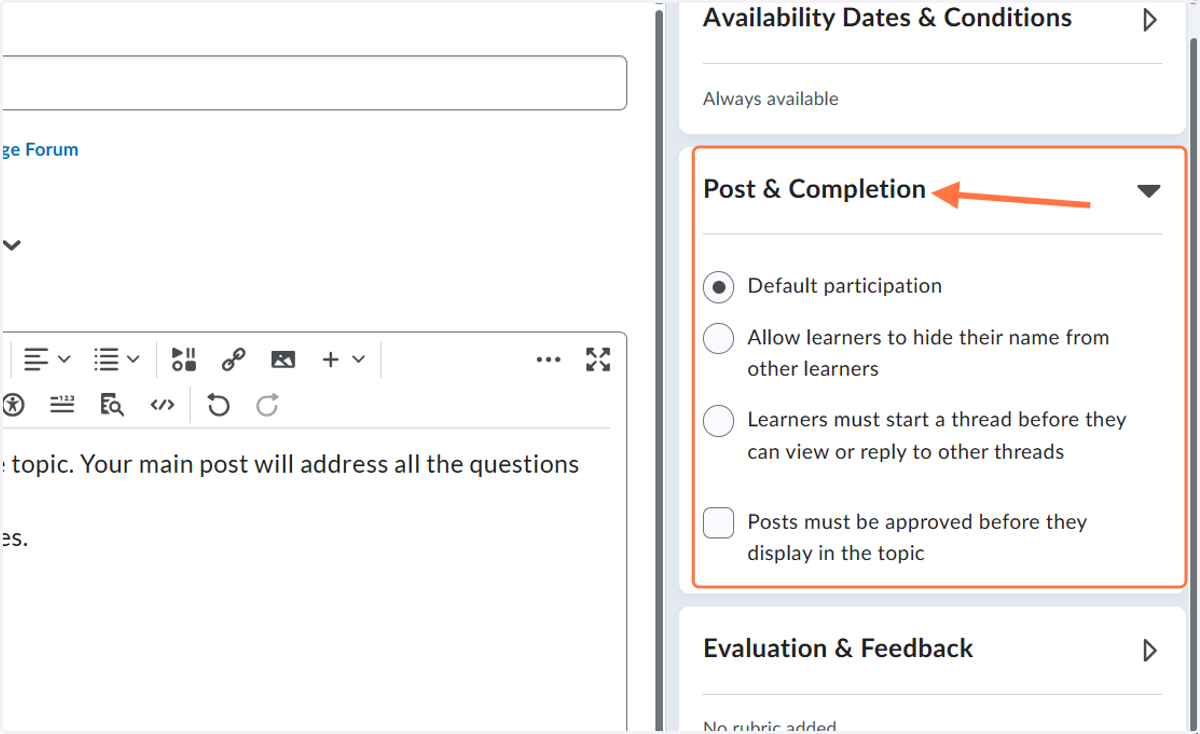
9. Click on Post & Completion
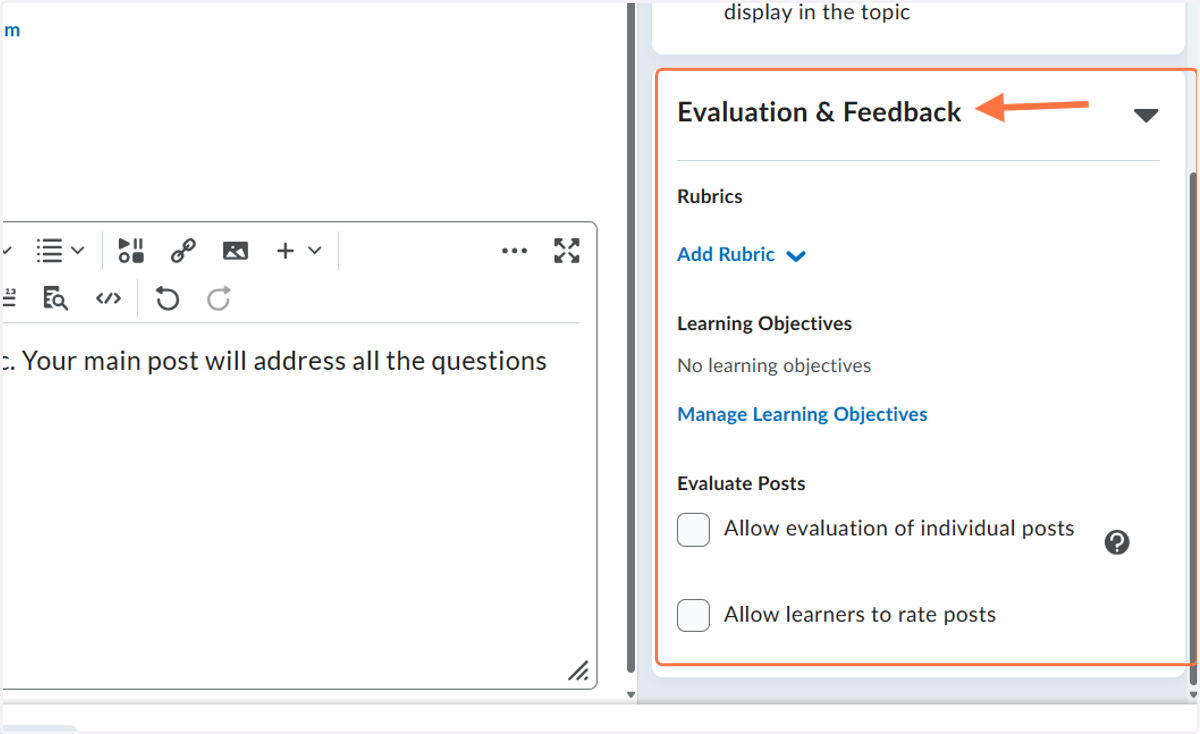
10. Click Evaluation and Feedback
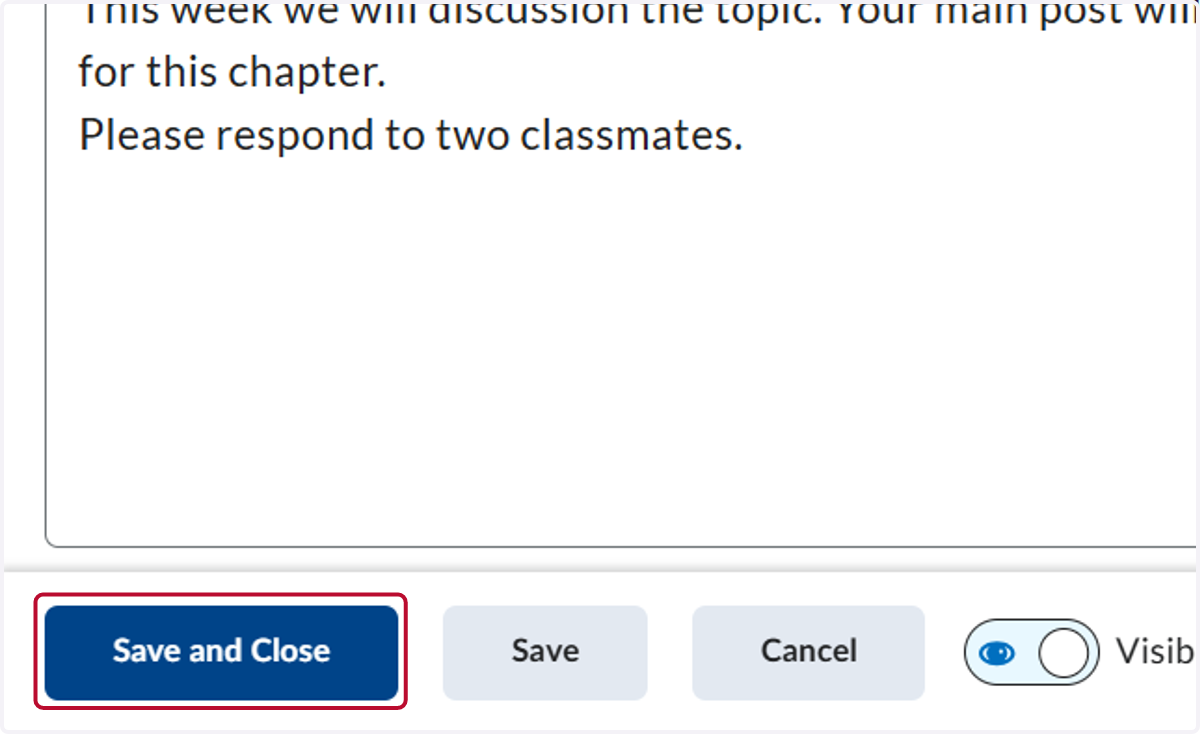
11. Click Save and Close
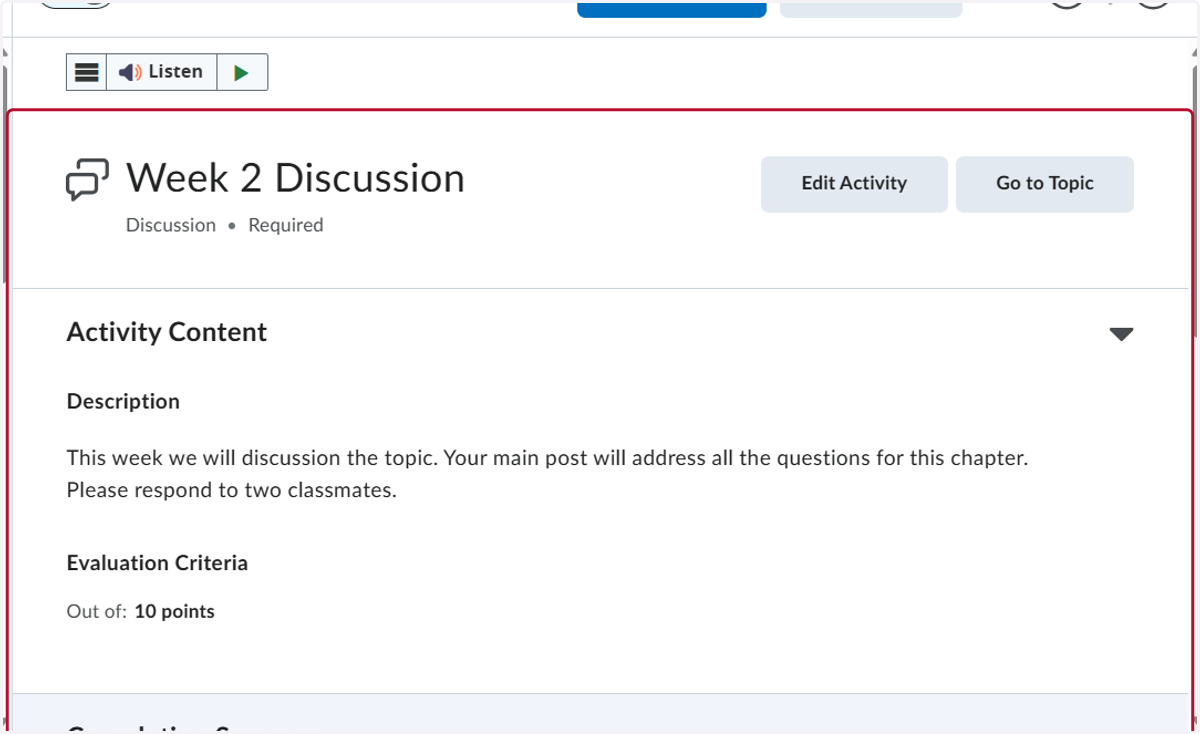
12. This is what your discussion will look like when you are done.