MS Teams: Create and get a meeting link
Open MS Teams
Open the MS Teams app on your computer, or head to teams.cloud.microsoft
Microsoft Teams
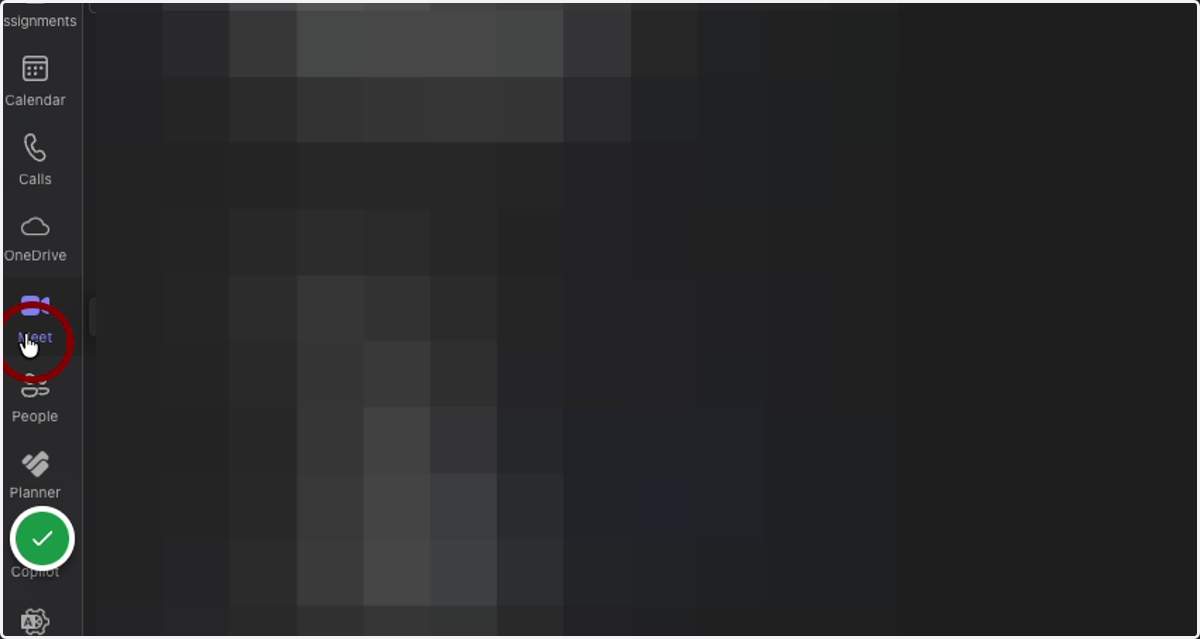
1. Click on the "Meet" app on the sidebar
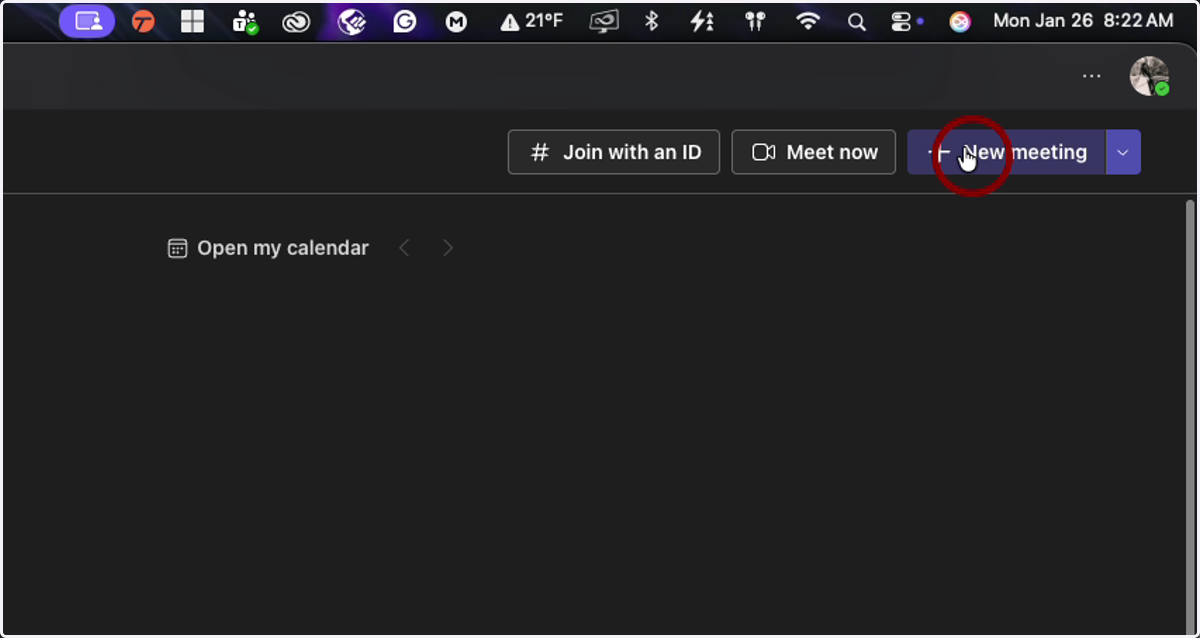
2. Click on "New Meeting"
3. Enter Meeting Information
Title of the Meeting
Date & Time
Attendees
etc.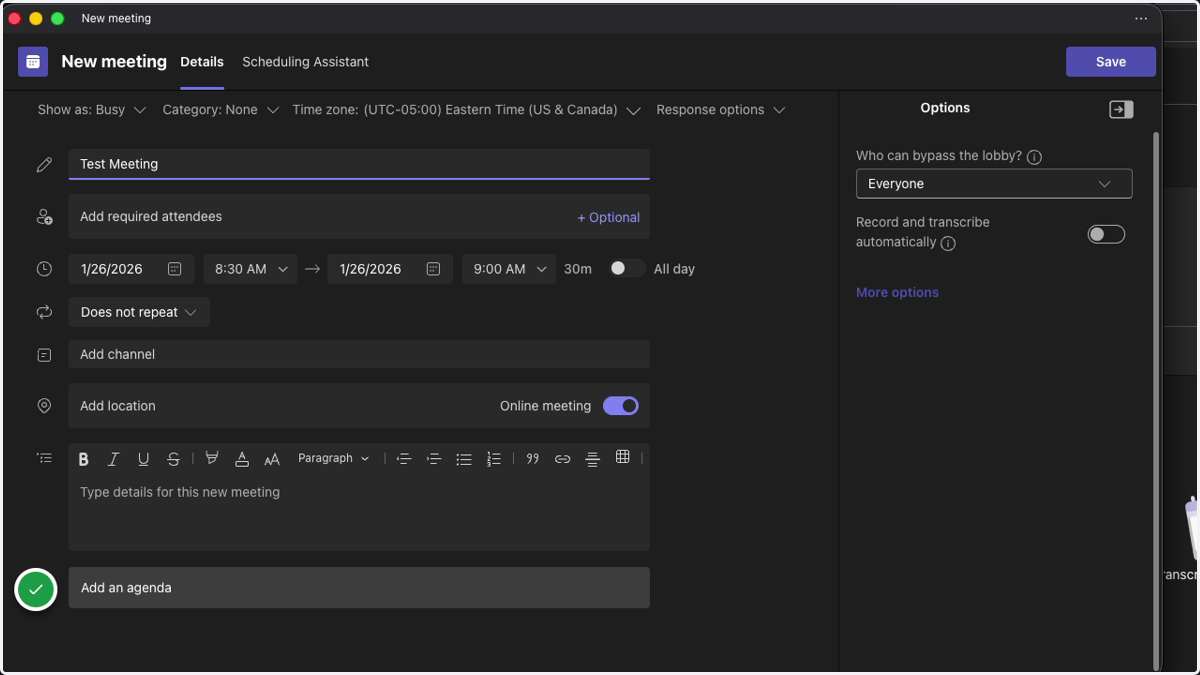
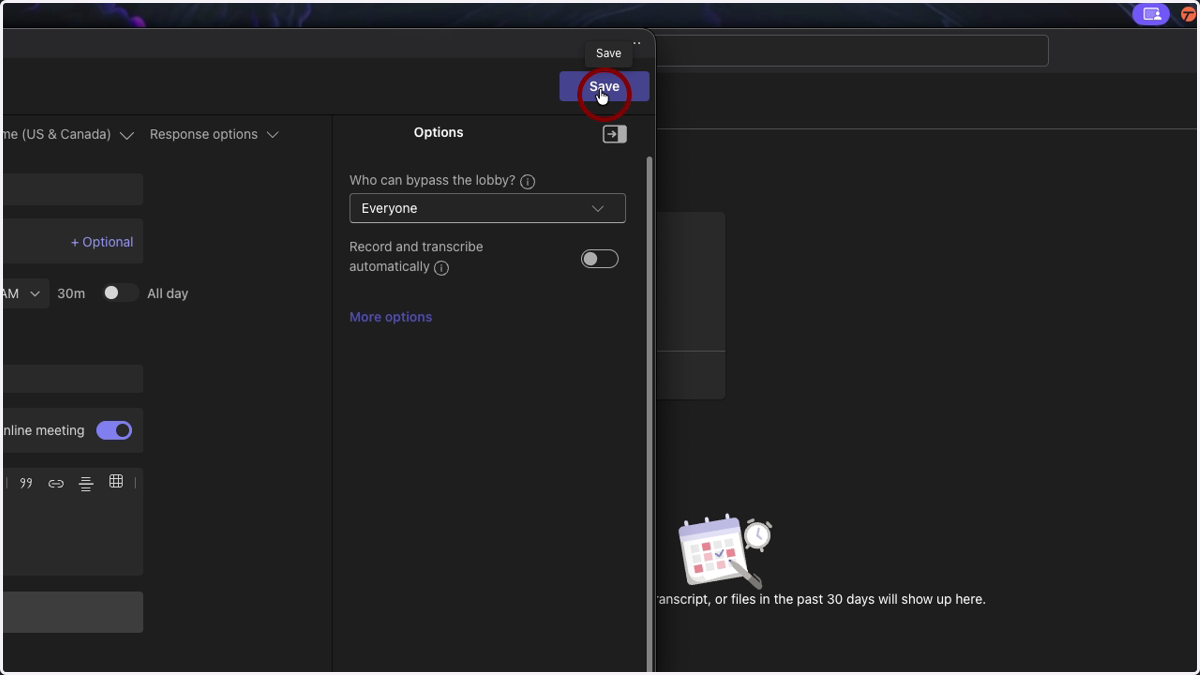
4. Click on Save
This will create the meeting and add it to your MS Teams calendar
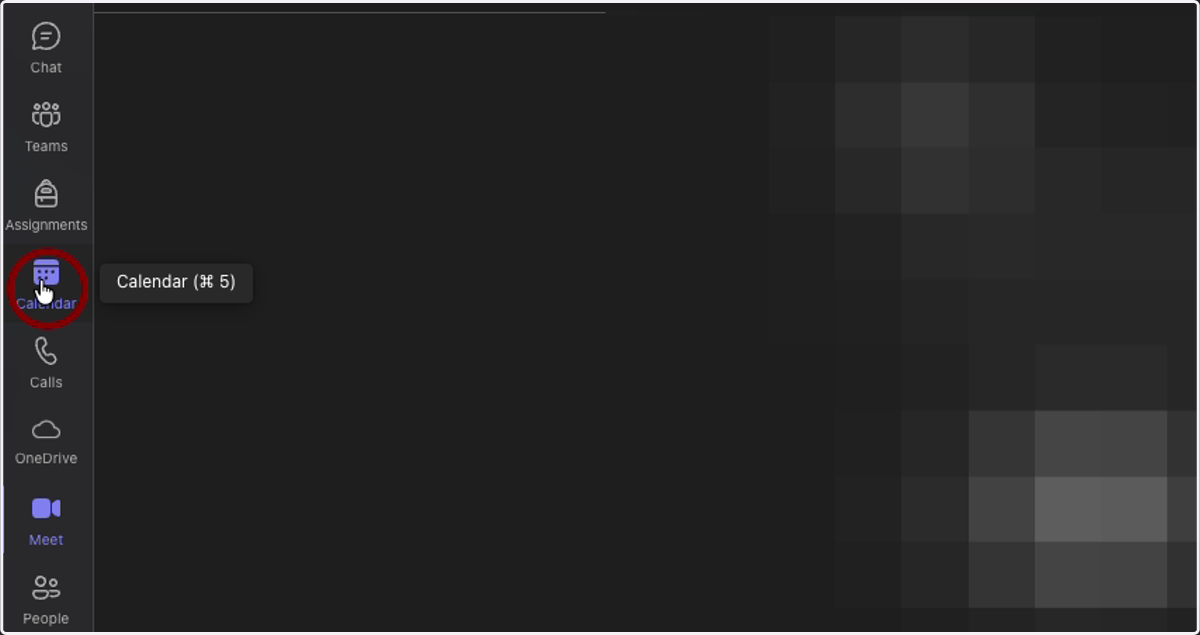
5. Click on the "Calendar" app in the sidebar
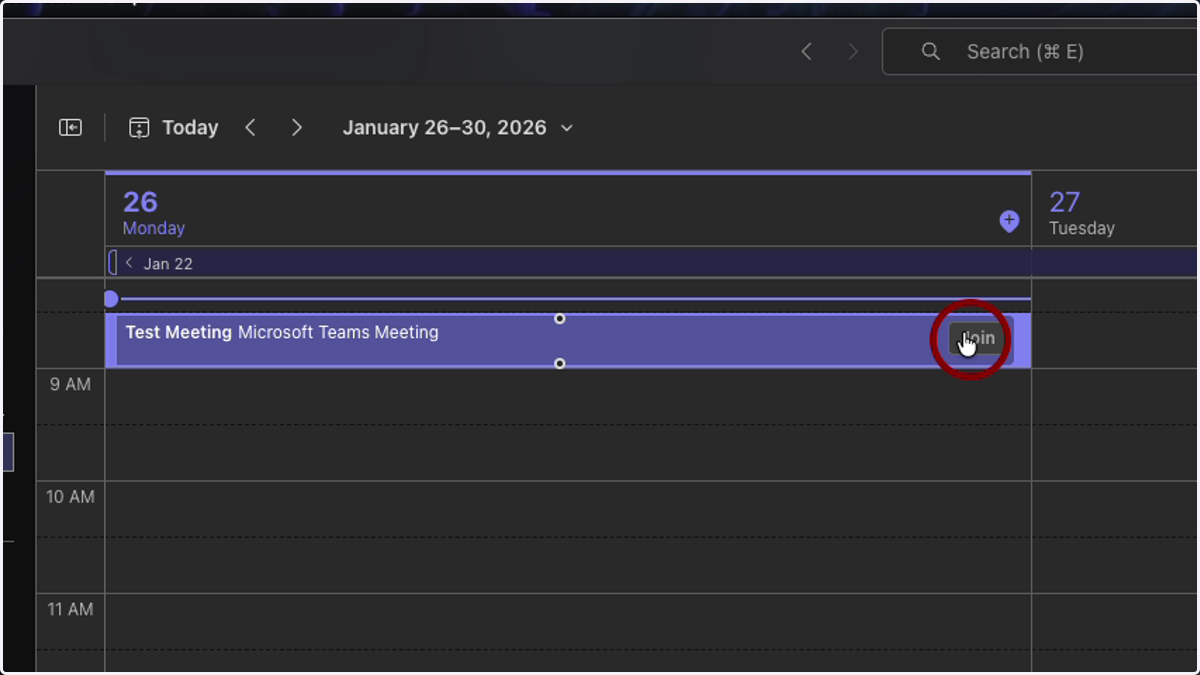
6. Locate your meeting and click on it
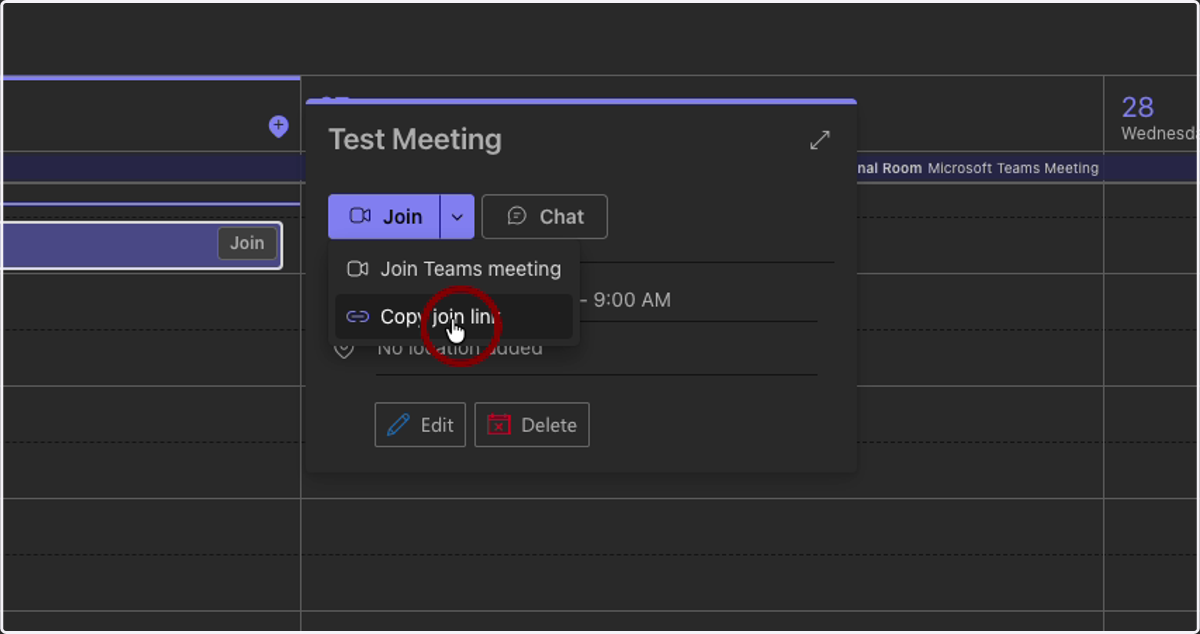
7. Click on the dropdown menu that appears
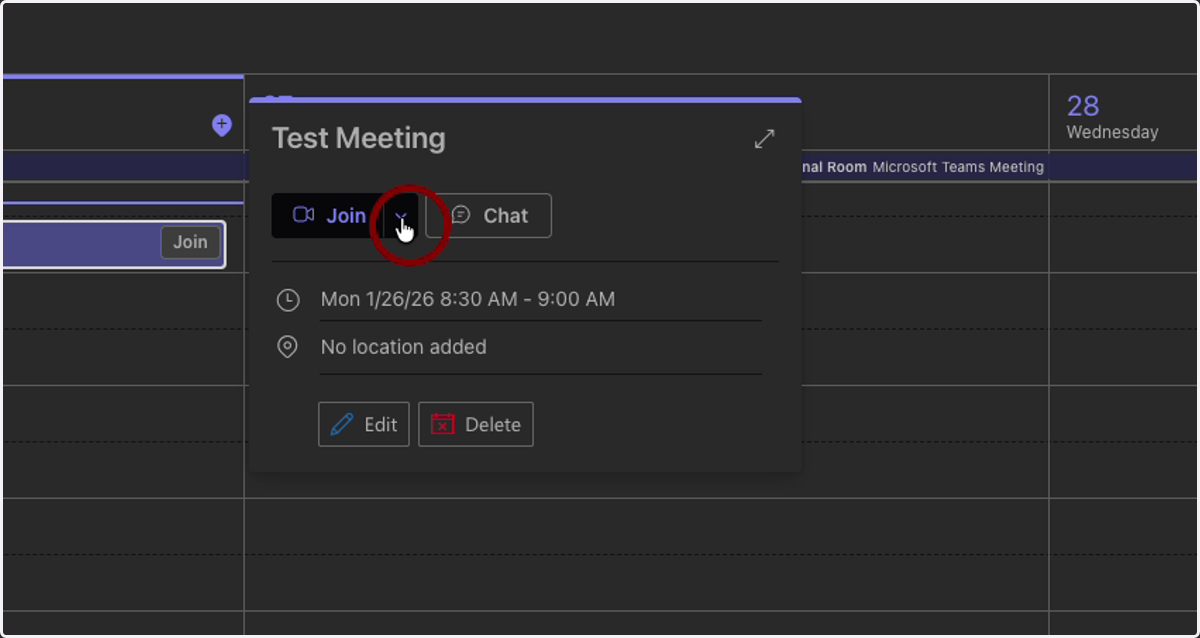
8. Click on "Copy Join link"
This will automatically copy a link to the meeting to your clipboard, and you can paste it into an email or wherever you wish to send the link.