Create a Production Record on MasterDistiller
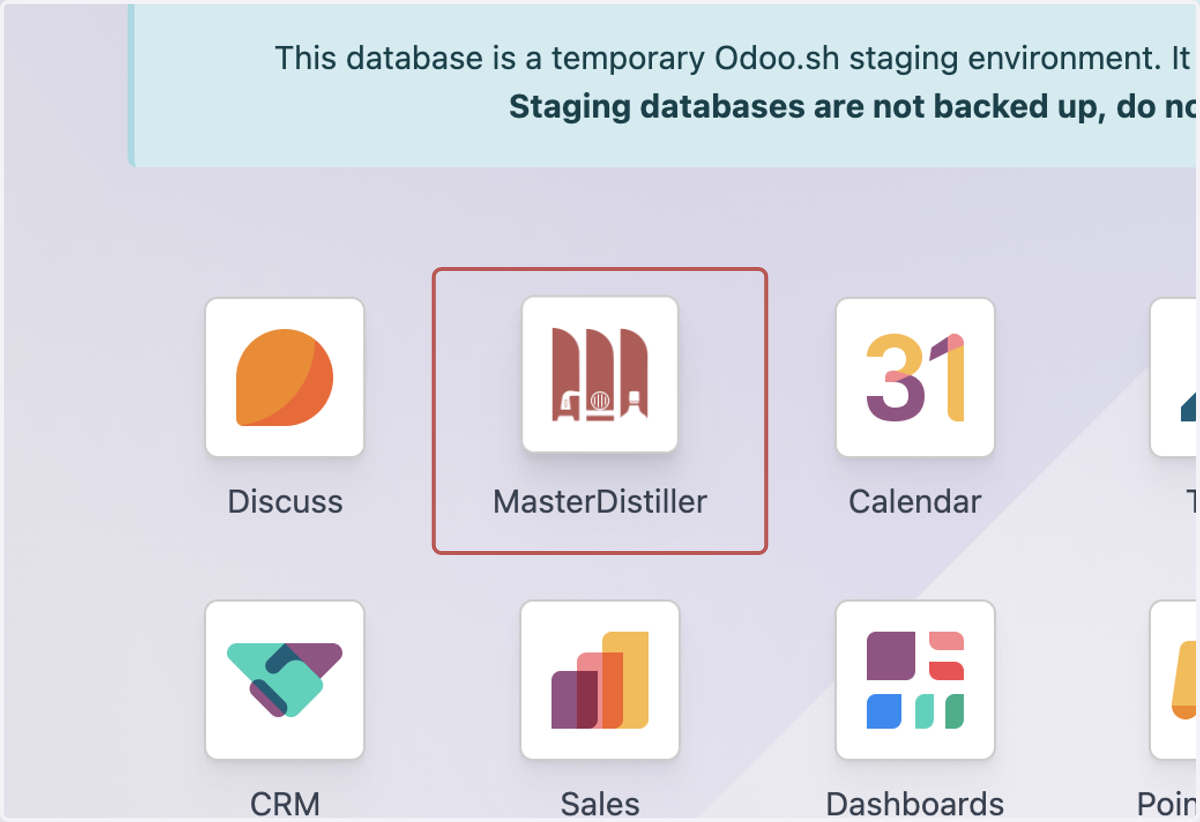
1. Click on MasterDistiller
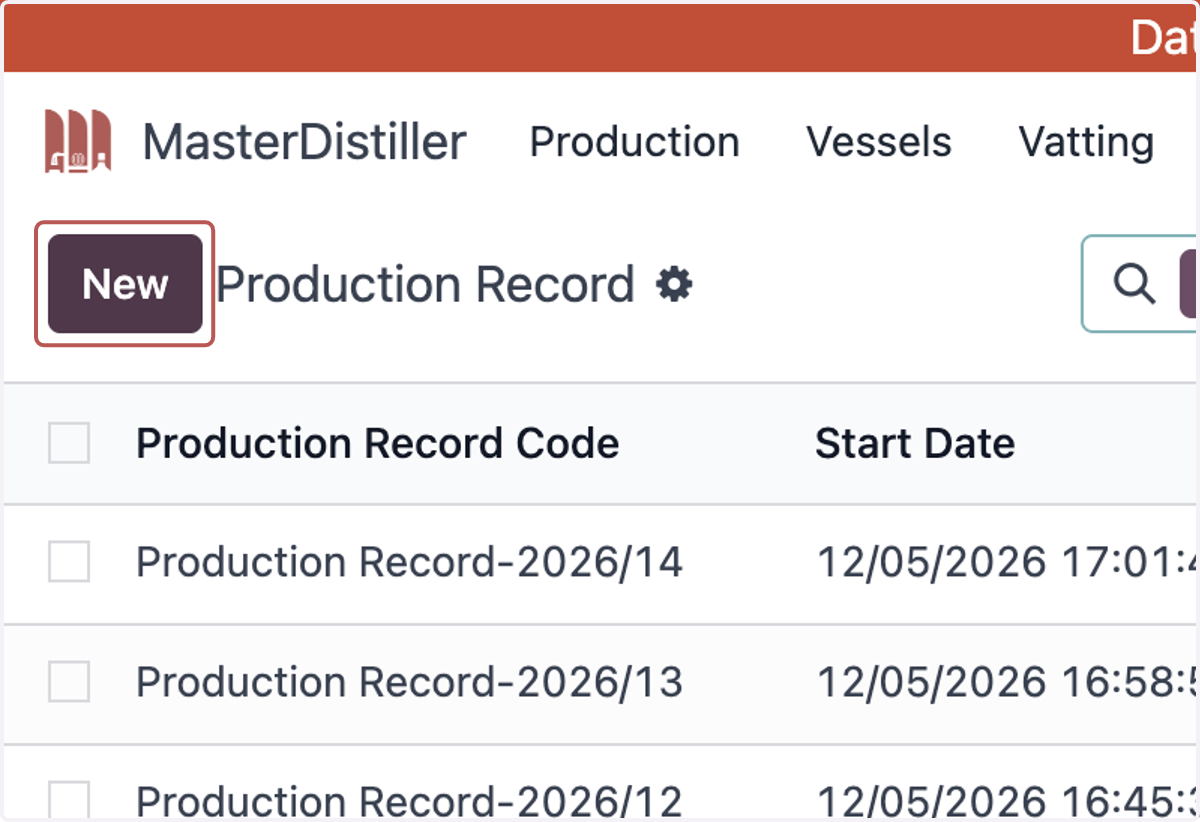
2. Click on New
3. Select a Start Date
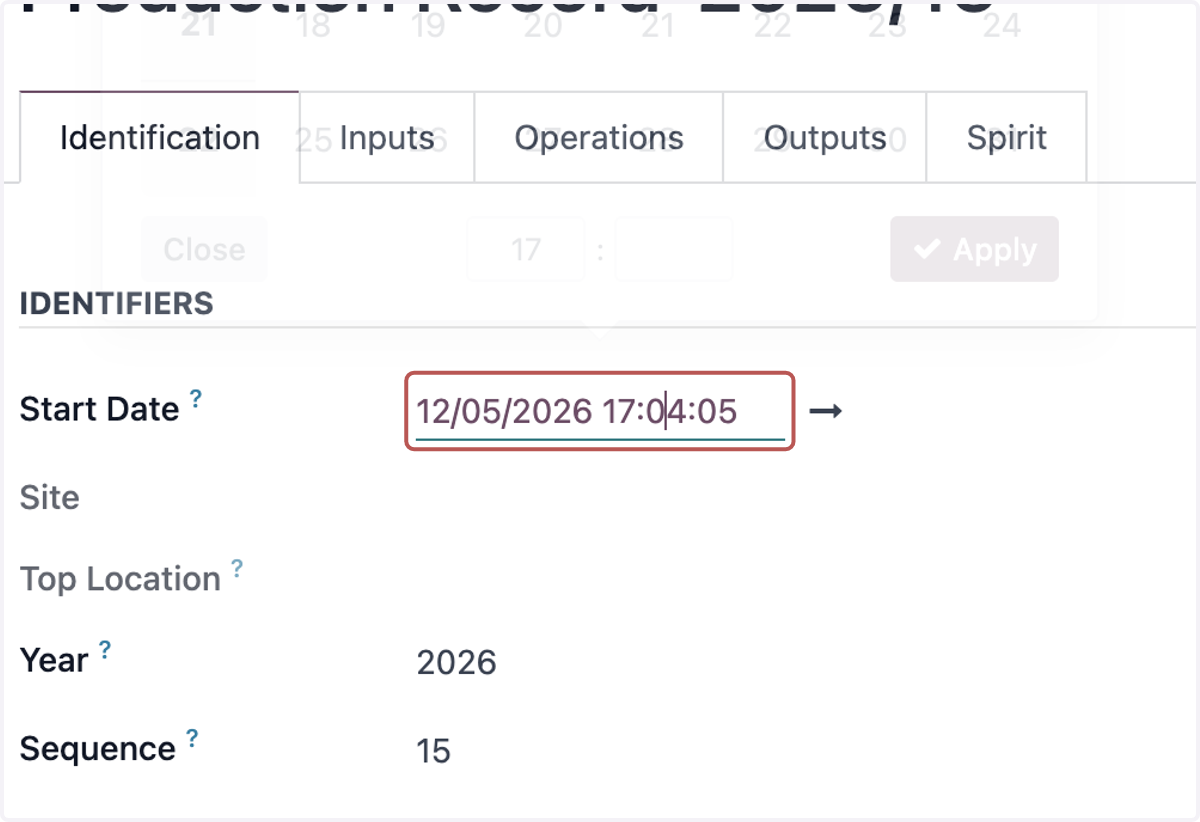
4. Click on Apply
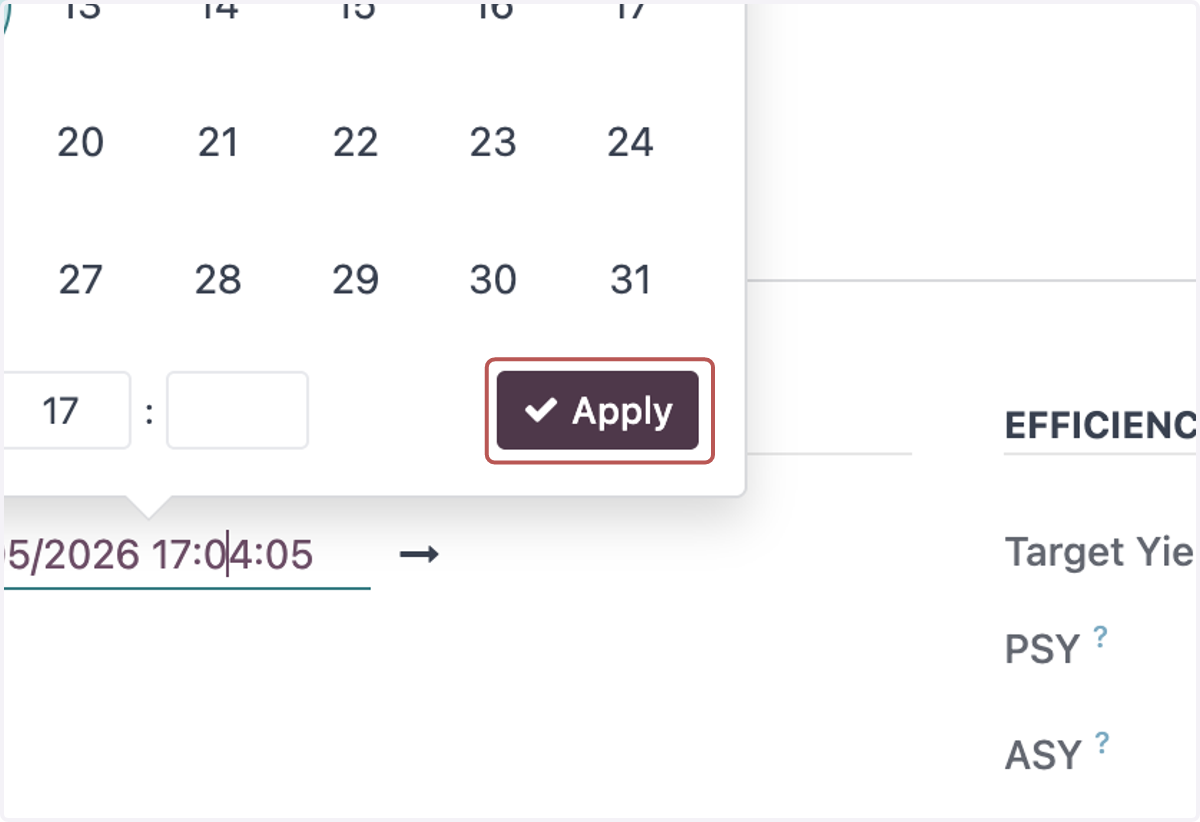
5. Select an End Date
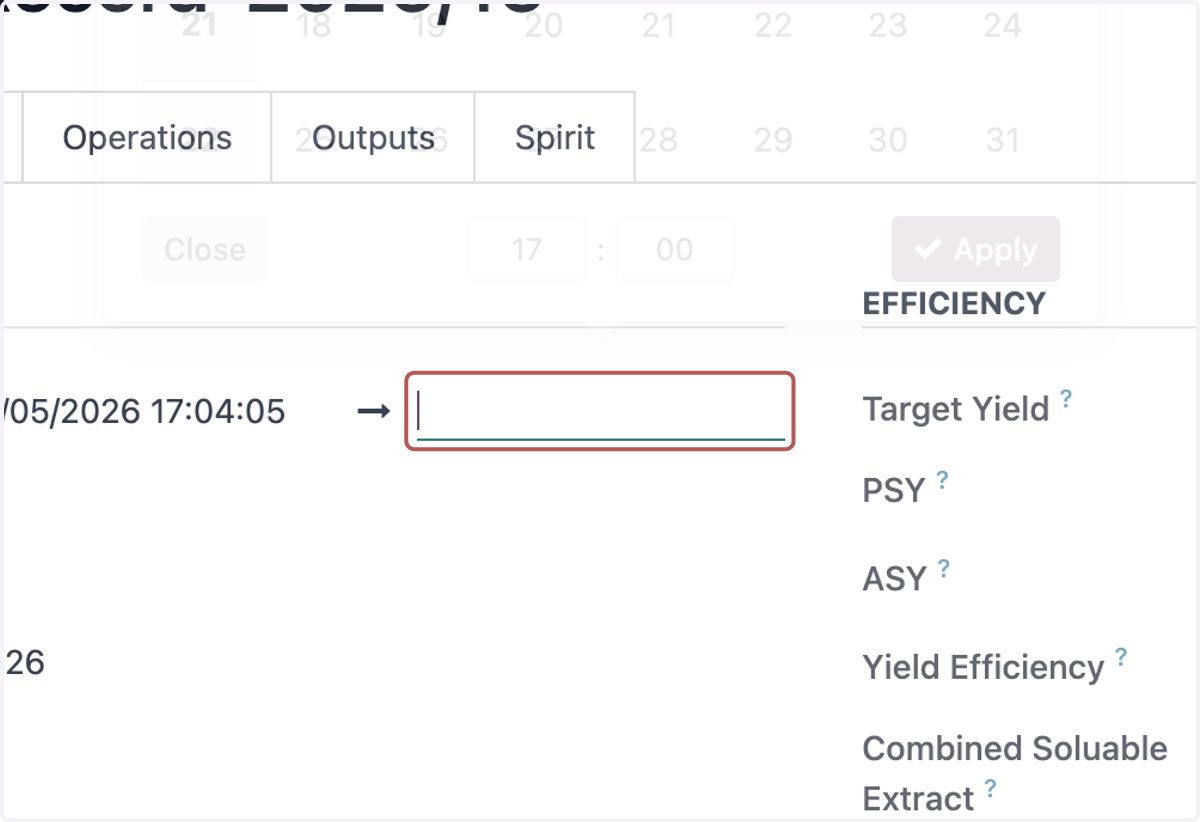
6. Click on Apply
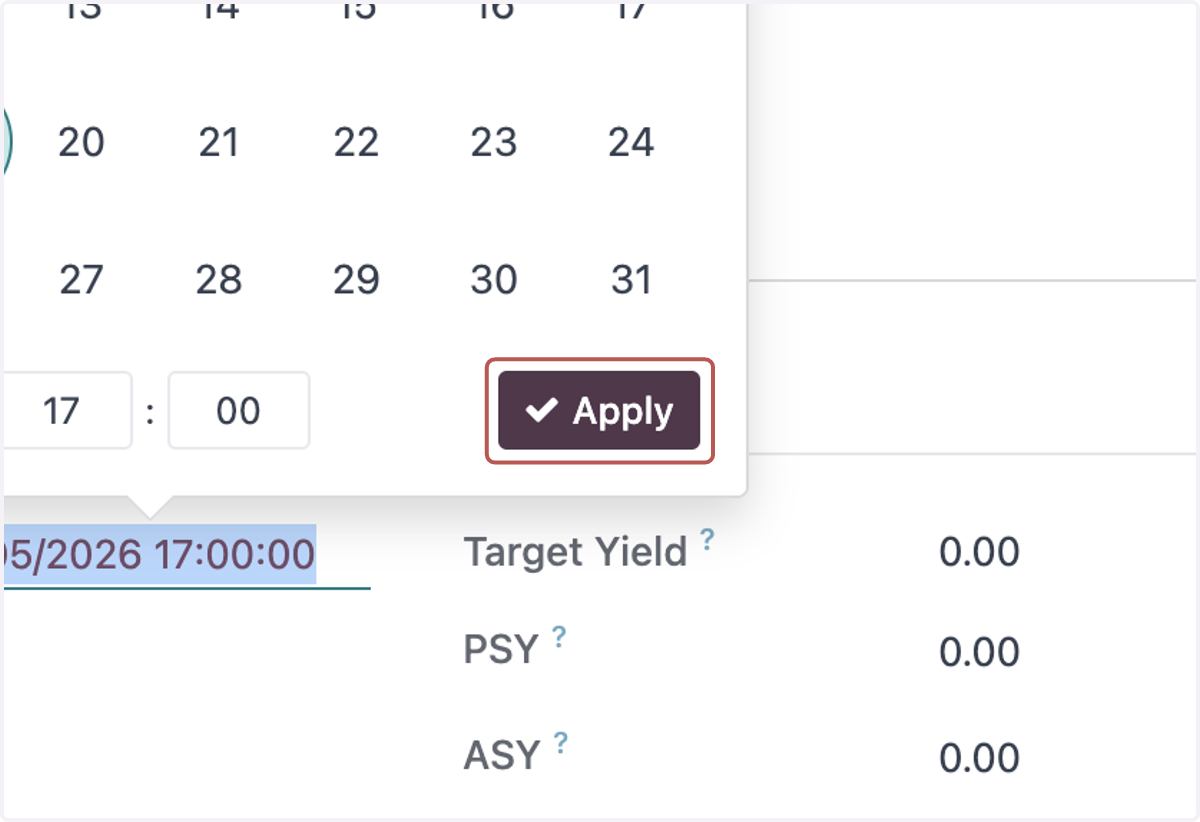
7. Select a Site
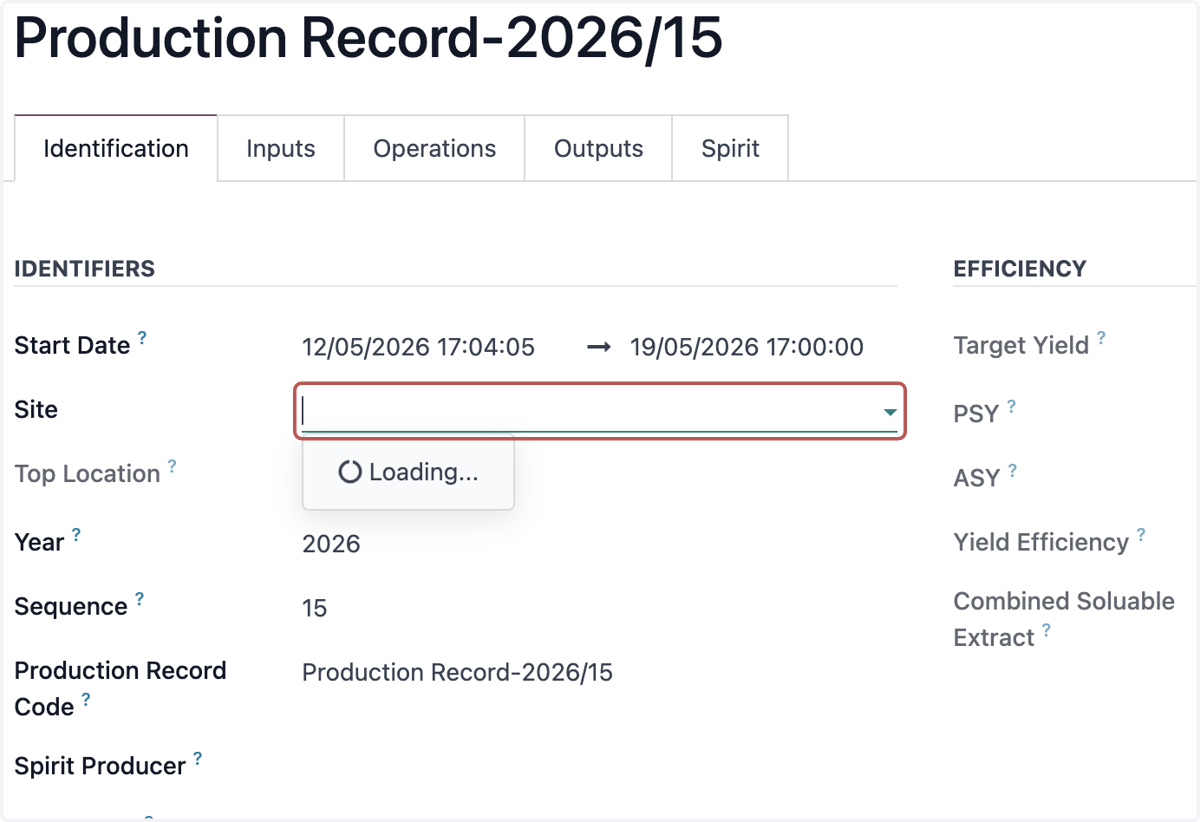
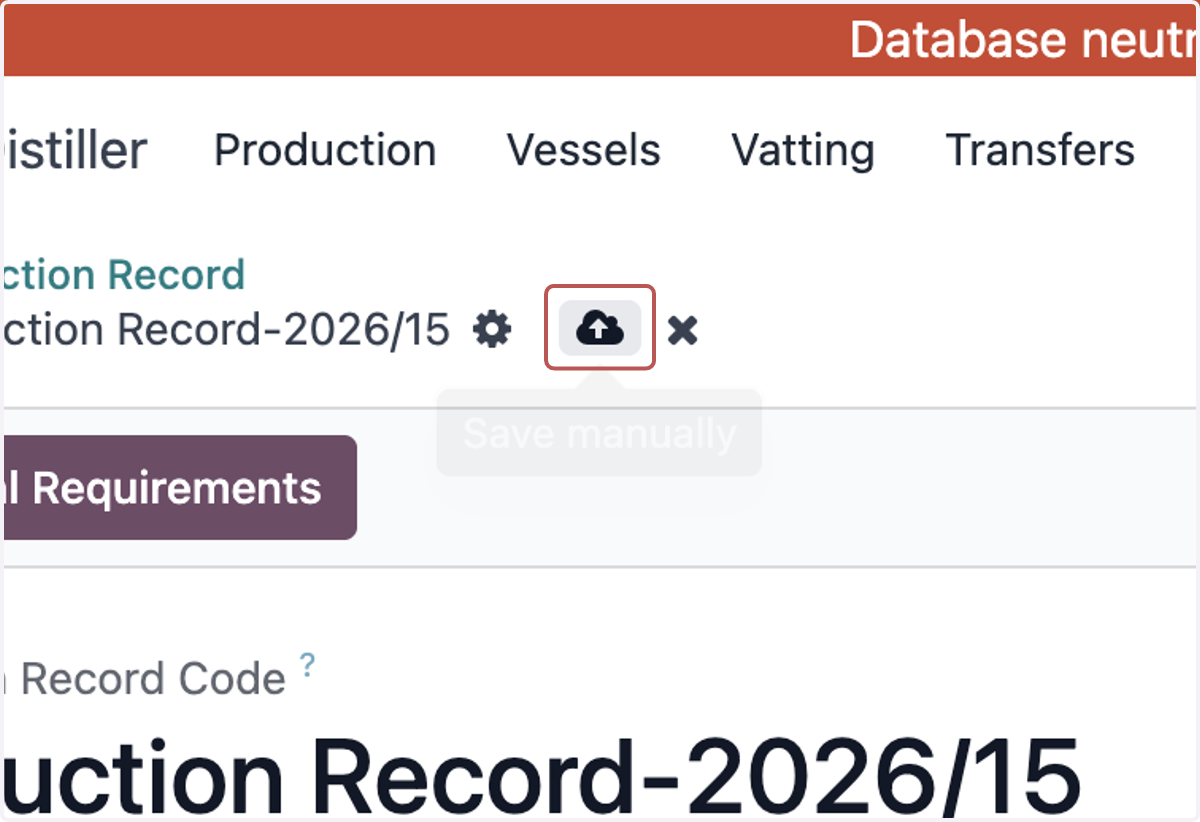
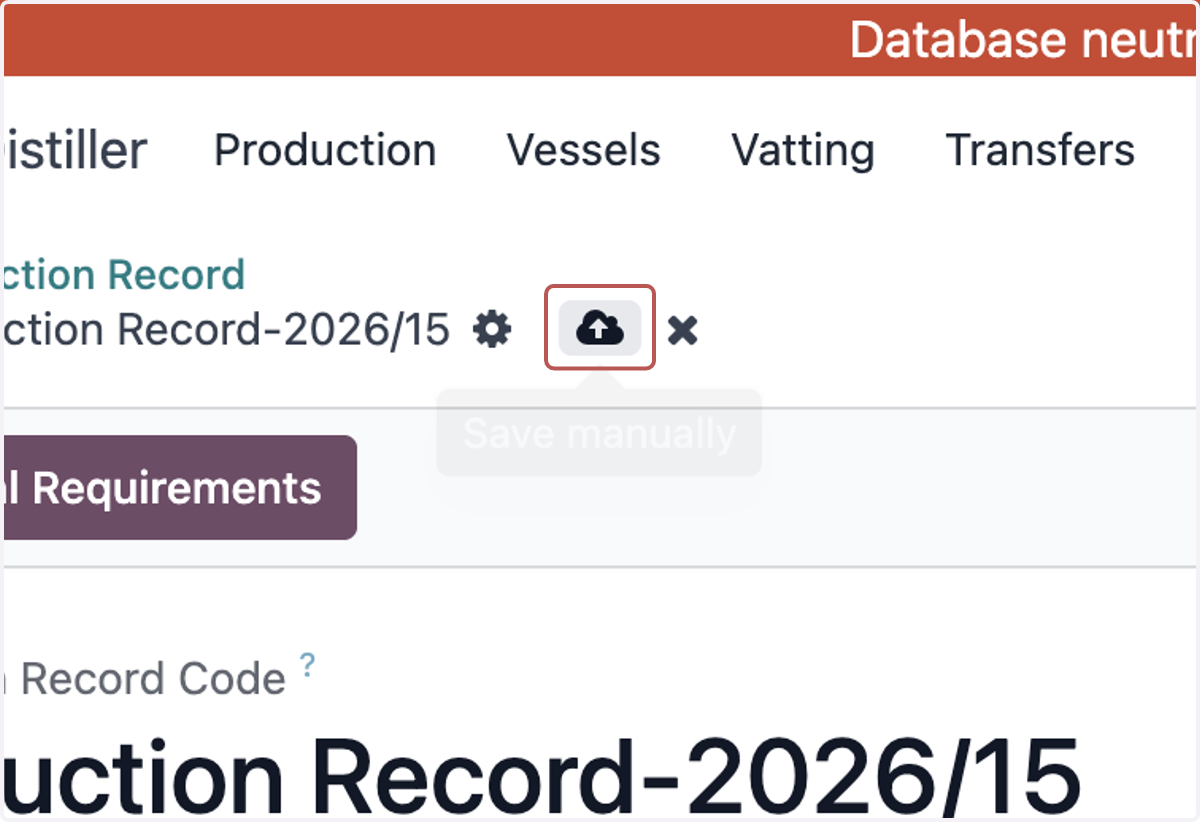
8. Click on Save manually
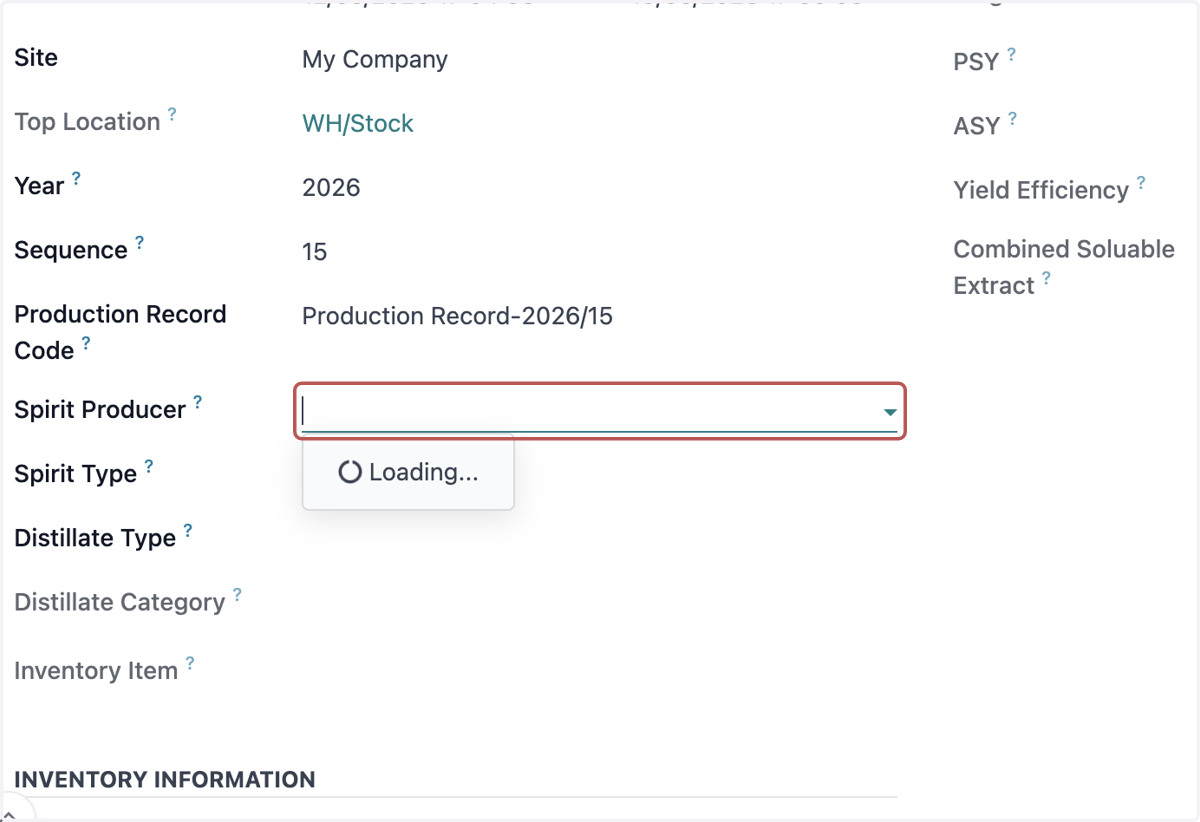
9. Select a Spirit Producer
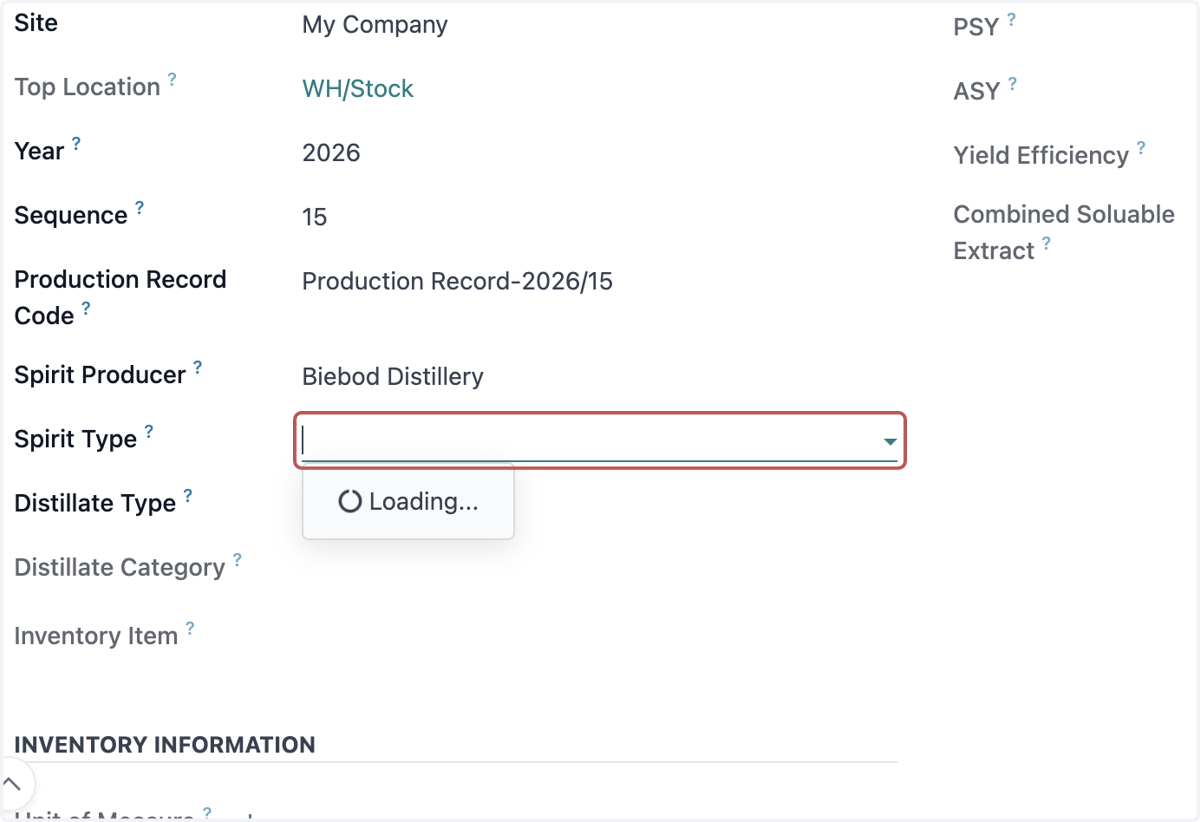
10. Select a Spirit Type
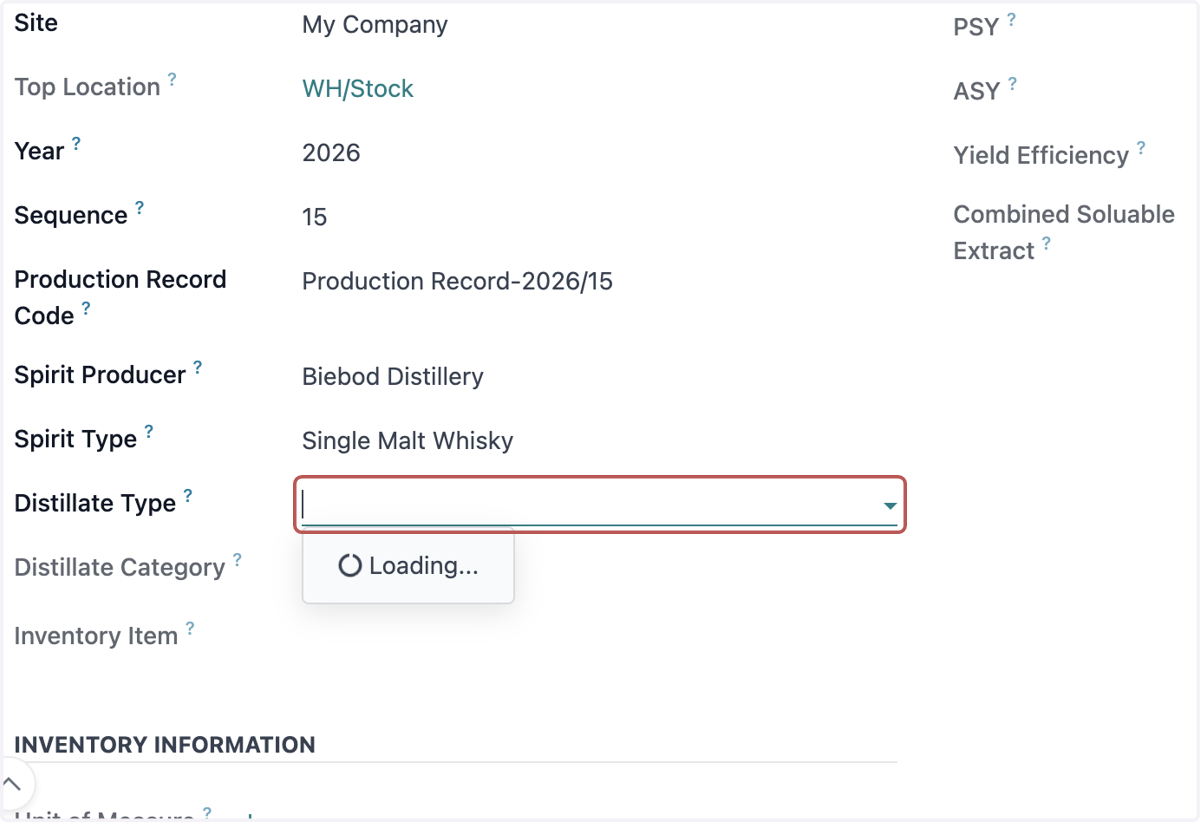
11. Select a Distillate Type
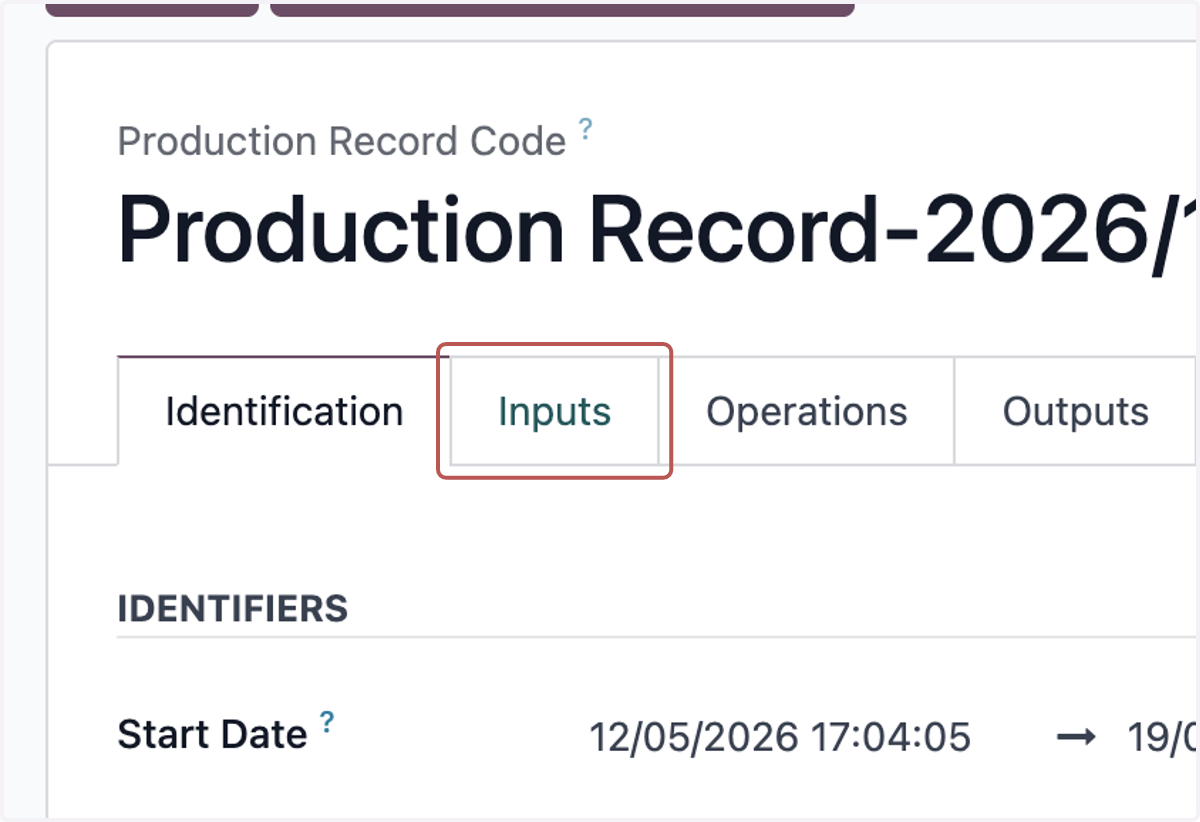
12. Check Inputs (Amend as Required)
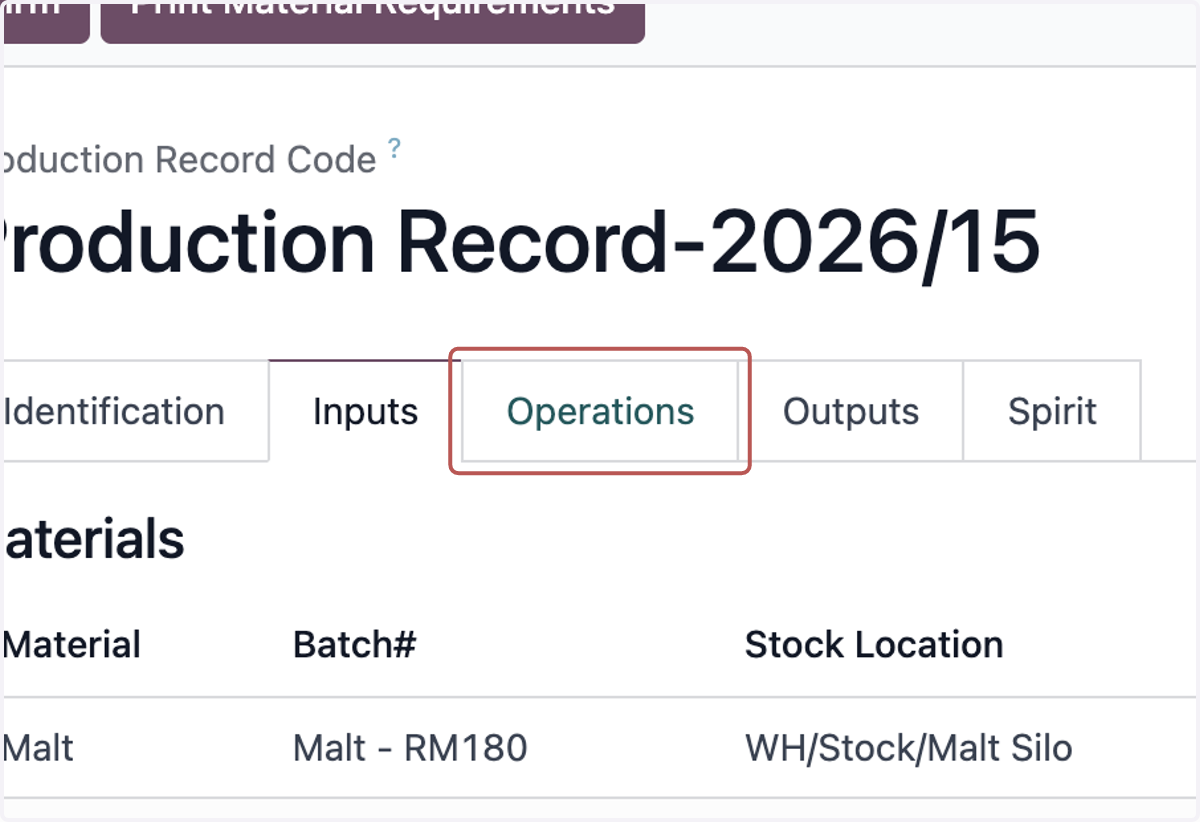
13. Check Operations (Amend as Required)
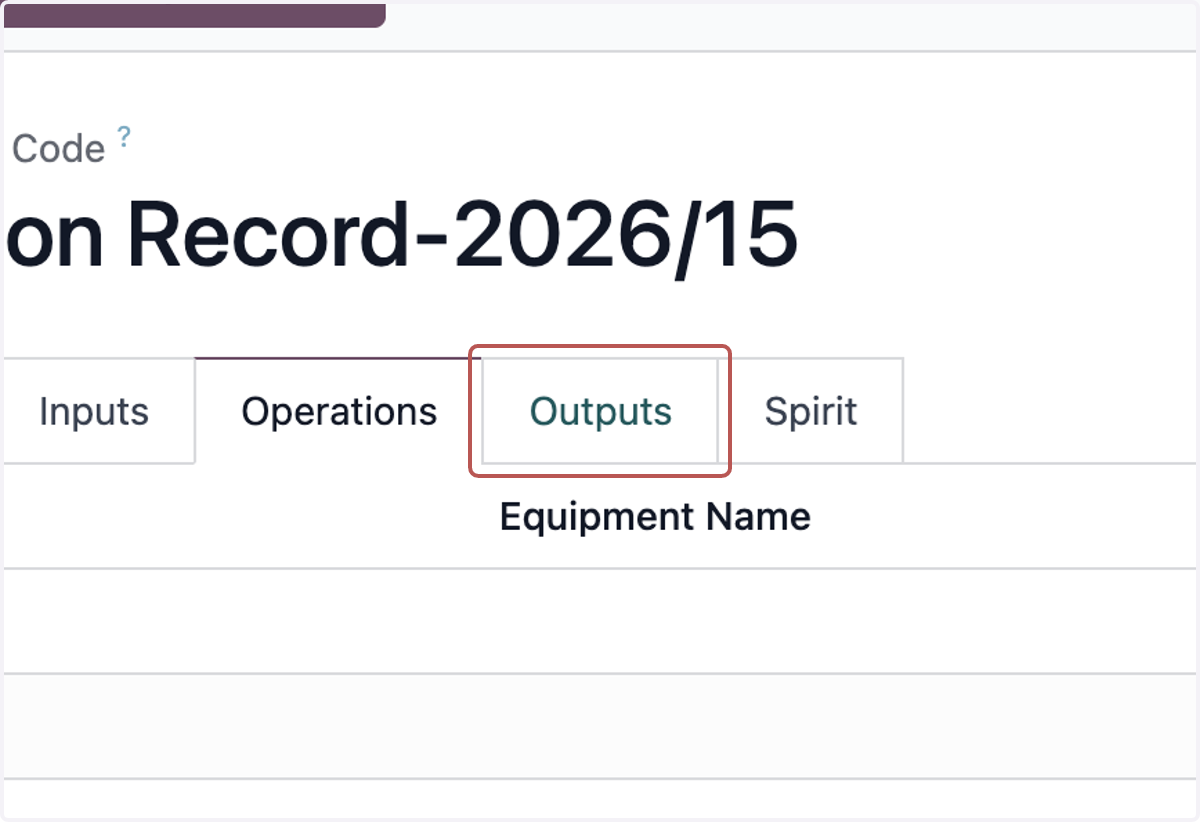
14. Click on Outputs
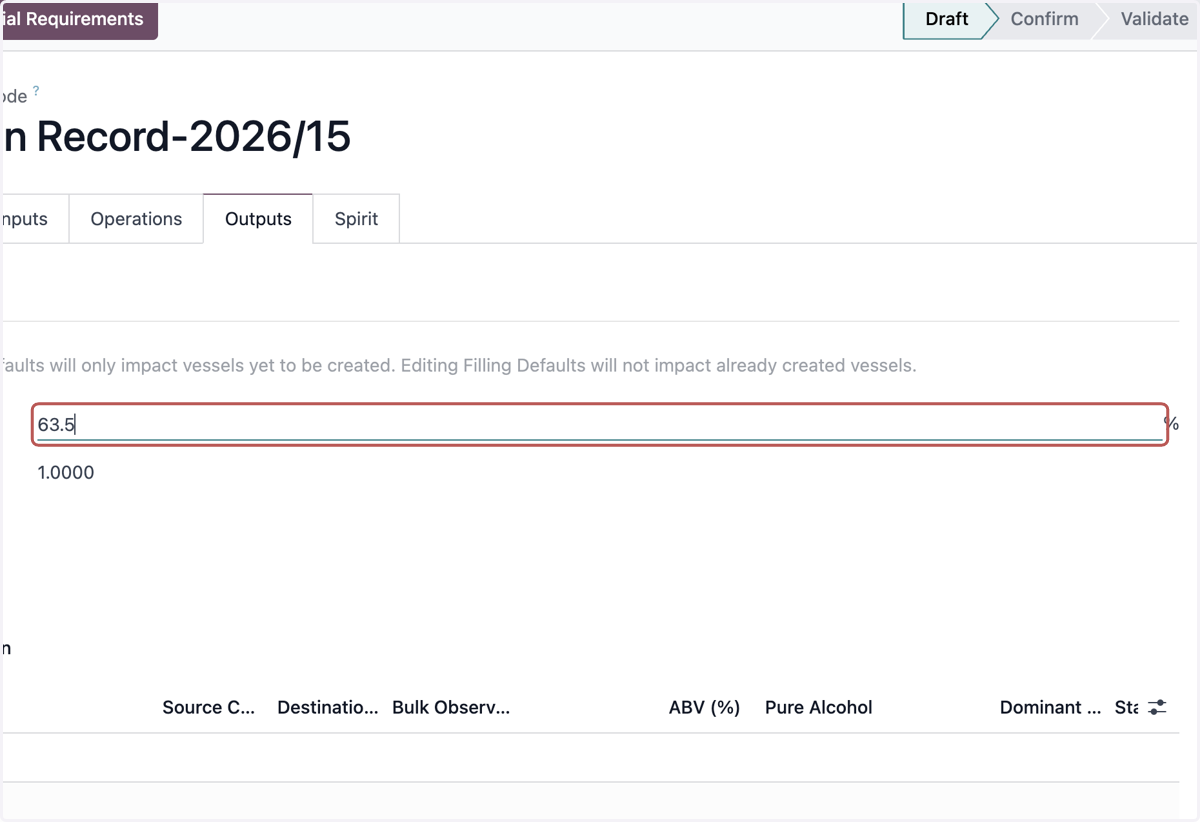
15. Input Filling Strength
16. Input Filling TCF
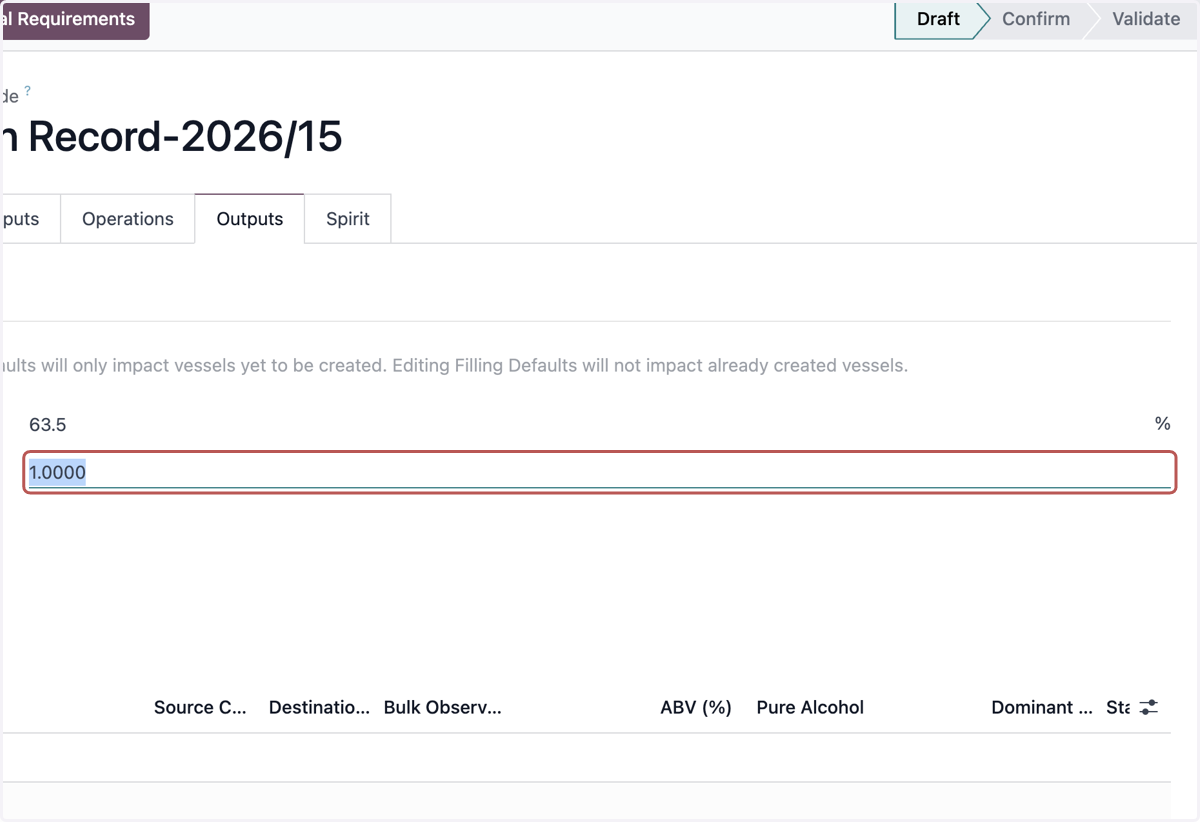
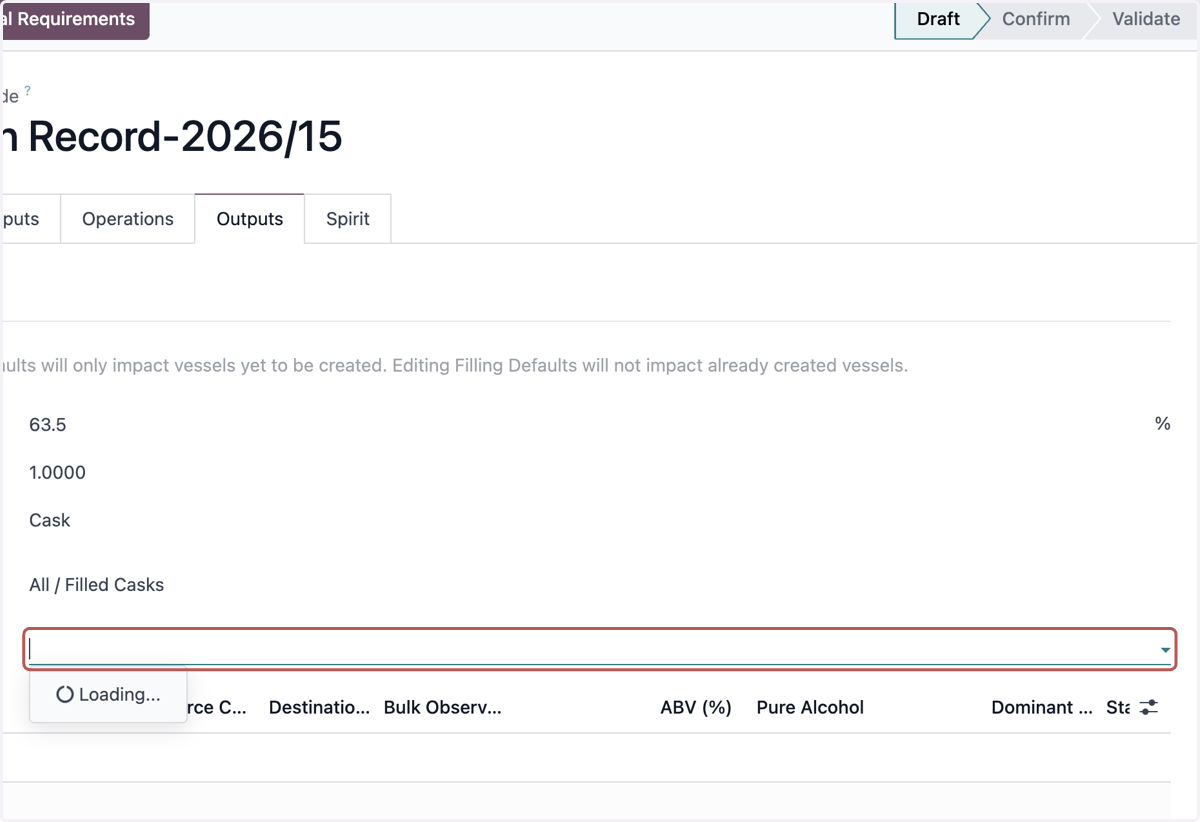
17. Select Filling Destination Type
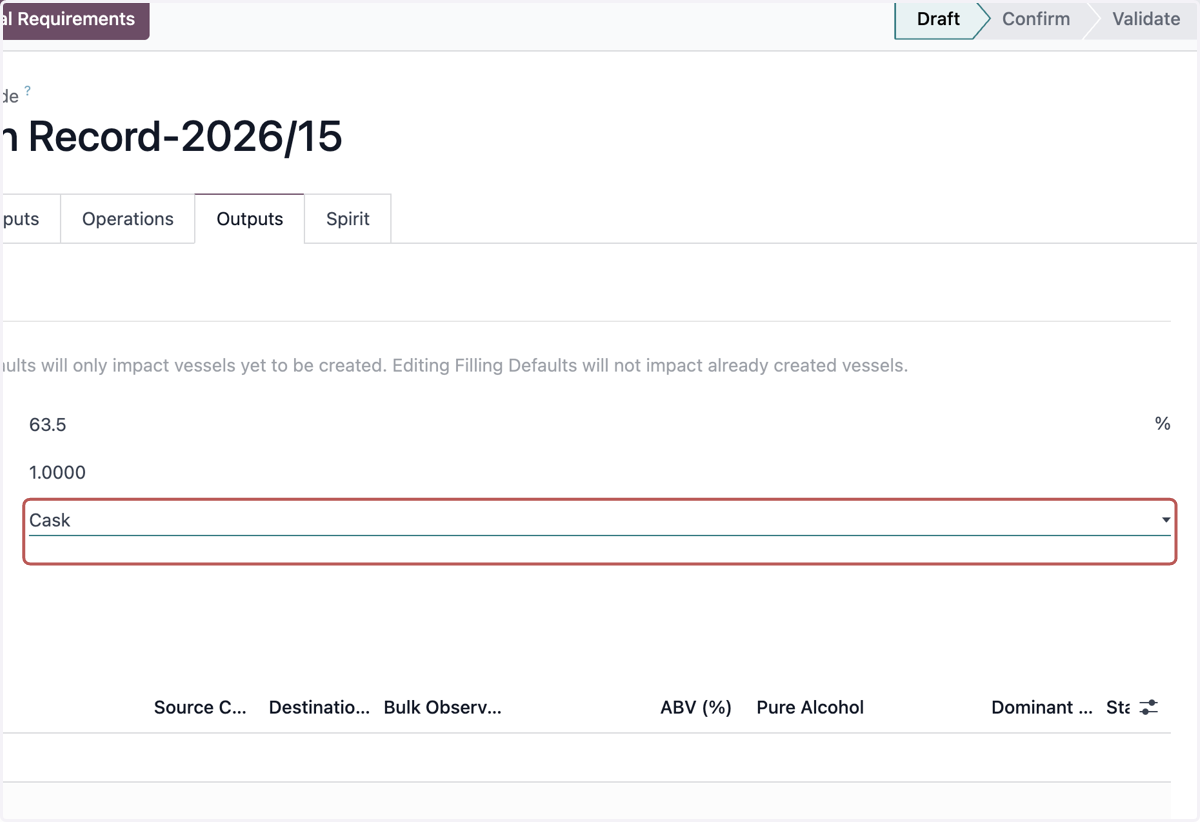
18. Select Filling Destination Type
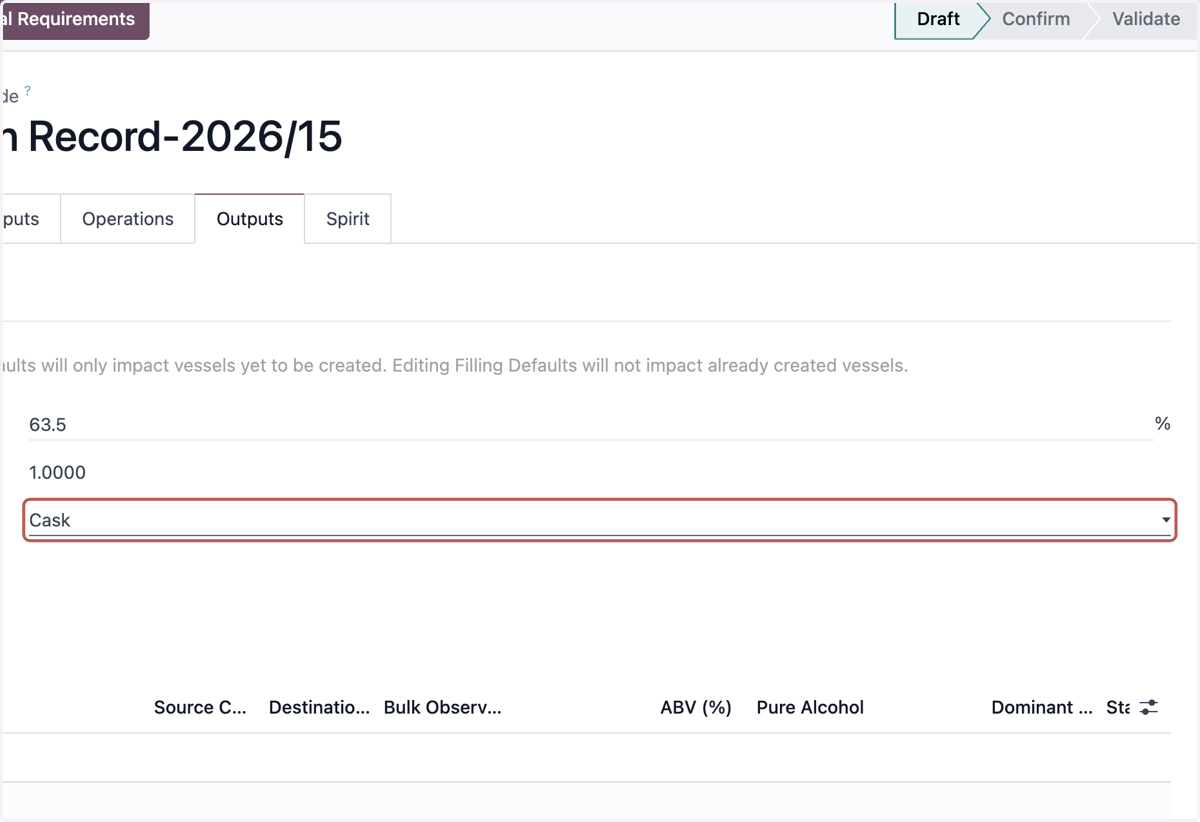
19. Select Filling Vessel Category
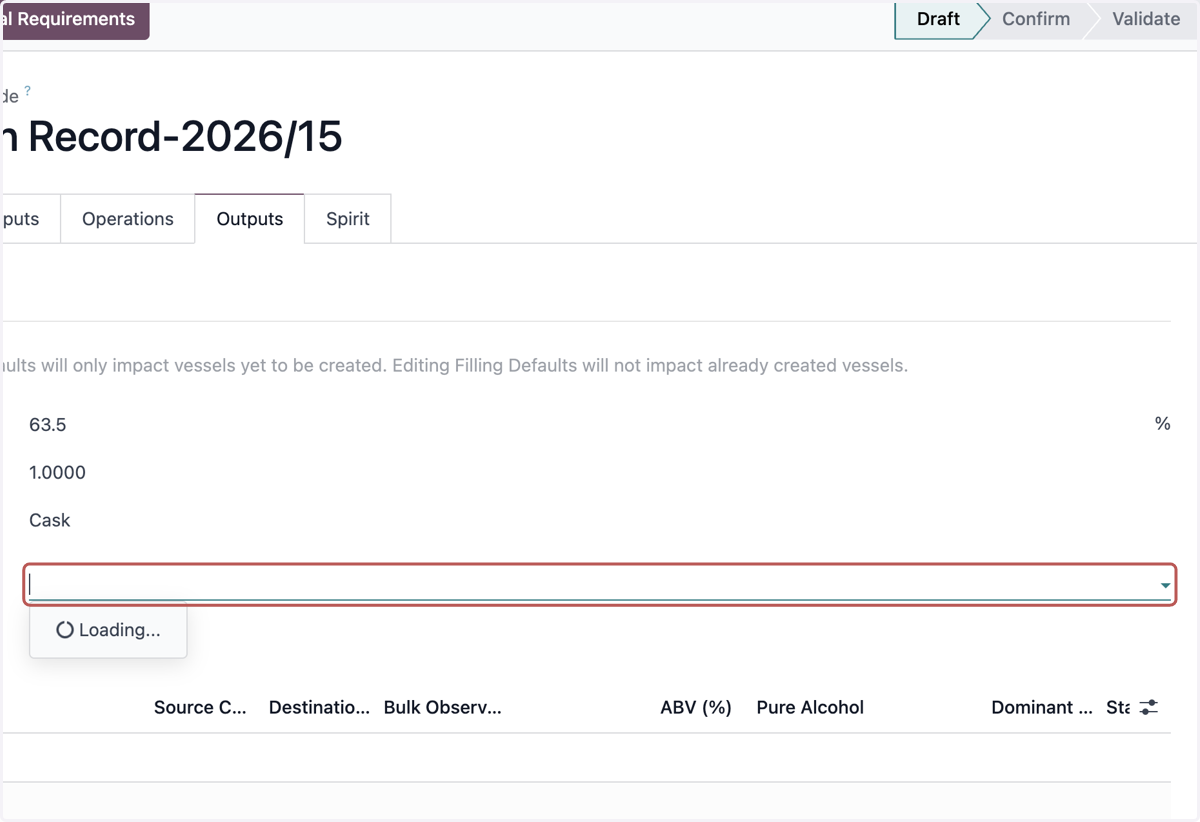
20. Select Filling Vessel Location
21. Click on Save manually
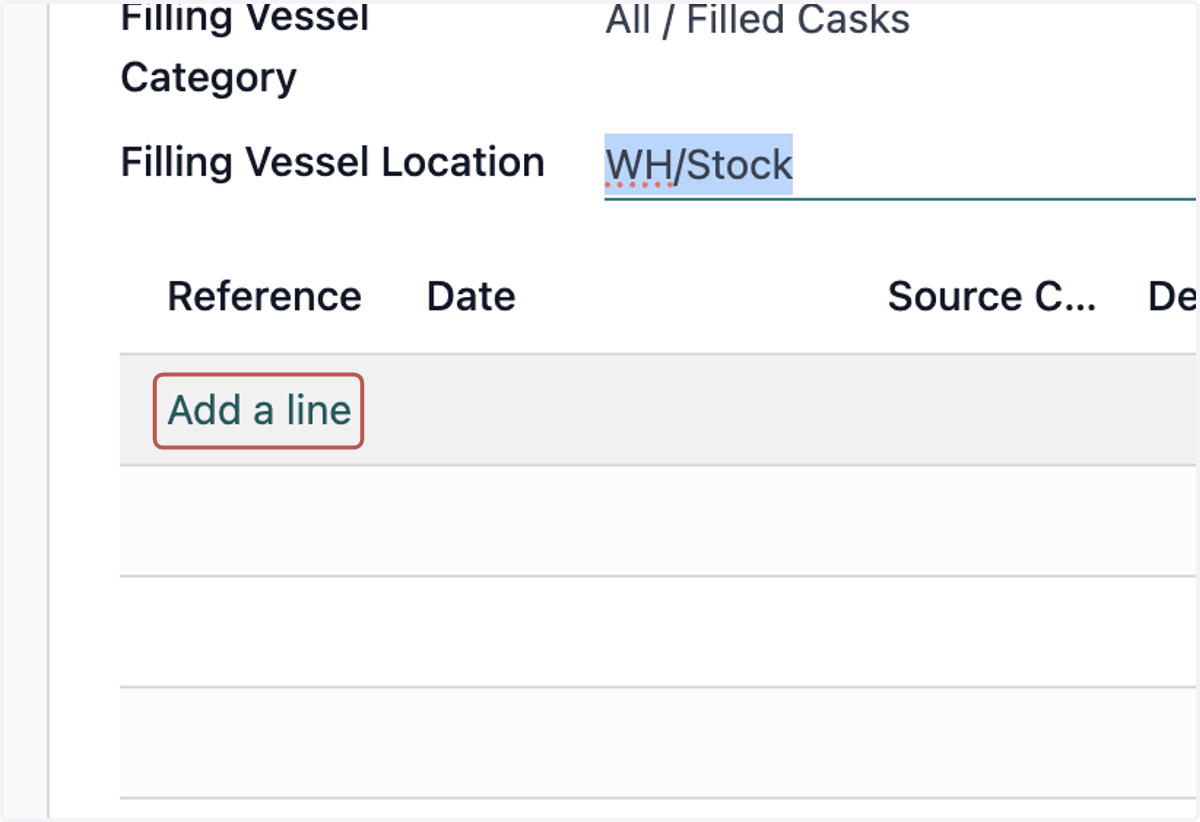
22. Click on Add a line
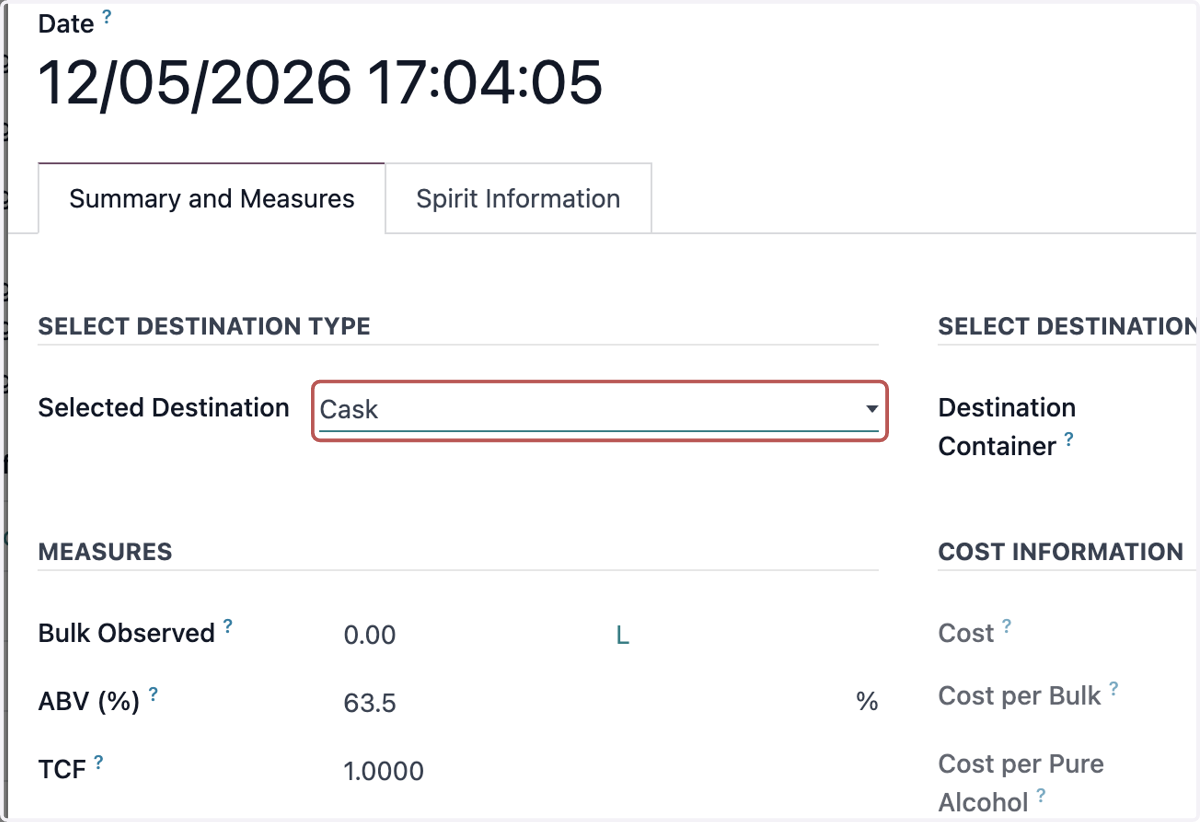
23. Select Selected Destination
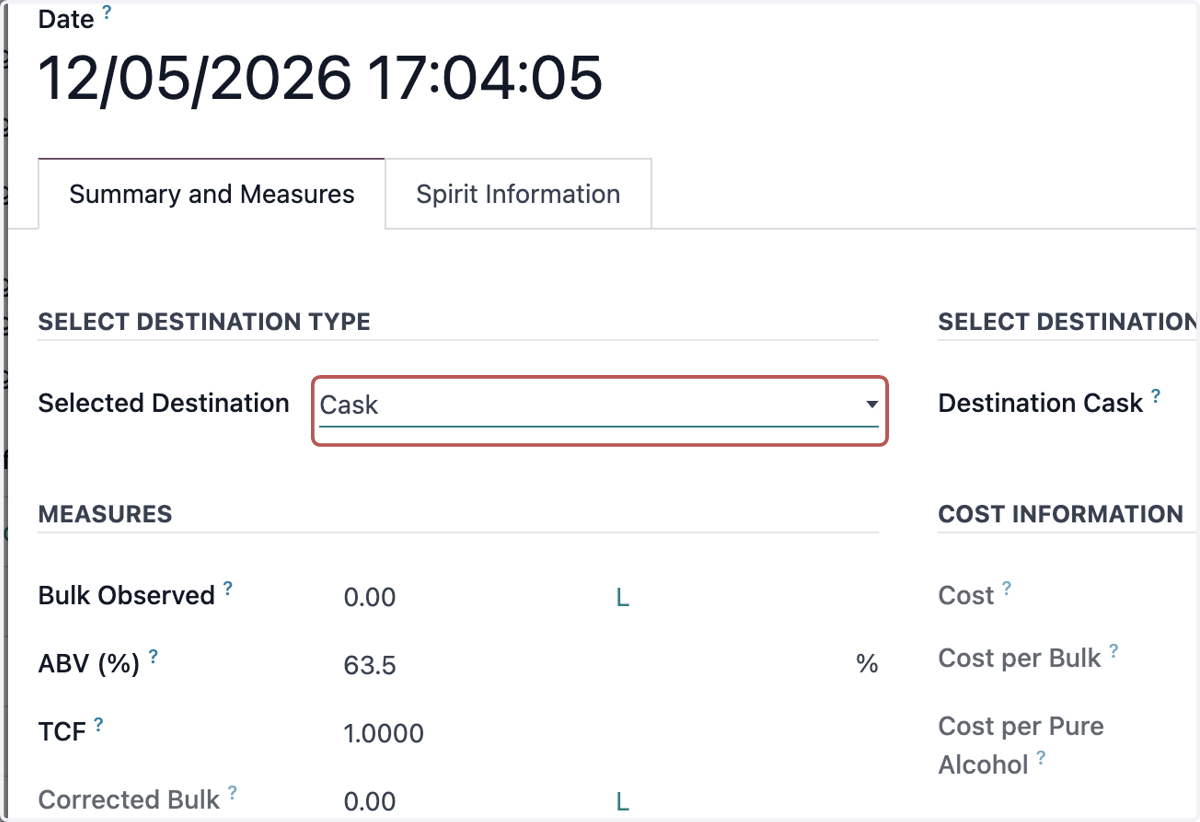
24. Select Selected Destination
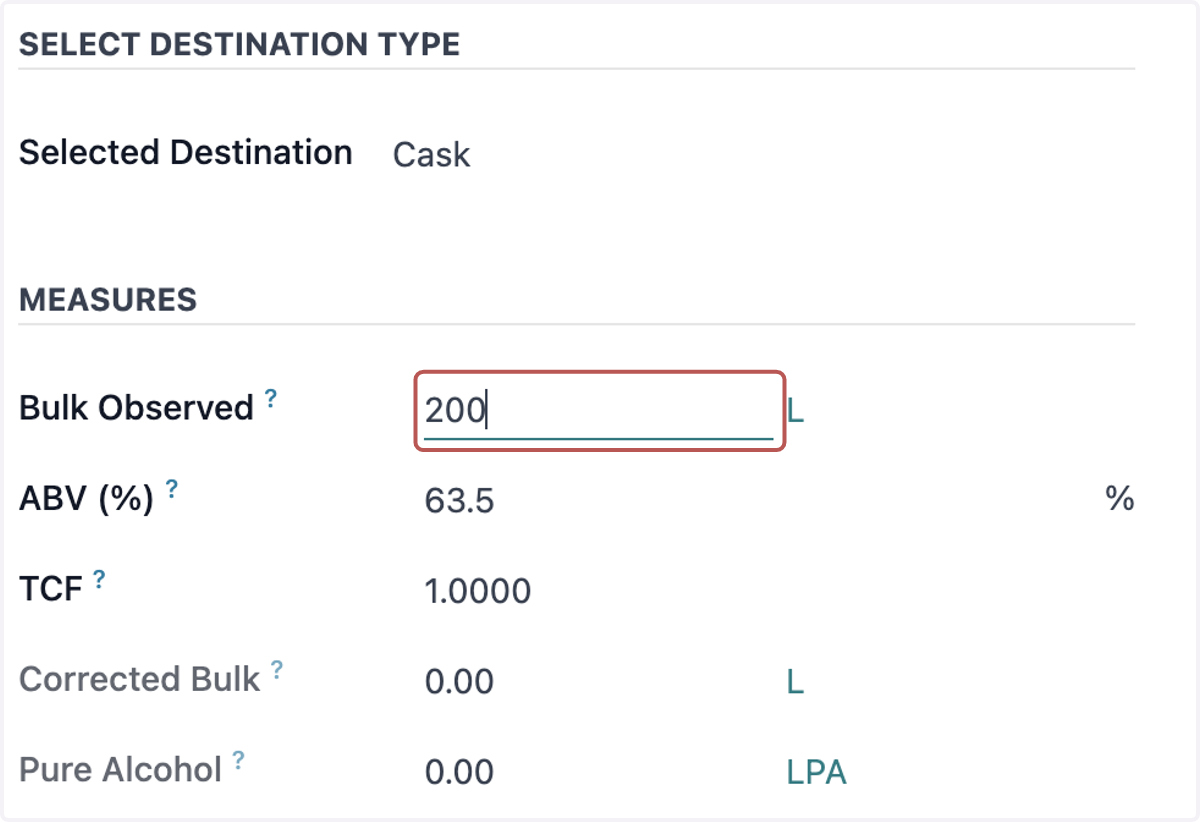
25. Input Bulk Observed
26. Click on Create Vessel
27. Select Vessel Asset
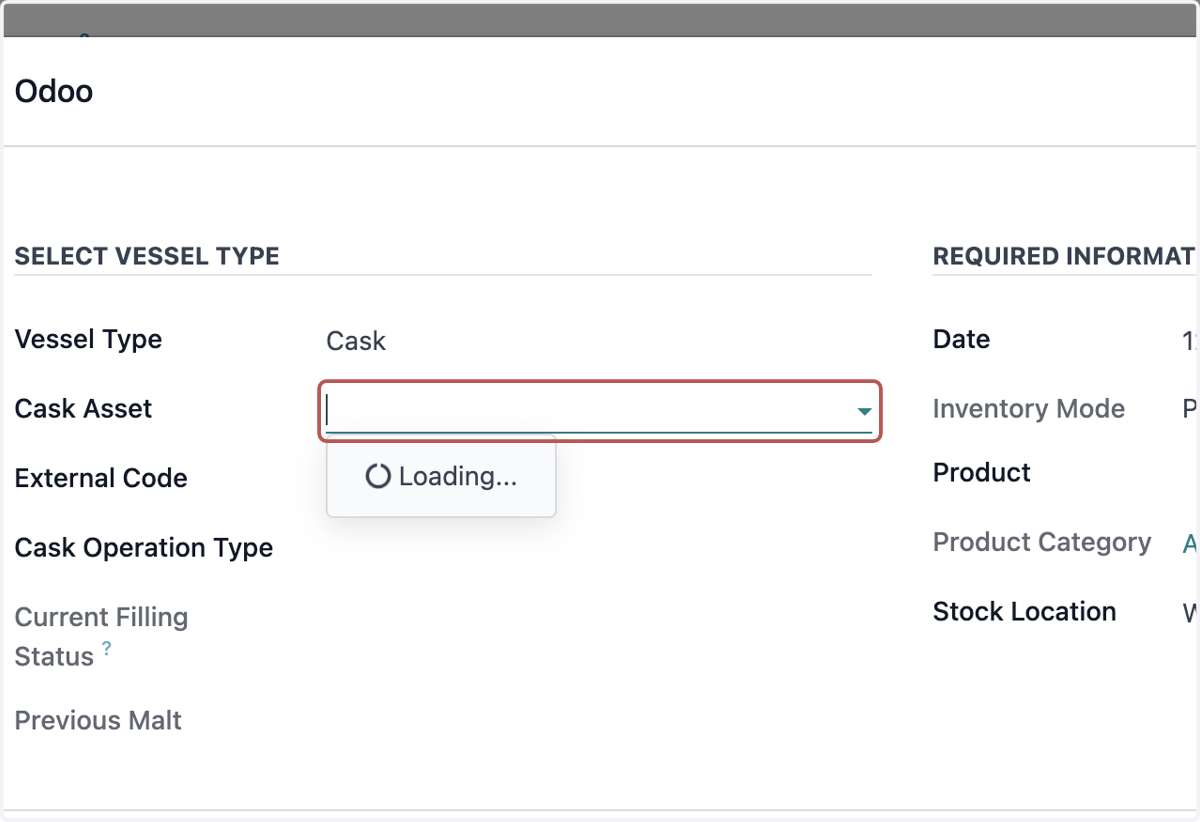
28. Input External Code (Optional)
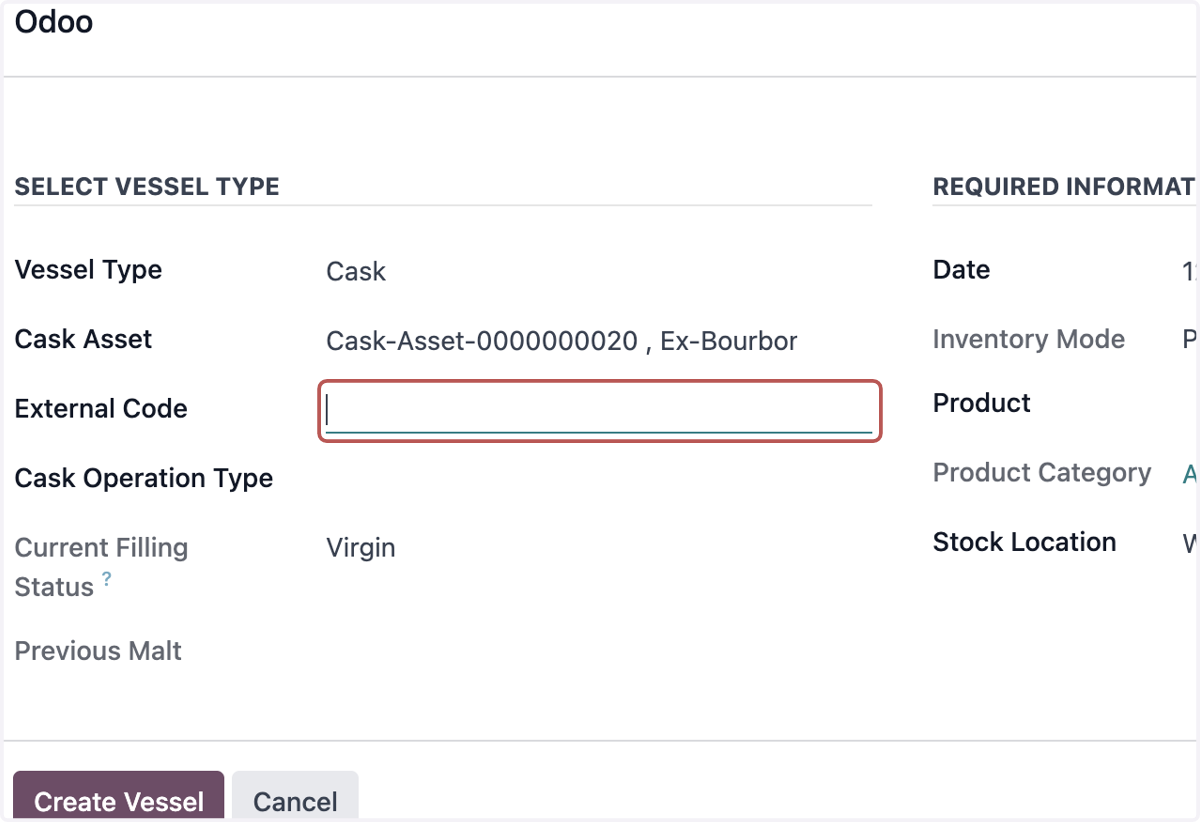
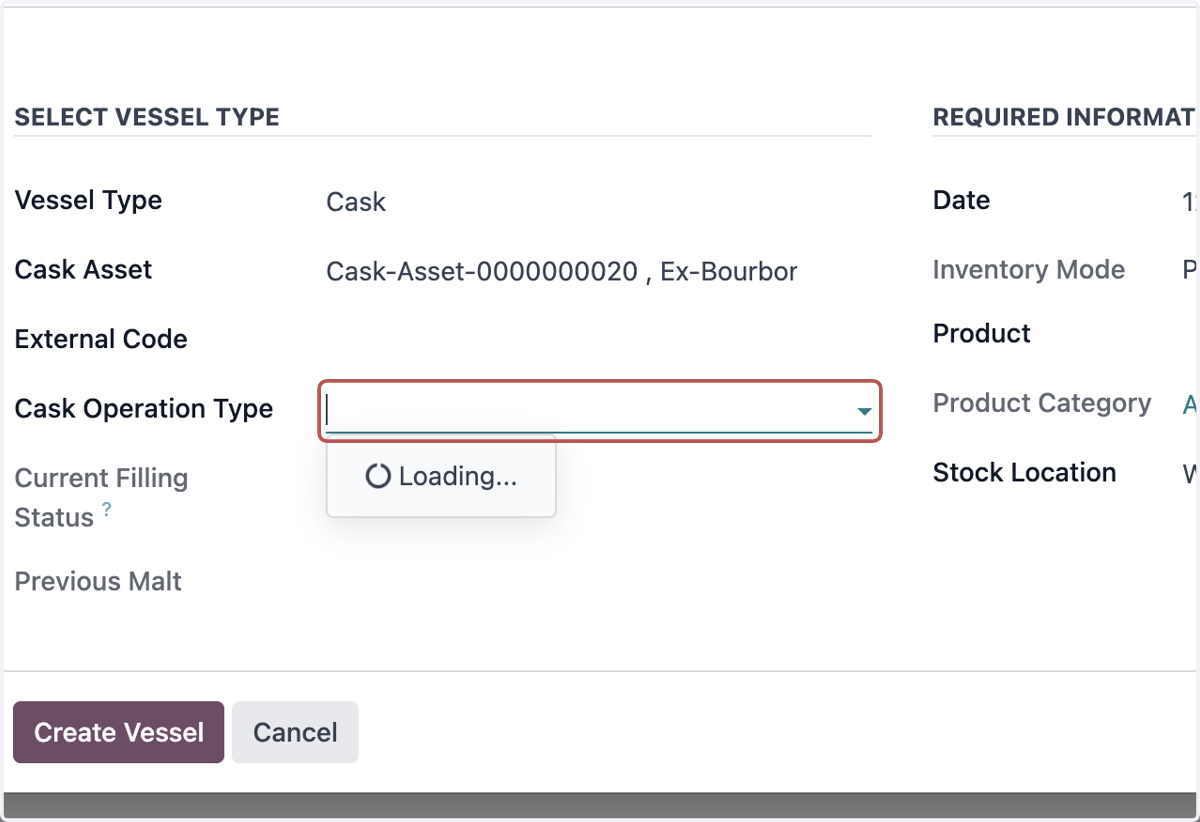
29. Select Cask Operation Type
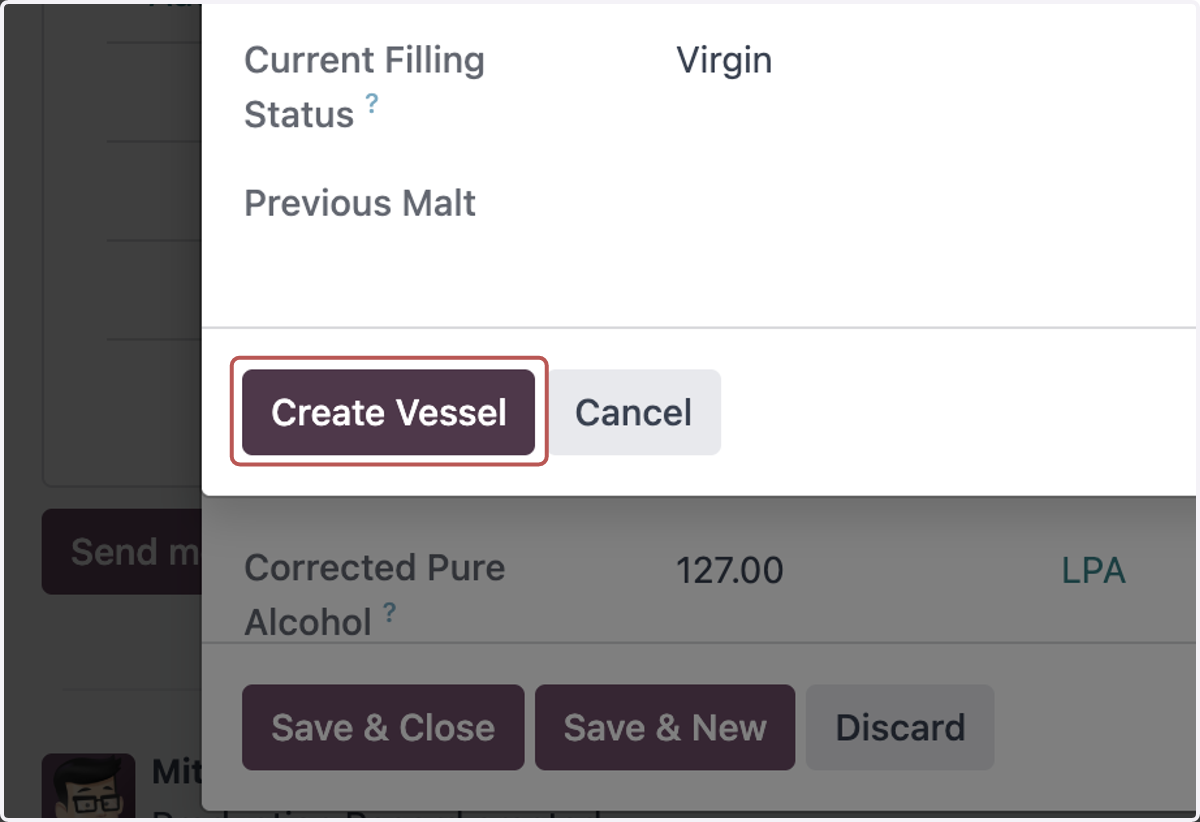
30. Click on Create Vessel
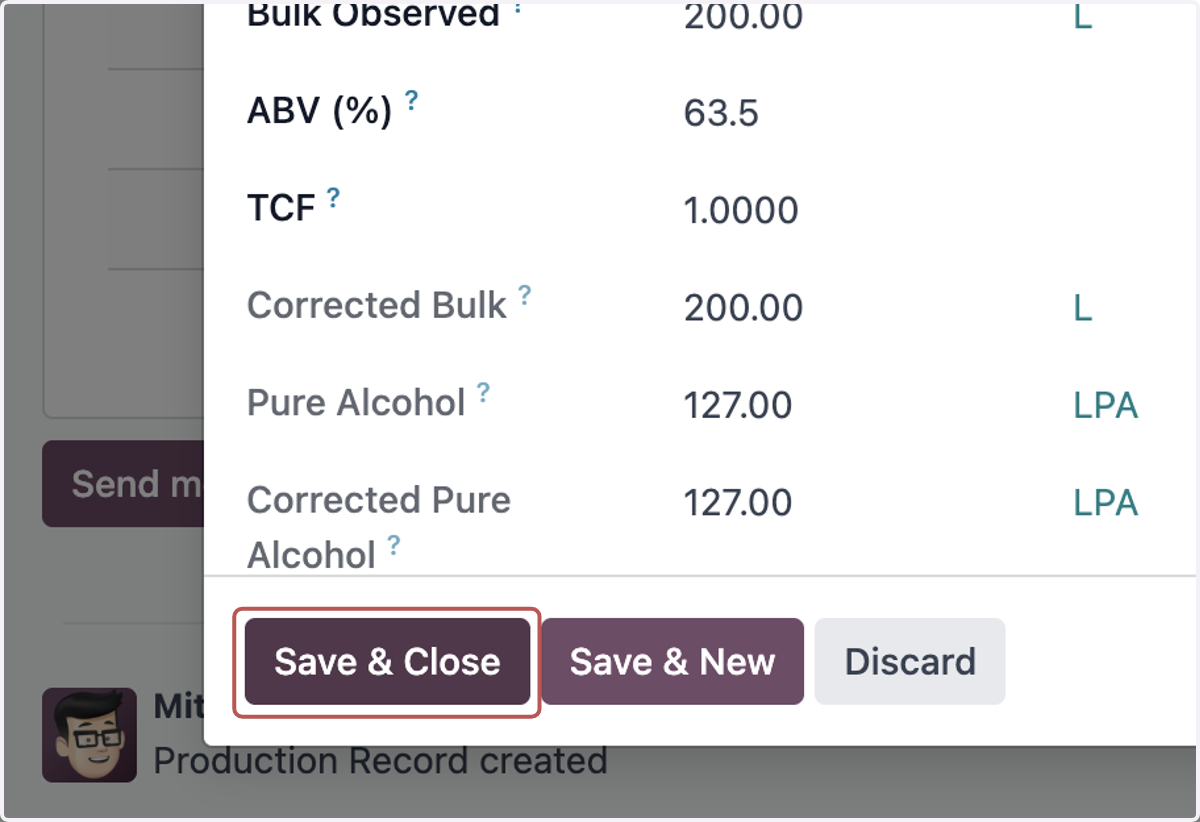
31. Click on Save & Close
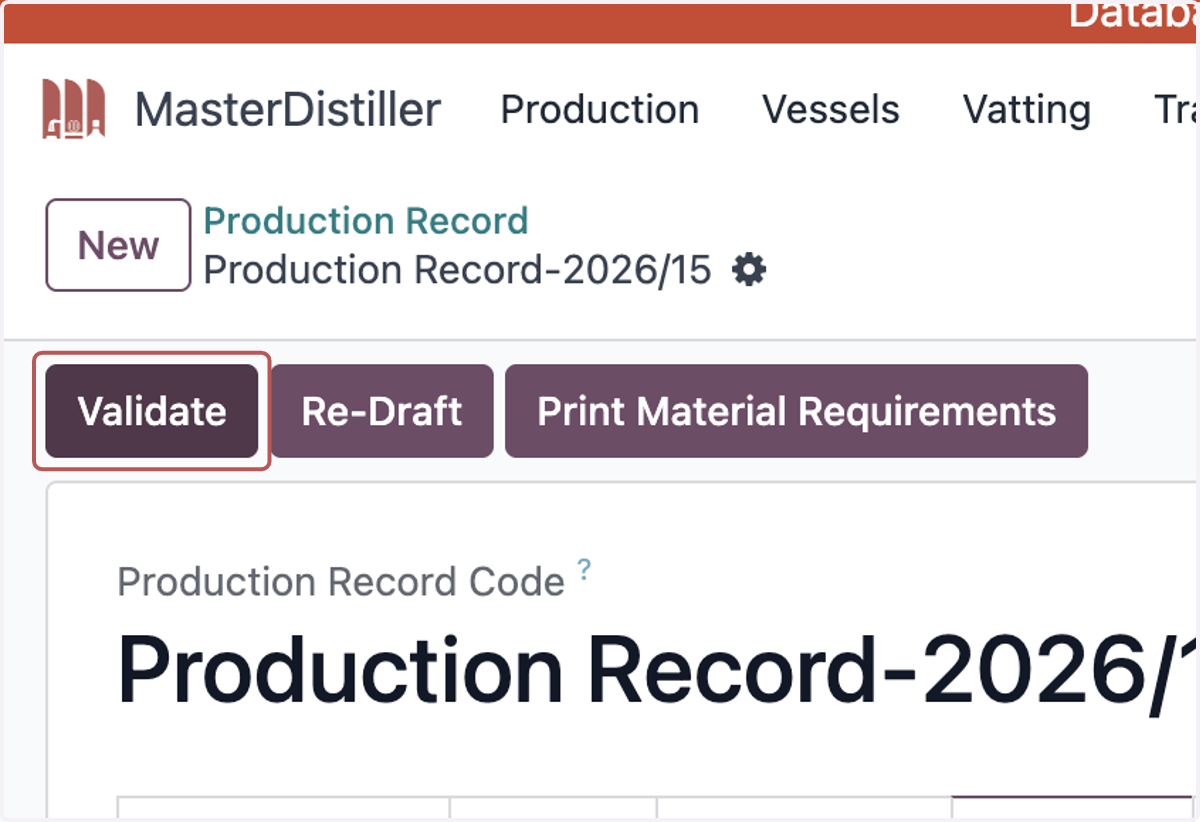
32. Click on Validate