Create a Portal Login
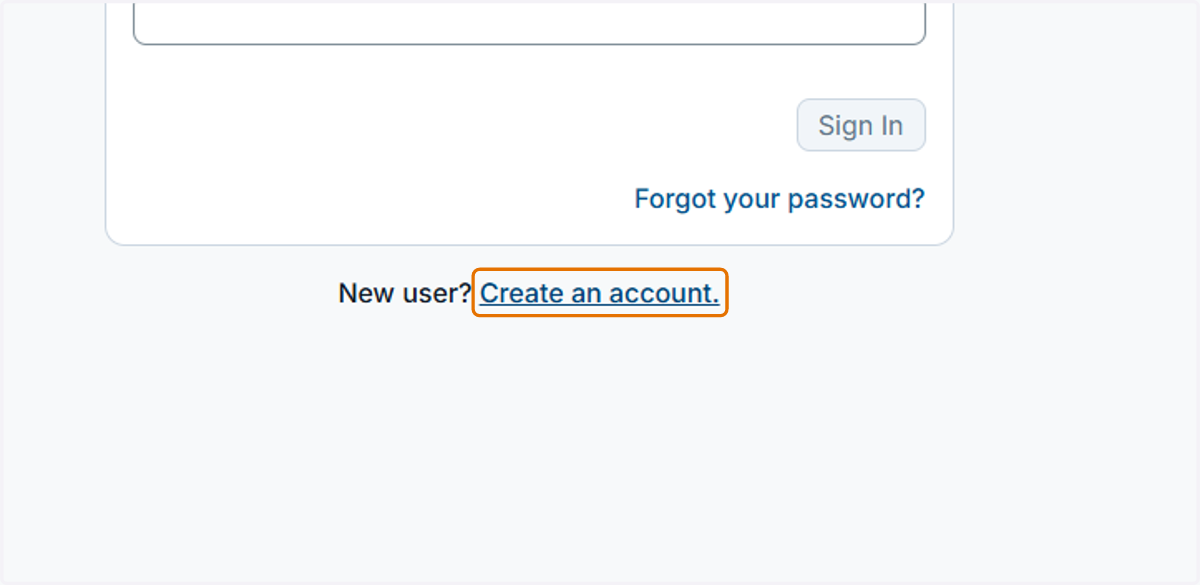
1. From the application landing page, click on the "Create an Account" button.
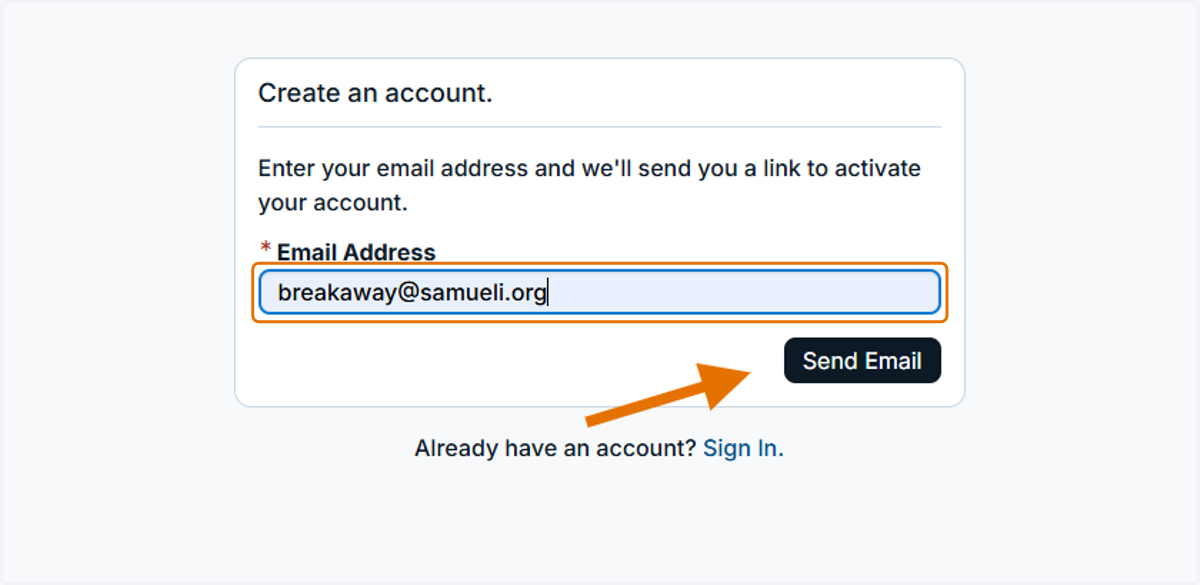
2. Enter your email address and then click the "Send Email" button.
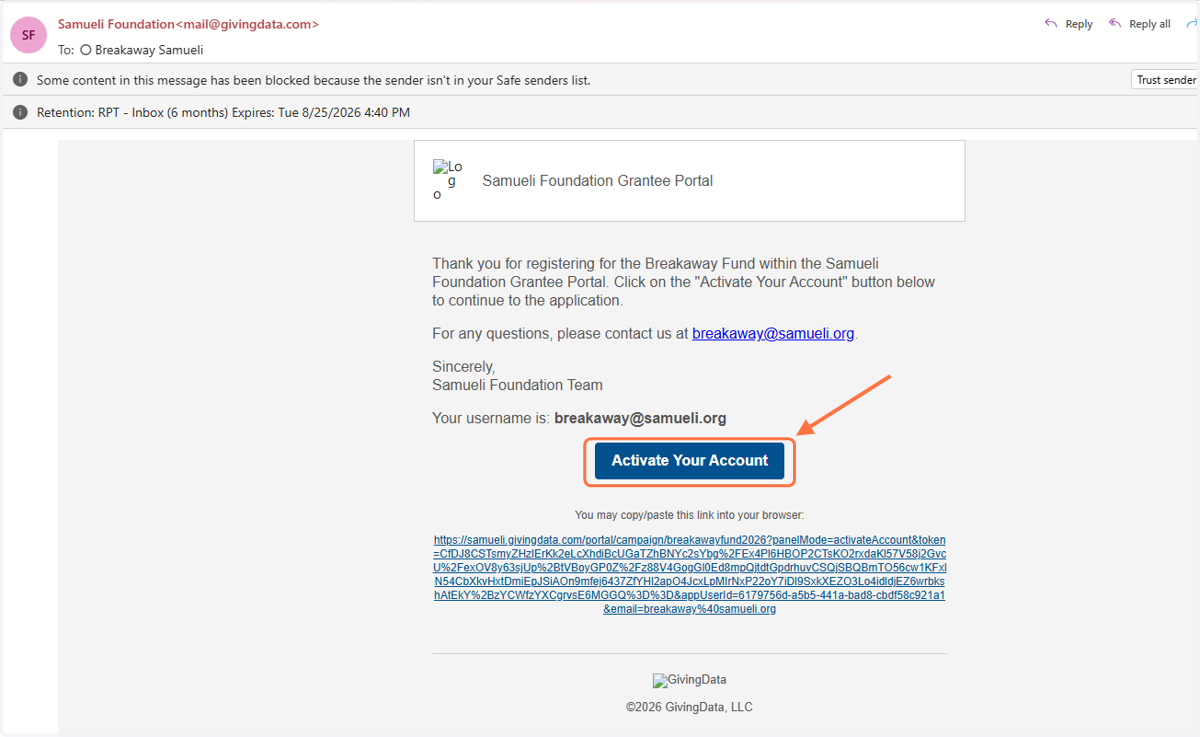
3. Go to your email inbox and open the automated email from GivingData. Click on the "Activate Your Account" button.
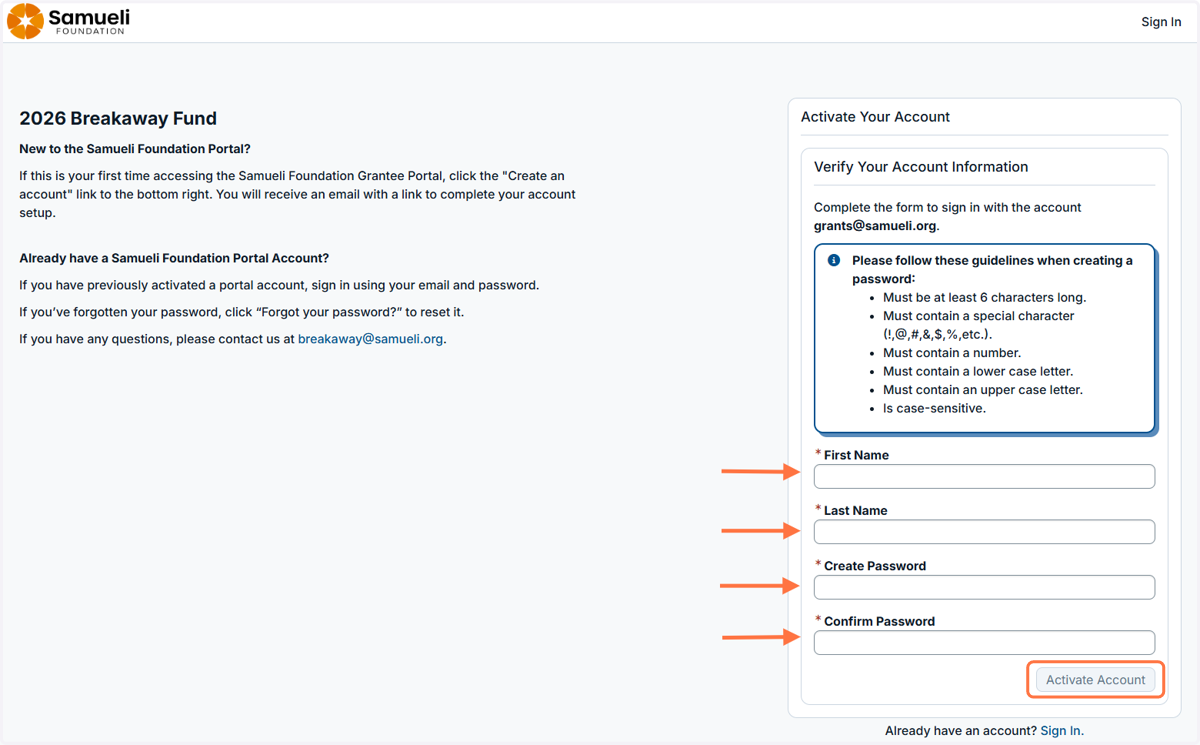
4. Answer the prompts and then click the "Activate Account" button.
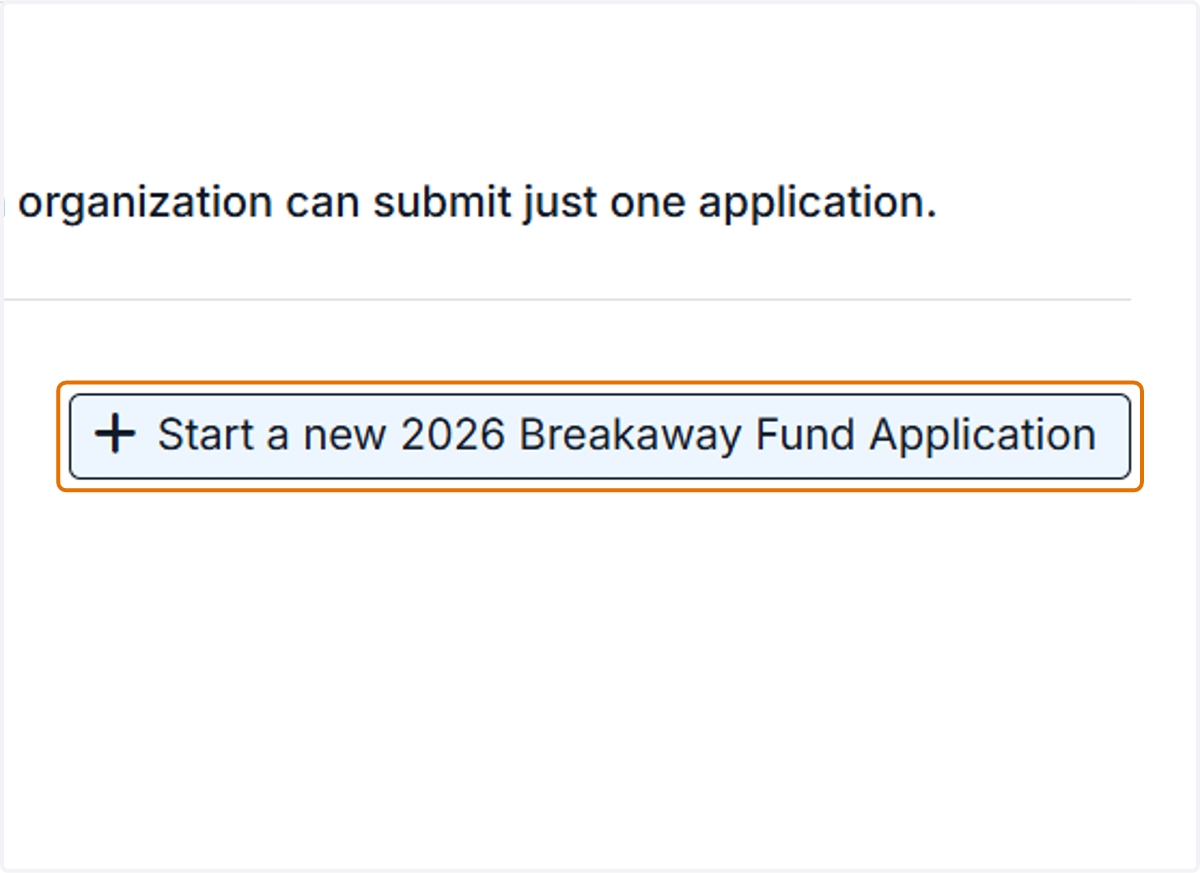
5. Click on the "Start a new Application" button and begin the application.