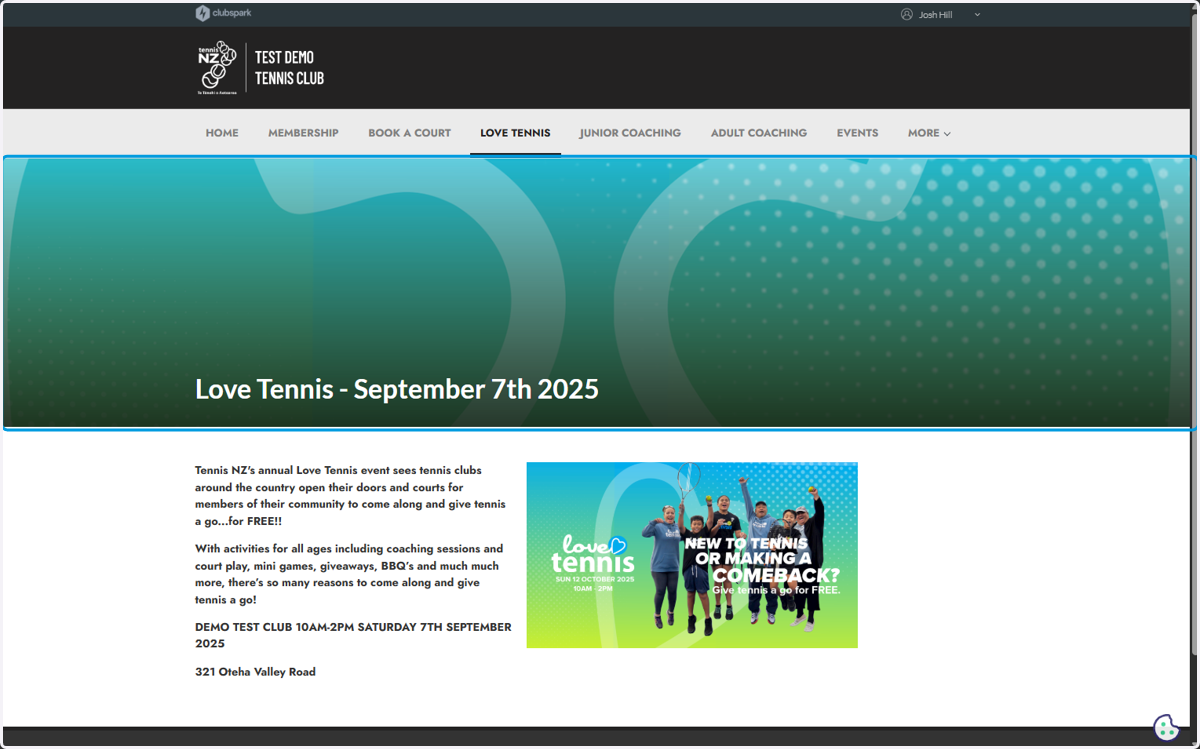
Create a Love Tennis Page on Clubpark
Promote Love Tennis 2026 on your Clubs website
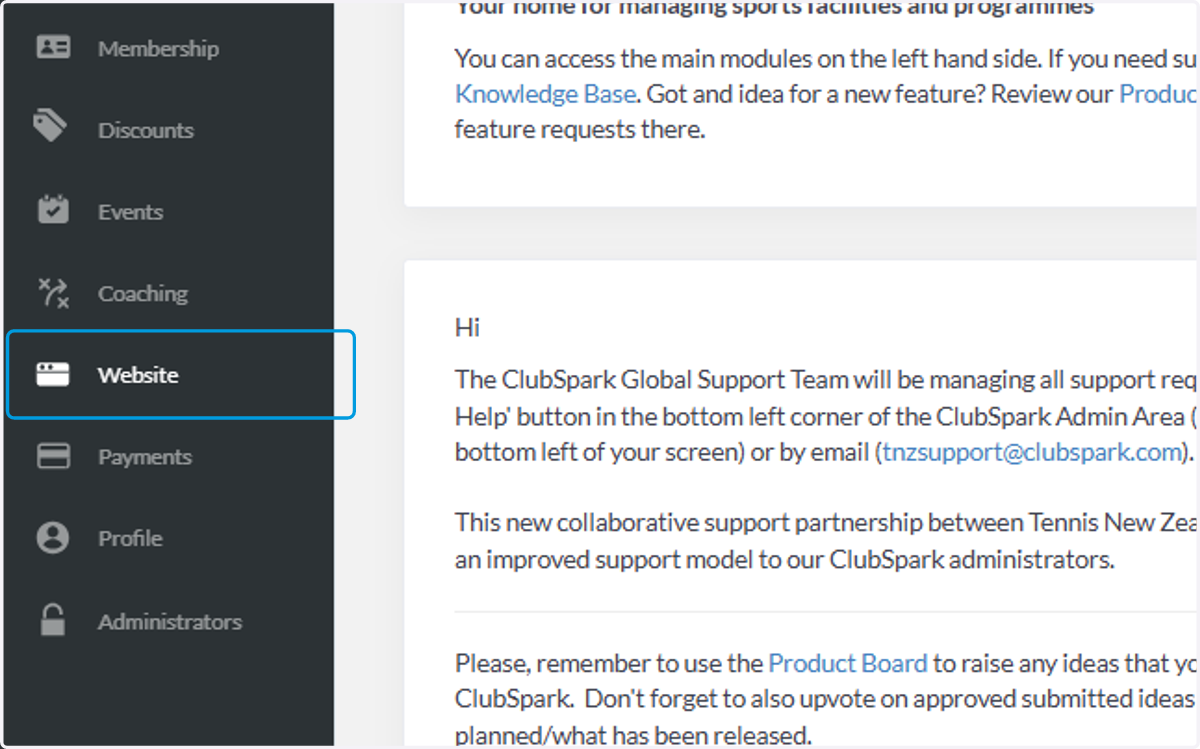
1. Click on Website
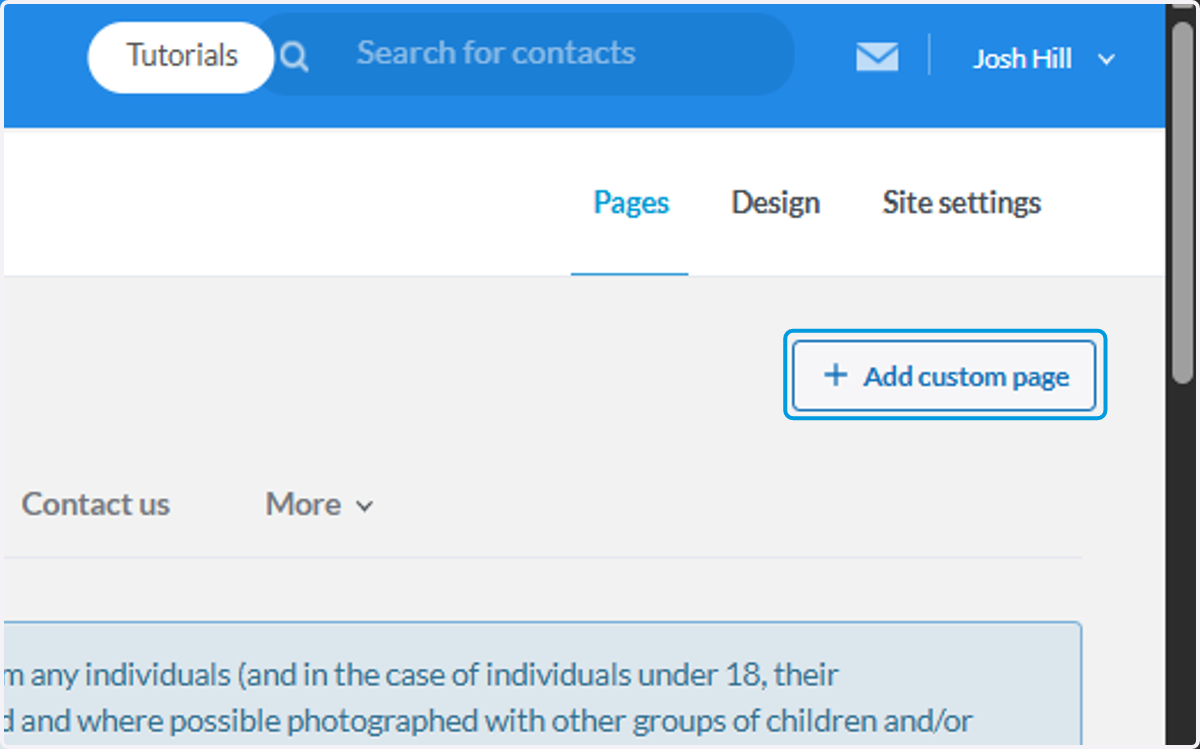
2. Click on Add custom page
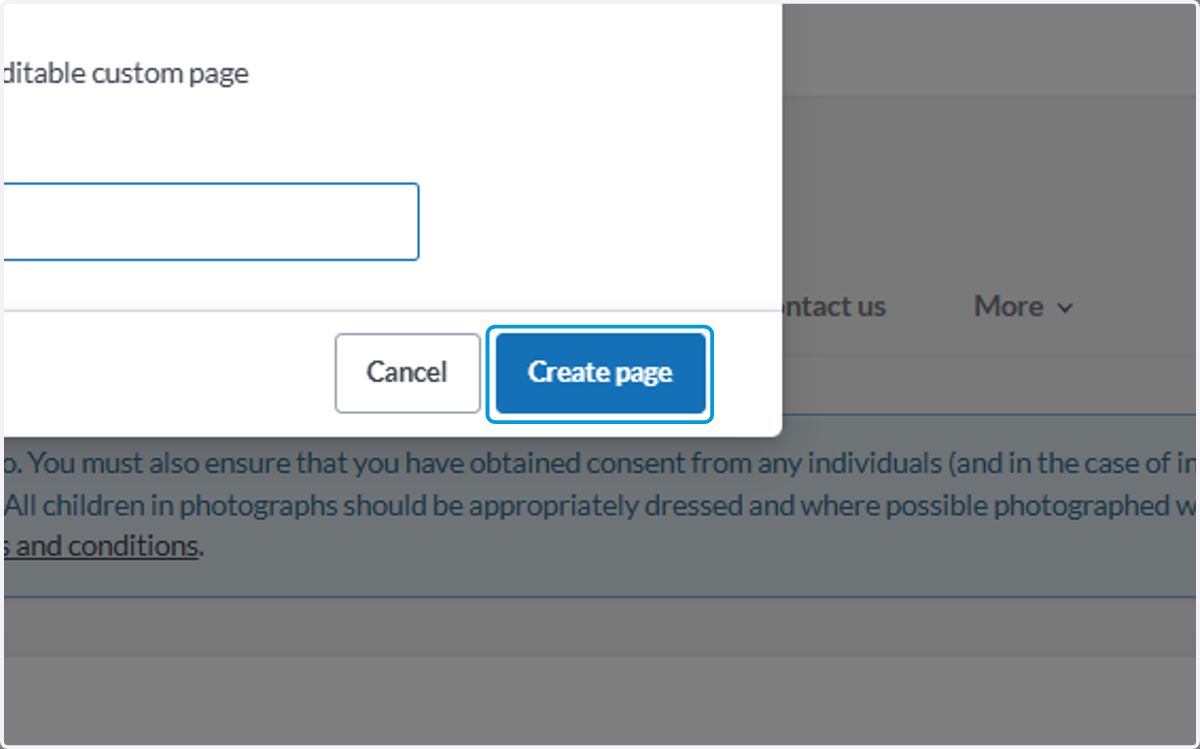
3. Type "Love Tennis"
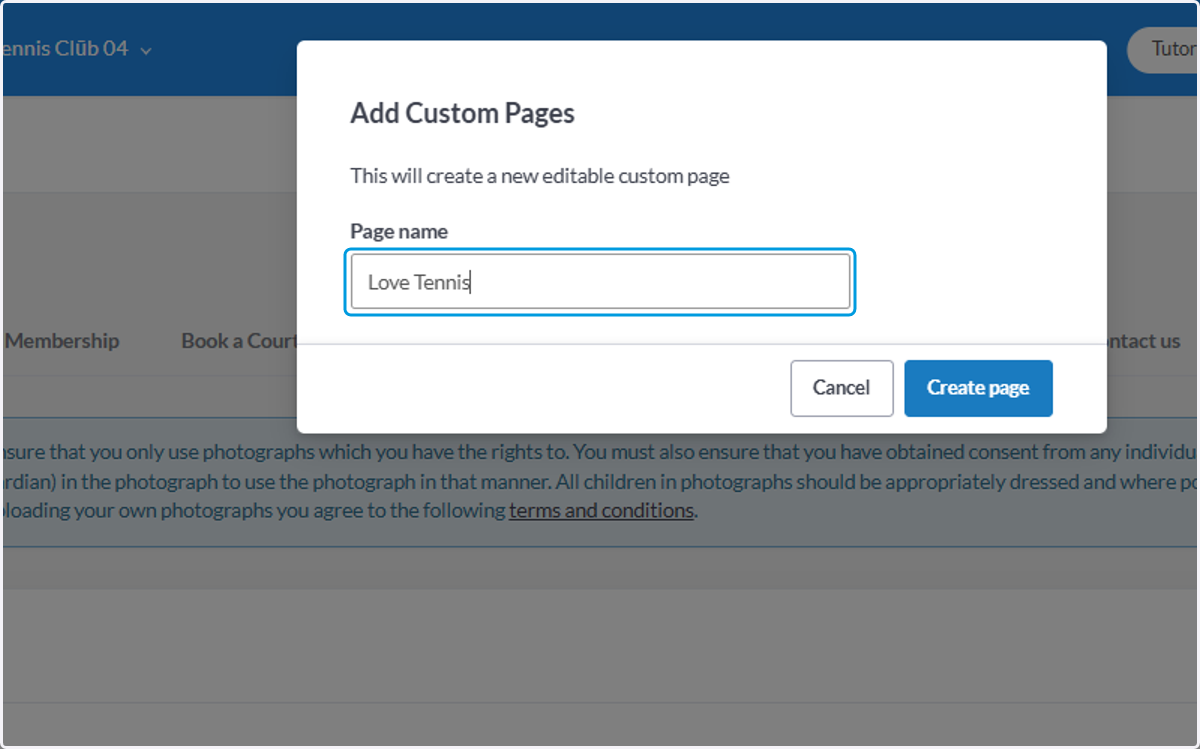
4. Click on Create page
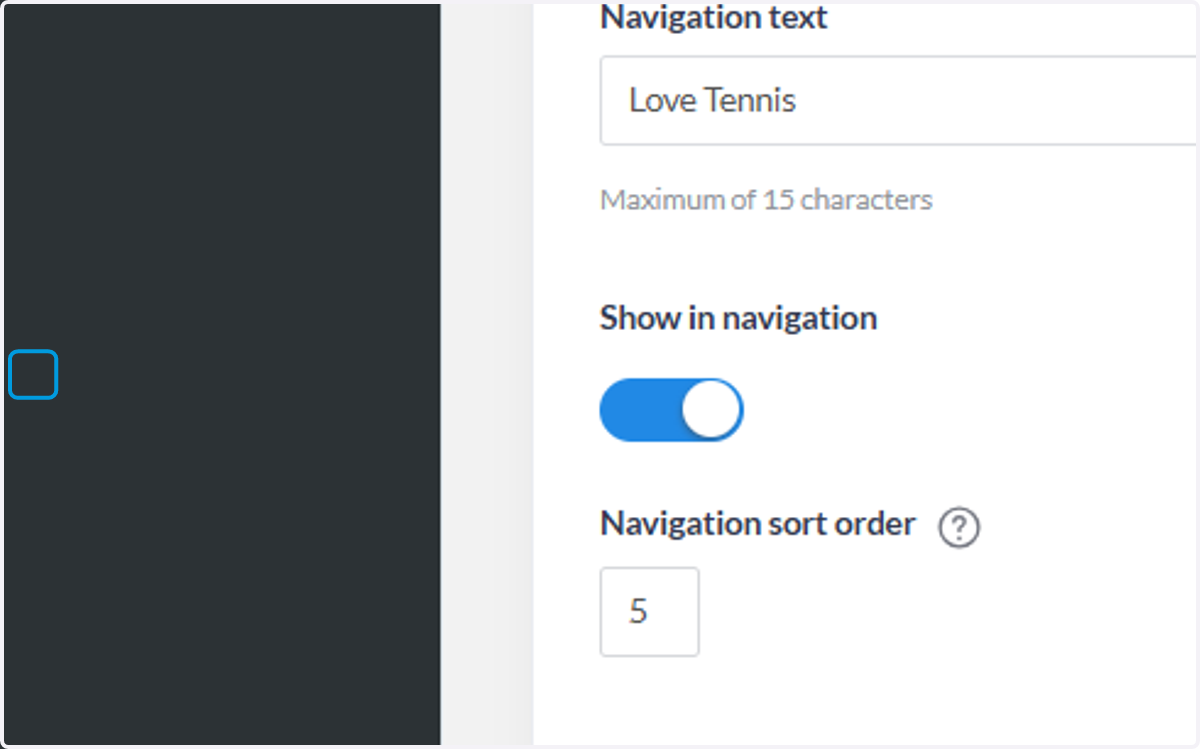
5. Check Show In Navigation
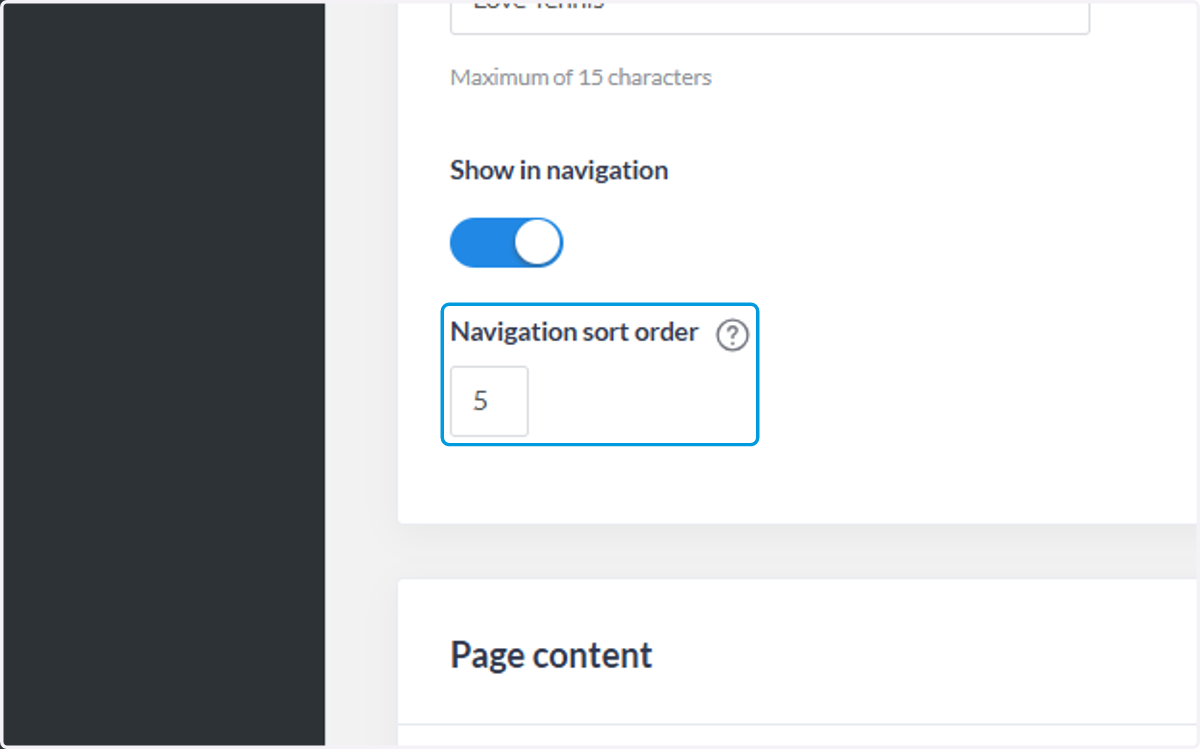
6. Click on Navigation sort order - this is where you want the page to show on the navigation bar
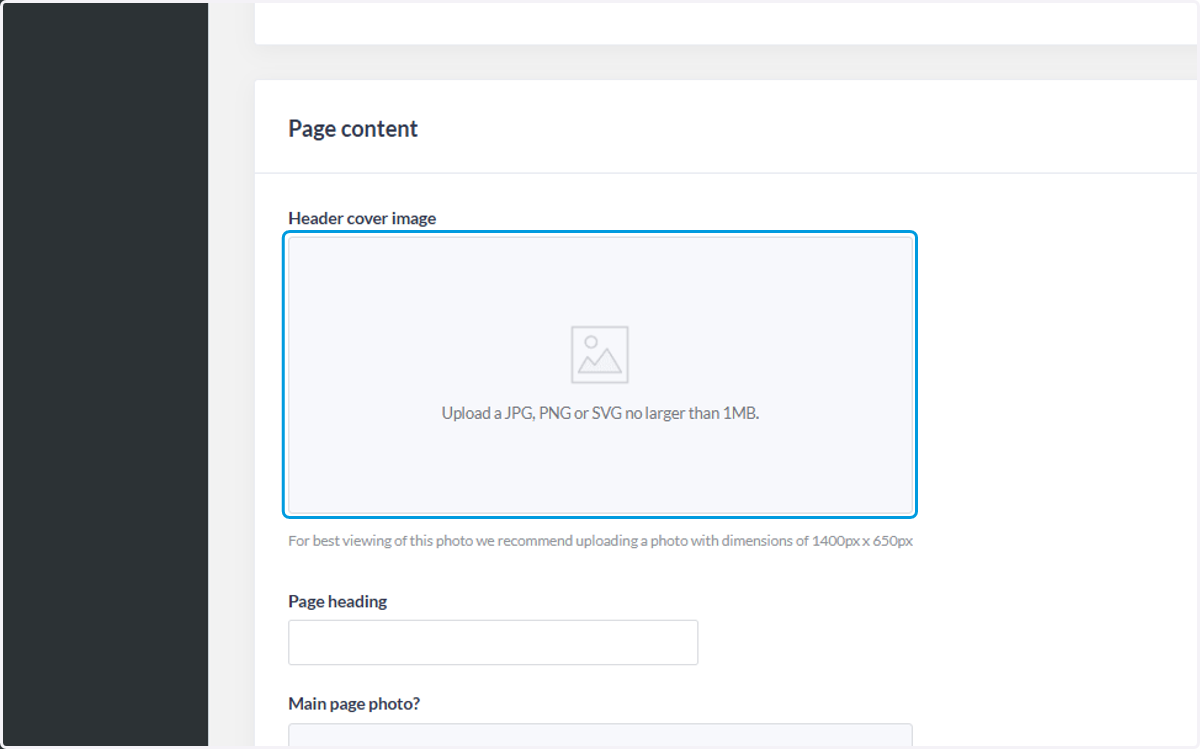
7. Click on Browse for images… to upload a simple Love Tennis website headrr
You can download the image here
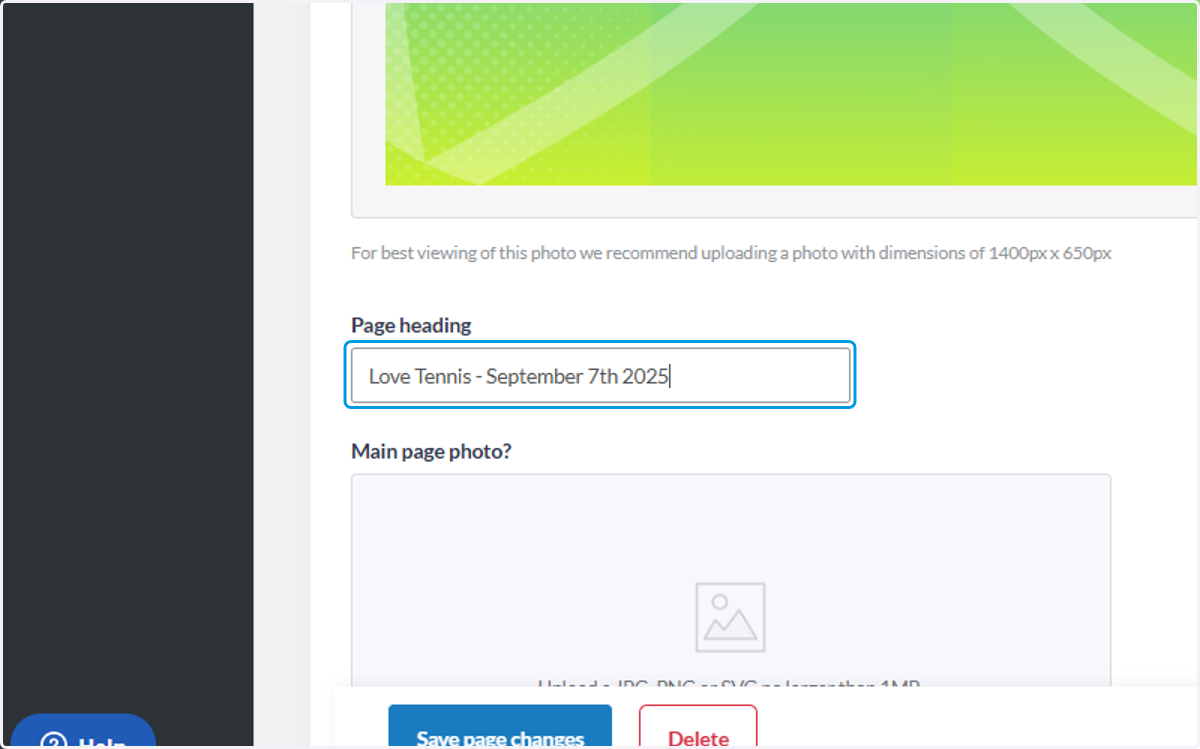
8. Type "Love Tennis - DATE DATE XXXX" or a suitable title
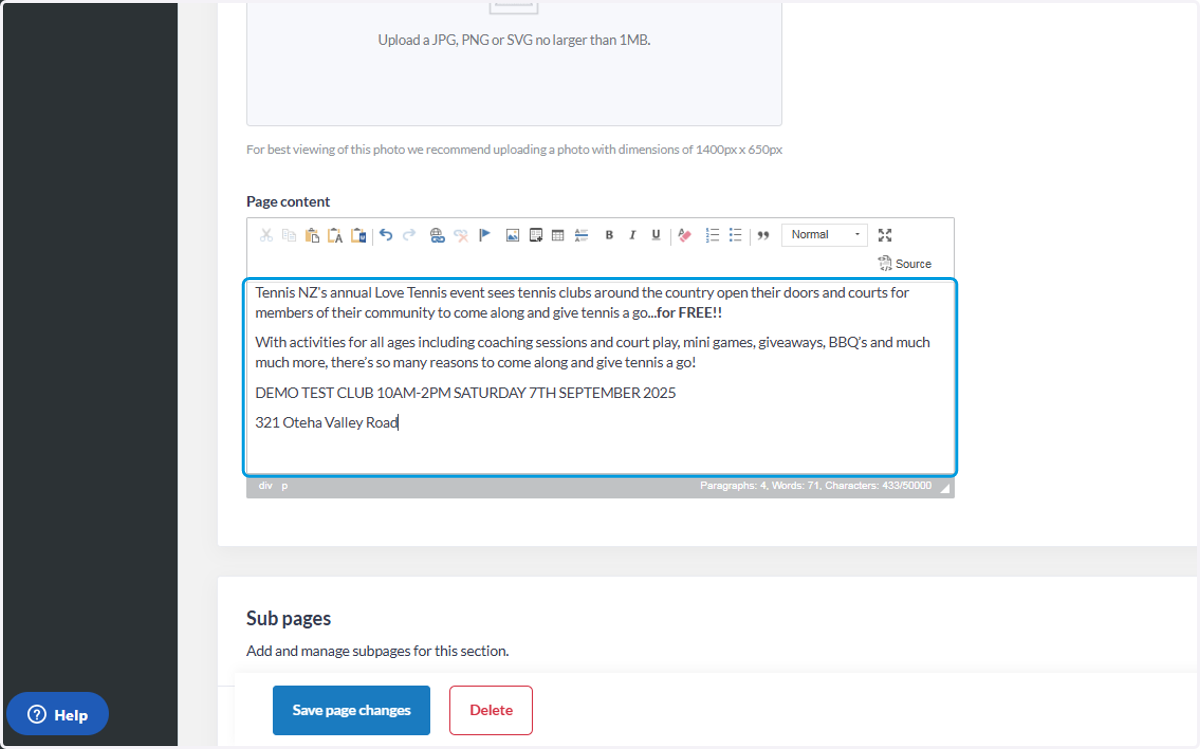
9. Type some text copy about the event
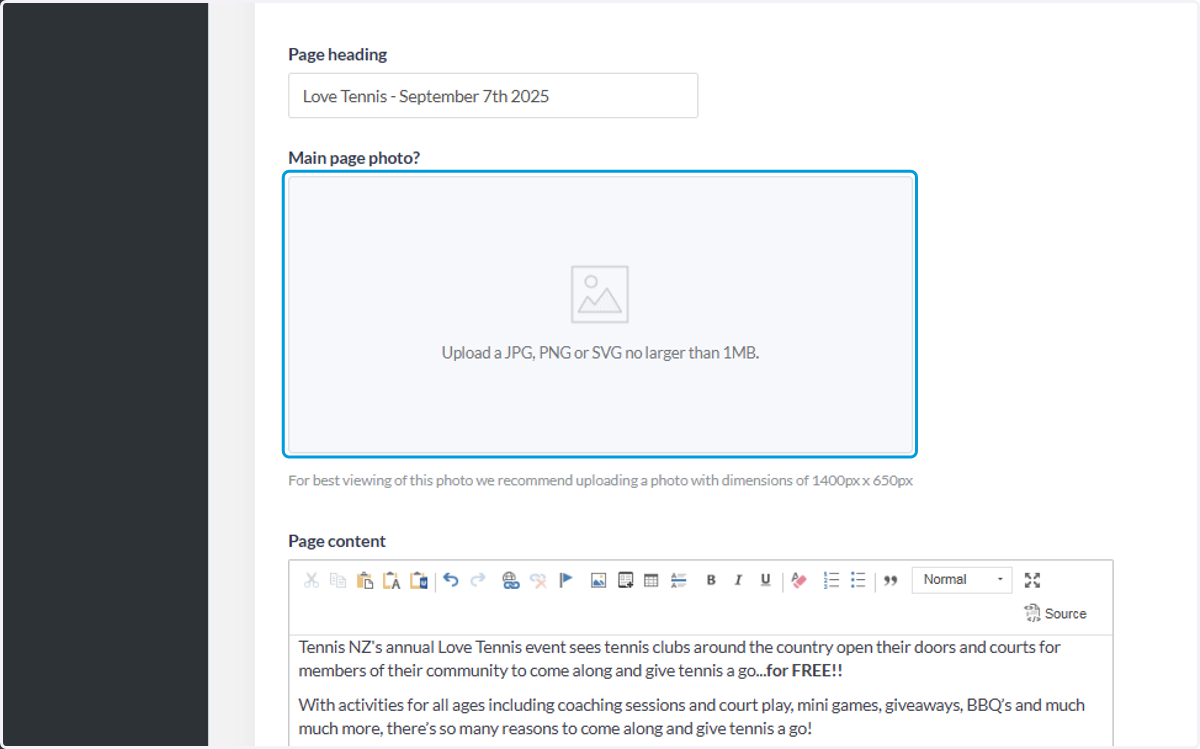
10. Upload a companion image
We recommend this one here
11. Type "Love Tennis at X Tennis Club"
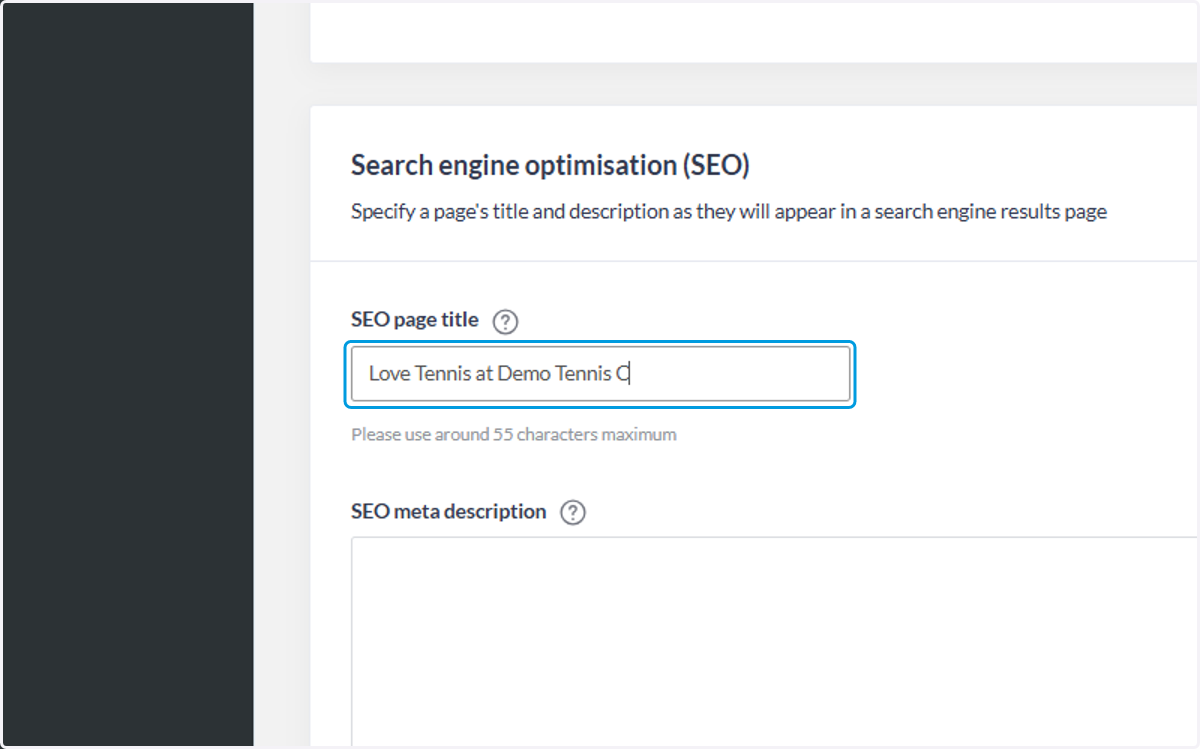
12. Add a short summary so Google can add this in the Search Engine Optimisation
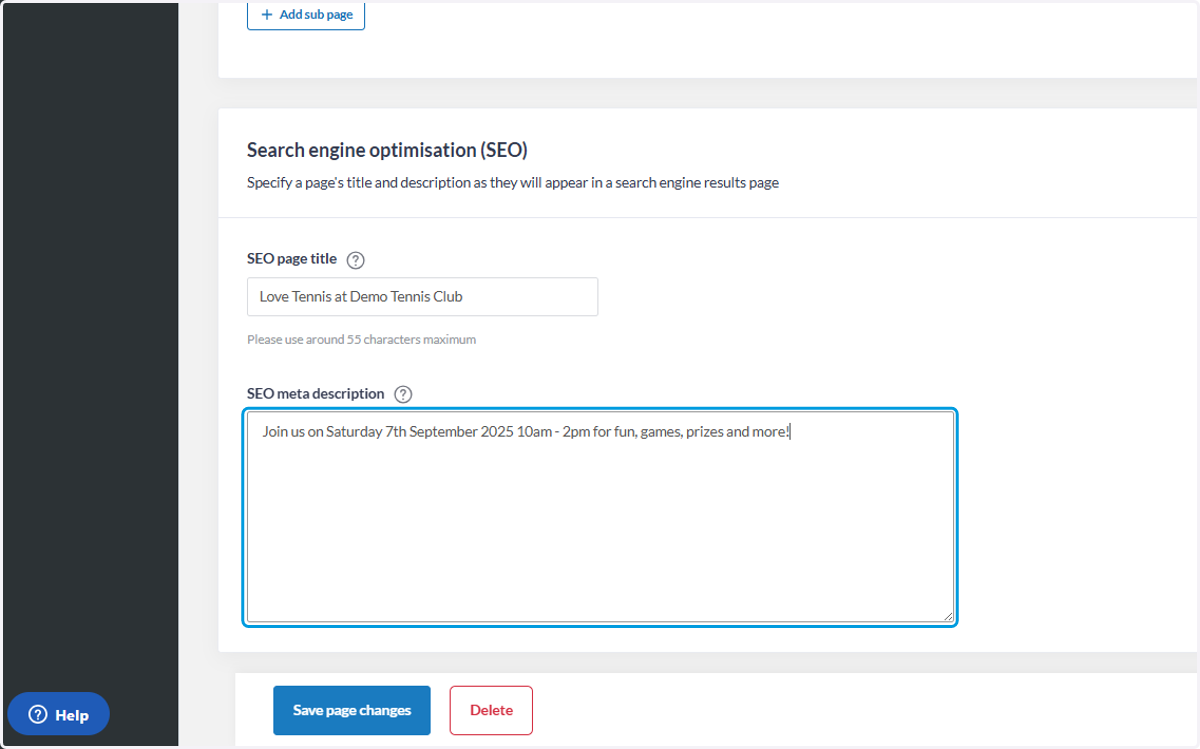
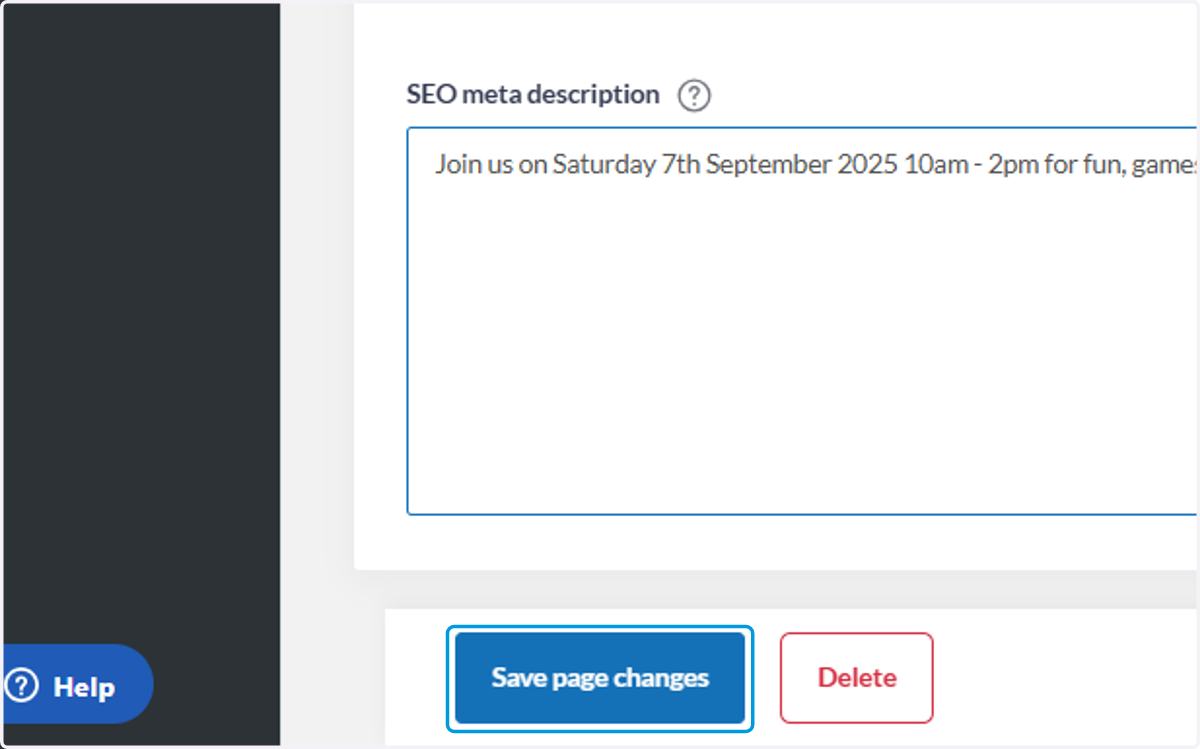
13. Click on Save page changes
14. Click on View website online

15. Your webpage is live!