Create a Data Management Plan on OPIDoR (DMP)
OPEN DMP OPIDoR https://dmp.opidor.fr/
1. Click on MON ESPACE on https://dmp.opidor.fr/
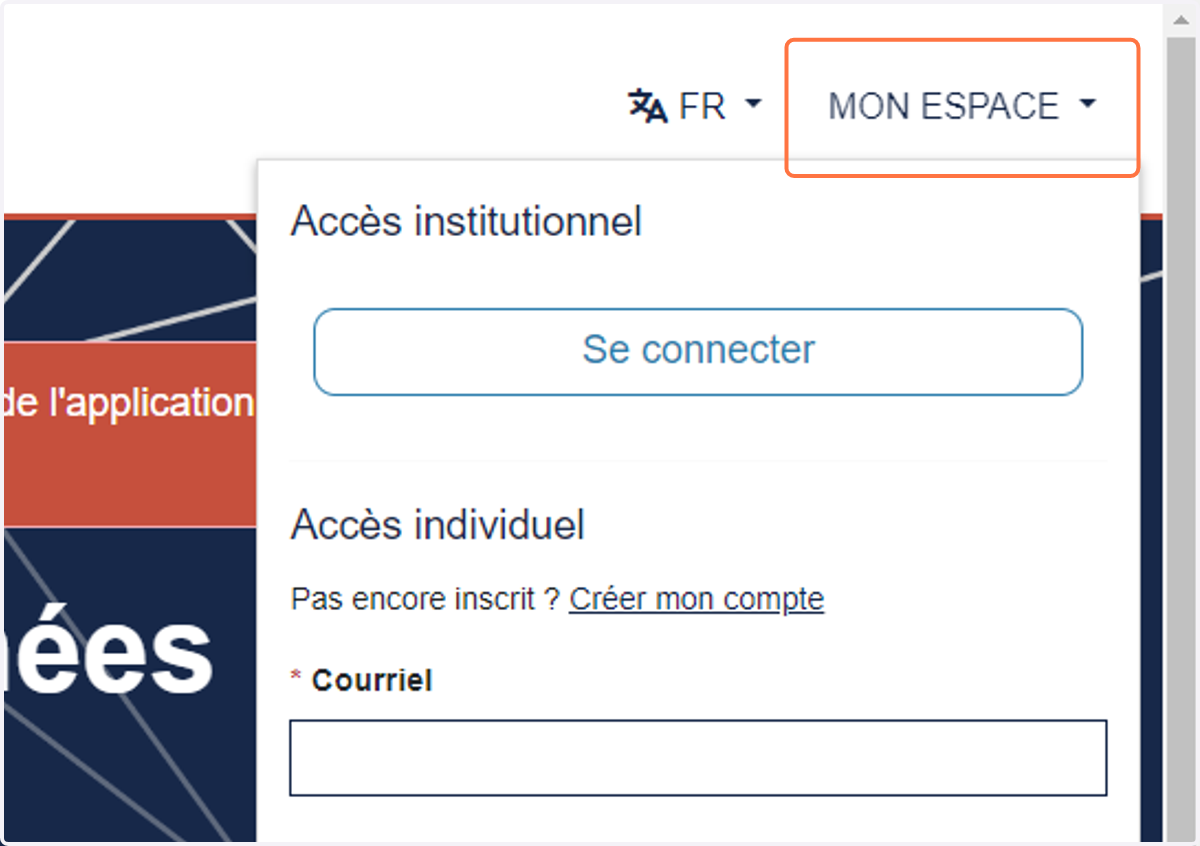
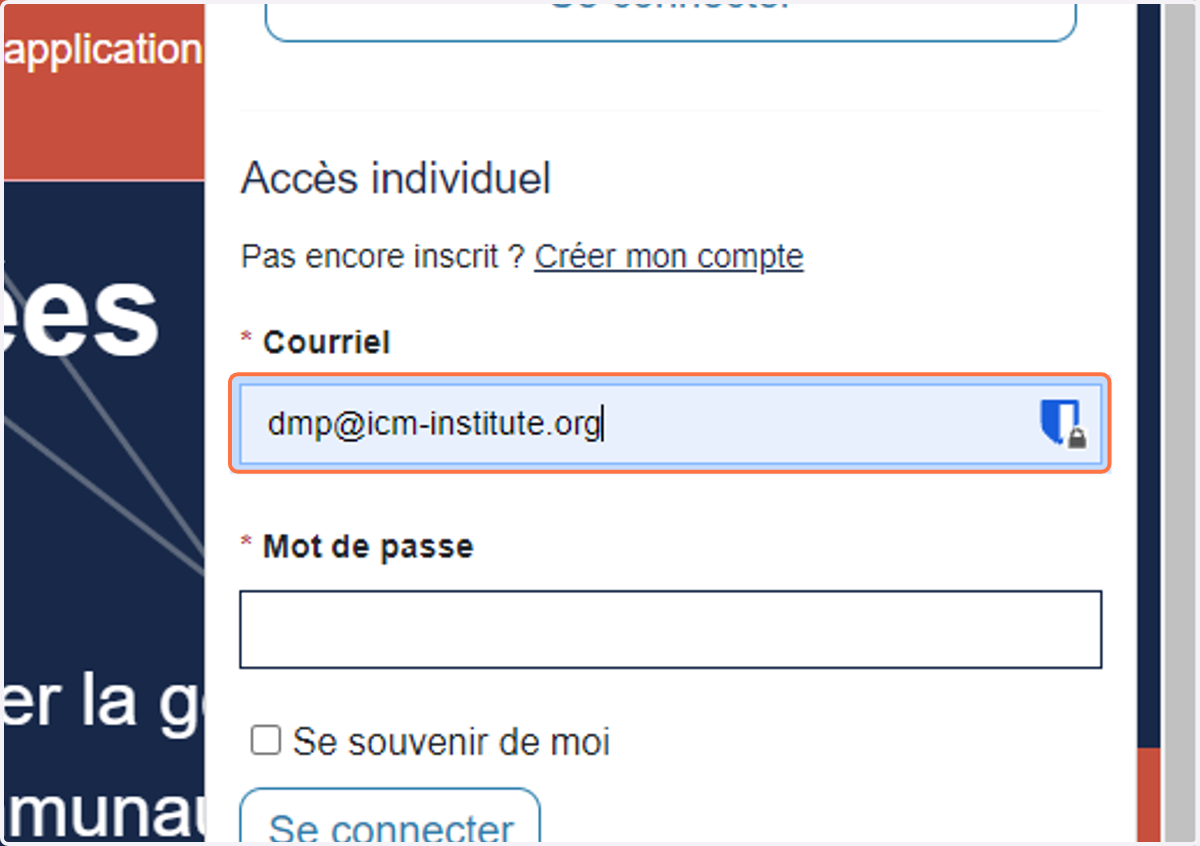
2. Connect with your account or create one
3. Click on MES PLANS
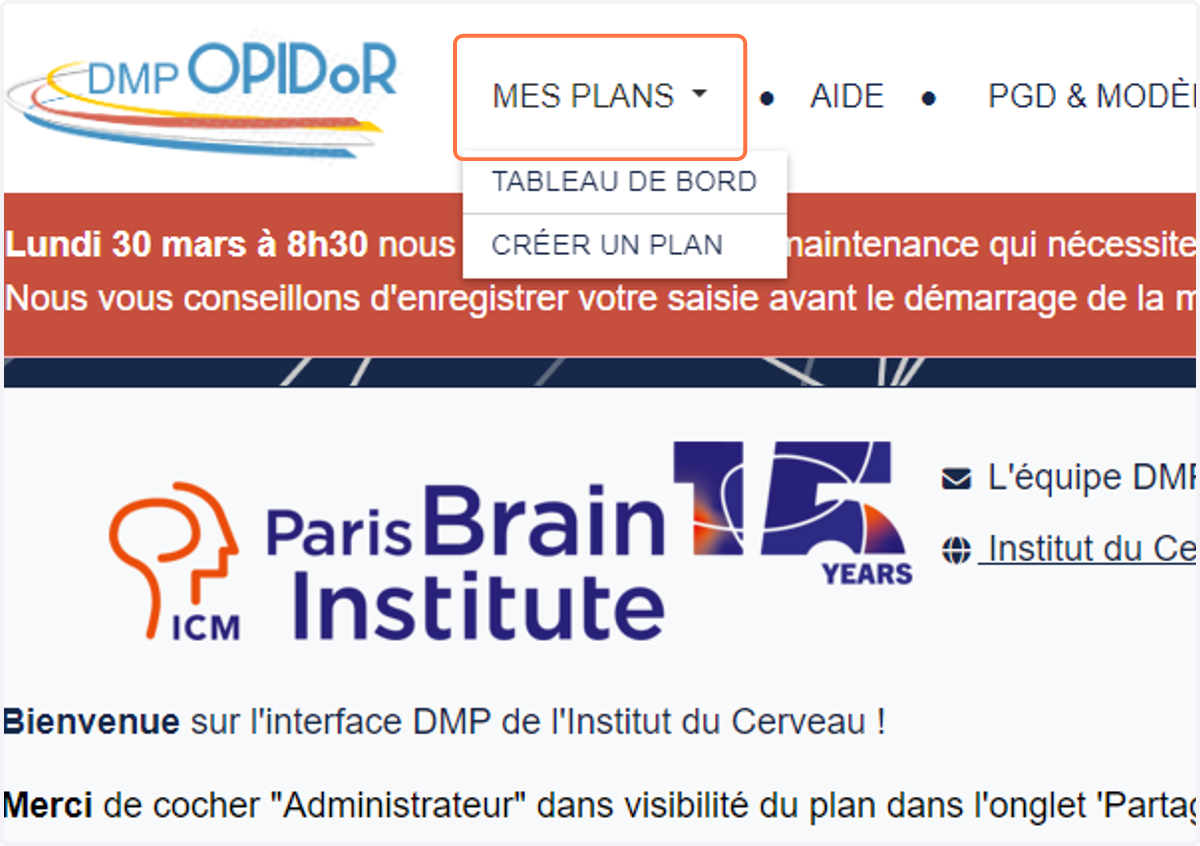
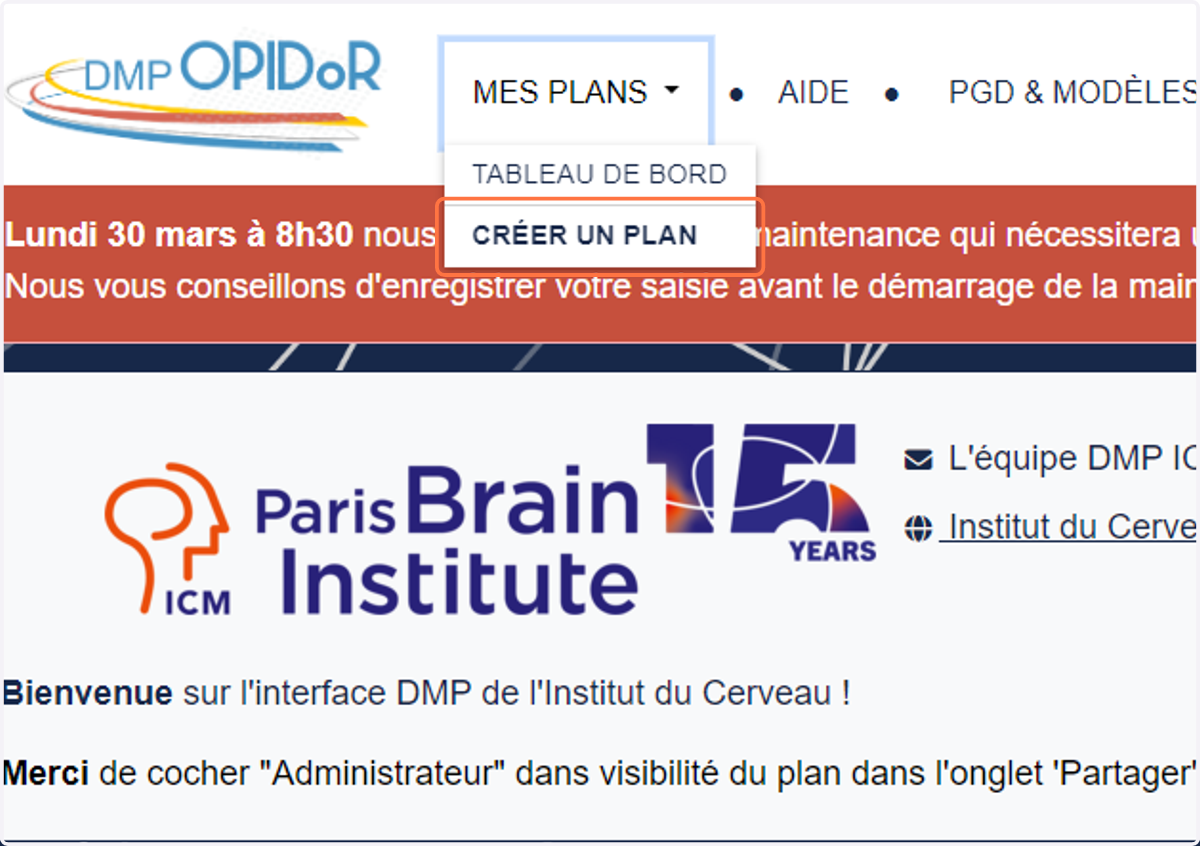
4. Click on CRÉER UN PLAN
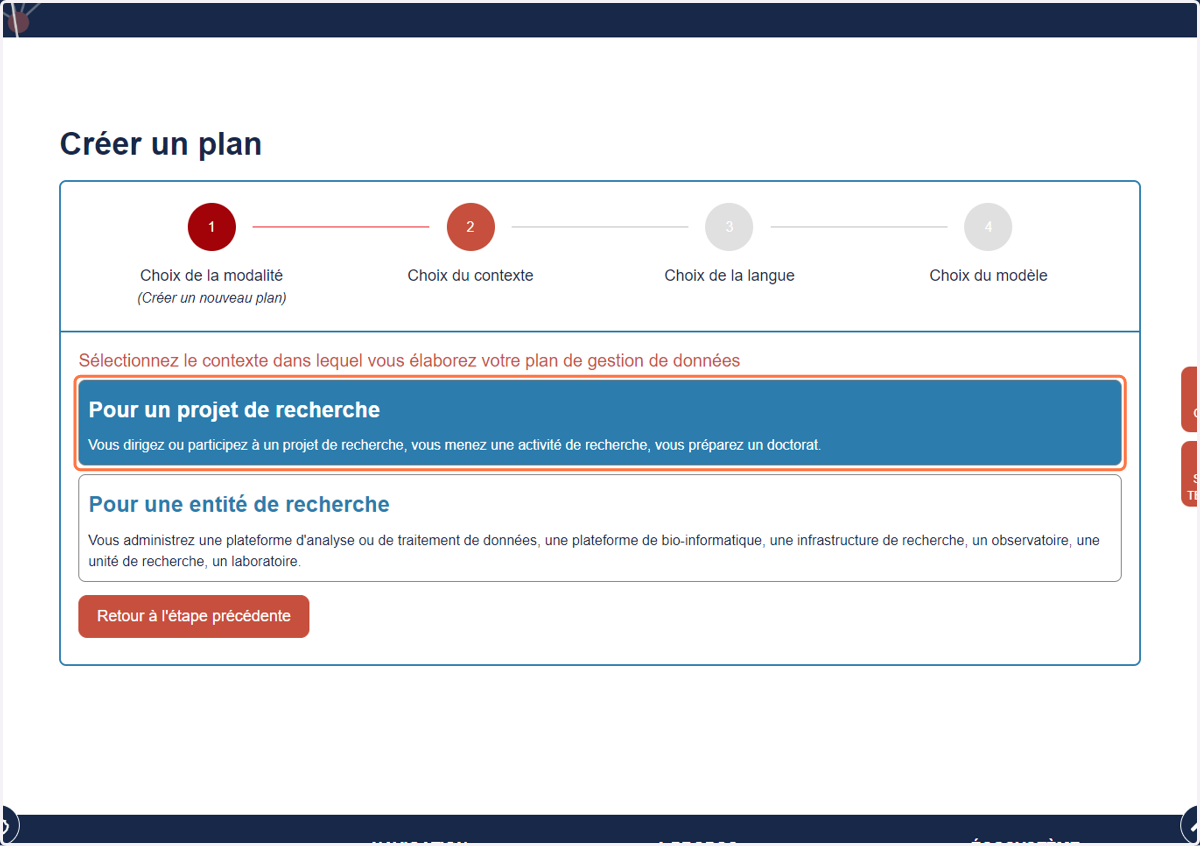
5. Click on Pour un projet de recherche…
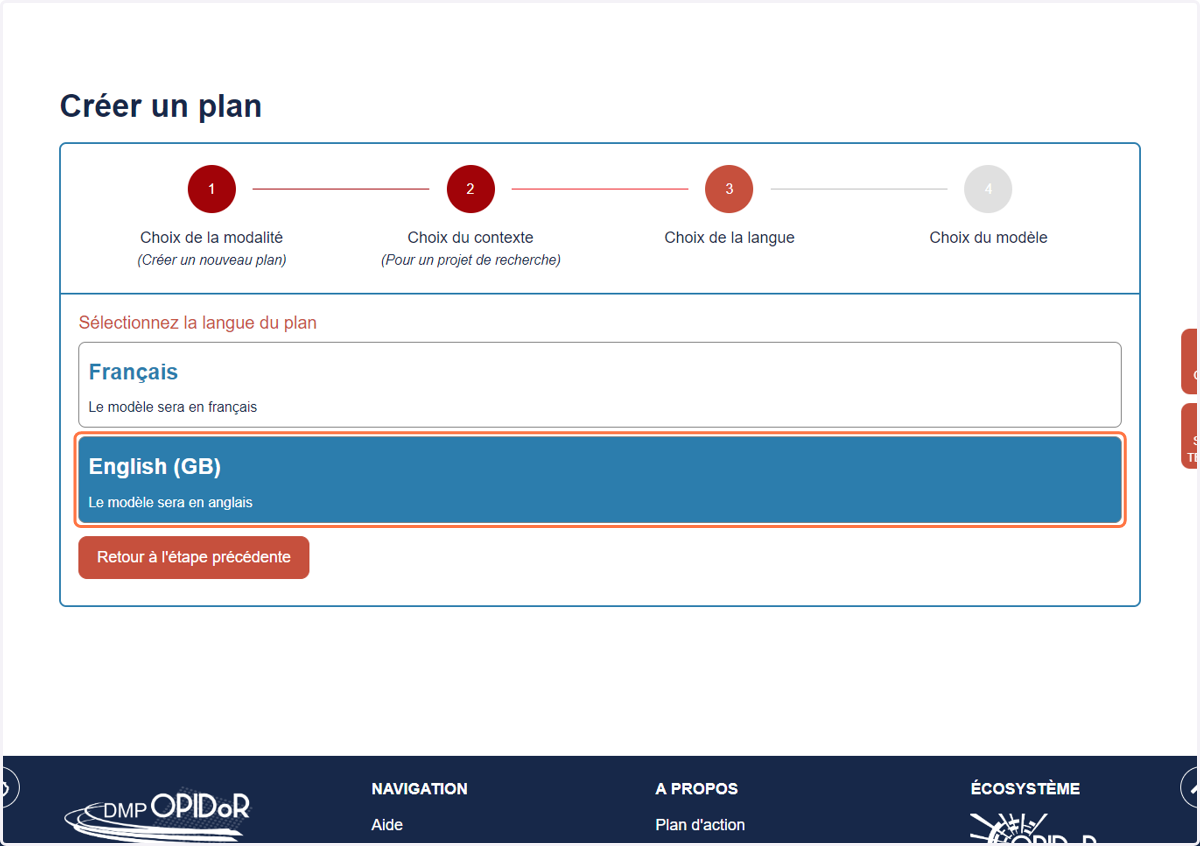
6. Click on English (GB) or French
7. Click on Science Europe: structured template
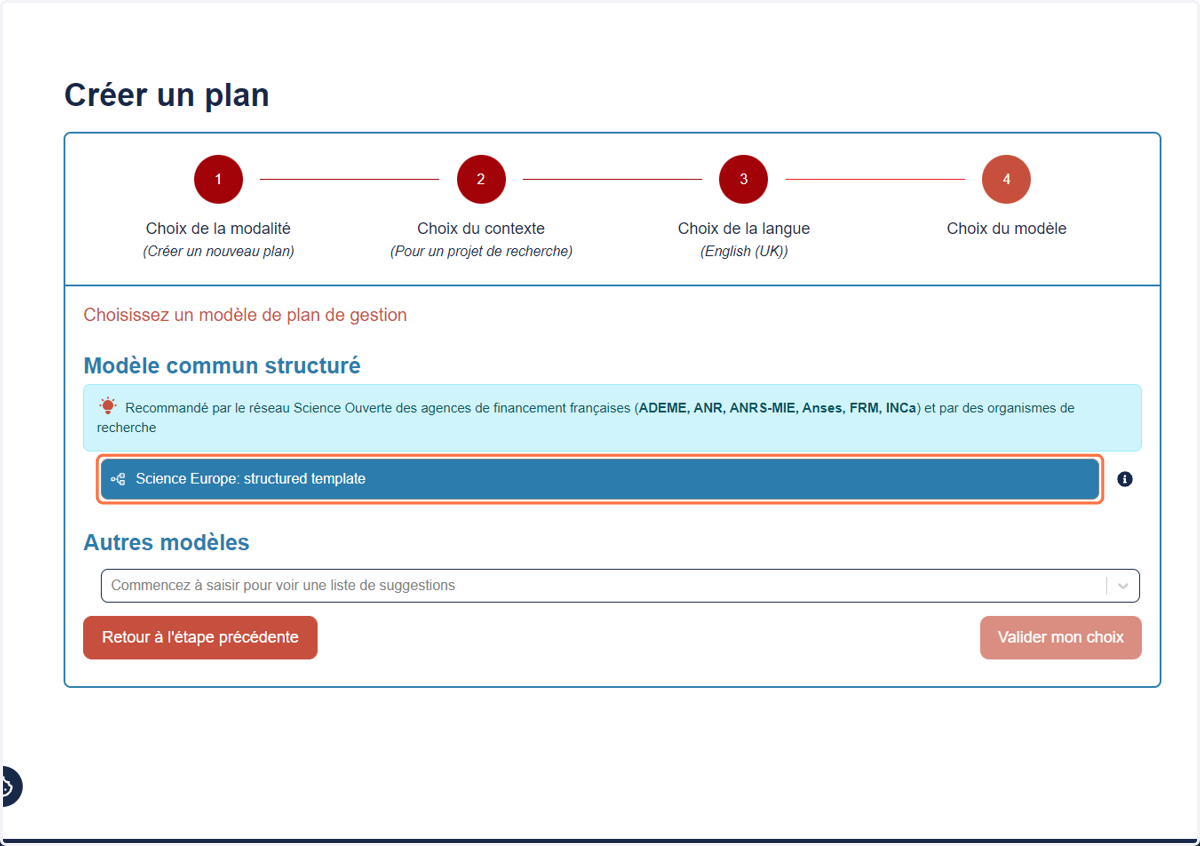
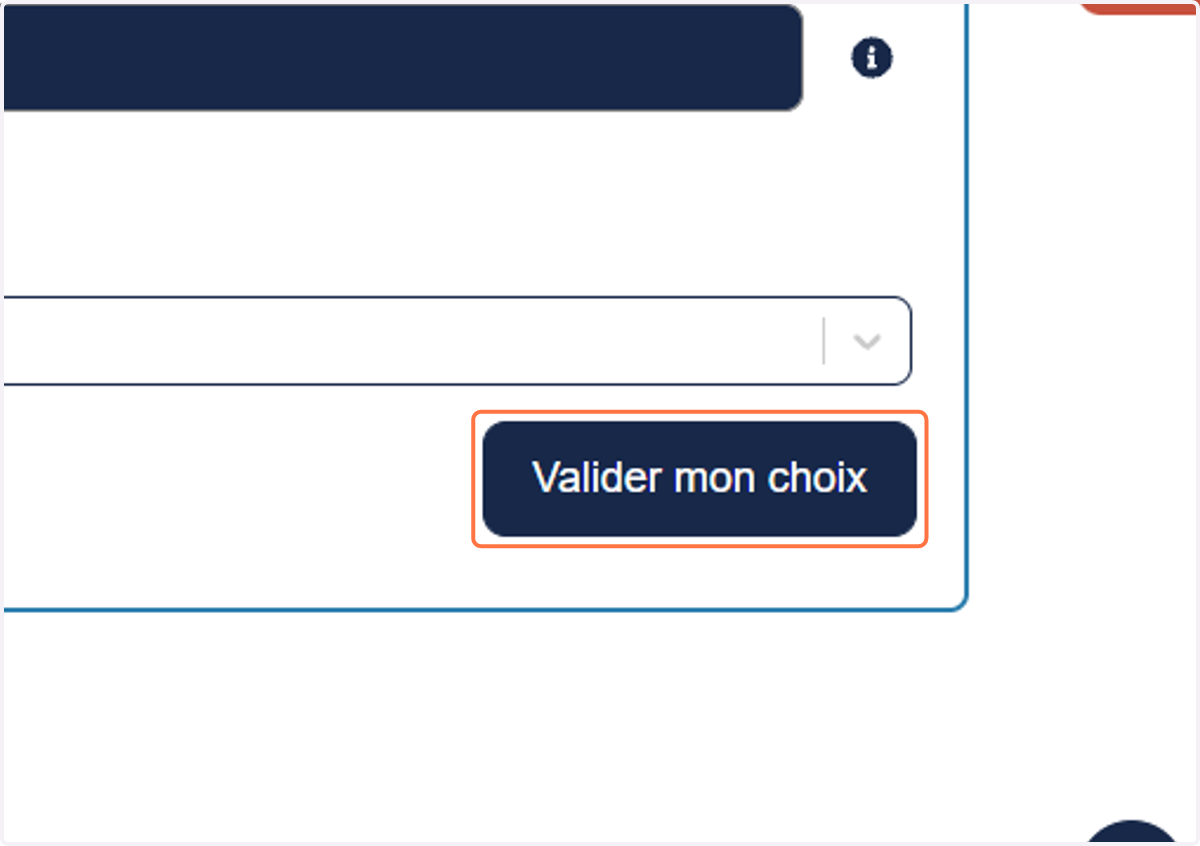
8. Click on Valider mon choix
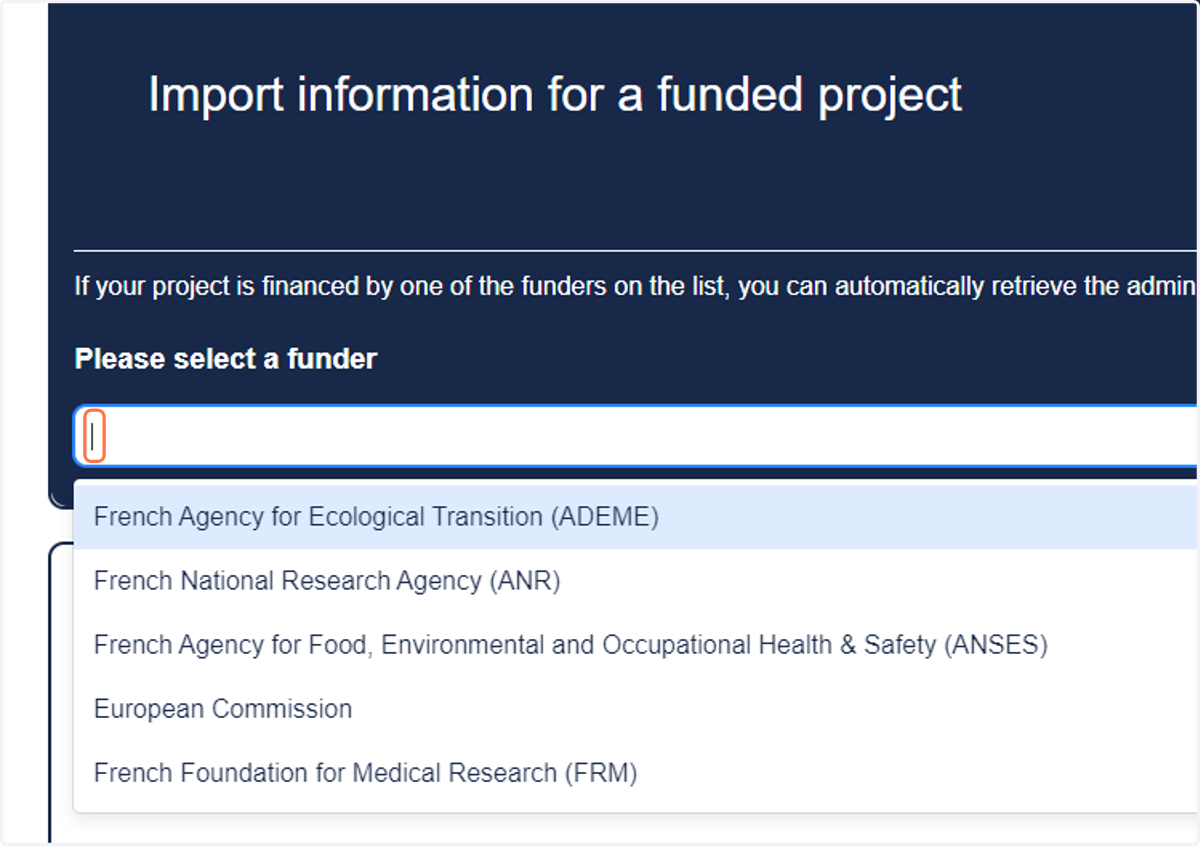
9. If your project is financed by one of these entity, click on Import information for a funded projec to import some informations
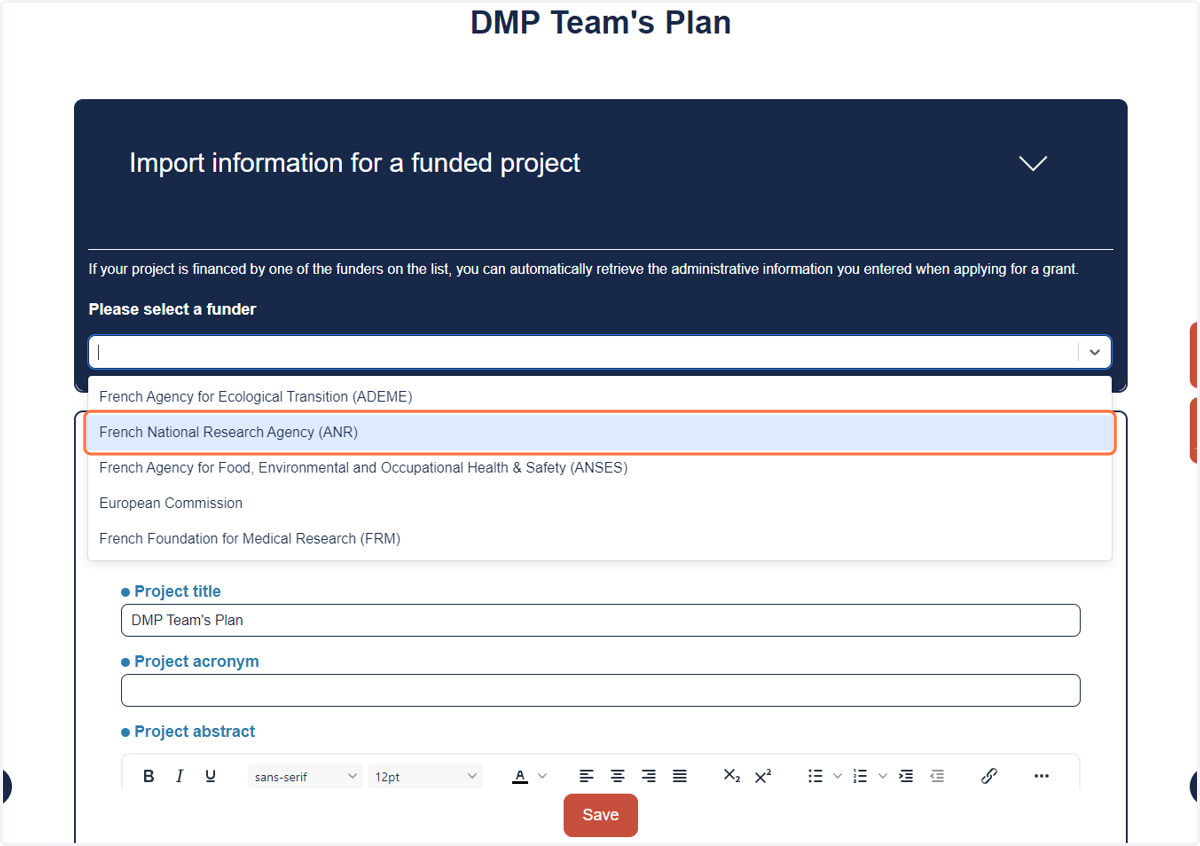
10. Click on French National Research Agency (ANR)
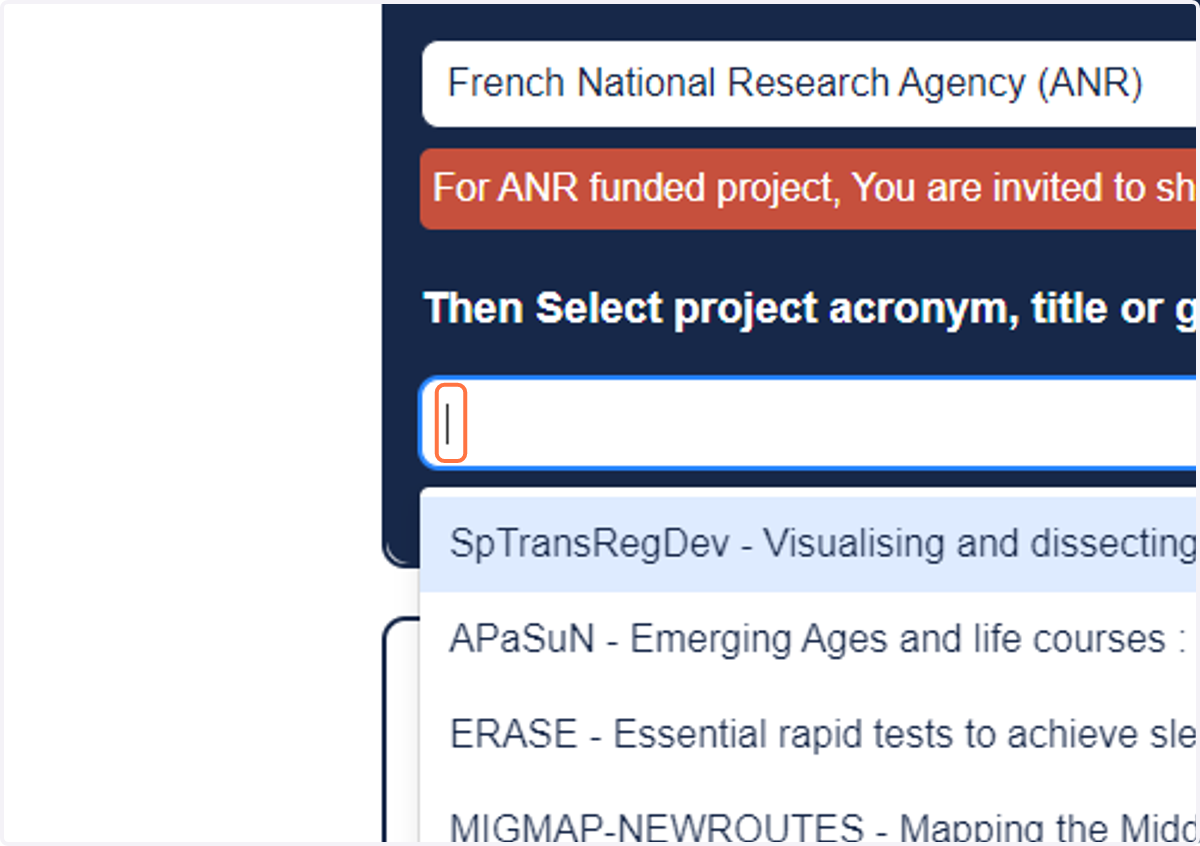
11. Search your project name or ID
12. Click on Save
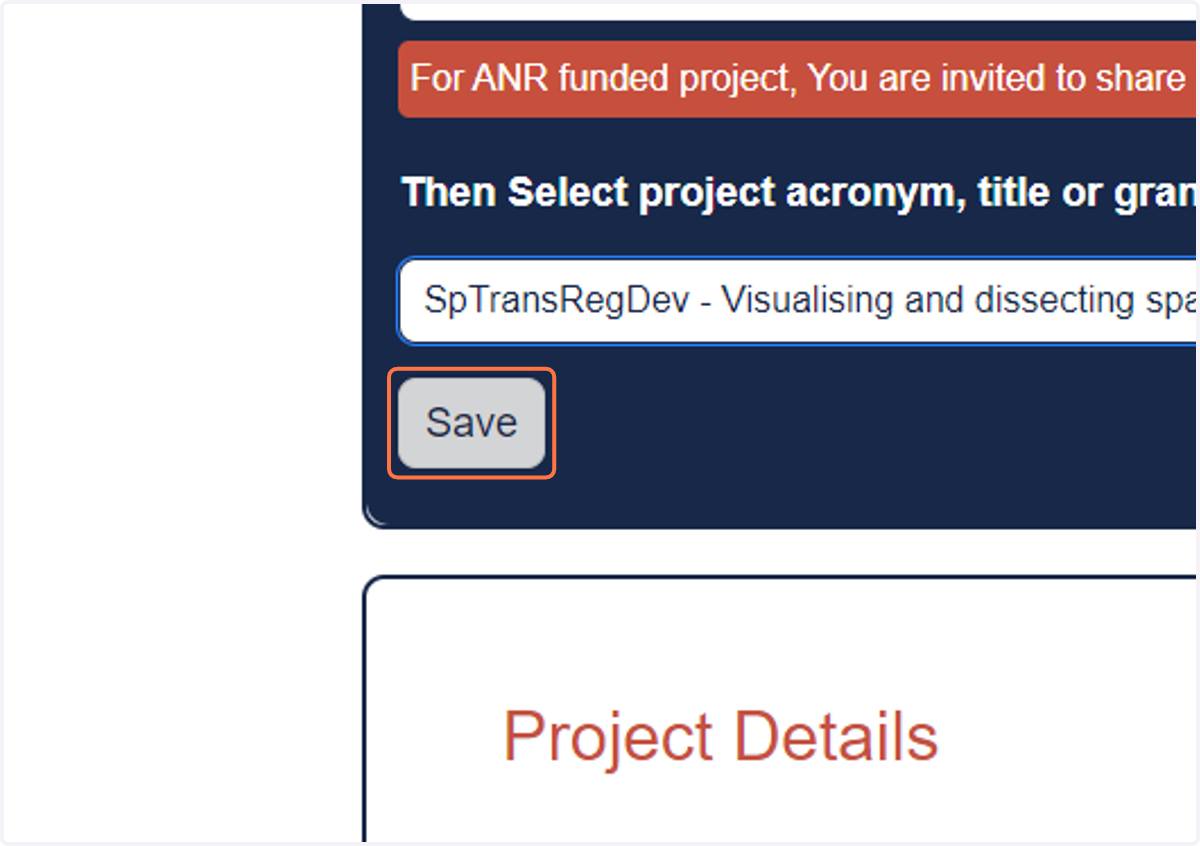
13. Click on Yes to share with ANR
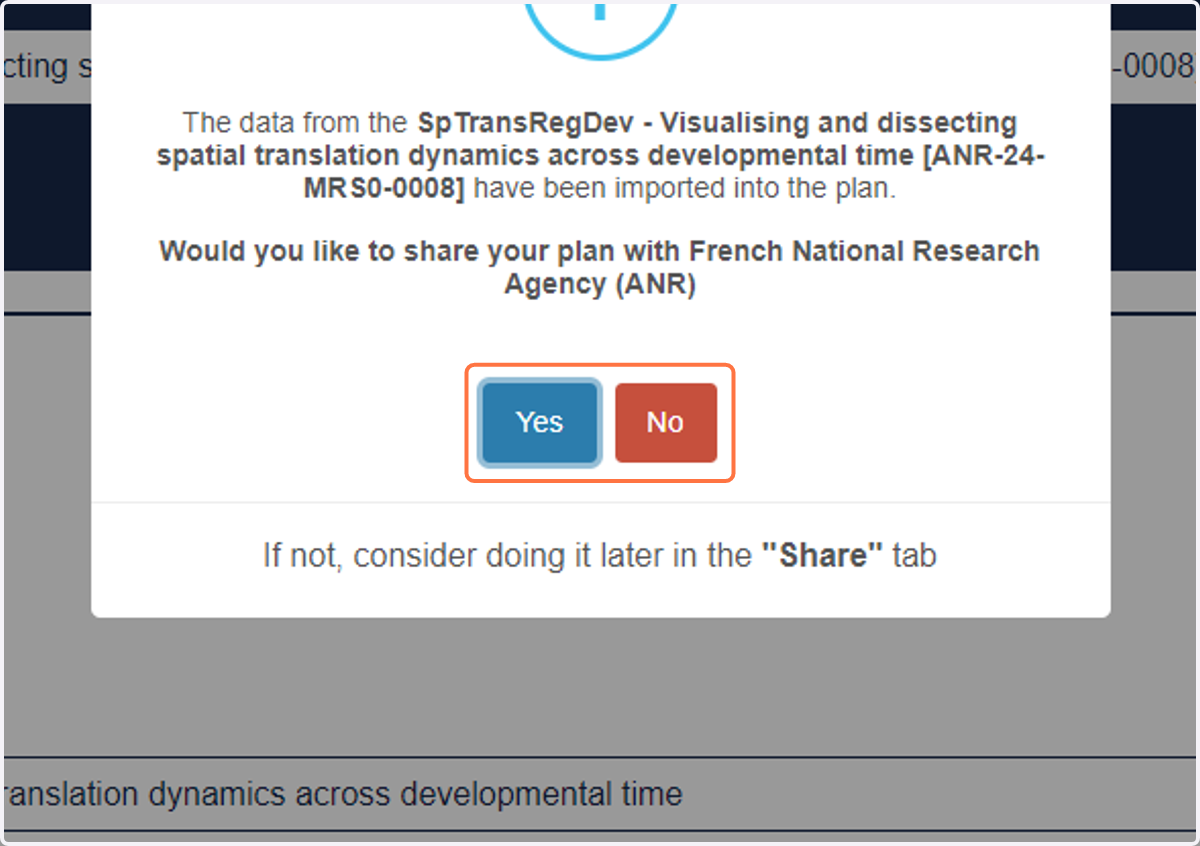
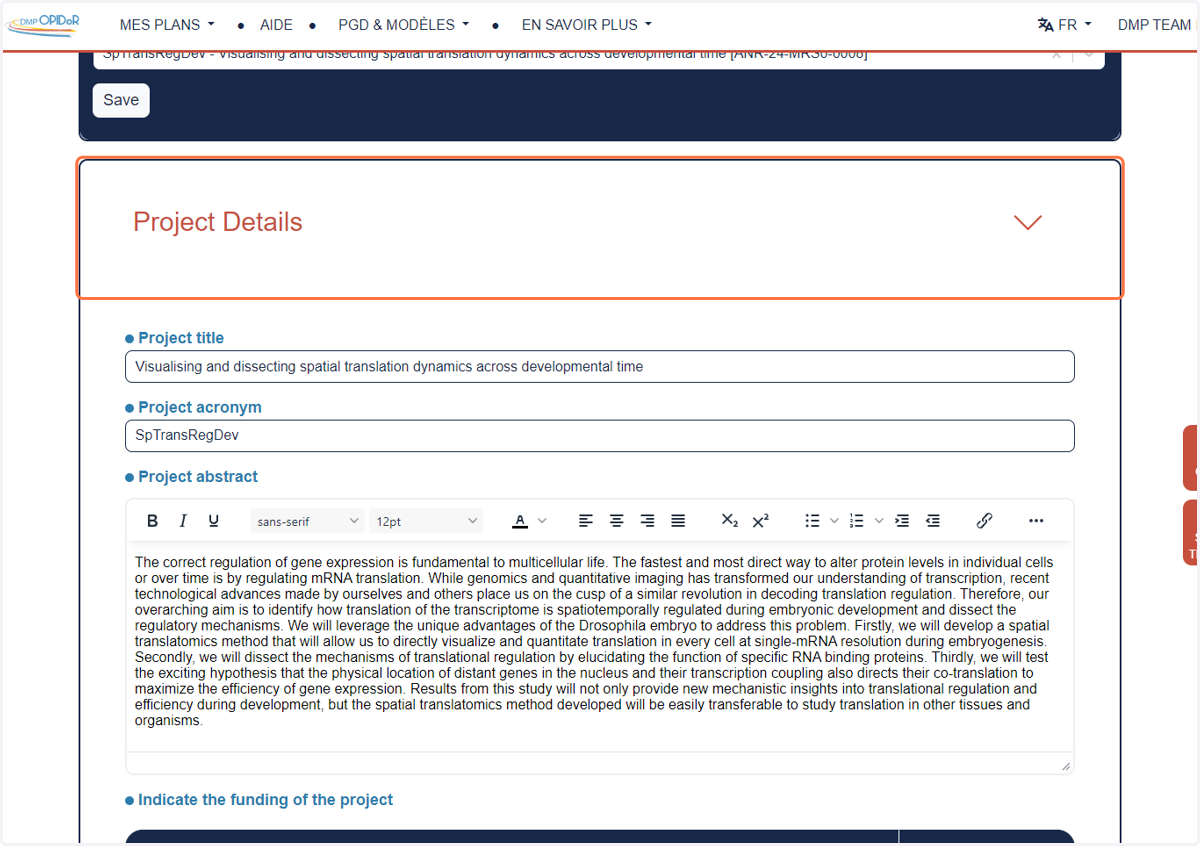
14. Verify all imported informations in Project Details
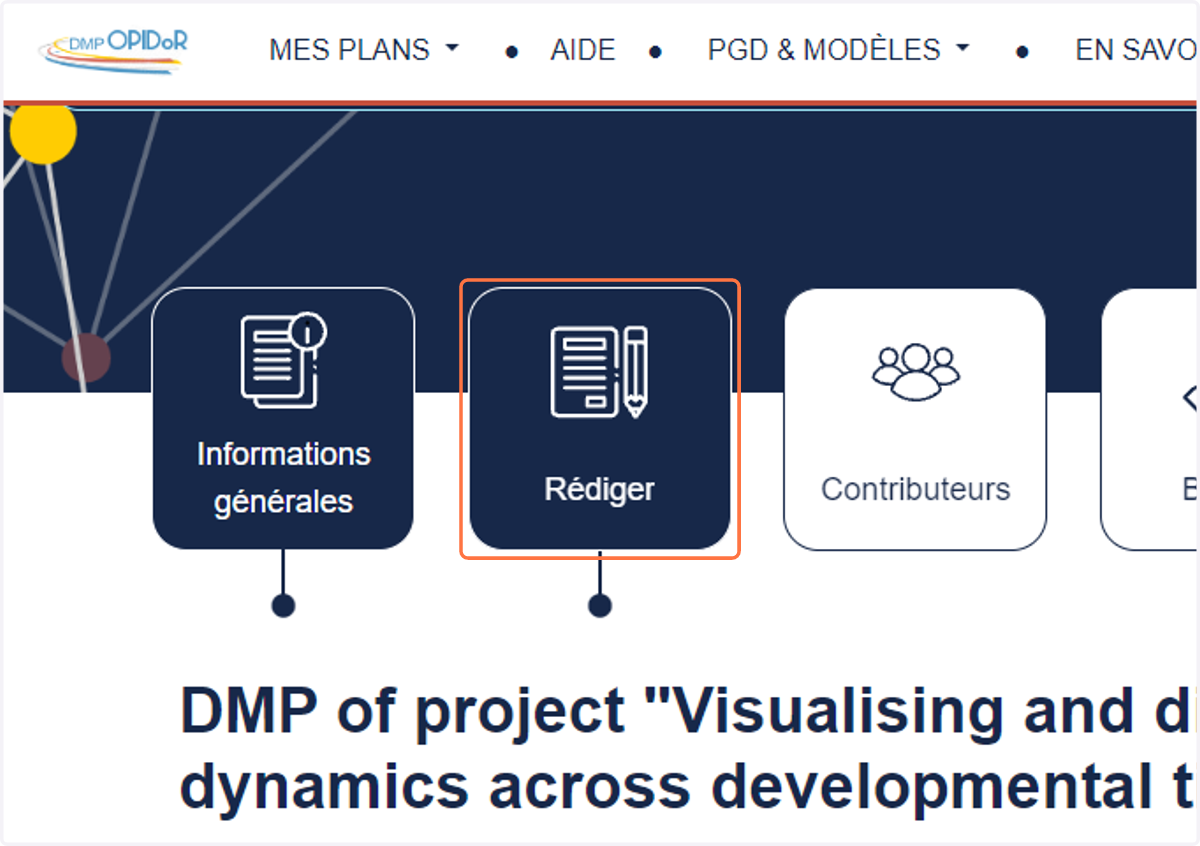
15. Start writing your DMP in Rédiger
16. Create your Research product number 1.
Research products consist of outputs intended for publication and/or sharing to enable future reuse. (Can also be Work Groups or Work Packages of a project)
Common examples include: Clinical datasets, MRI data, Microscopy data, and Genetic data.
Note: Organize your research products separately when datasets are managed across different systems or software tools (e.g., data collected and stored using distinct platforms).
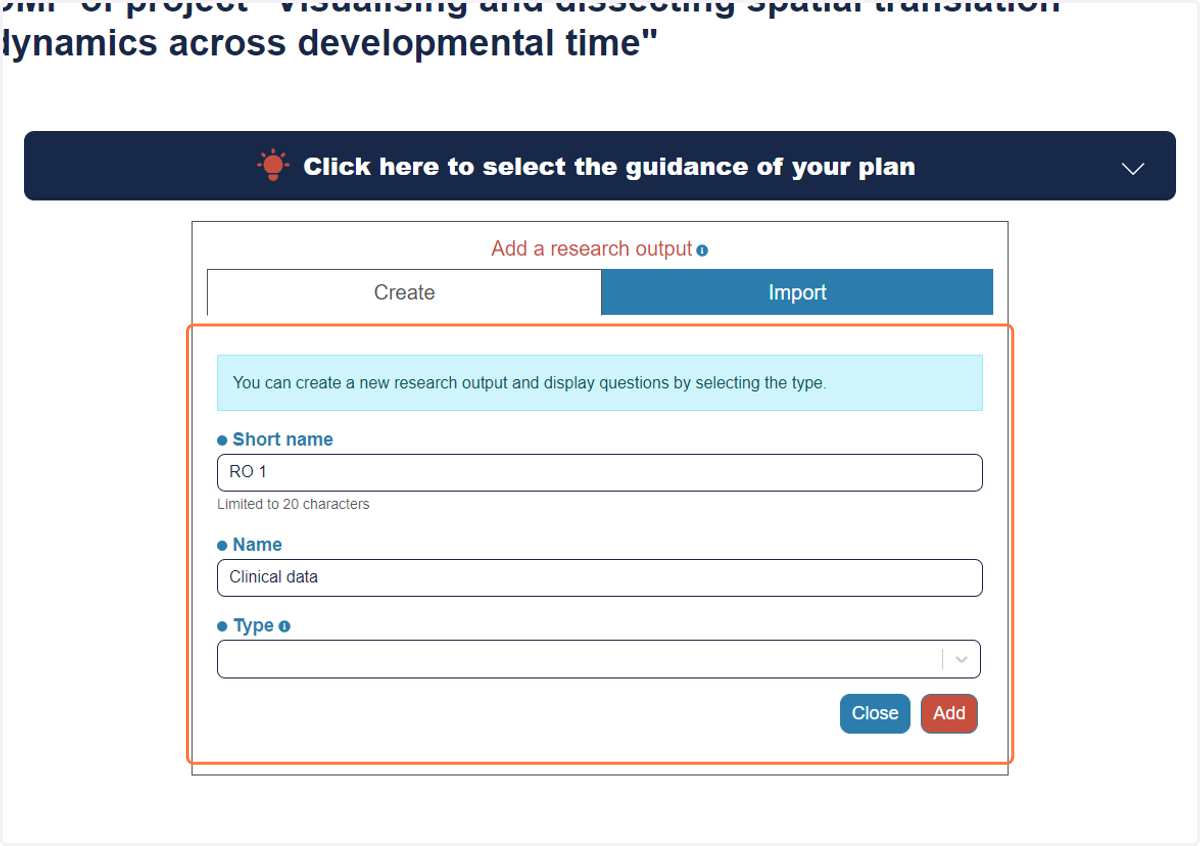
17. Click on Dataset
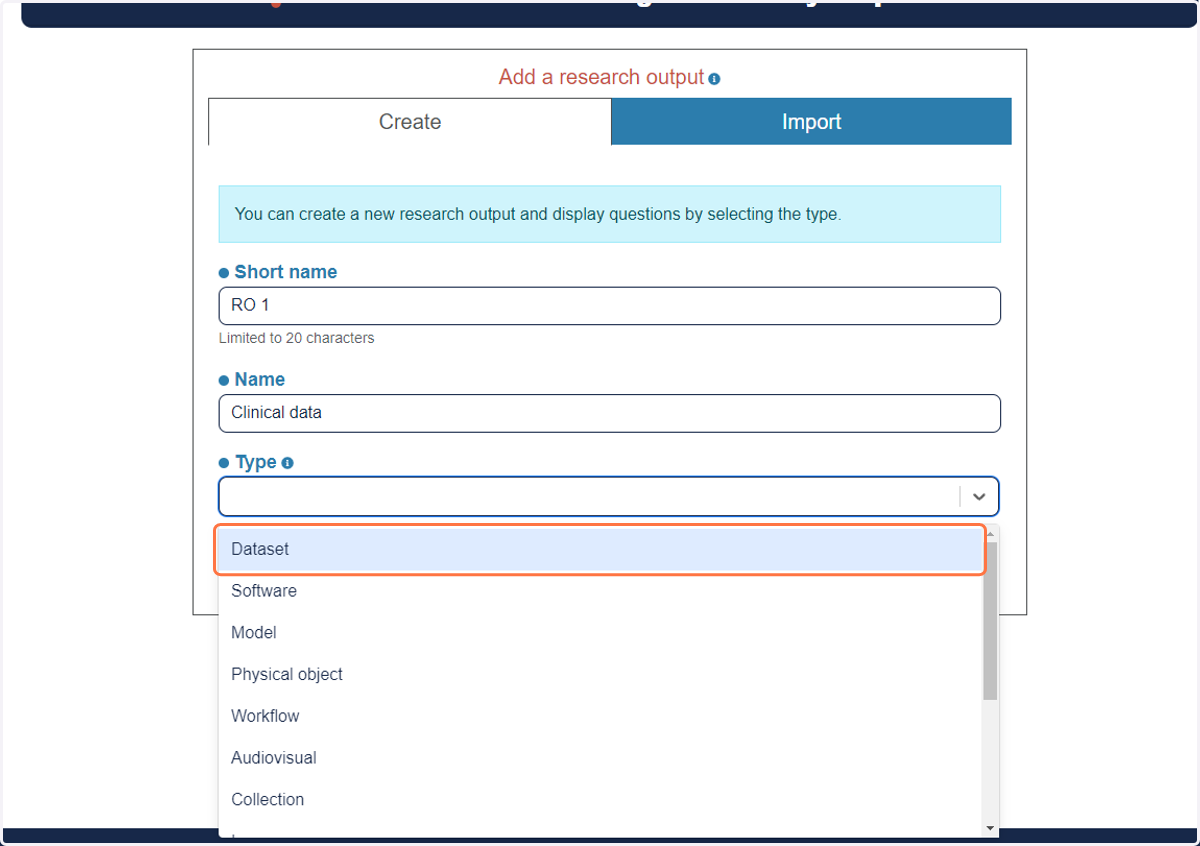
18. Check Yes if this research product contains personnal data (any not anonymous human data)
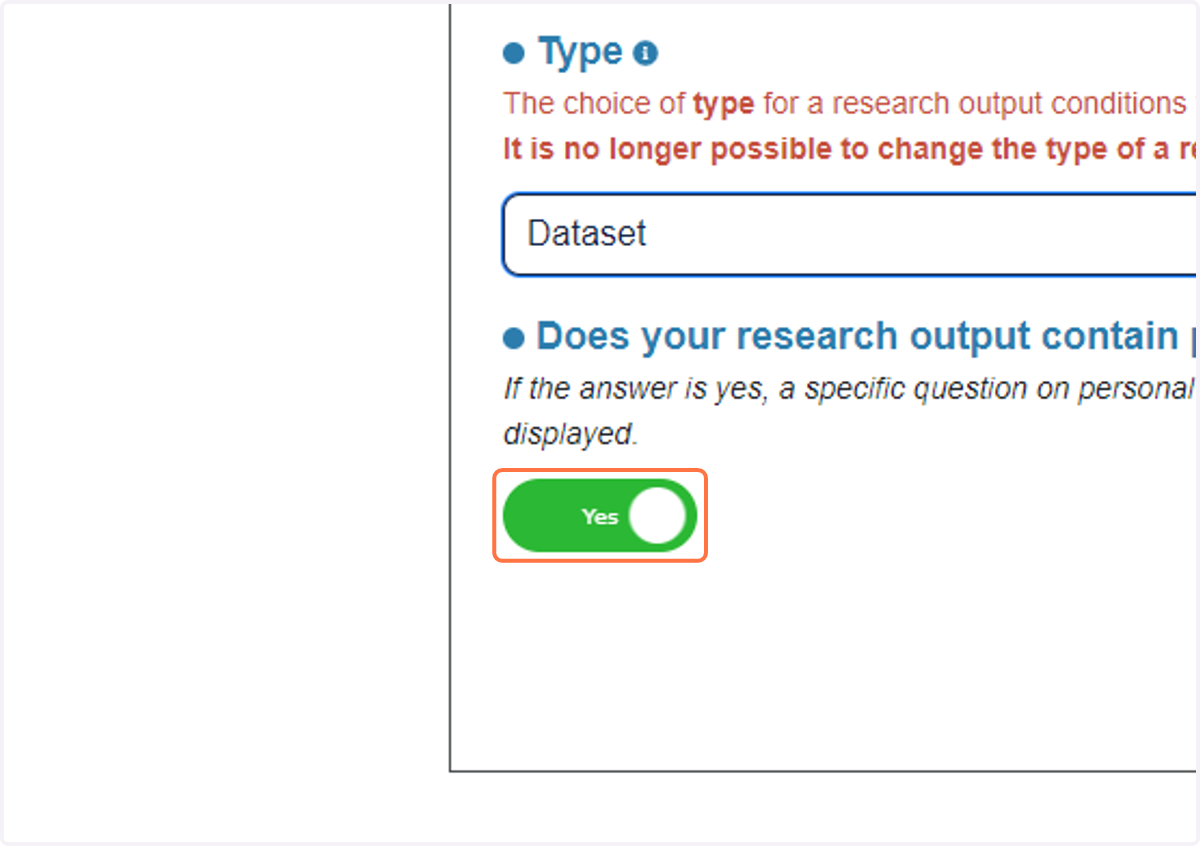
19. Click on Add
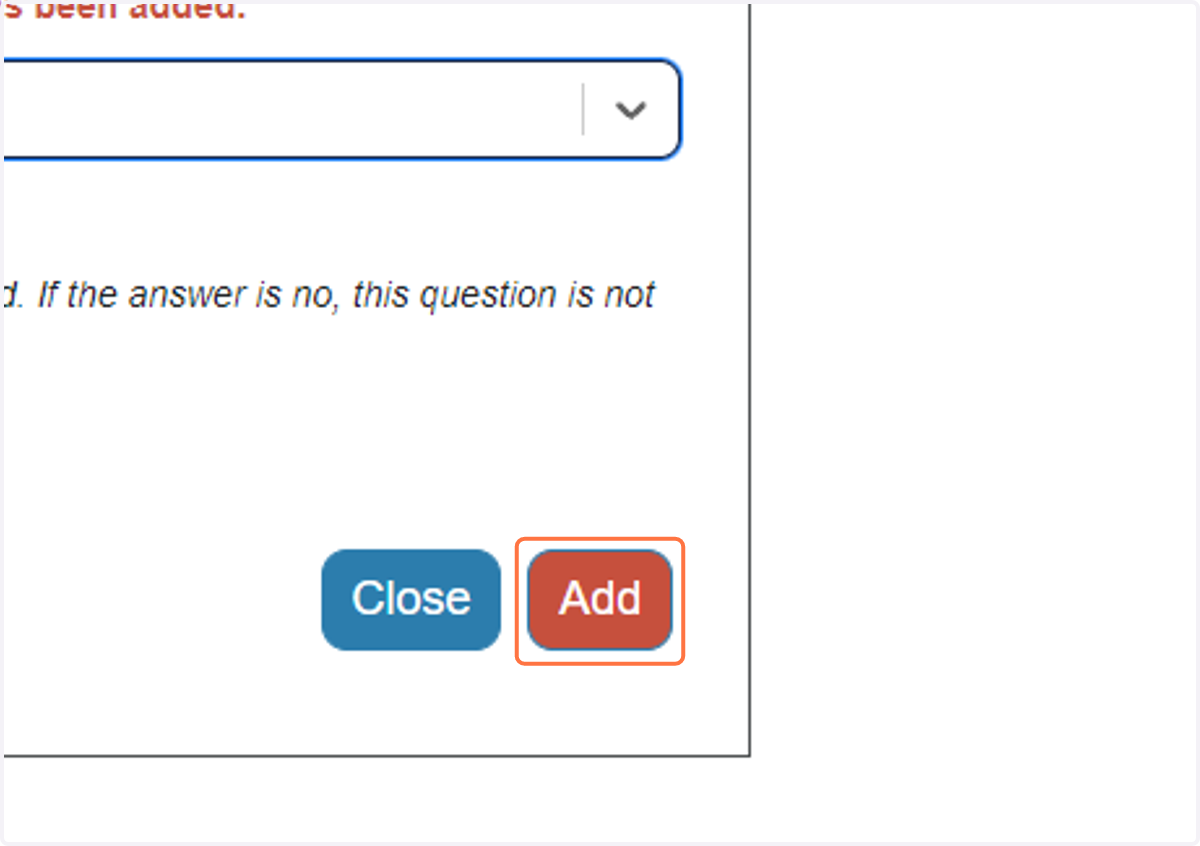
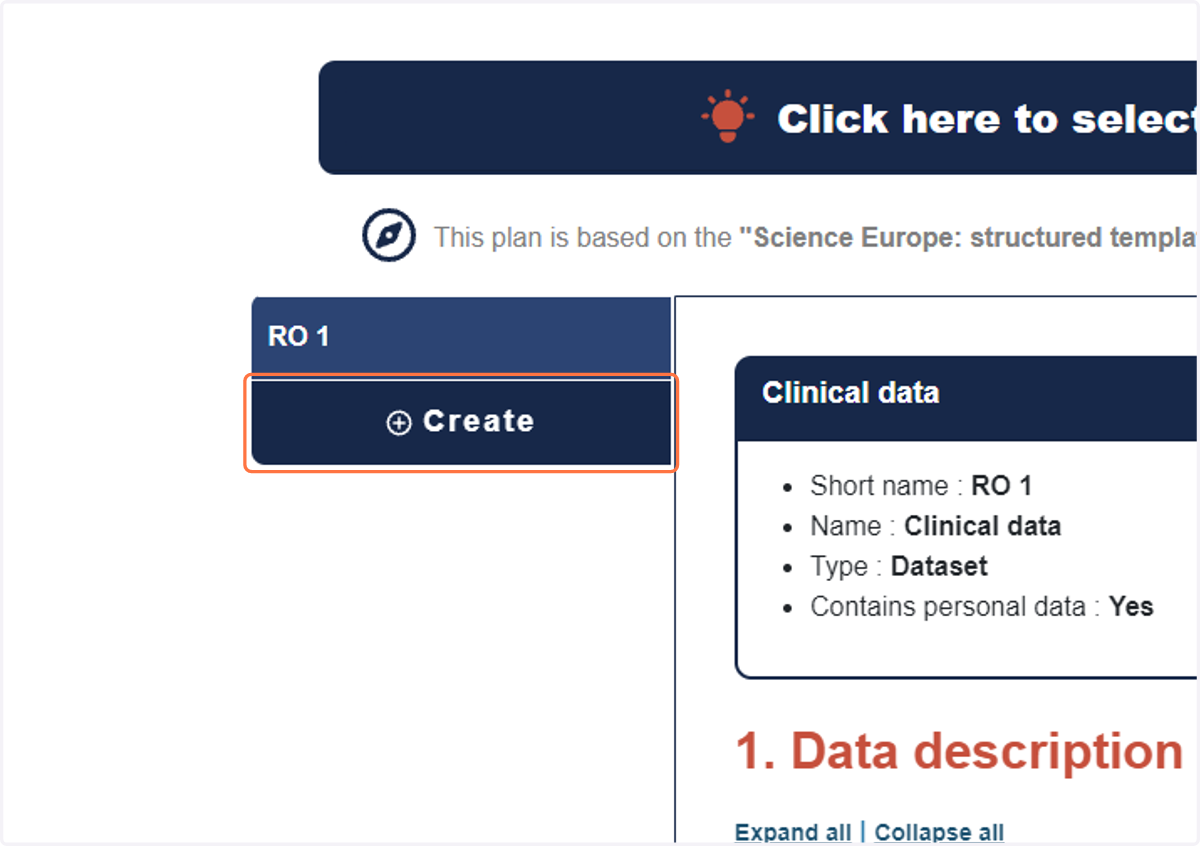
20. Click on Create to create more Research Output
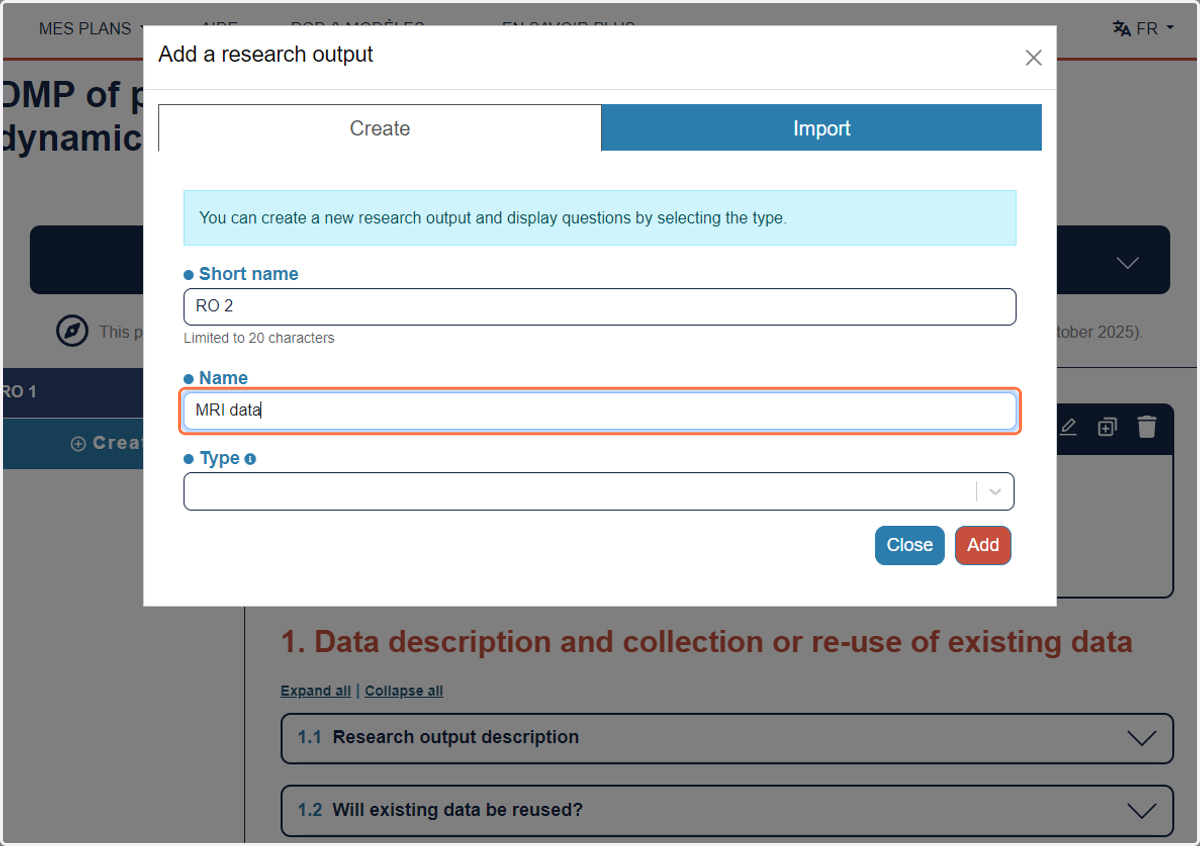
21. Type "MRI data" is you have MRI data sets
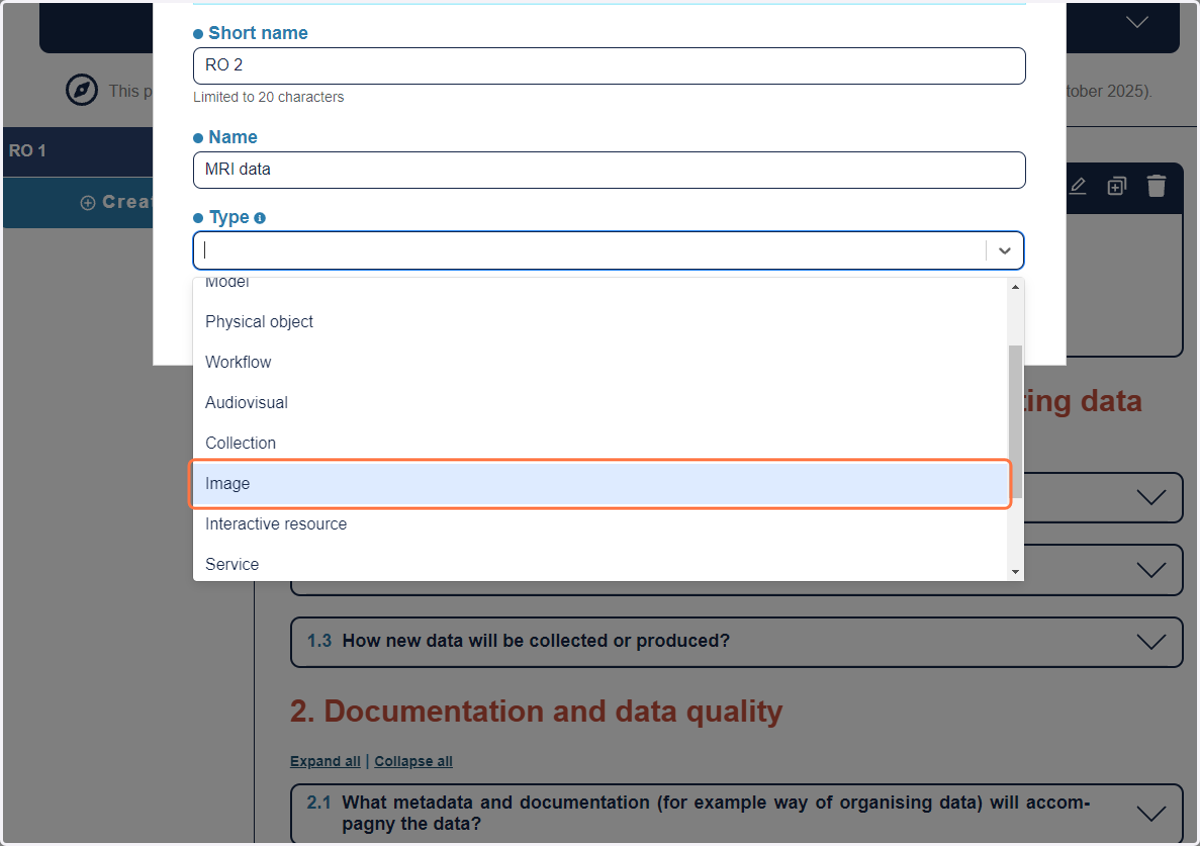
22. Click on Image
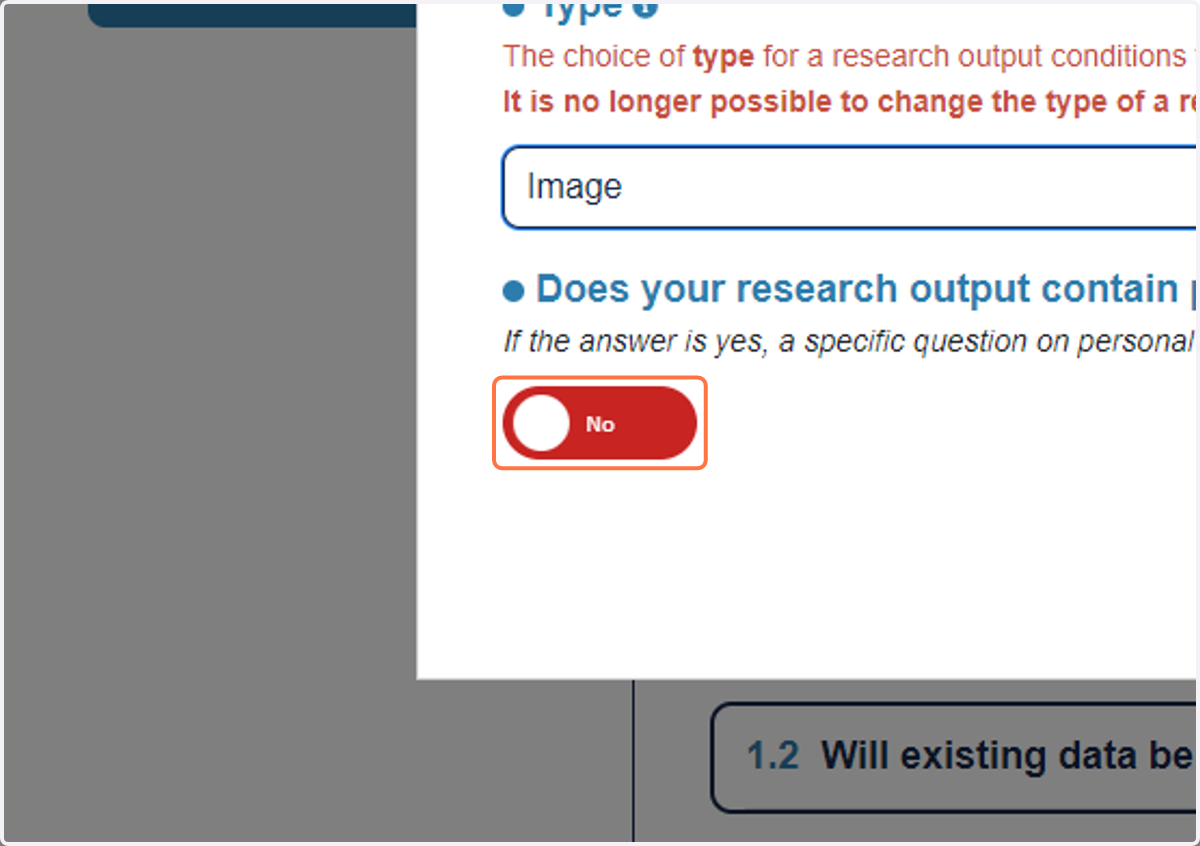
23. Uncheck No if your MRI are pseudonymised
24. Click on Add
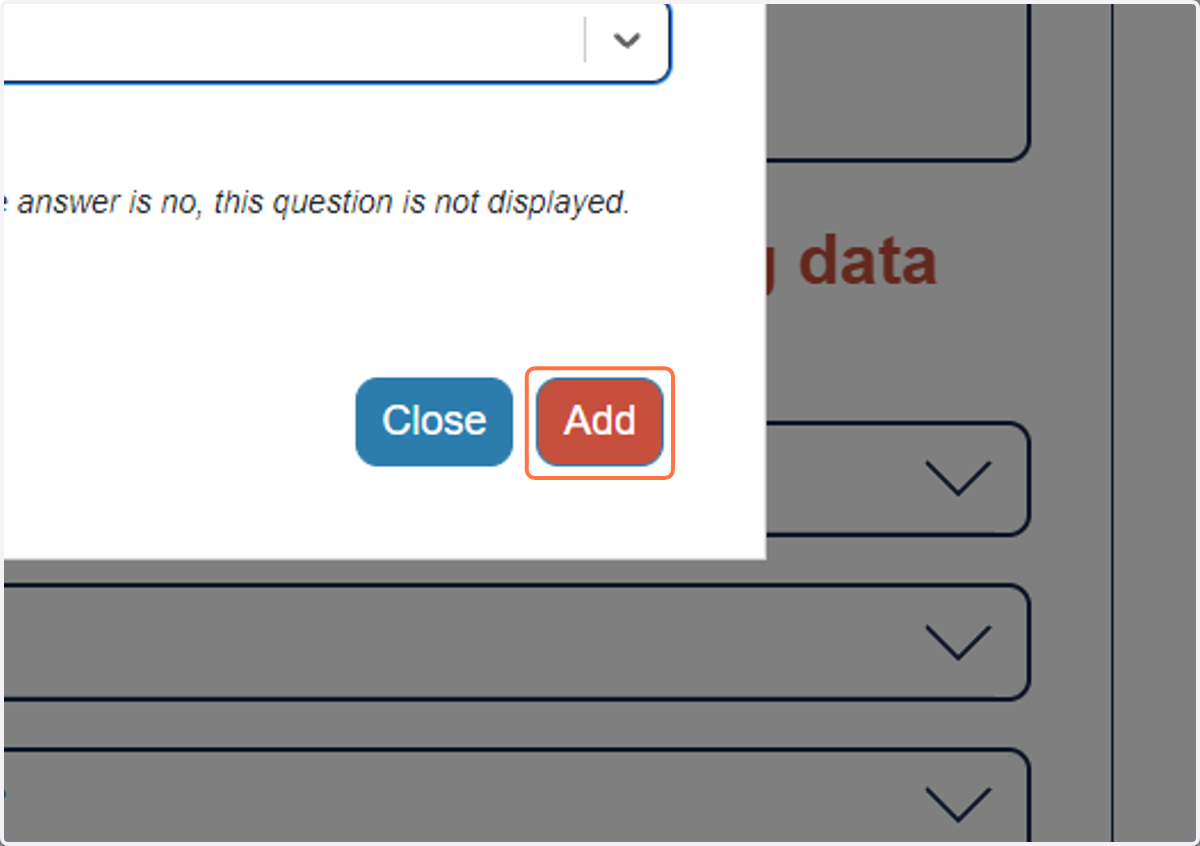
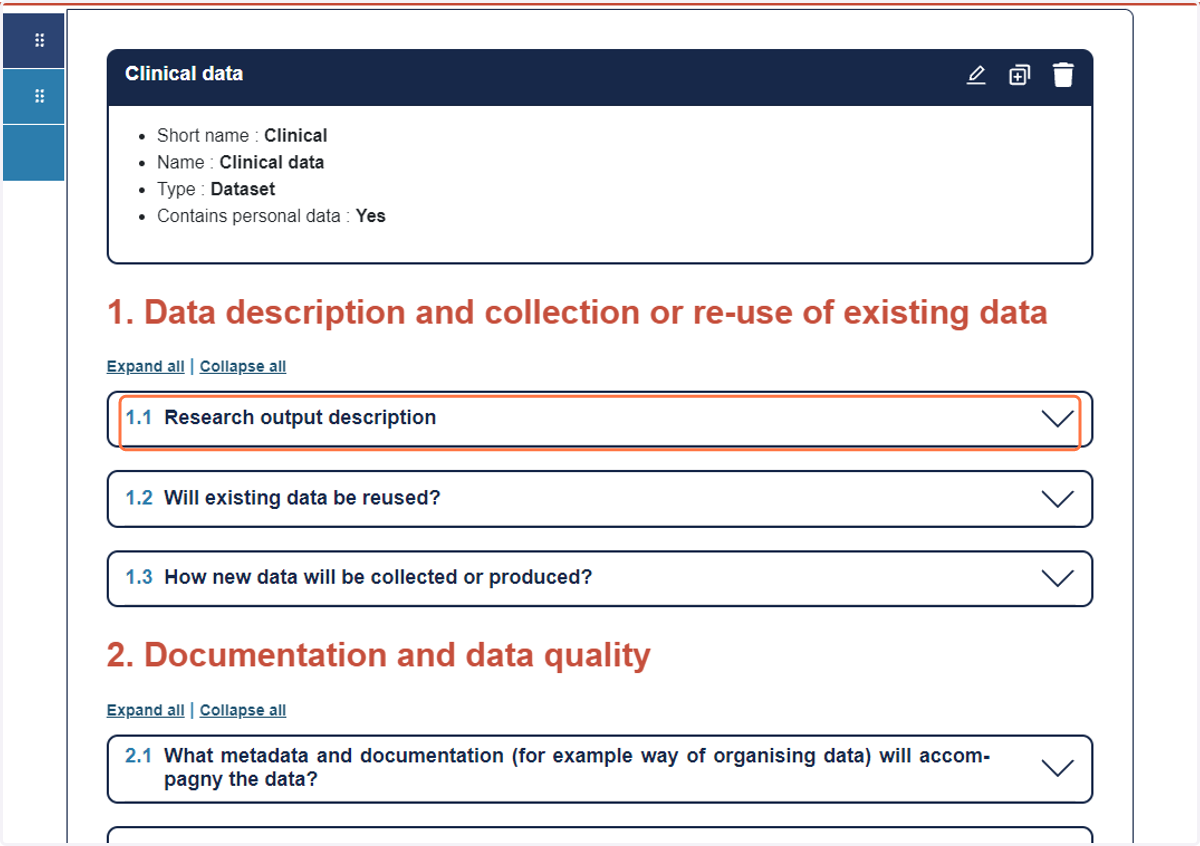
25. Start completing the DMP and Click on 1.1 to open the section
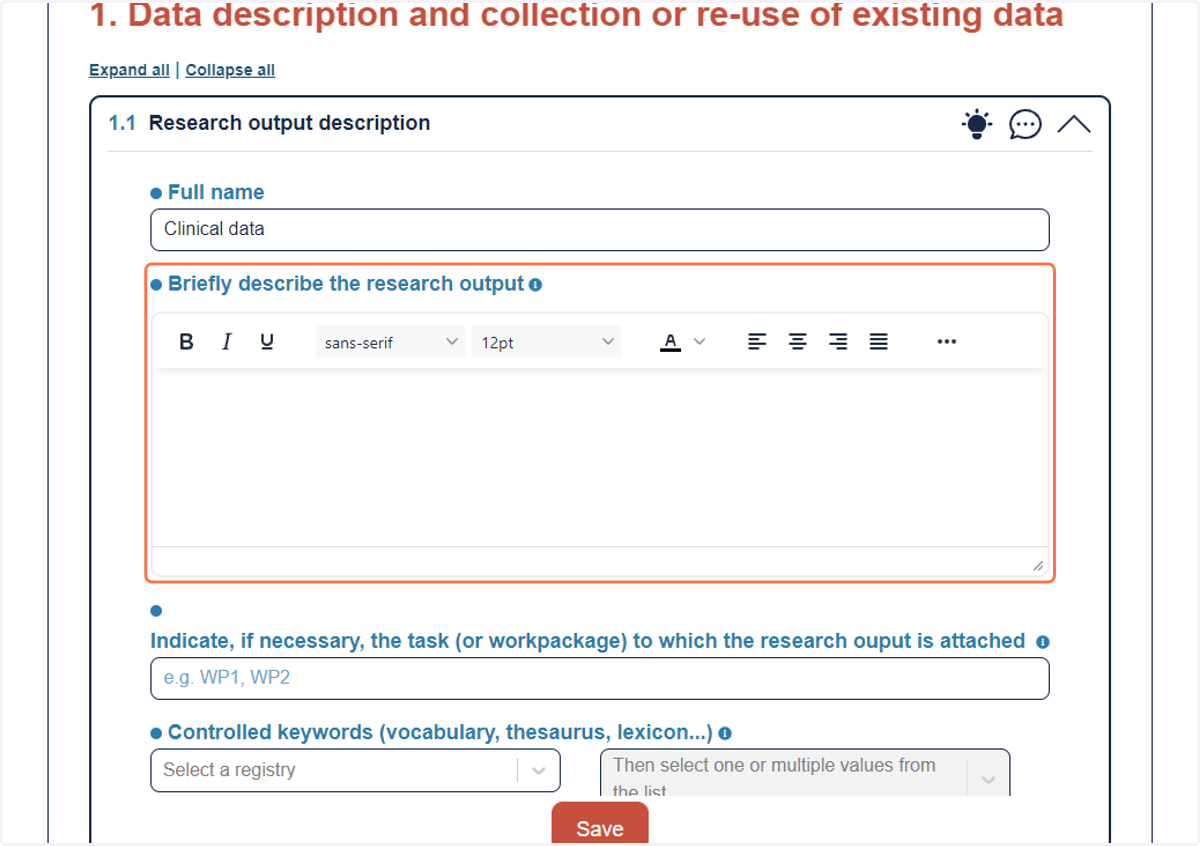
26. Answer as much as possible all questions
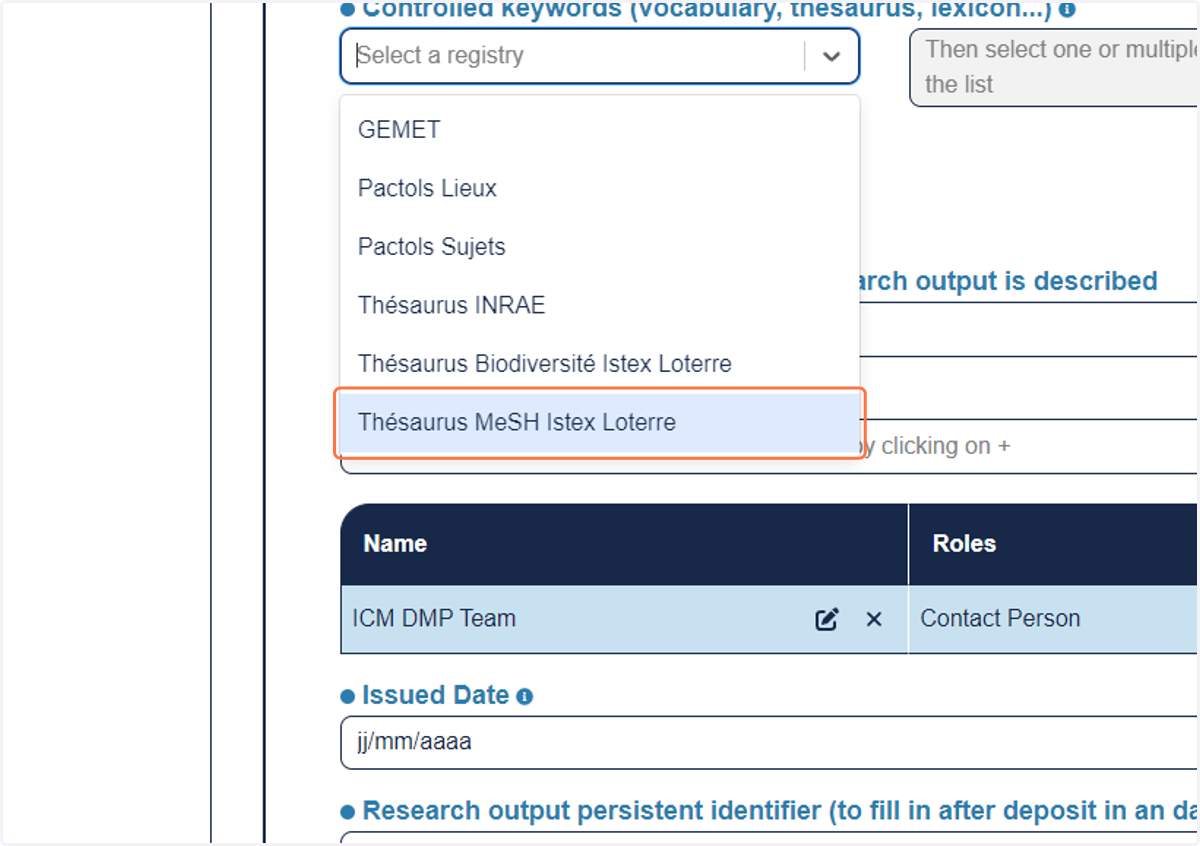
27. For the Keywords, add as much as possible for rich metadata
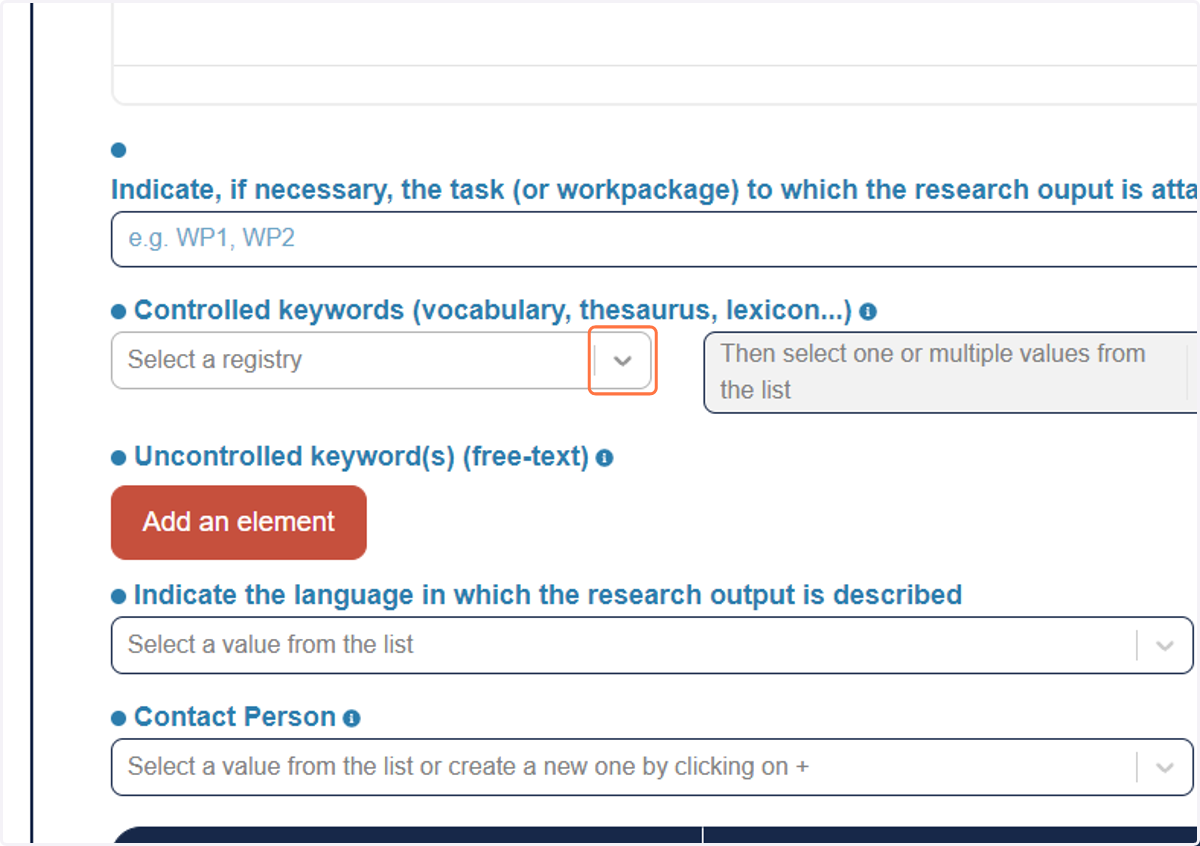
28. Thésaurus MeSH Istex Loterre is from Pubmed
29. Click on Save for each section you finish
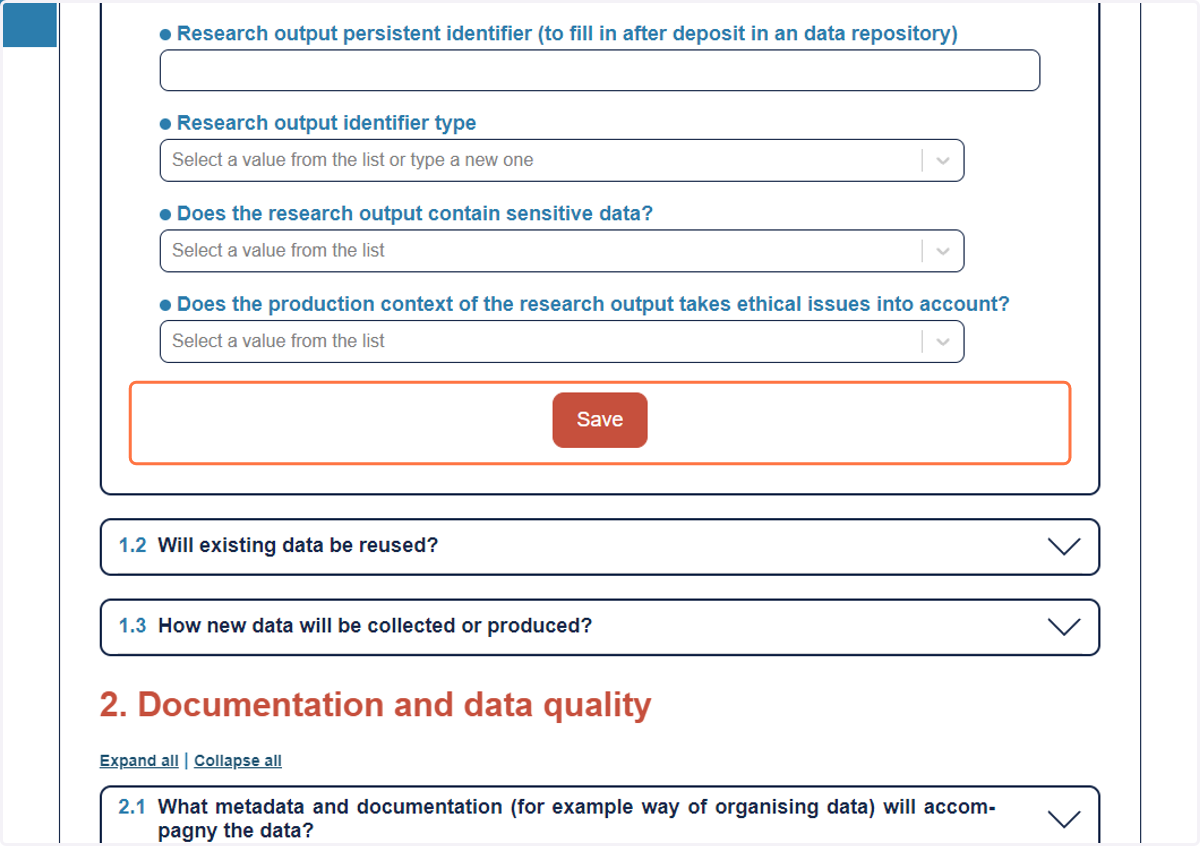
30. Continue for each section
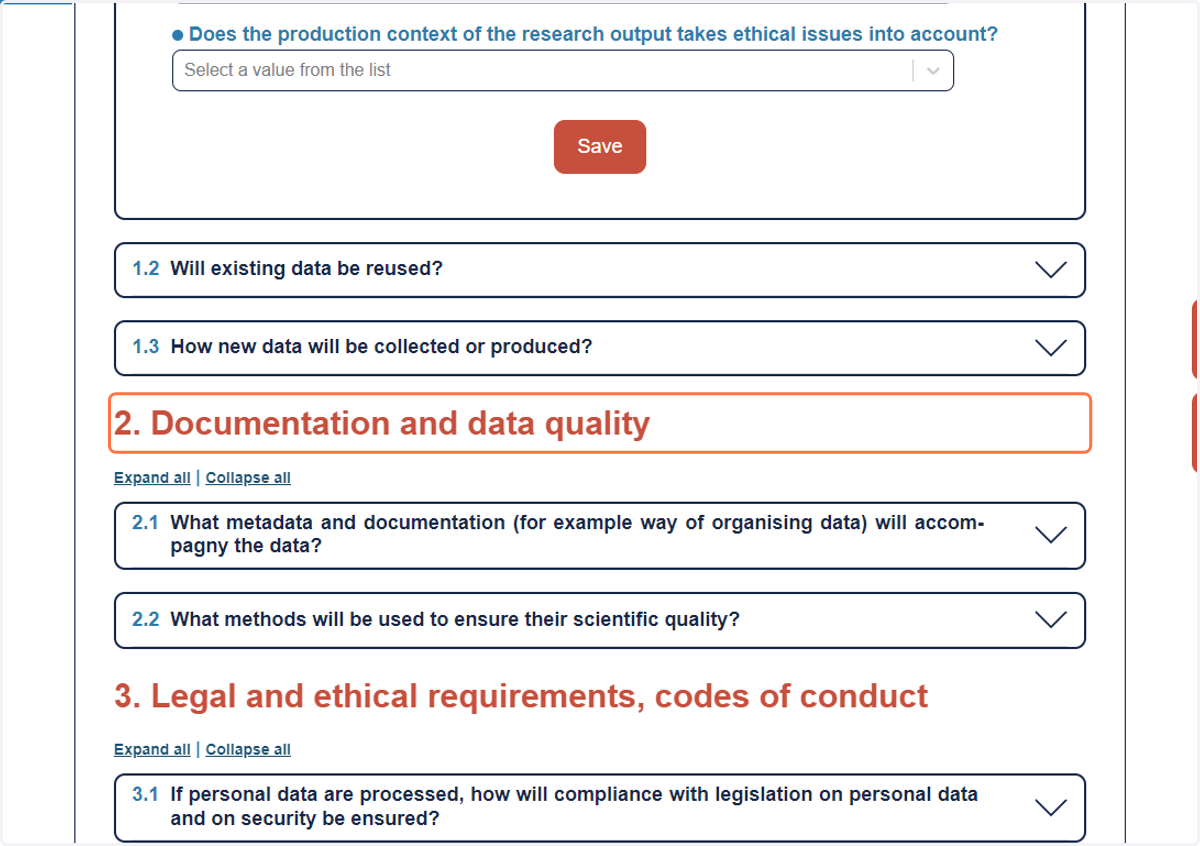
31. Click on 4. Data processing and analysis
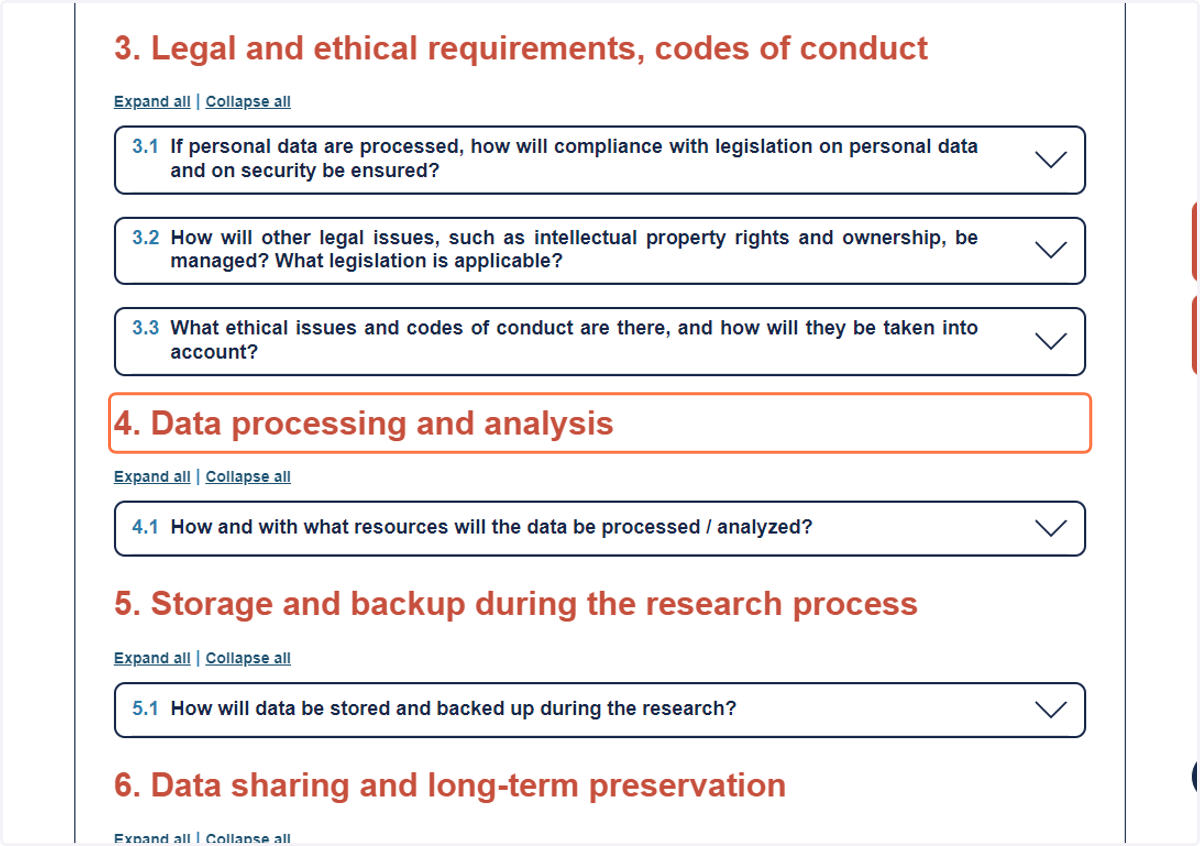
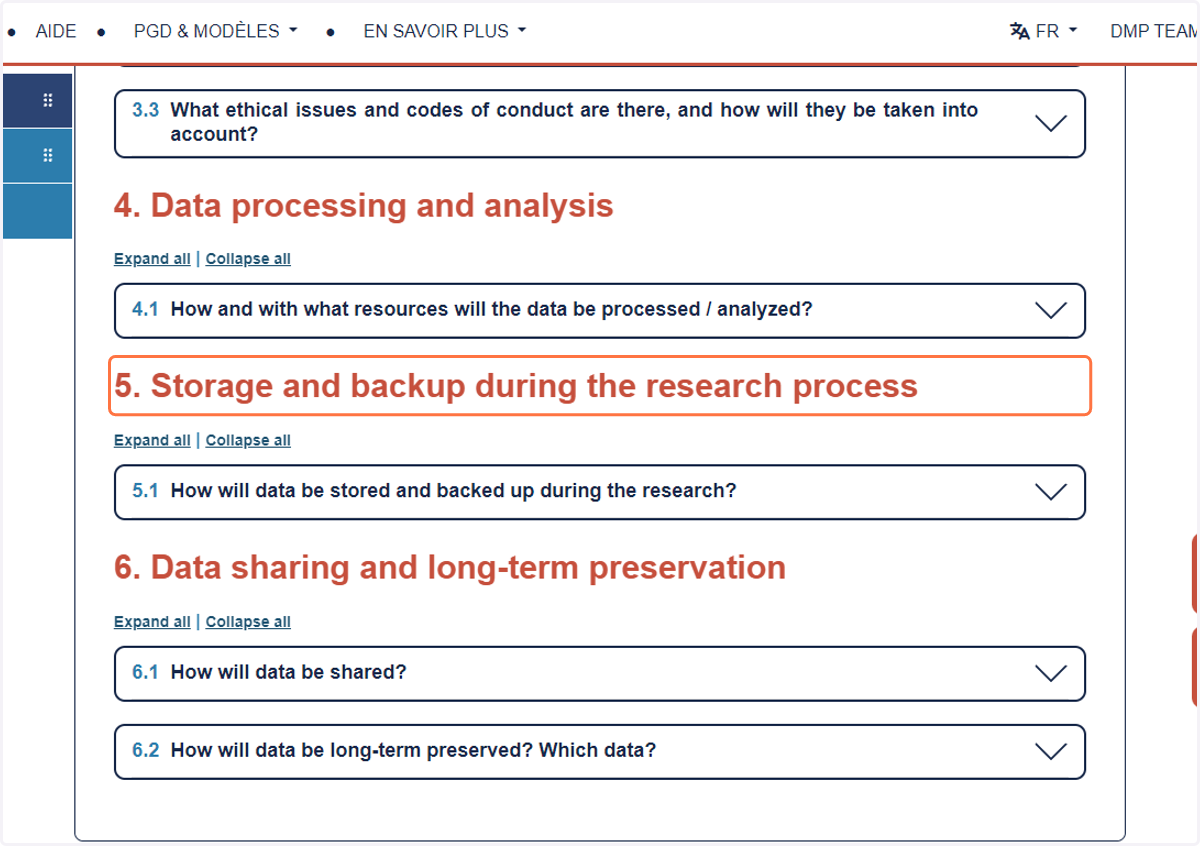
32. Click on 5. Storage and backup during the research process
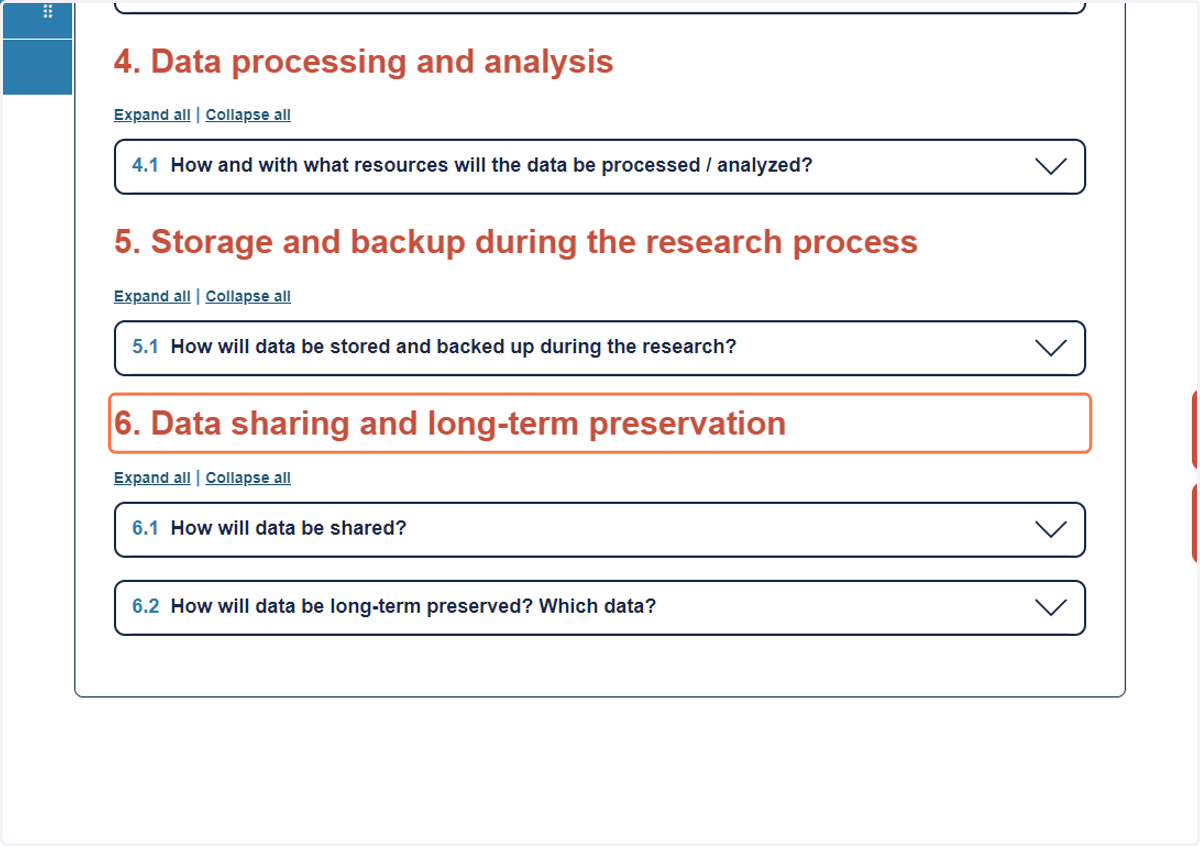
33. Click on 6. Data sharing and long-term preservation
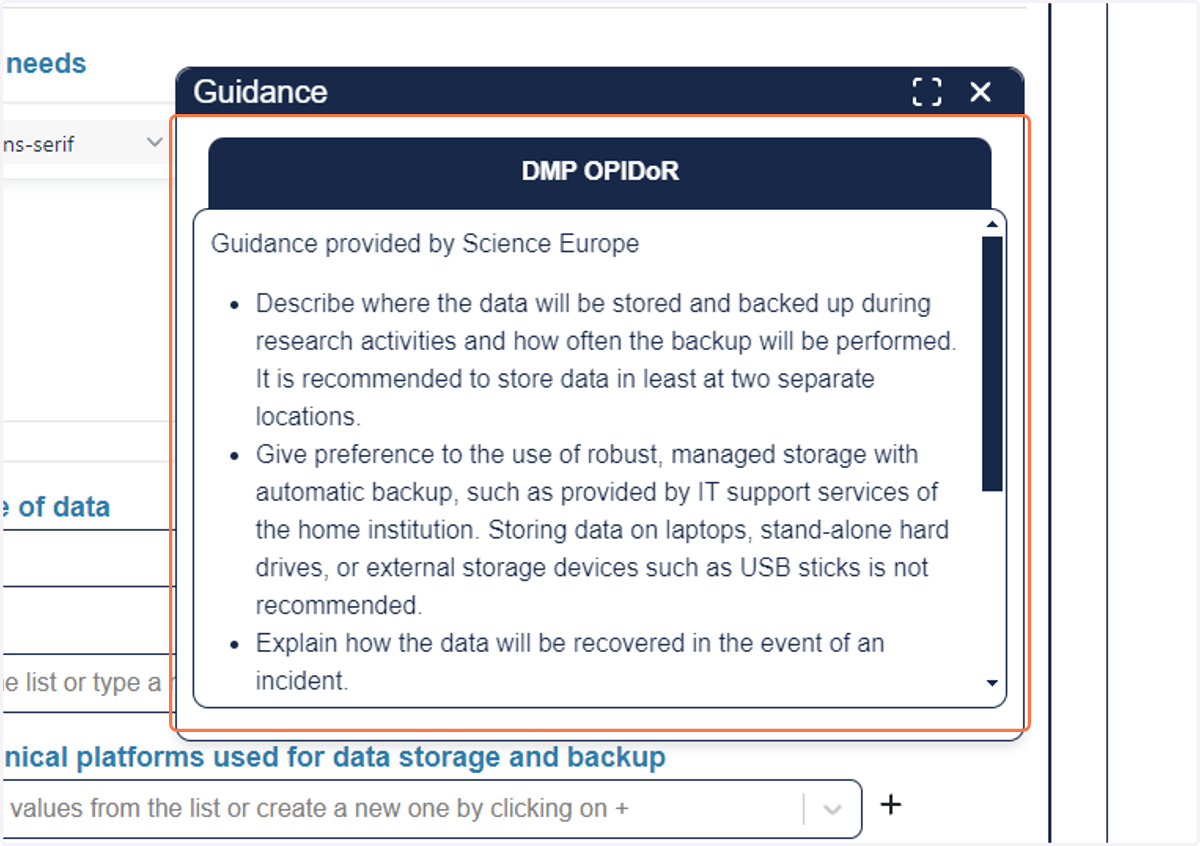
34. If you need advices, click on the light bulb to display Guidance
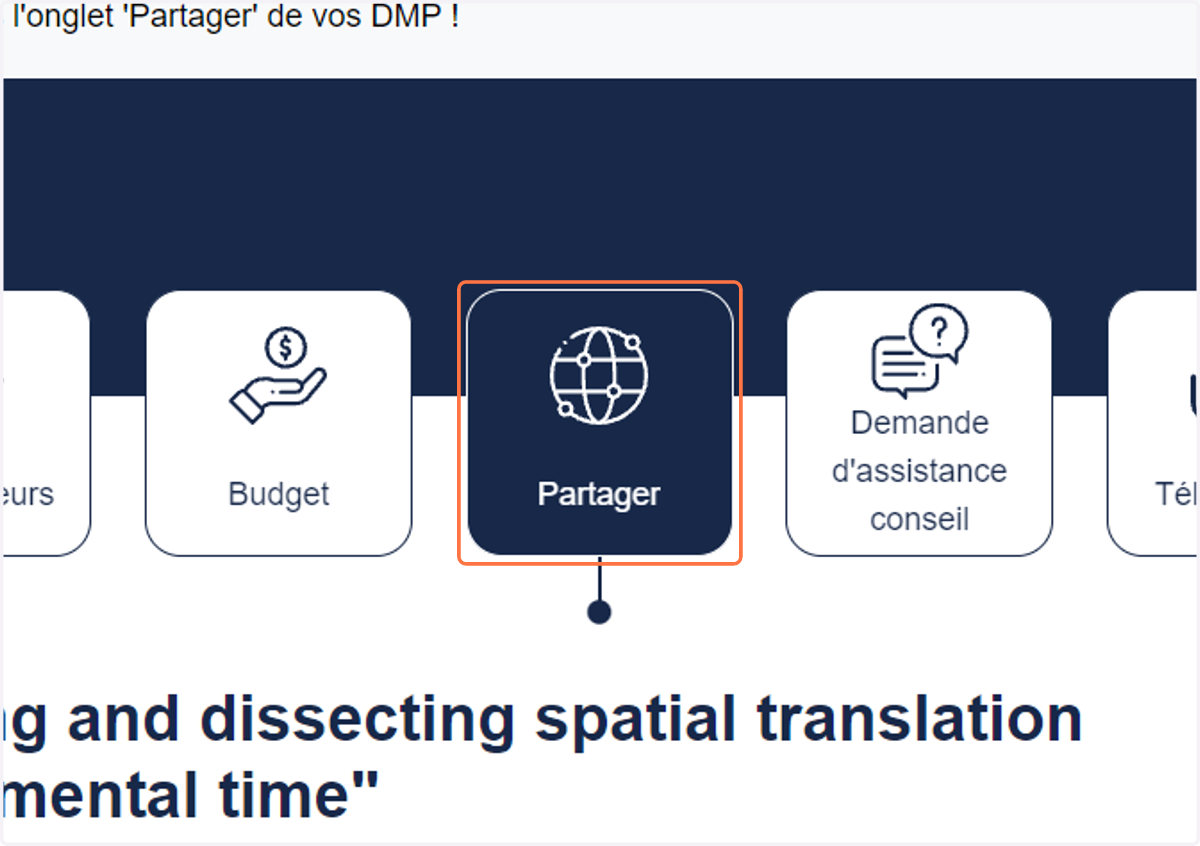
35. Click on Partager to share with DMP team and ANR
36. Type "dmp@icm-institute.org"
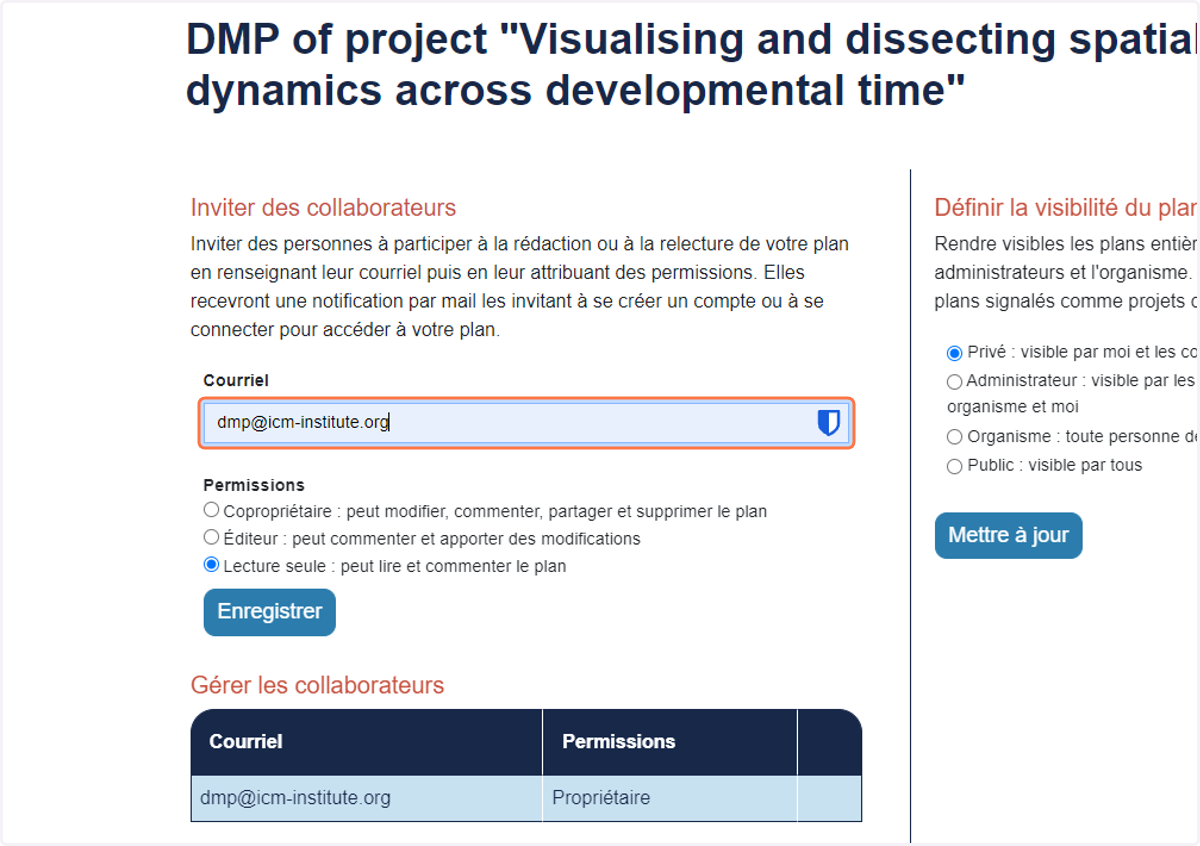
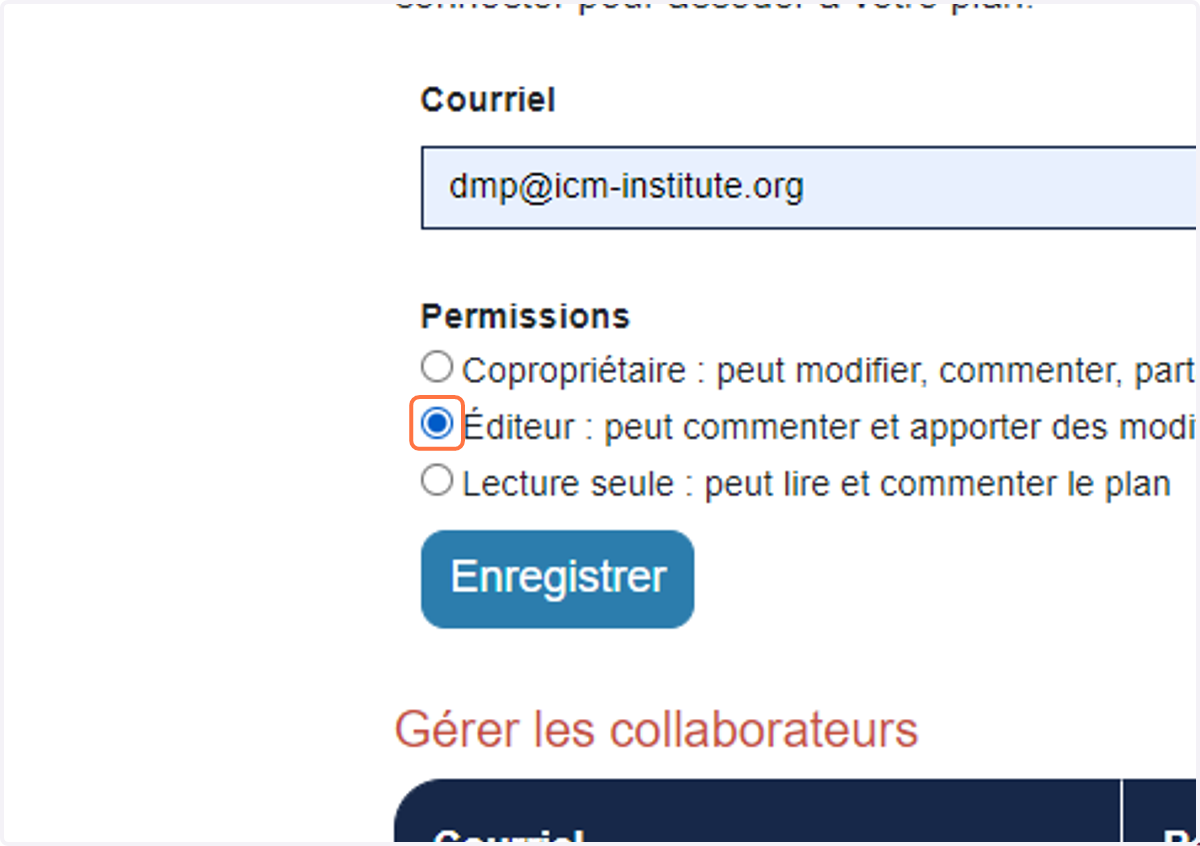
37. Select Éditeur : peut commenter et apporter des modifications
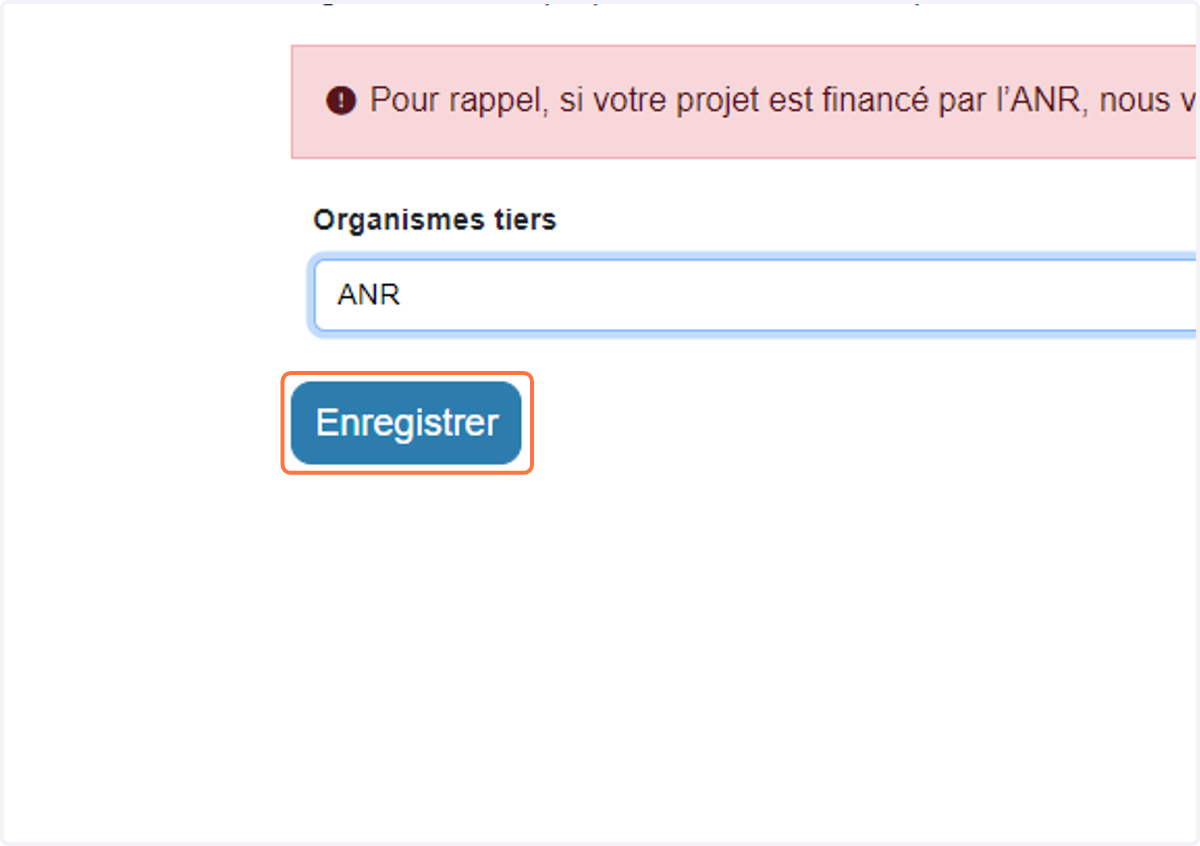
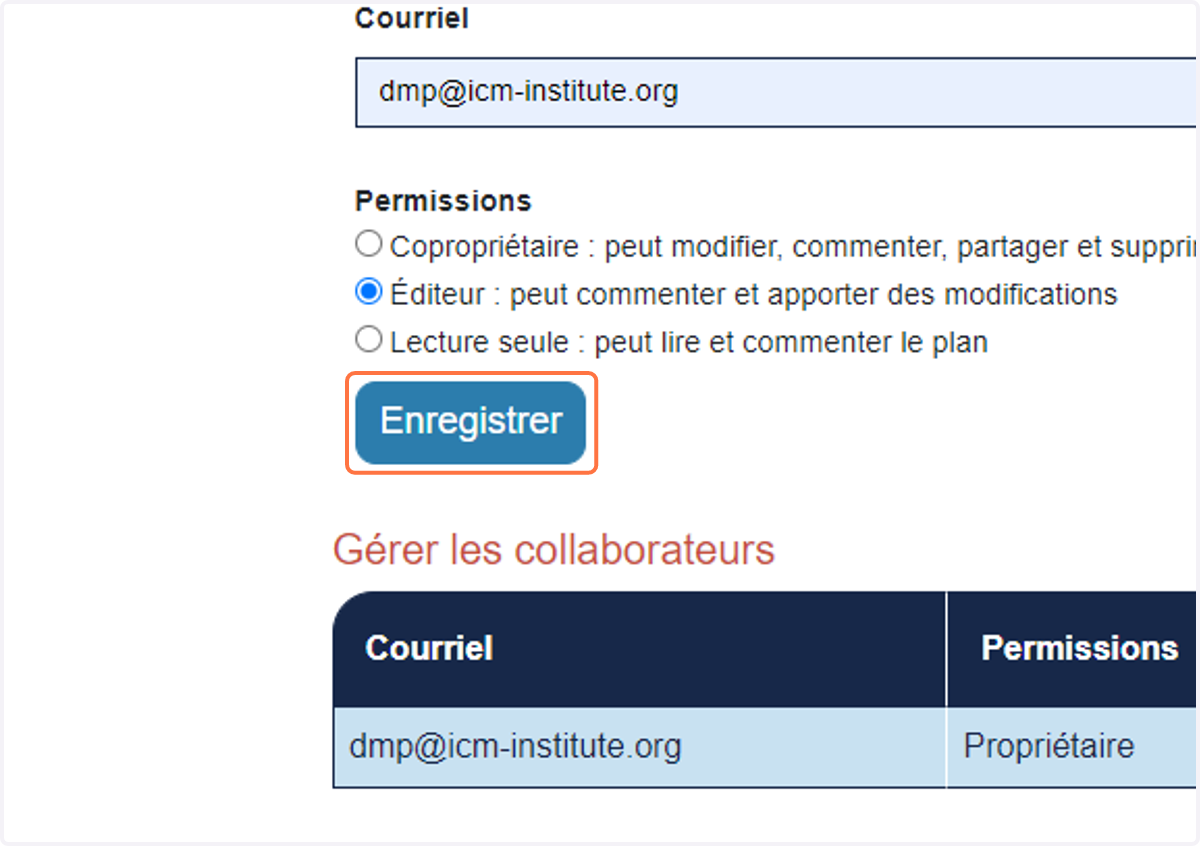
38. Click on Enregistrer
39. Select ANR from Organismes tiers
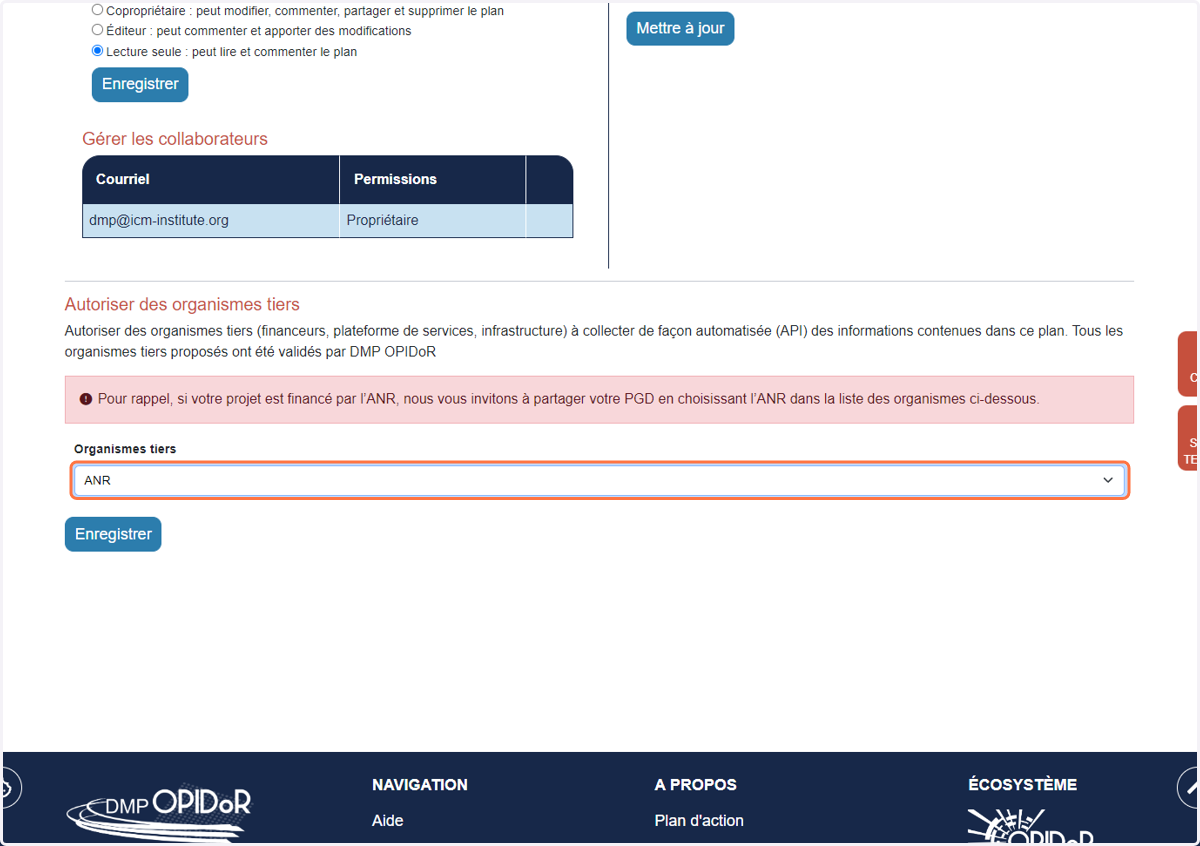
40. Right click on Enregistrer