Create Whop Checkout Link
This SOP will walk you through how to create a Whop Checkout Link - this process is the most reliable way for us to cover the adspend of the campaigns we run for you.
1. First output this into your browser url

2. Click on Create a business

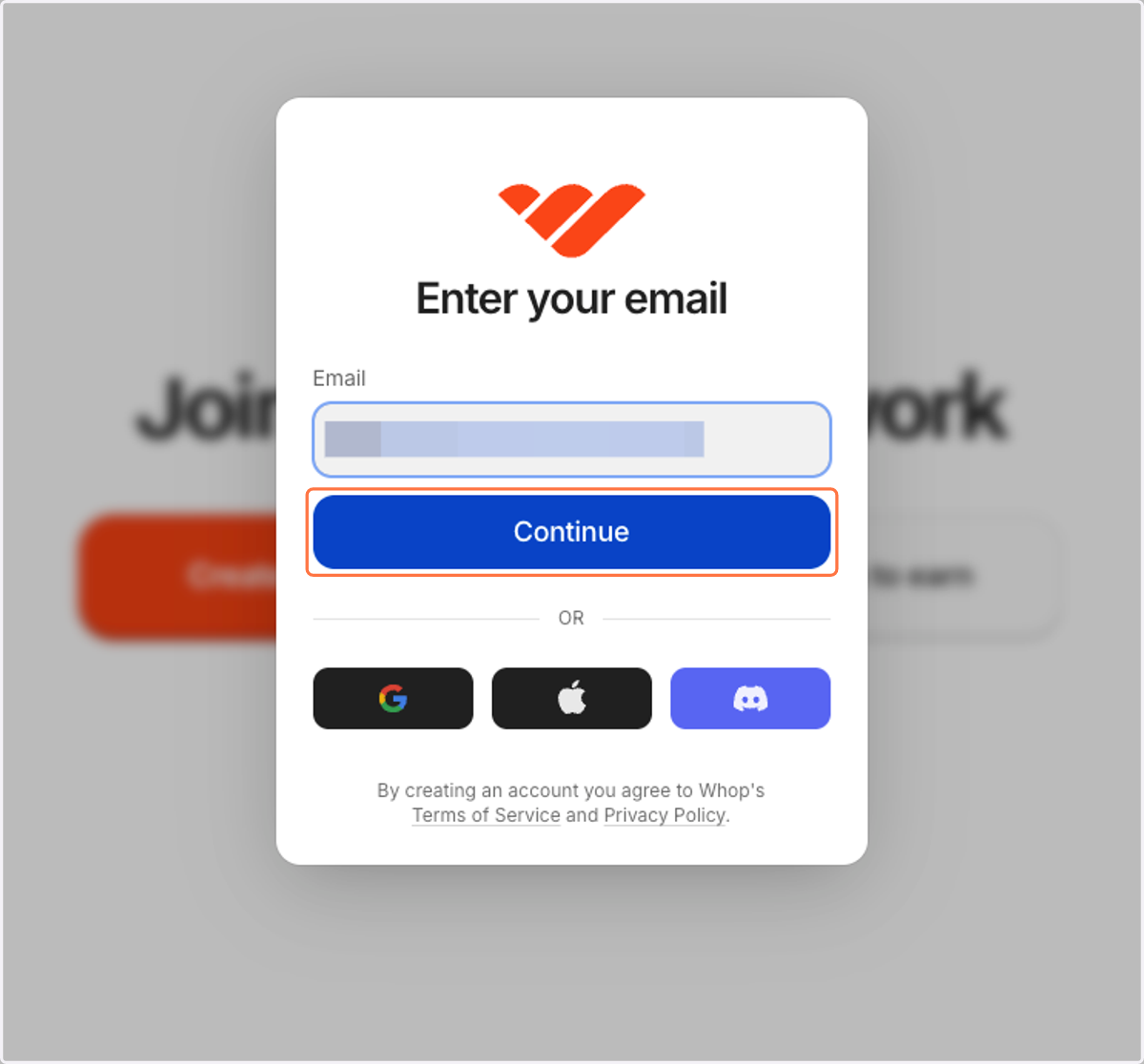
3. Type your email and click continue
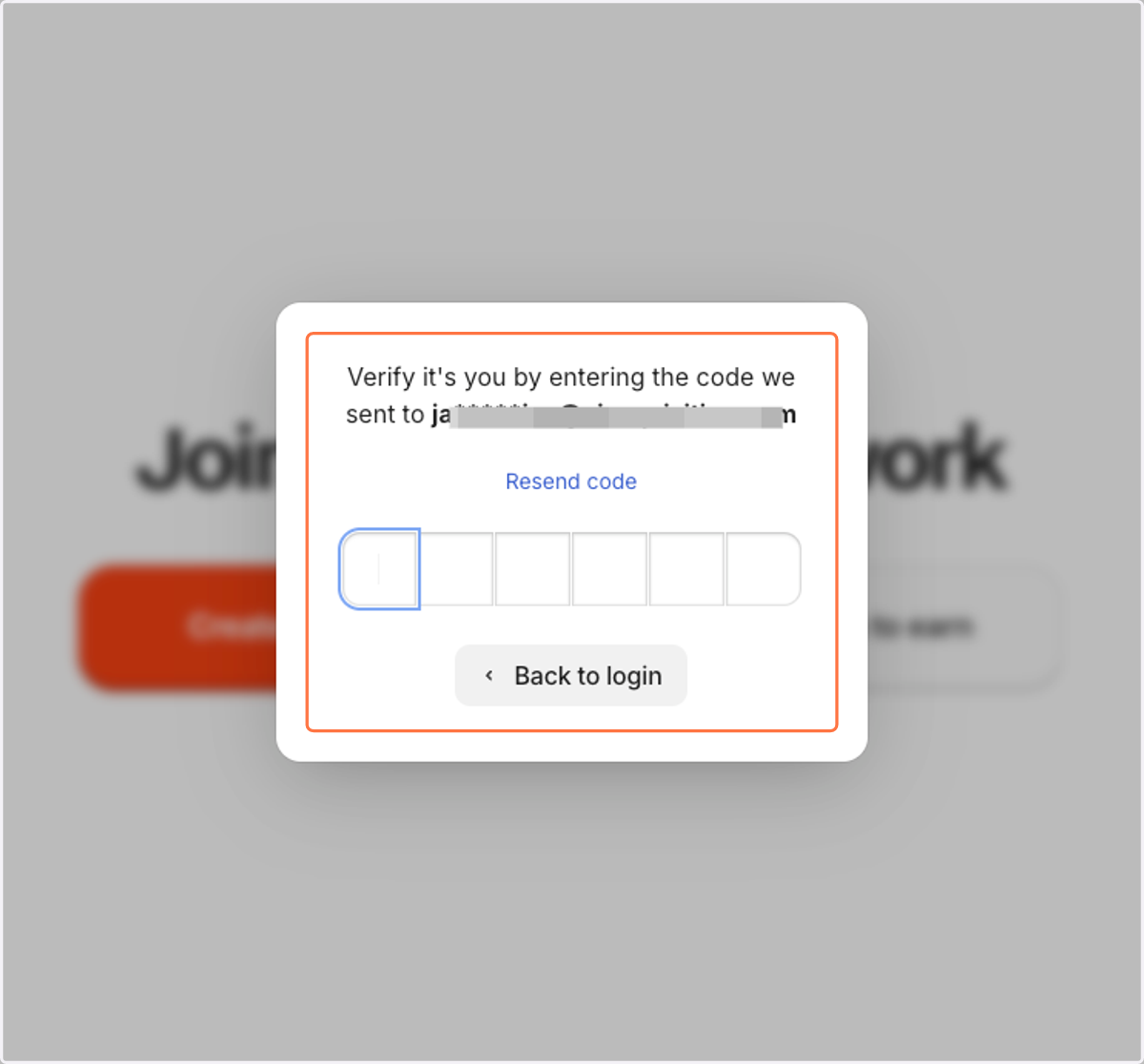
4. Click on Verify it's you by entering the code we sent to your email
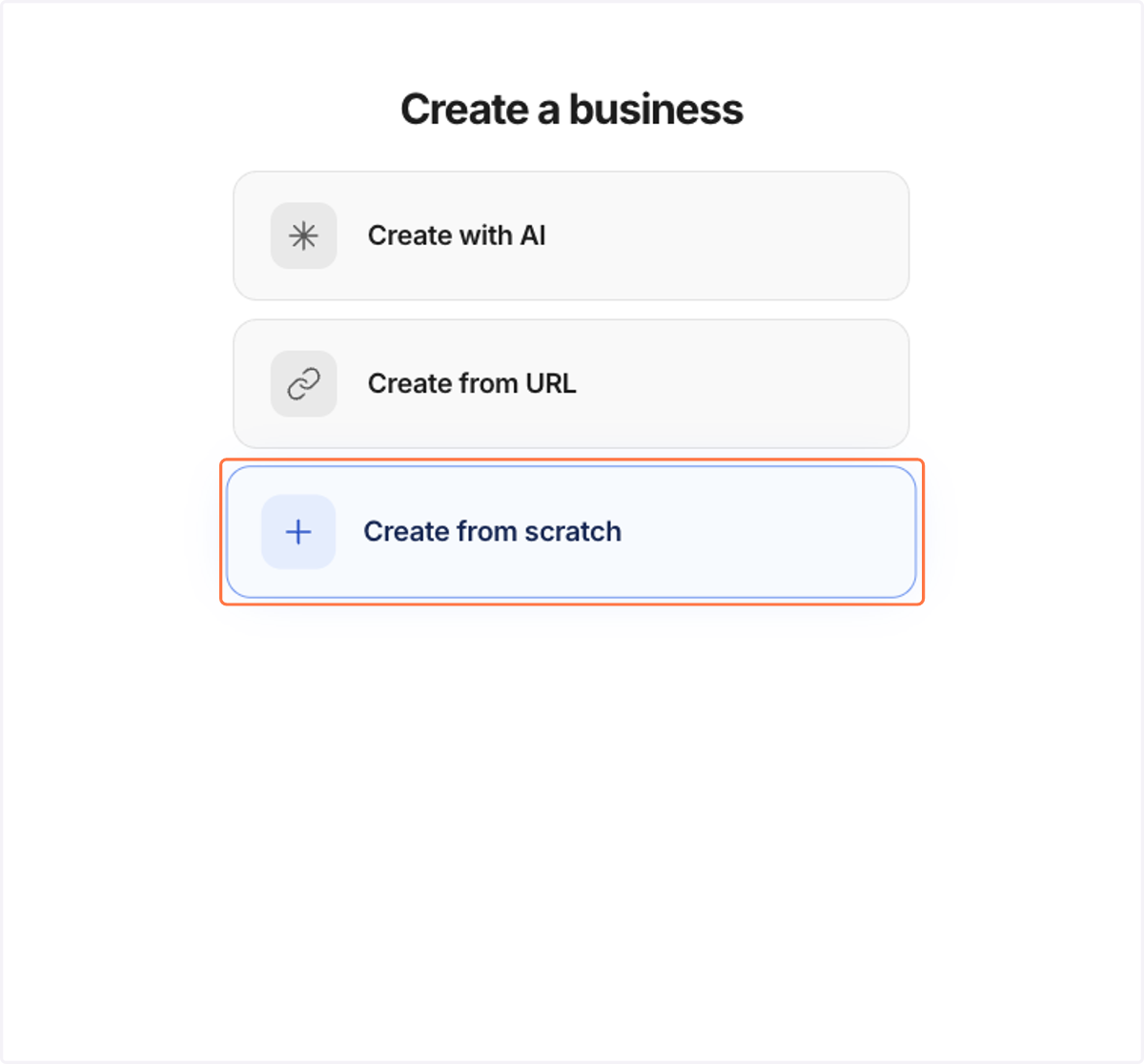
5. Click on Create from scratch
6. Click on Enter business name
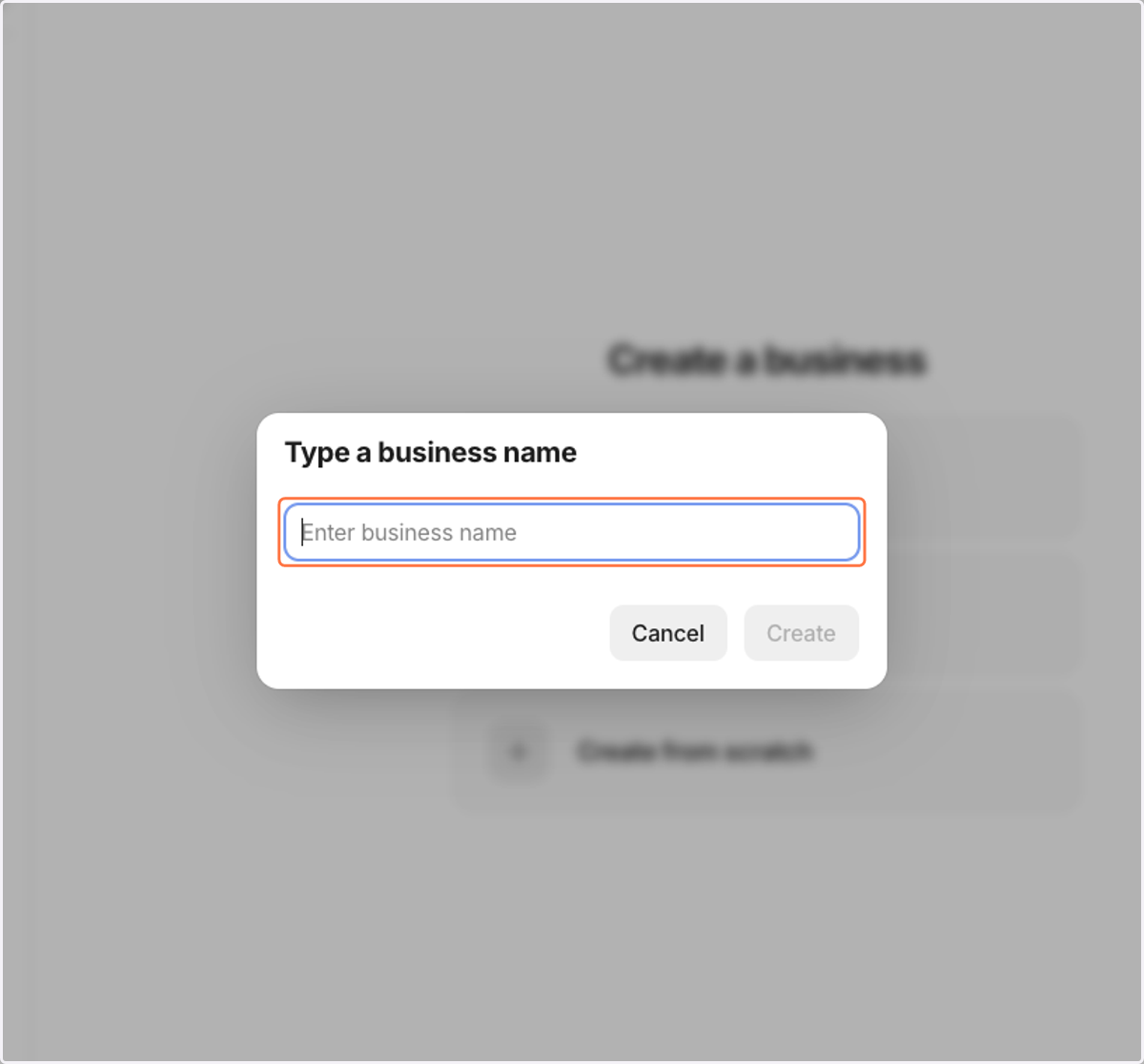
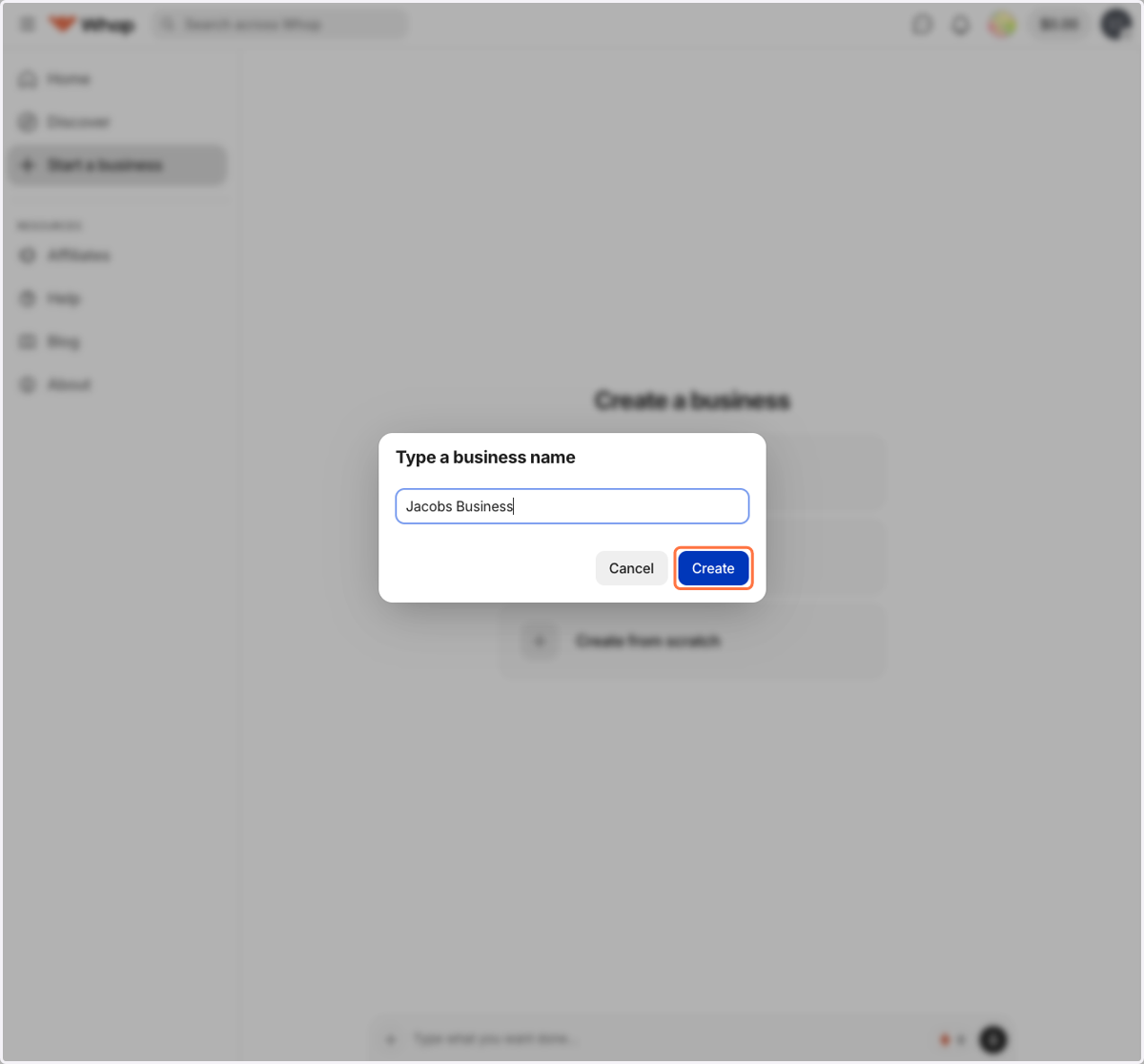
7. Click on Create
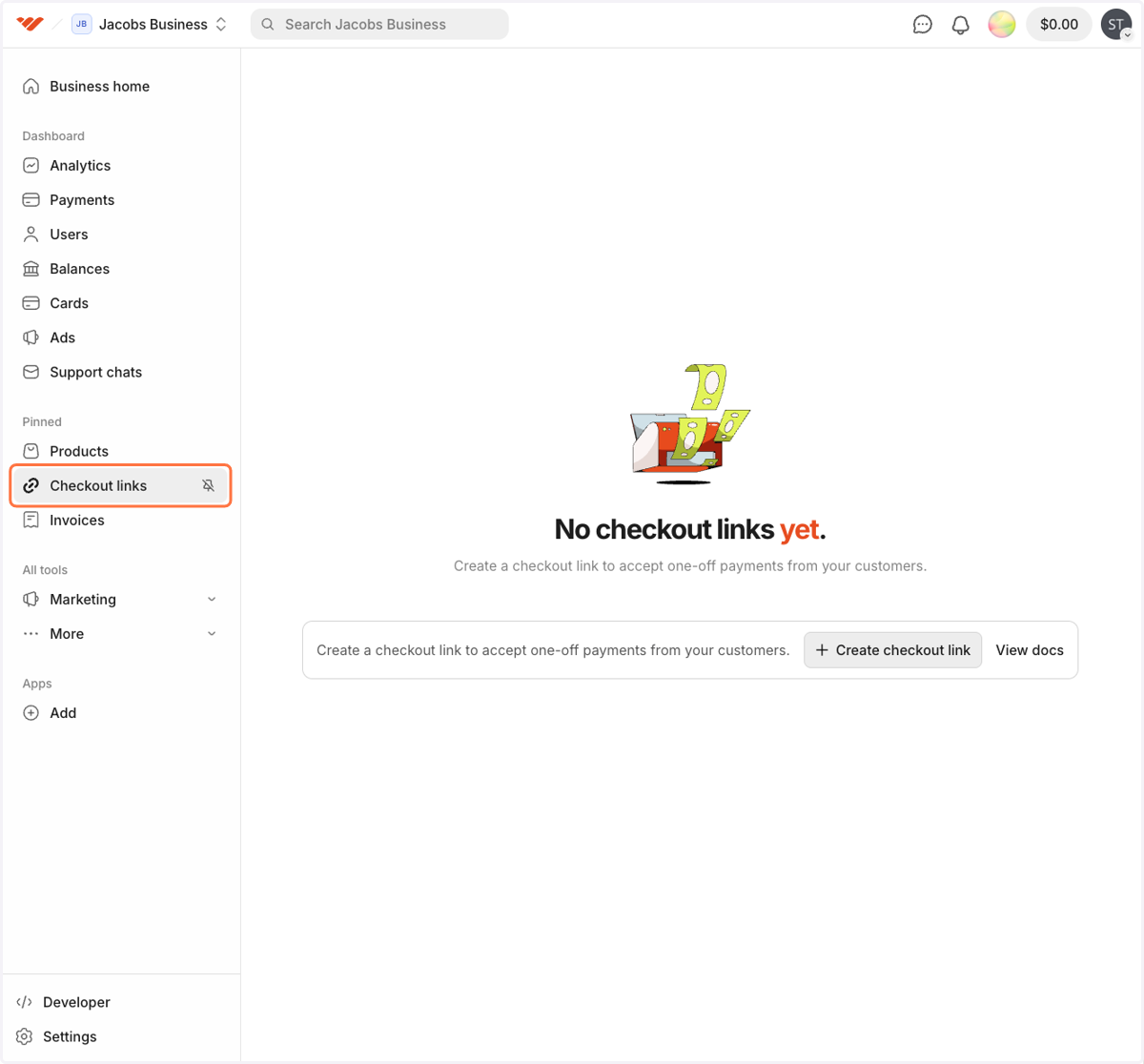
8. Click on Checkout links
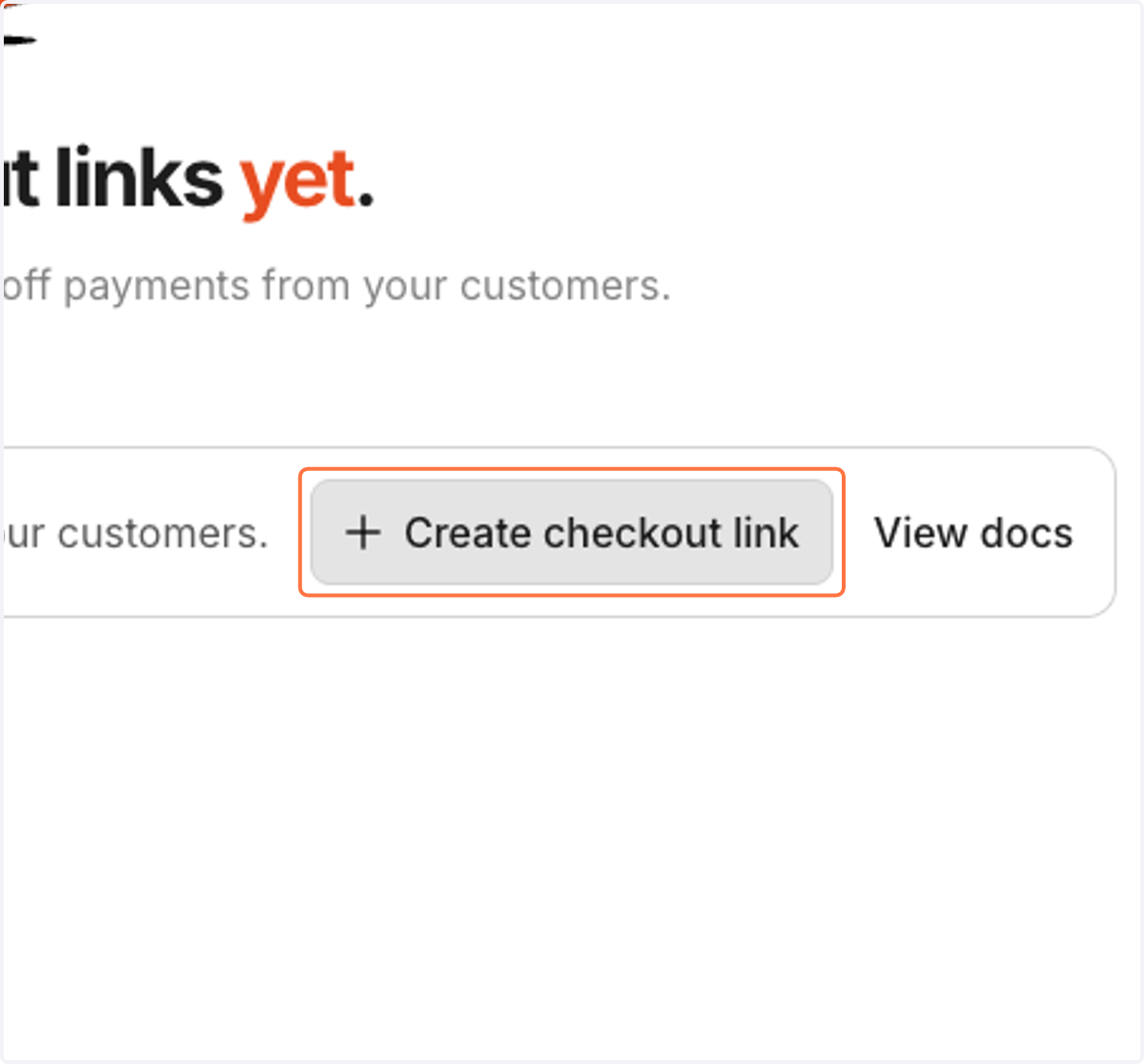
9. Click on Create checkout link
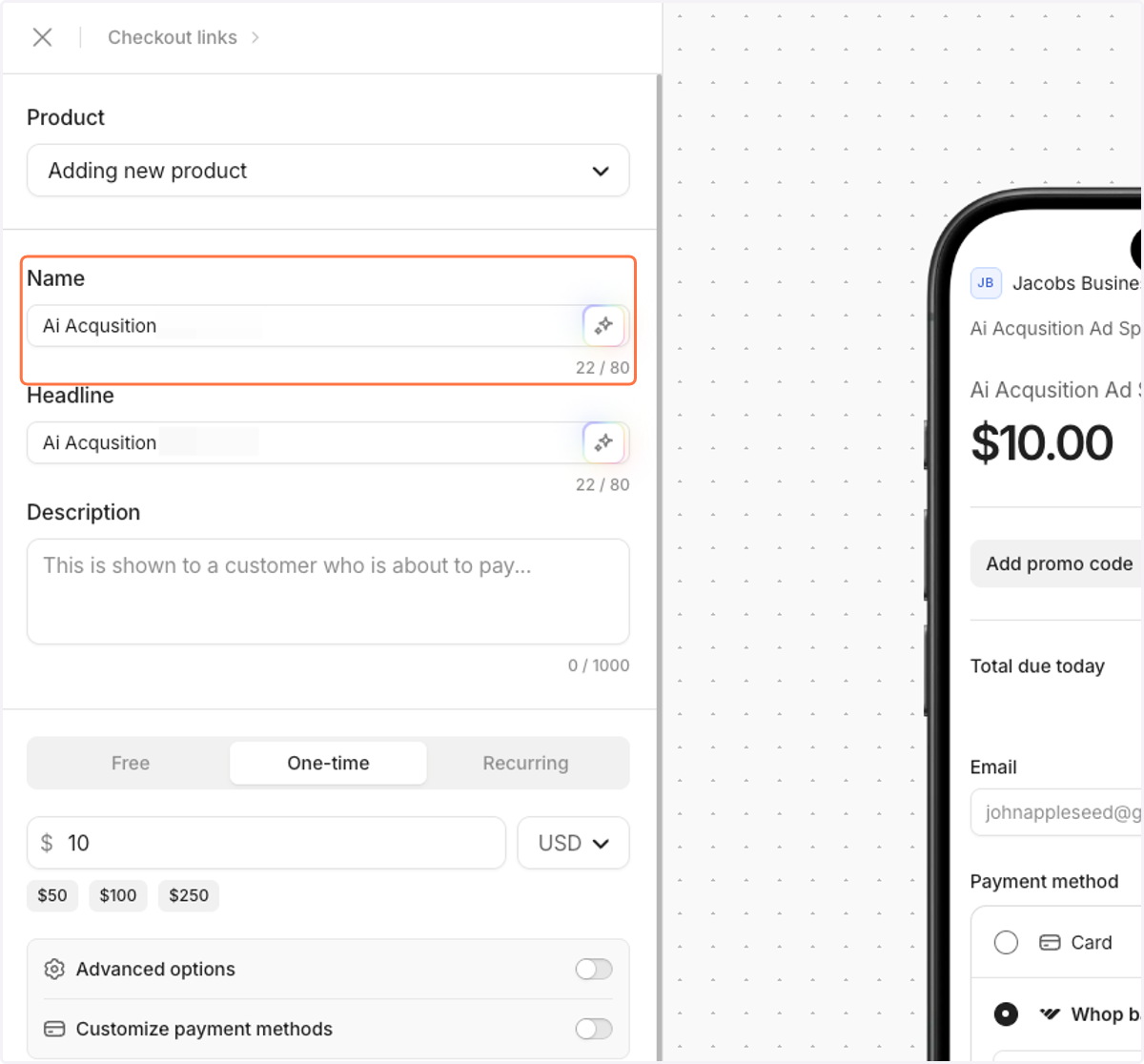
10. Make the name and the headline both "AI Acquisition"
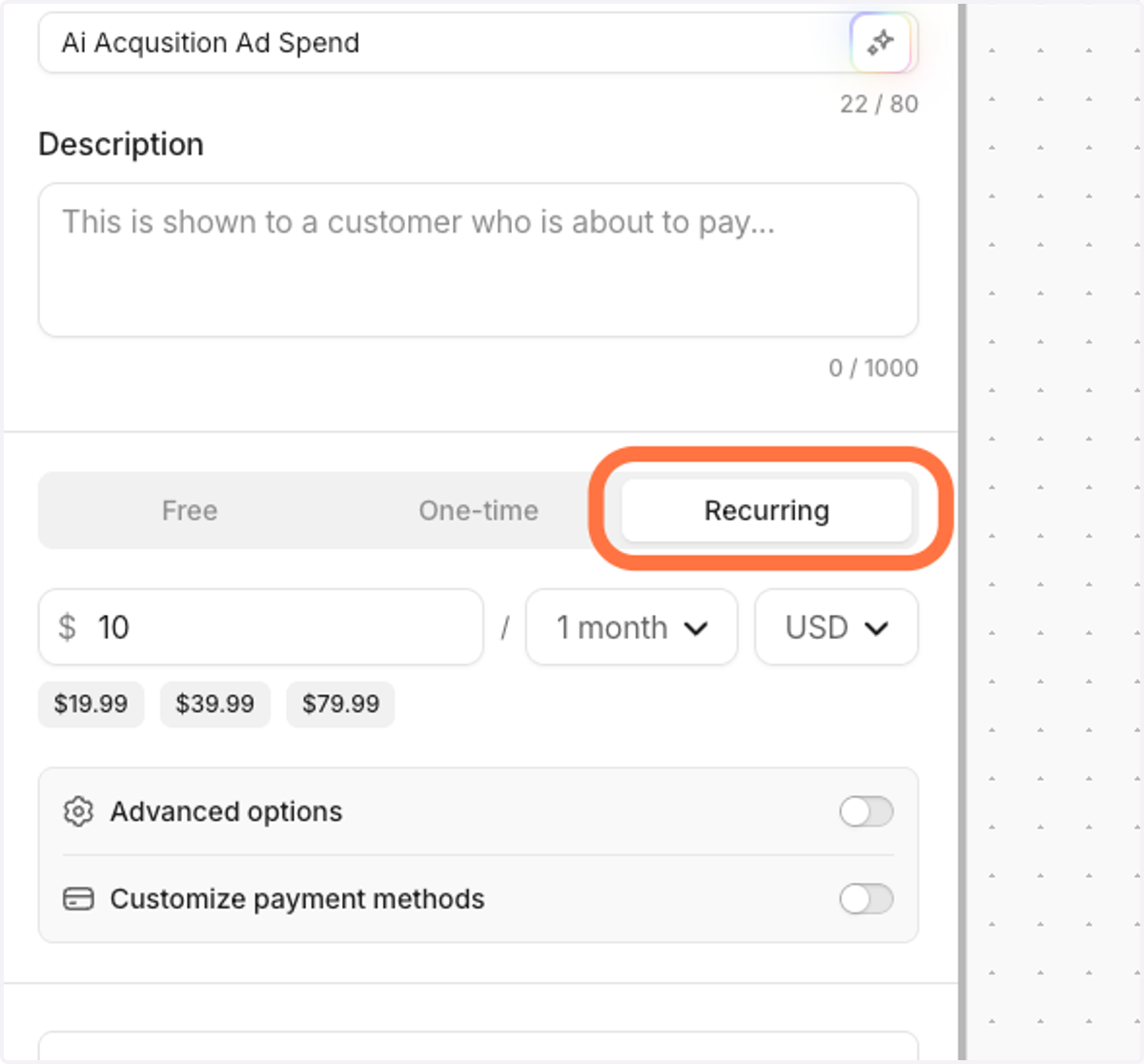
11. Select recurring
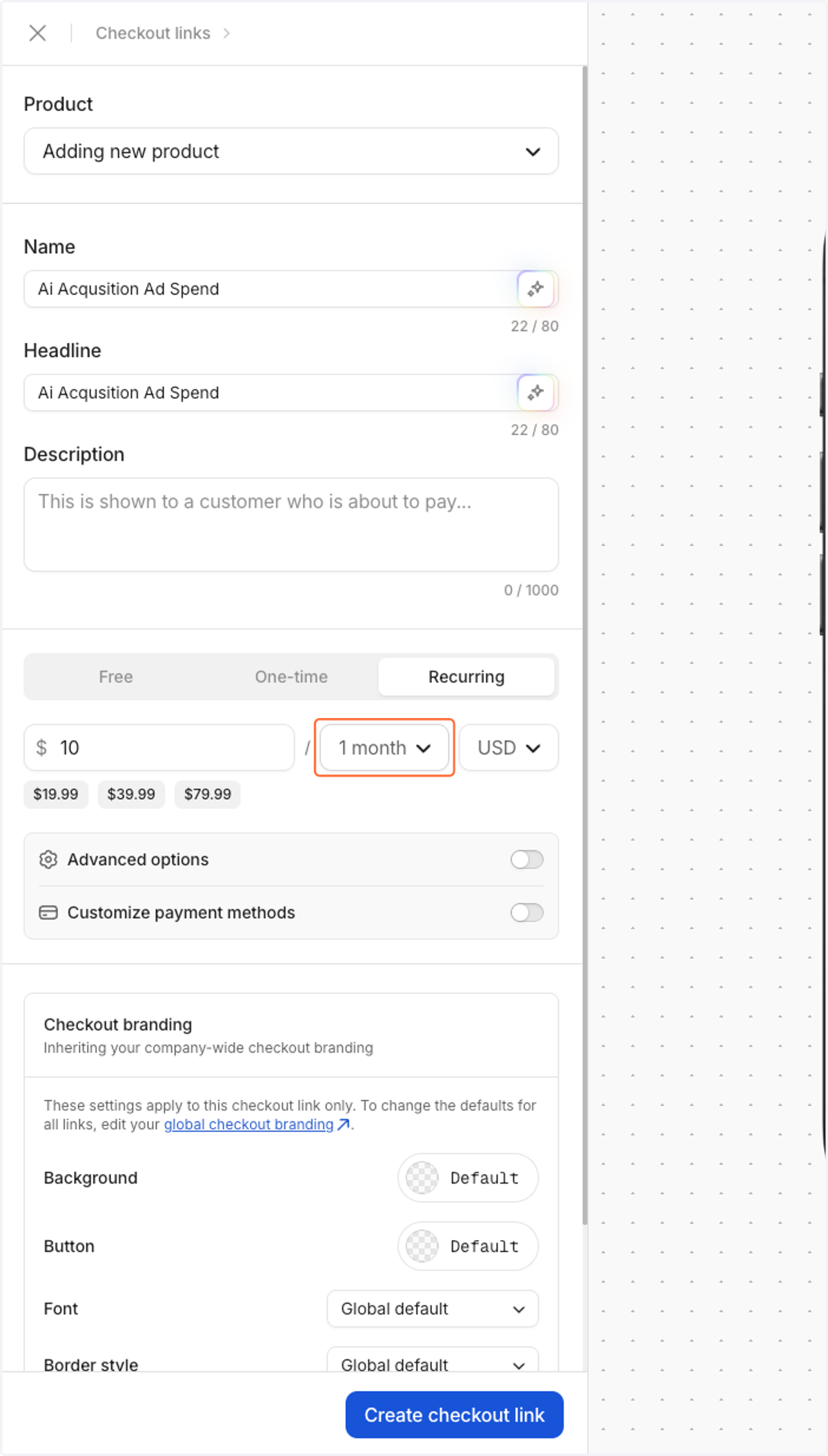
12. Click on 1 month
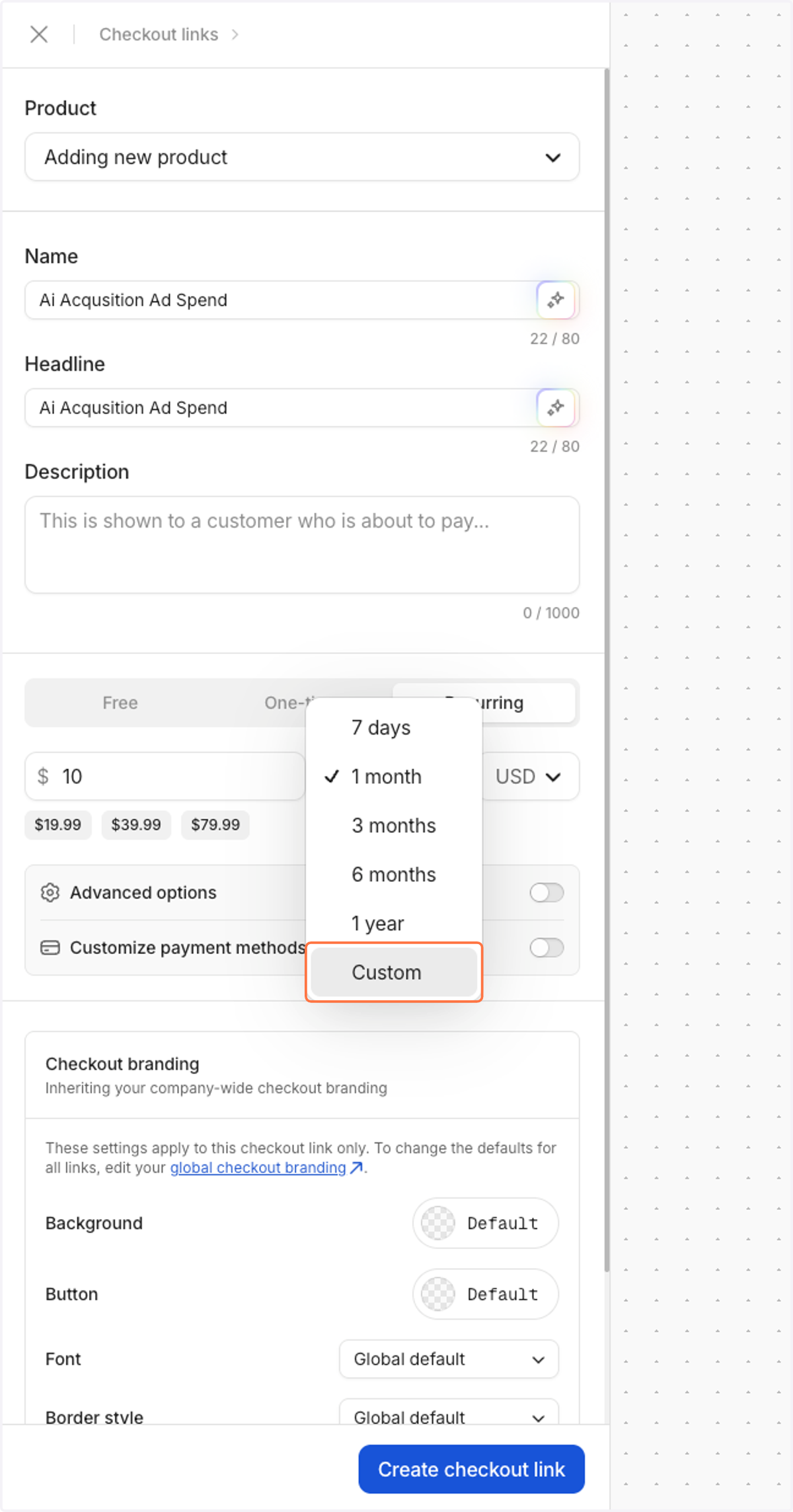
13. Select Custom
14. Type 2
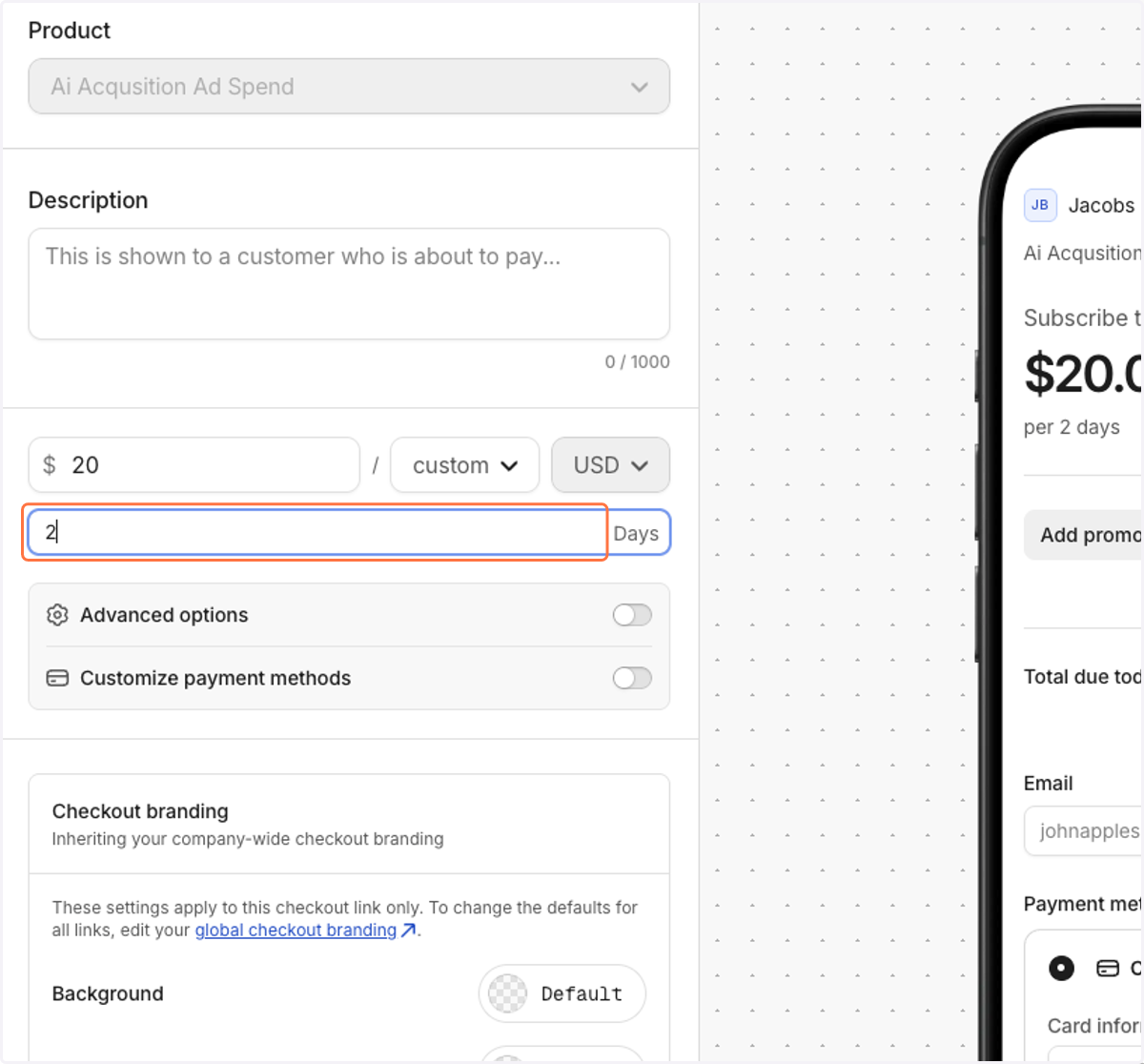
15. Type 40
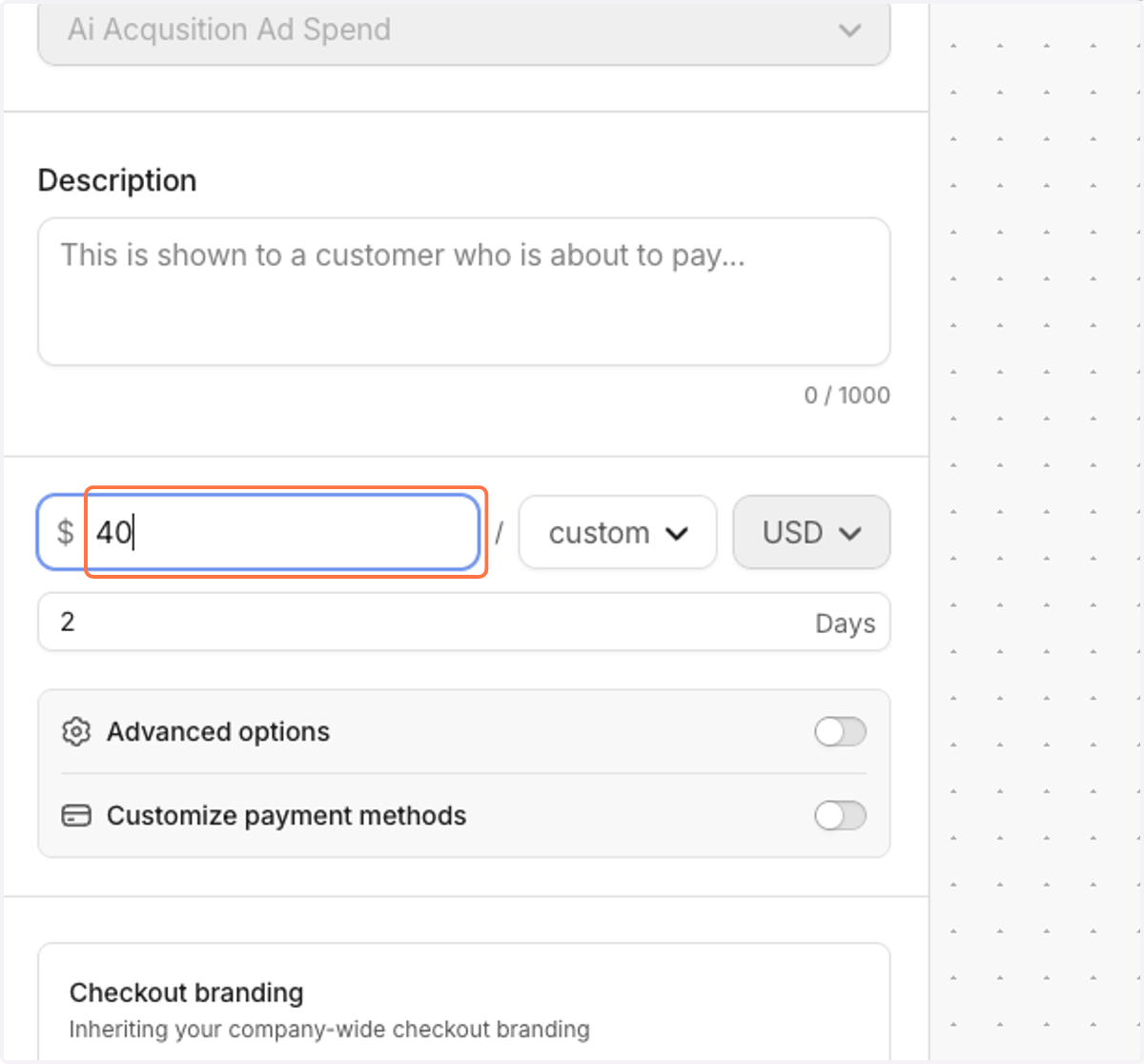
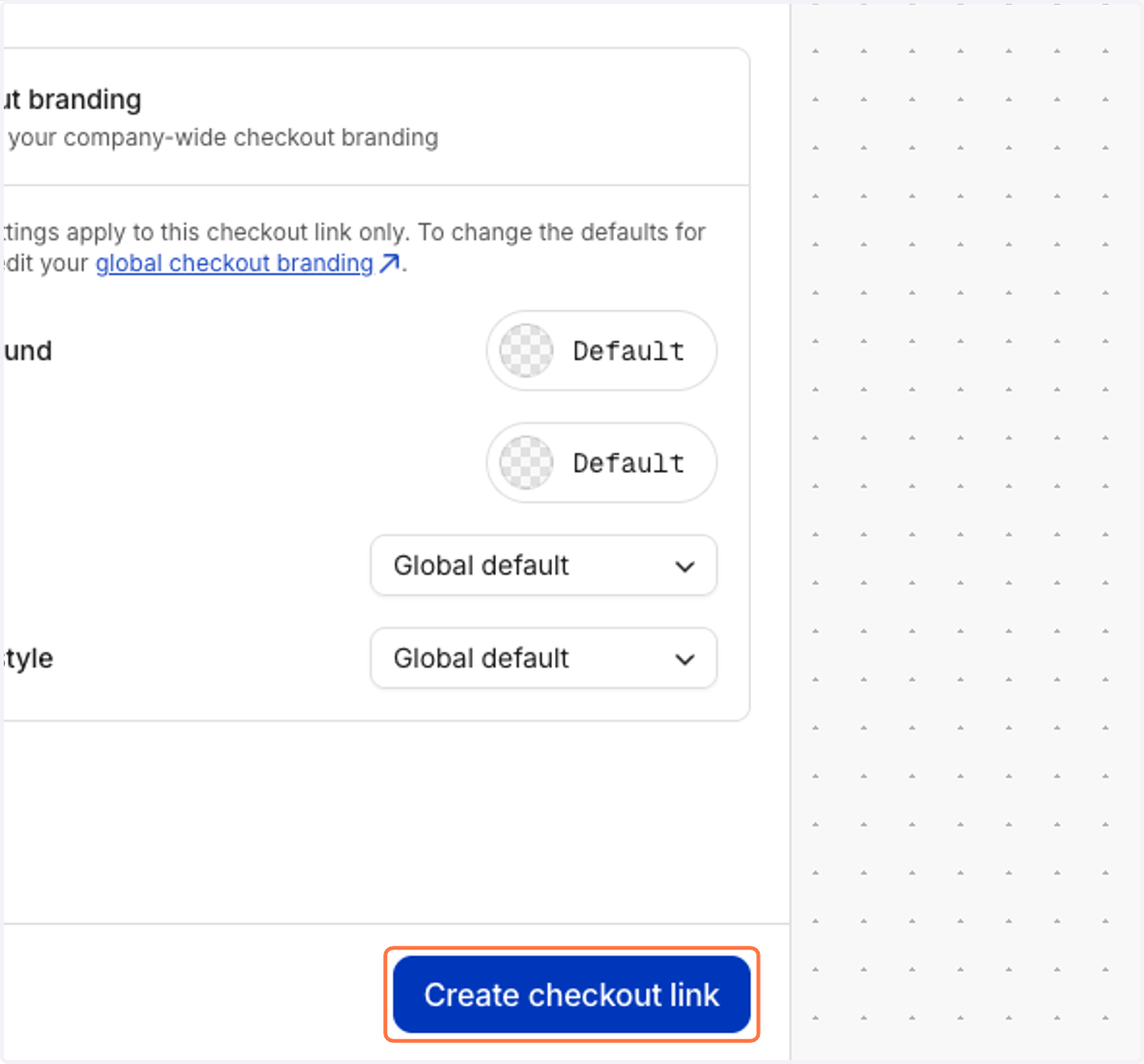
16. Click on Create checkout link
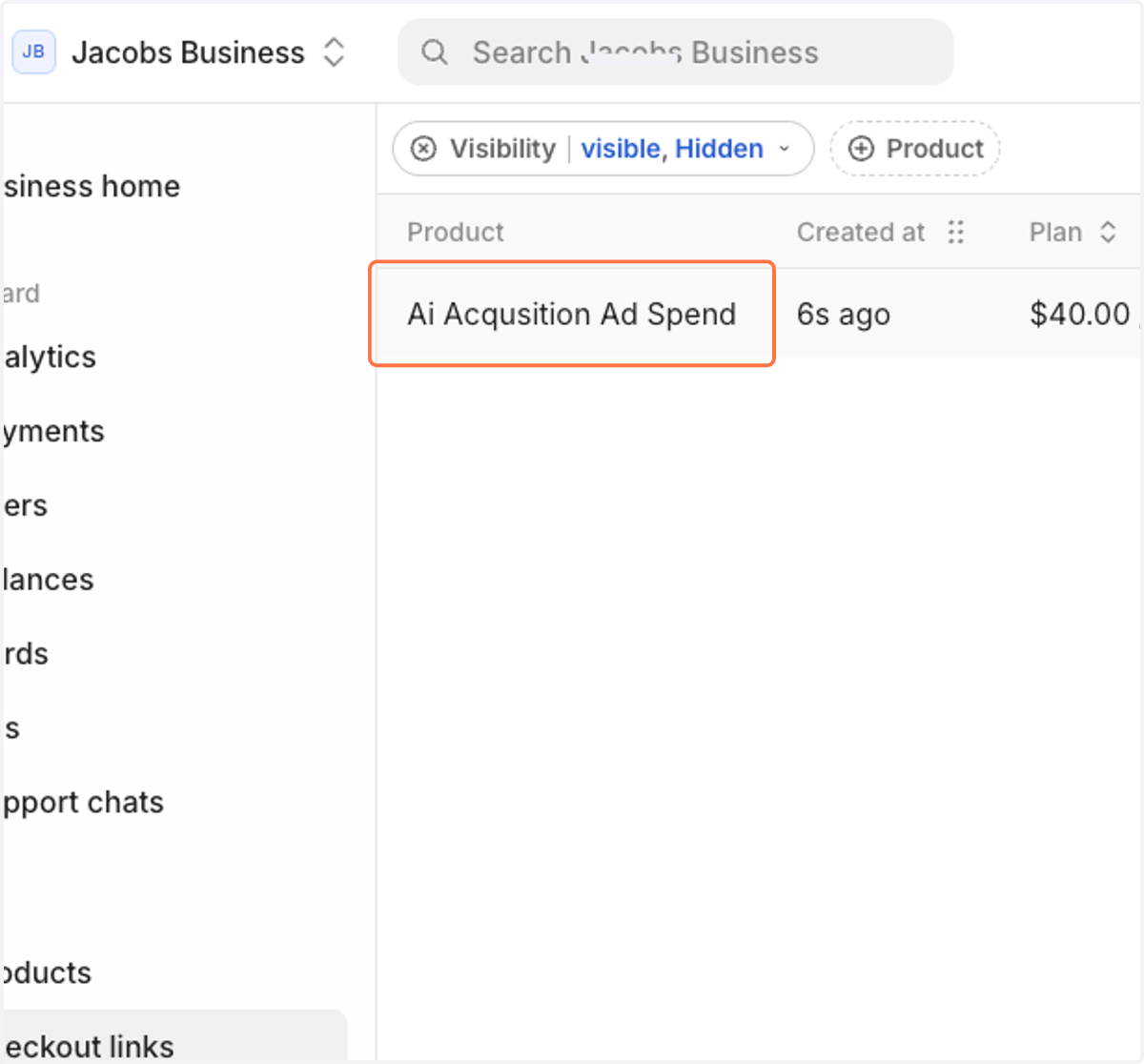
17. Confirm it has been added!
18. Then, paste the following into your internet url bar

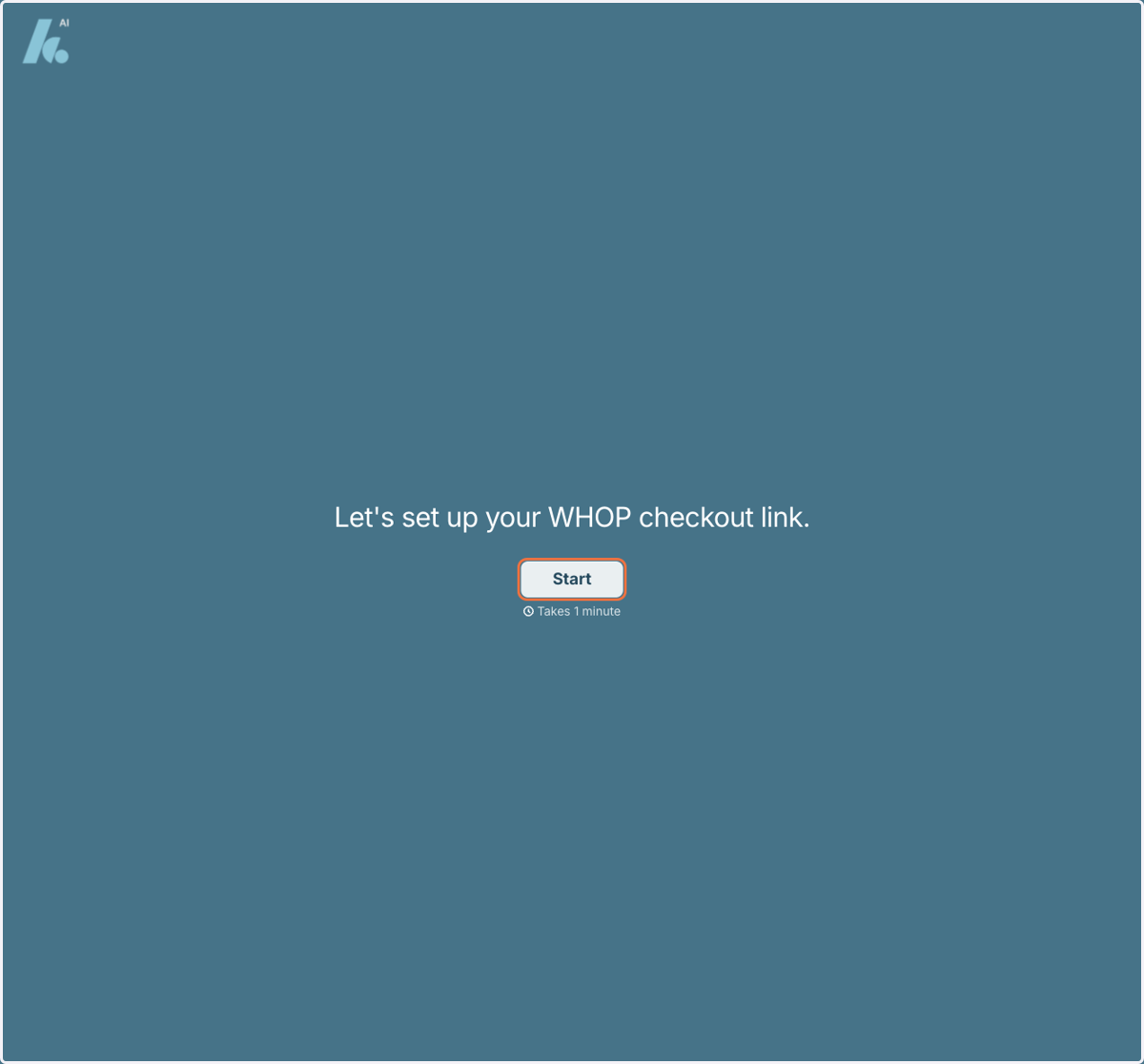
19. Click on Start
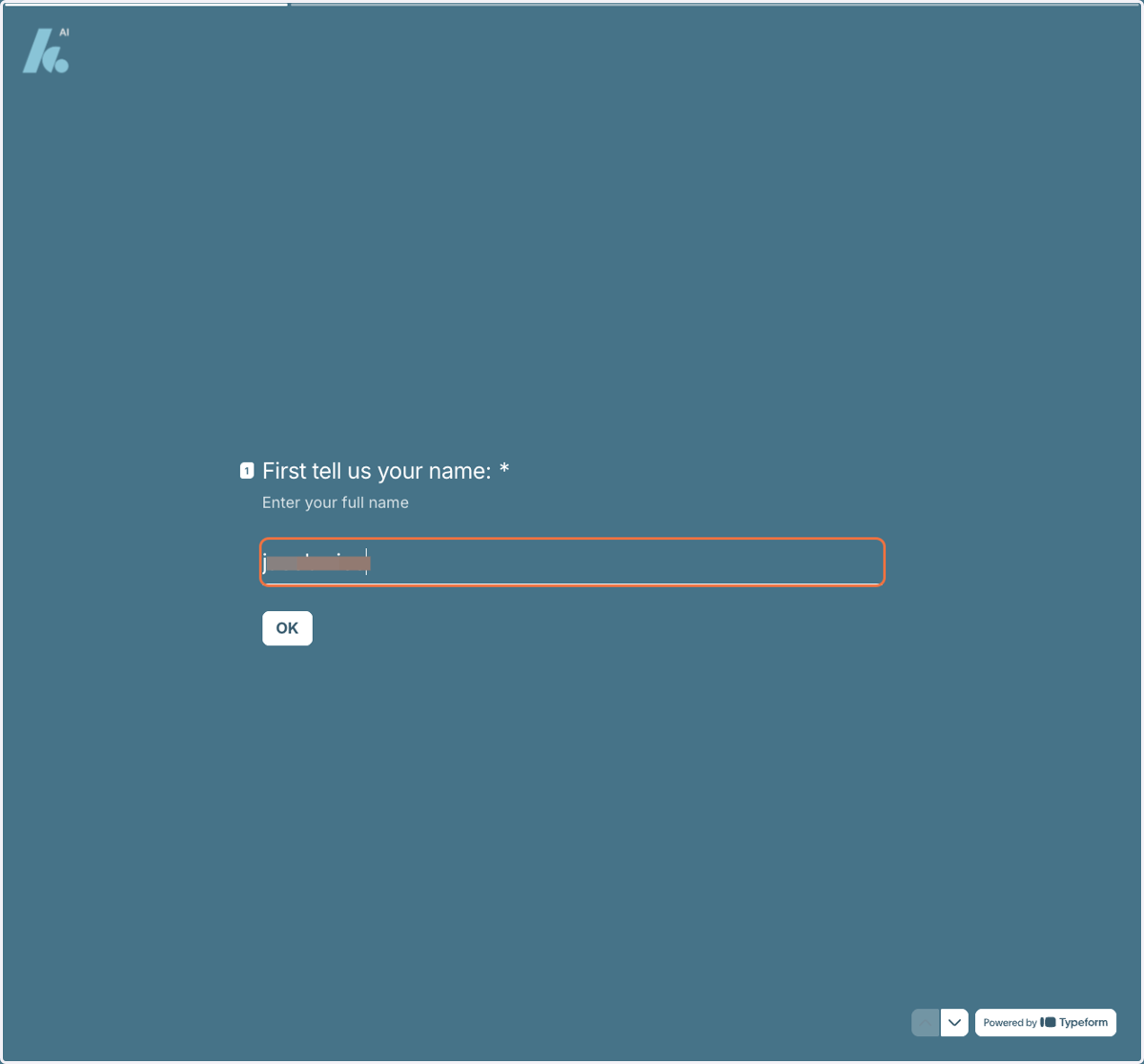
20. Enter your full name
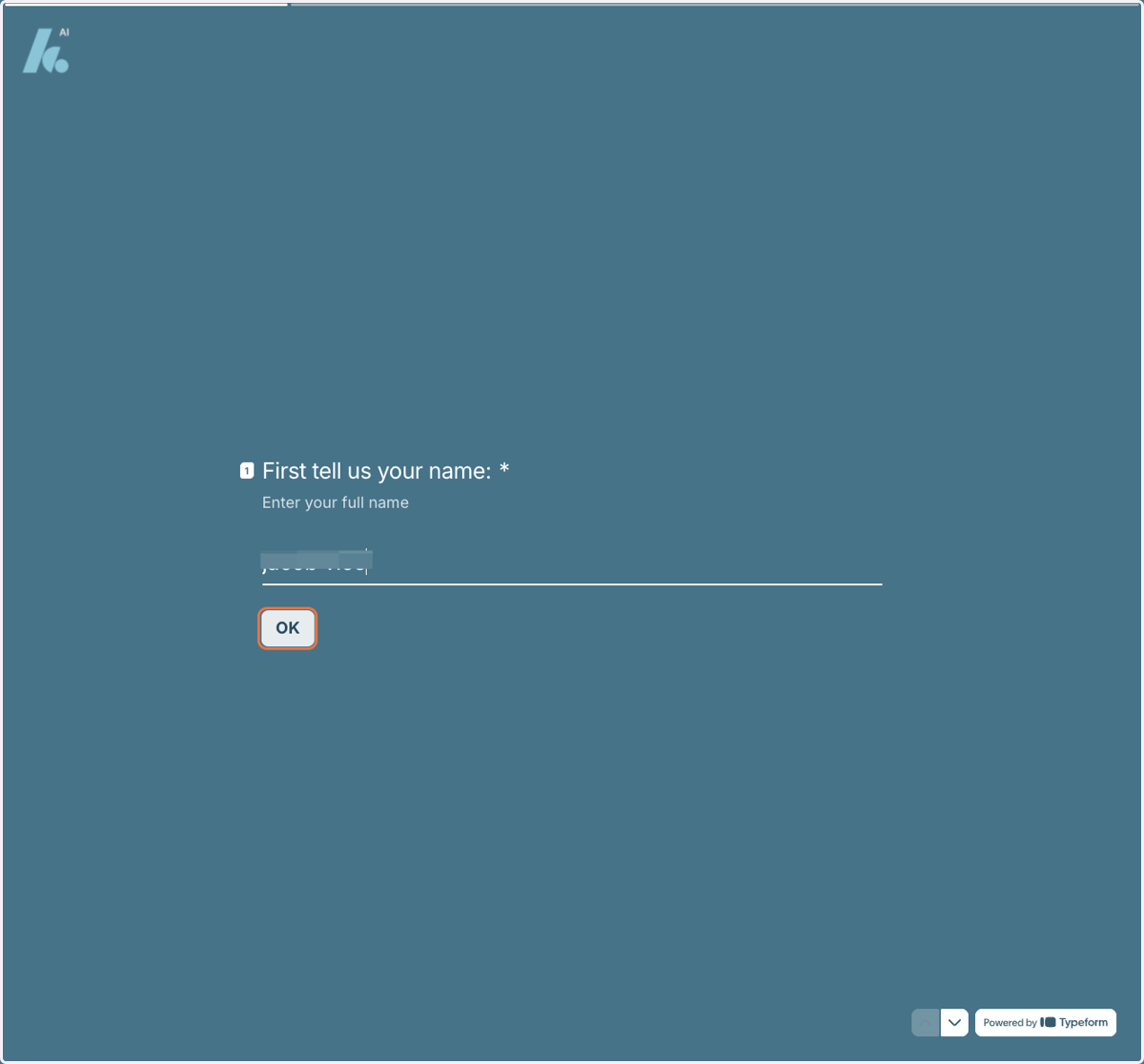
21. Click on Ok
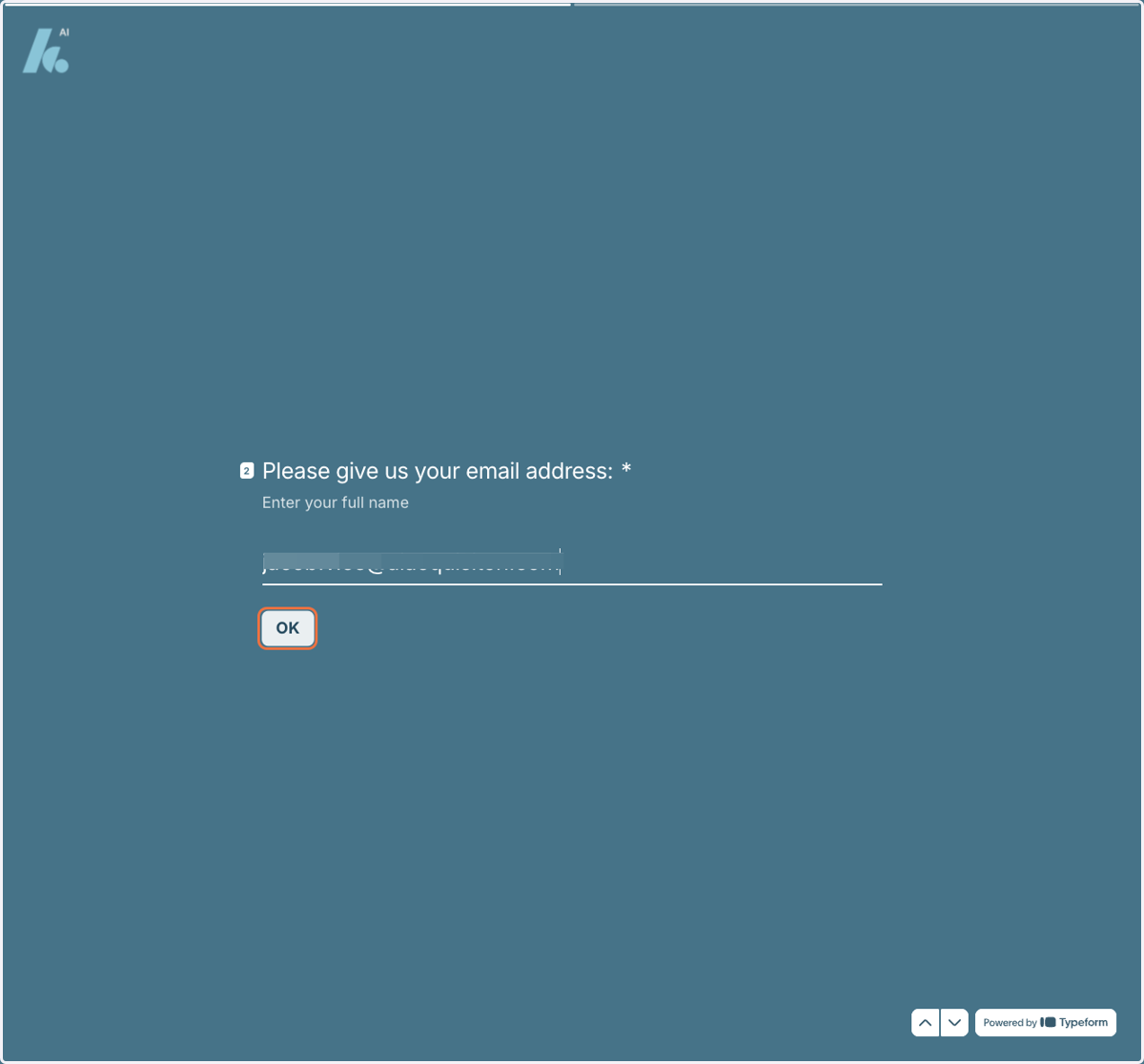
22. Enter your Email Adress
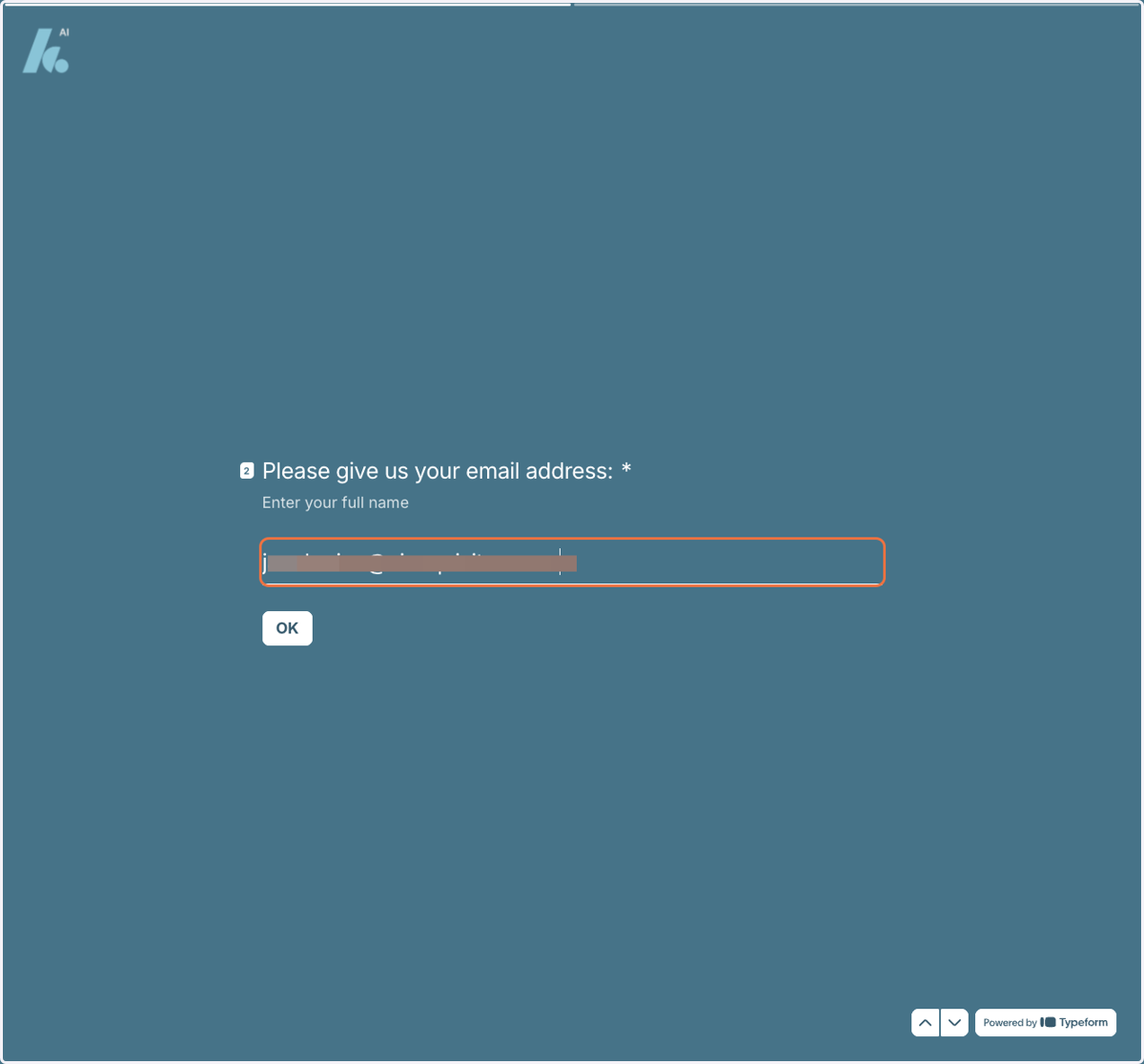
23. Click on Ok
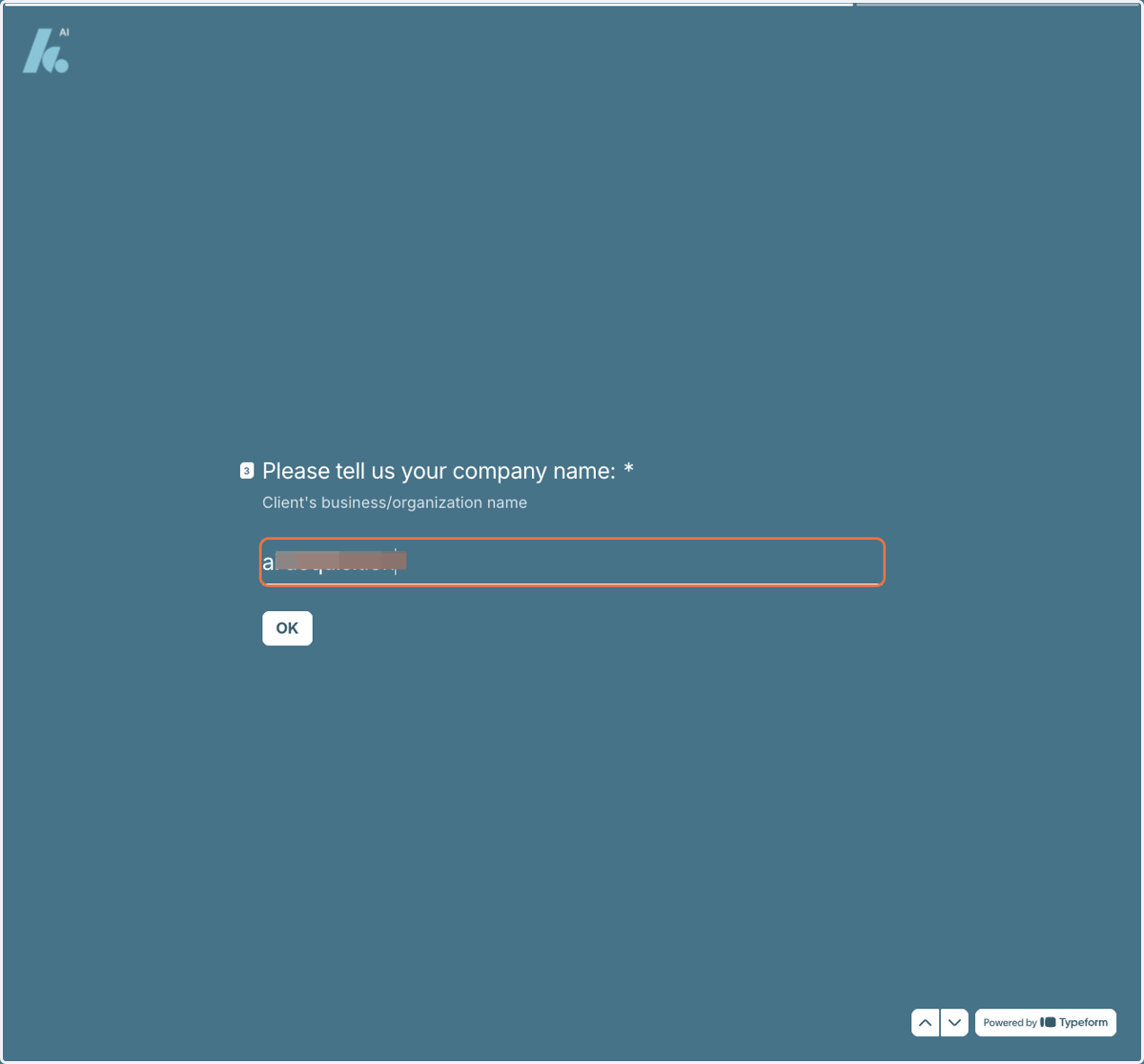
24. Type in your Company Name
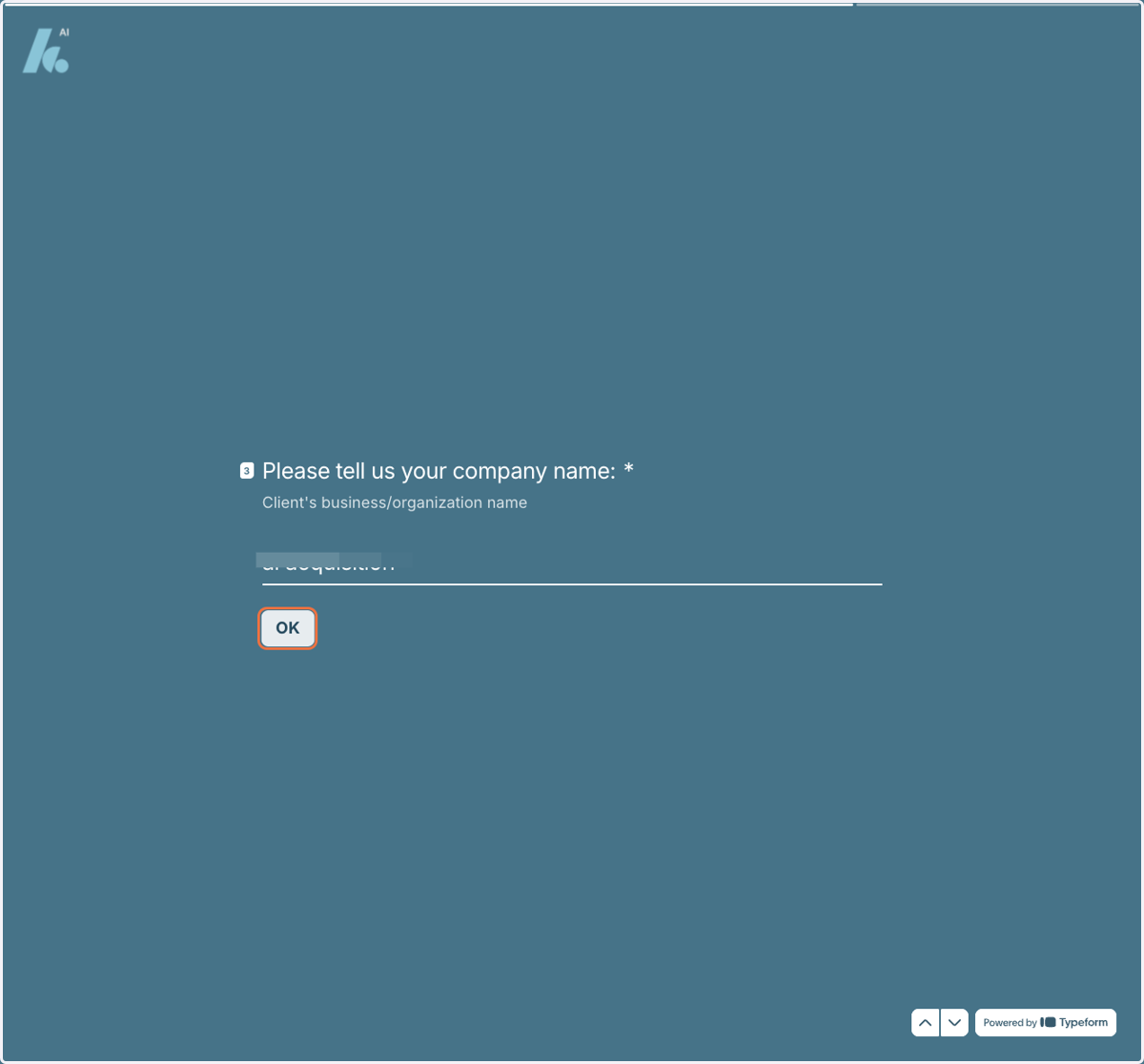
25. Click on Ok
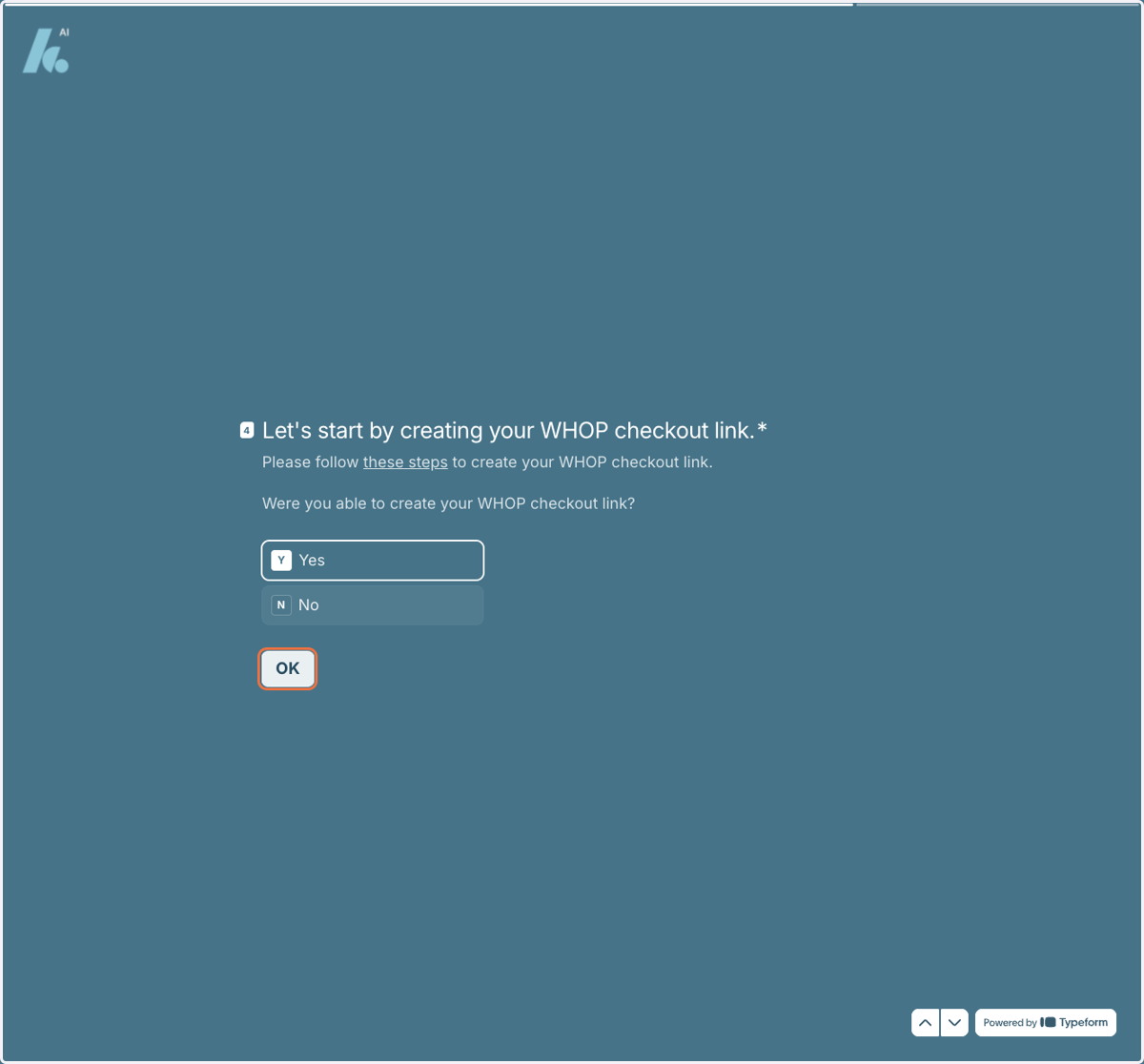
26. Select Yes then Ok
27. Come back to Whop by entering this into your web browser
whop.com

28. Click on Your Business Name
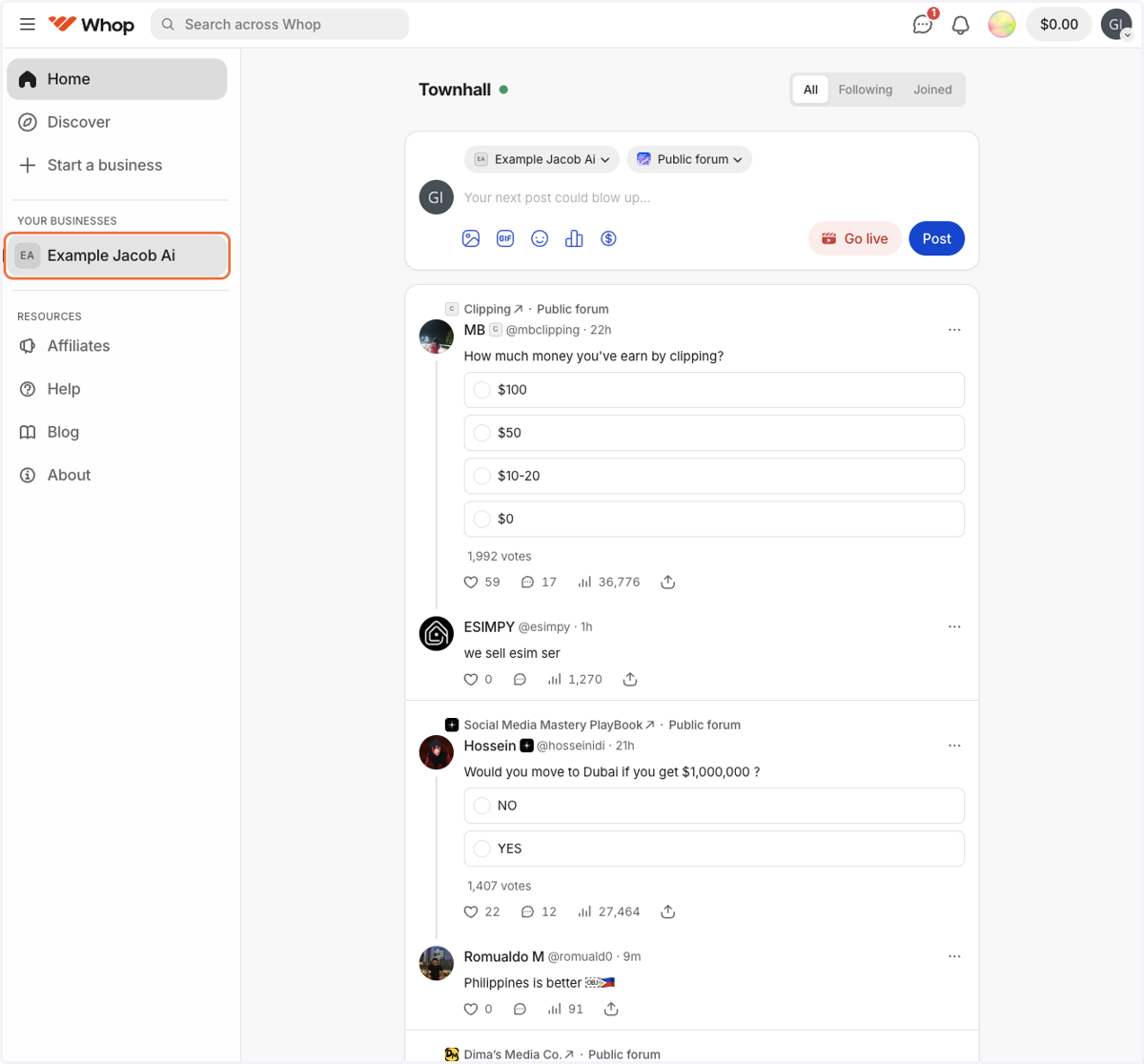
29. Click on Checkout Links
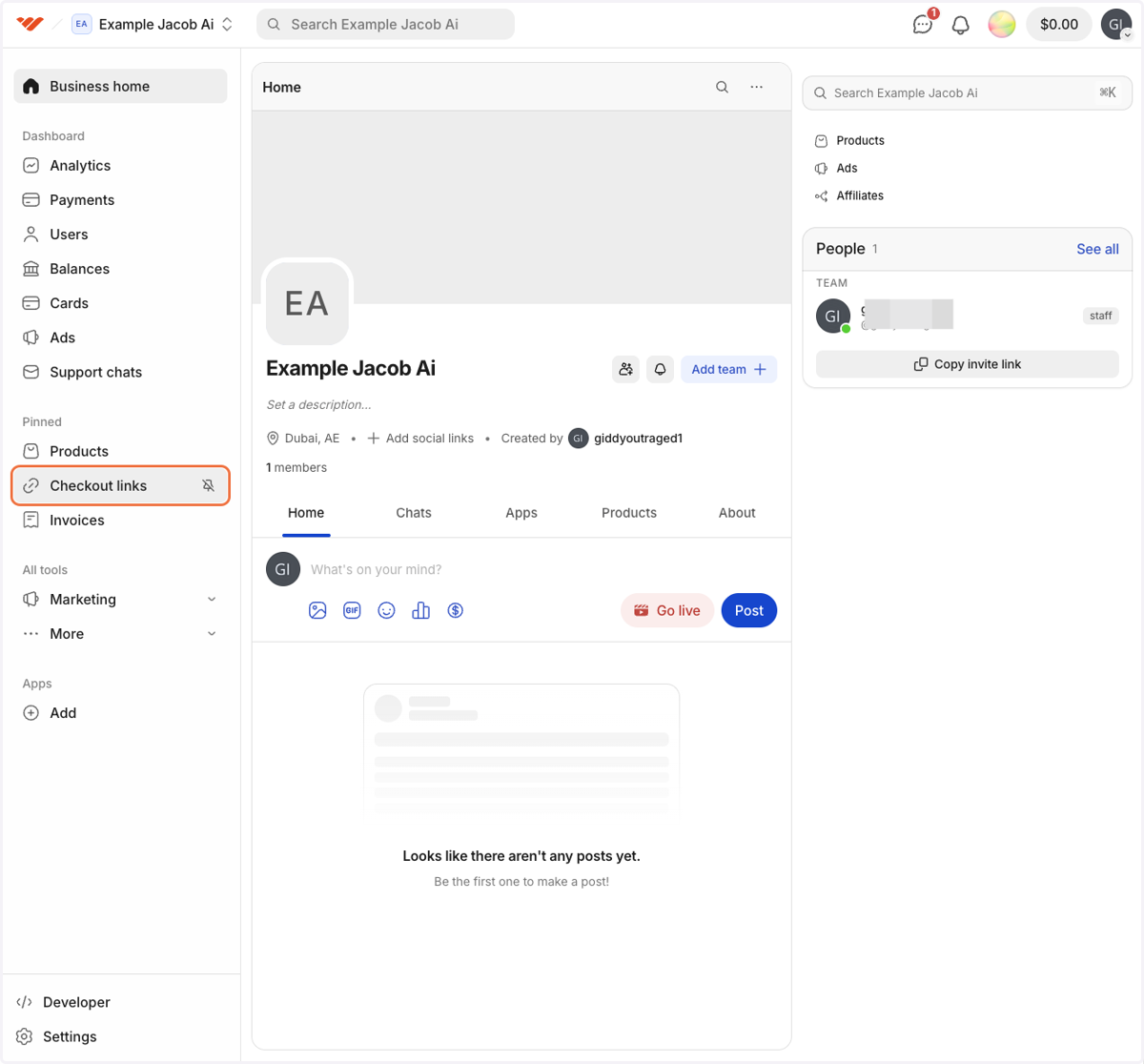
30. Click on the Copy Sign
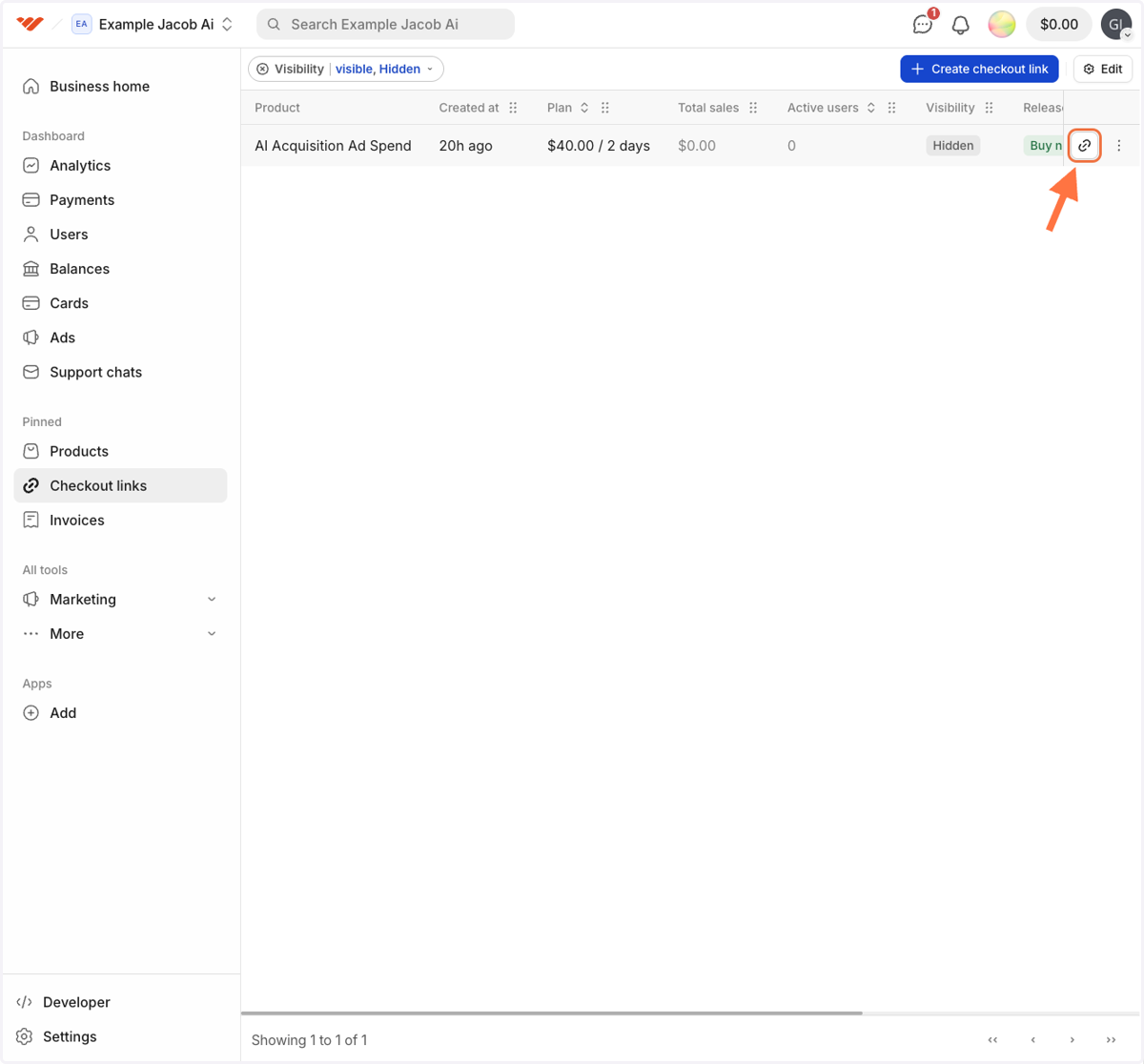
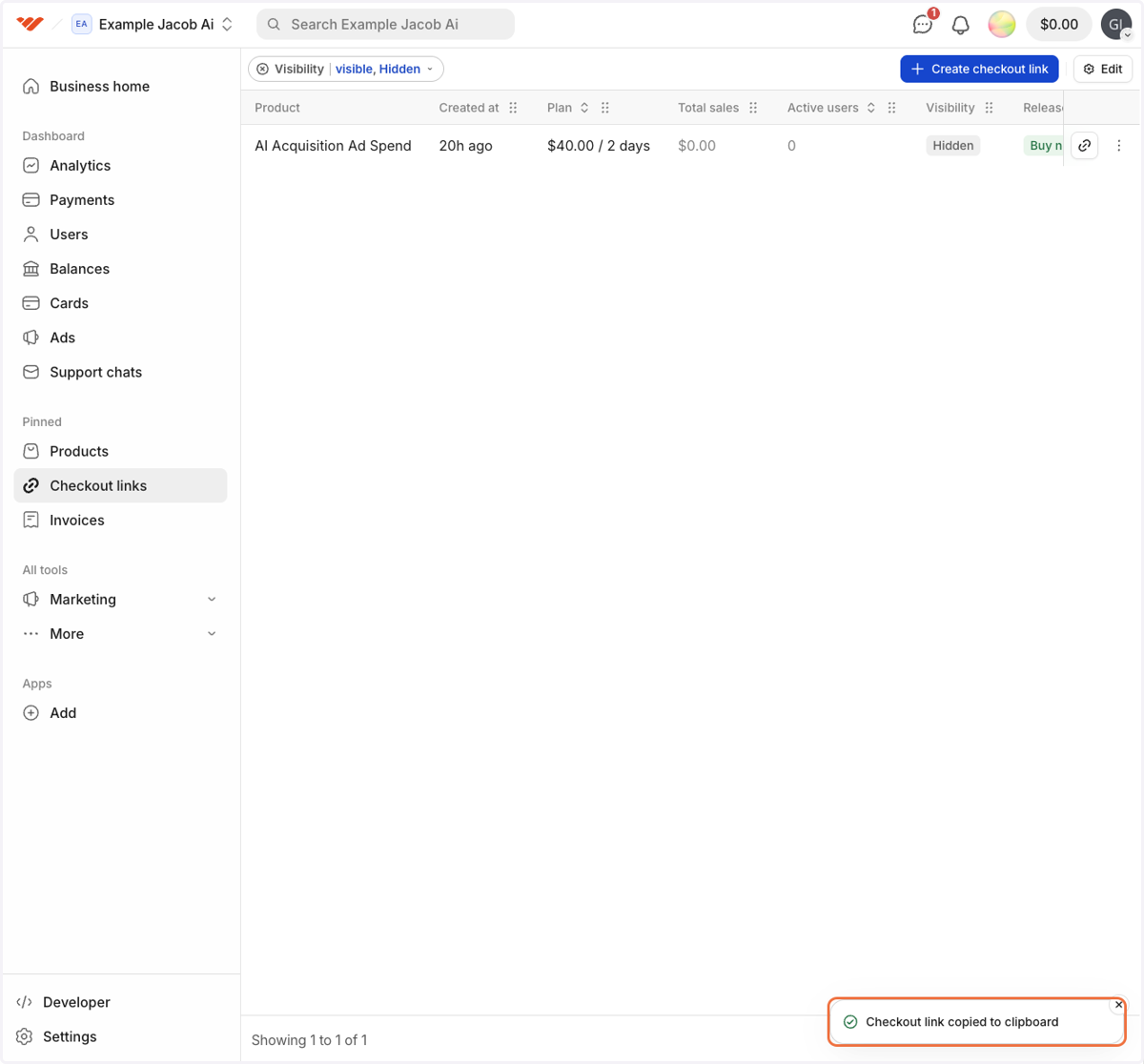
31. Confirm it has been copied
32. Click on your Typeform on your taskbar
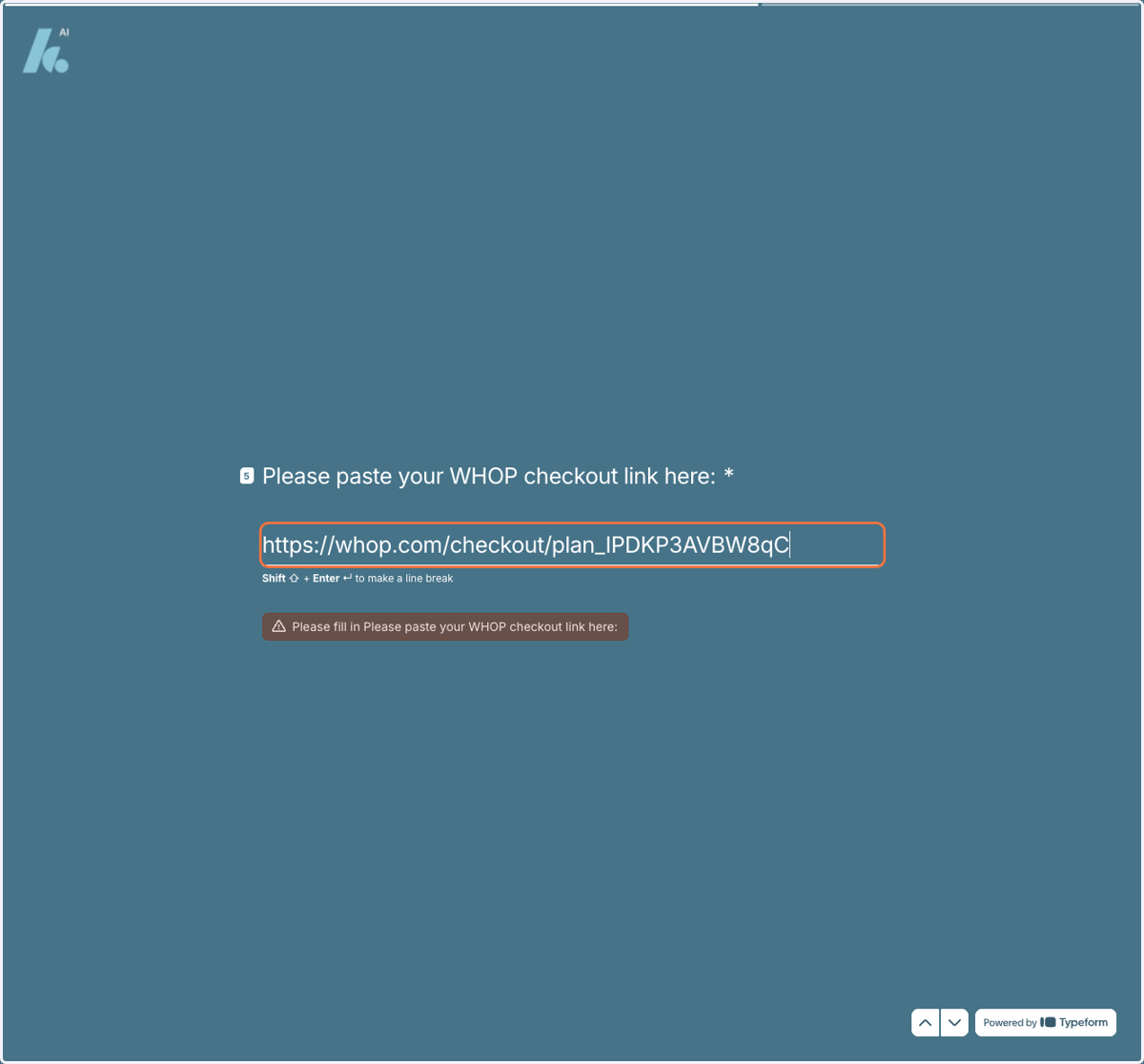
33. Paste your Checkout Link
34. Click on Ok
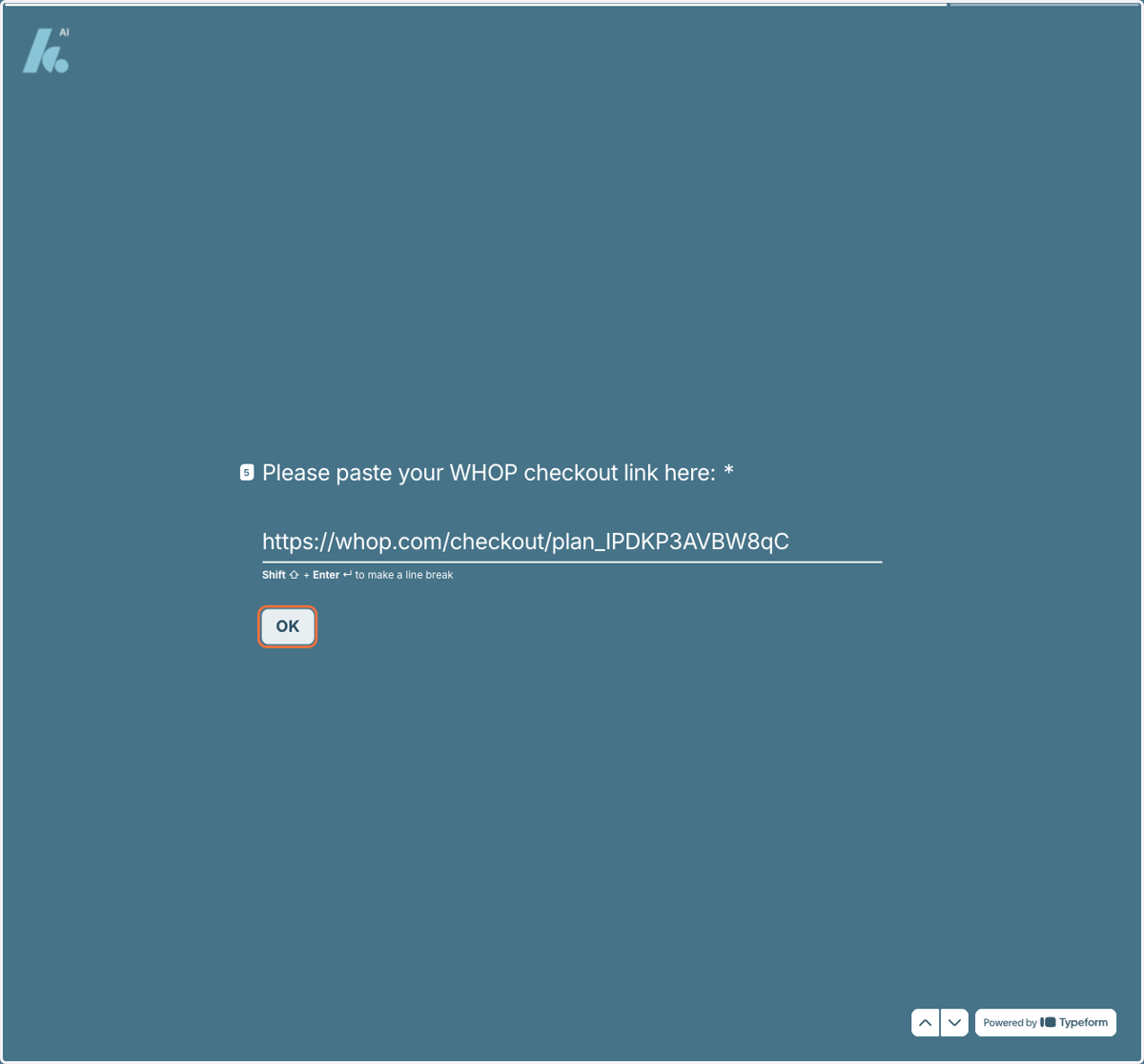
35. Completed!