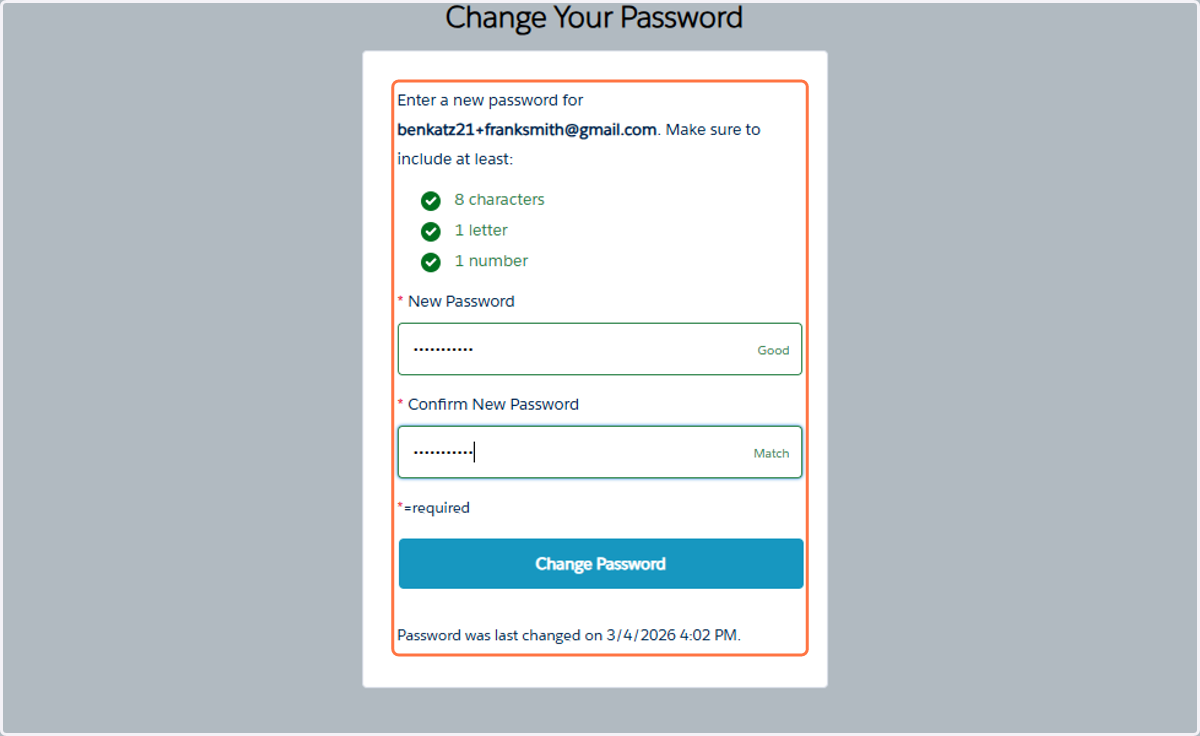
How To Create Your JCCPGH Community Hub Account
Go to https://jccpgh.my.site.com/
1. Click on Create Account
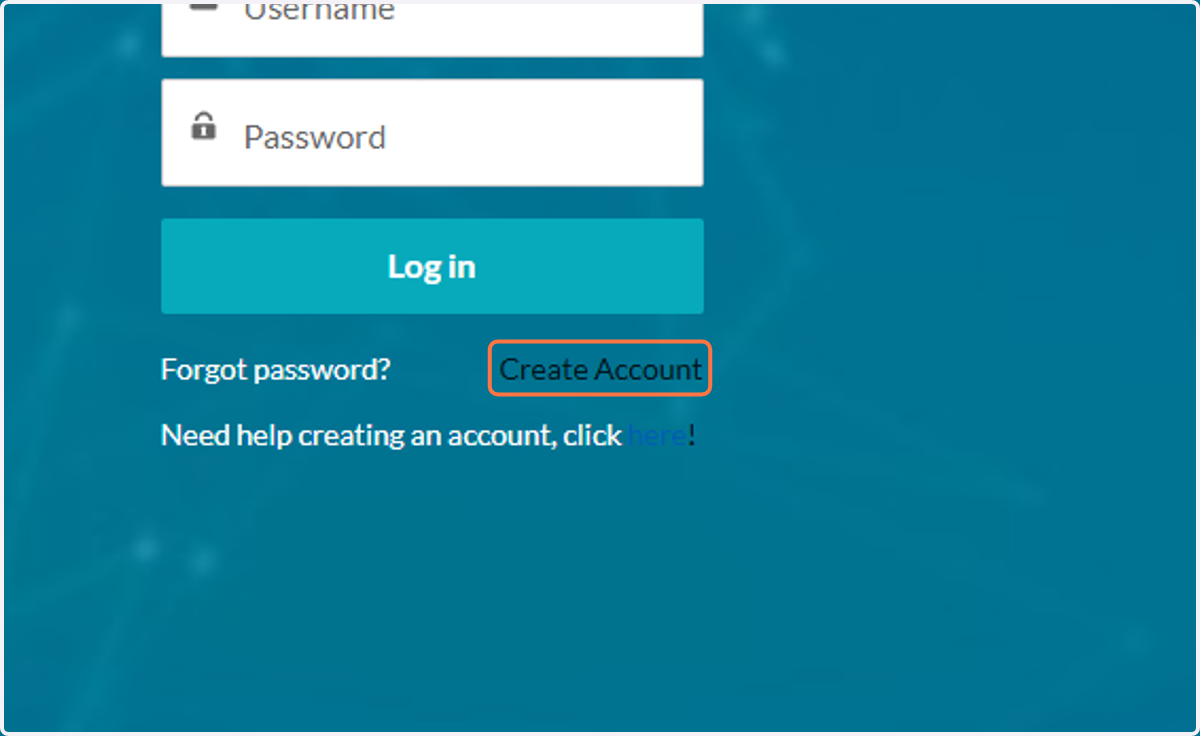
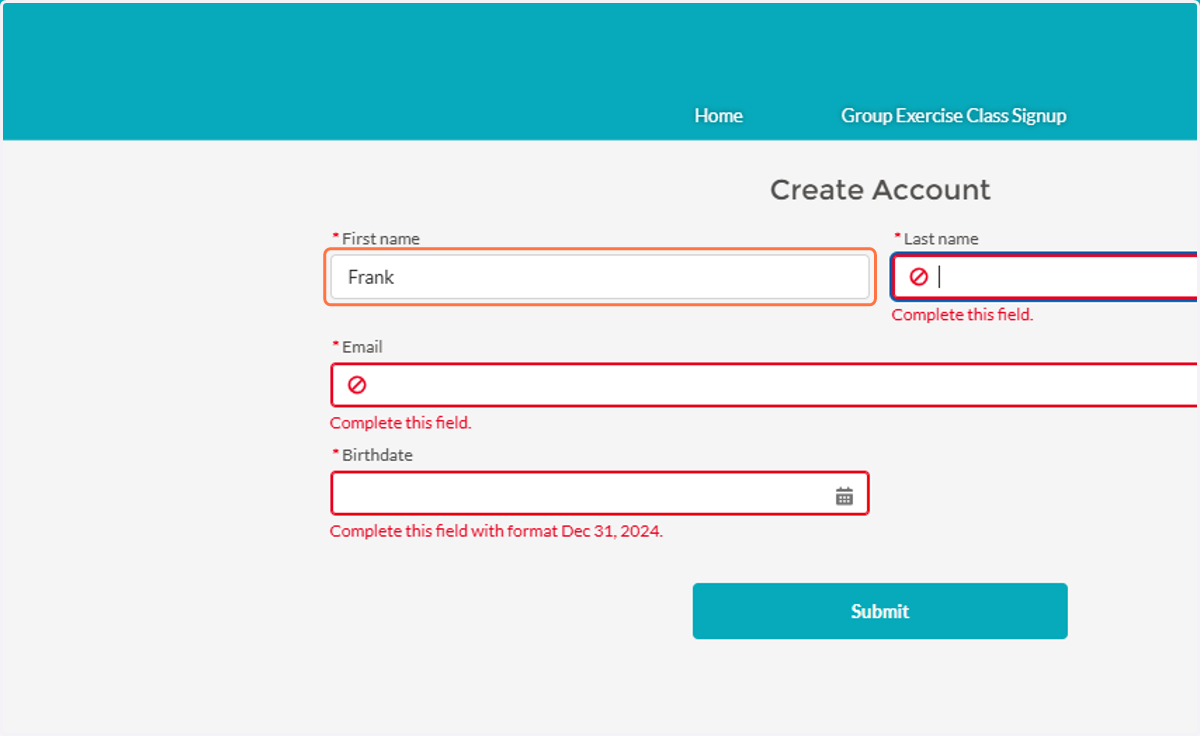
2. Enter Your First Name
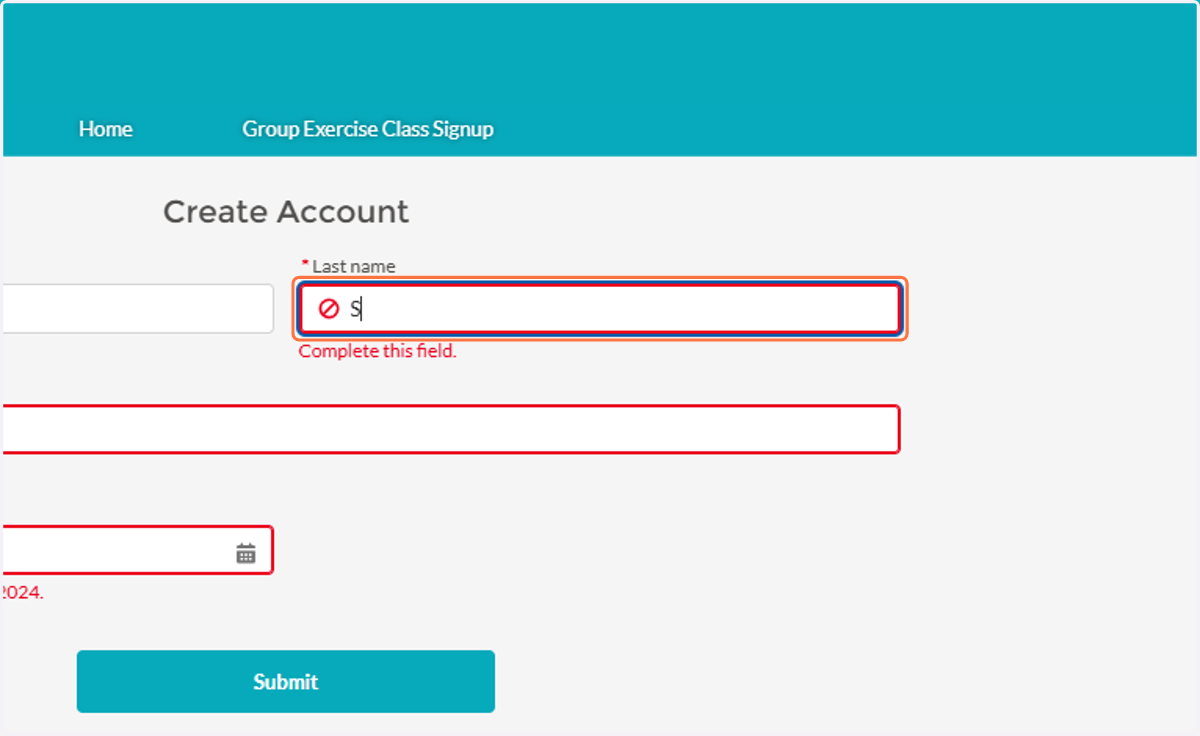
3. Enter your last name
4. Enter Your Email
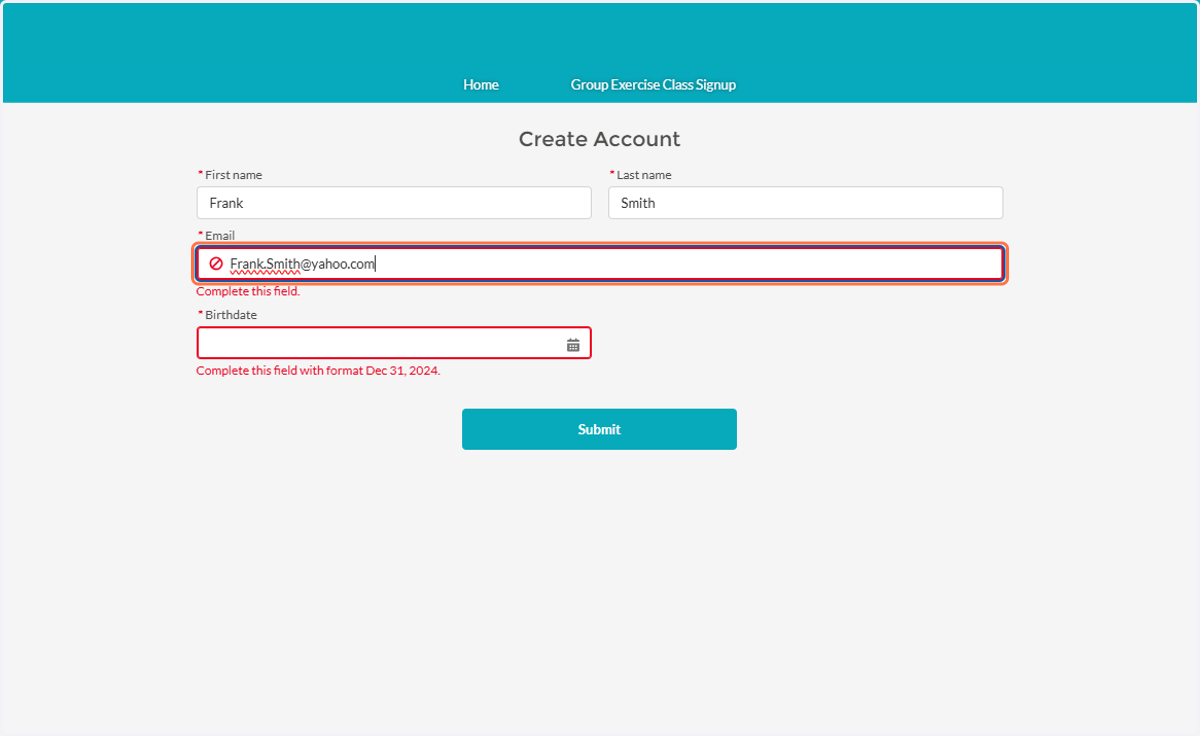
5. Enter Your Date of Birth
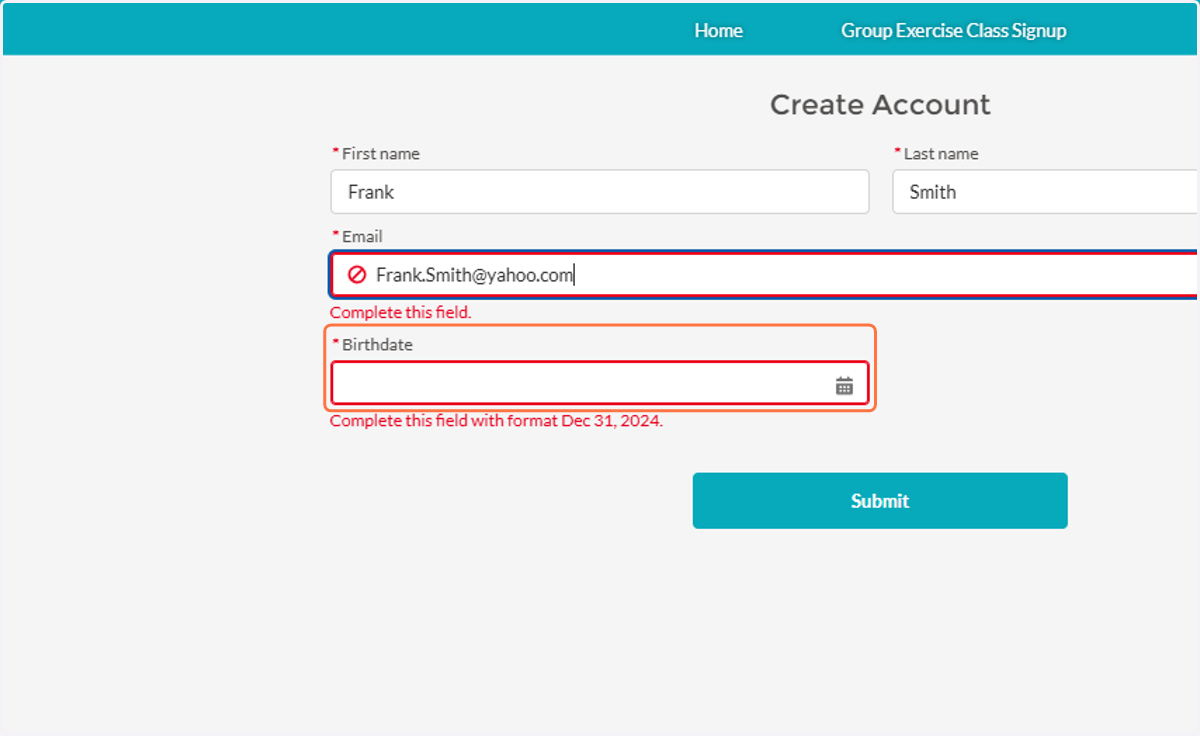
6. Click on Submit
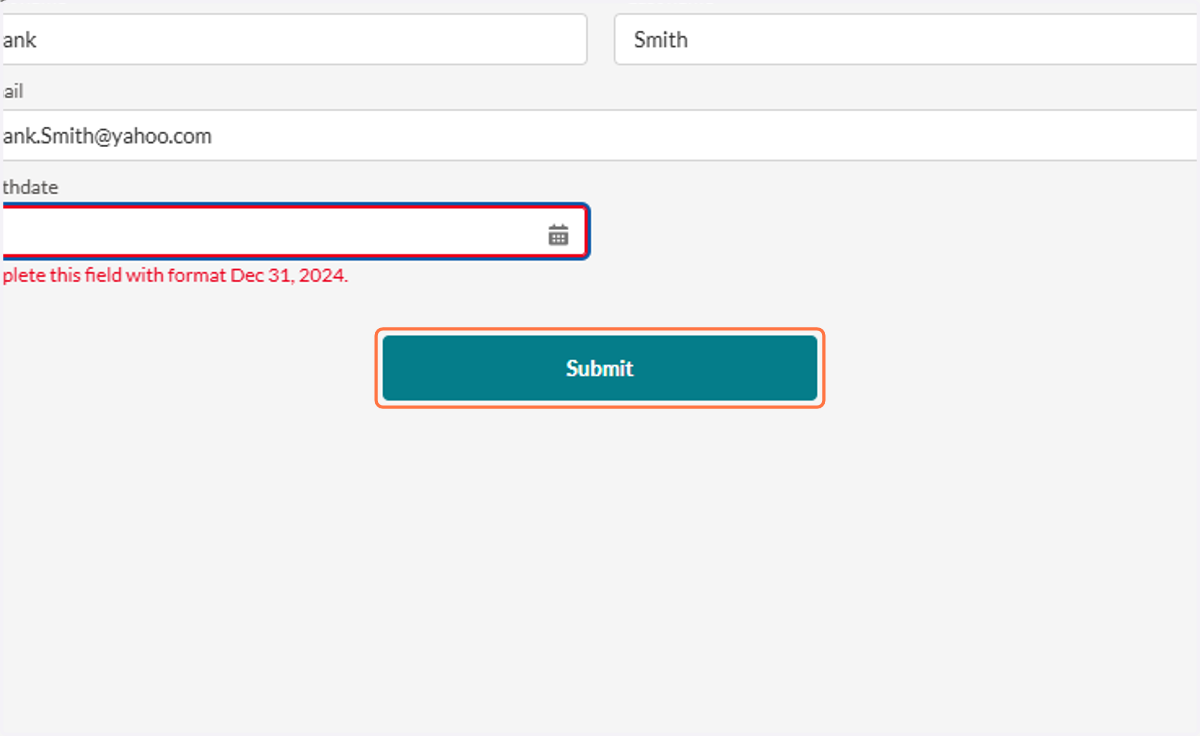
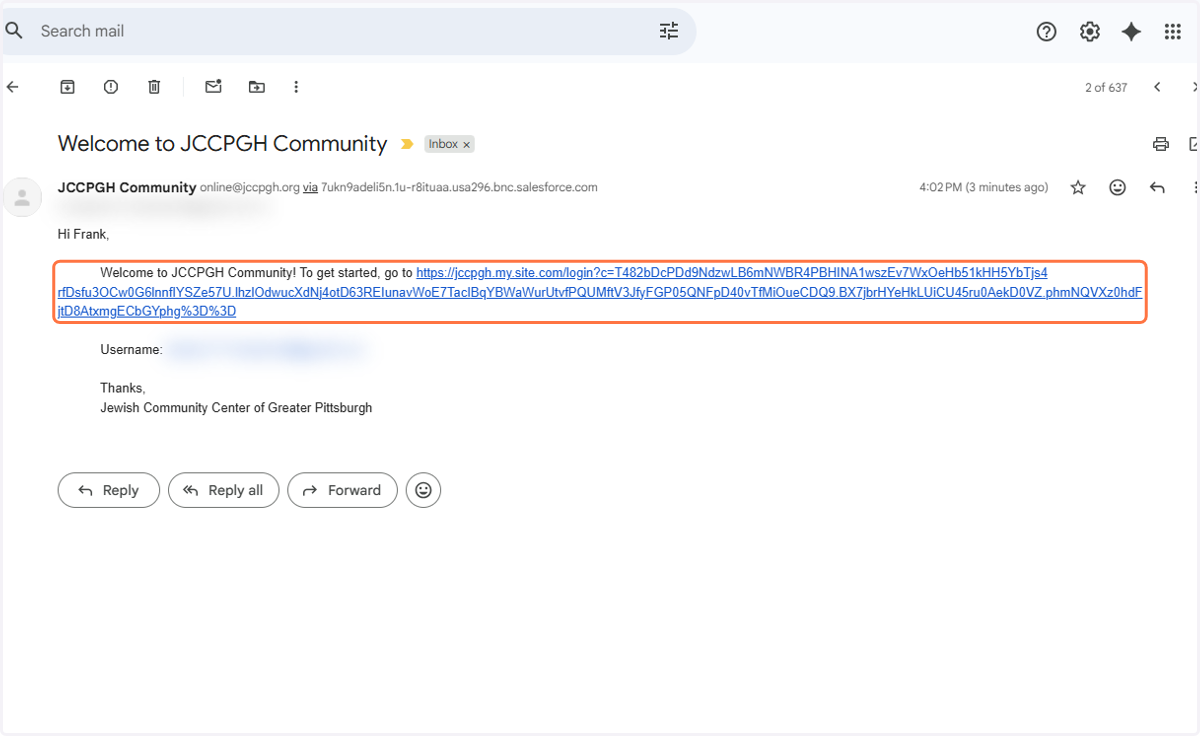
7. Go To Your Email
8. Find The Email with the Subject Line Welcome to JCCPGH Community
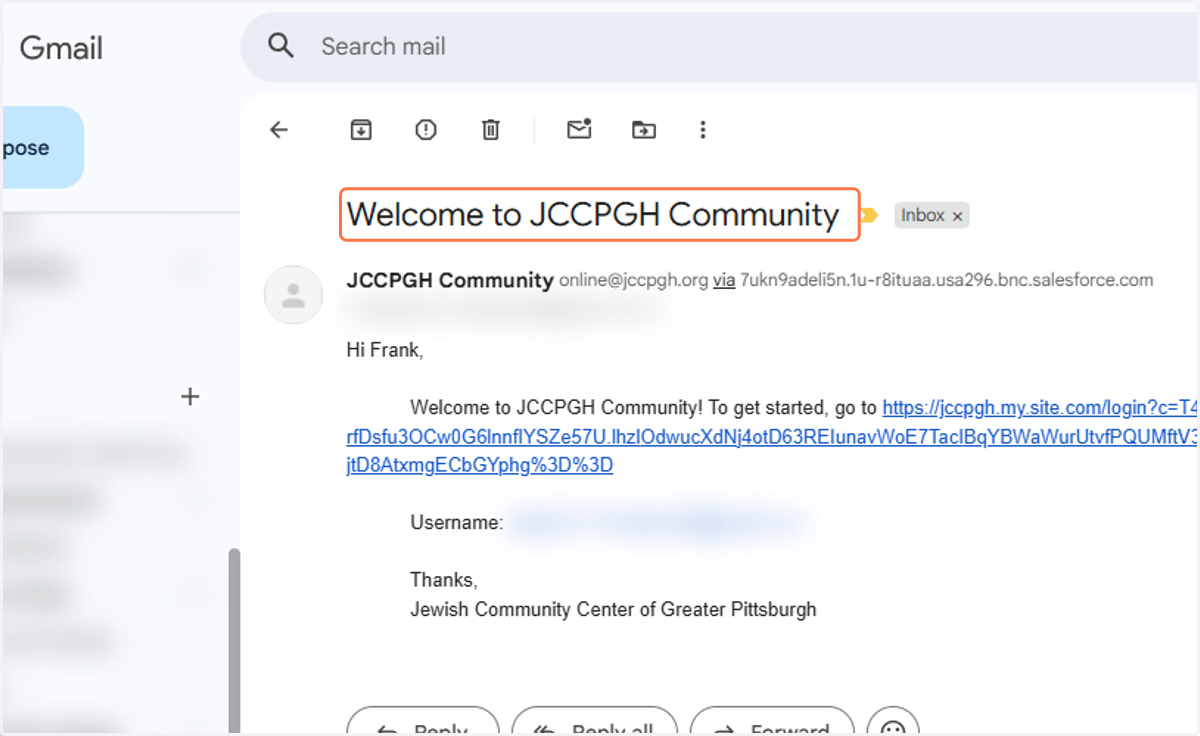
9. Click on the Link
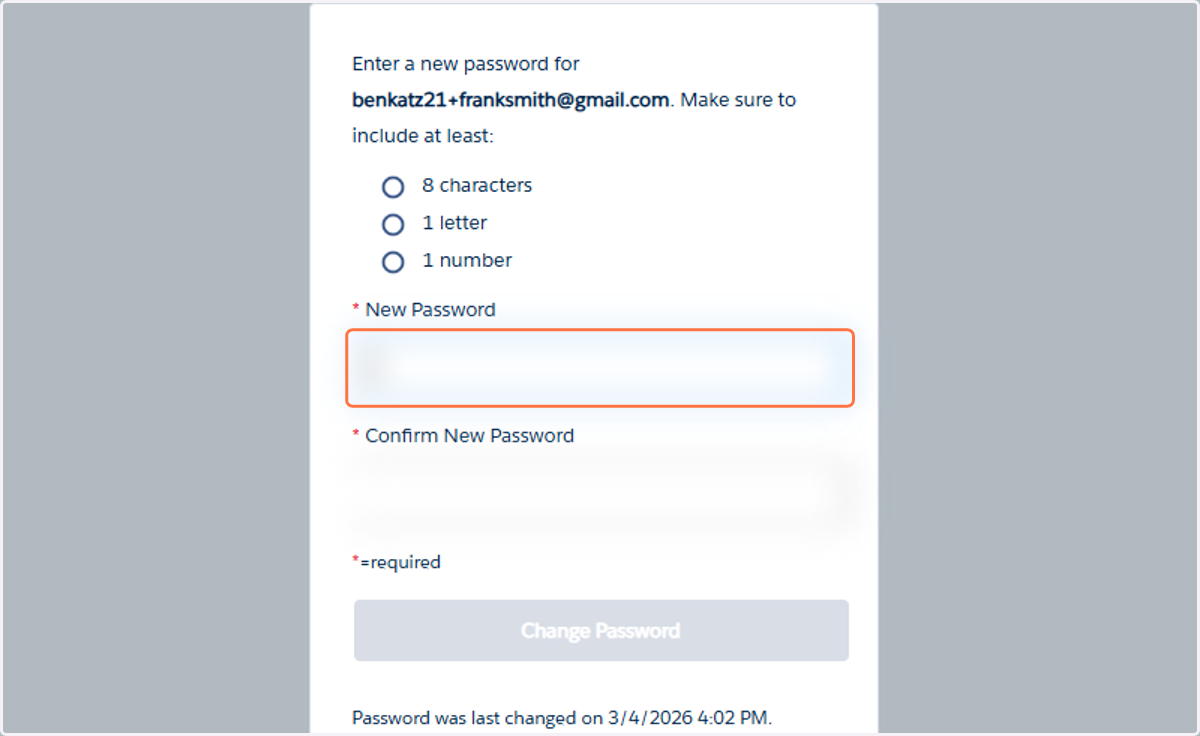
10. Enter a New Password
11. Confirm the password
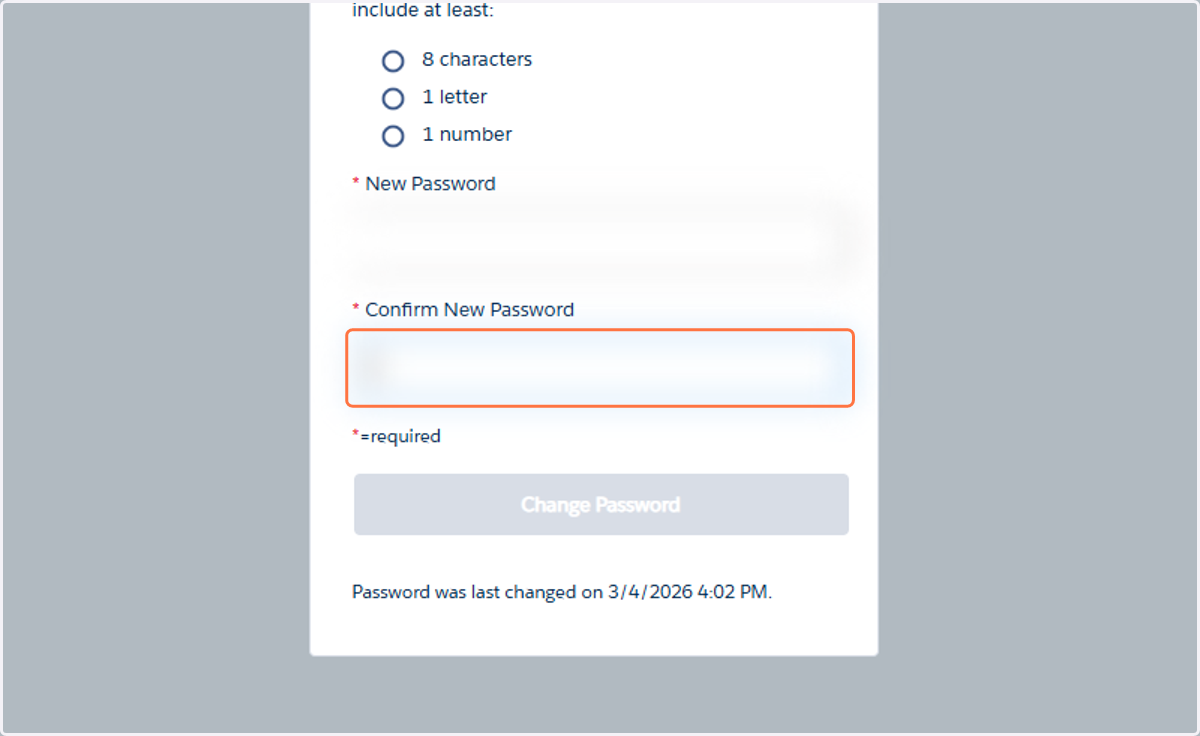
12. Hit Change Password to finish the account creation process
Passwords in New Password and Confirm Password Must Match