Create Targeted Leads in Vortex
Vortex.theredx.com
1. Username - kmccarty@kw.com
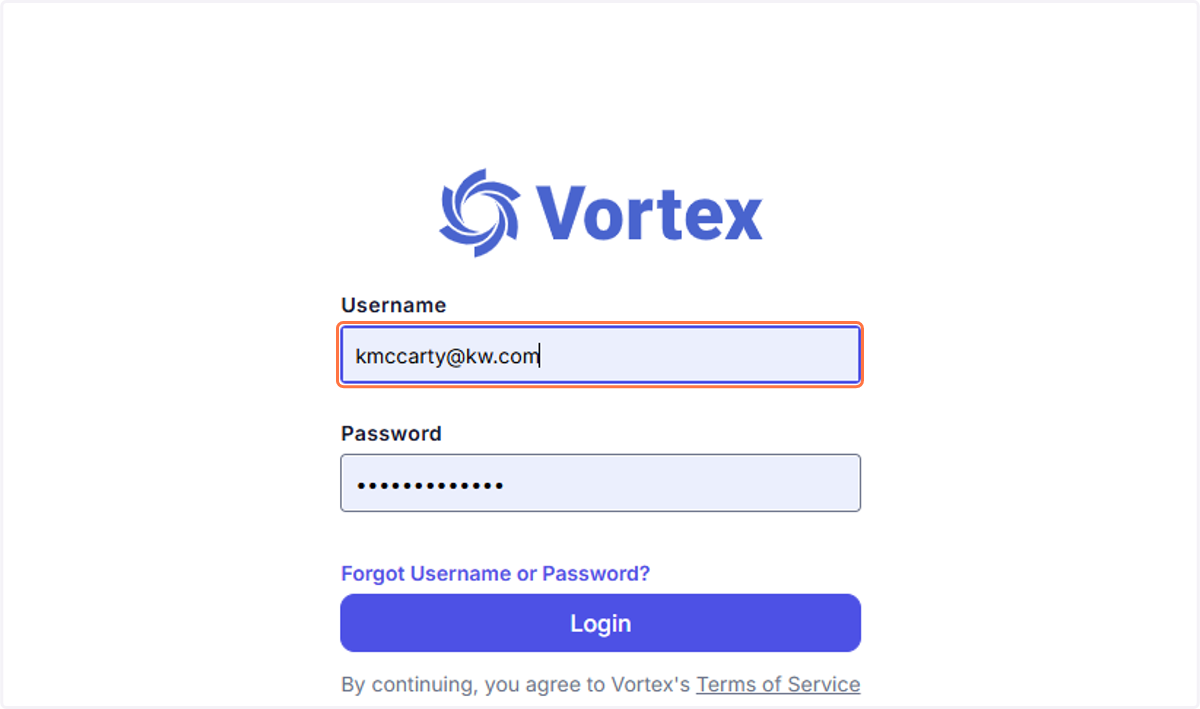
2. Password - Mccarty2025!!
If this ever does not work please email klrw1094@kw.com for the new password. Monday-Friday 9-5 responses.
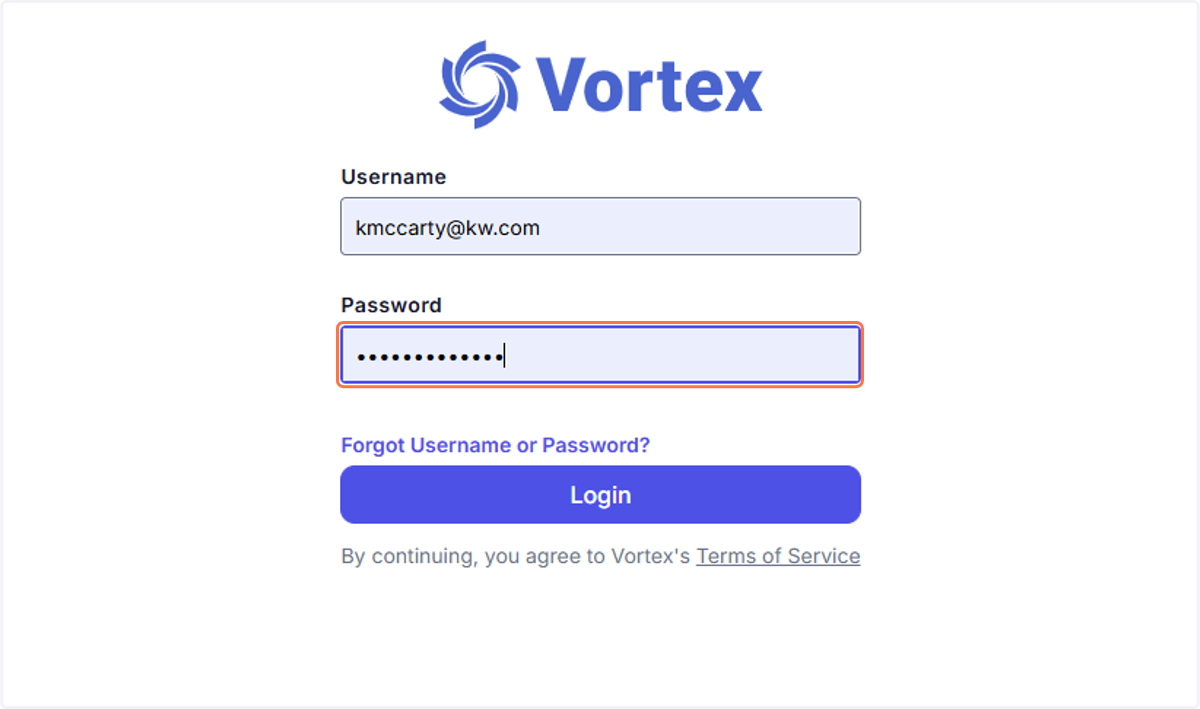
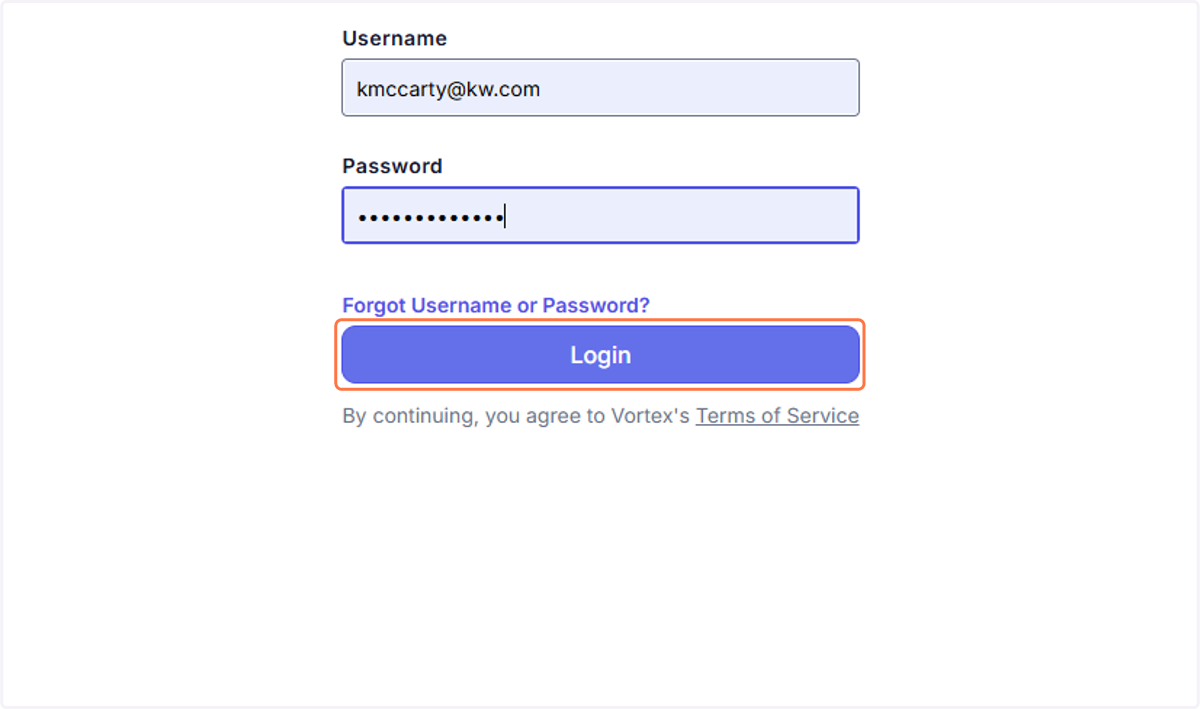
3. Click on Login
4. EXPIREDS
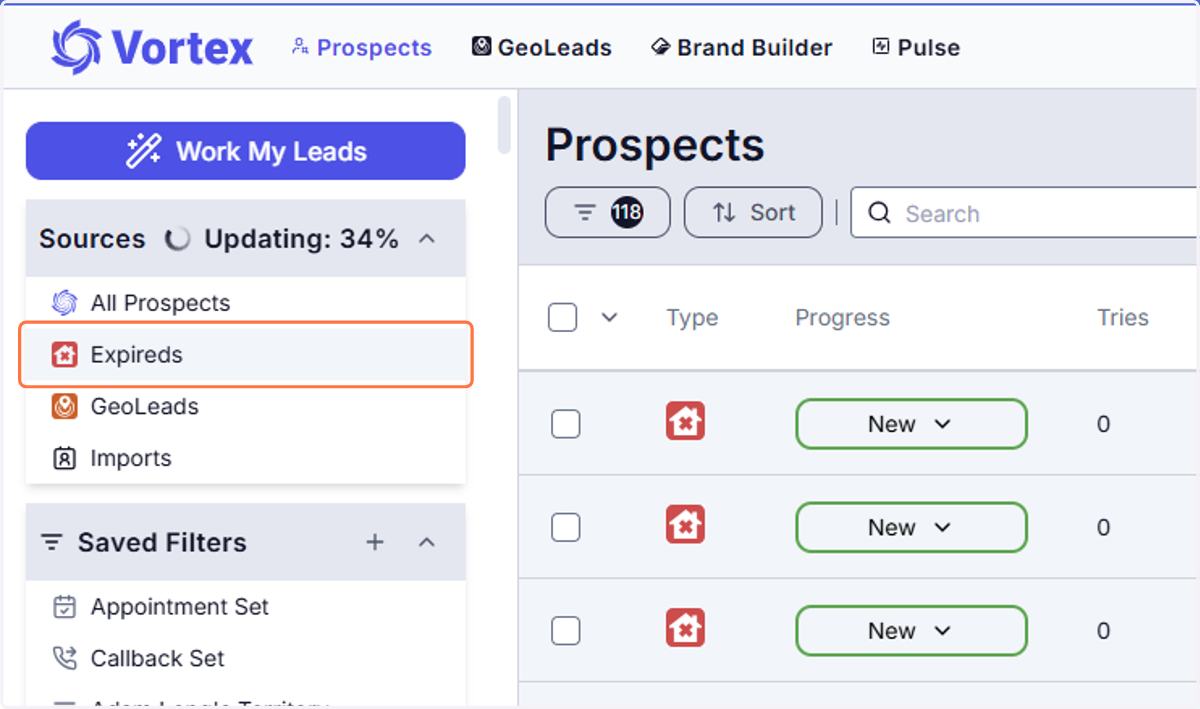
5. You can see their NAME
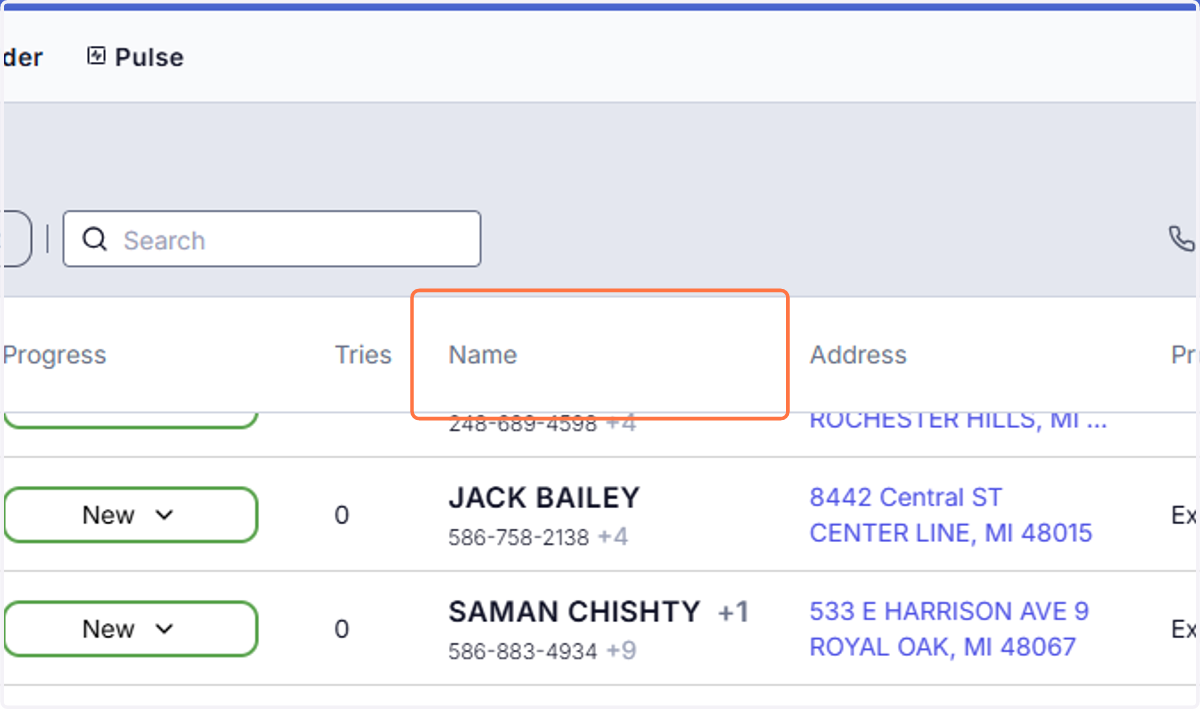
6. ADDDRESS
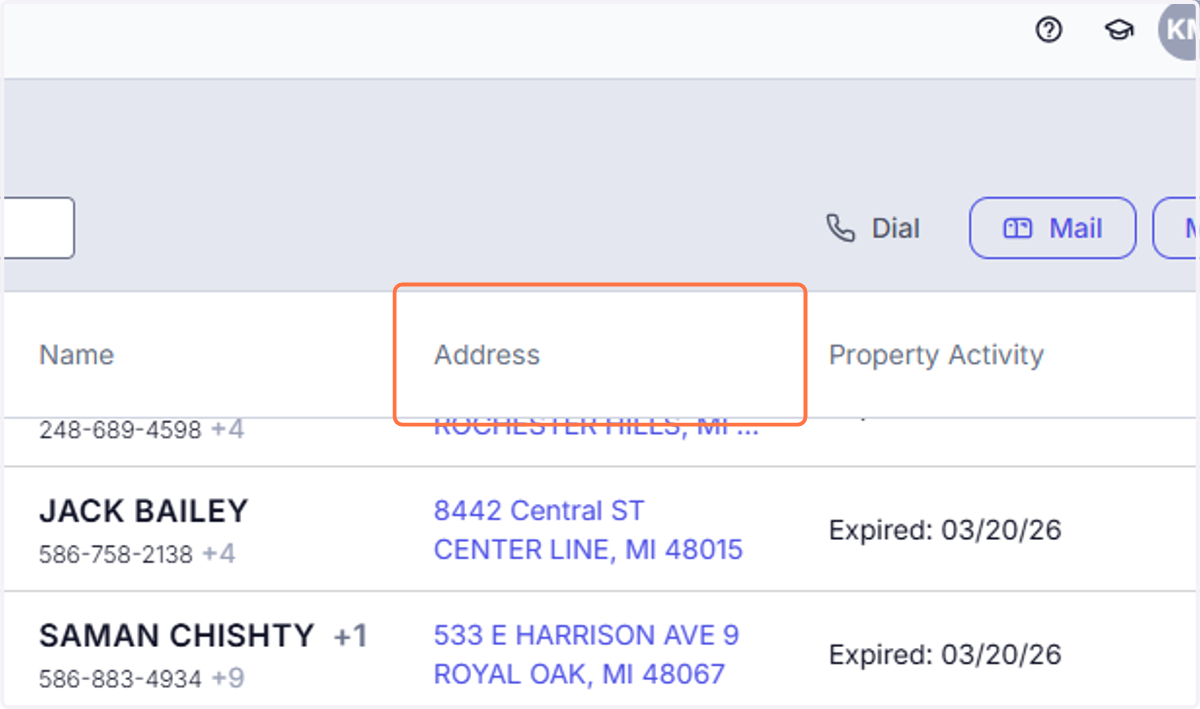
7. WHEN IT EXPIRED
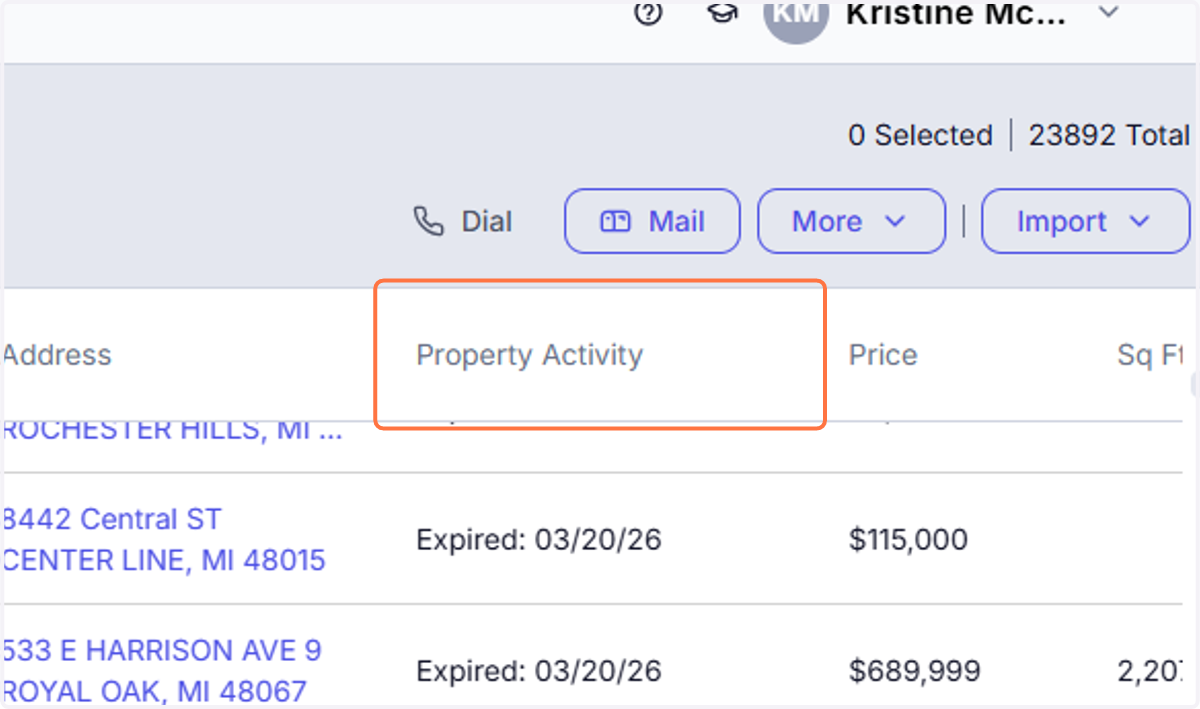
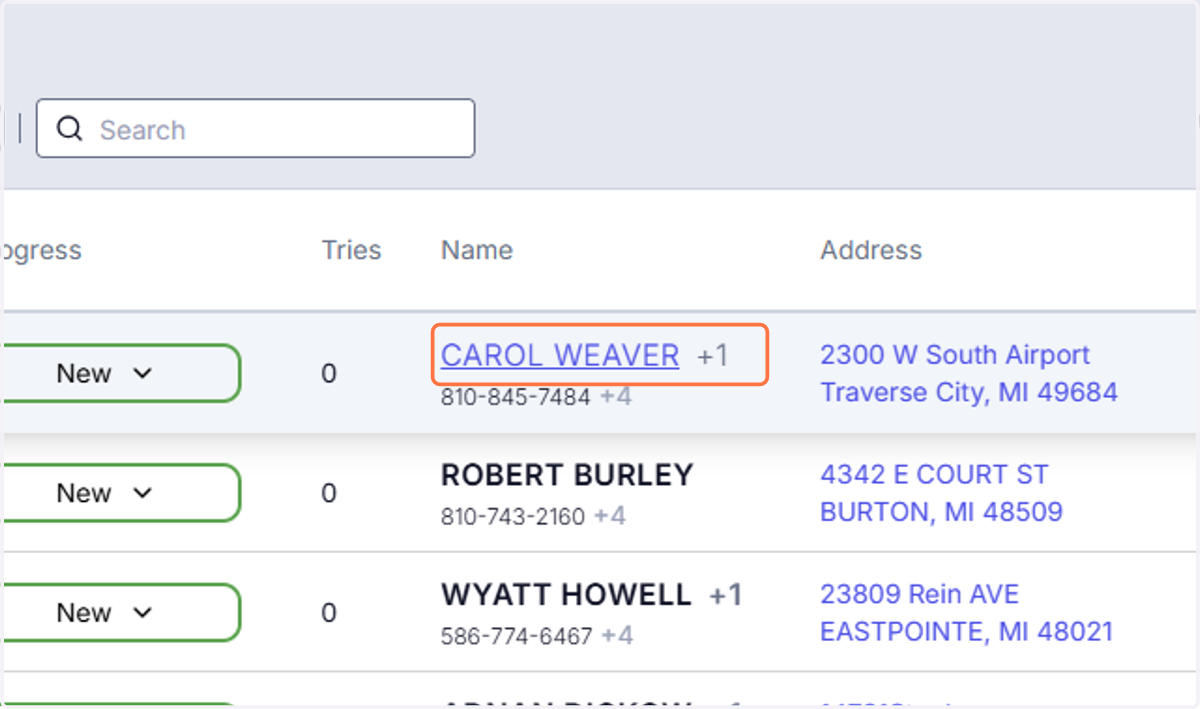
8. More details
If you click on the name you can see additional details.
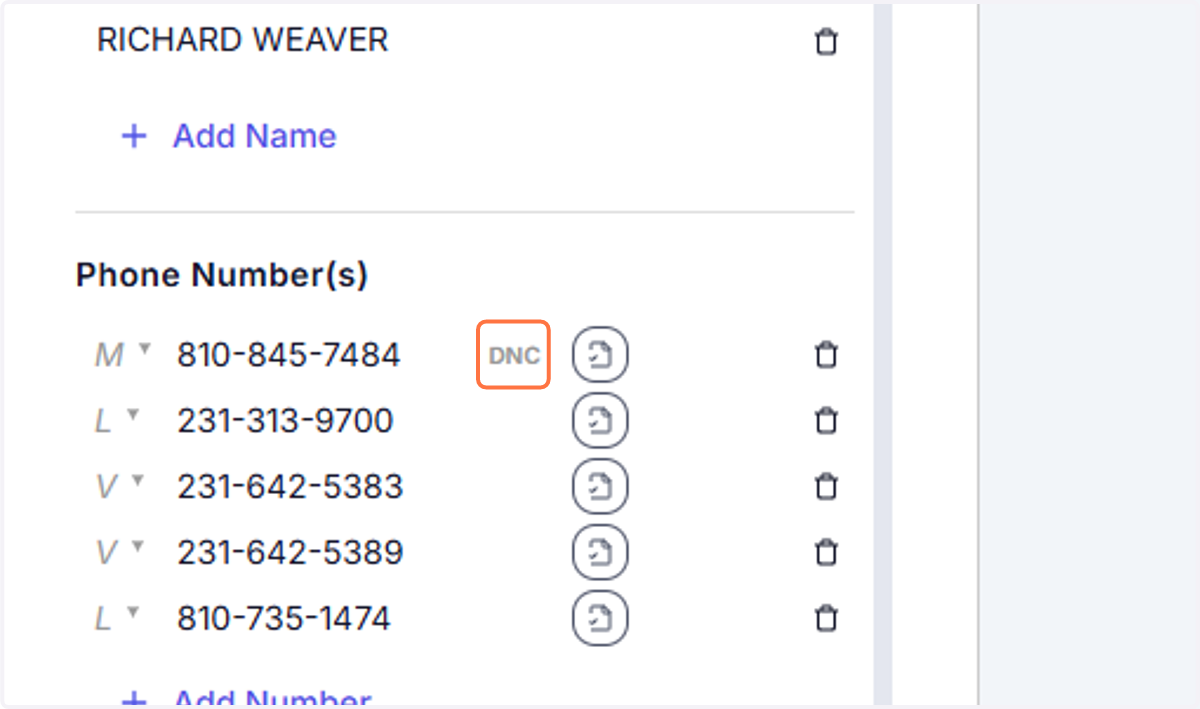
9. DNC!!!!
TCPA Reminder for Prospecting (REDX Use)
As you are prospecting using REDX and other dialing/texting systems, please ensure you are complying with TCPA guidelines at all times.
Do not call or text numbers listed on the Do Not Call (DNC) Registry
Do not use automated dialing or prerecorded messages without prior consent
When texting, ensure the individual has given permission or that your outreach complies with applicable regulations
Always identify yourself and your brokerage clearly at the start of communication
If someone asks to be removed or to stop contact, honor that request immediately
Failure to follow TCPA regulations can result in significant fines and liability. It is your responsibility to ensure all outreach is compliant.
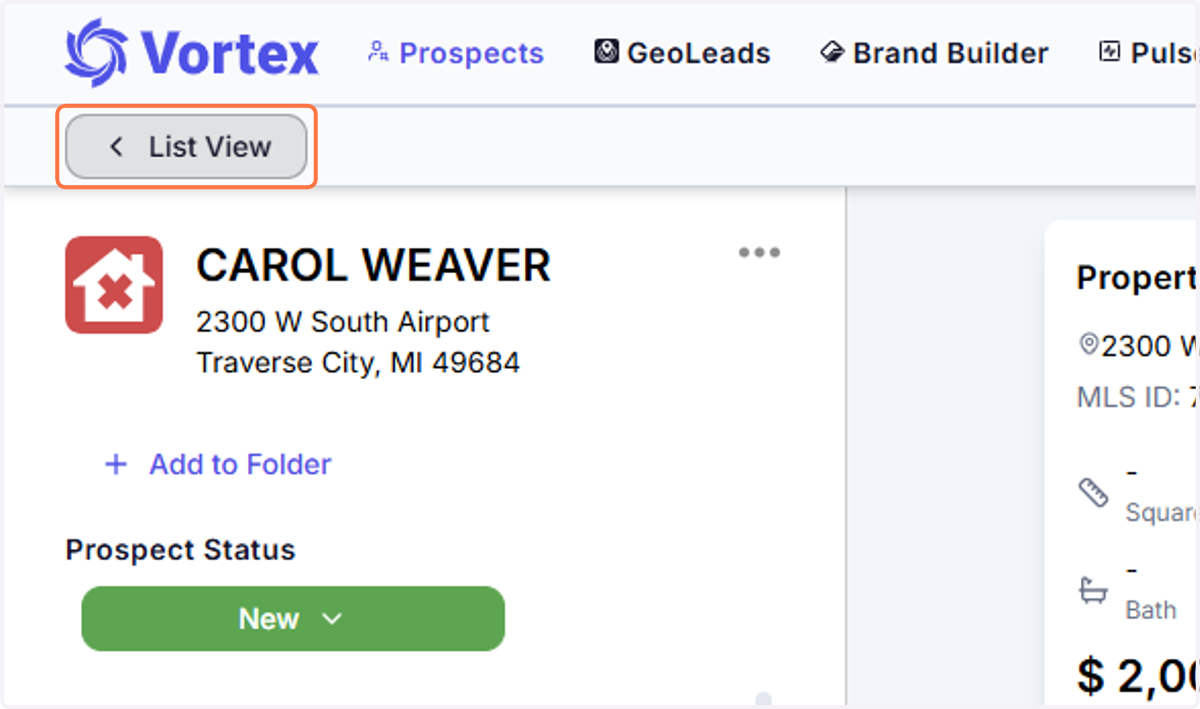
10. To Export a List - Click on List View
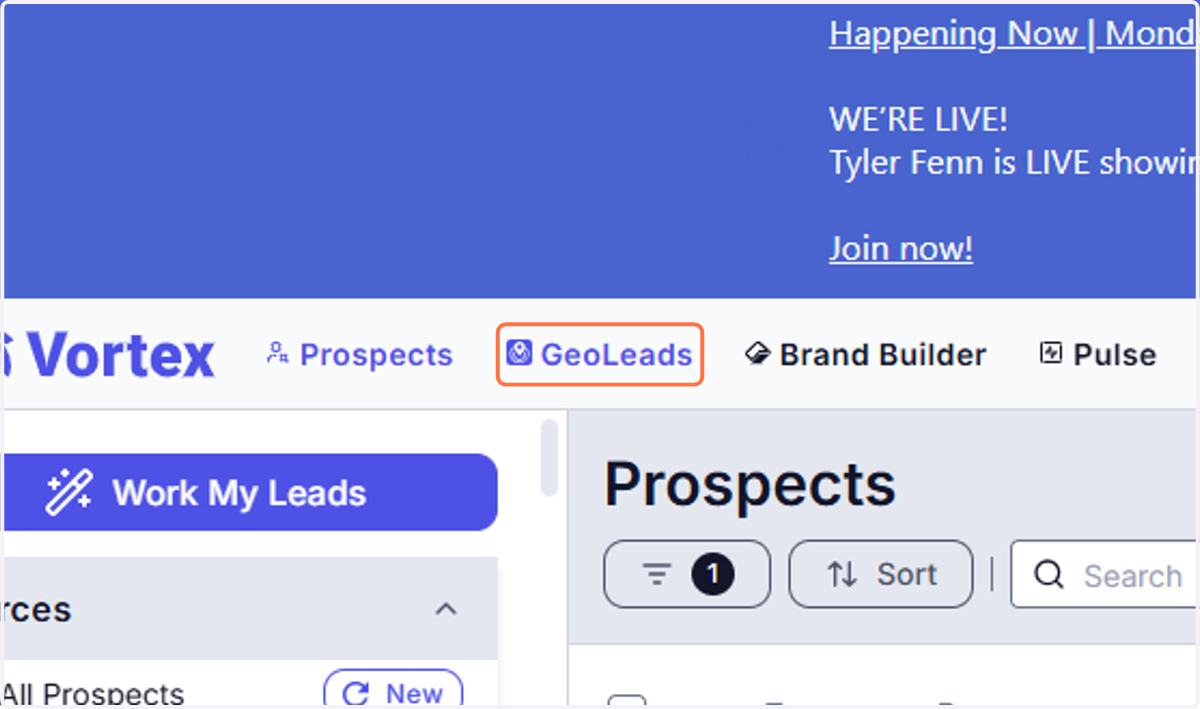
11. Click on GeoLeads
12. Type in the address you want to prospect around.
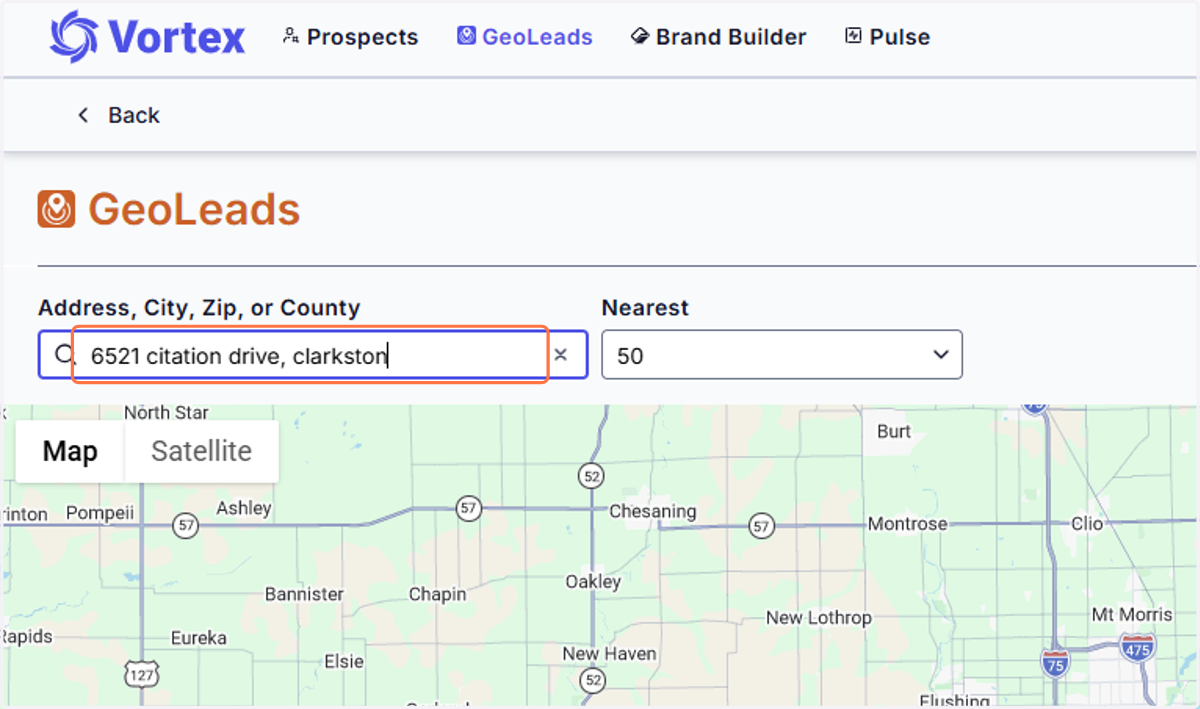
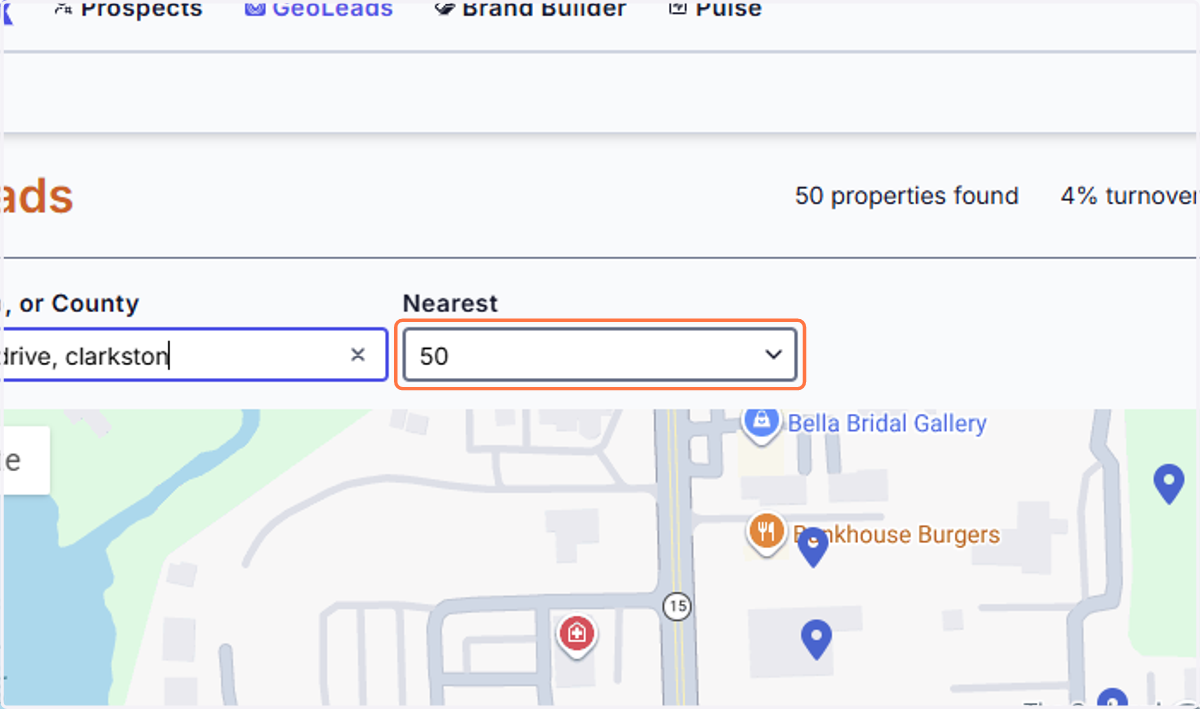
13. Click on Nearest 50,100, etc (MAX 200)
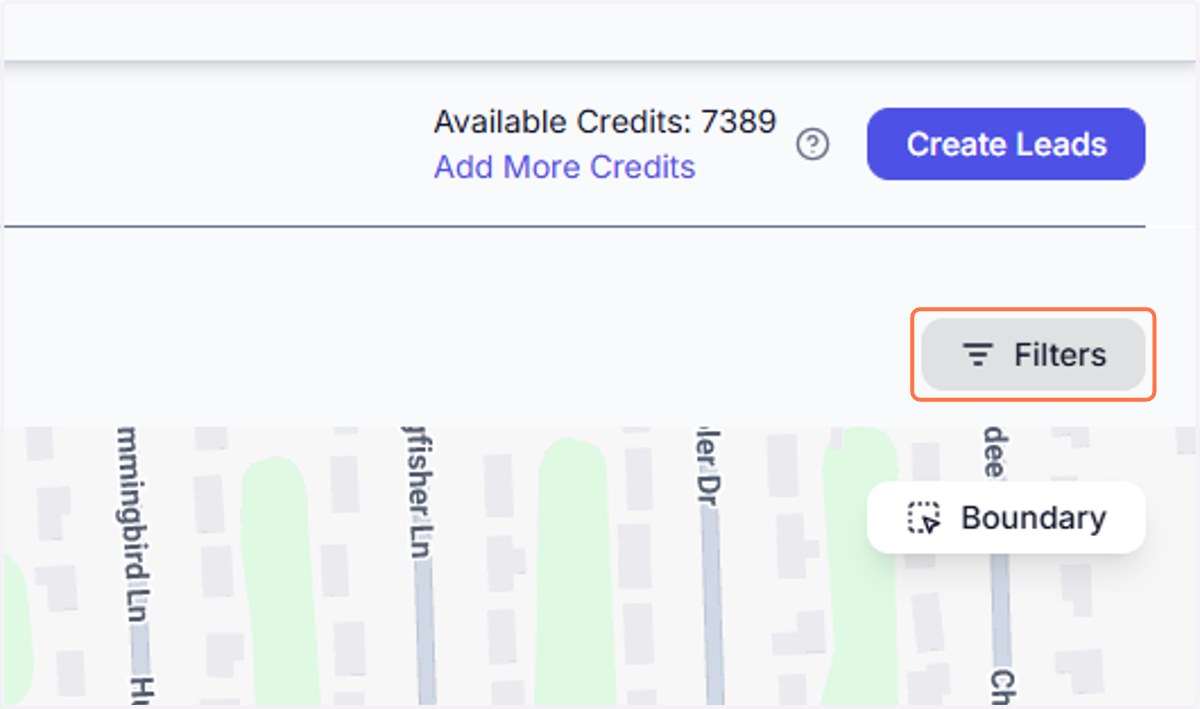
14. Click on Filters
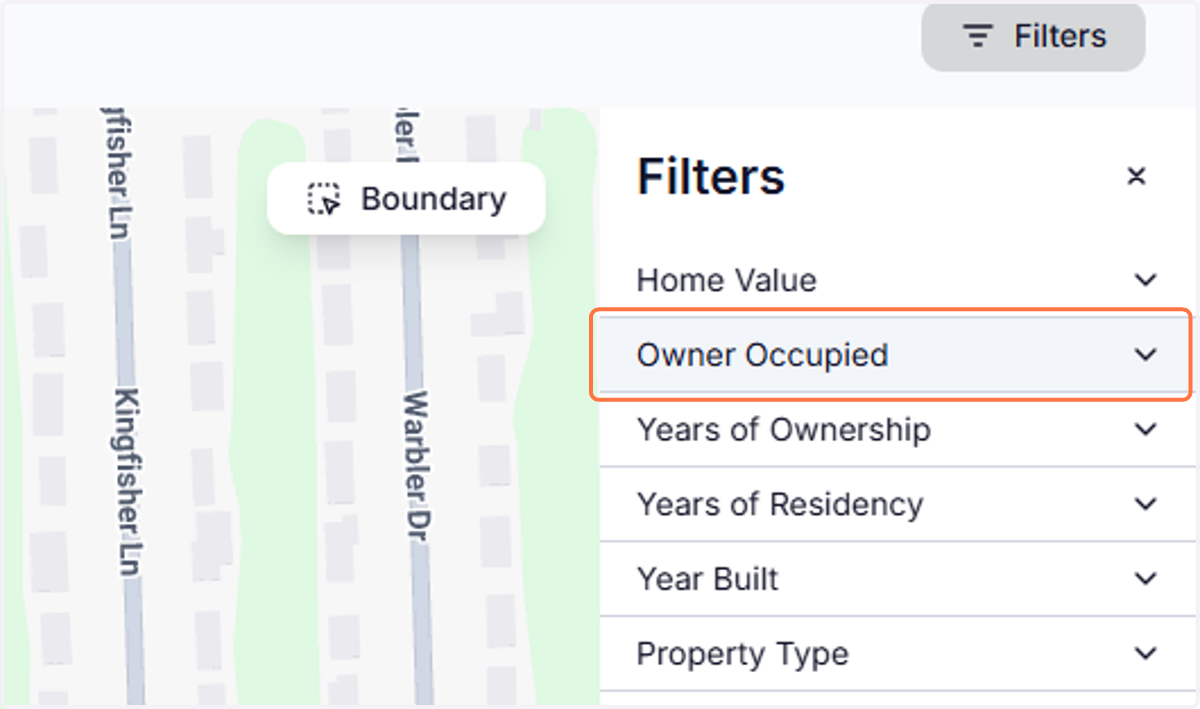
15. Click on any items you want to filter
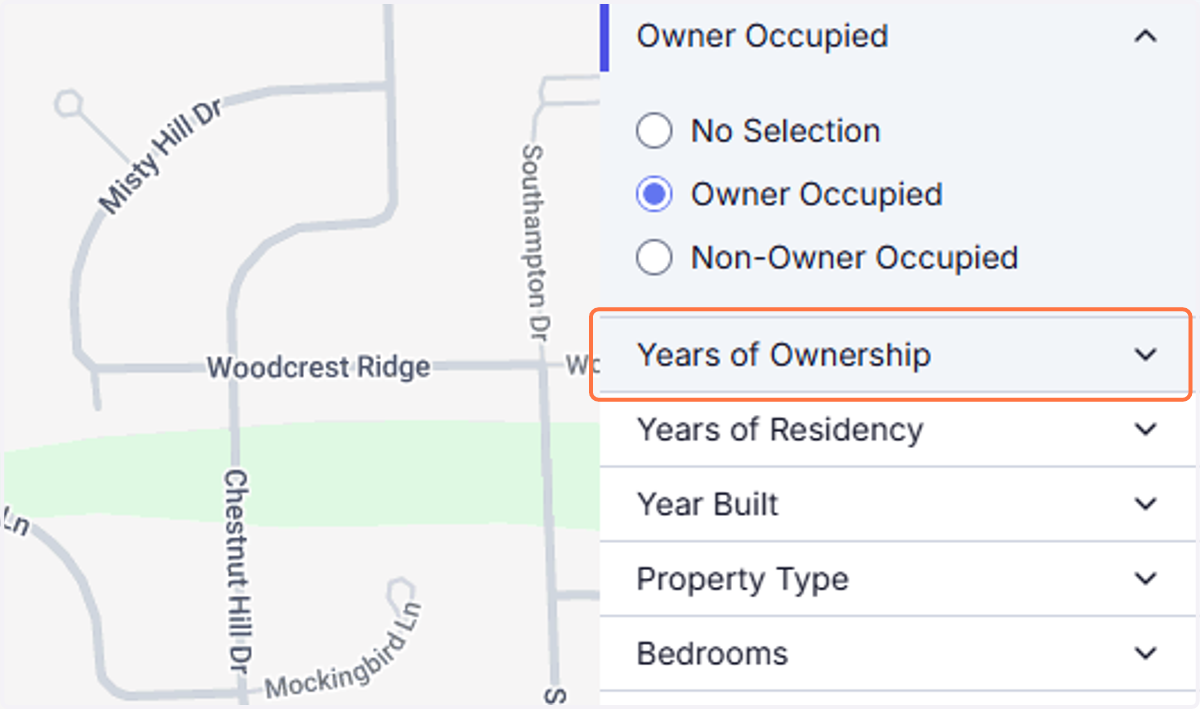
16. Recommend: Years of Ownership 3+
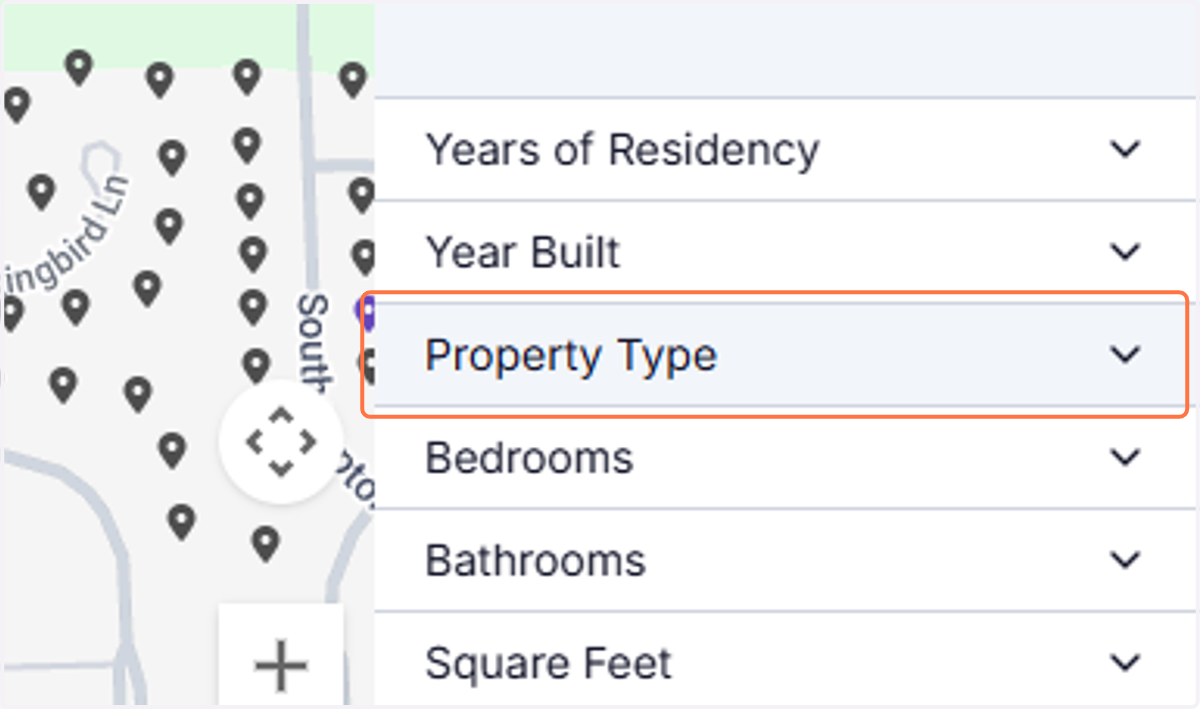
17. Property Type - recomennd house
18. CLICK ON CREATE LEADS
19. Click on the preset folder name
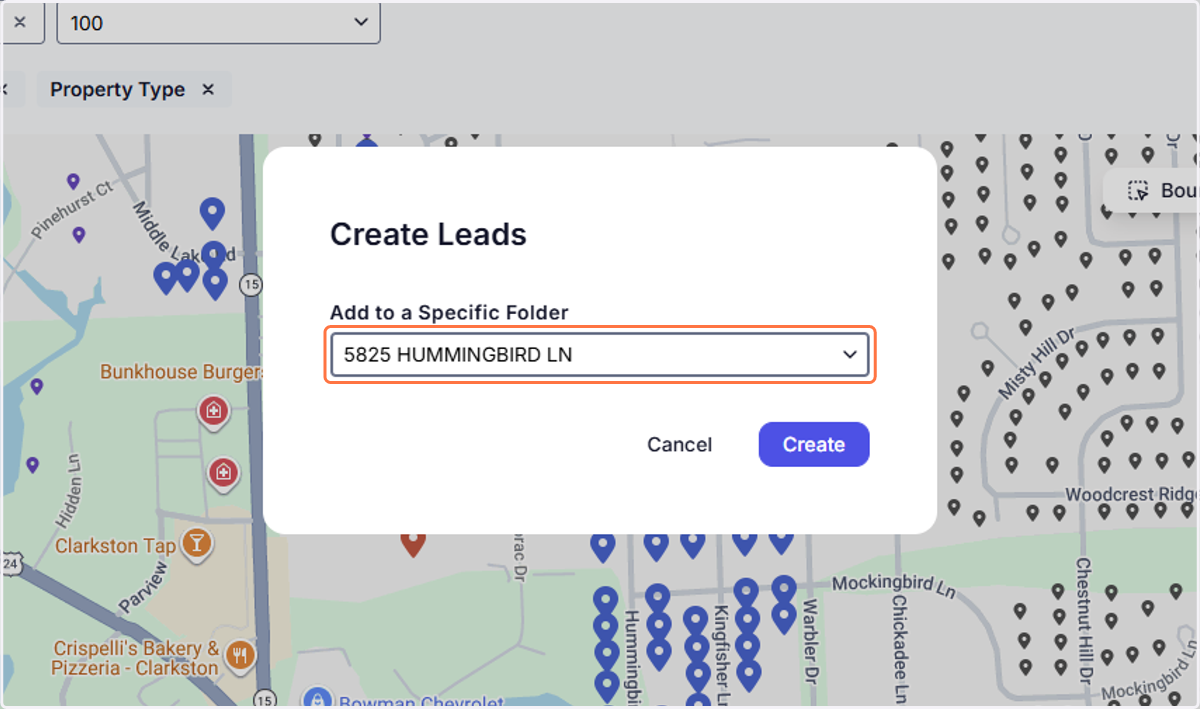
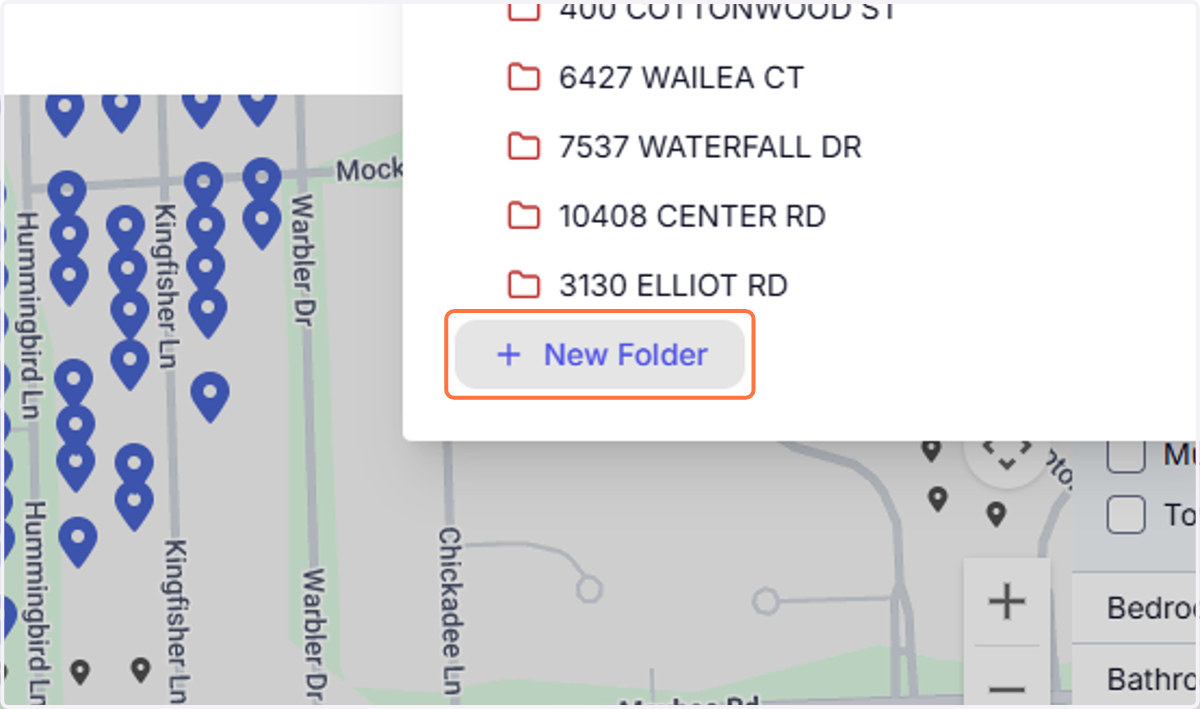
20. Click on New Folder
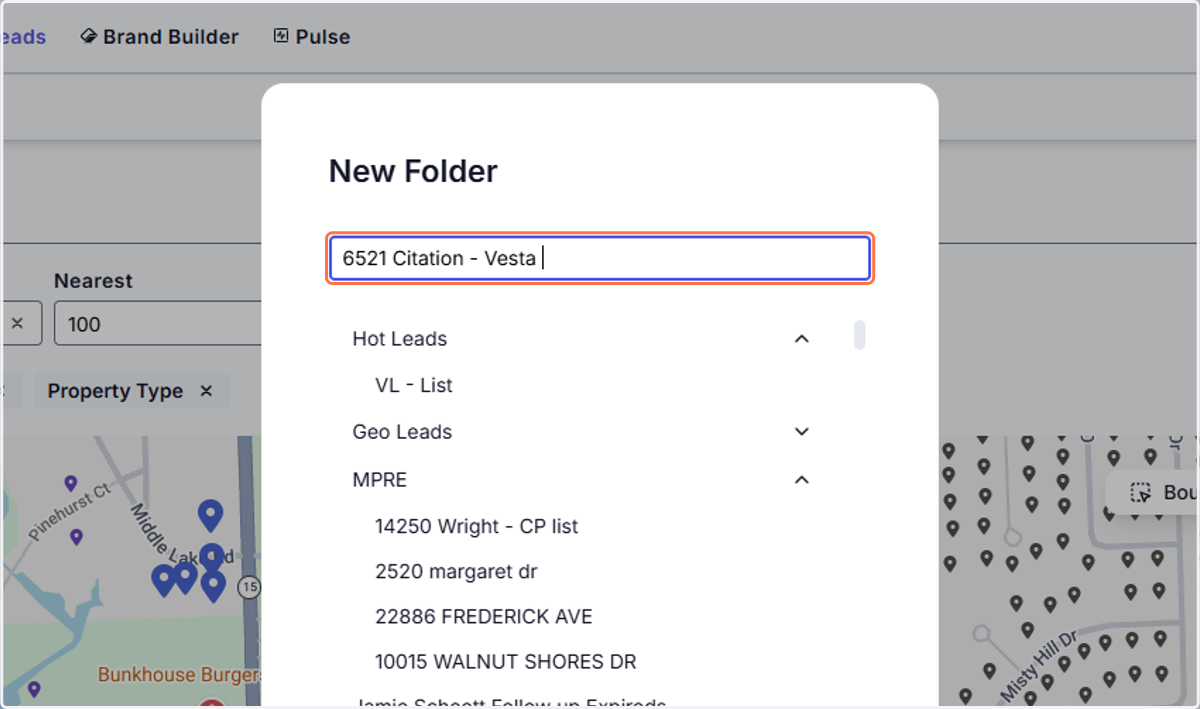
21. Type a name for the file that includes your name
22. Click on Confirm
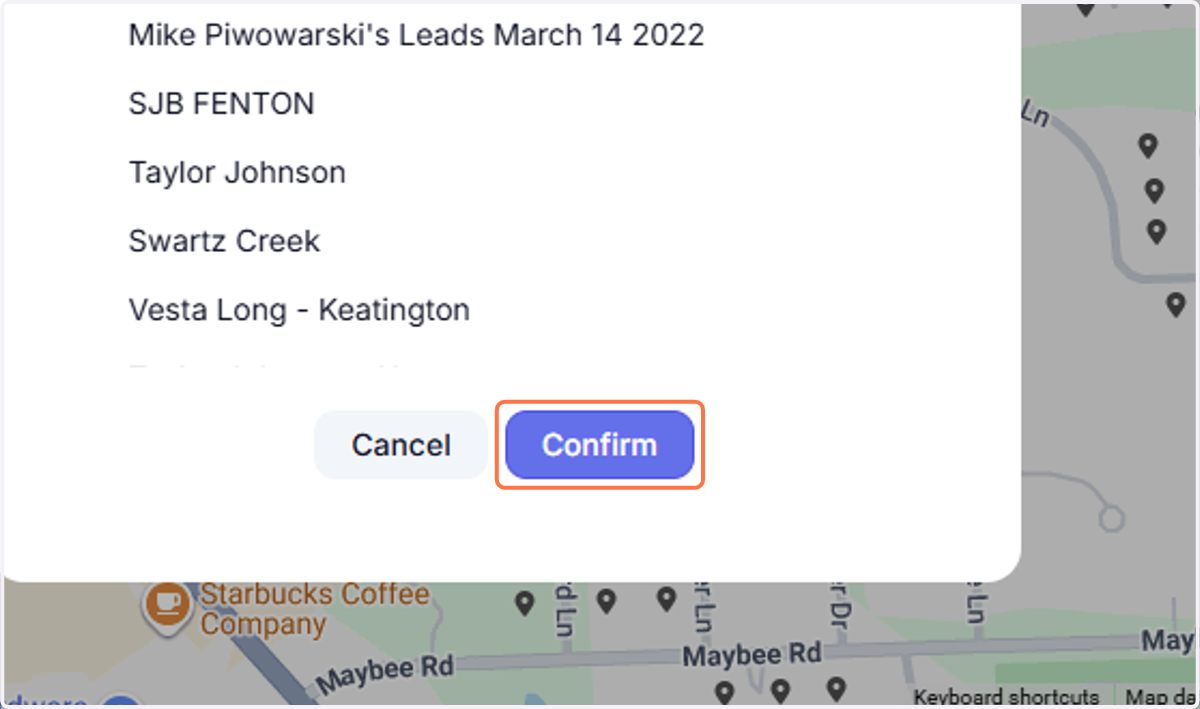
23. Click on Create
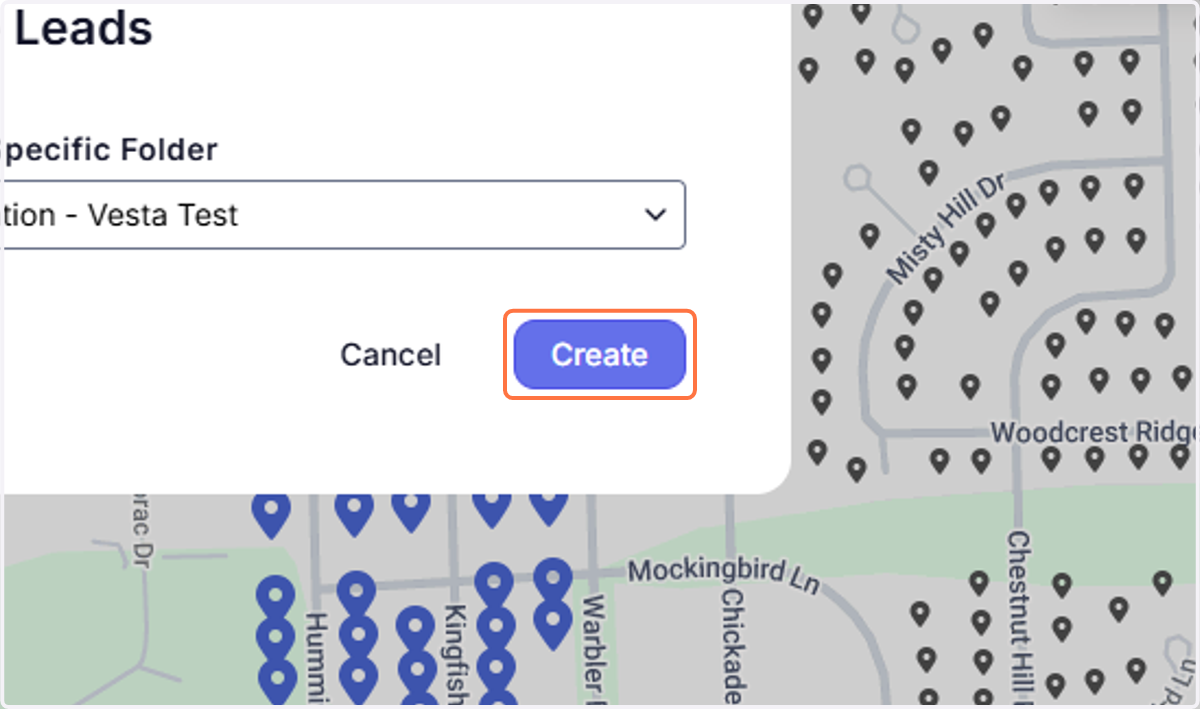
24. Click on Create Leads
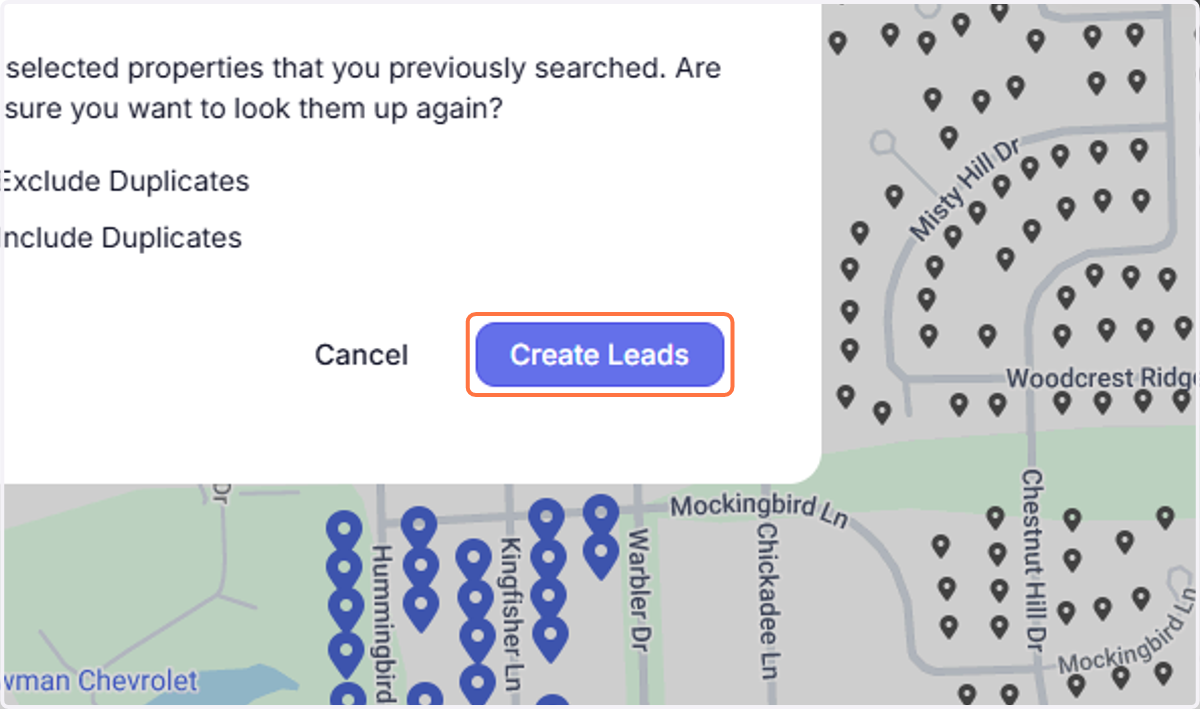
25. Scroll to the bottom and click on your list
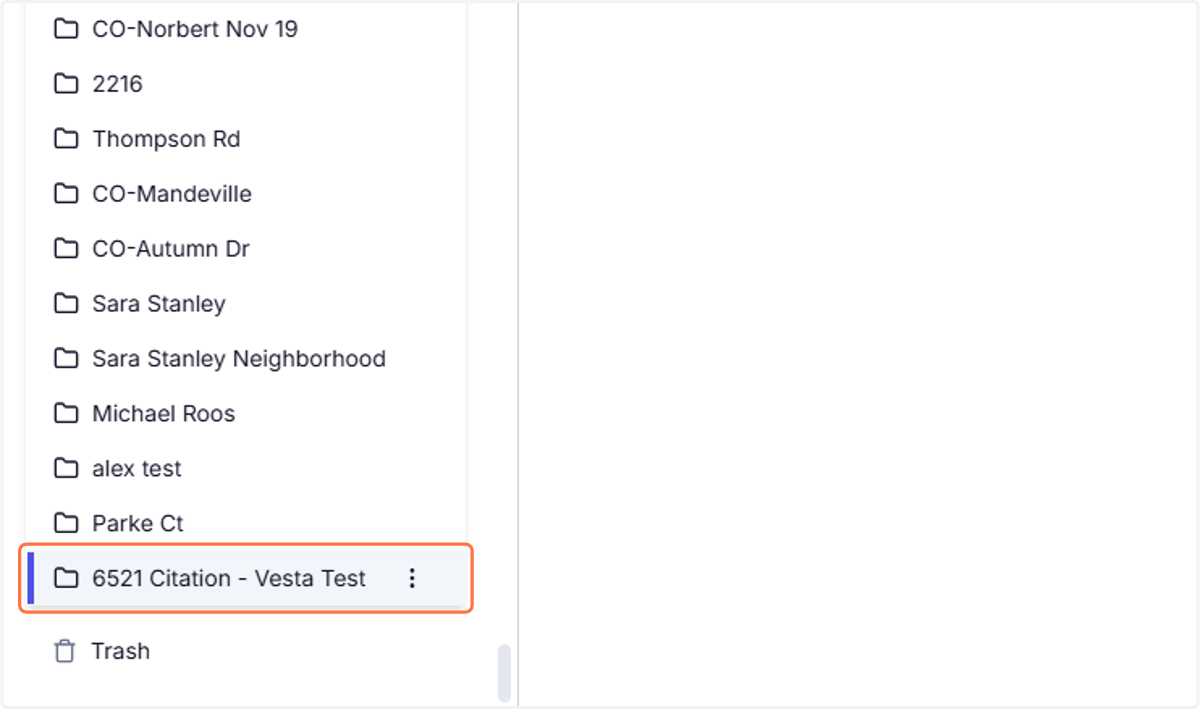
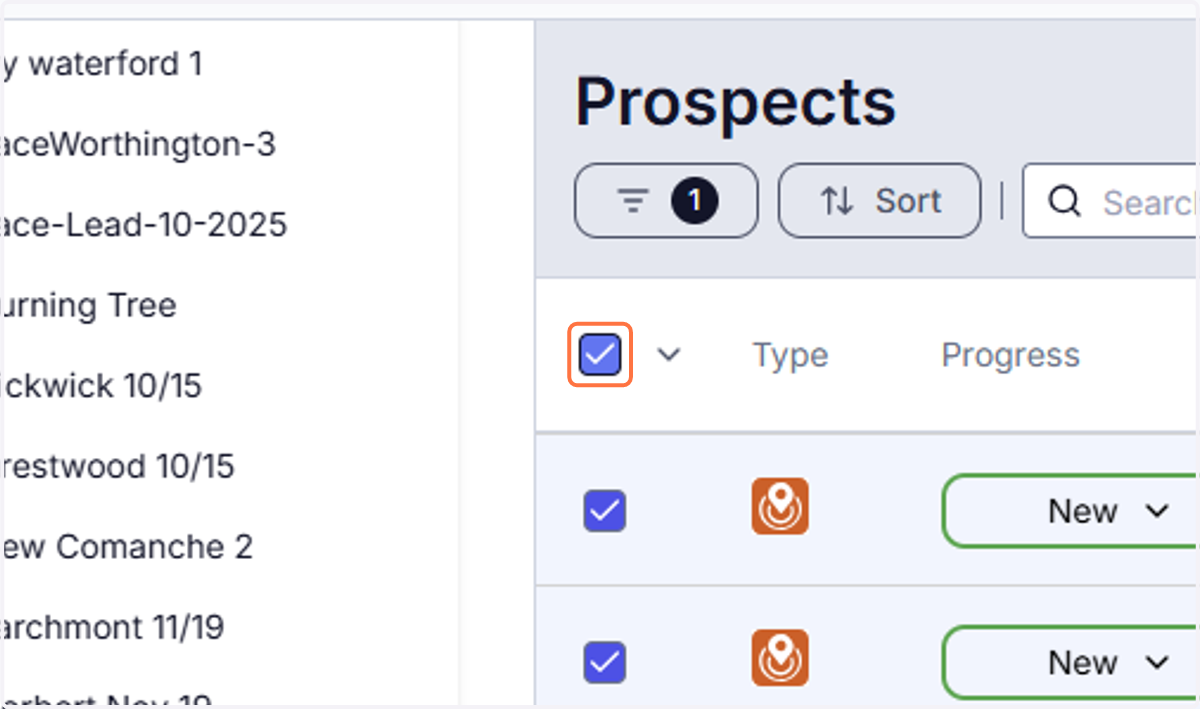
26. Check the box to select all leads
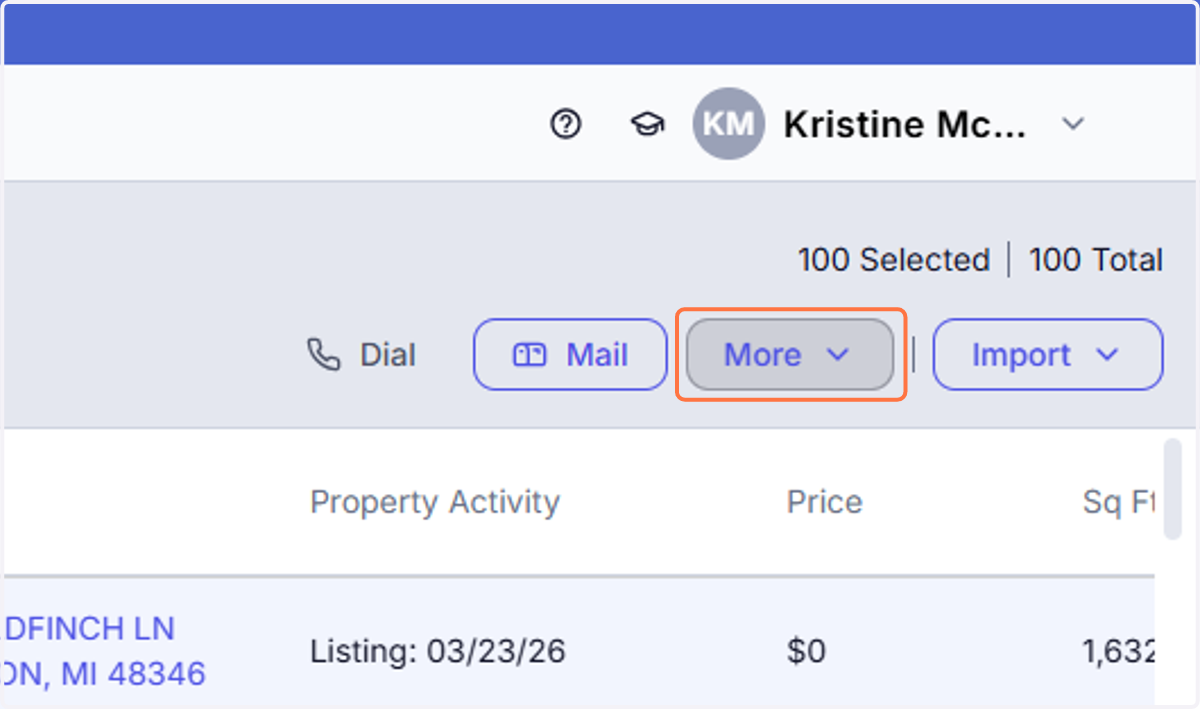
27. Click on More
28. Click on Download list (.csv)
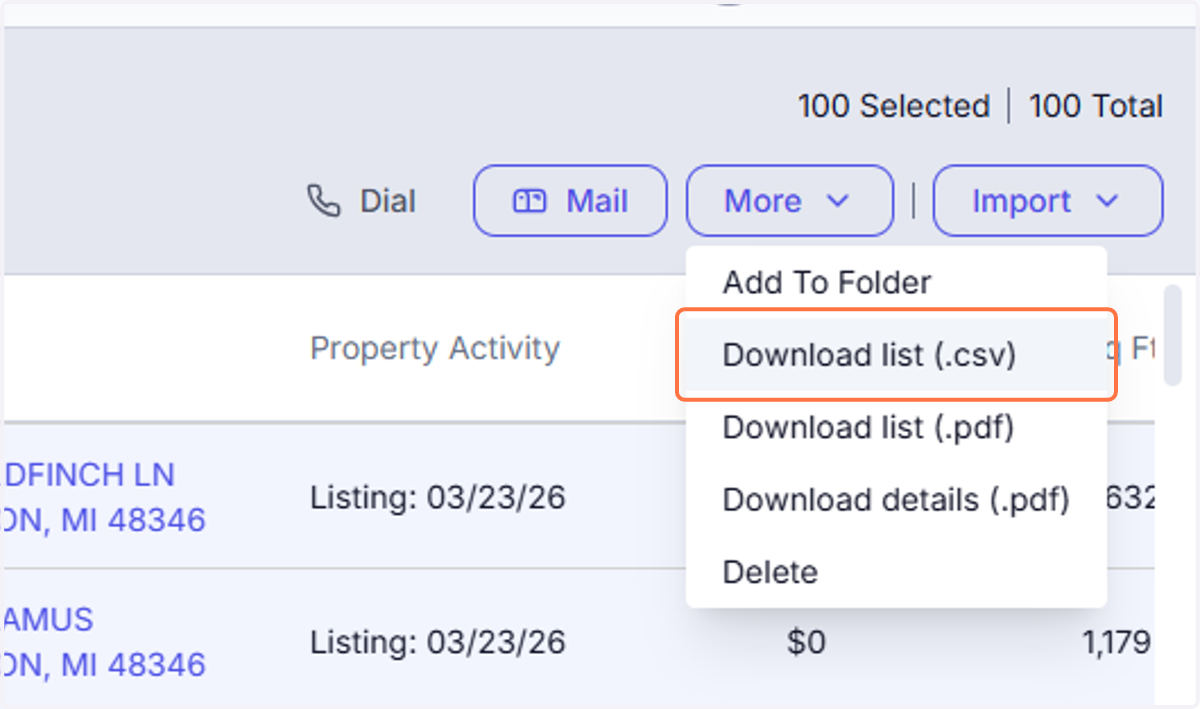
29. You can now use this CSV to import into your command or use as a call list.
TCPA Reminder for Prospecting (REDX Use)
As you are prospecting using REDX and other dialing/texting systems, please ensure you are complying with TCPA guidelines at all times.
Do not call or text numbers listed on the Do Not Call (DNC) Registry
Do not use automated dialing or prerecorded messages without prior consent
When texting, ensure the individual has given permission or that your outreach complies with applicable regulations
Always identify yourself and your brokerage clearly at the start of communication
If someone asks to be removed or to stop contact, honor that request immediately
Failure to follow TCPA regulations can result in significant fines and liability. It is your responsibility to ensure all outreach is compliant.