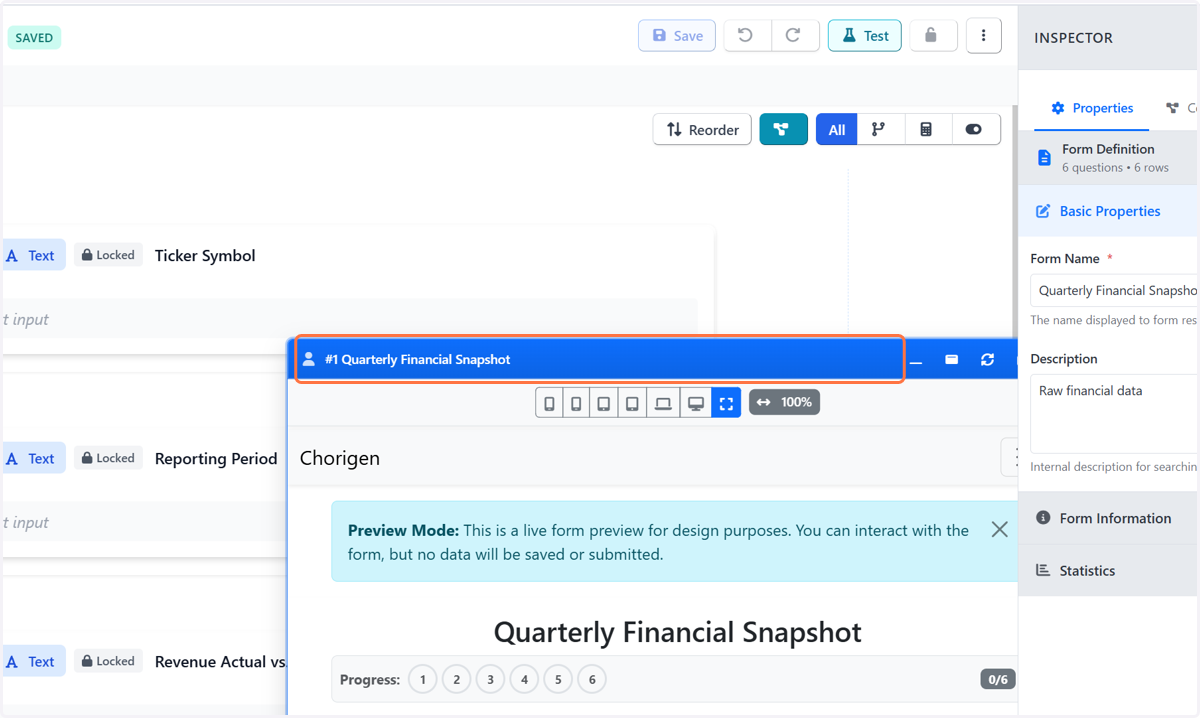
Create Quarterly Snapshot Form in Chorigen
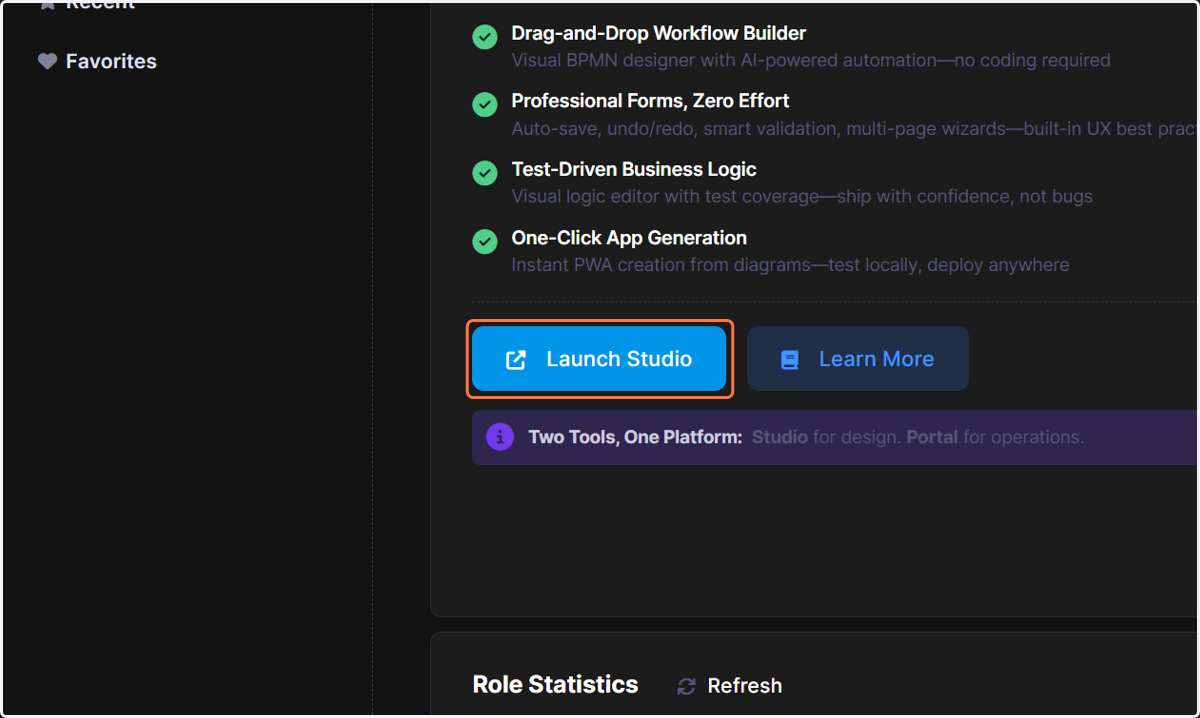
1. Click on Launch Studio
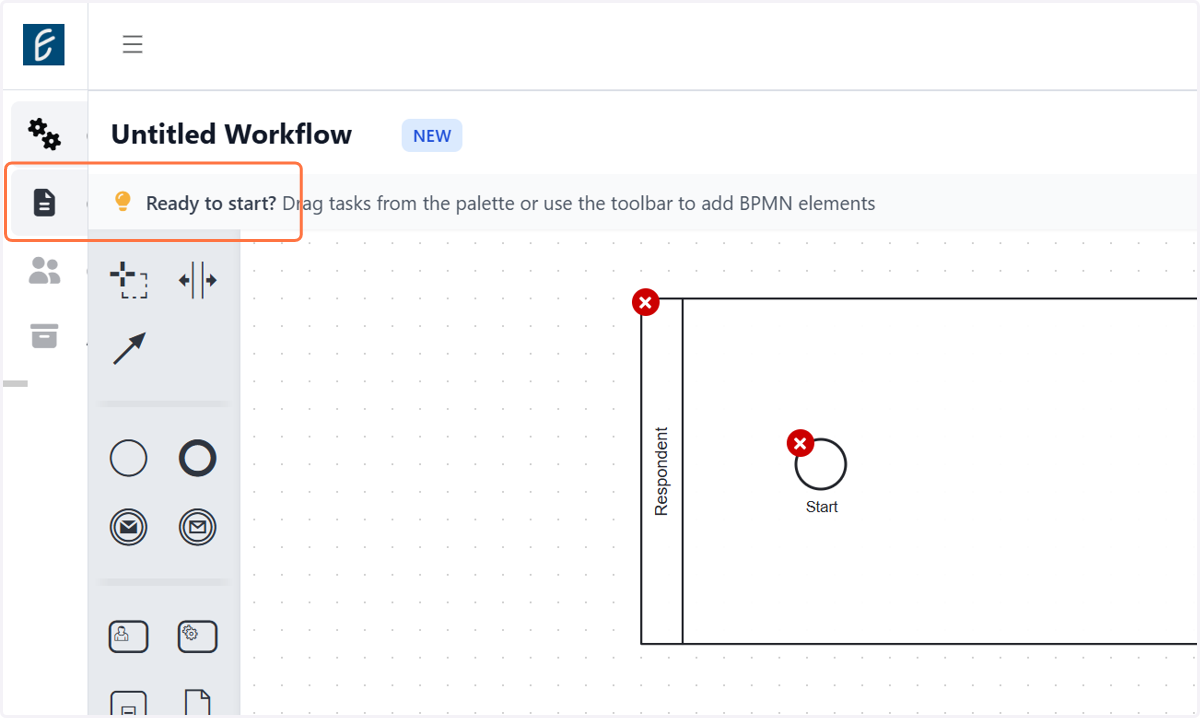
2. Click on Create Form
3. Click on Toolbox…
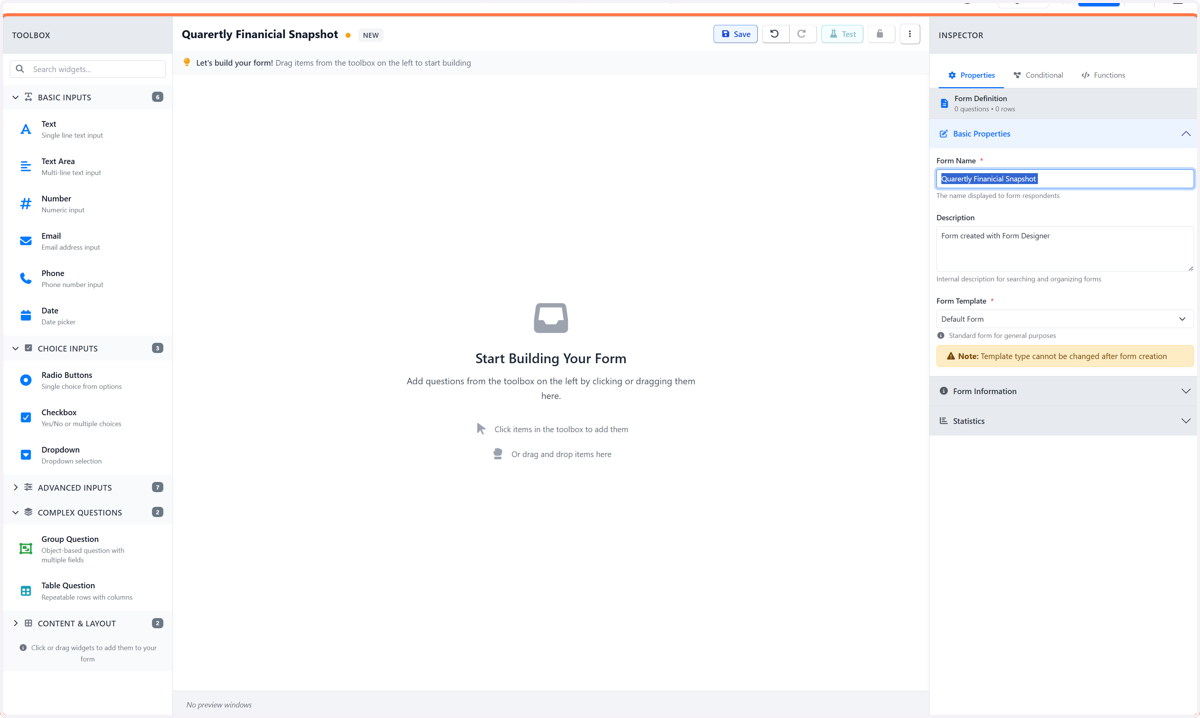
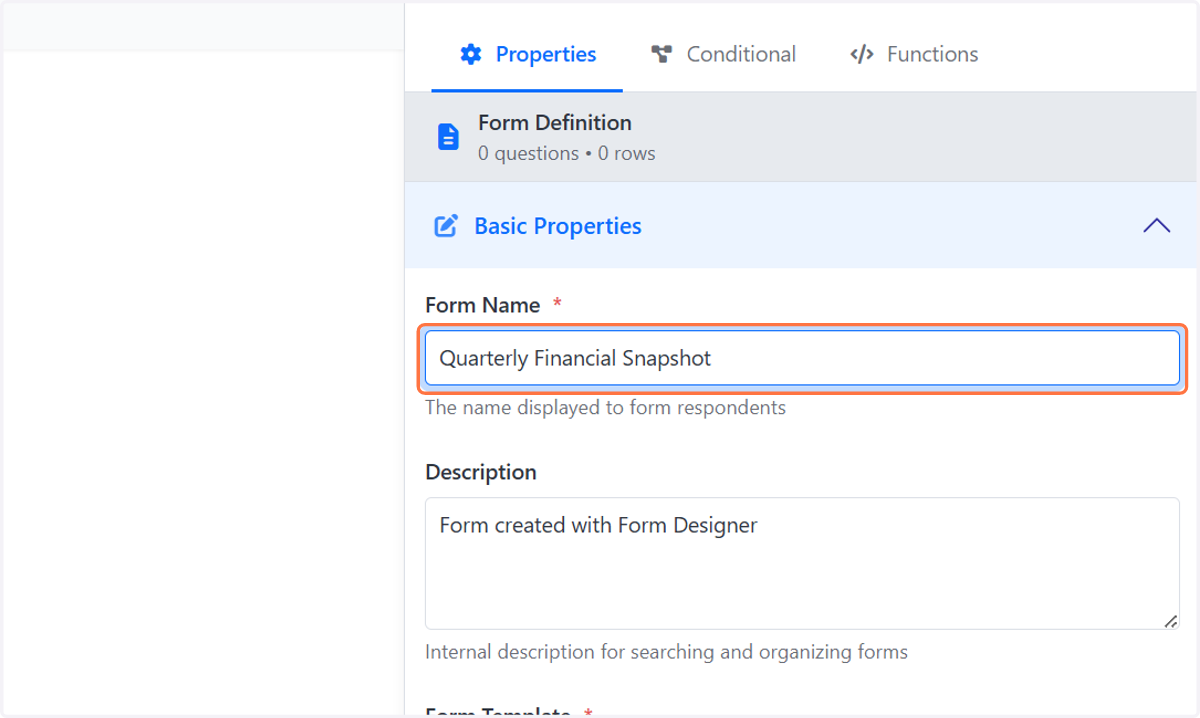
4. Type "Quarterly Financial Snapshot"
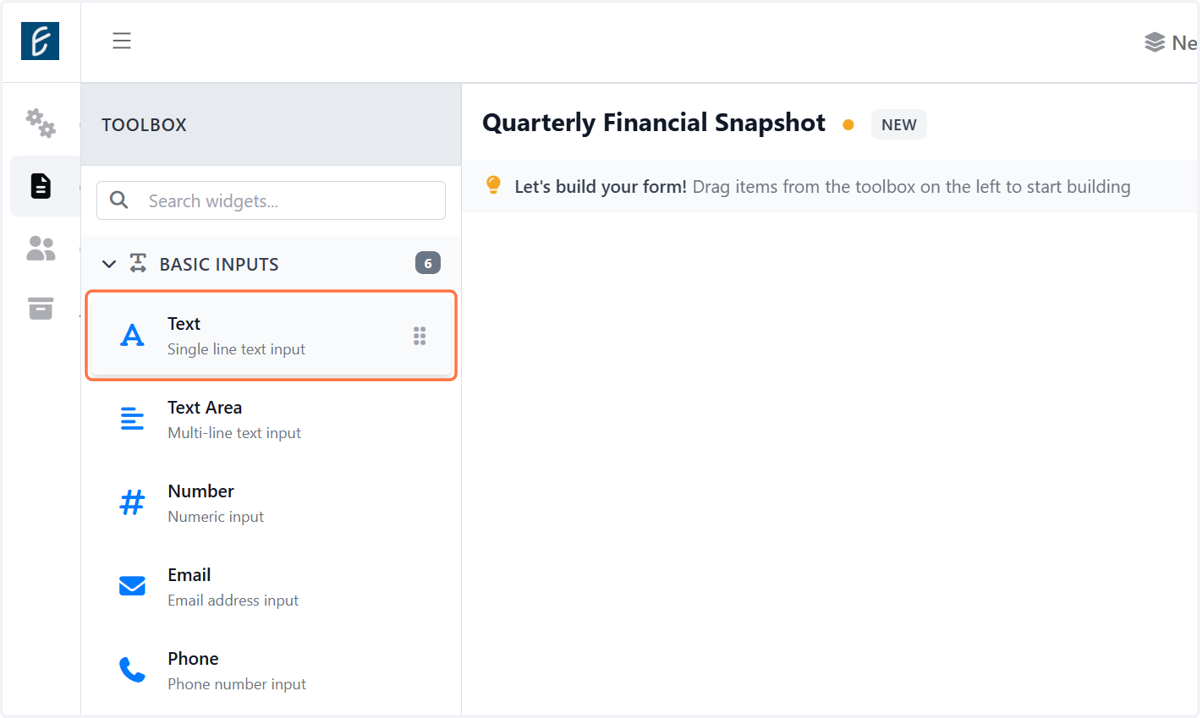
5. Click on Text: Single line text input
6. Type Rich Text Area. Press ALT-0 for help.
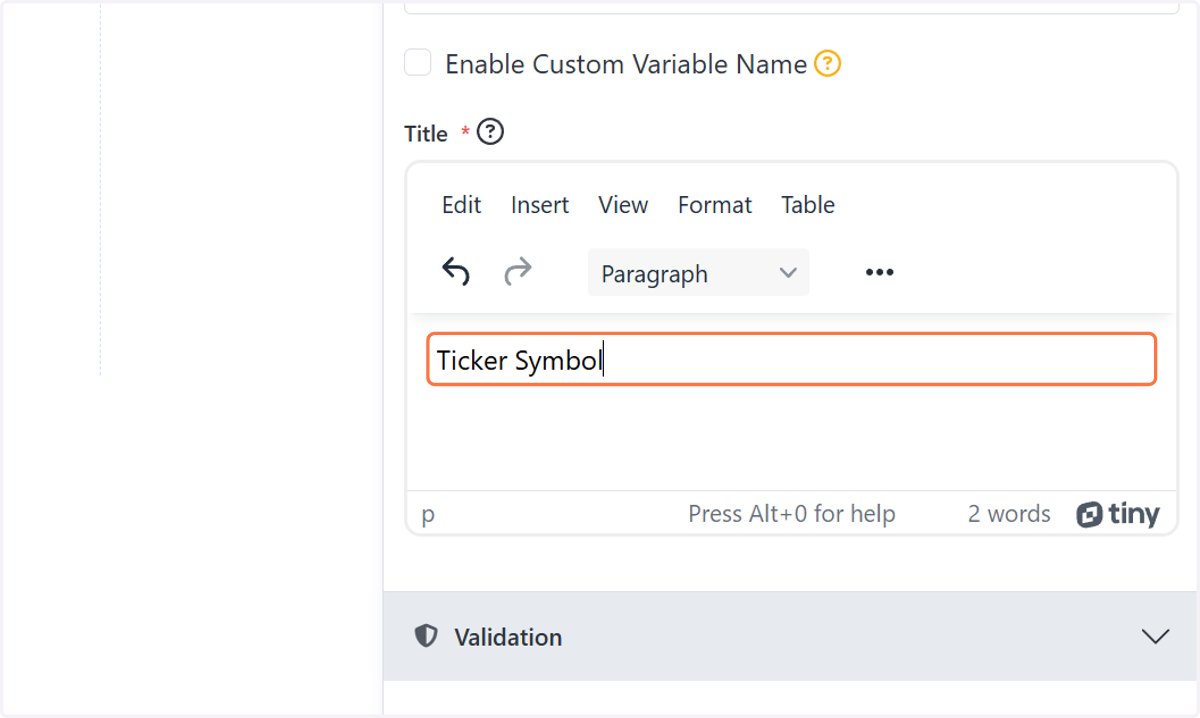
7. Type Rich Text Area. Press ALT-0 for help.
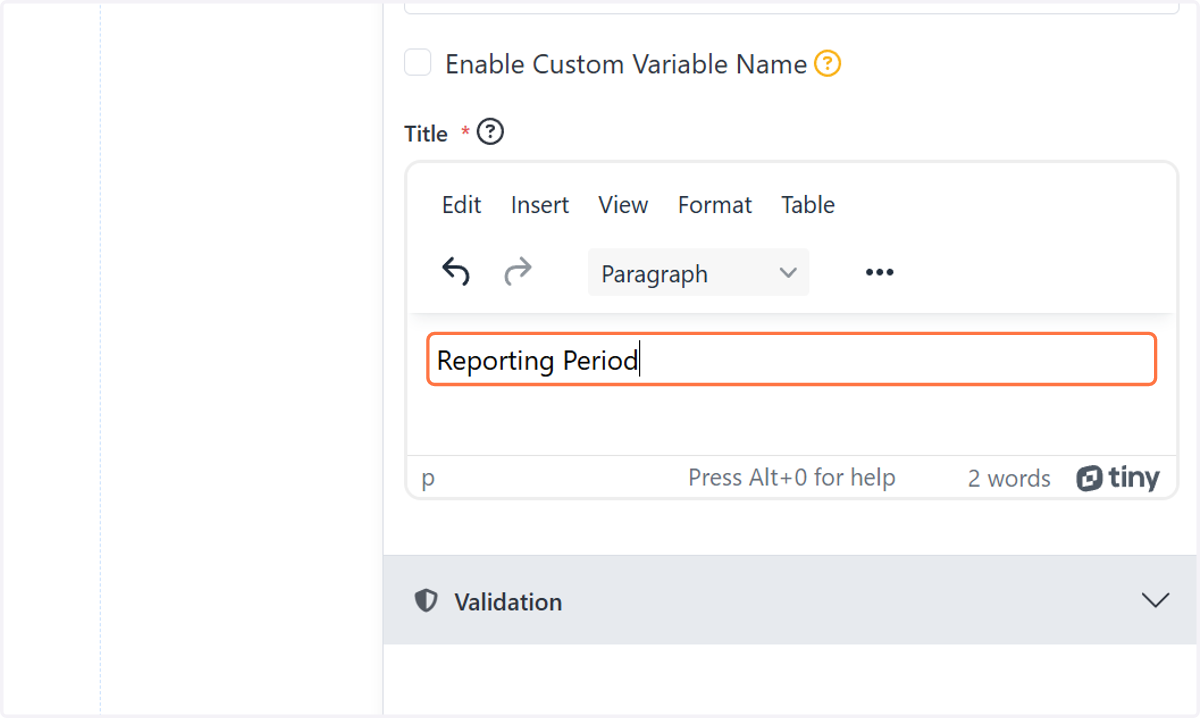
8. Type Rich Text Area. Press ALT-0 for help.
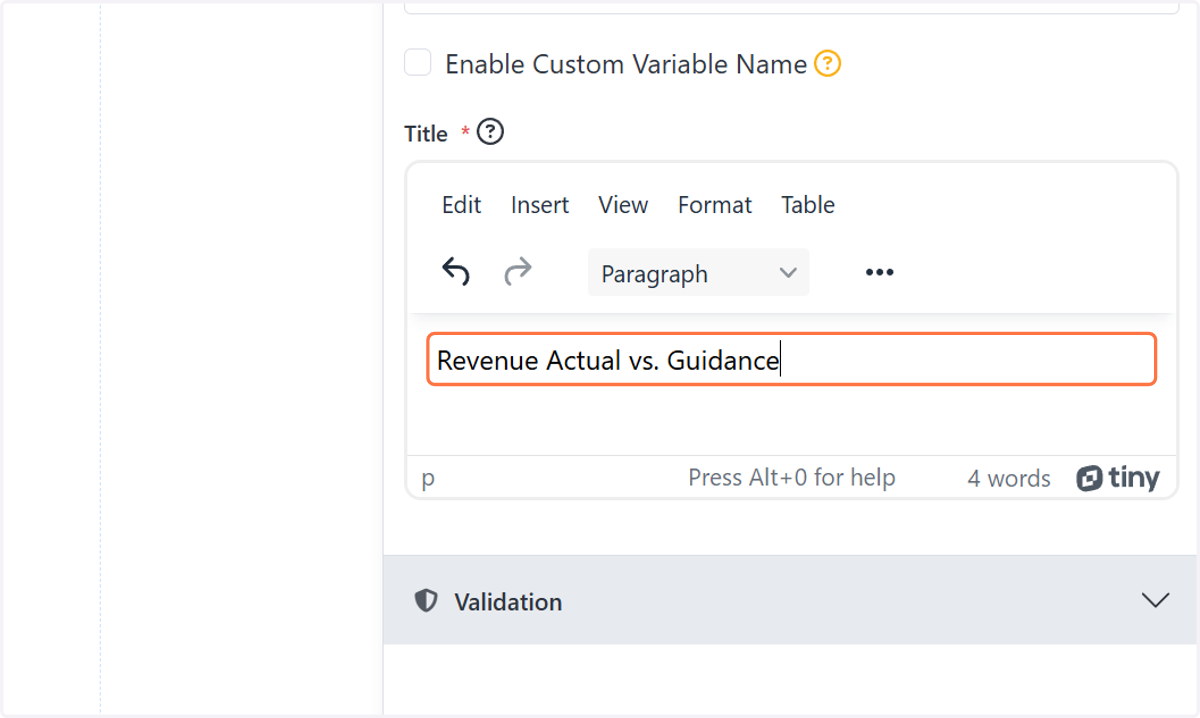
9. Type Rich Text Area. Press ALT-0 for help.
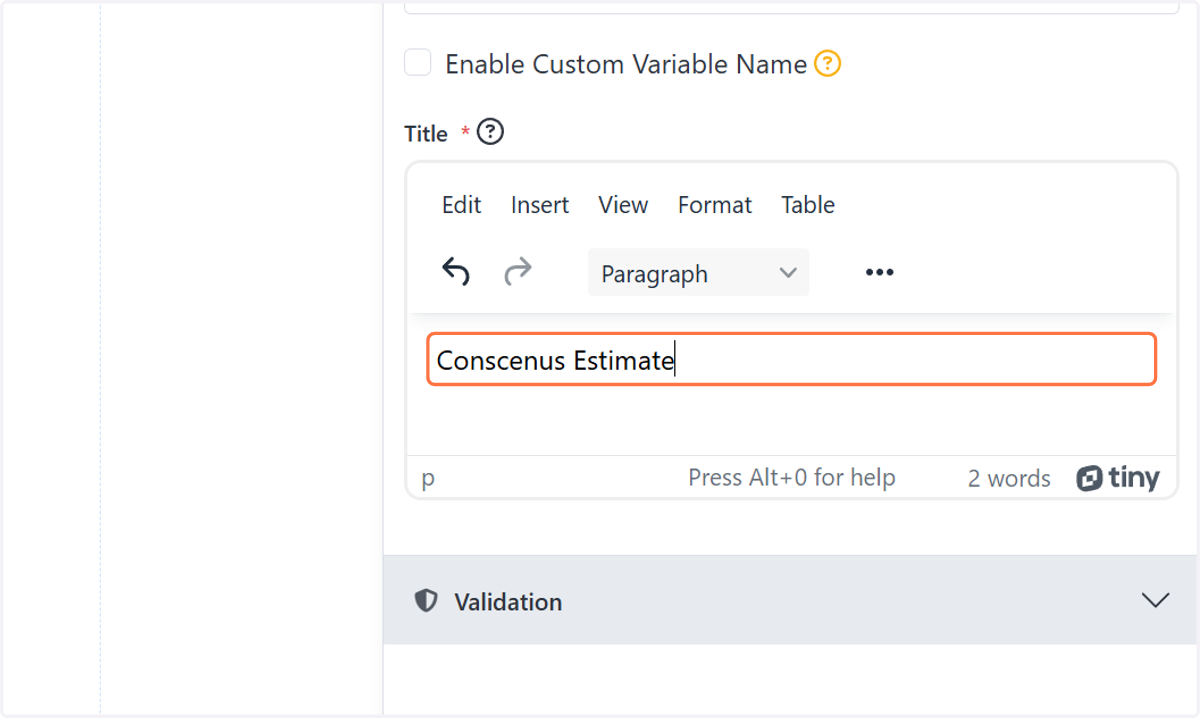
10. Type Rich Text Area. Press ALT-0 for help.
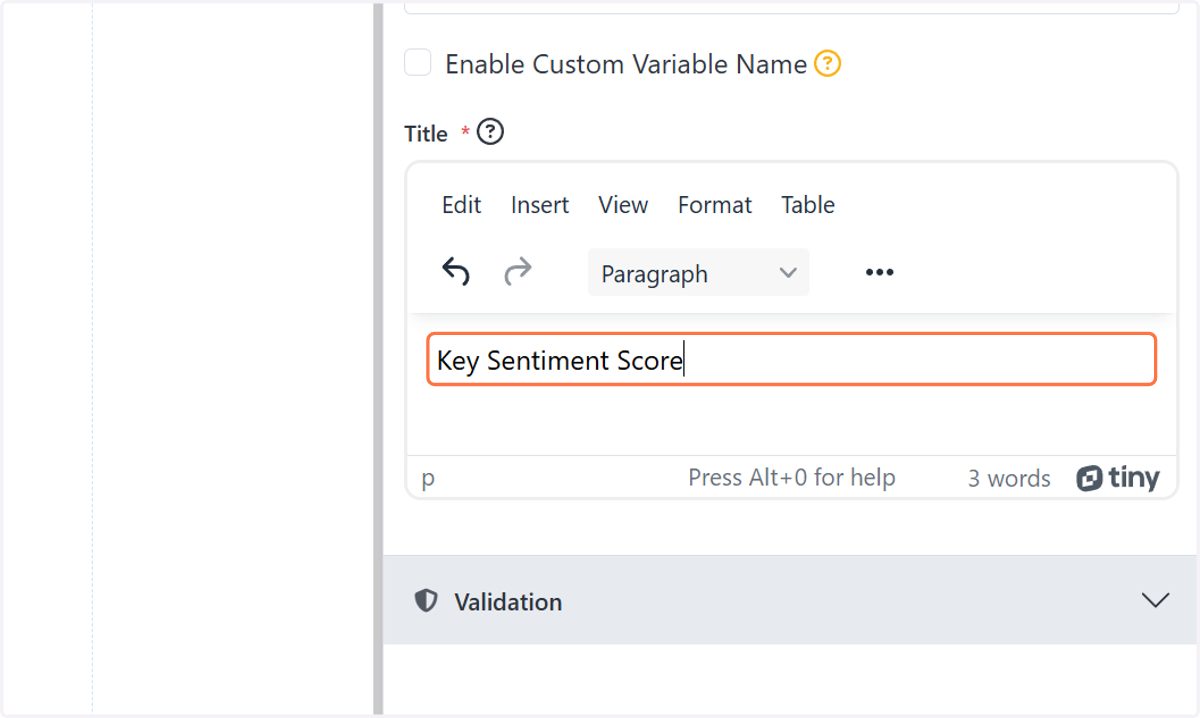
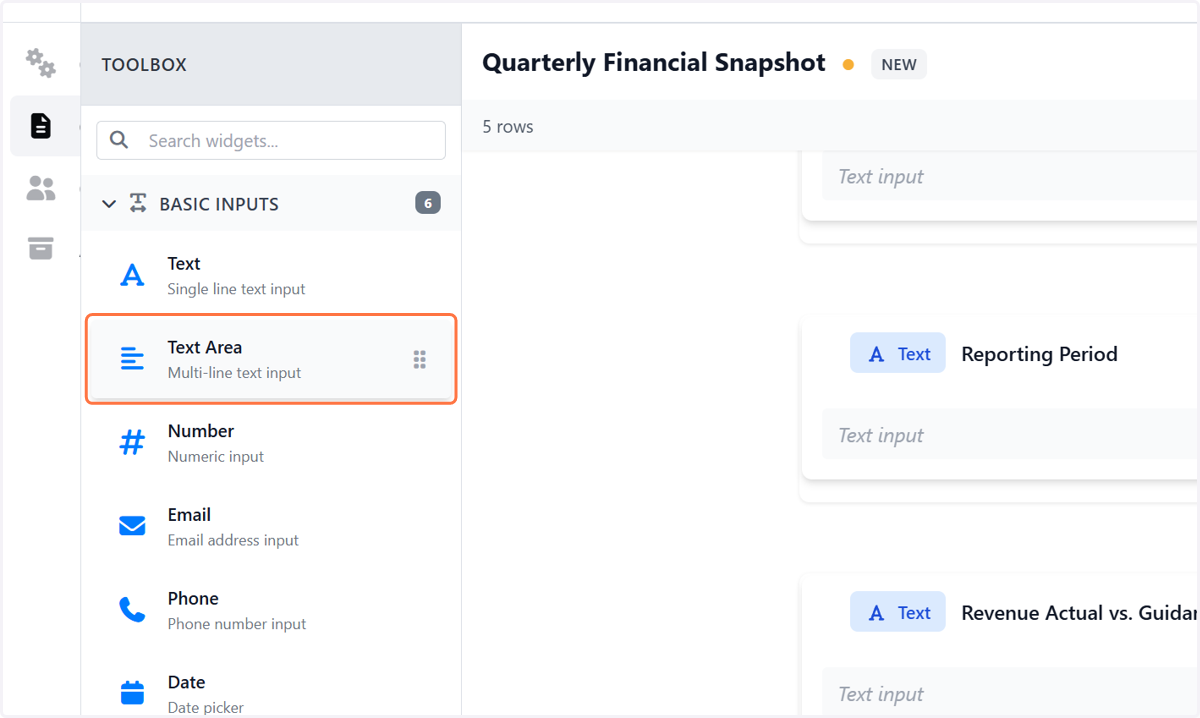
11. Click on Text Area: Multi-line text input
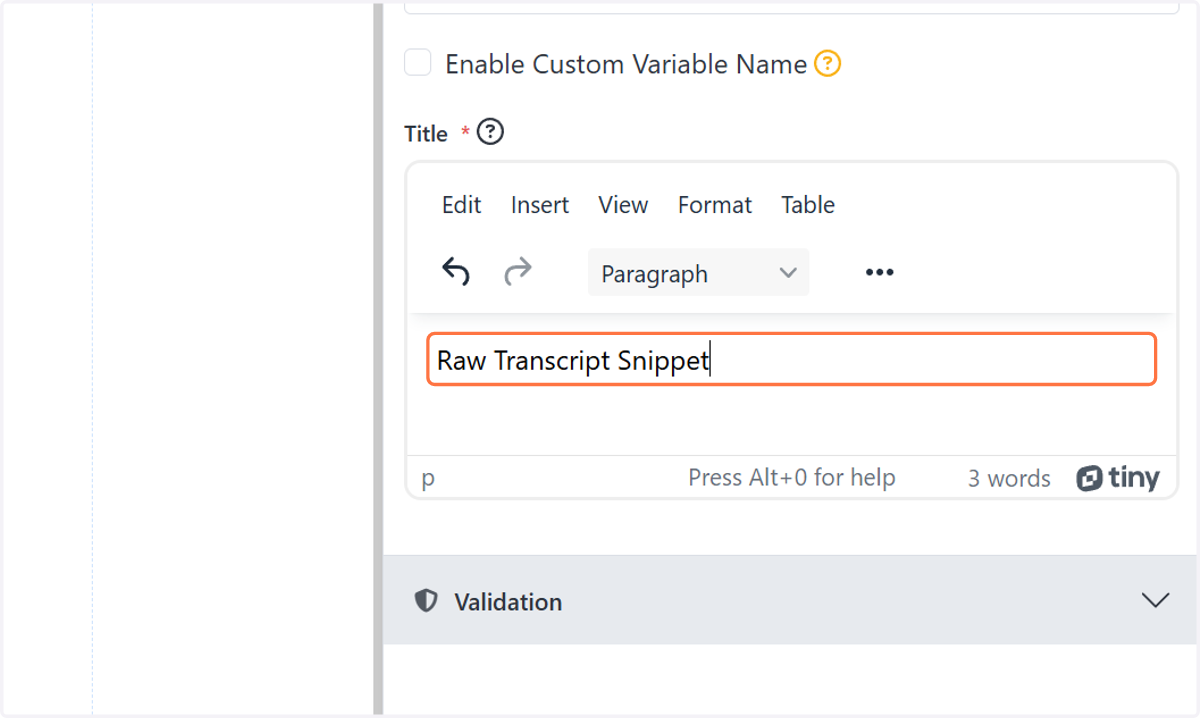
12. Type Rich Text Area. Press ALT-0 for help.
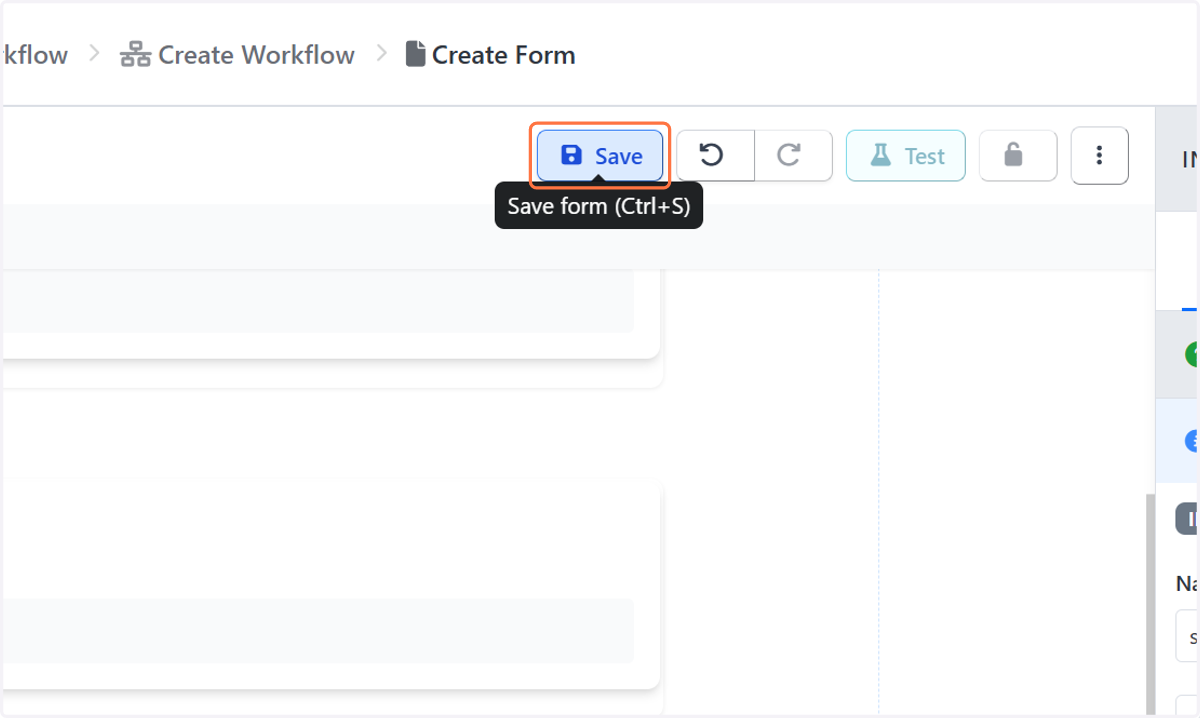
13. Click on Save form (Ctrl+S)
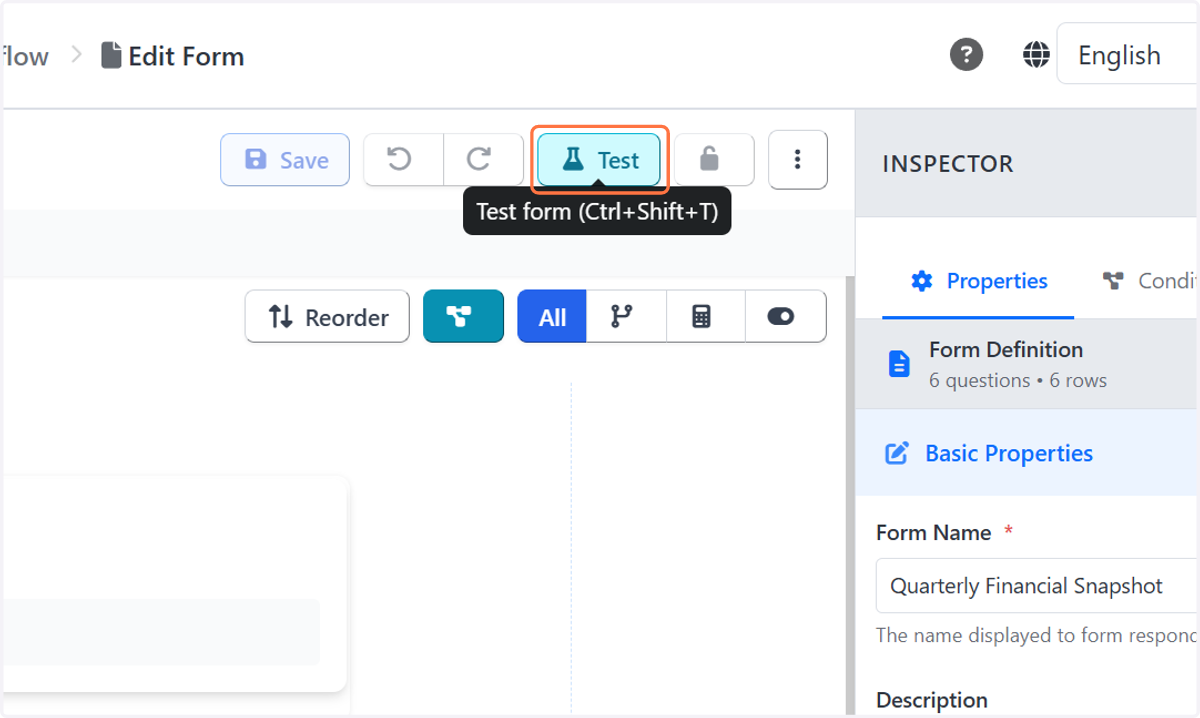
14. Click on Test form (Ctrl+Shift+T)
15. Drag highlighted element