Create Organization in Chorigen

Chorigen

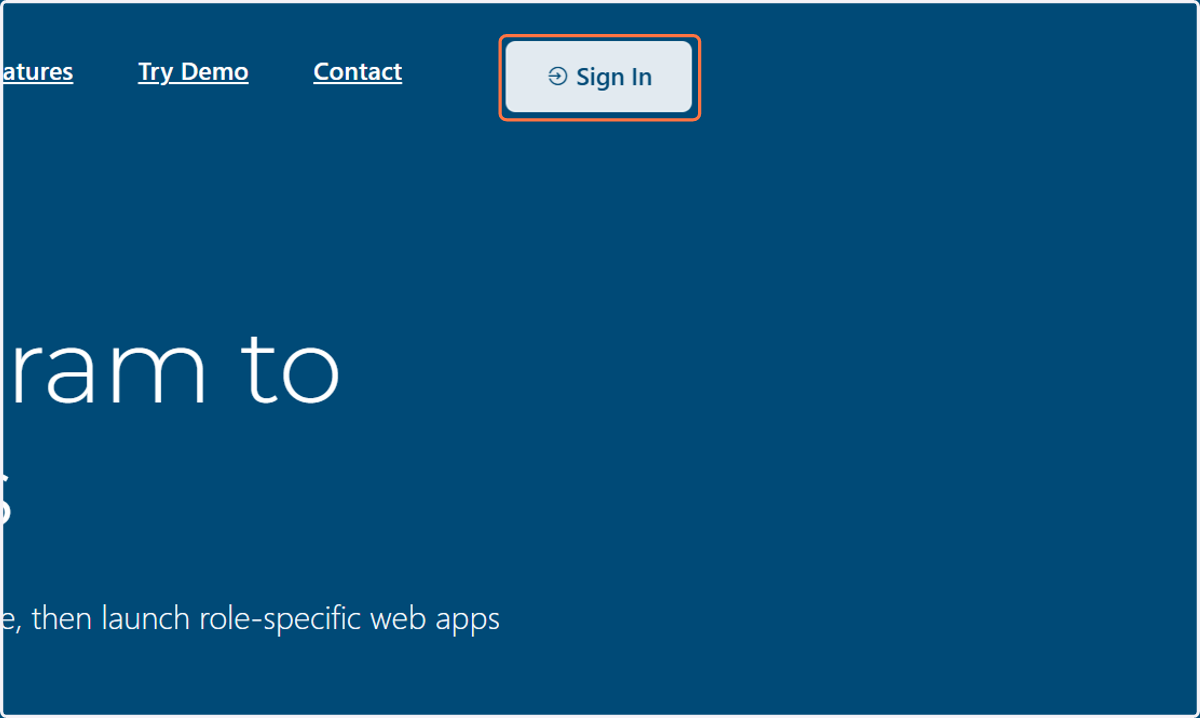
  1. 1. Click on Sign In

    Click on Sign In
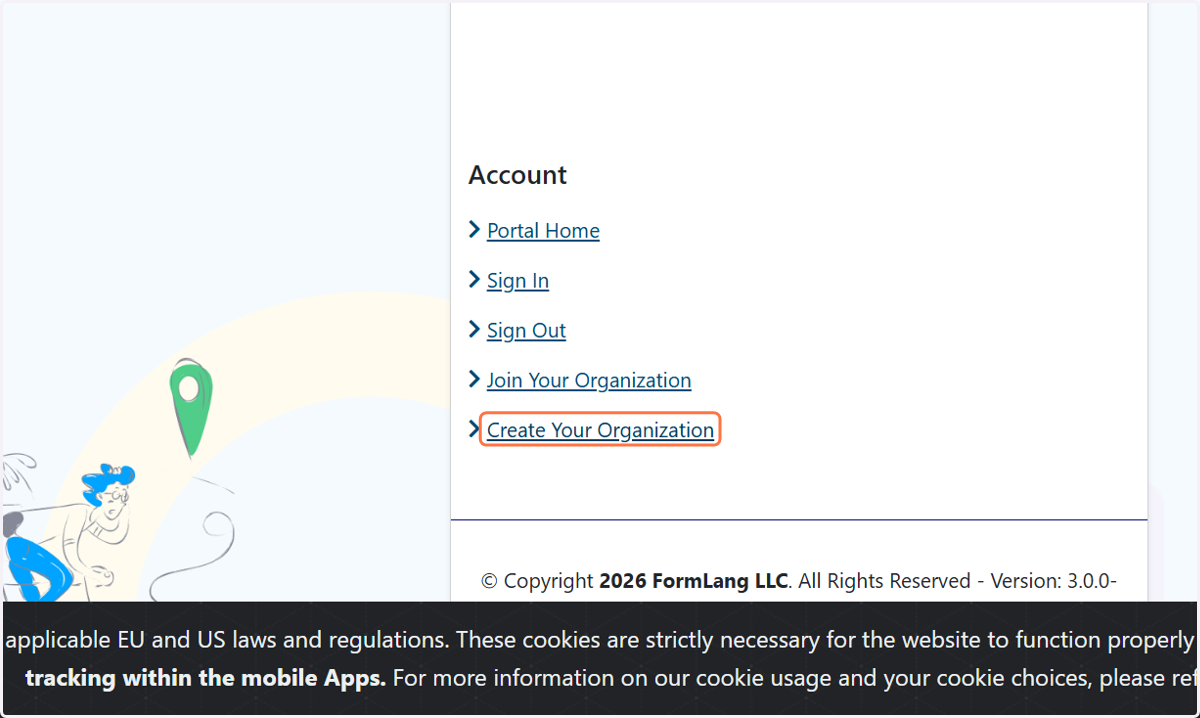
  2. 2. Click on Create Your Organization

    Click on Create Your Organization
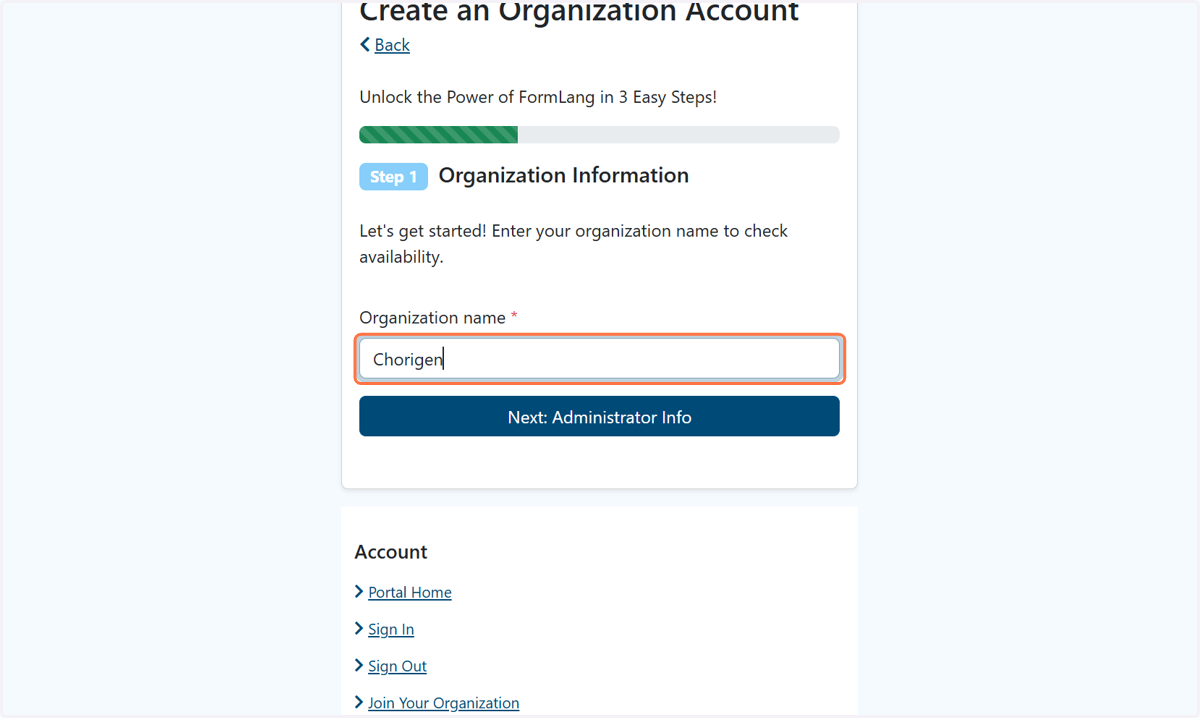
  3. 3. Click on Organization name

    Click on Organization name
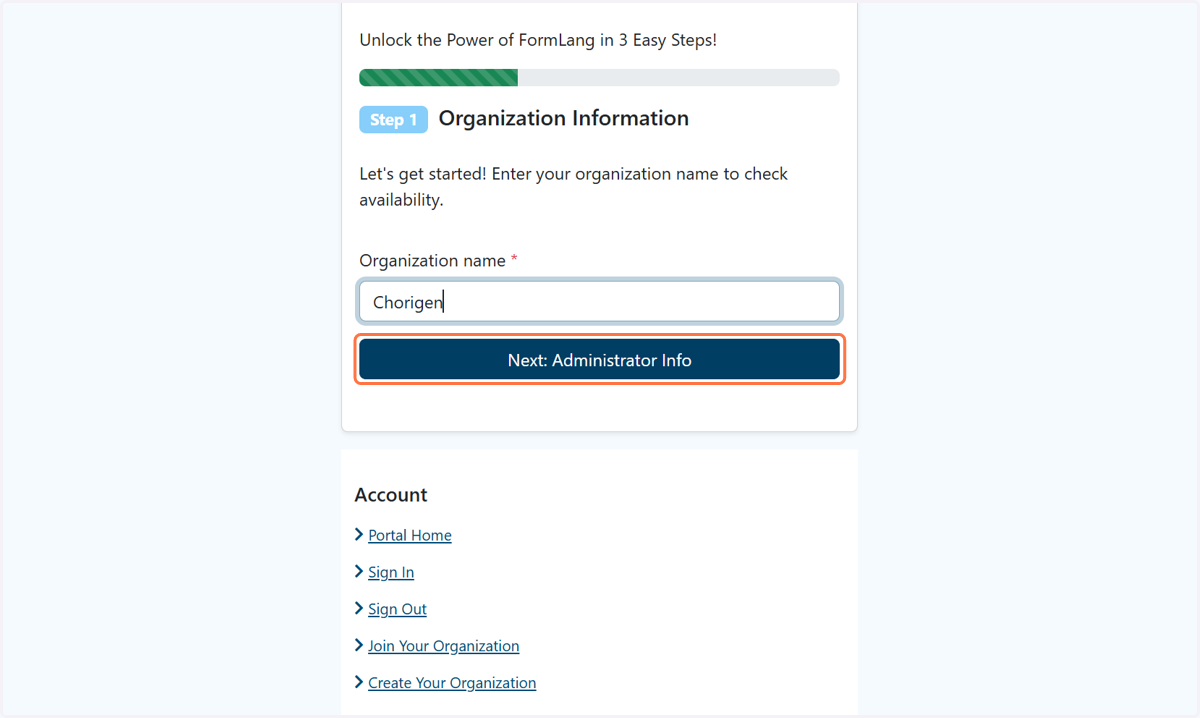
  4. 4. Click on Next: Administrator Info

    Click on Next: Administrator Info
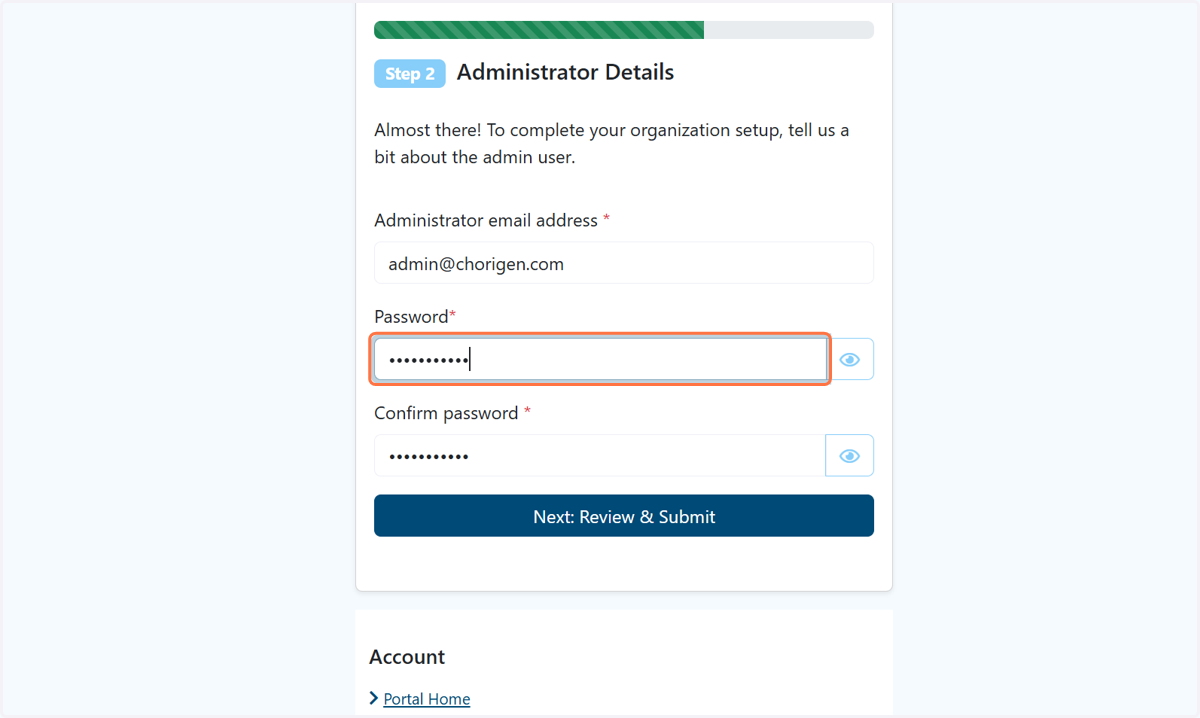
  5. 5. Type password

    Type password
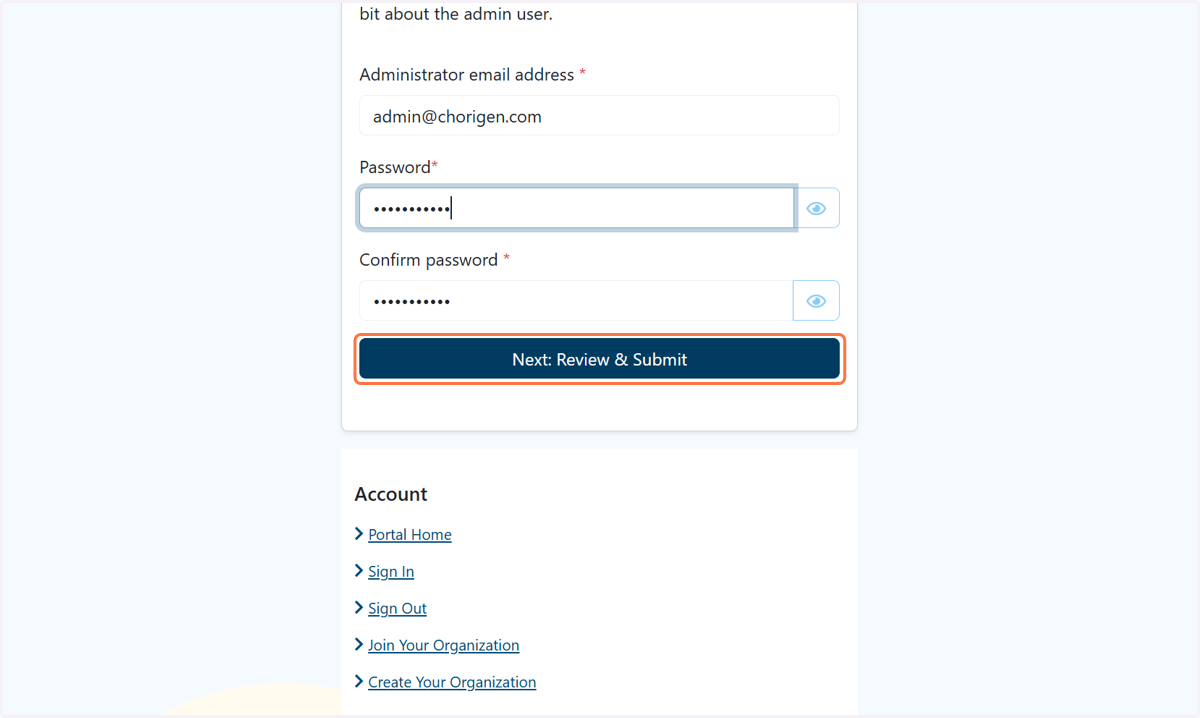
  6. 6. Click on Next: Review & Submit

    Click on Next: Review & Submit
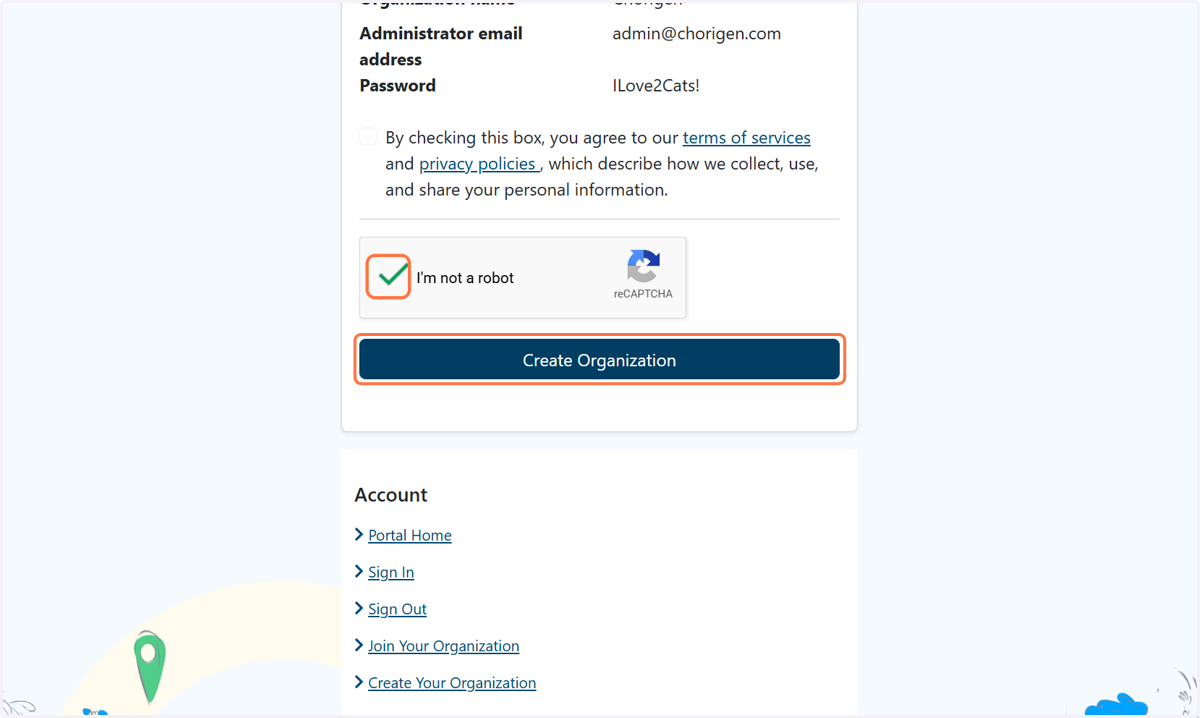
  7. 7. Click on Create Organization

    Click on Create Organization
  8. 8. Check By checking this box, you agree to our terms of services and privacy policies , which describe how we collect, use, and share your personal information.
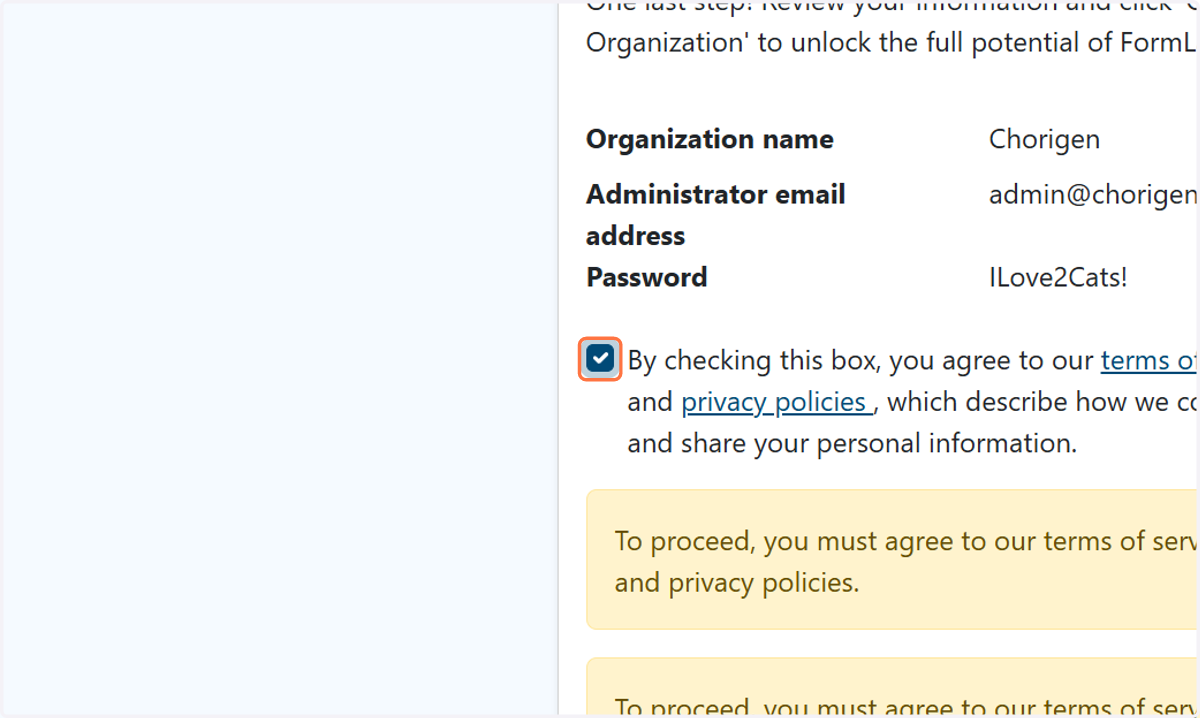
    Check By checking this box, you agree to our terms of services and privacy policies , which describe how we collect, use, and share your personal information.
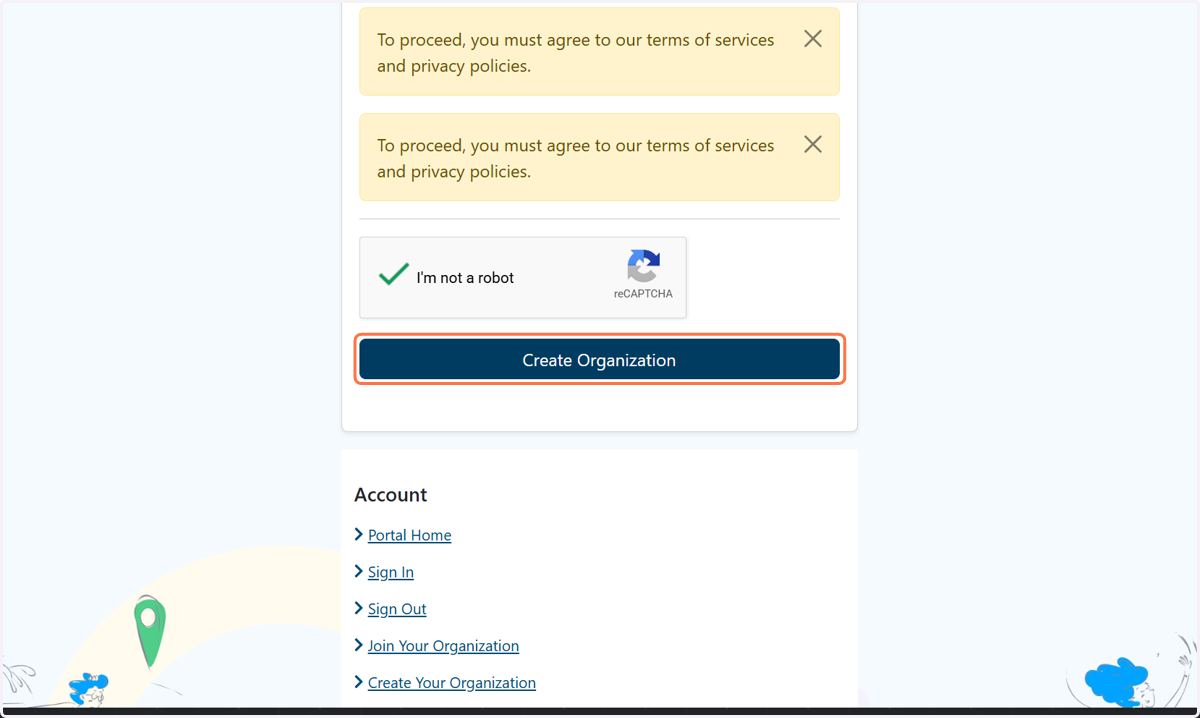
  9. 9. Click on Create Organization

    Click on Create Organization