Create Nevada Bar Exam Application
Nevada Comprehensive Licensing Examination – State Bar of Nevada
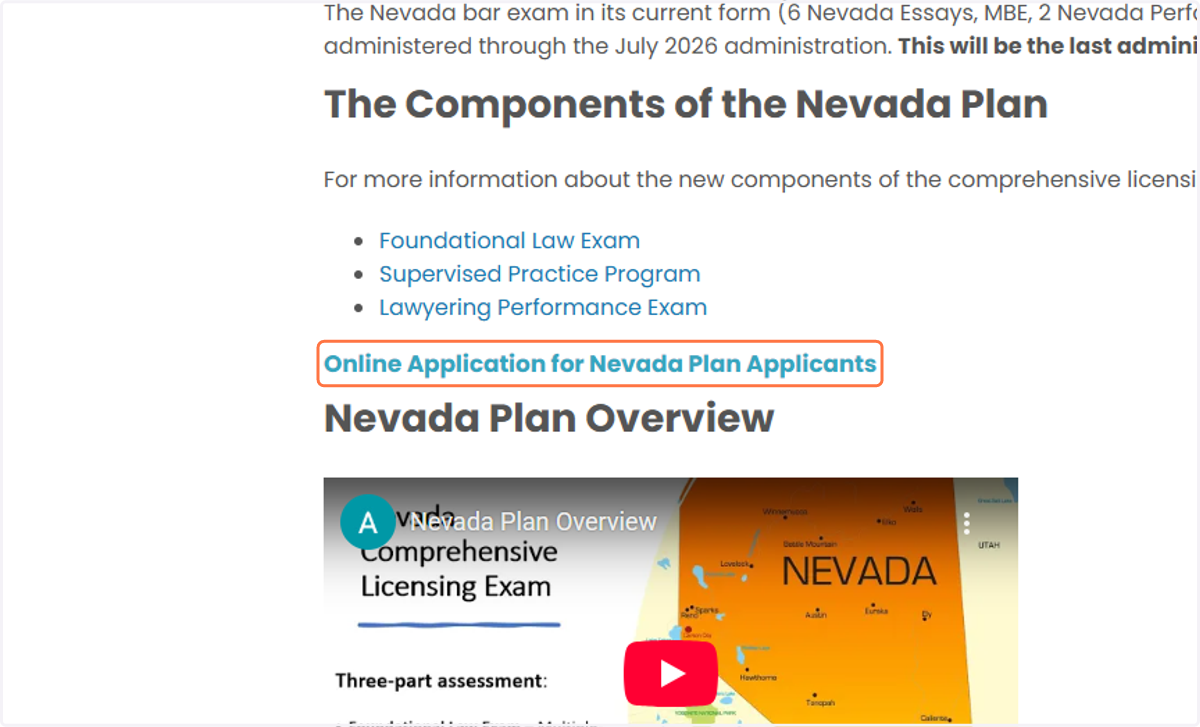
1. Click on Online Application for Nevada Plan Applicants
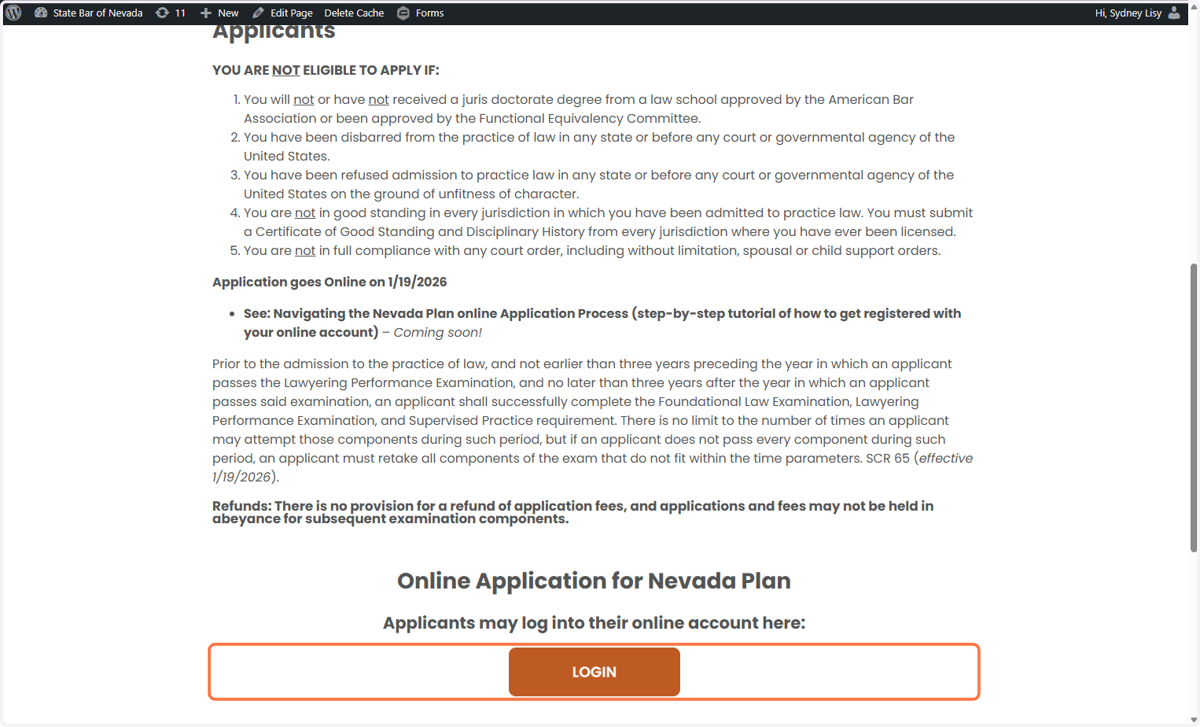
2. Read the important information and then click the Login button.
3. Select the NEW APPLICANTS - NEVADA PLAN Tab
IMPORTANT! Do NOT create a Nevada Plan account if you already have an account as a bar exam applicant. To switch from the current bar exam track to the Nevada Plan track, email Admissions at admissions@nvbar.org to update your account. You may only be in one exam track at a time. If you create a Nevada Plan account and already have a bar exam account, your Nevada Plan account will be deleted.
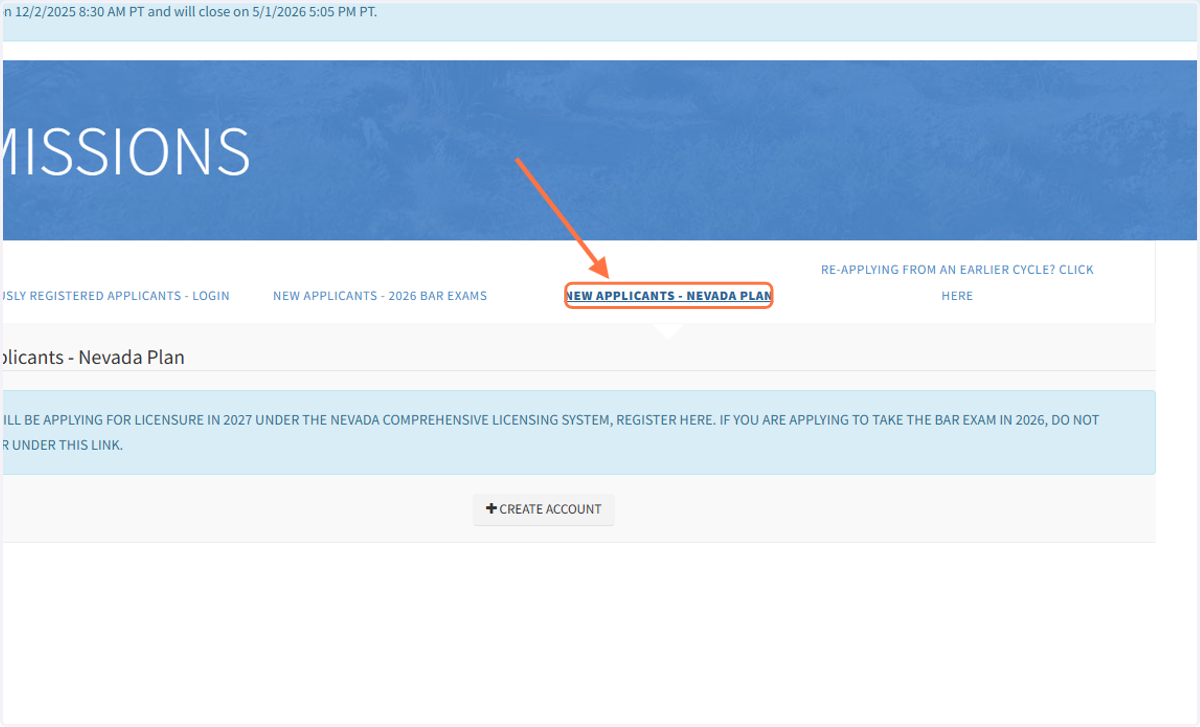
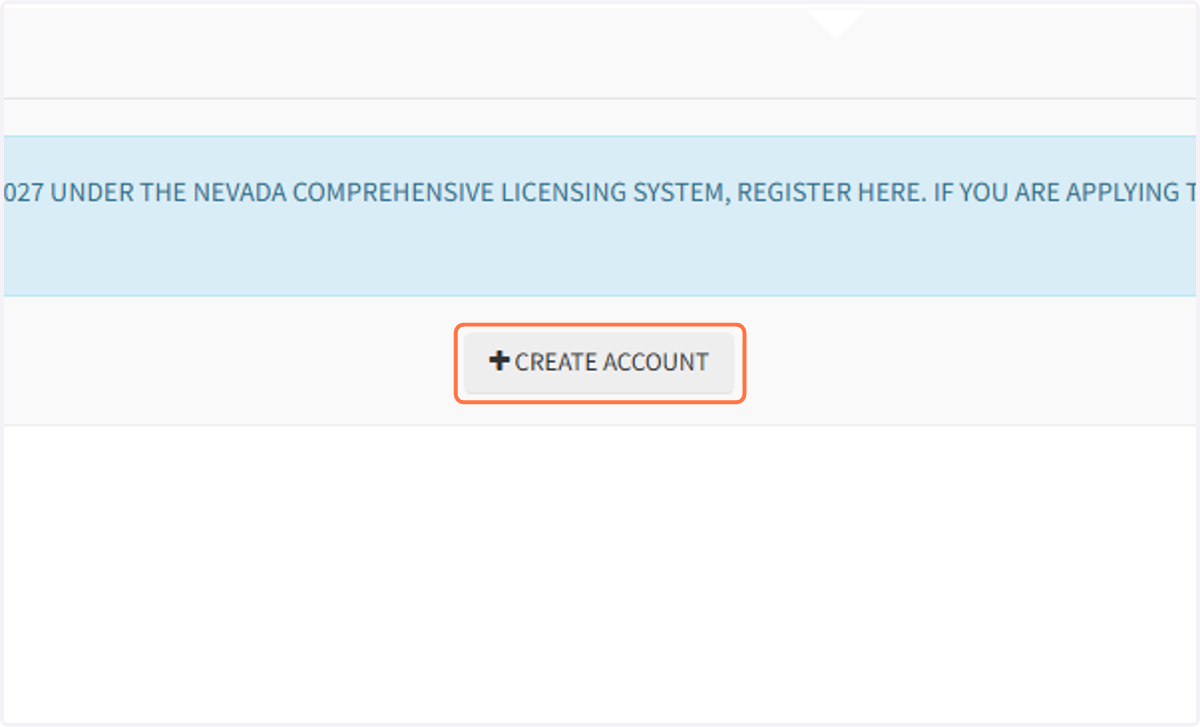
4. Click on CREATE ACCOUNT
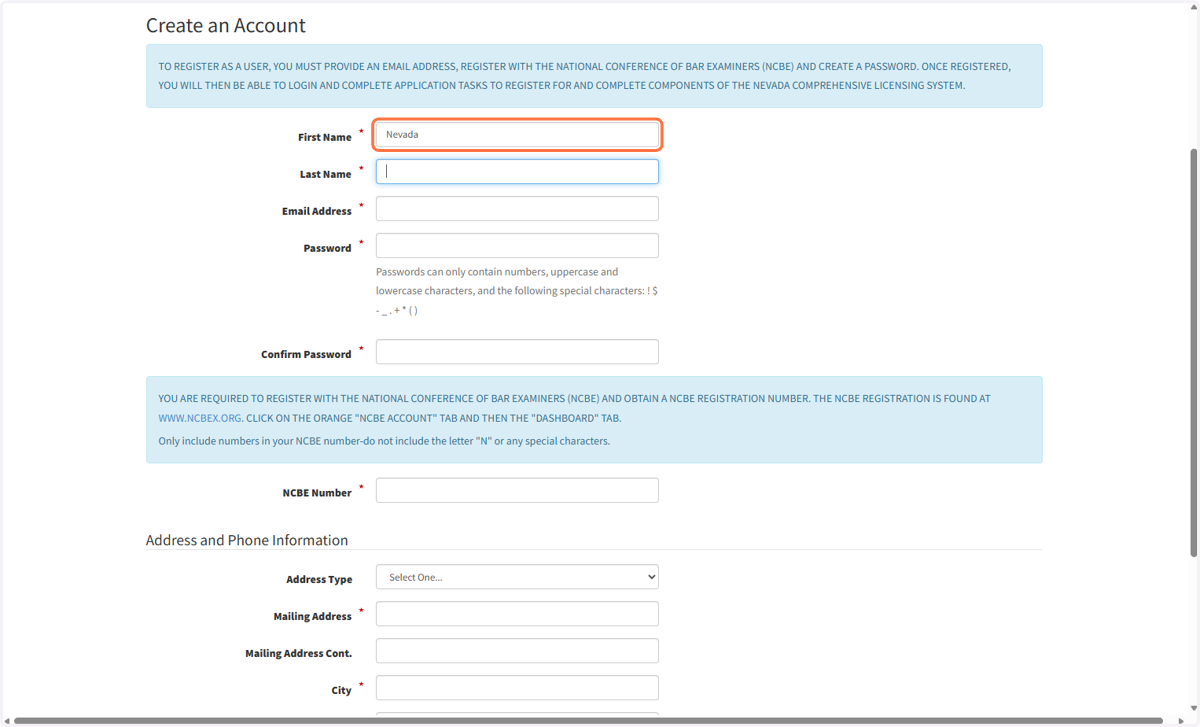
5. Complete the form with the required information.
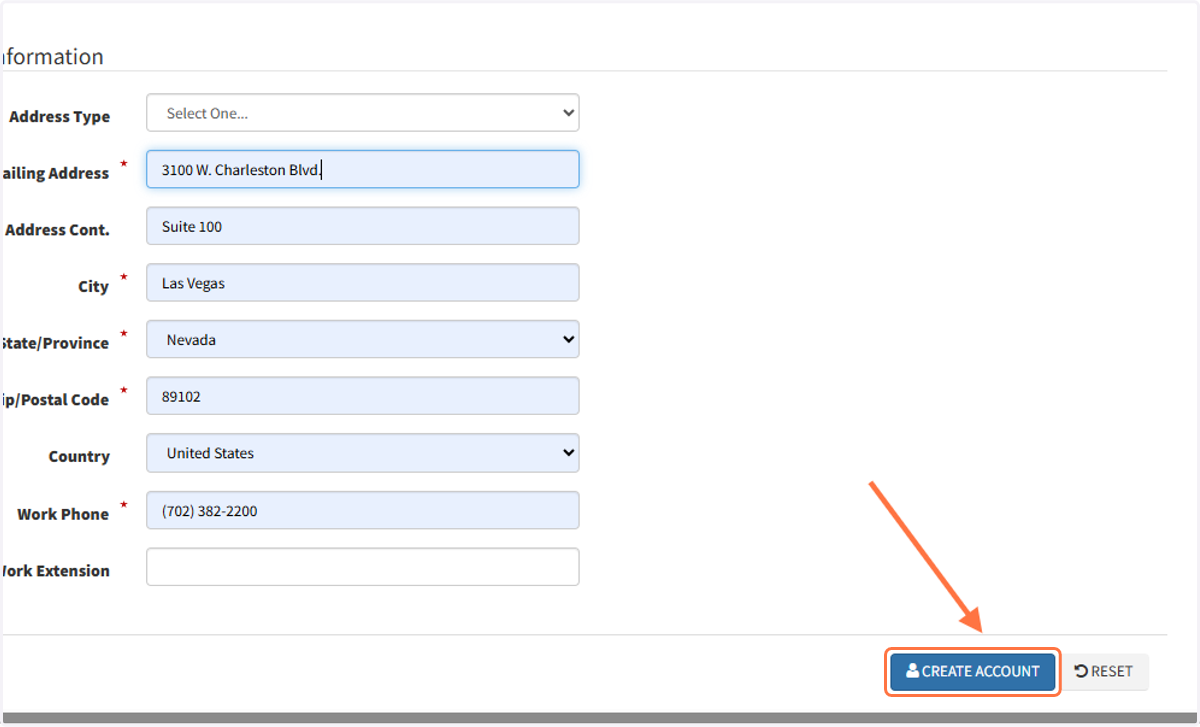
6. Once you have entered all the required information - Click on CREATE ACCOUNT
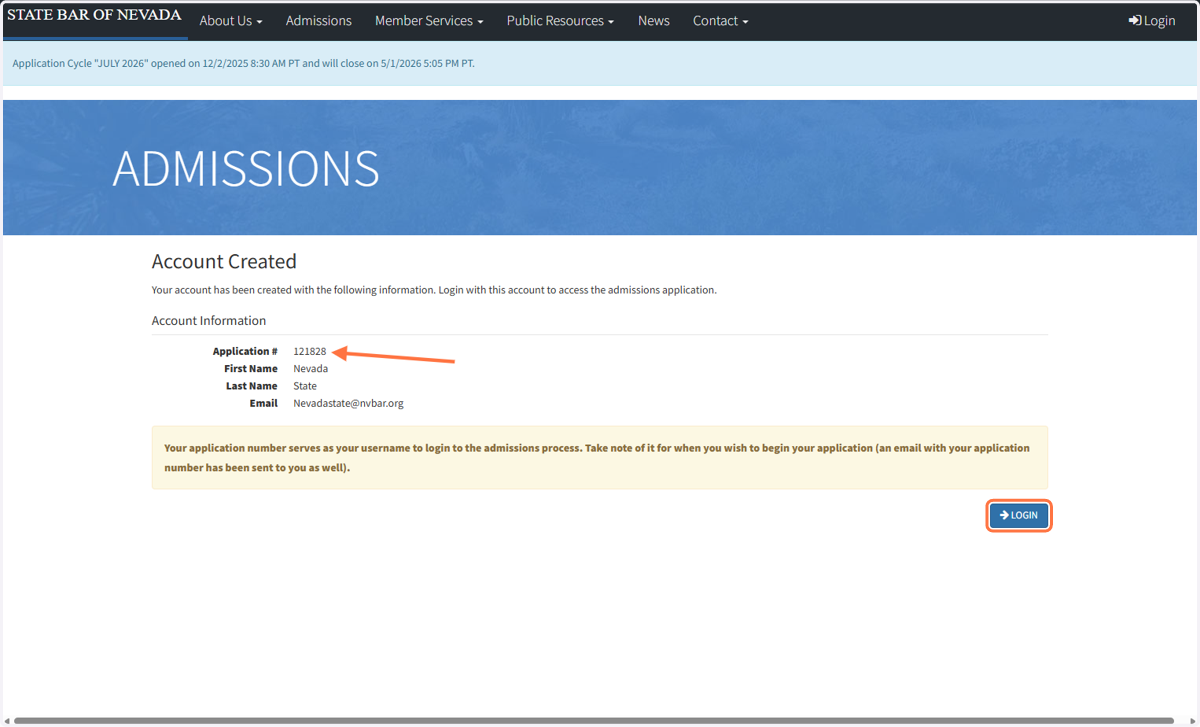
7. Click on LOGIN
Make sure you note and save your Applicant ID number at this number will be your username when logging into your Admissions account.
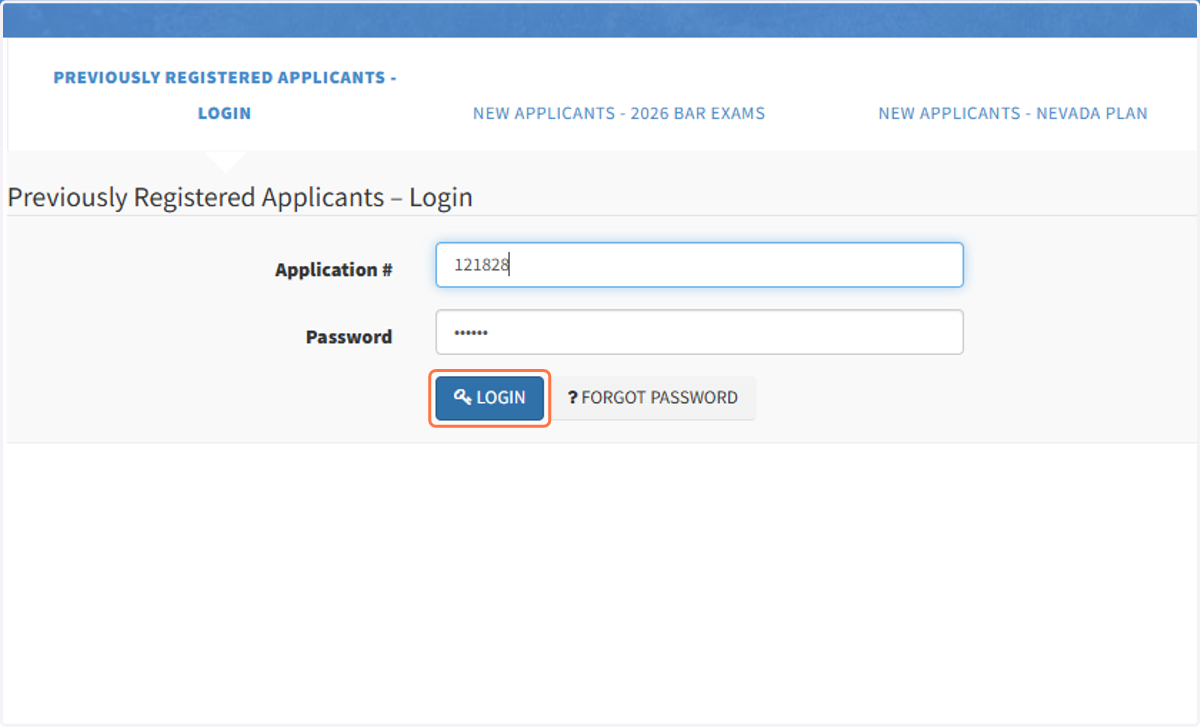
8. Enter your application number and password and then Click on LOGIN
Now that you have an account, you will log-in under the PREVIOUSLY REGISTERED APPLICANTS-LOGIN
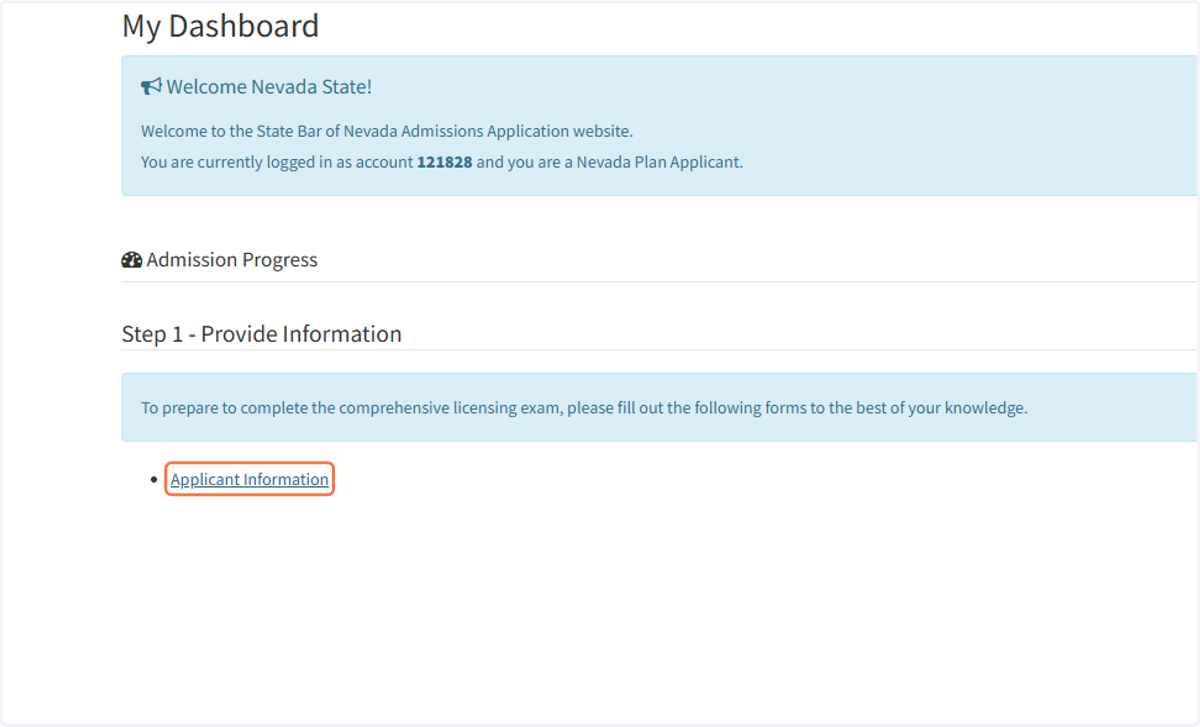
9. Click on Applicant Information - Complete Step 1
You will not be able to sign-up for any exam components until you complete Step 1.
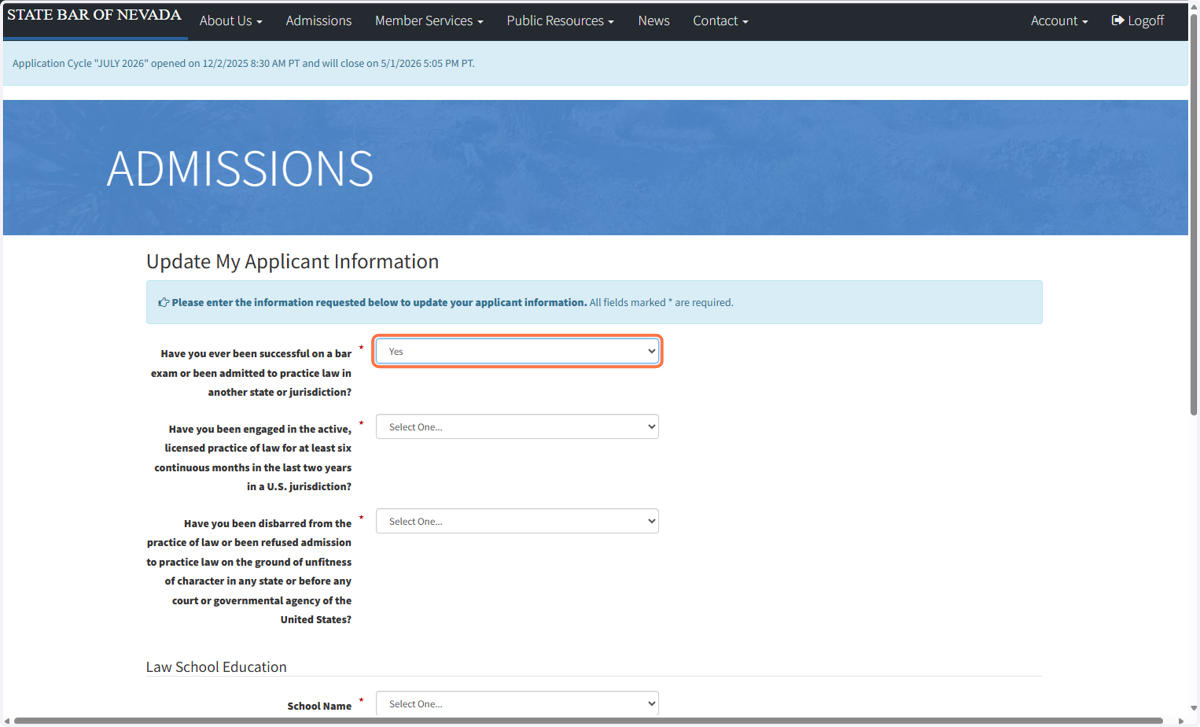
10. Answer the questions.
If the answer to these questions changes as anytime during your progress through the Admissions Process, you must update your answers.
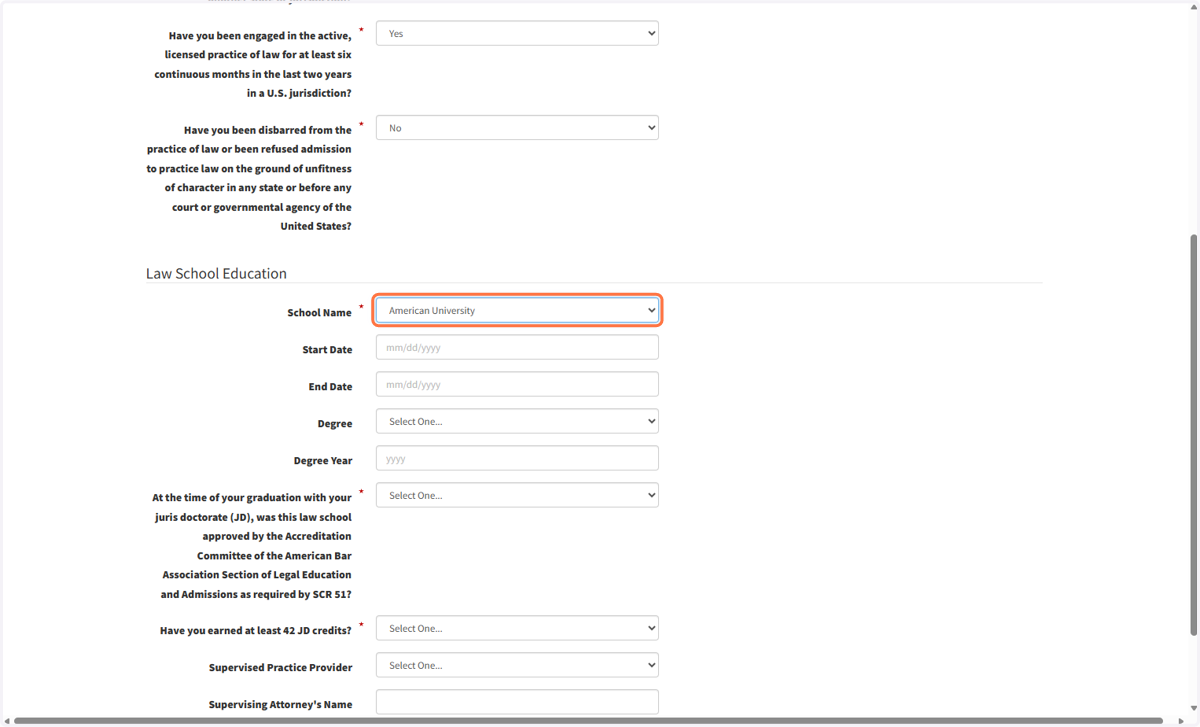
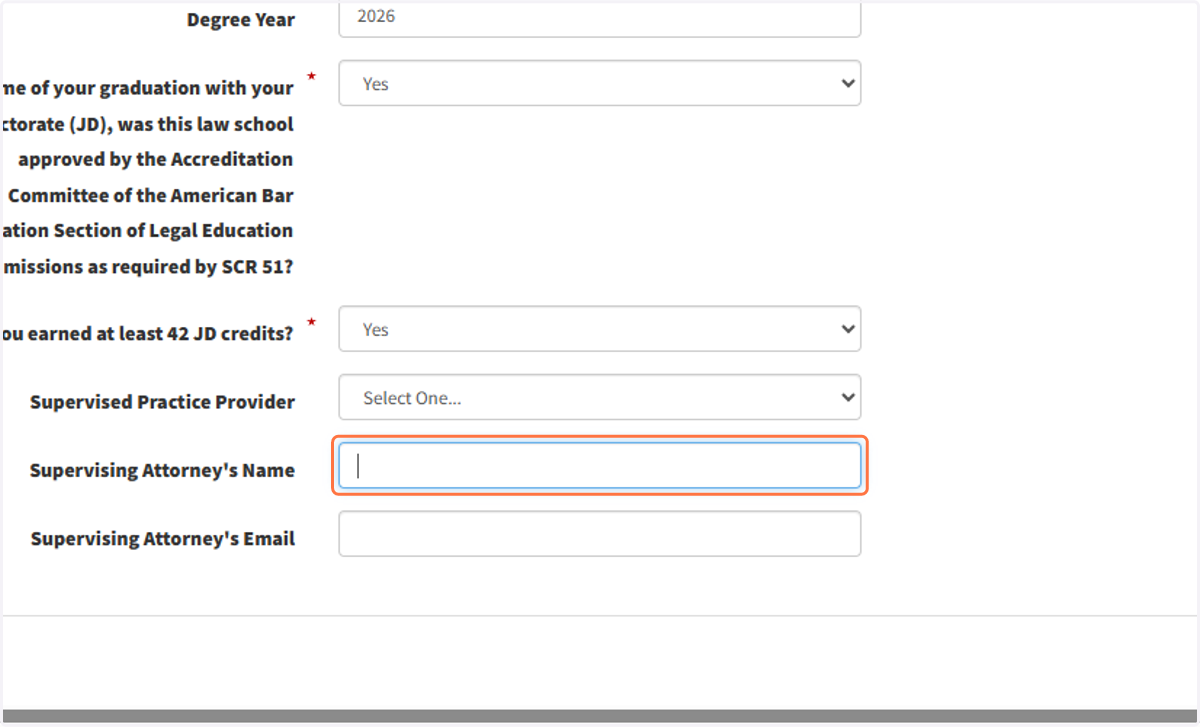
11. Enter your law school information
12. If known, provide information regarding your supervised practice provider.
If not known, leave these items blank. You will be asked for this information again when you apply for supervised practice.
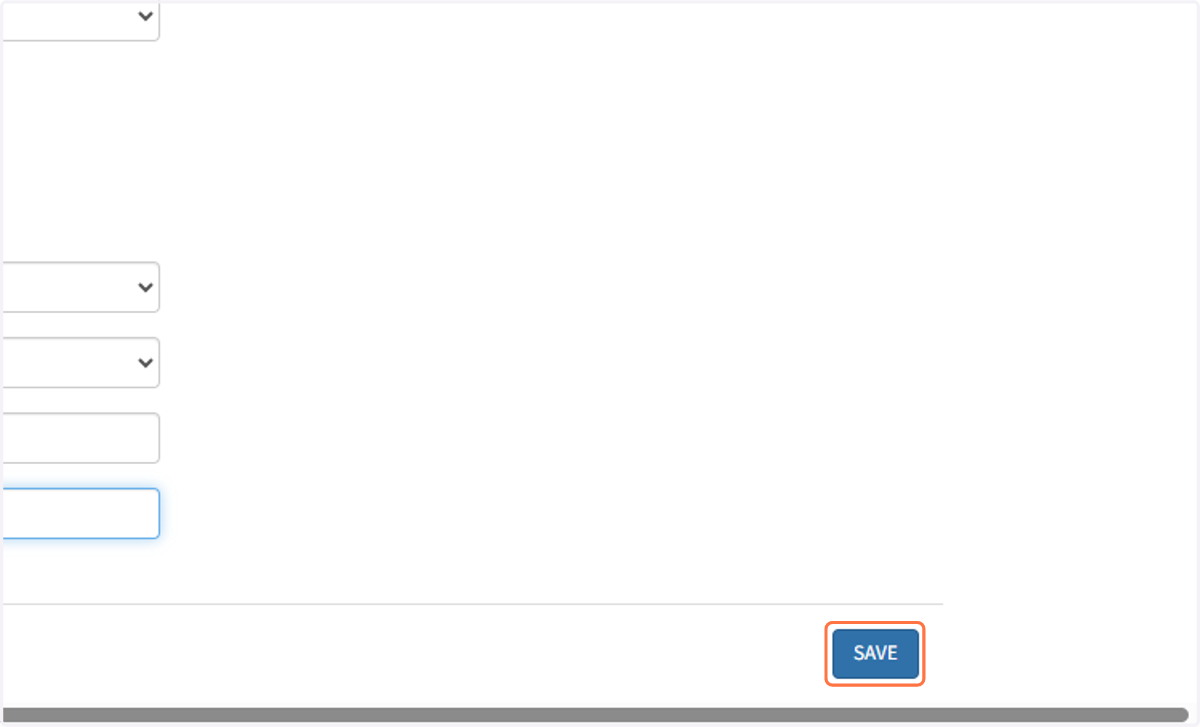
13. Once you have entered all the information, click on SAVE
14. Click on Step 2 - Register for Exams
Once you have completed Step 1, Step 2, and Step 3 will be visible. If there are exams available to register for, they will appear under Step 2.
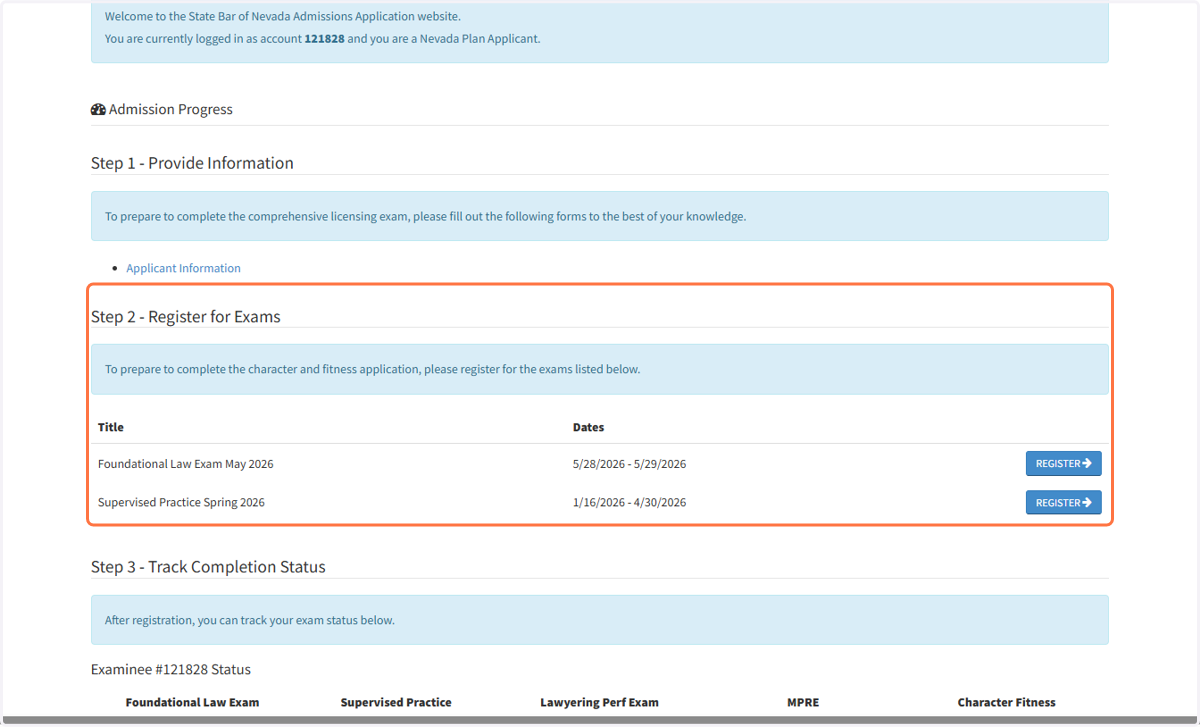
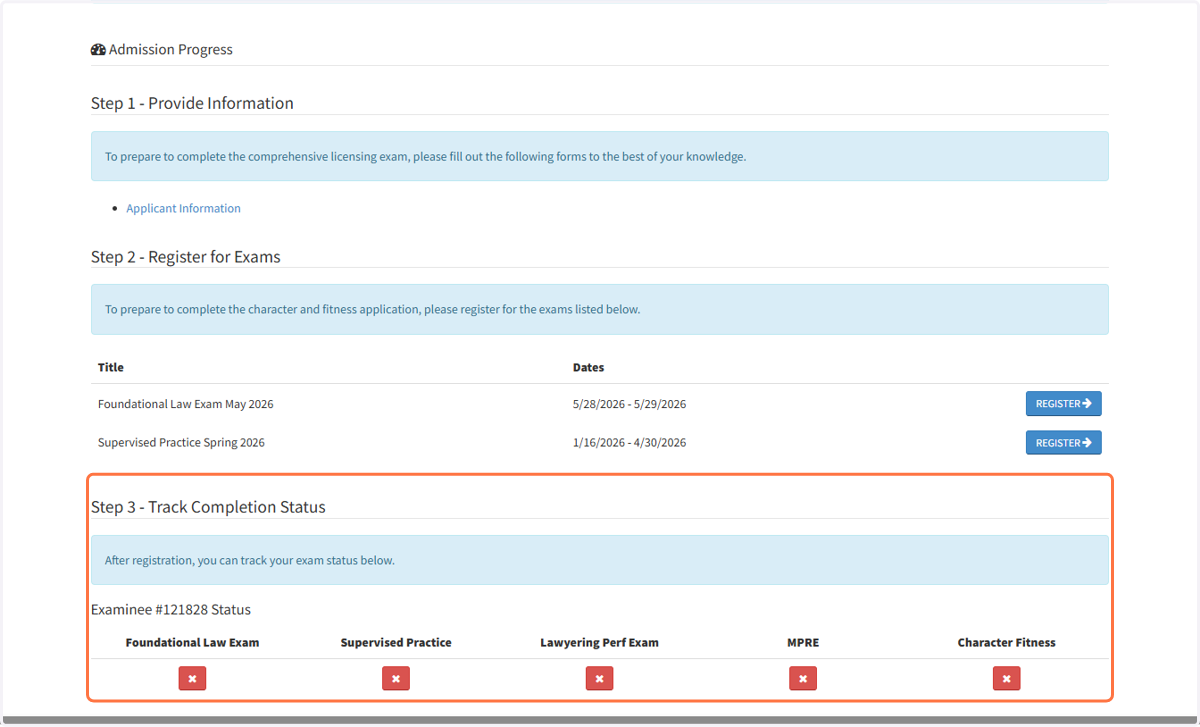
15. Step 3 tracks your completion status of the Nevada Comprehensive Licensing Exam Components.
These items are updated by the Admissions Office.