Create Melodial Store Location

Melodial

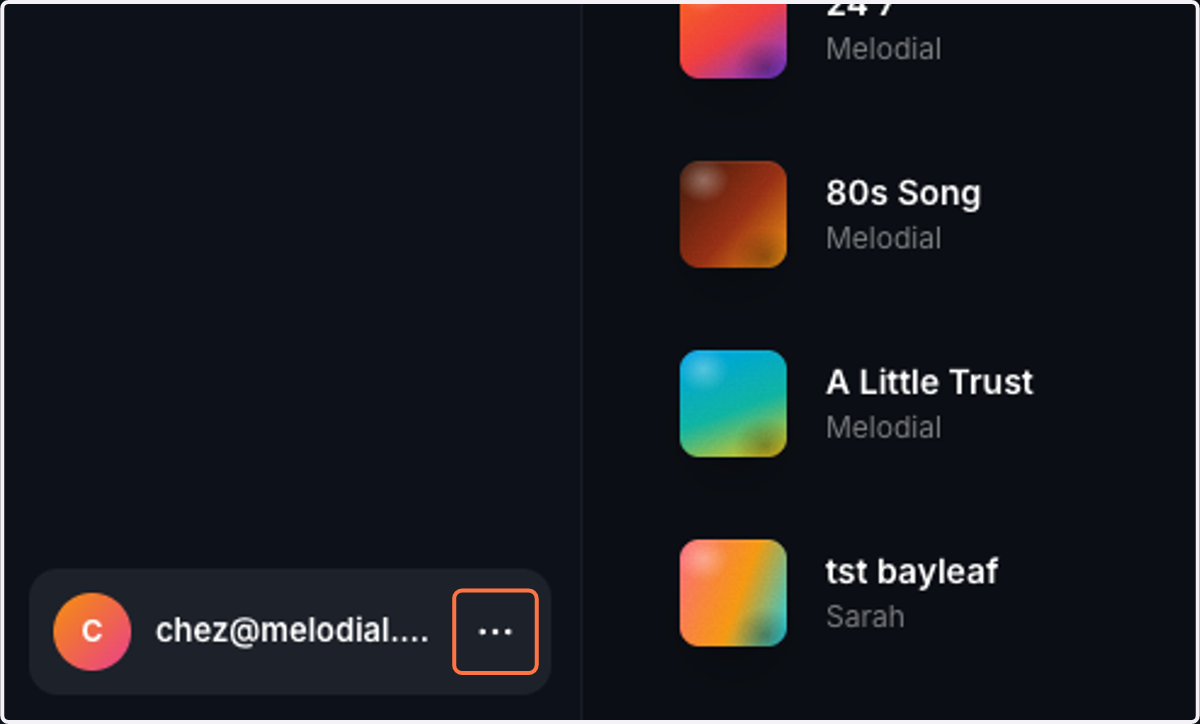
  1. 1. Click on Profile menu

    Click on Profile menu
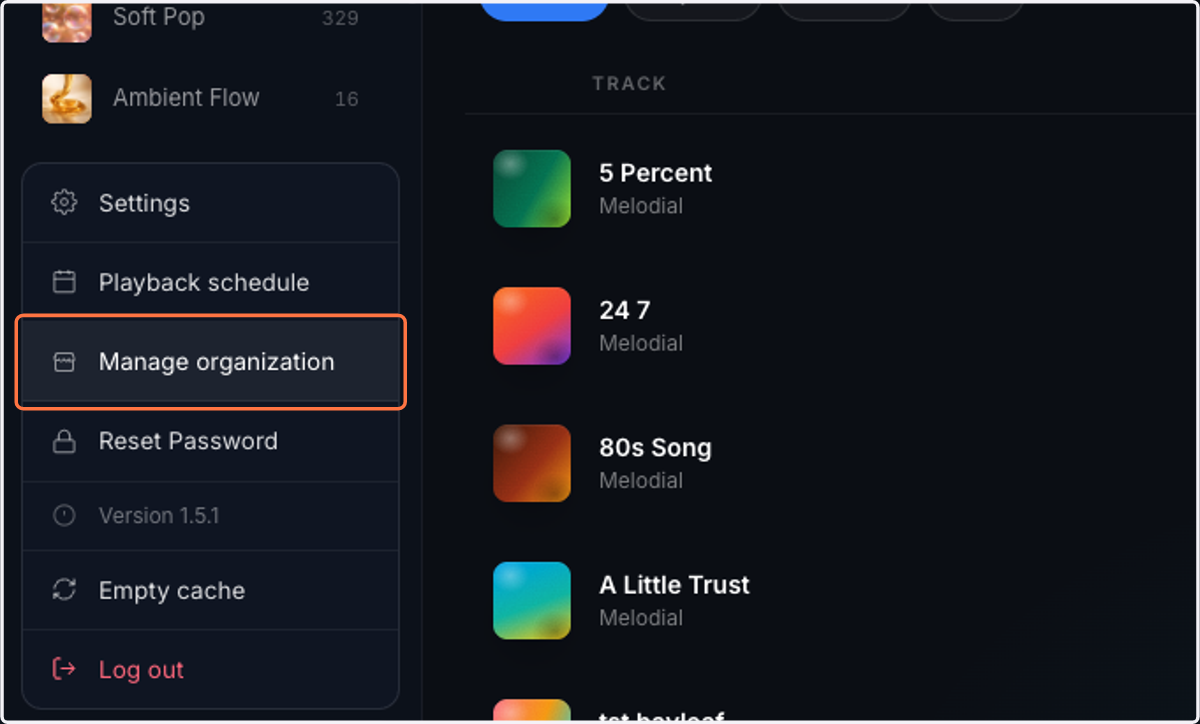
  2. 2. Click on Manage organization

    Click on Manage organization
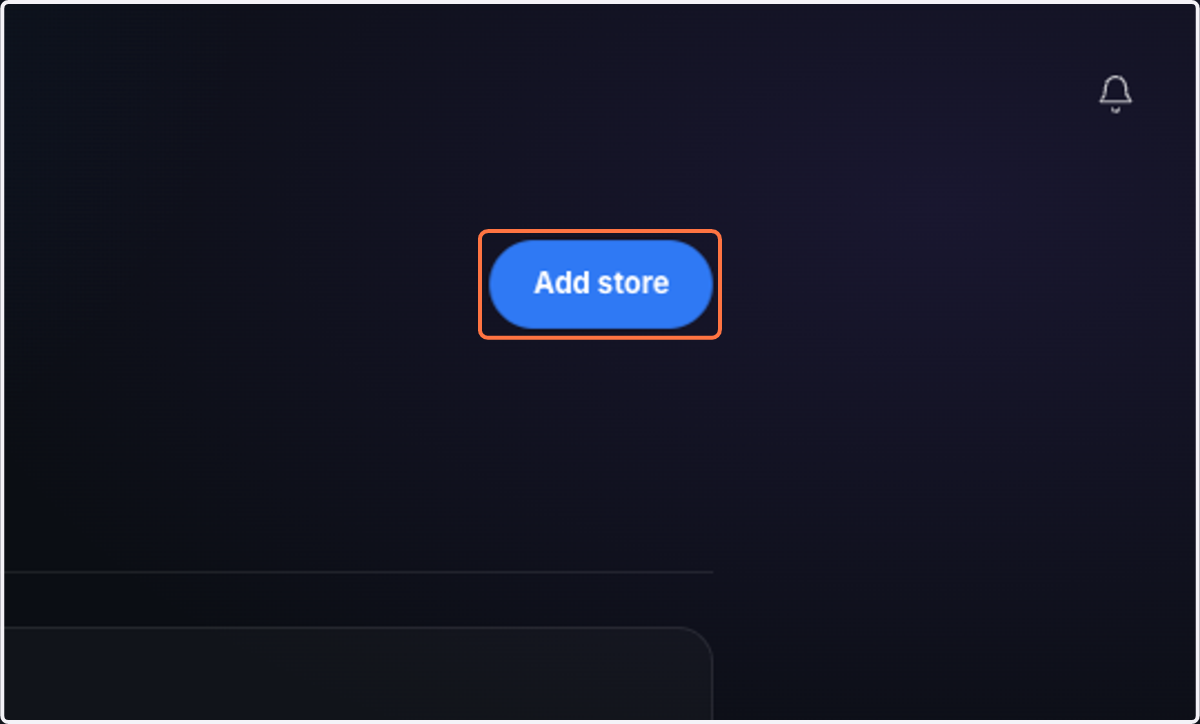
  3. 3. Click on Add store

    Click on Add store
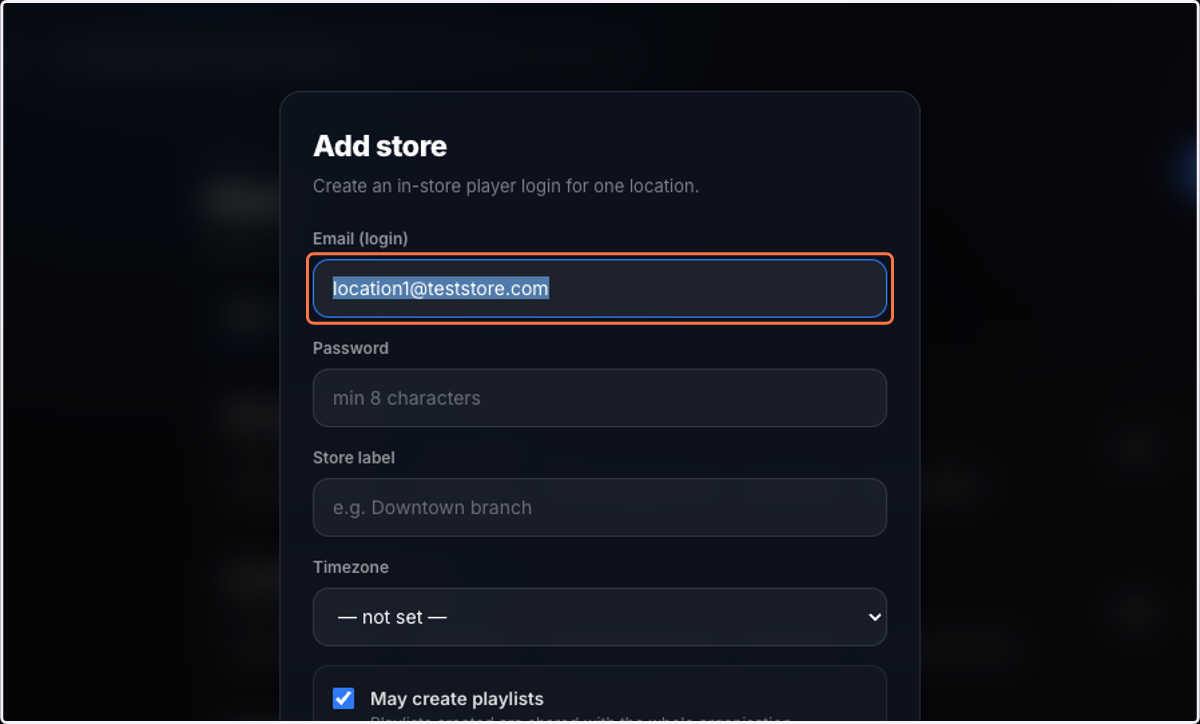
  4. 4. Enter an email address.

    Enter an email address.
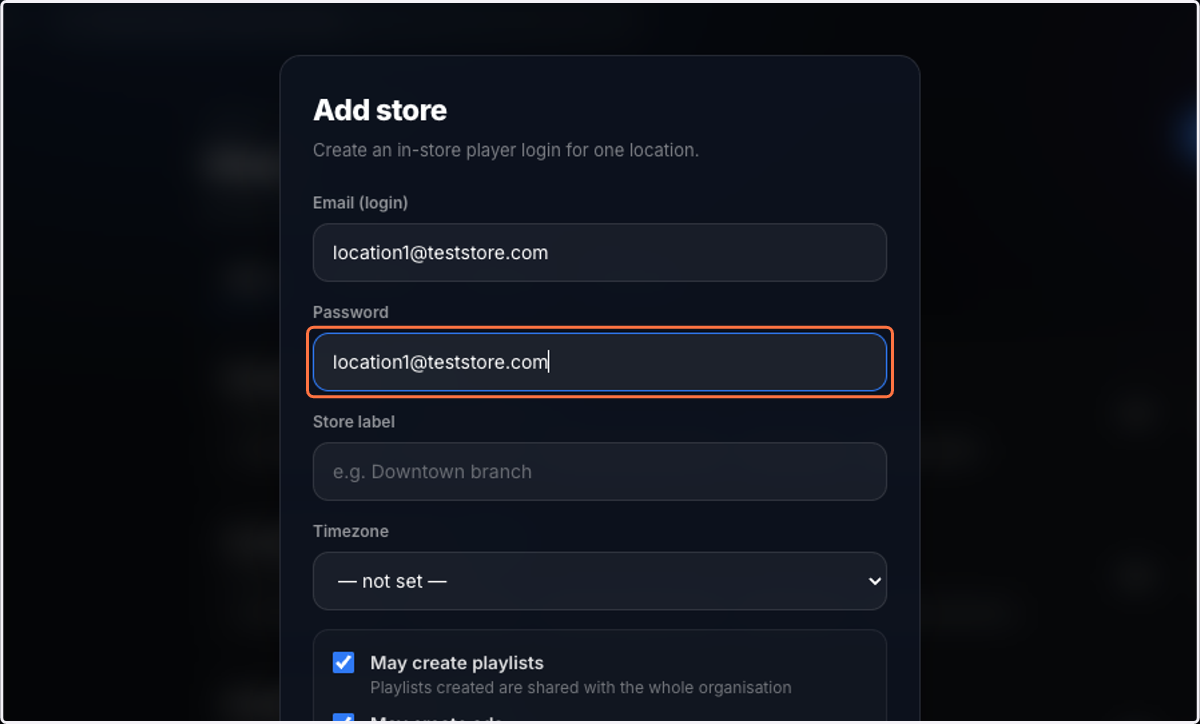
  5. 5. Create a password.

    Create a password.
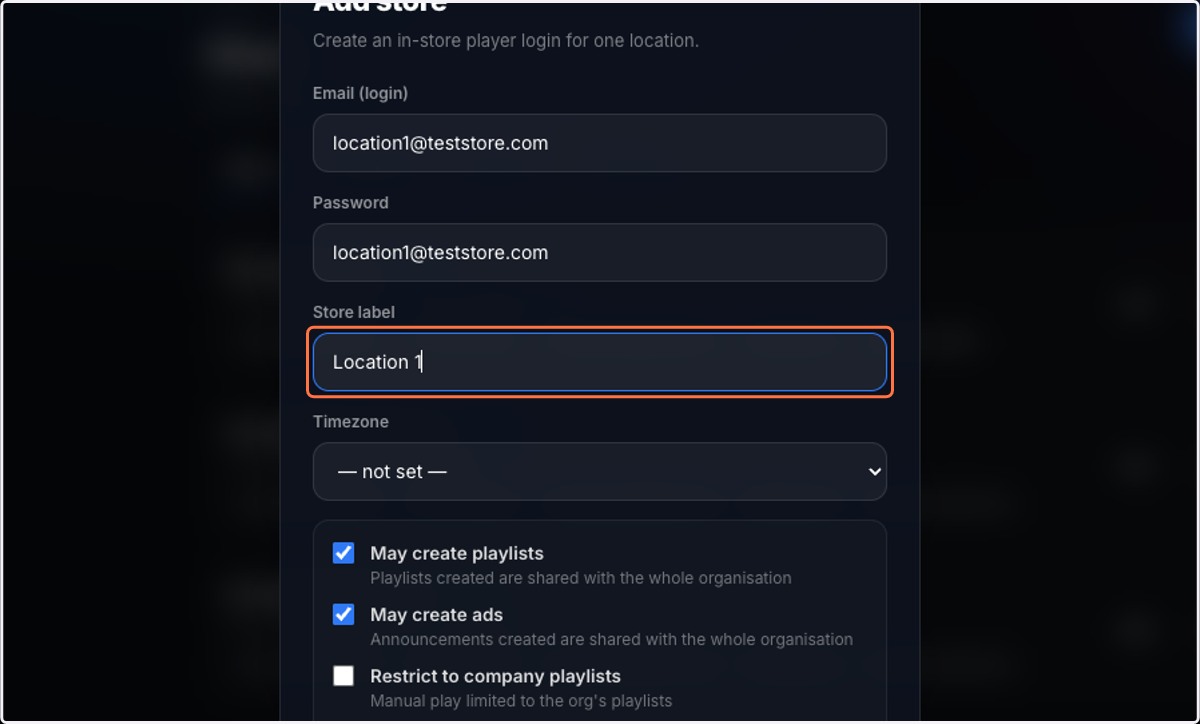
  6. 6. Name the Store

    Name the Store
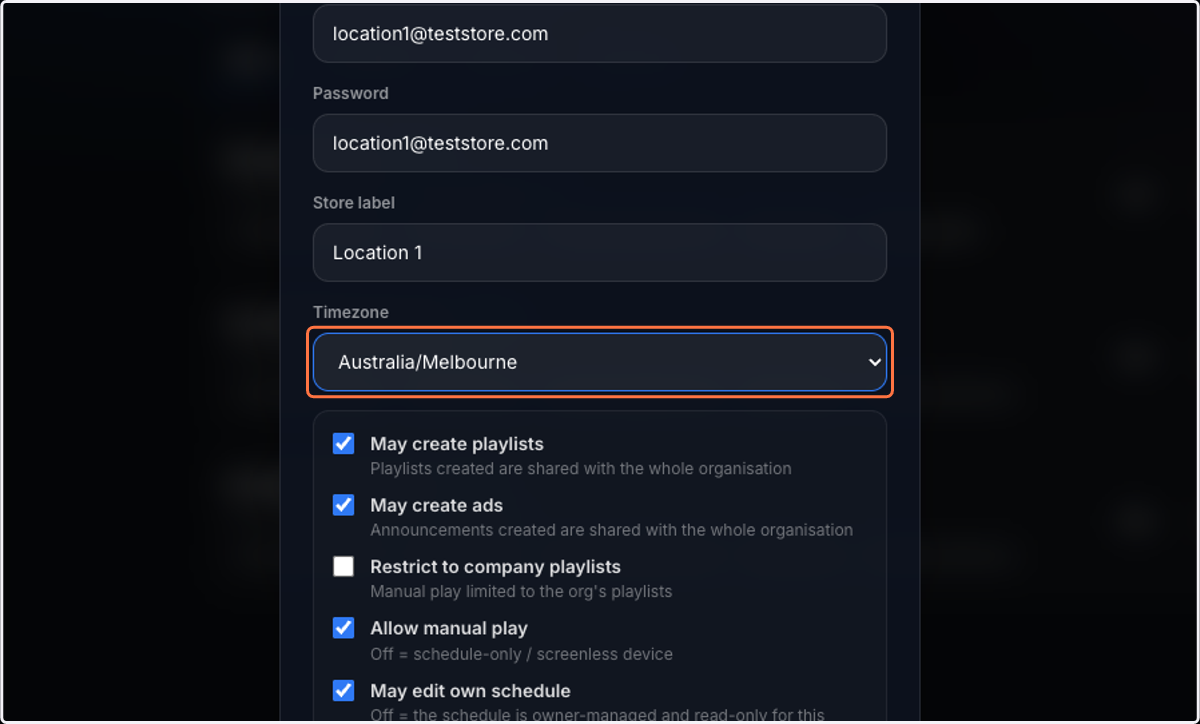
  7. 7. Select Timezone

    Select Timezone
  8. 8. Choose the permissions to grant this store
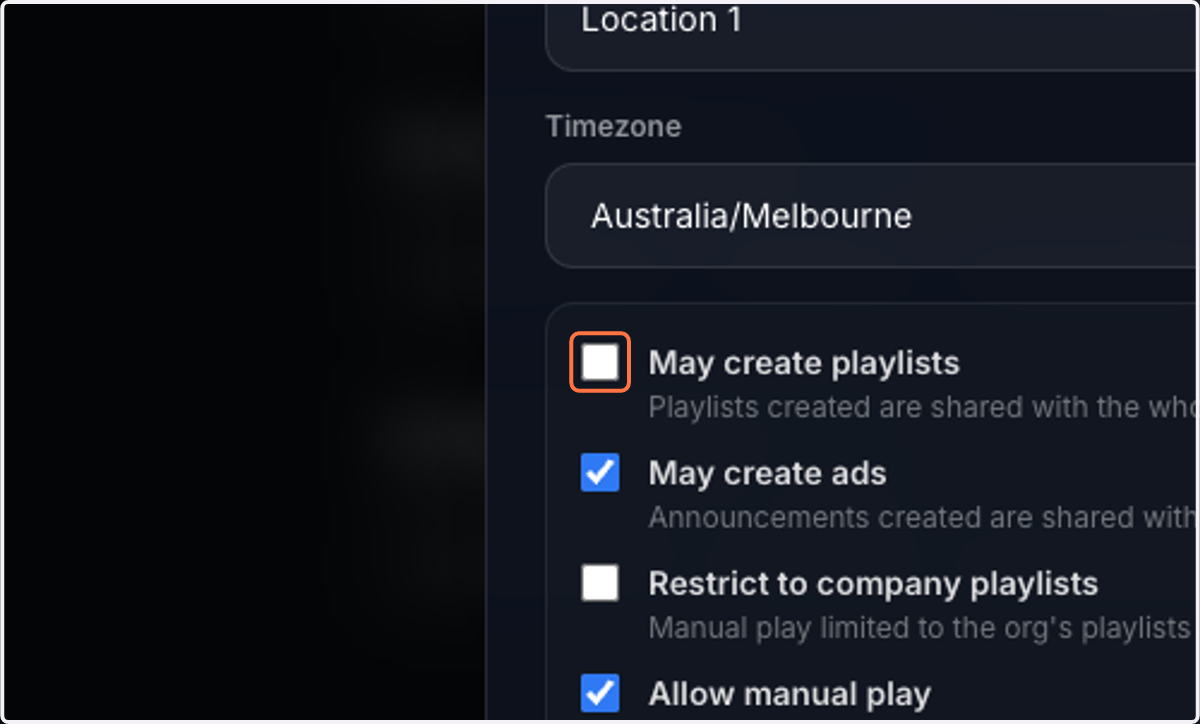
    Choose the permissions to grant this store
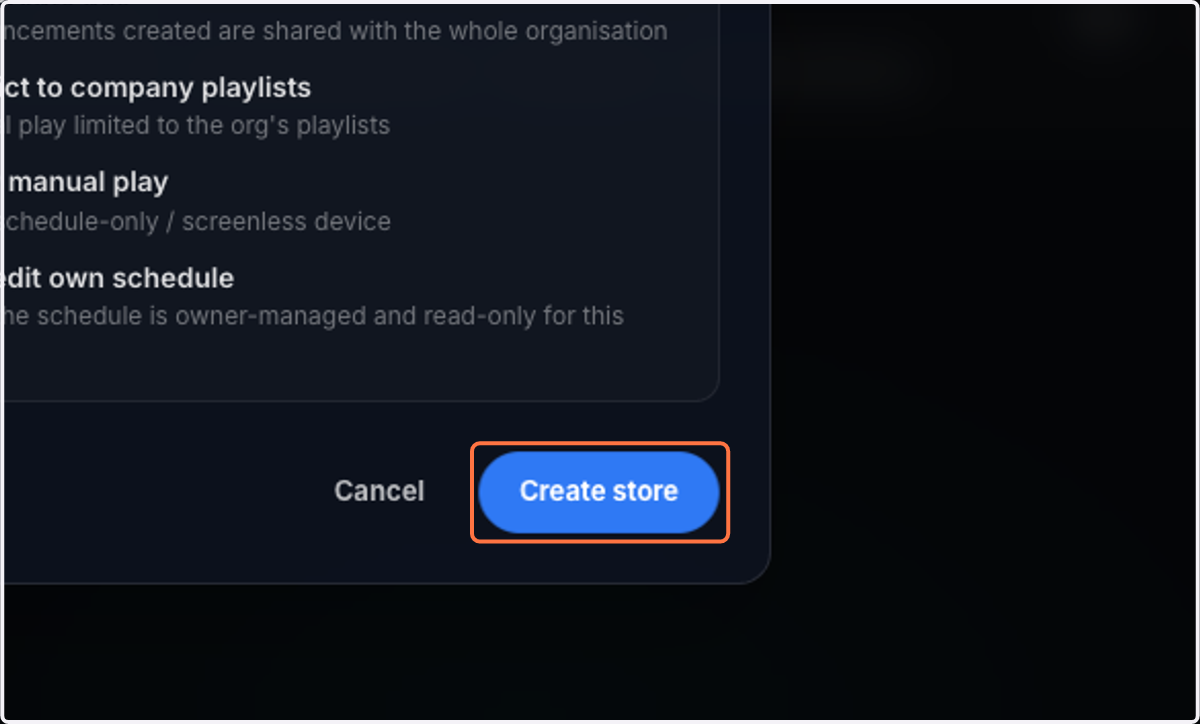
  9. 9. Click on Create store

    Click on Create store
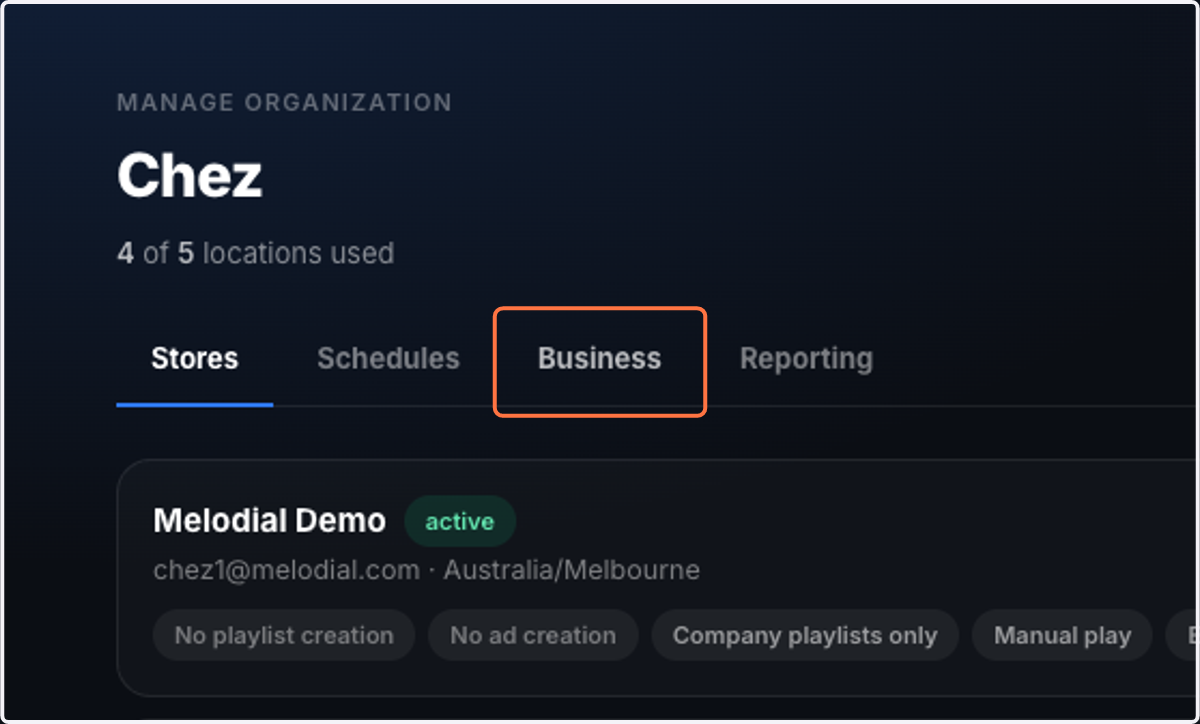
  10. 10. Click on Business

    Click on Business
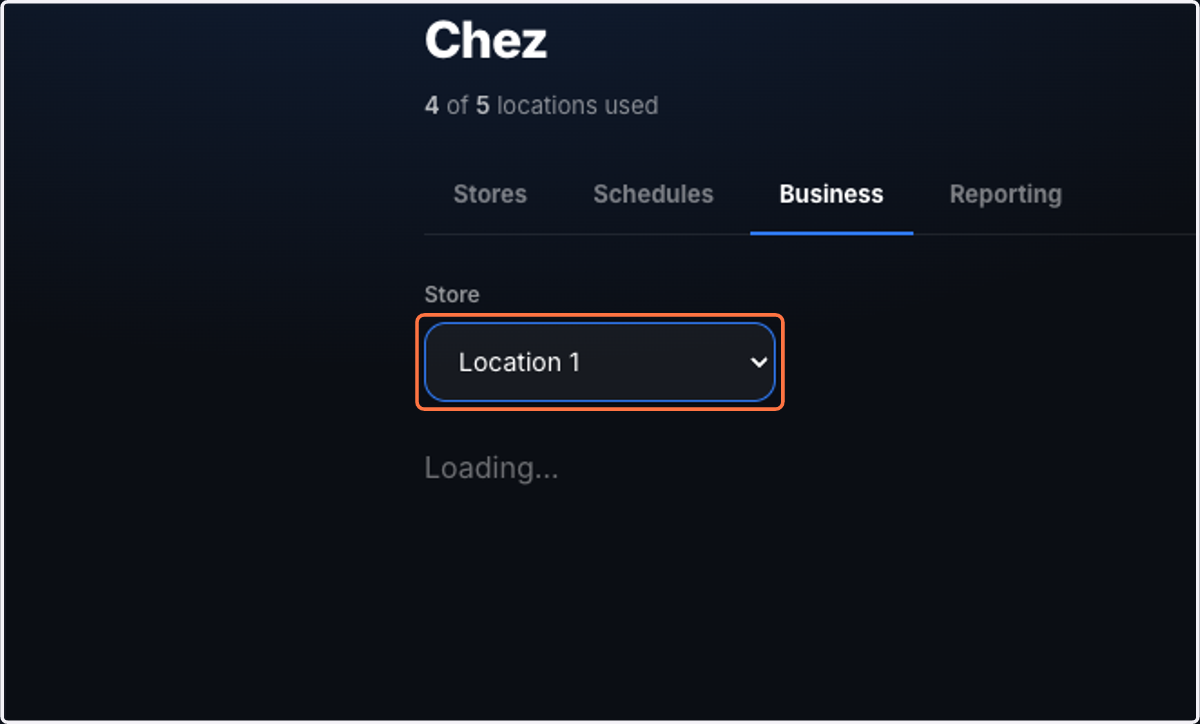
  11. 11. Select the new user you created

    Select the new user you created
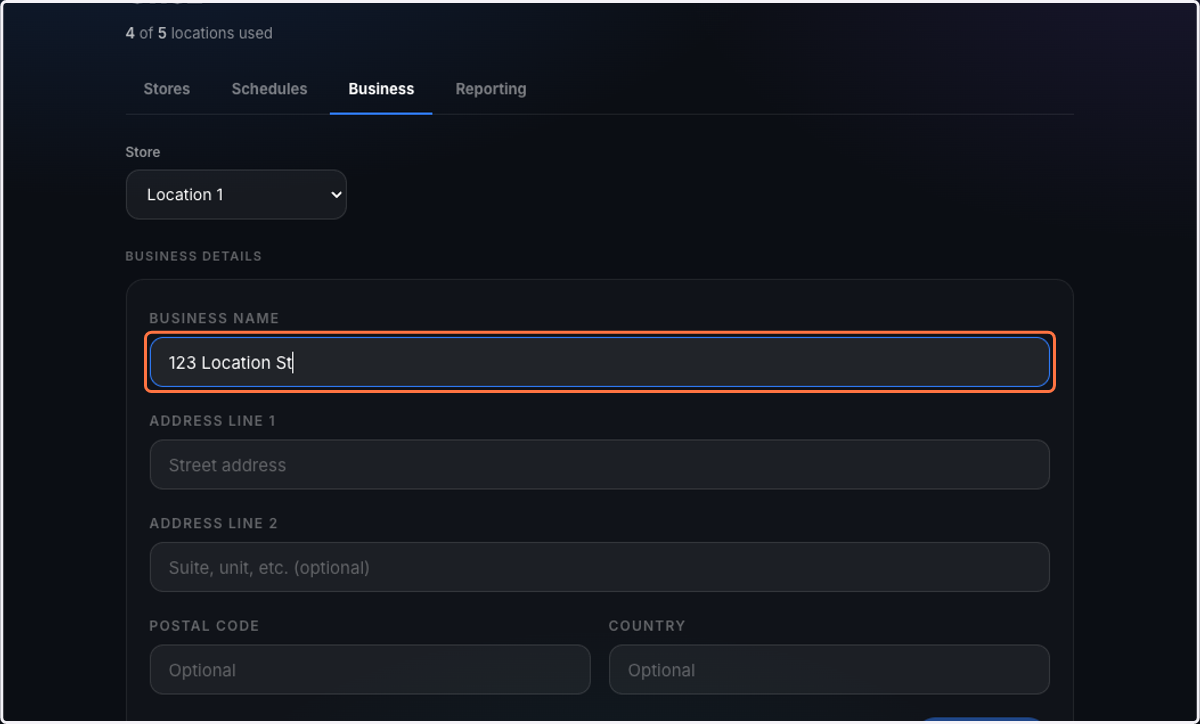
  12. 12. Fill in the details

    Fill in the details
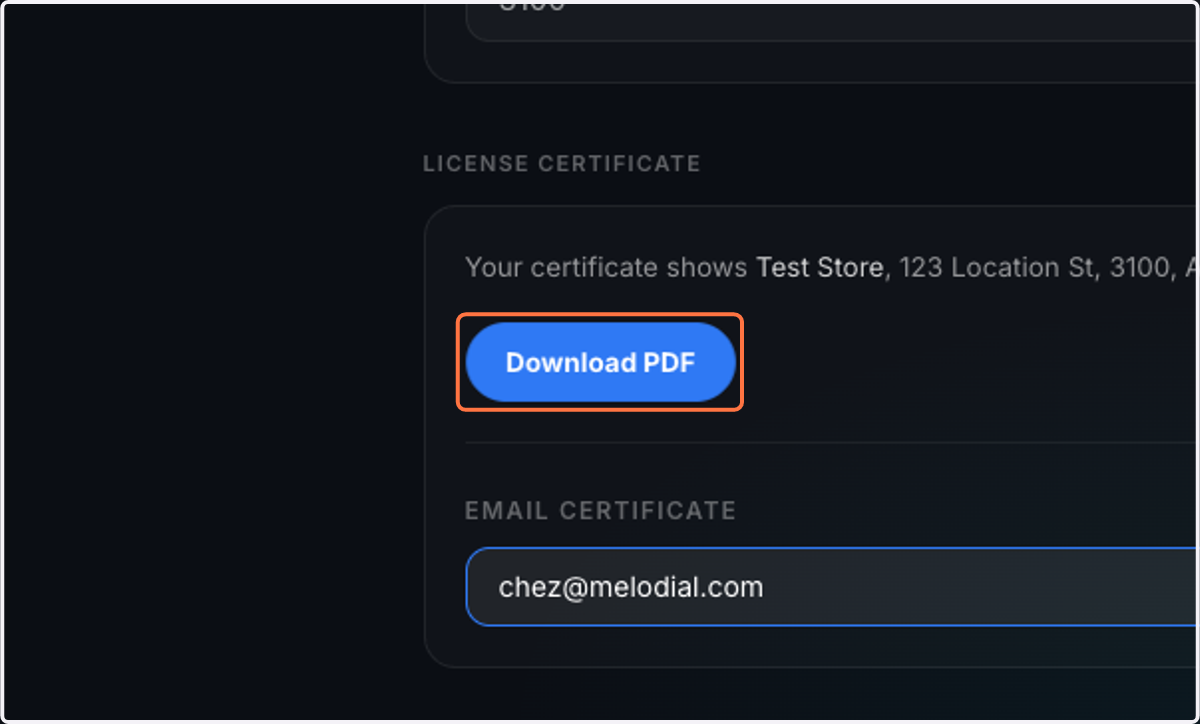
  13. 13. Click on Download PDF

    Click on Download PDF