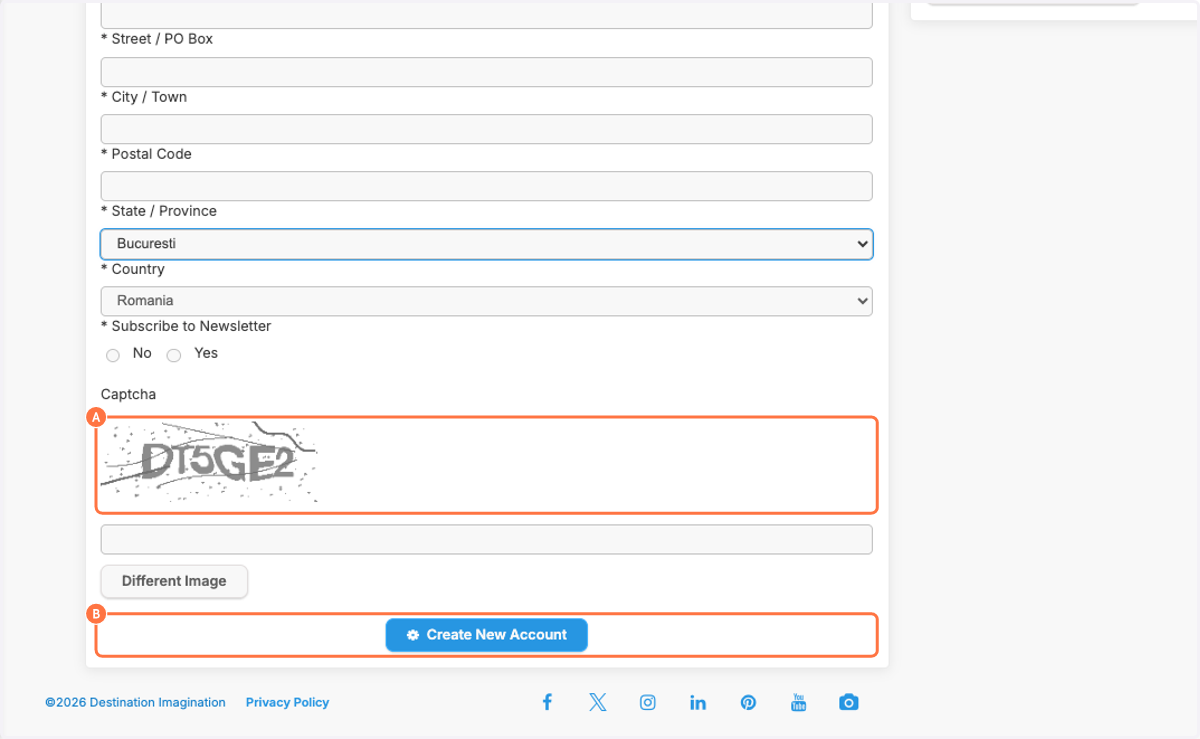
Create Destination Imagination Account
Destination Imagination
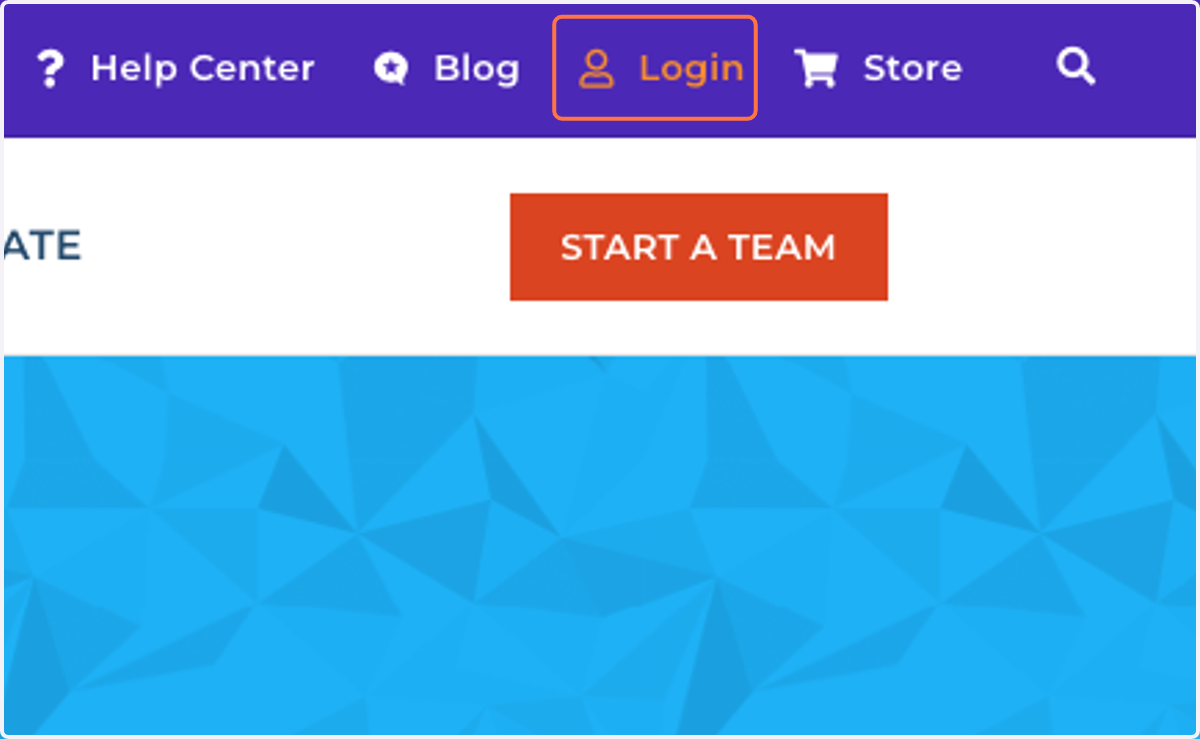
1. Click on Login
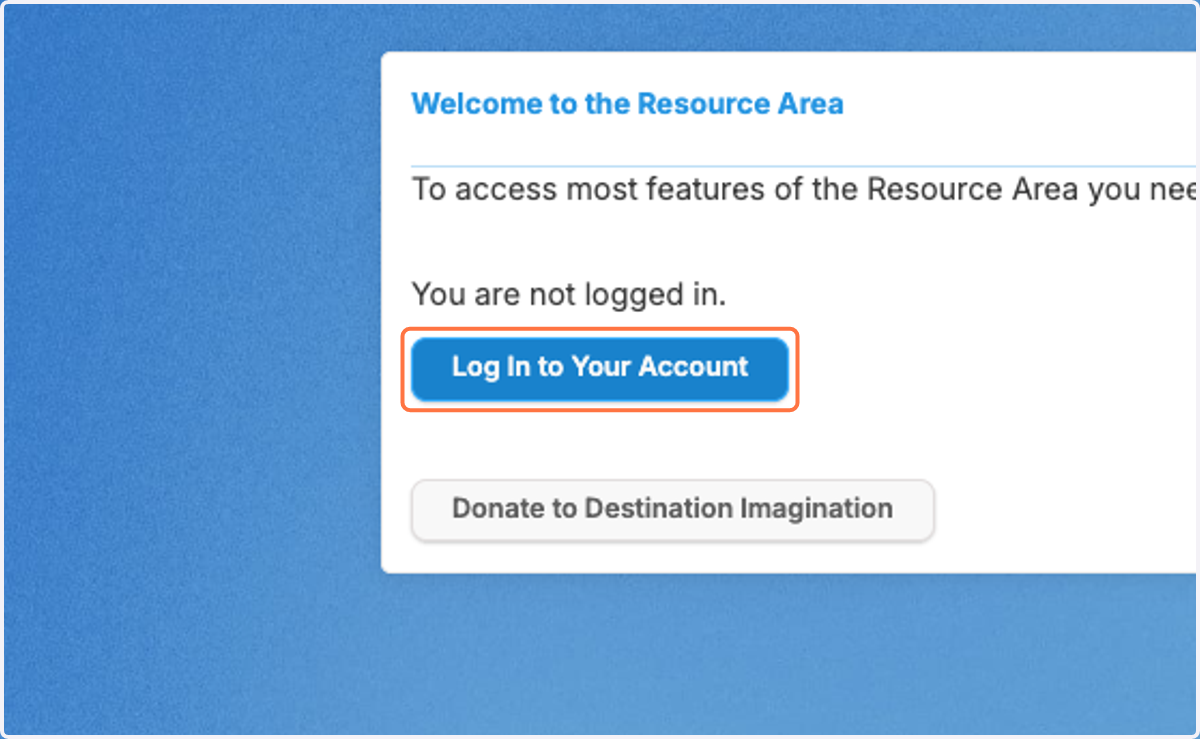
2. Click on Log In to Your Account
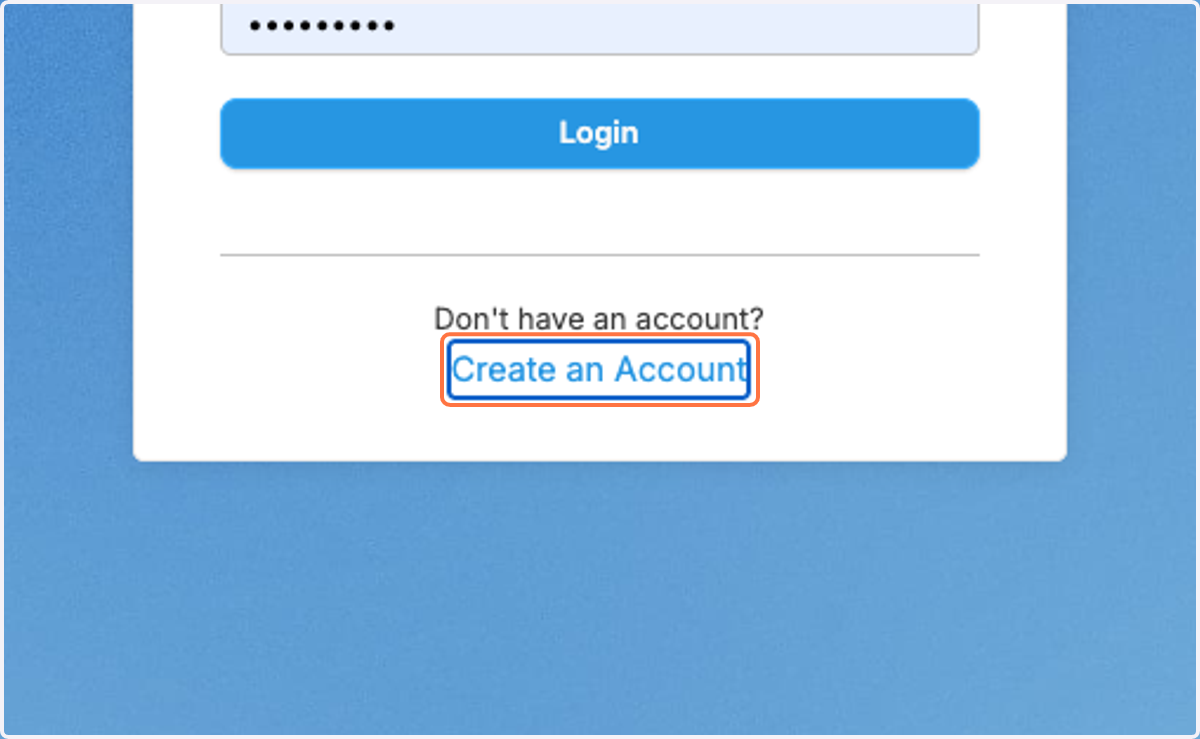
3. Click on Create an Account
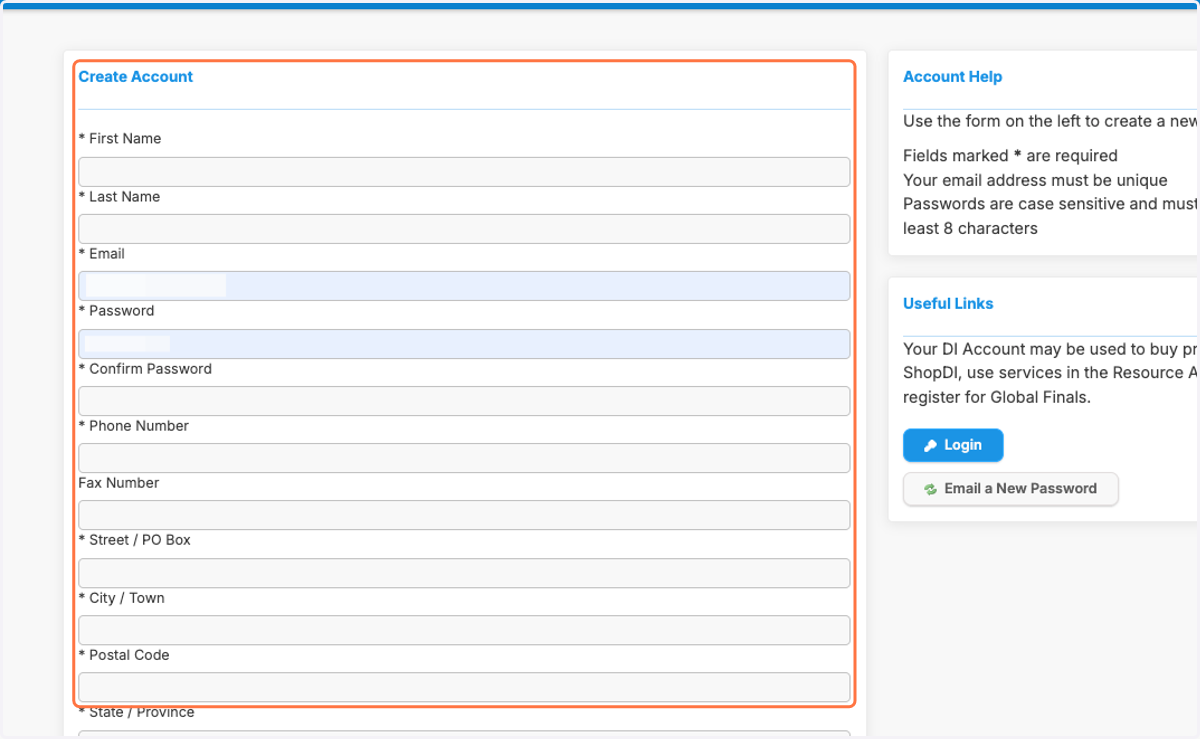
4. Fill in the information from First Name through Postal Code
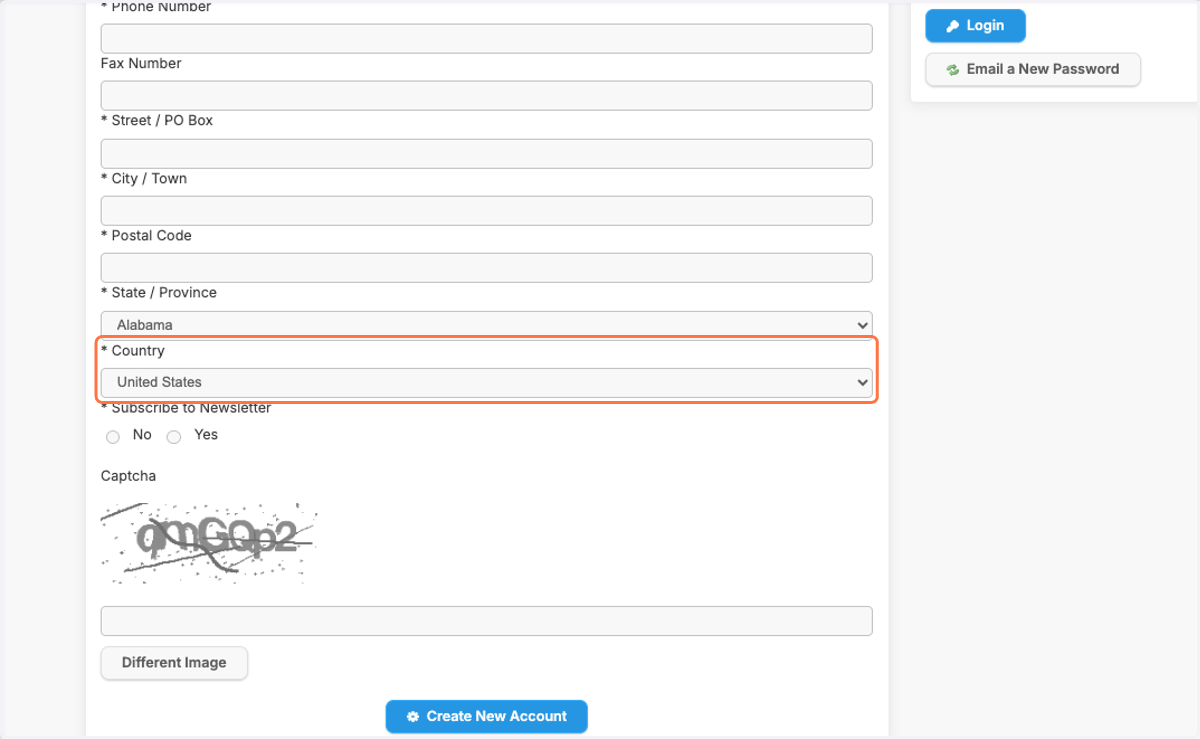
5. Click on Country first…
6. Then choose the State / Province…
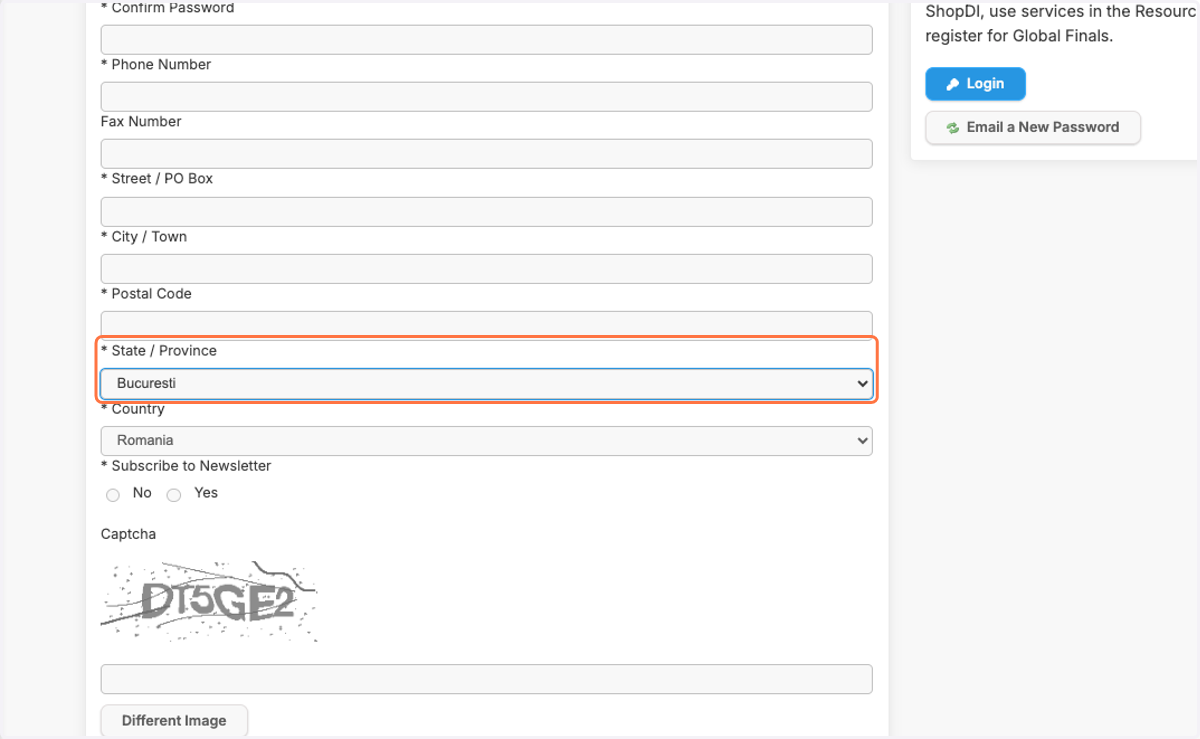
7. A. Fill in the Captcha…
7. B. Click on Create New Account