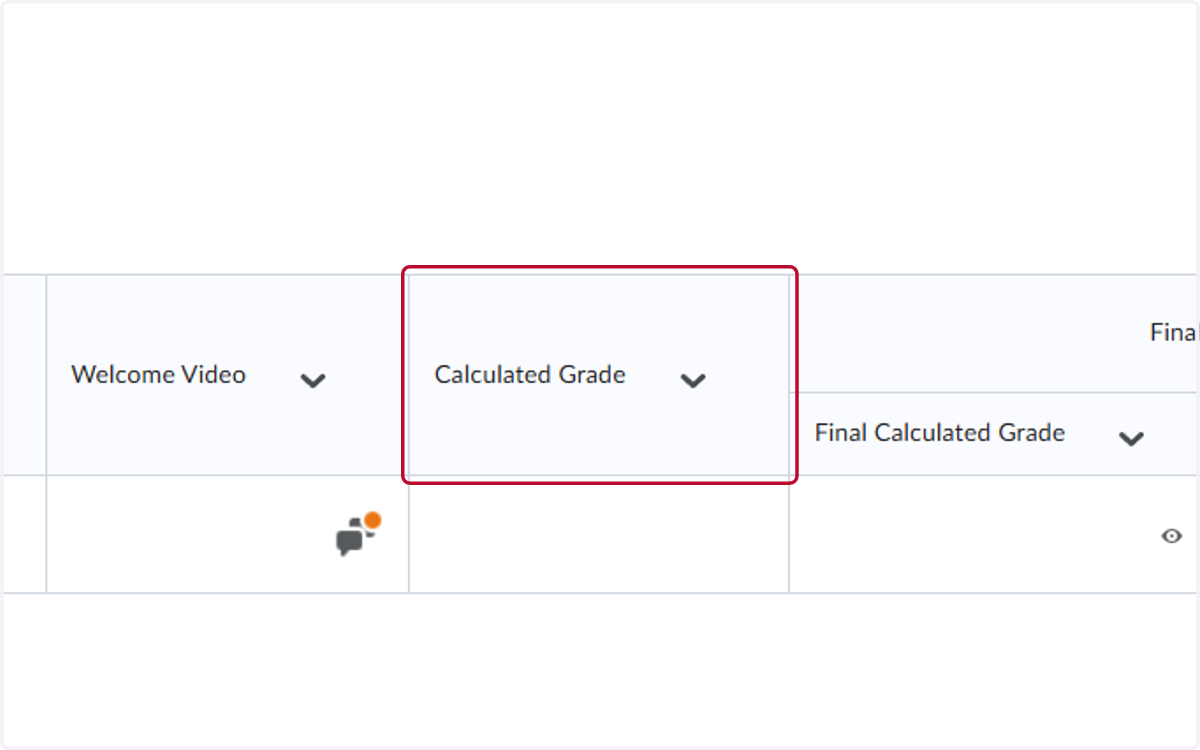
Create Calculated Grade in Brightspace
User List - Practice as Instructor - starkstate.brightspace
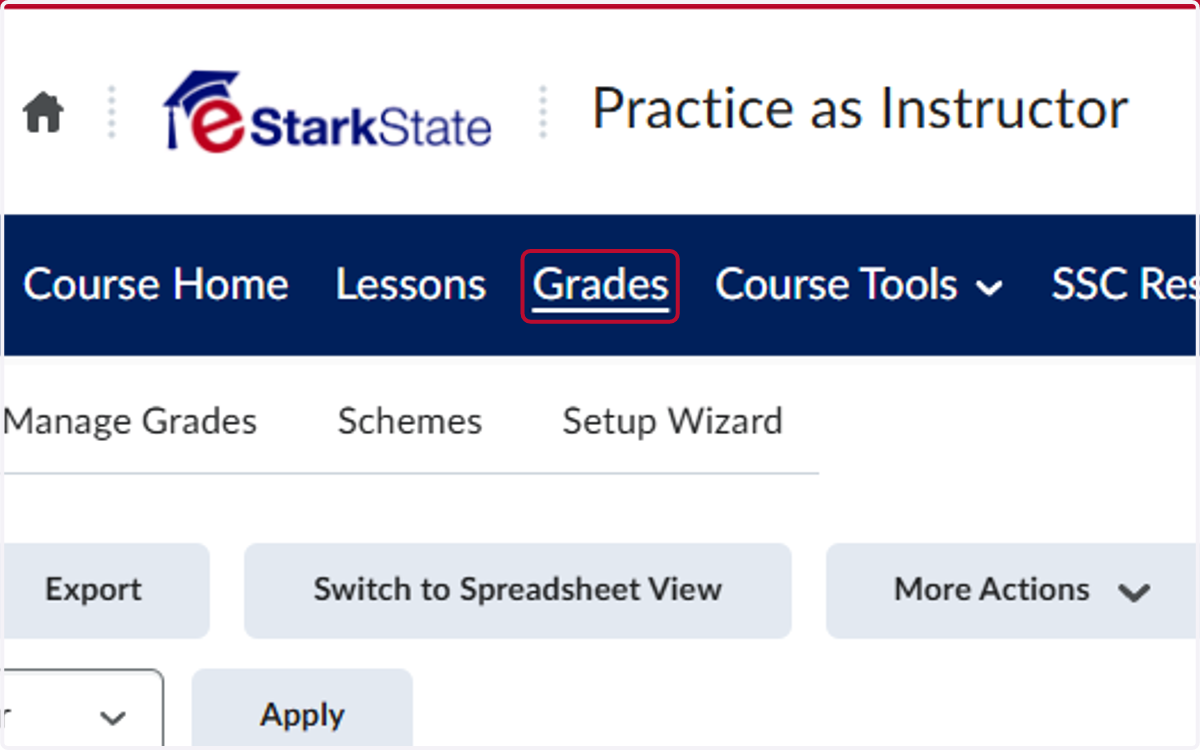
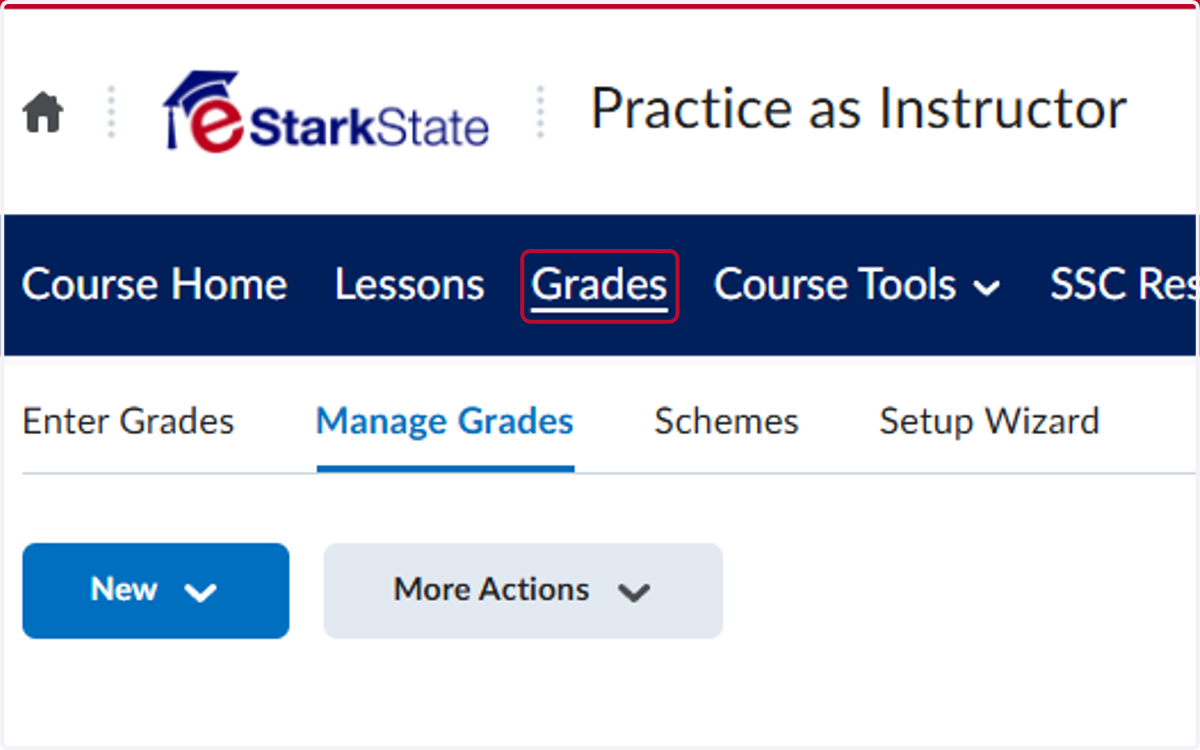
1. Click on Grades
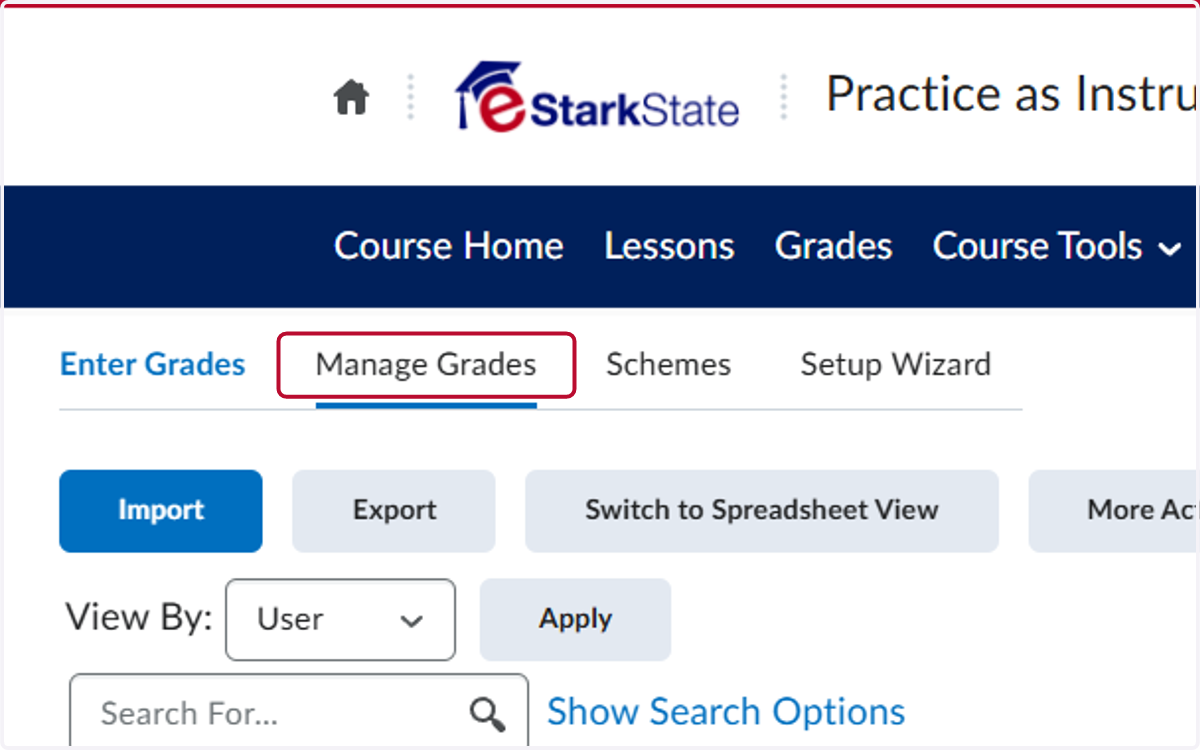
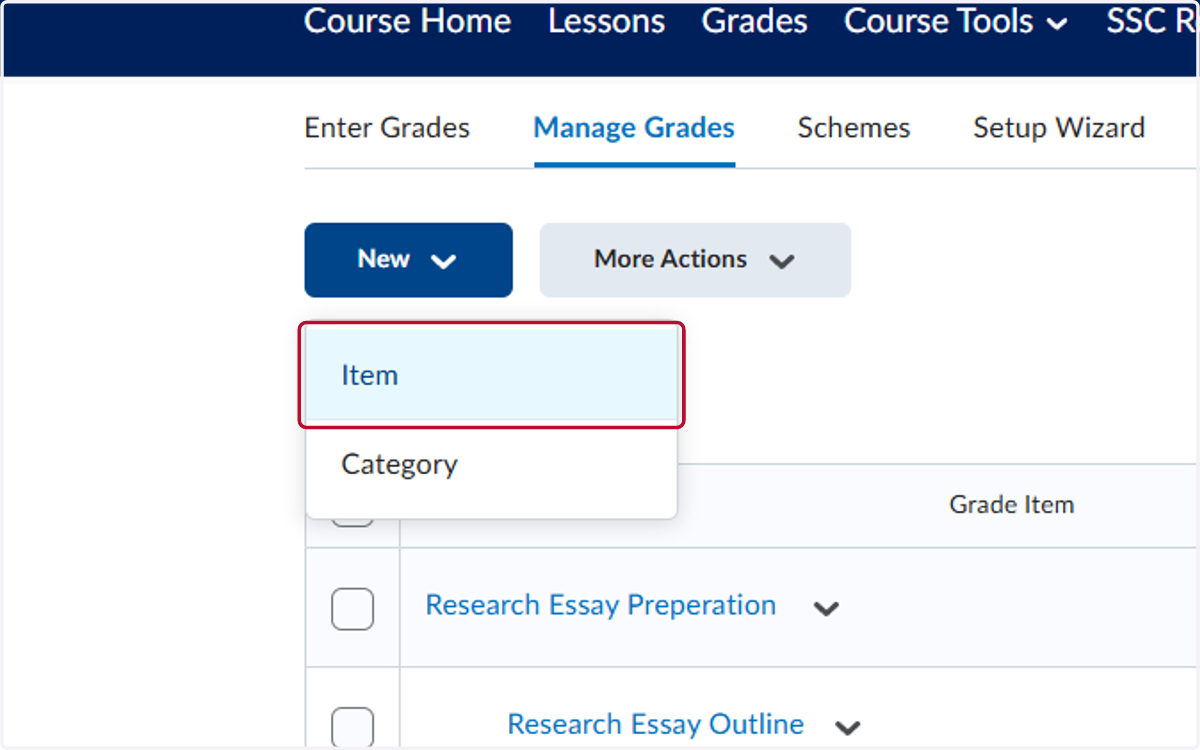
2. Click on Manage Grades
3. Click on New v
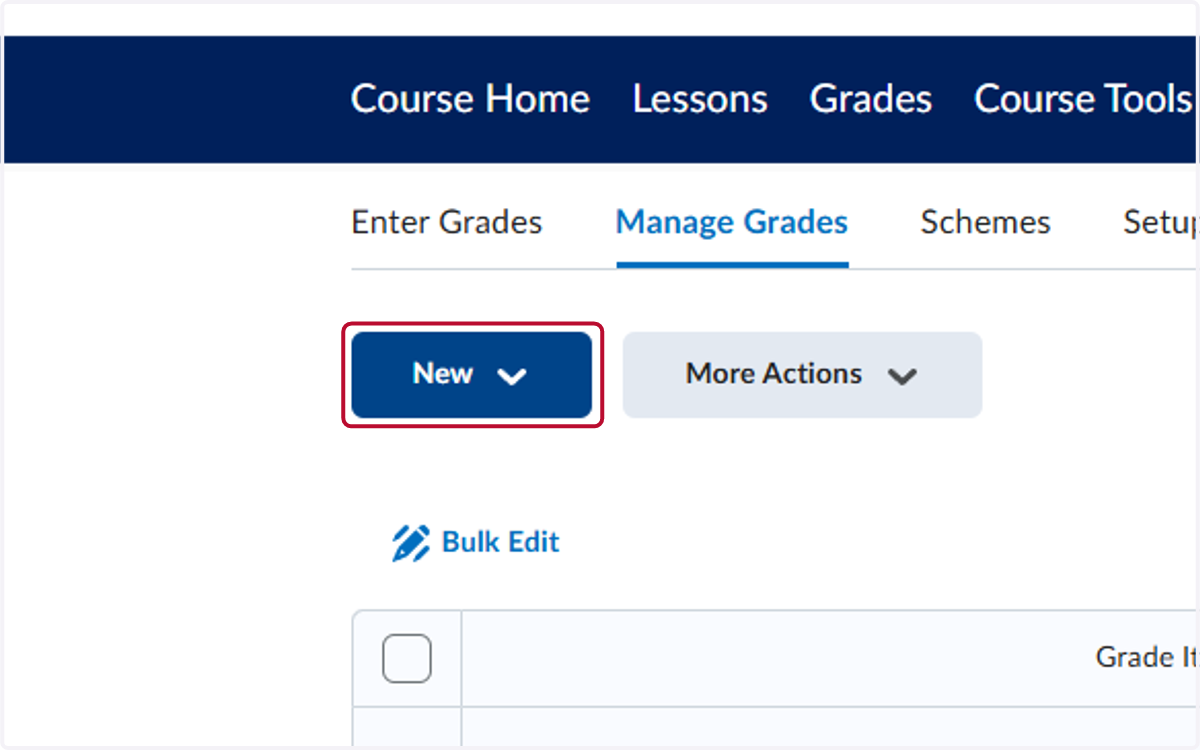
4. Click on Item
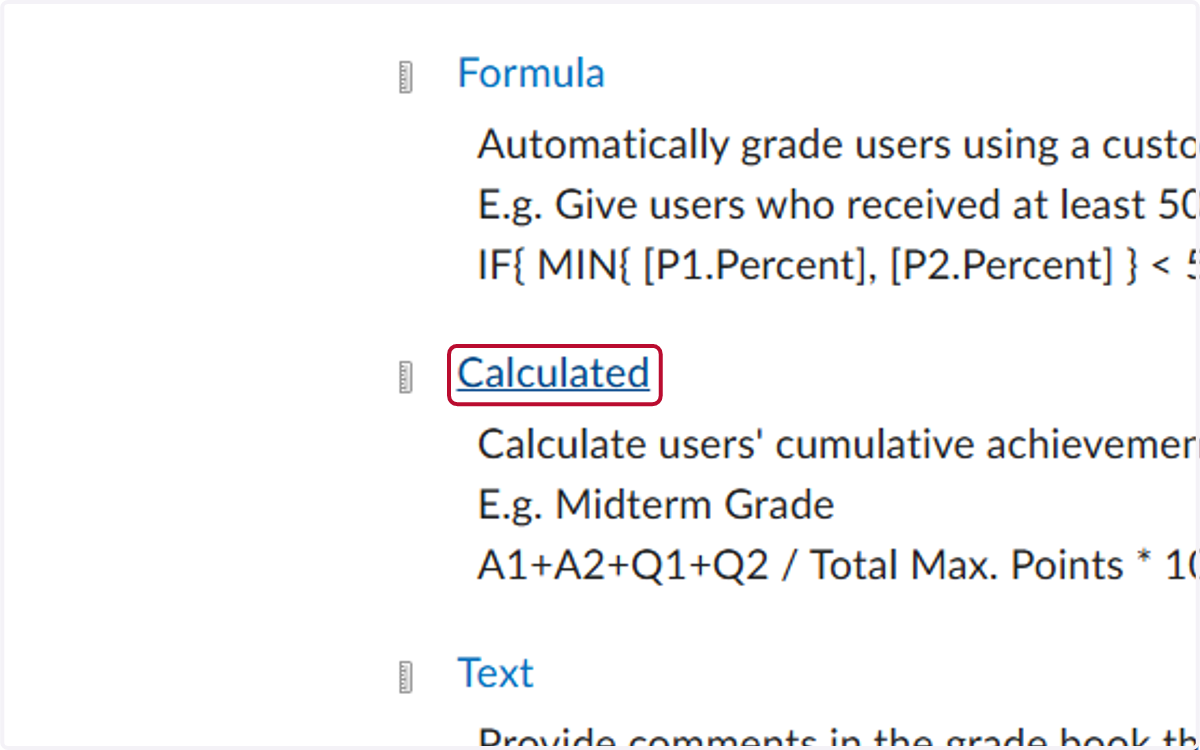
5. Click on Calculated
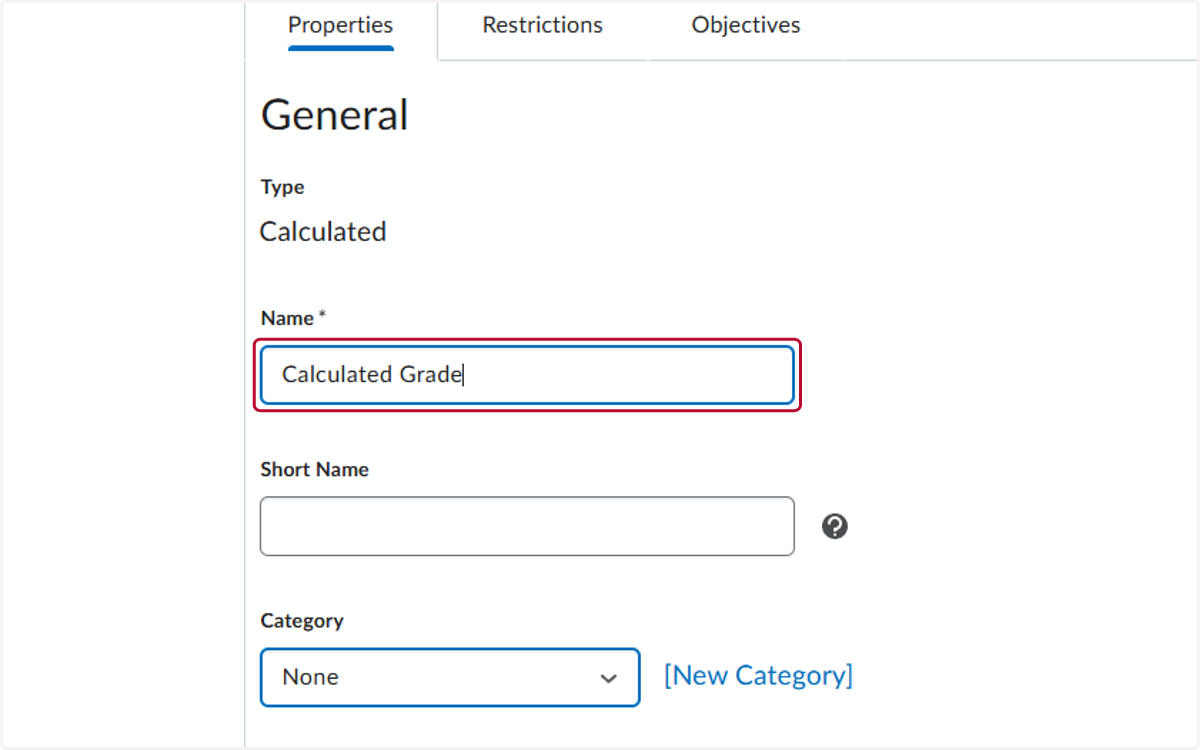
6. Type a Name
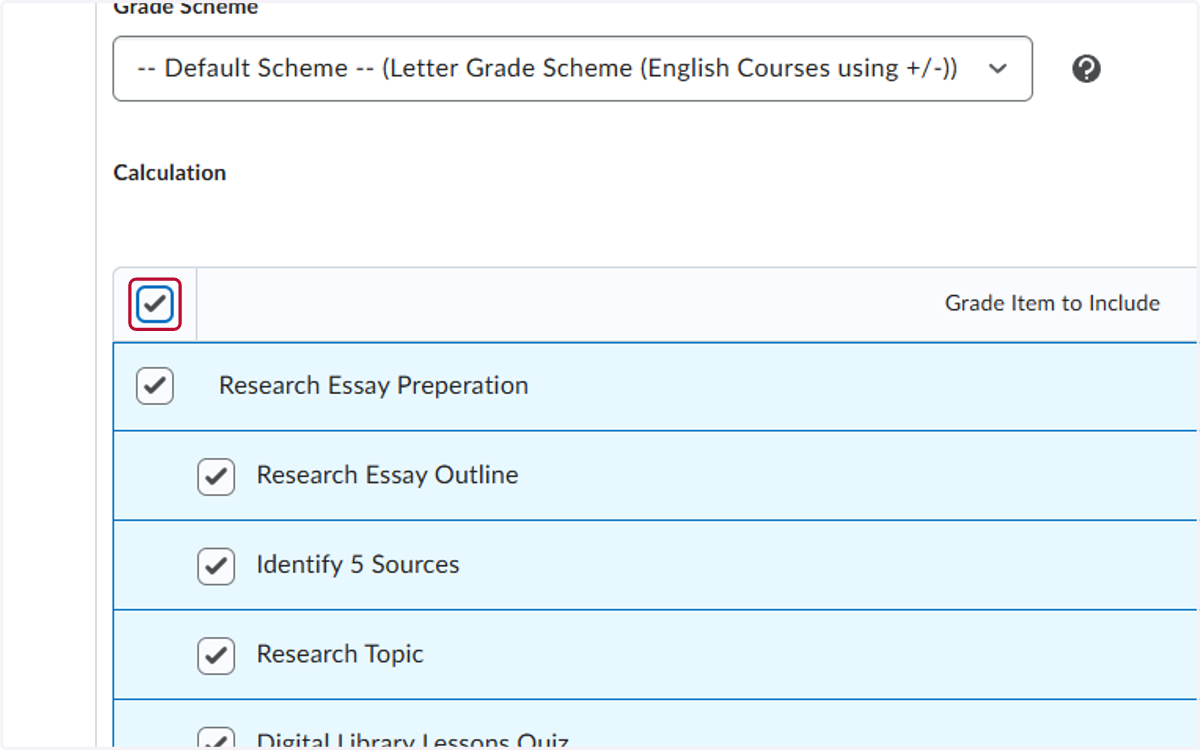
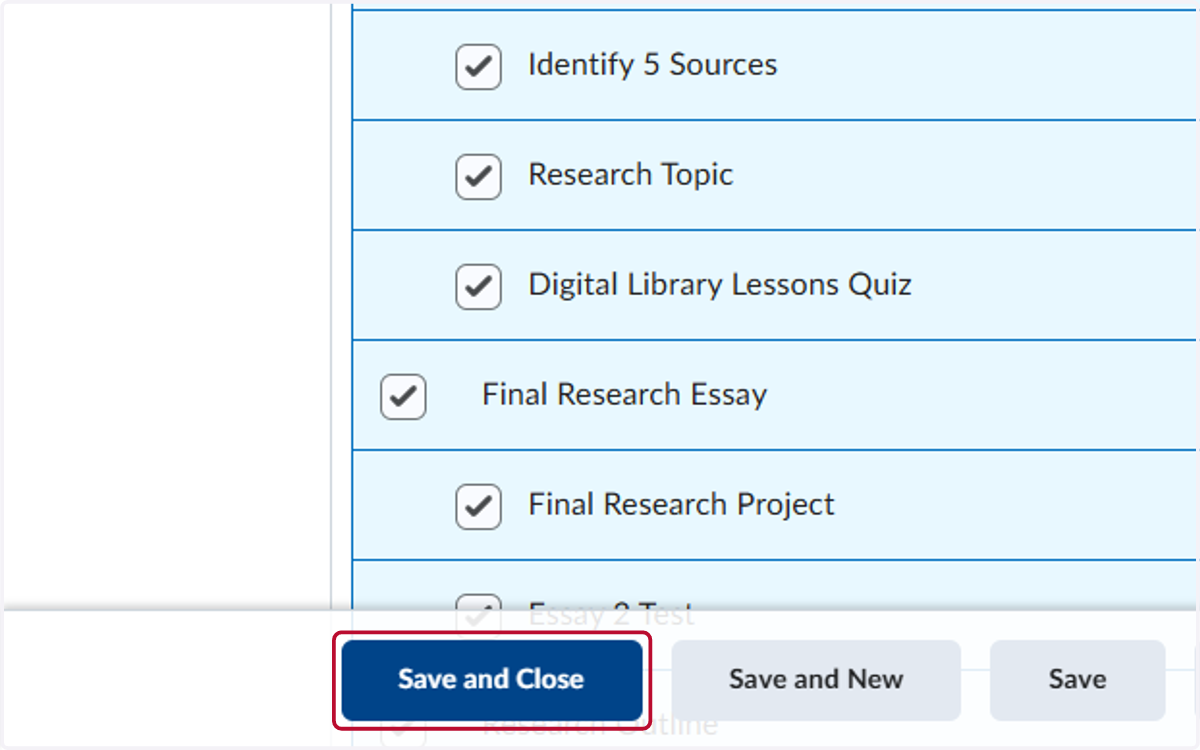
7. Check Select all rows for the graded items under Calculation
8. Click on Save and Close
9. Click on Grades
10. Your Calculated Grade Category will appear at the end of your gradebook before the Final Calculated Grade