Course Import Tool: Method 2
Canvas
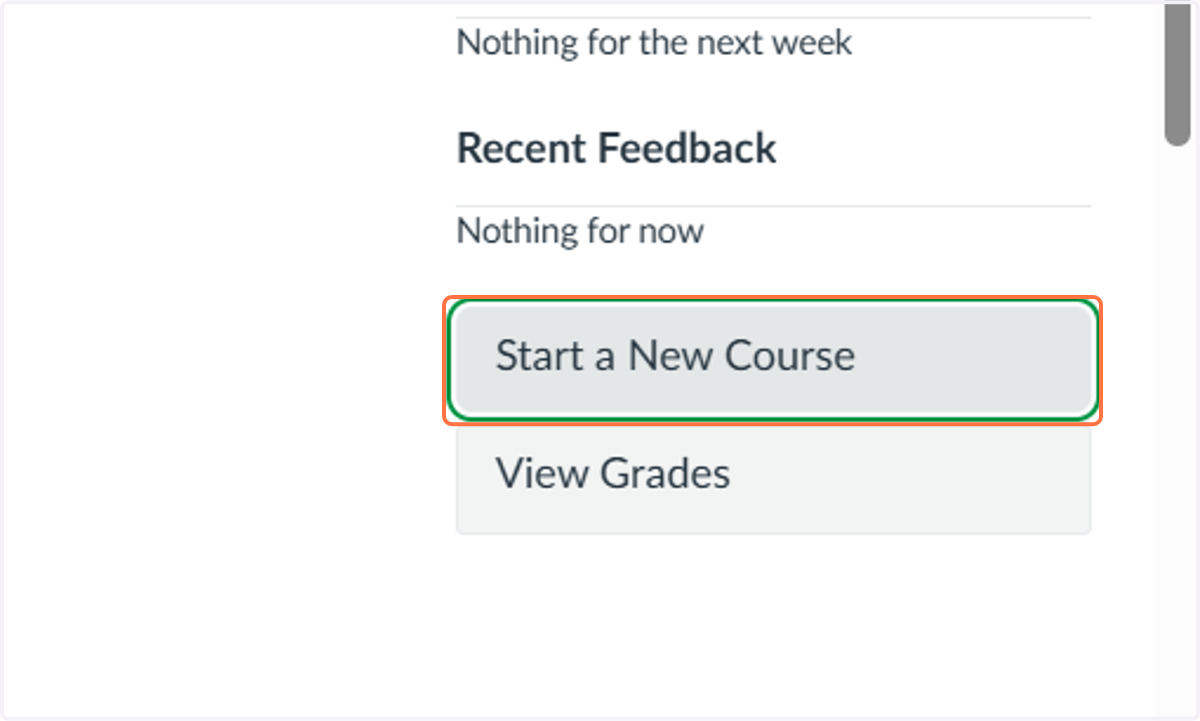
1. Open Canvas and Click on Start a New Course
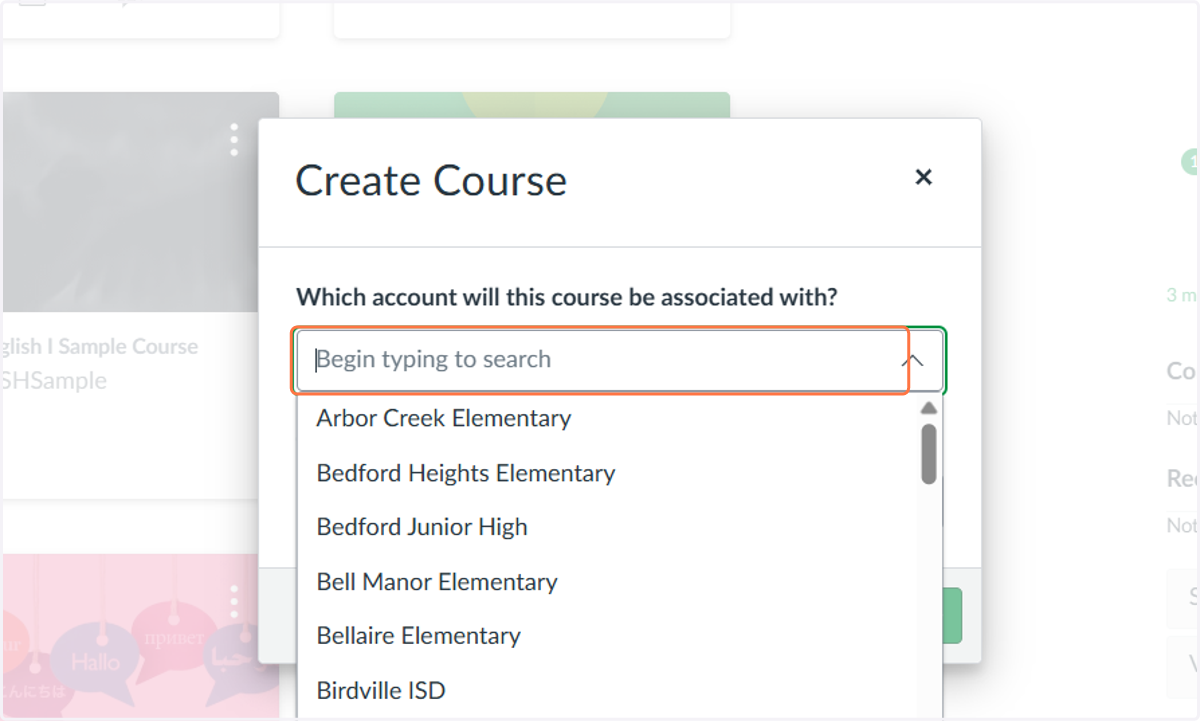
2. Select the account this course be associated with?
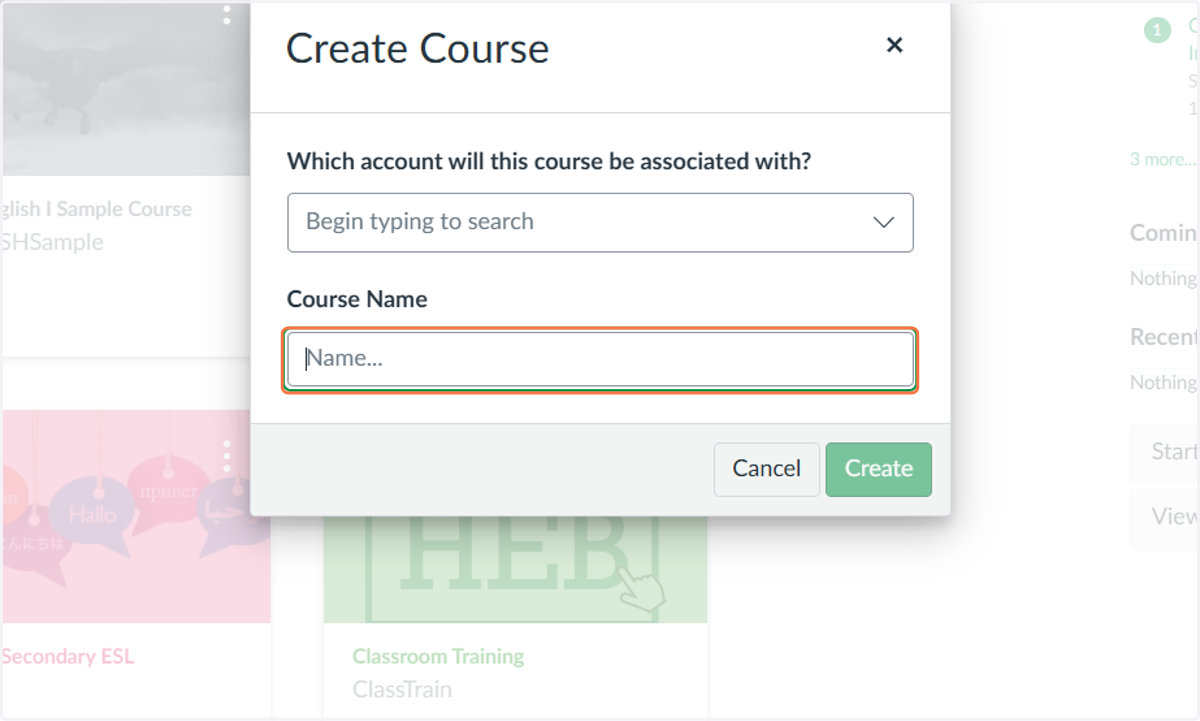
3. Click on Course Name, Enter a Name, Click Create!
4. Under Settings, select the drop-down and choose Course.
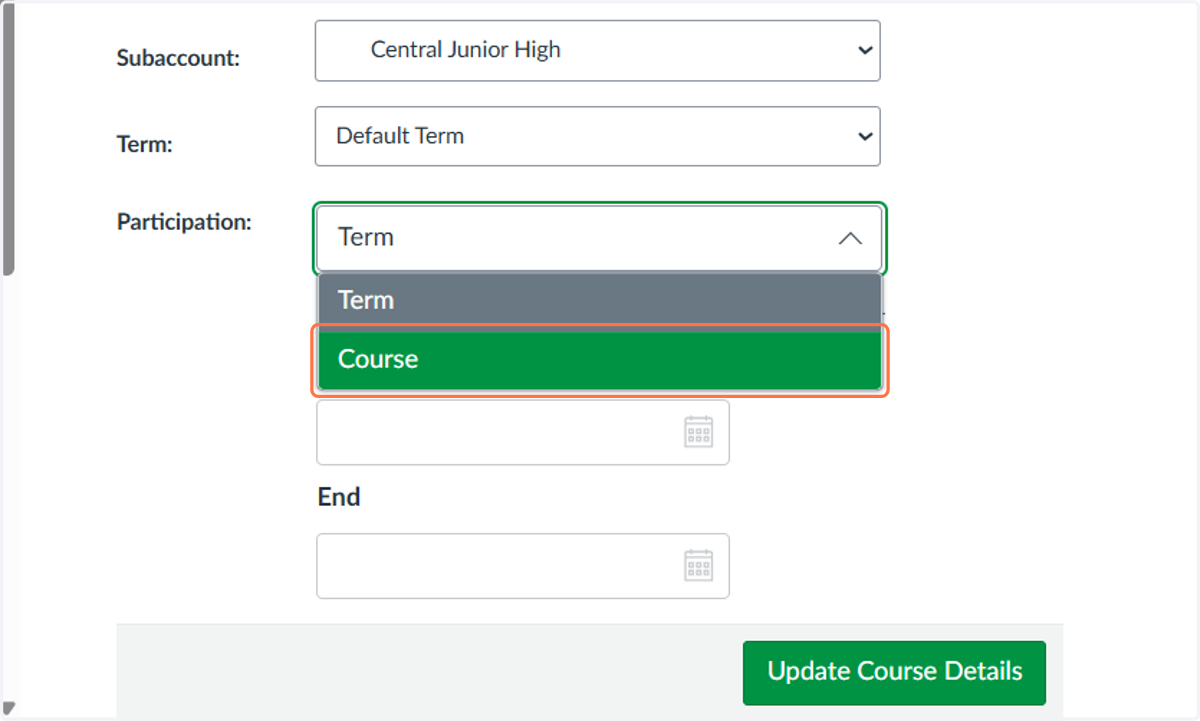
5. Click on Update Course Details
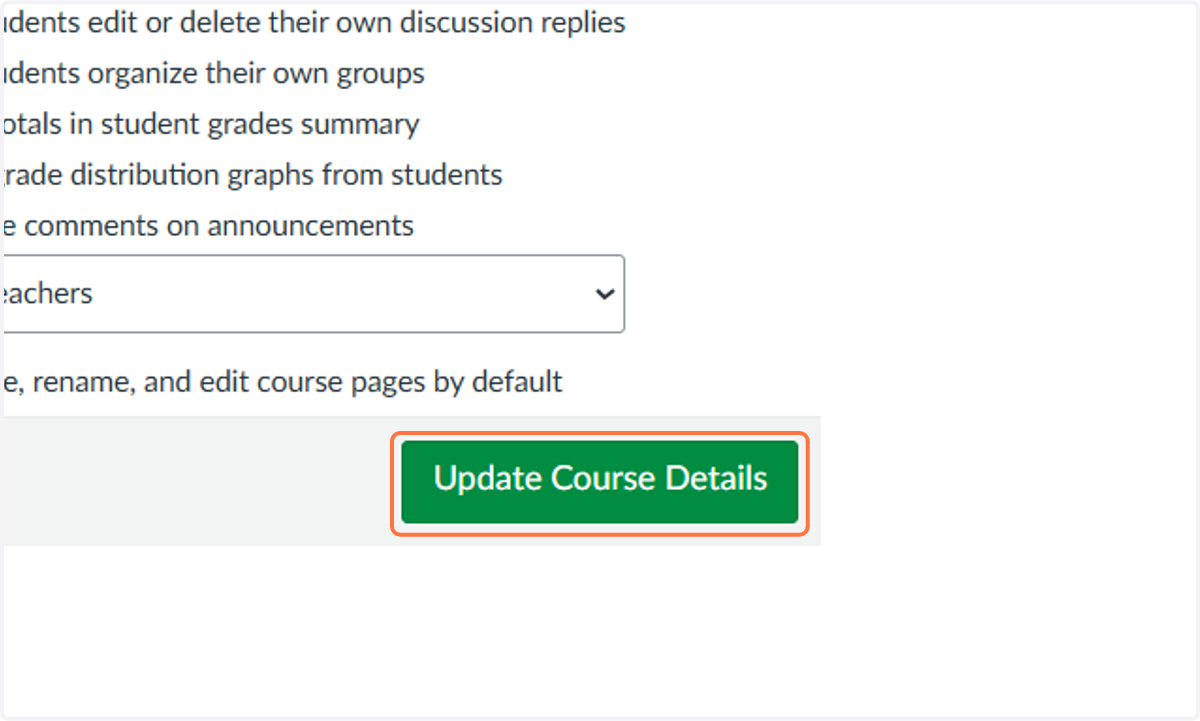
6. Click on Import Course Content
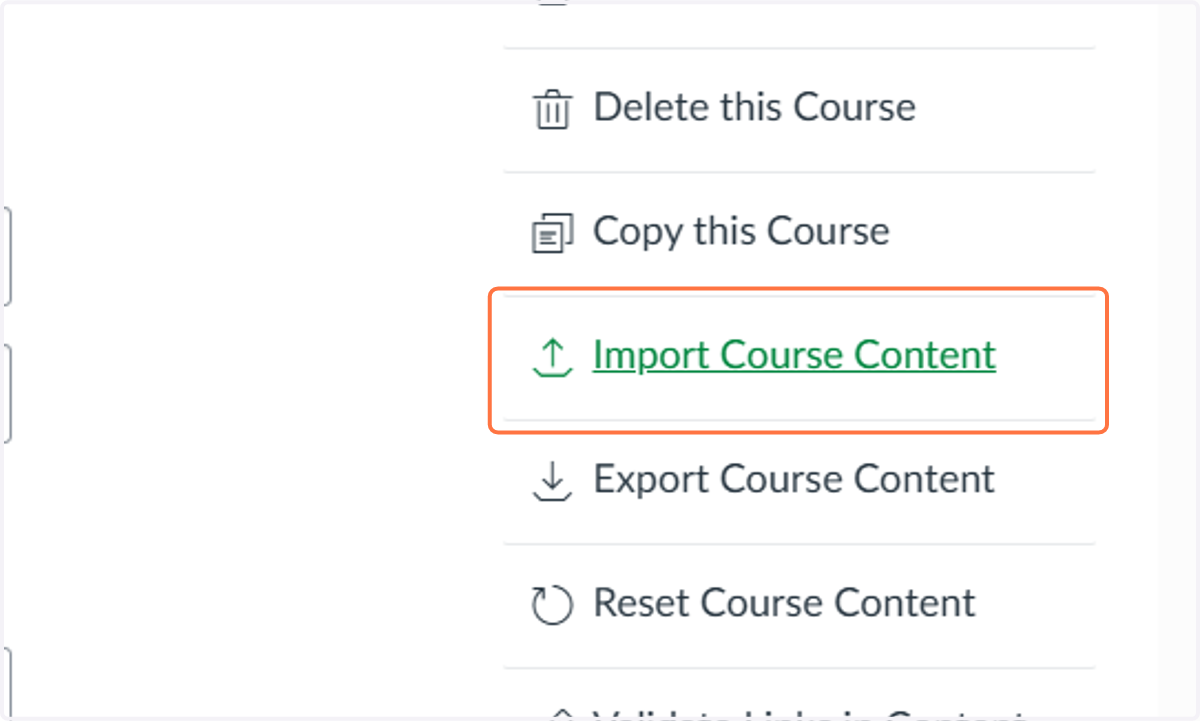
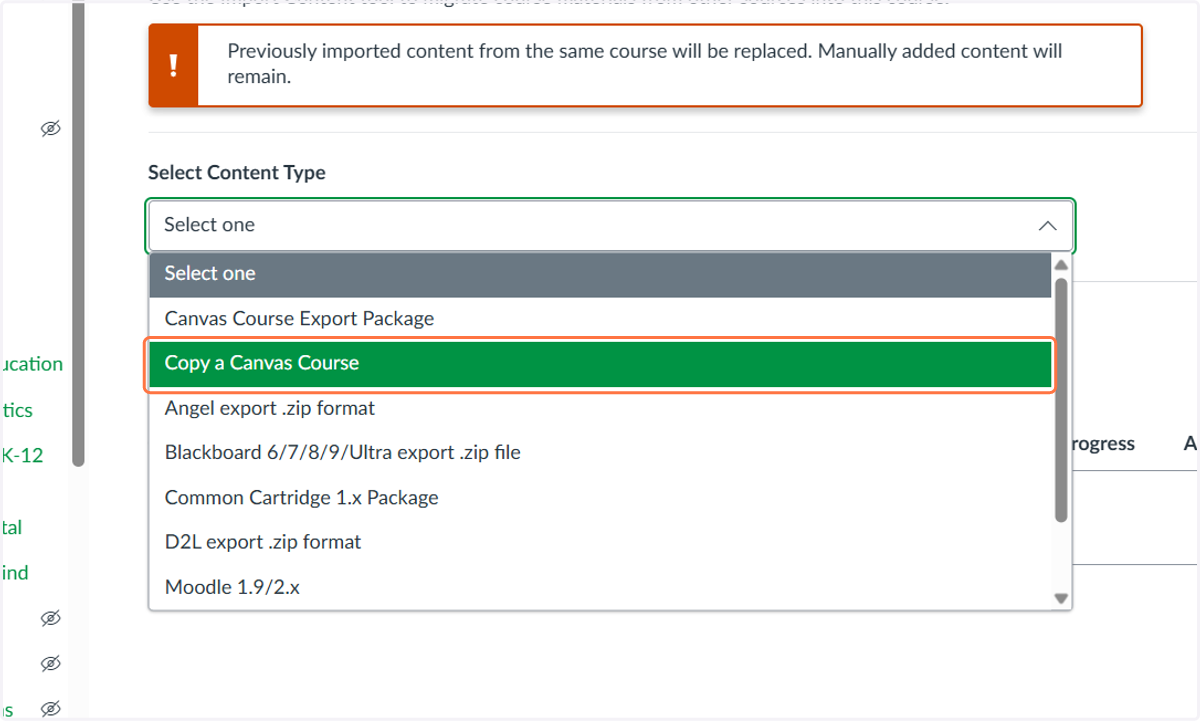
7. Click on Select Content Type
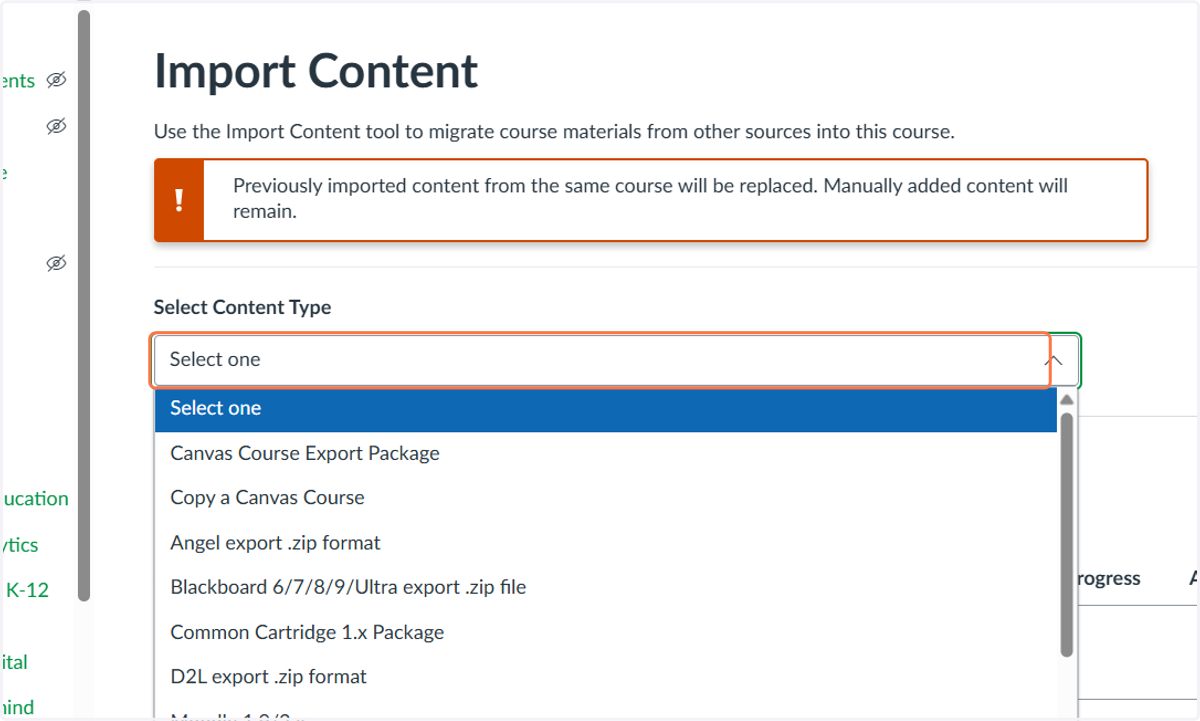
8. Click on Copy a Canvas Course
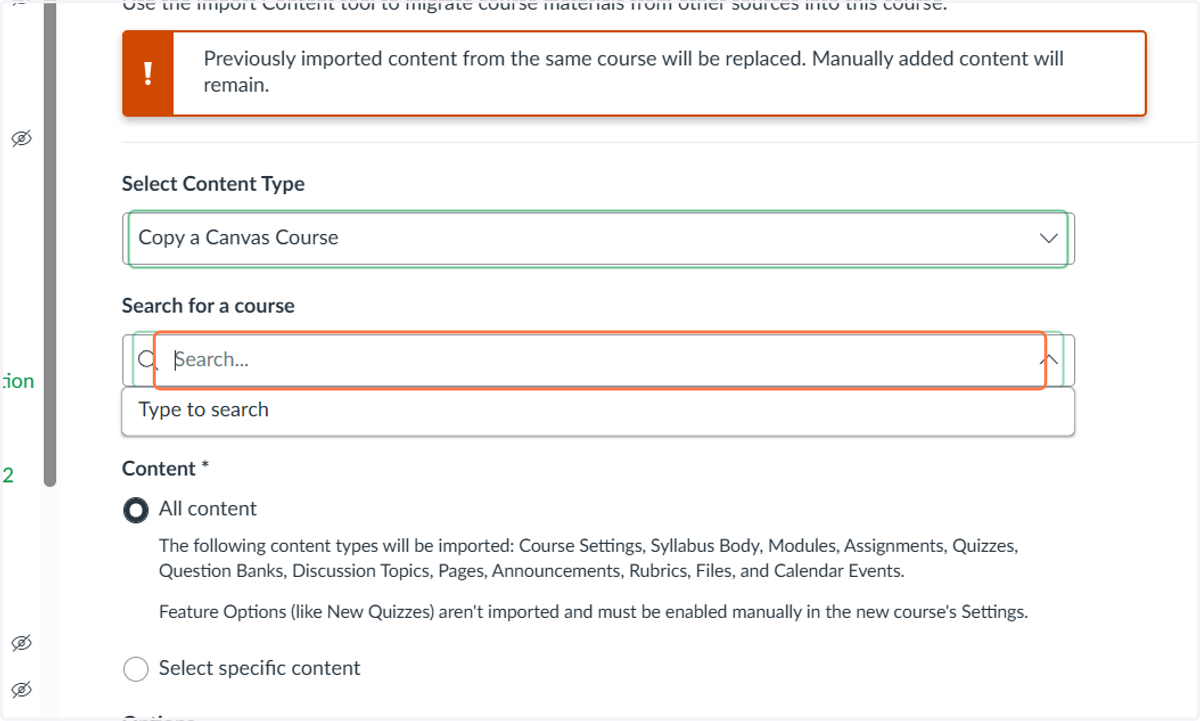
9. Click on Search for a course and find the course you want to copy.
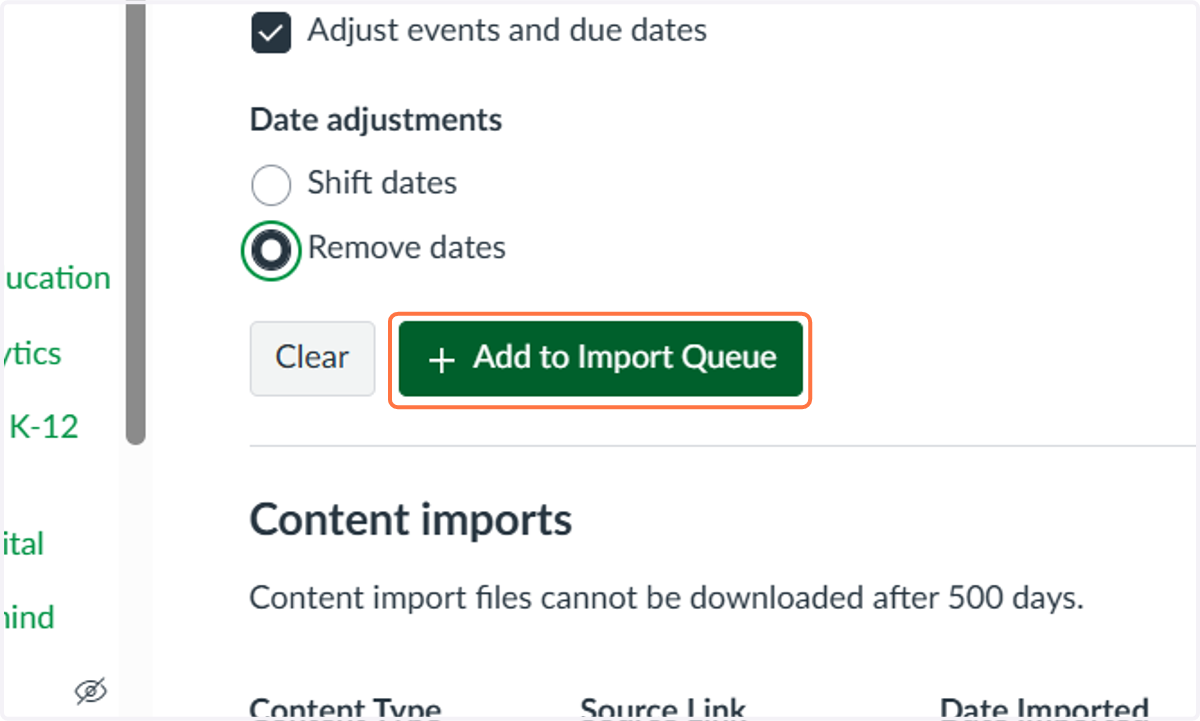
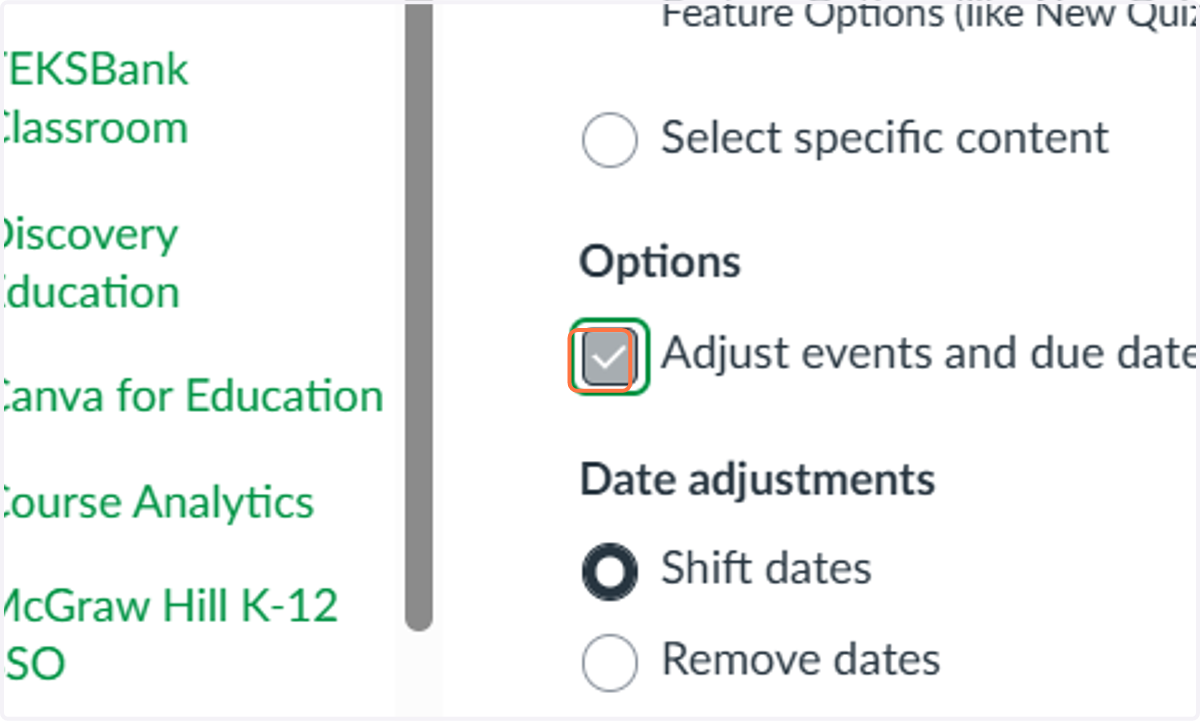
10. Check Adjust events and due dates
11. Select Remove dates
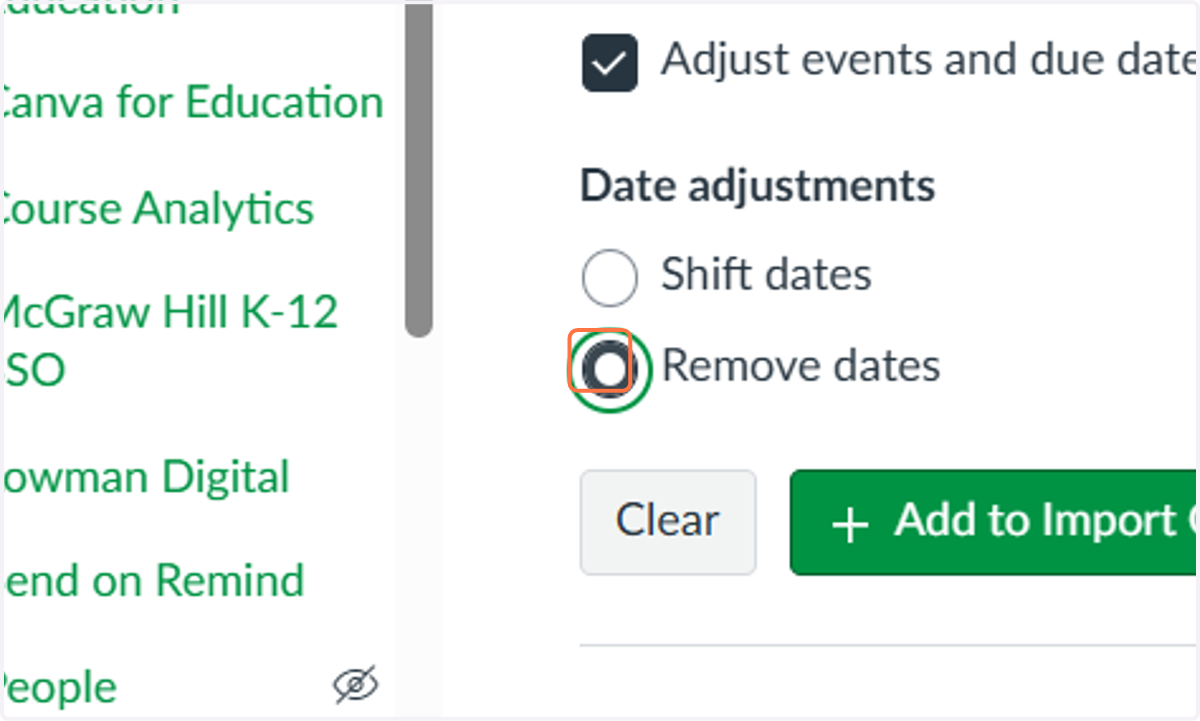
12. Click on Add to Import Queue