Contacts - Creating a New Contact
How to create a new contact
Laminin Demo
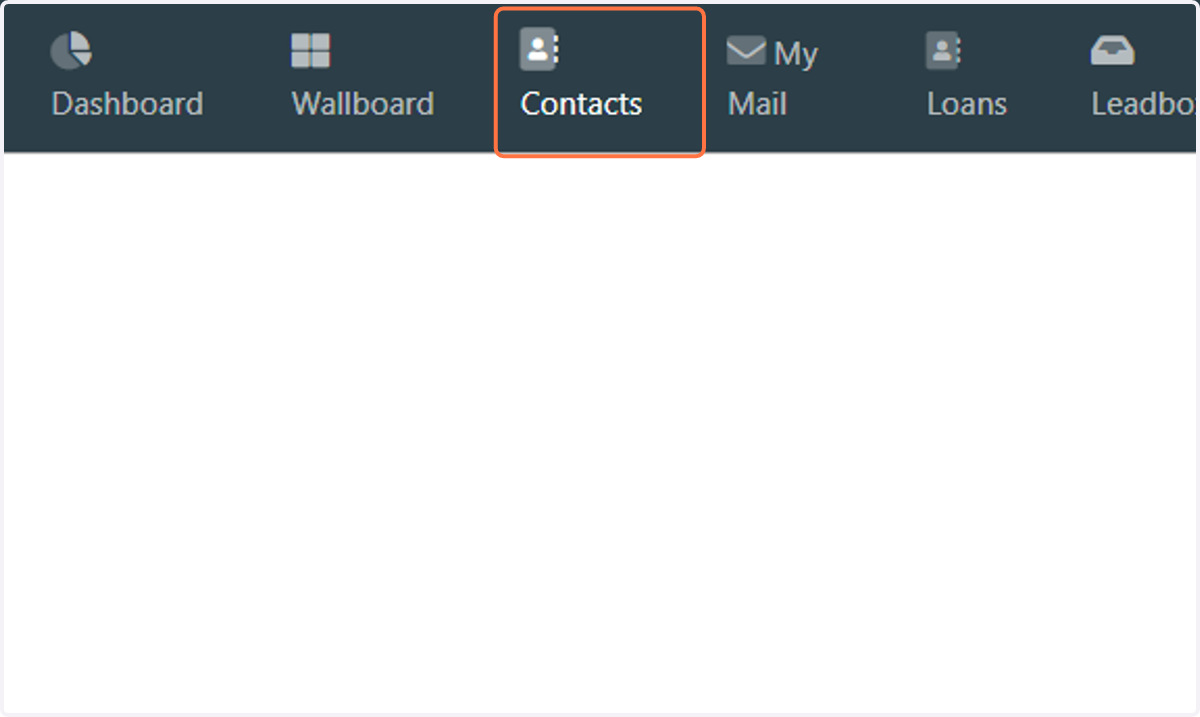
1. Click on Contacts…
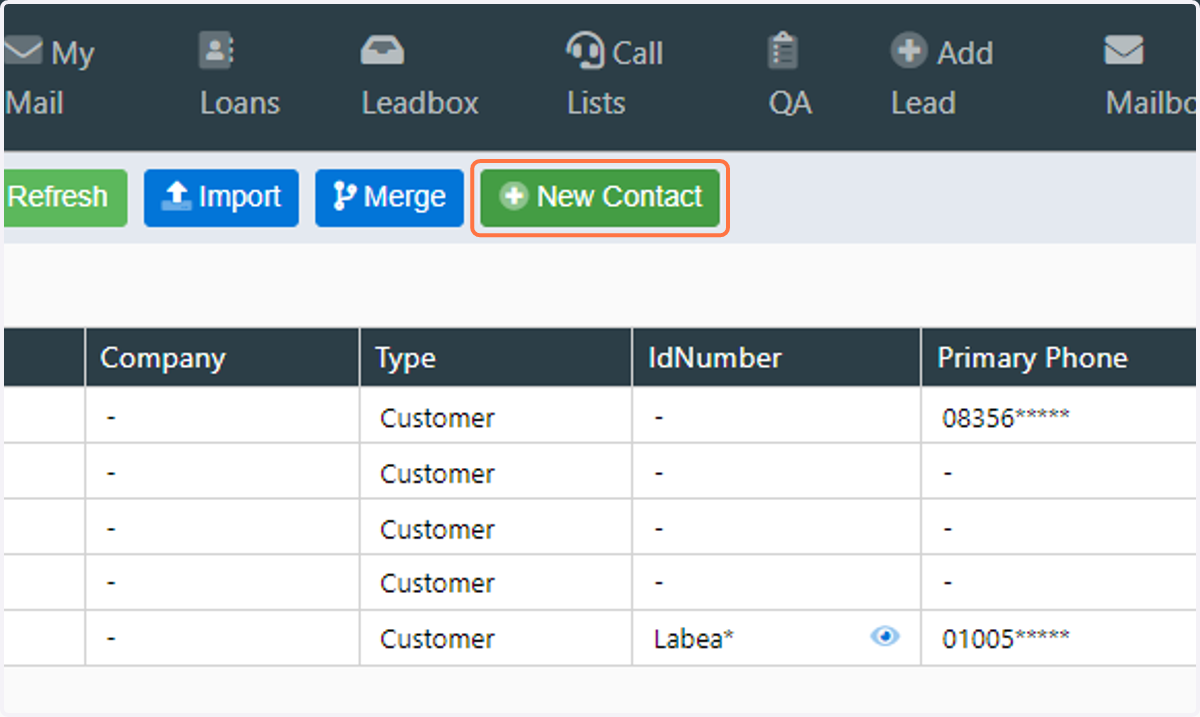
2. Click on New Contact
3. Enter a Title for the contact
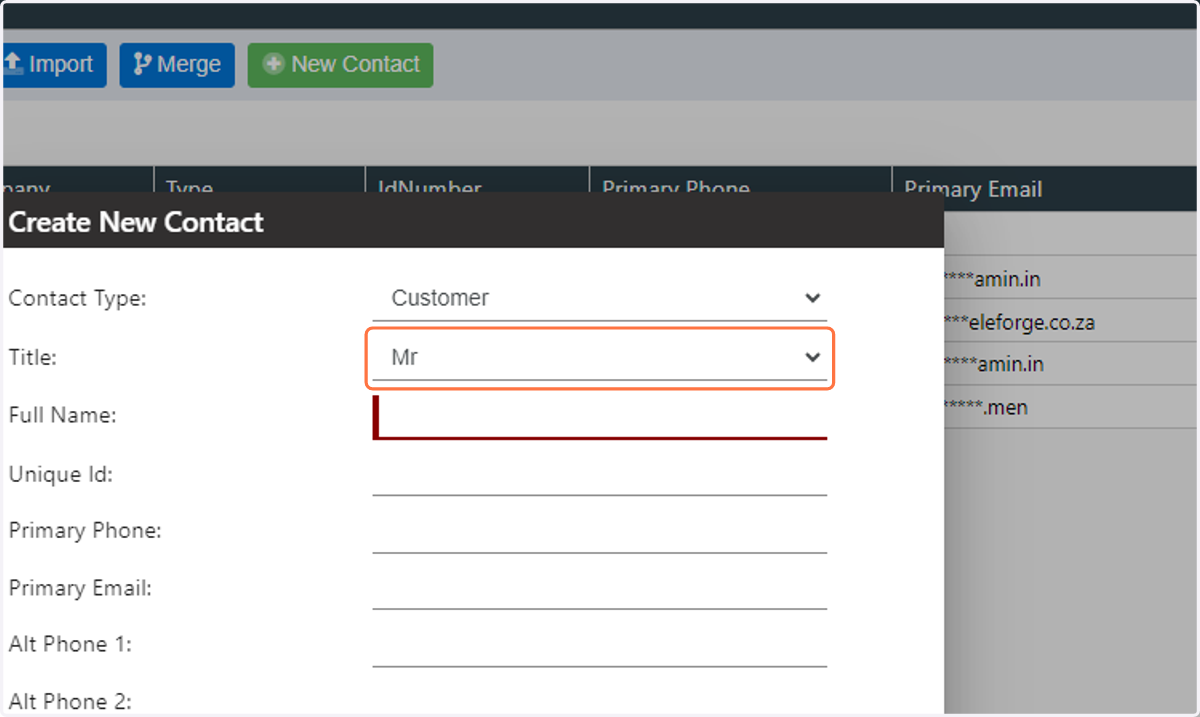
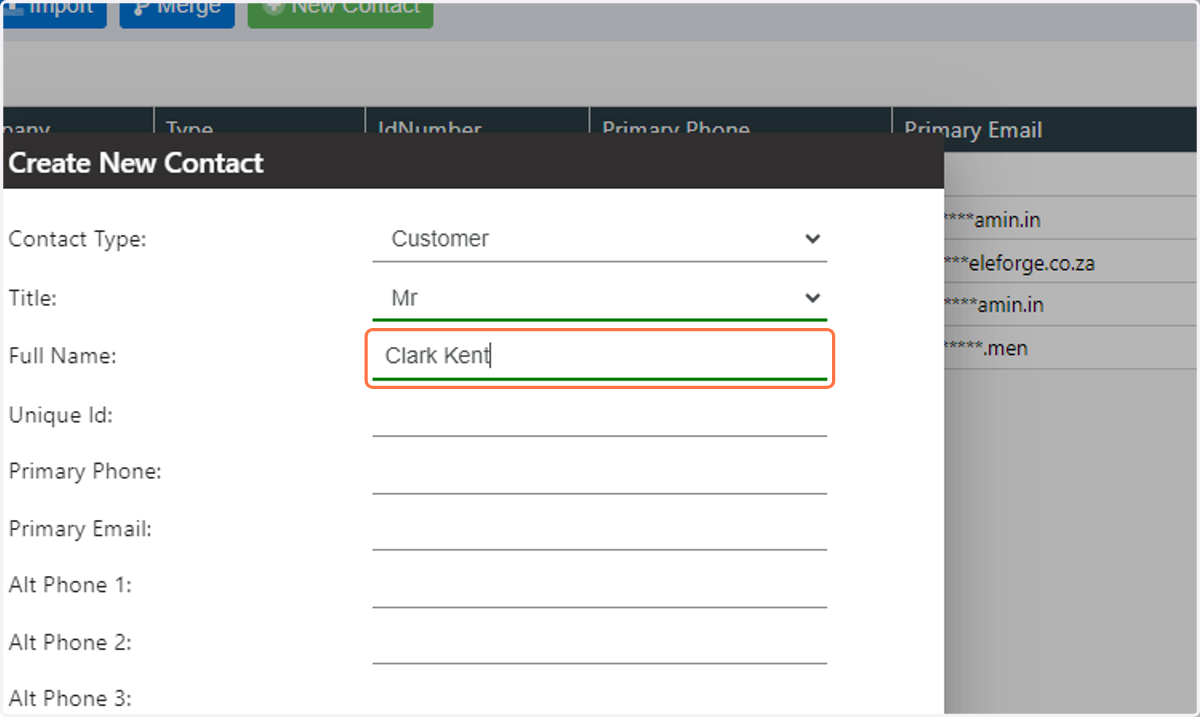
4. Enter the full name of the contact
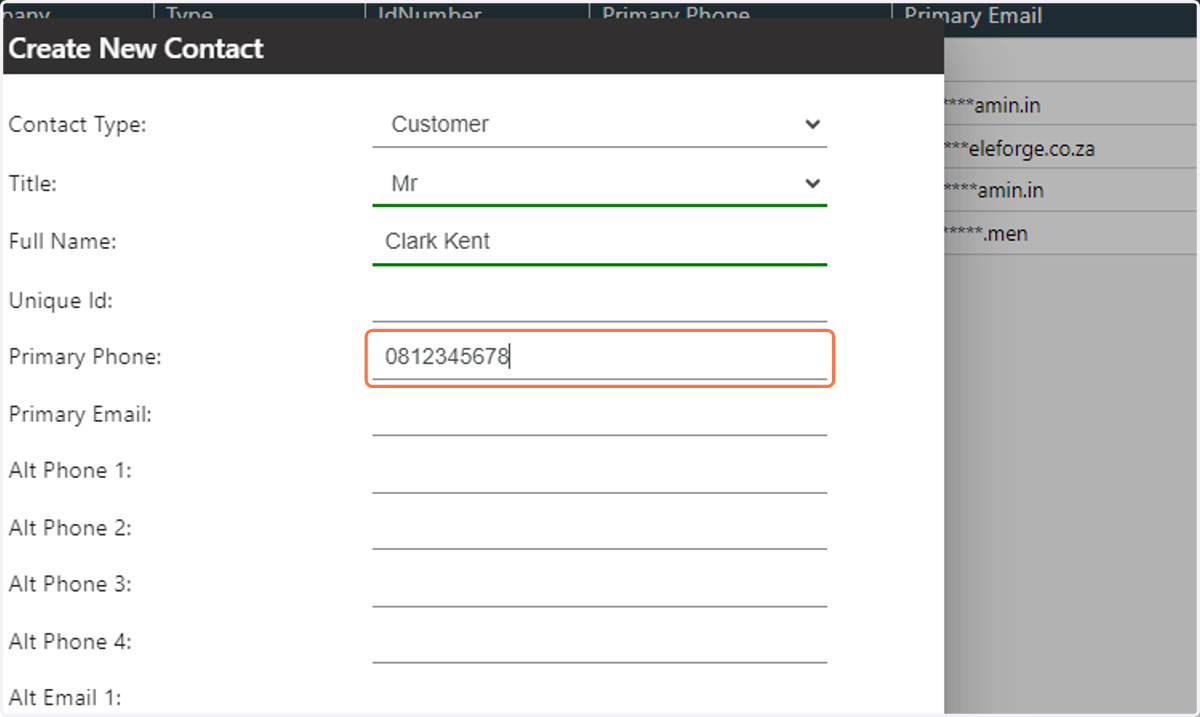
5. Enter the contact primary phone number for the contact
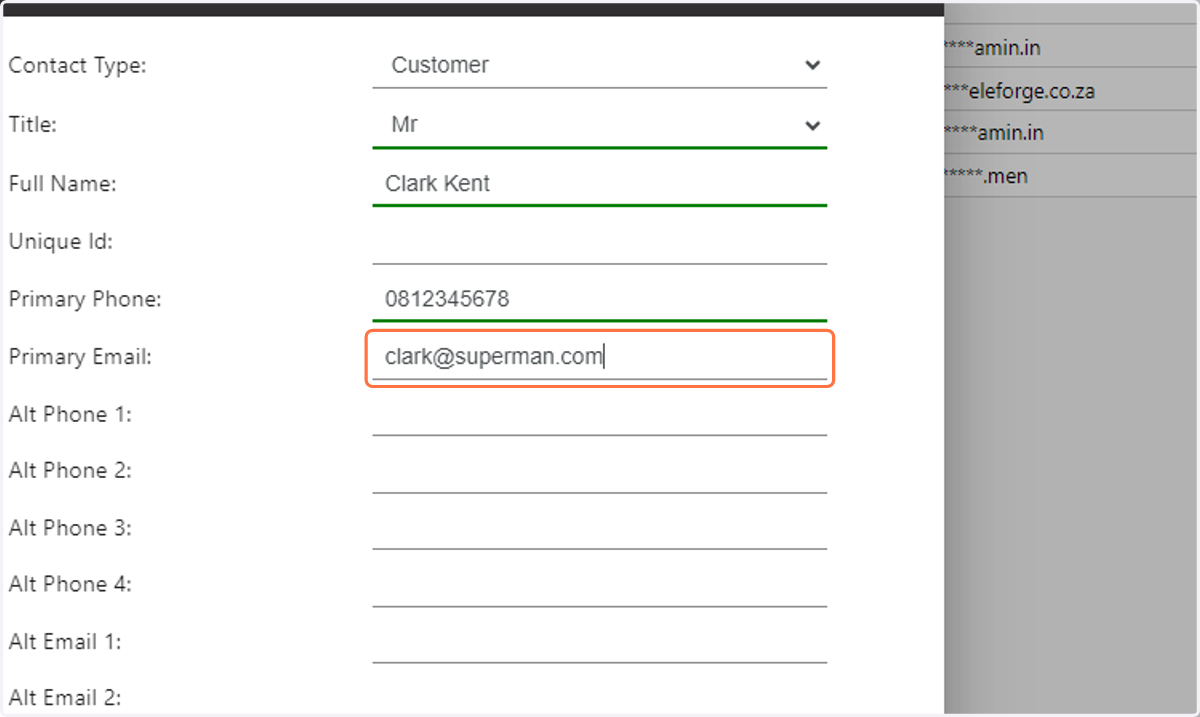
6. Enter the contact primary email address for the contact
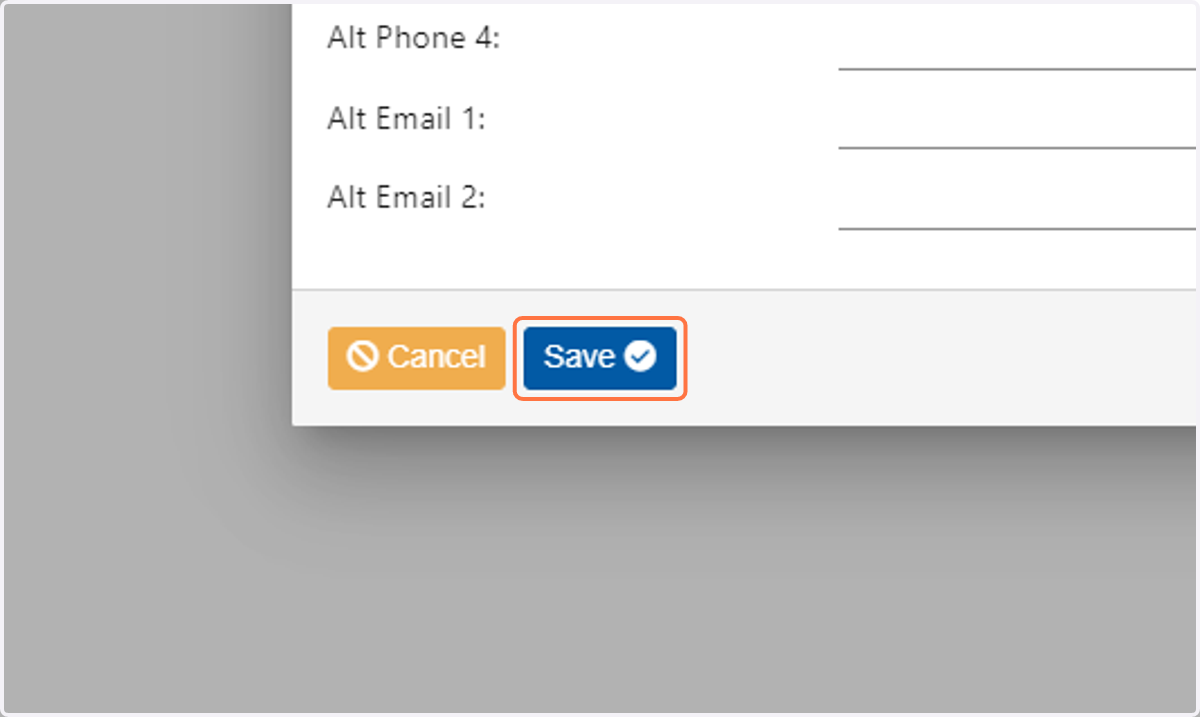
7. Click on Save