Connecting your DocuSign and ZipForm Accounts
Docusign
1. Go to rooms.docusign.com
2. Click on profile menu
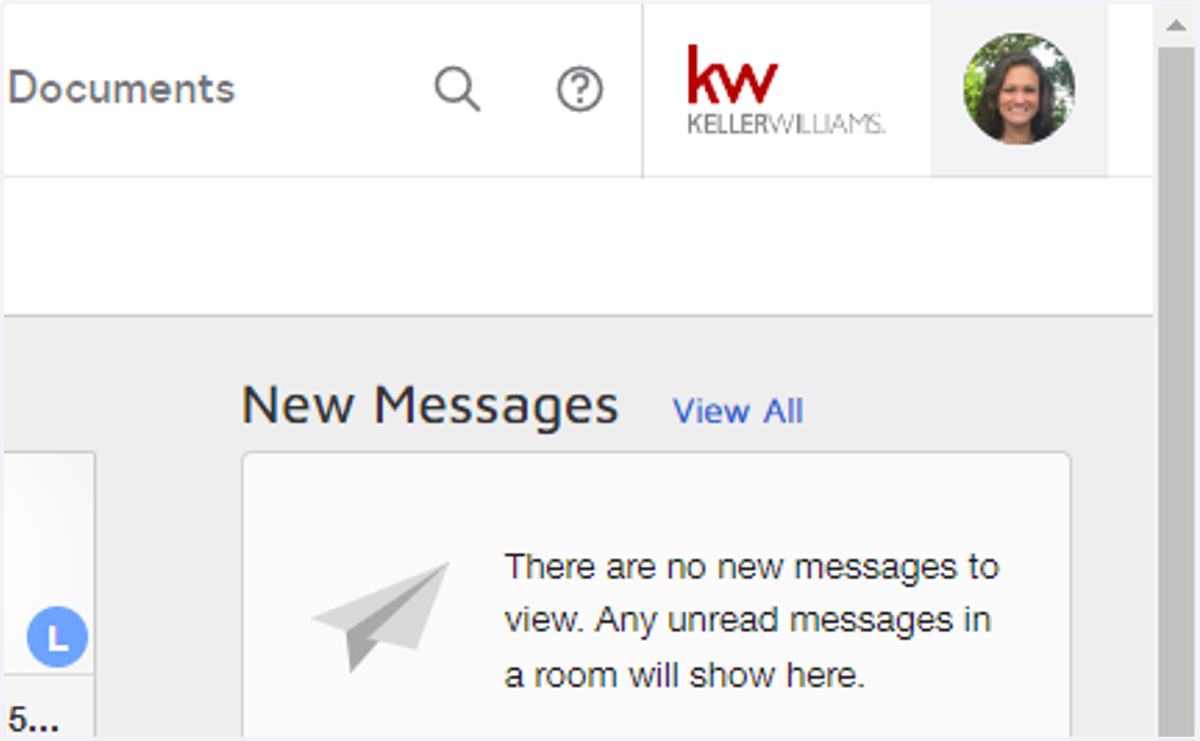
3. Click on Preferences
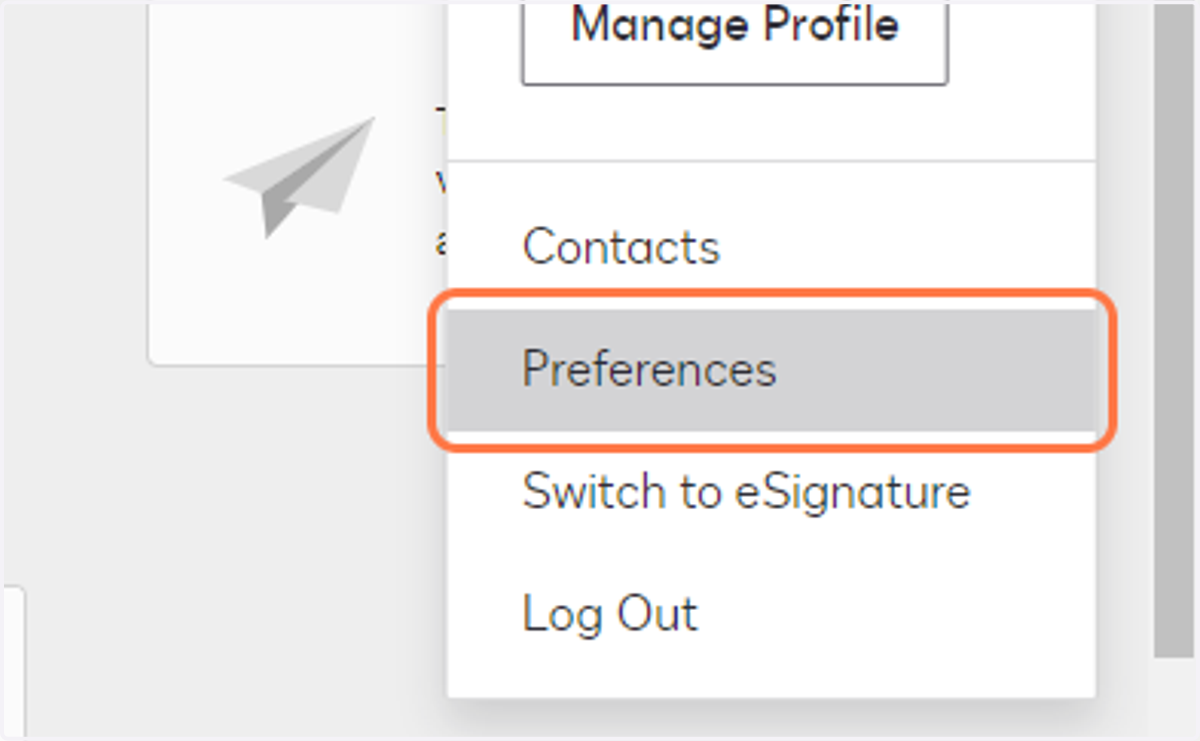
4. Click on Integrations
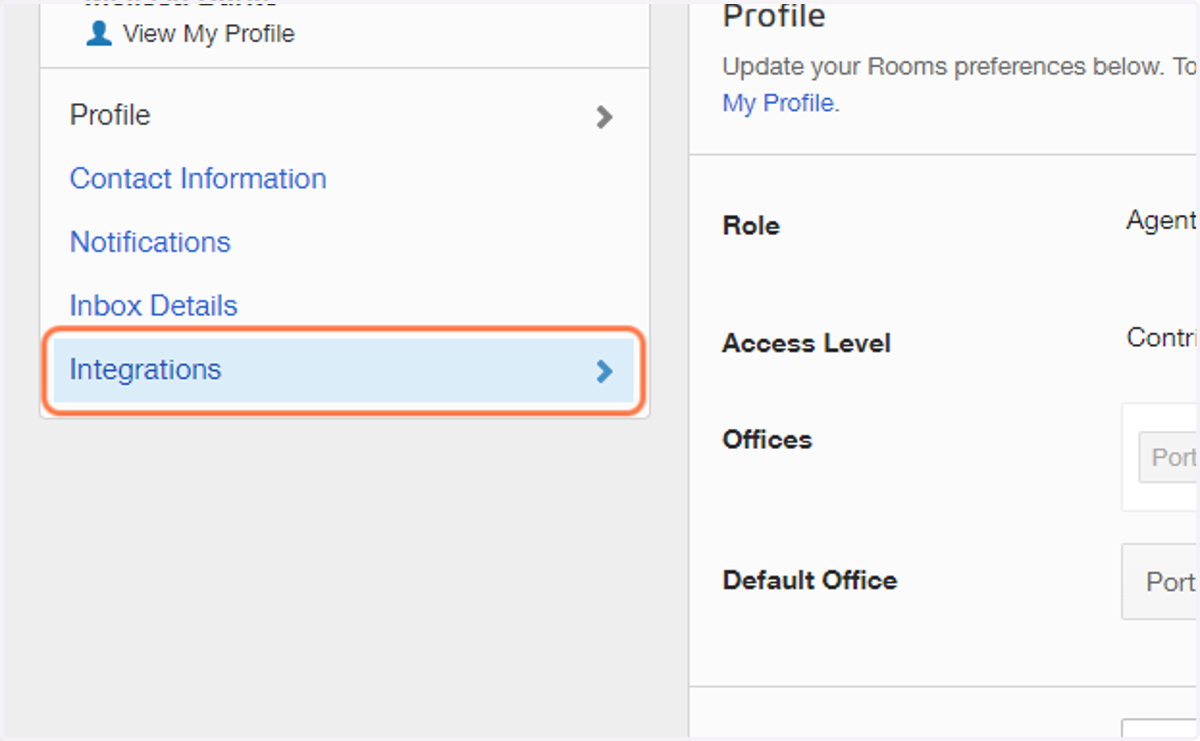
5. Click on Arrow for zipForms Plus

6. Enter your zipForm Username & Password
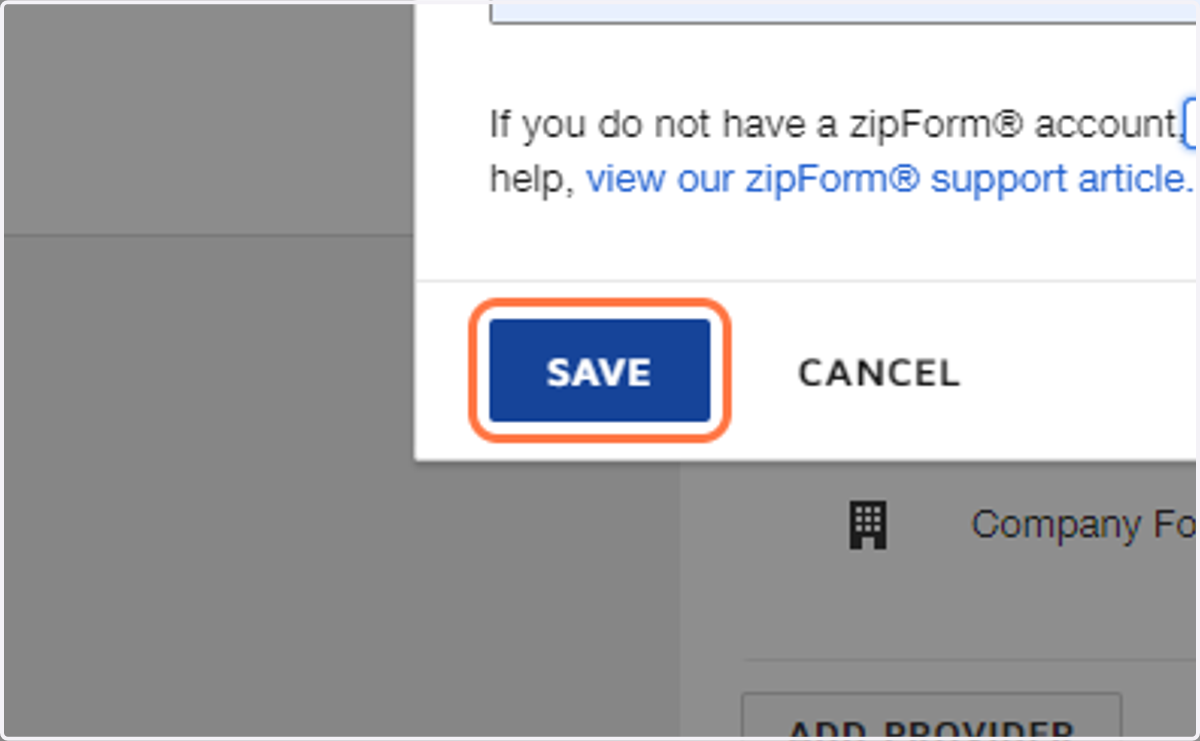
If you don't have a zipform account, click the sign up at ZipLogix and step through that process. You'll come back here and enter your Username.
BE CAREFUL - Chrome thinks you're signing into DocuSign, so it may try to fill in your DocuSign credentials here. Make sure you enter your zipForm username.7. Type password
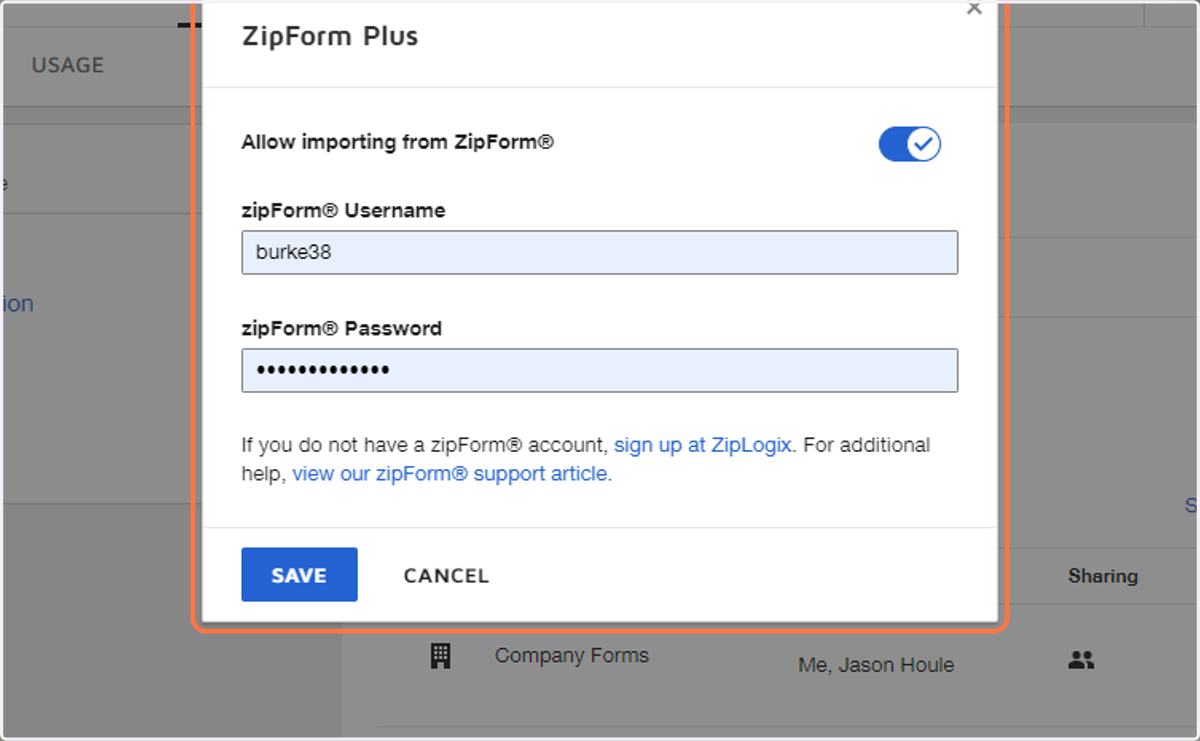
8. Click on SAVE
Zipformplus
9. Go to www.zipformplus.com
10. Click on Profile Image
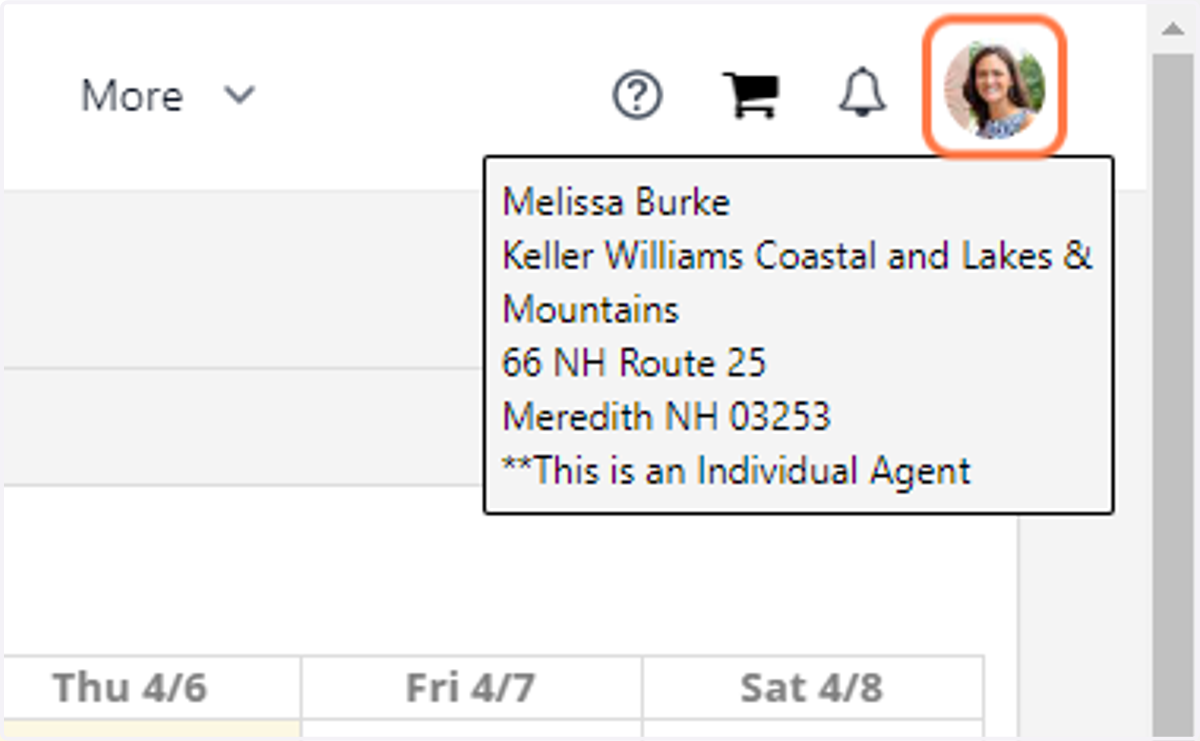
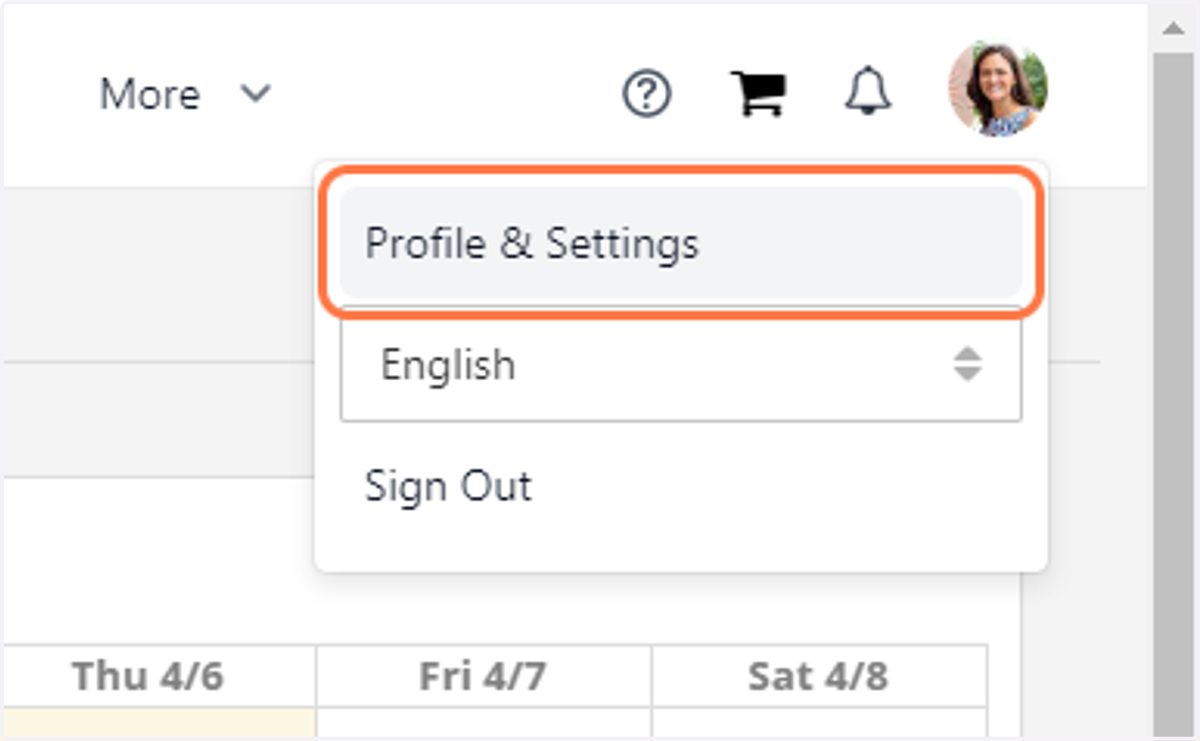
11. Click on Profile & Settings
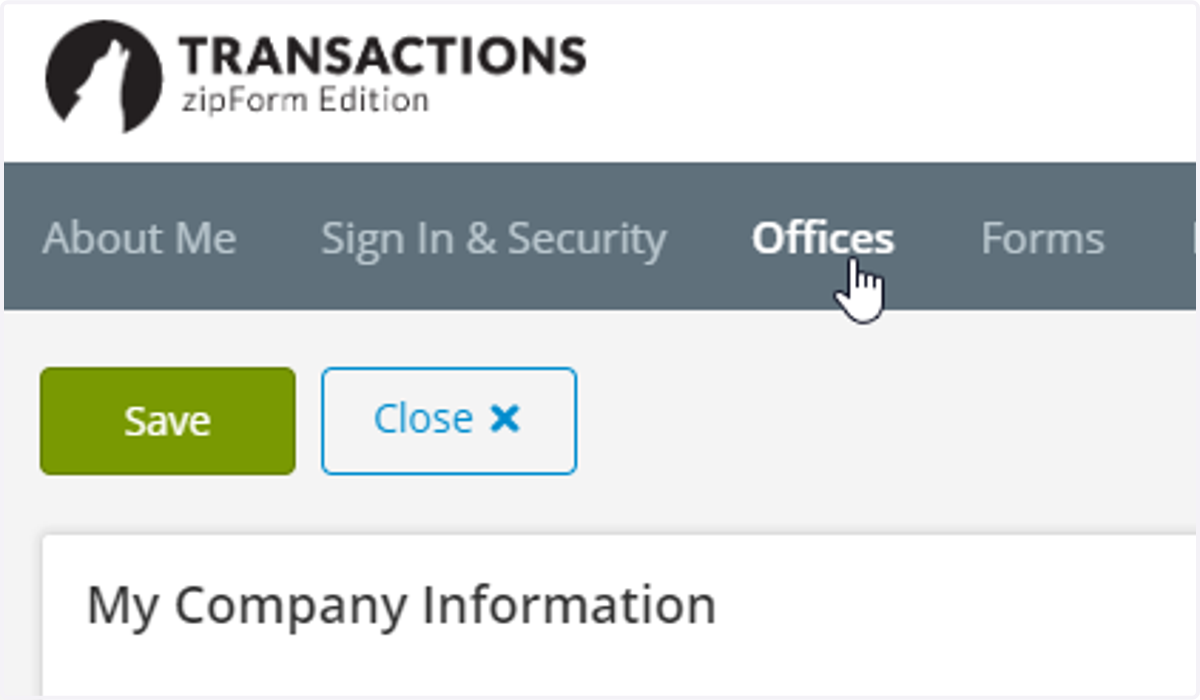
12. Go to Offices and make sure the address information is correct. Our name is Keller Williams Coastal and Lakes & Mountains Realty. Be sure to put the address where your license hangs.
13. That's it! Your DocuSign and zipForm accounts are connected! There are additional instructions to connect each transaction to both applications.