Connecting to Cloudbeds via the RoomPriceGenie app
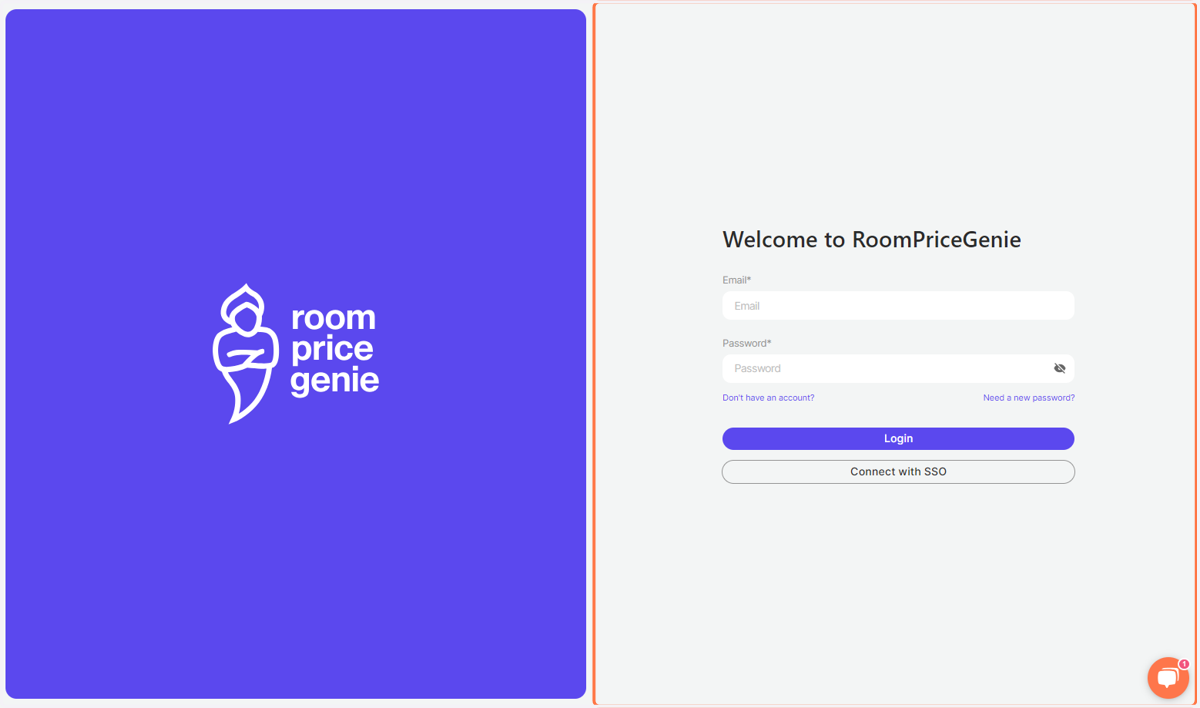
1. Go to RoomPriceGenie App Login page
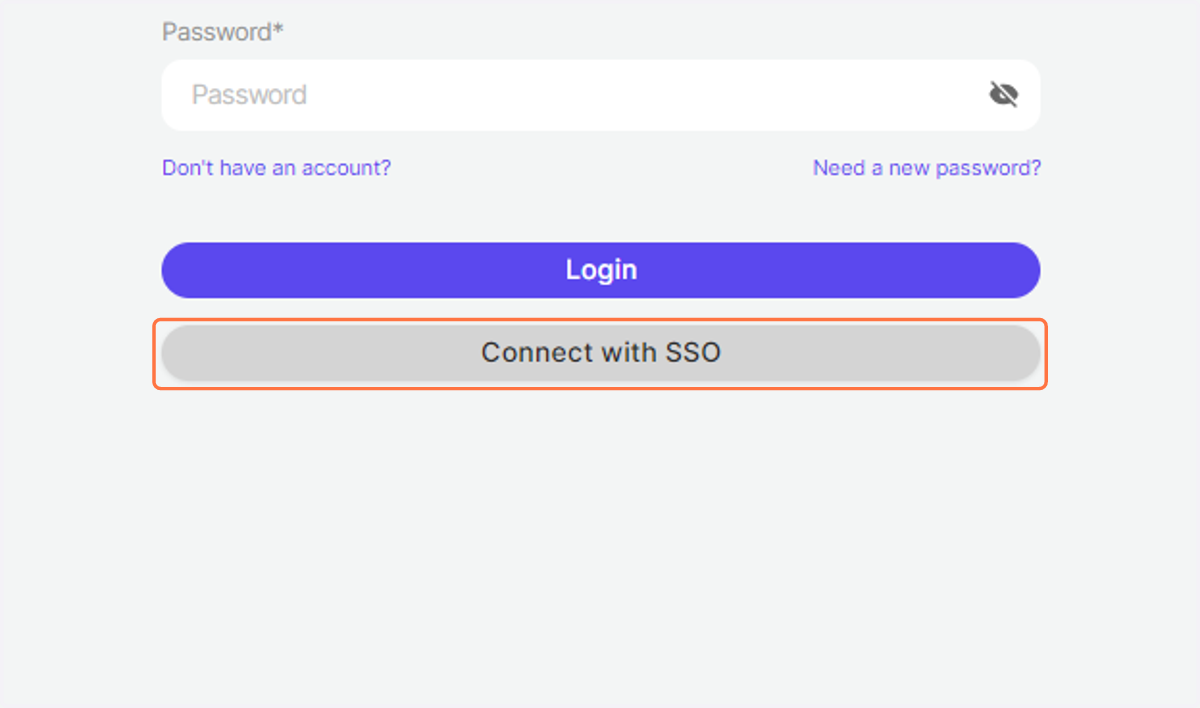
2. Click on Connect with SSO
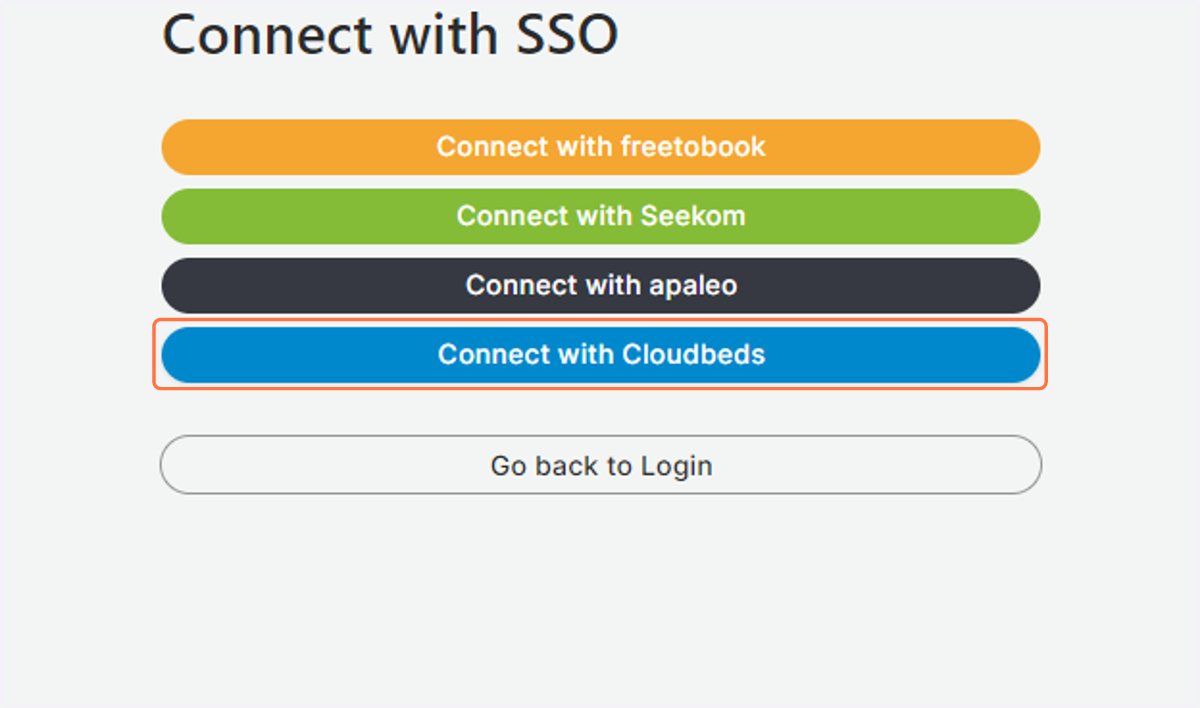
3. Click on Connect with Cloudbeds
4. Enter your Cloudbeds Email and Password and click on LOGIN
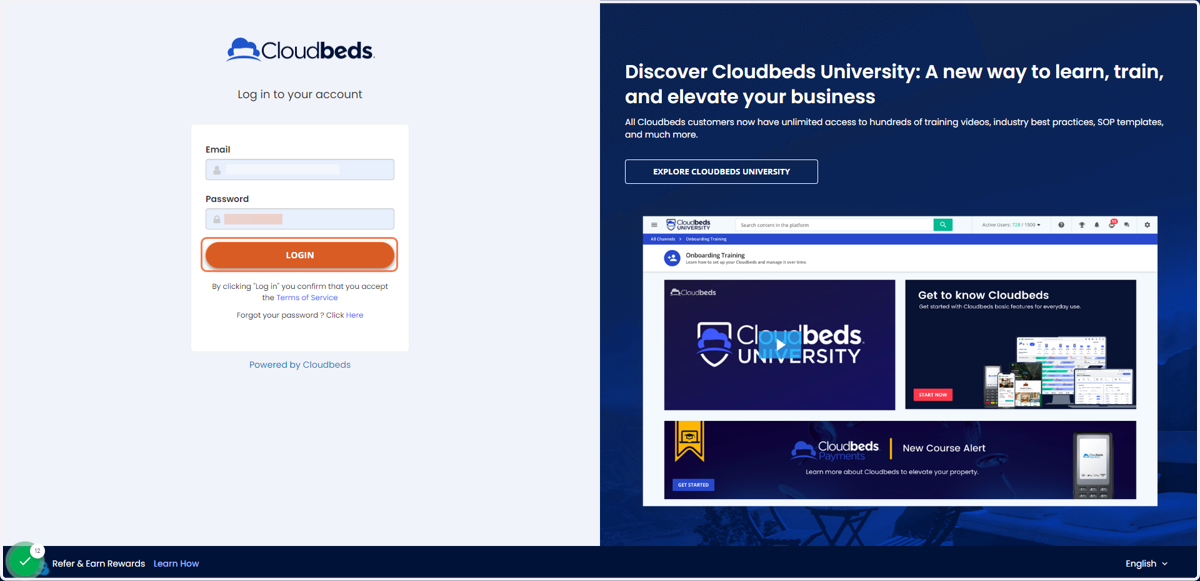
5. You will be redirected to a new page
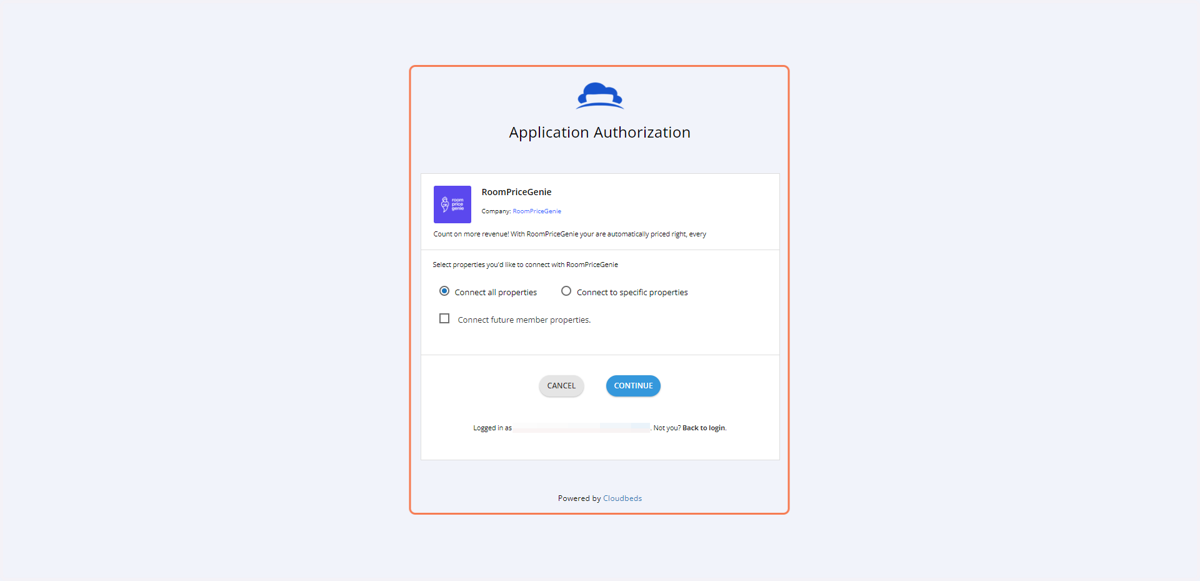
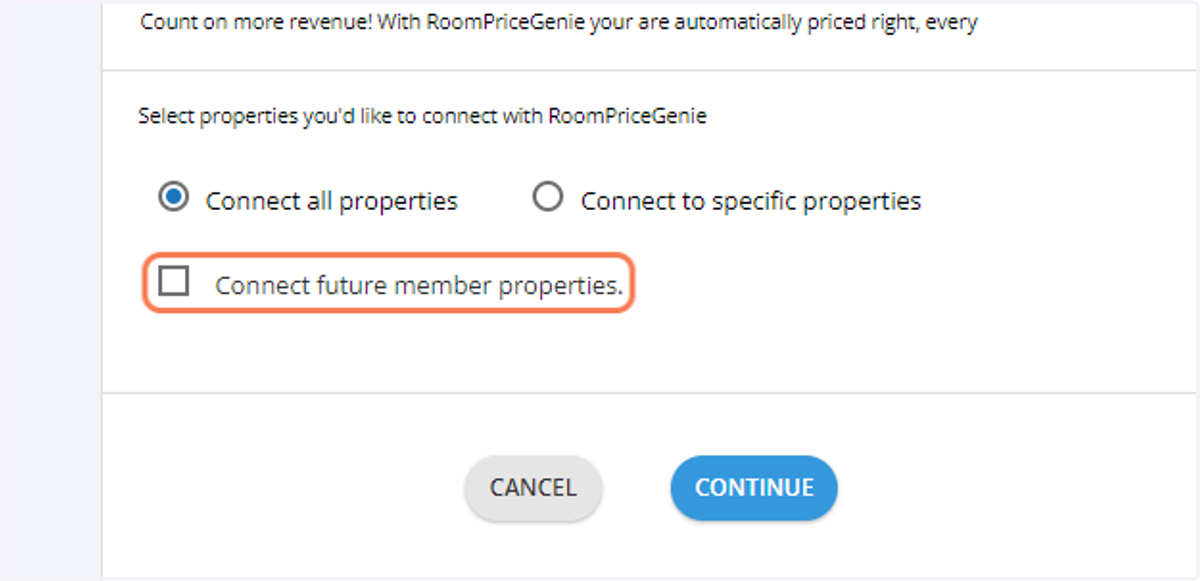
6. If you wish to connect multiple properties at a later stage
Association users can connect multiple properties to RoomPriceGenie, but each property must be setup one at a time
Click on Connect future member properties
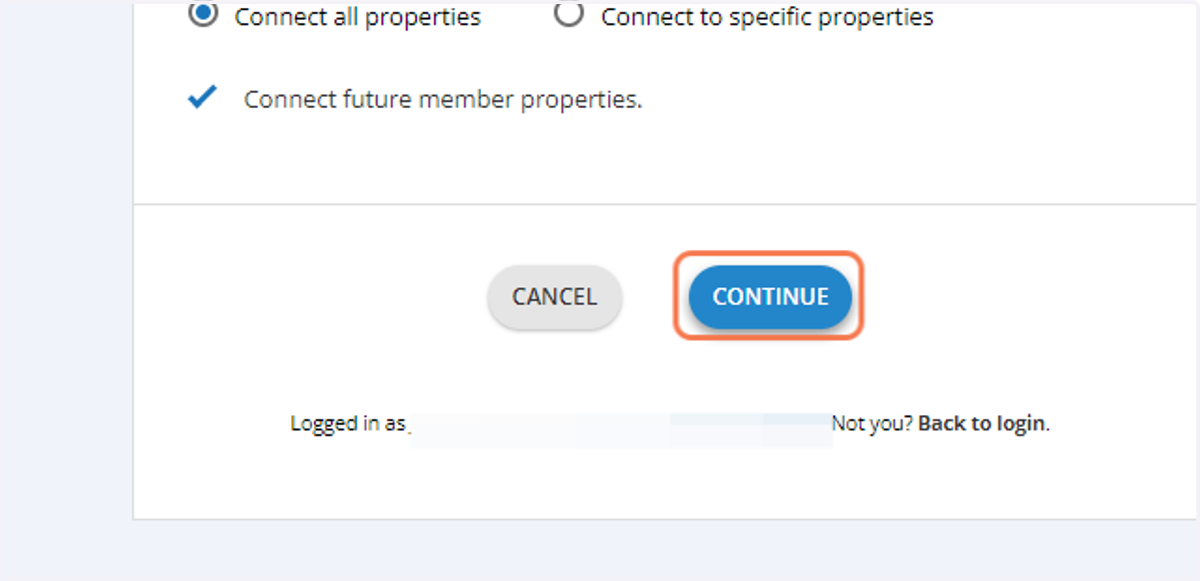
7. Click on CONTINUE
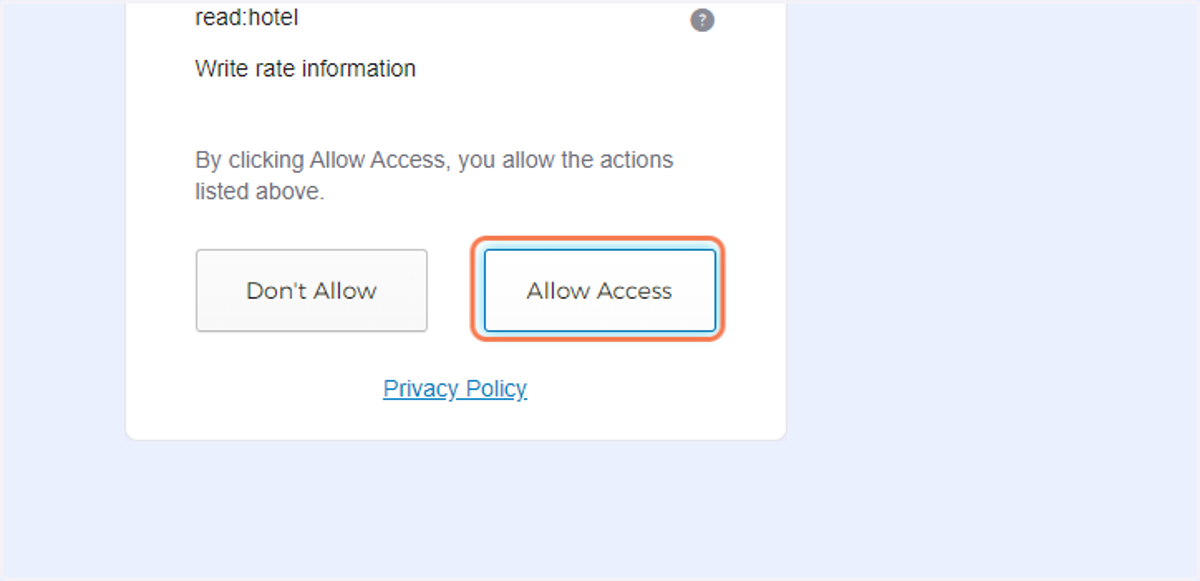
8. A new page opens. Click on Allow Access
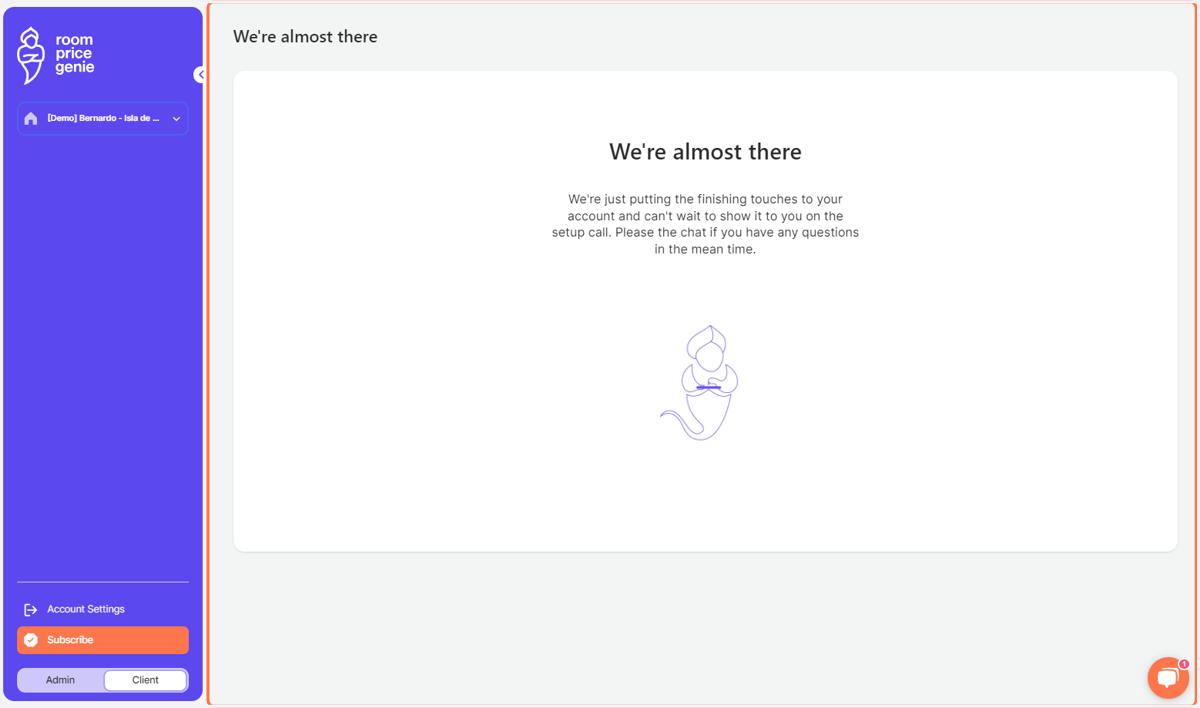
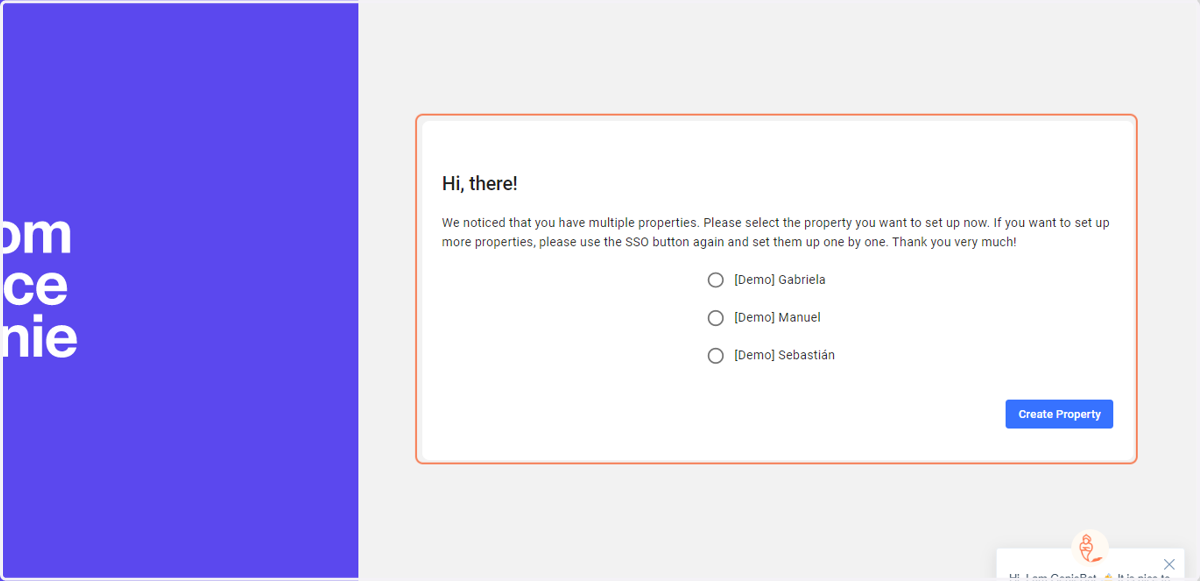
9. You will be redirected to a RoomPriceGenie page
Select the property you wish to connect
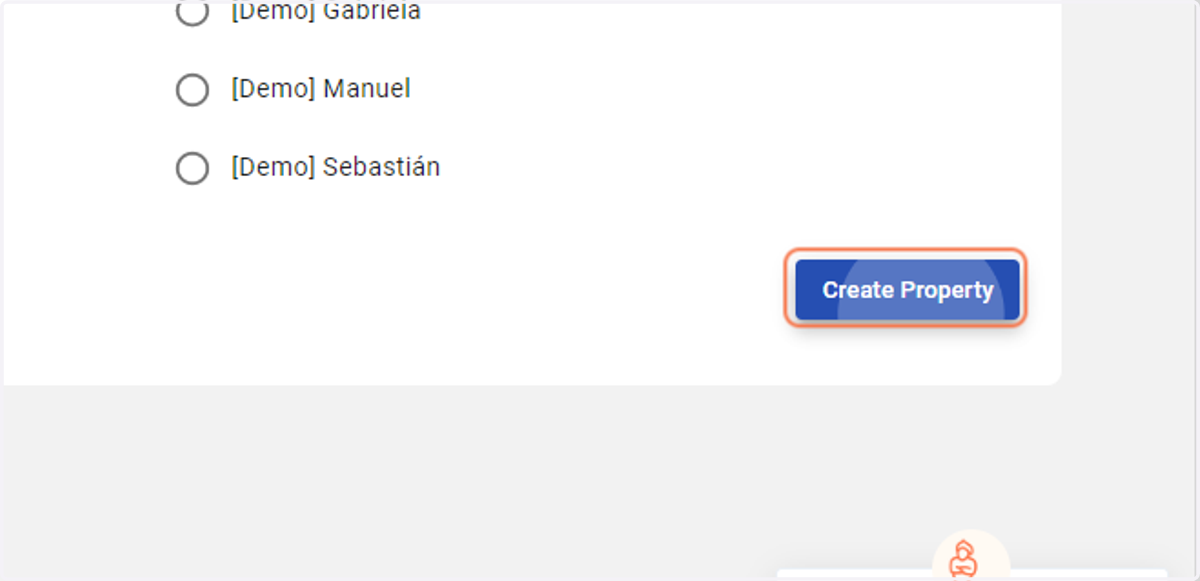
10. Click on Create Property
11. You will be redirected to a RoomPriceGenie page
You have completed all steps of the setup process. A member of the RoomPriceGenie team will reach out to you soon.
You may now close the browser. Thank you!