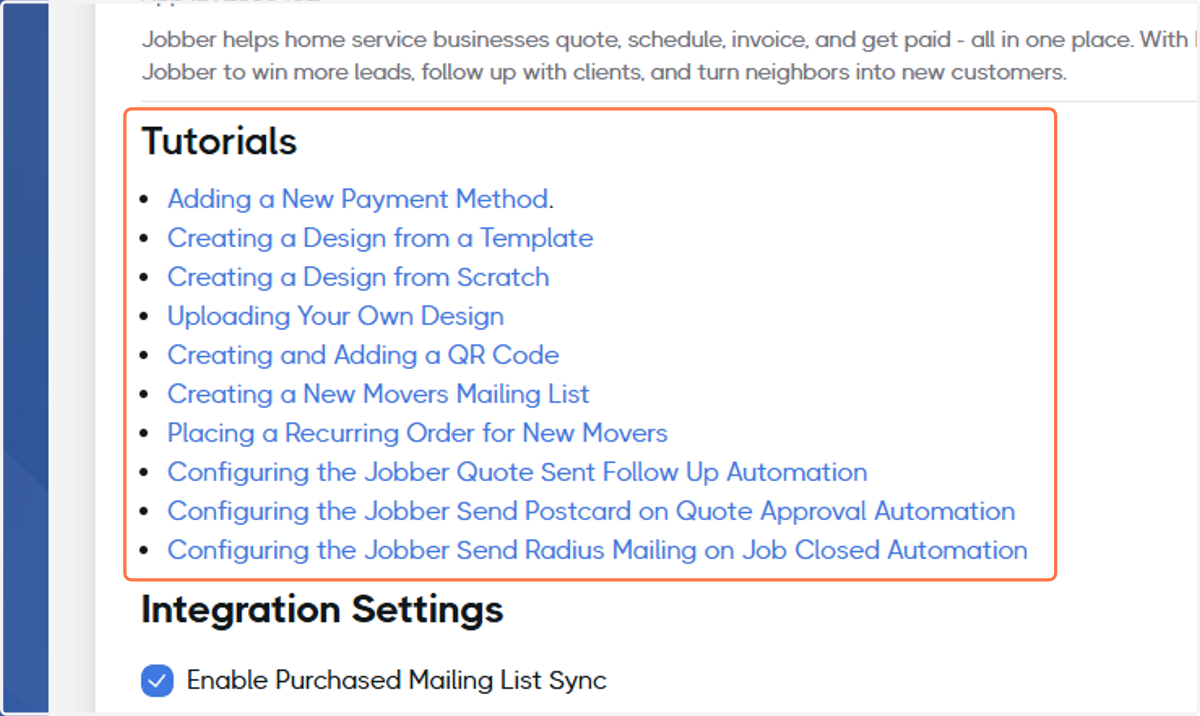
Connecting PCM Integrations with Jobber
Jobber
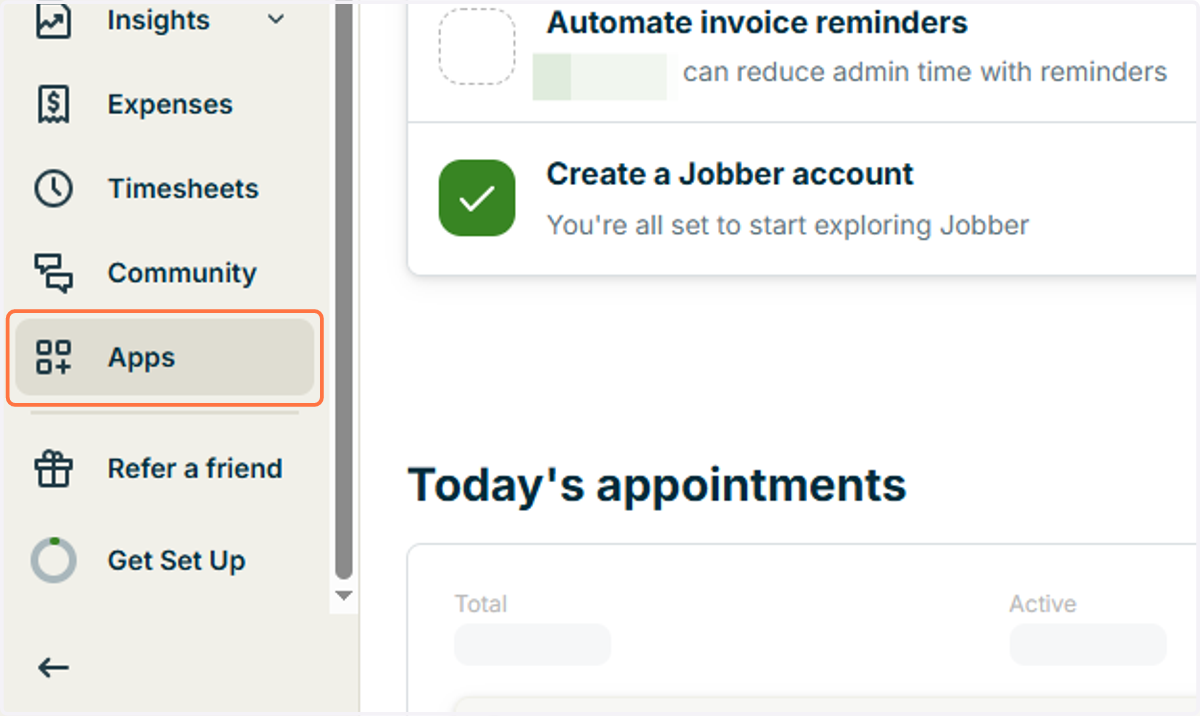
1. Click on Apps
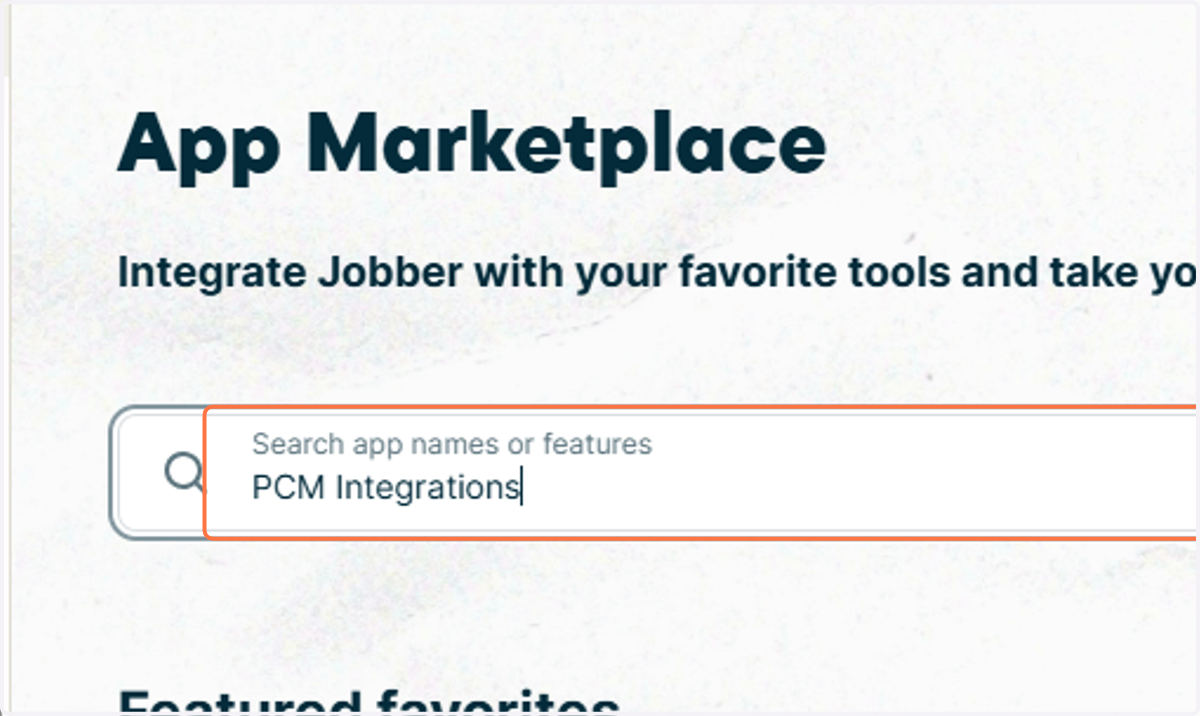
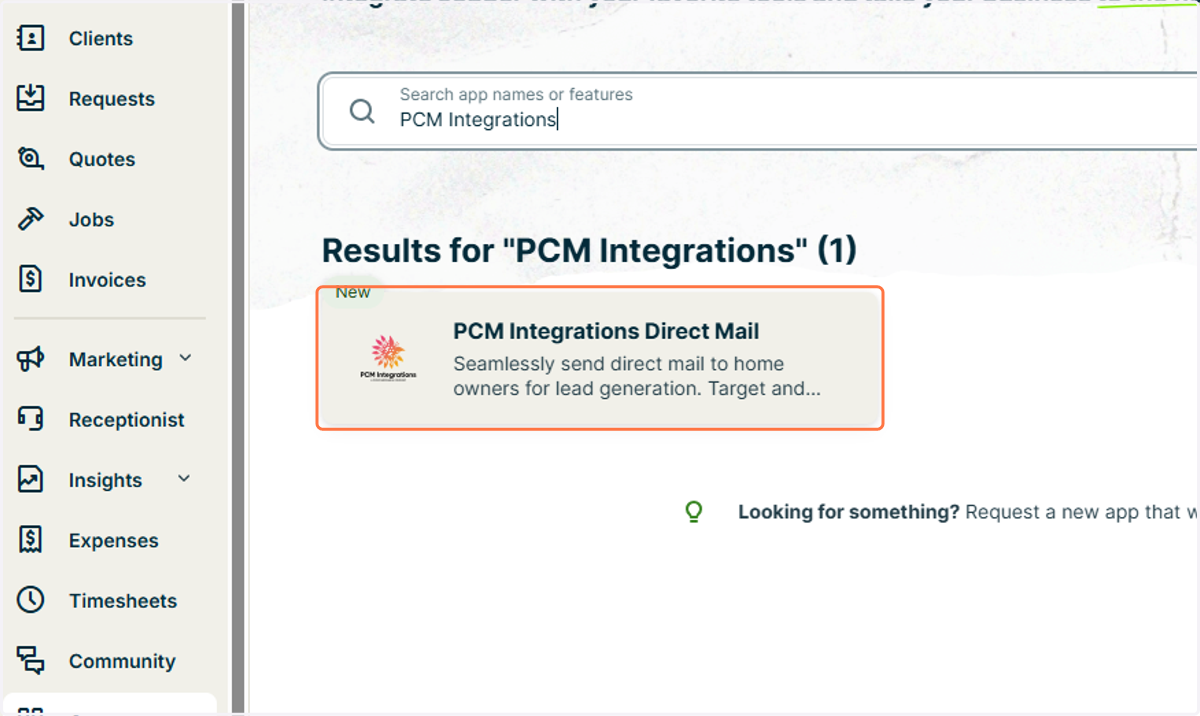
2. Type "PCM Integrations"
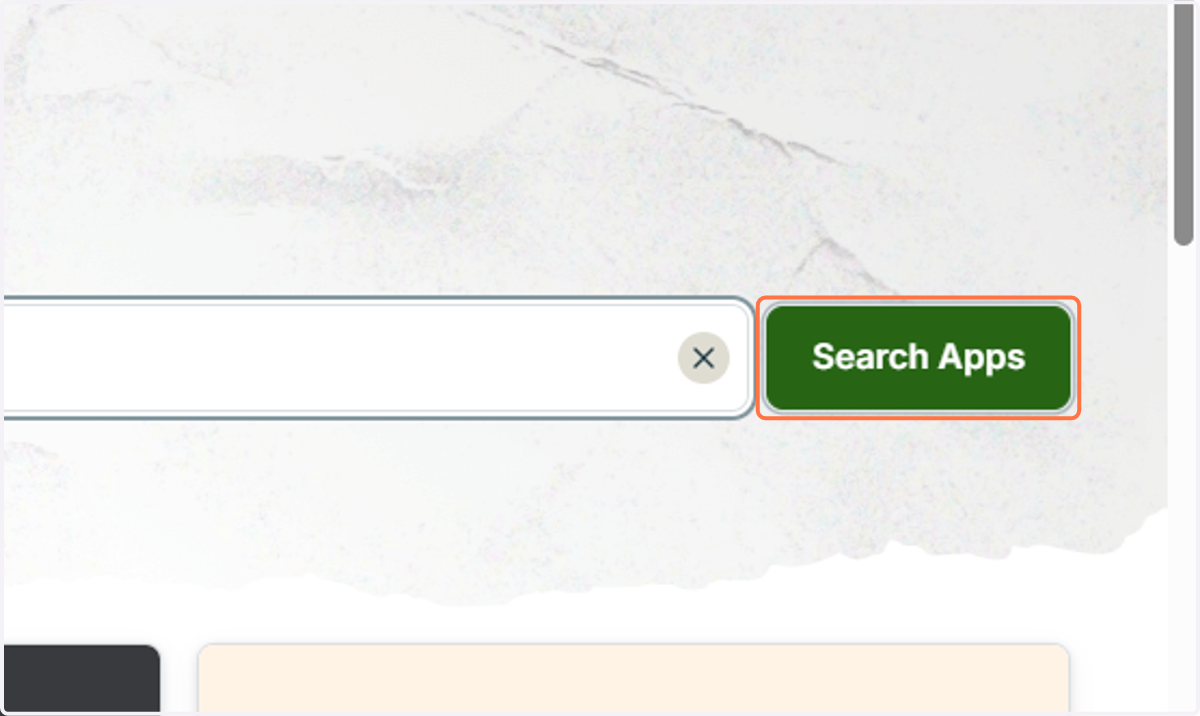
3. Click on Search Apps
4. Click on PCM Integrations Direct Mail
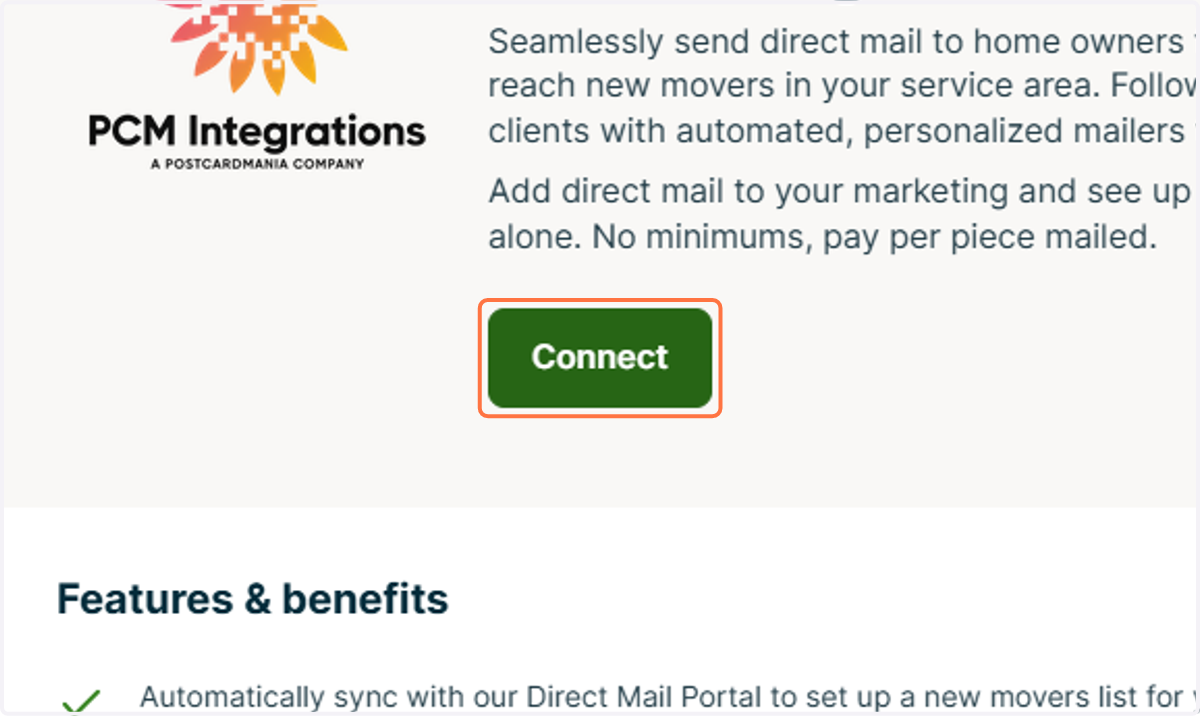
5. Click on Connect
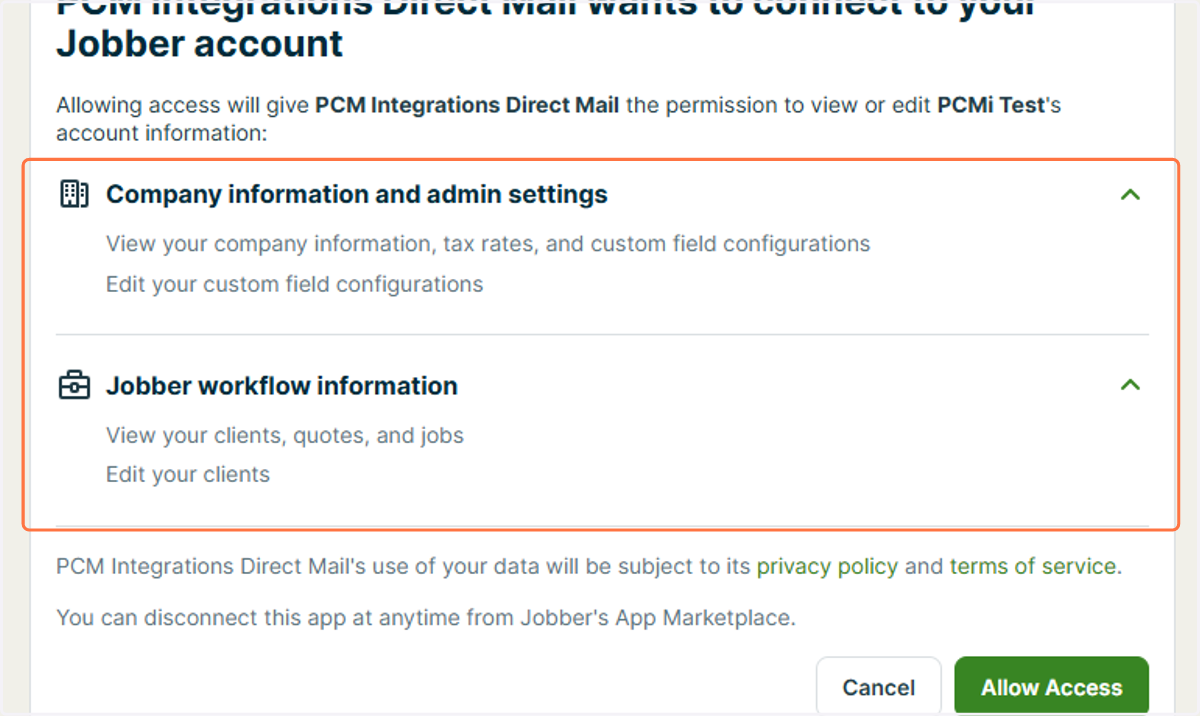
6. Review access permissions
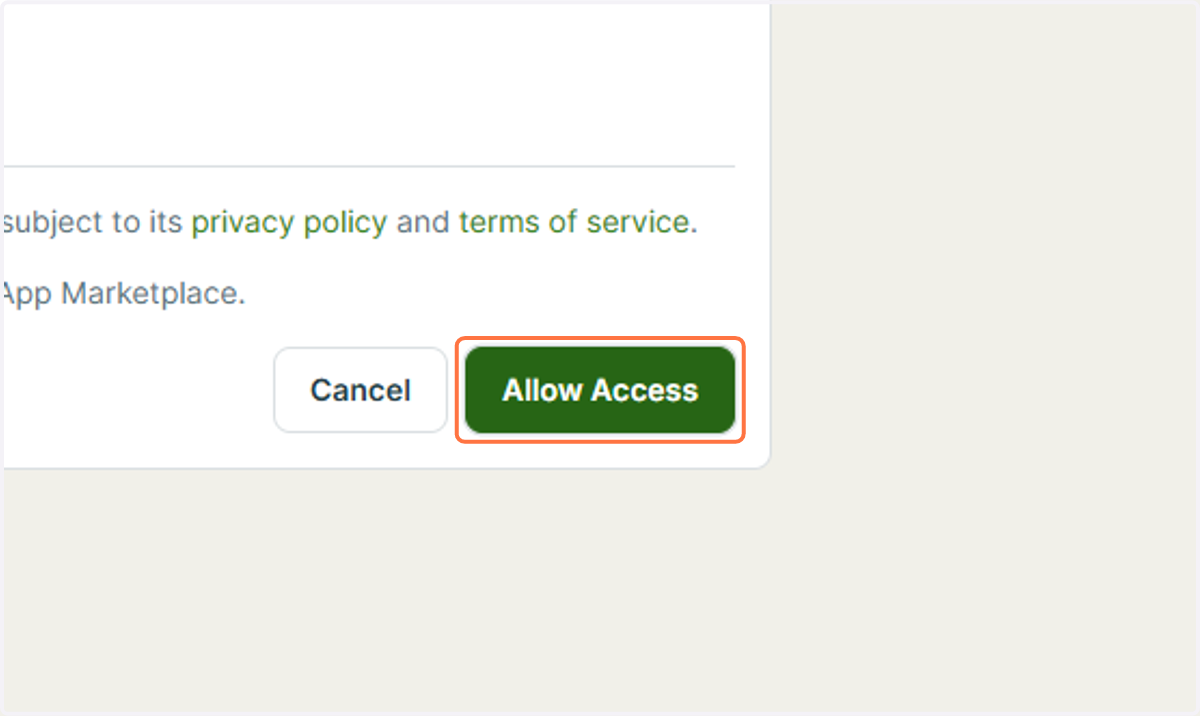
7. Click on Allow Access
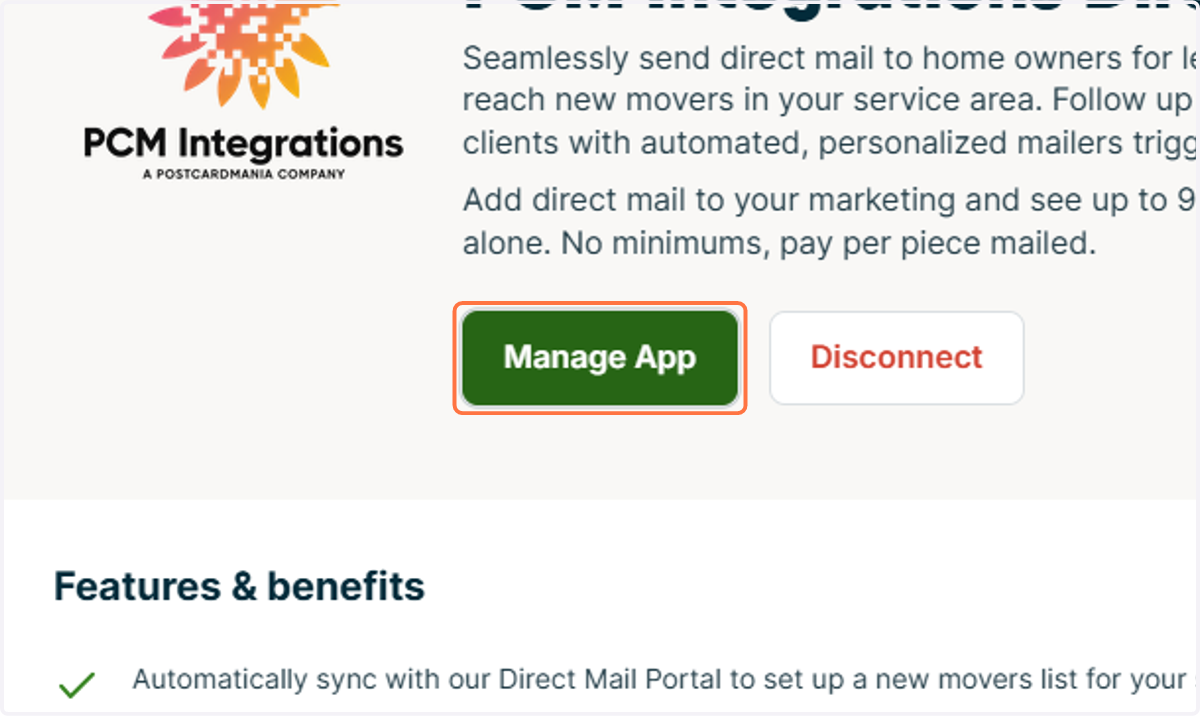
8. Click on Manage App
DirectMail Portal
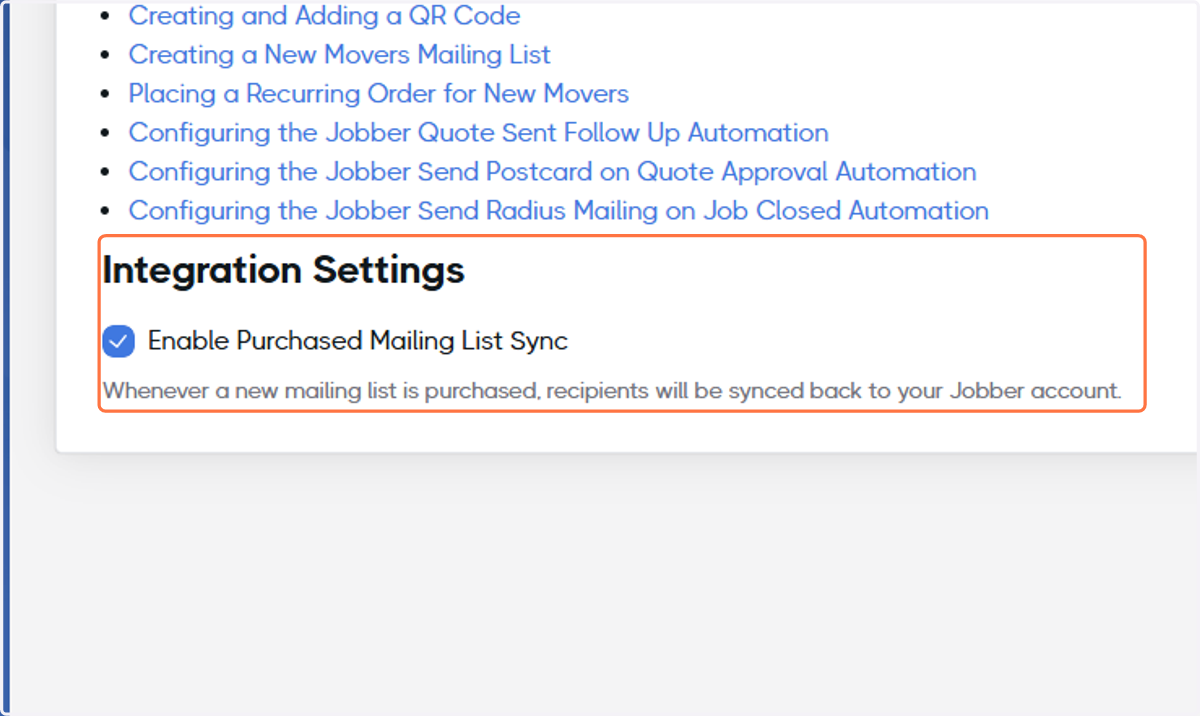
9. Ensure Enable Purchased Mailing List Sync is selected
10. Congratulations, you're ready to get started!
Check out our other tutorials to learn how to use the portal.