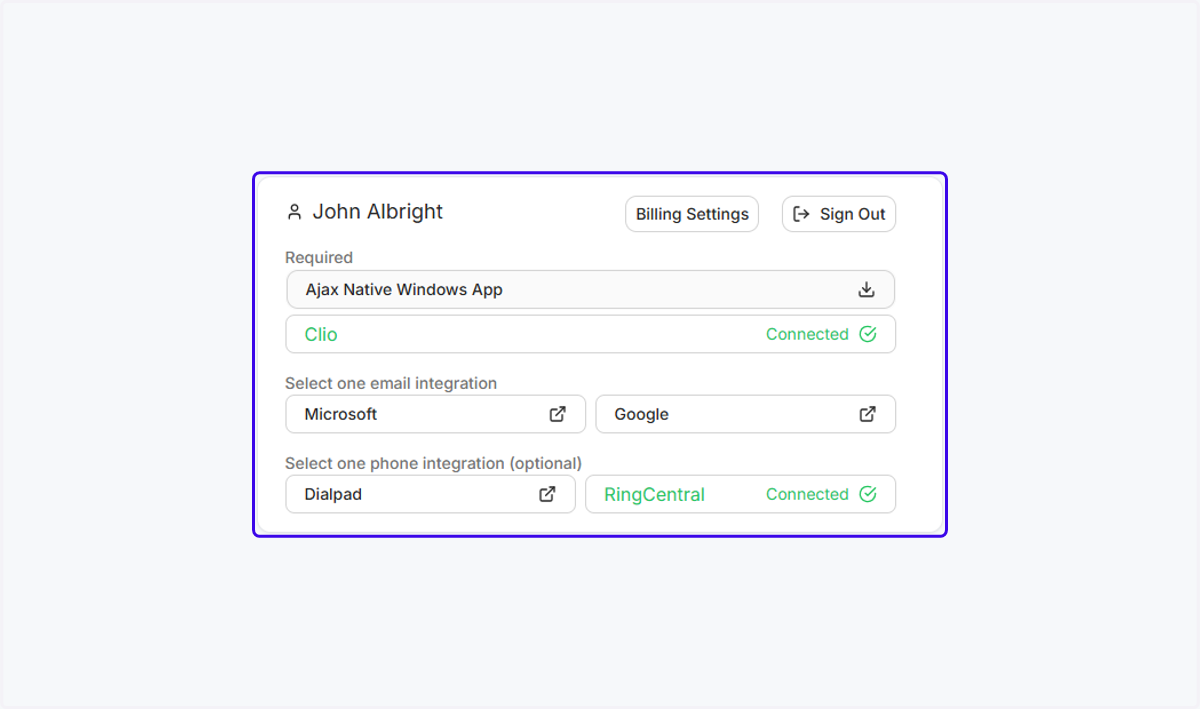
Connect Ajax to Clio Manage
Ajax
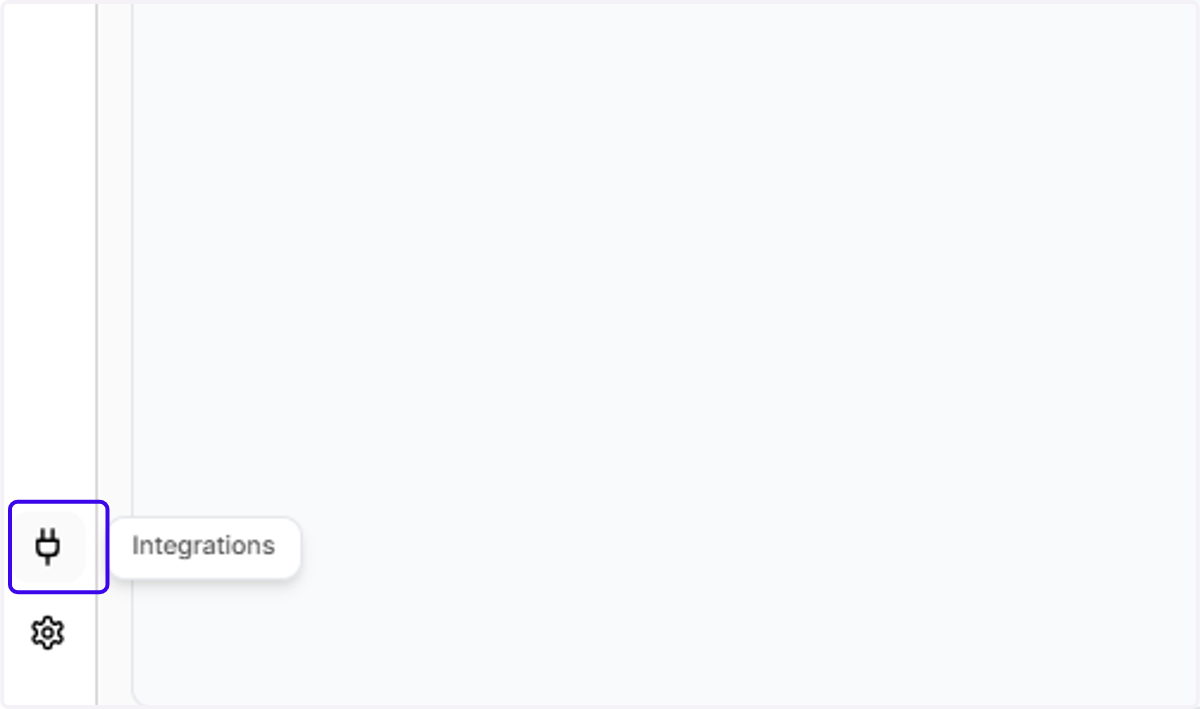
1. Click on "Integrations" in the bottom left corner of the Ajax website
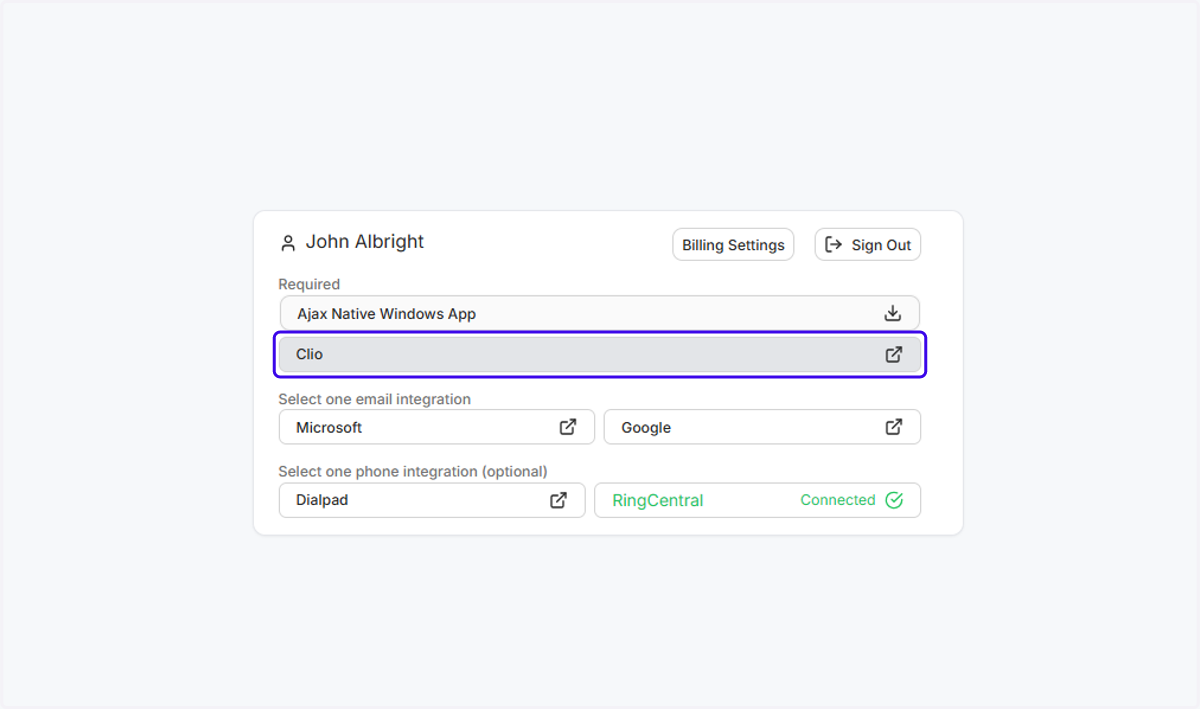
2. Click anywhere on the "Clio" row
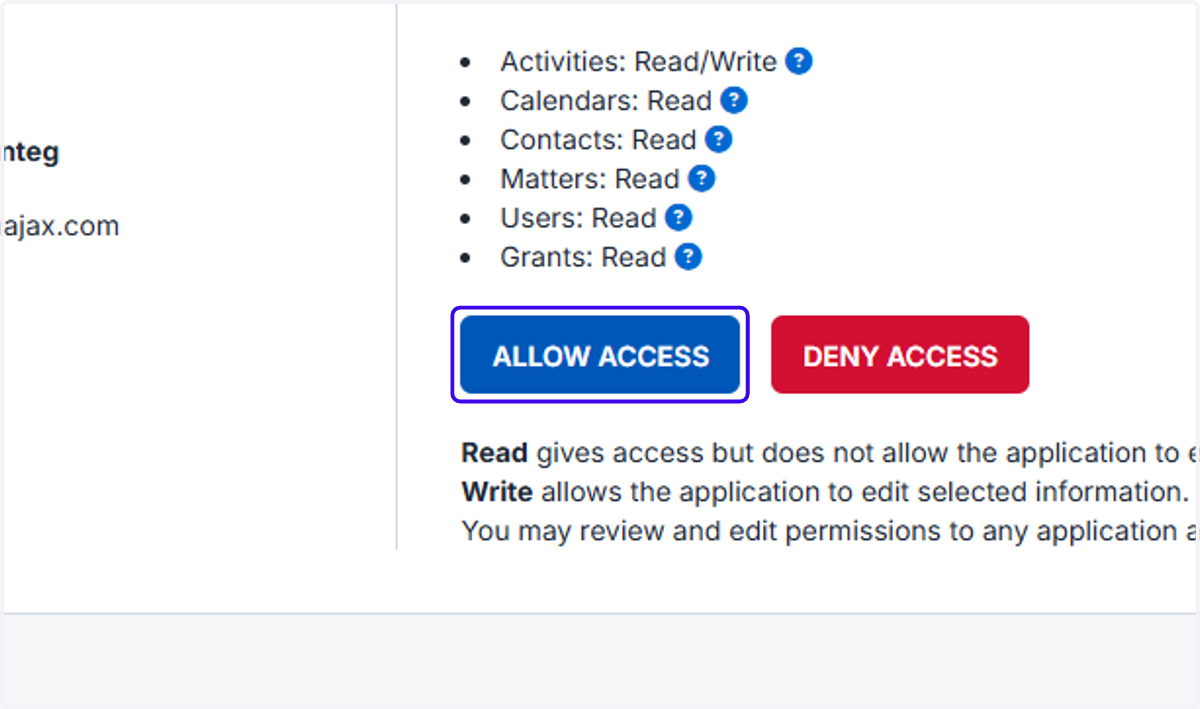
3. You'll see a screen asking you to connect Ajax to your Clio account
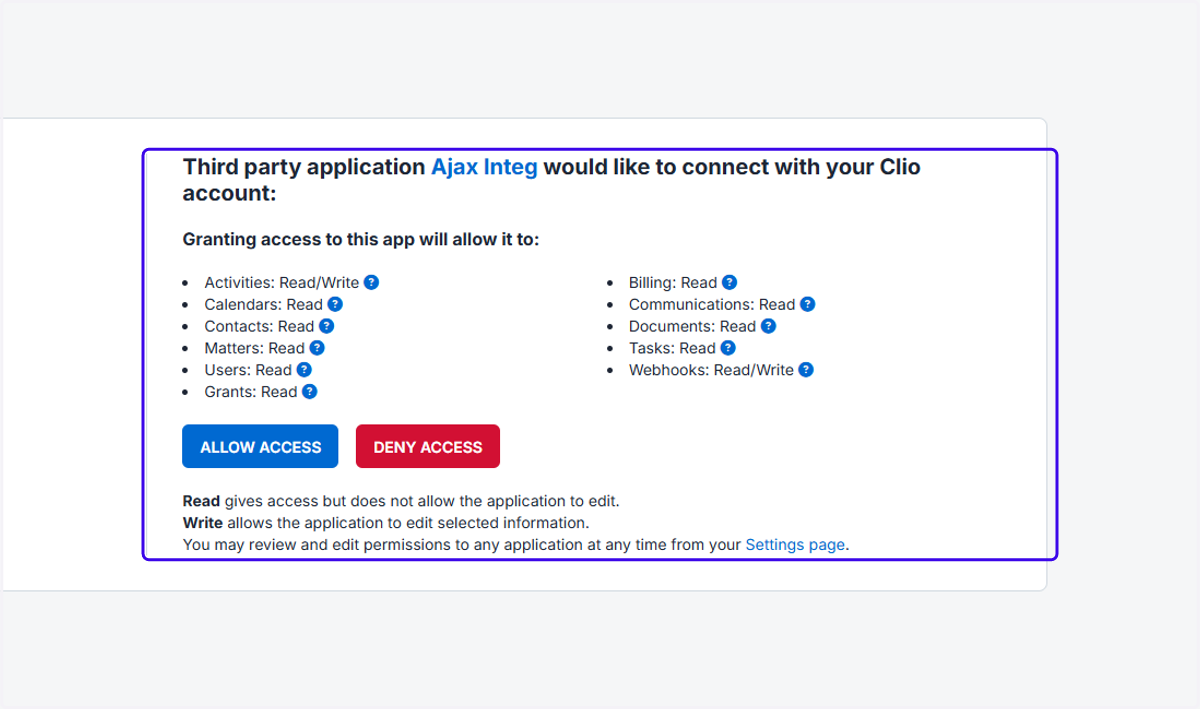
4. Click "Allow Access"
Ajax
5. You should now see a green "Connected" message next to Clio