Configuring the Send Radius Mailing on Jobber Job Closed Automation
Automatically send mail to the houses around the address of a closed job.
DirectMail Portal
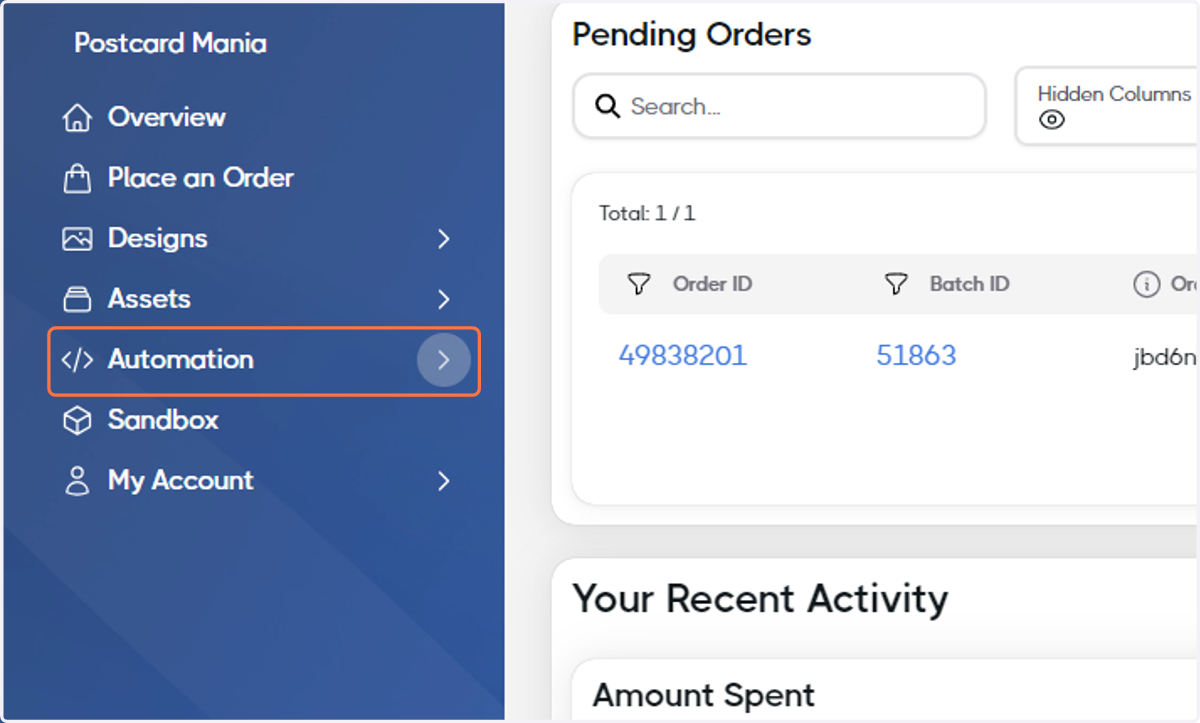
1. Click on Automation
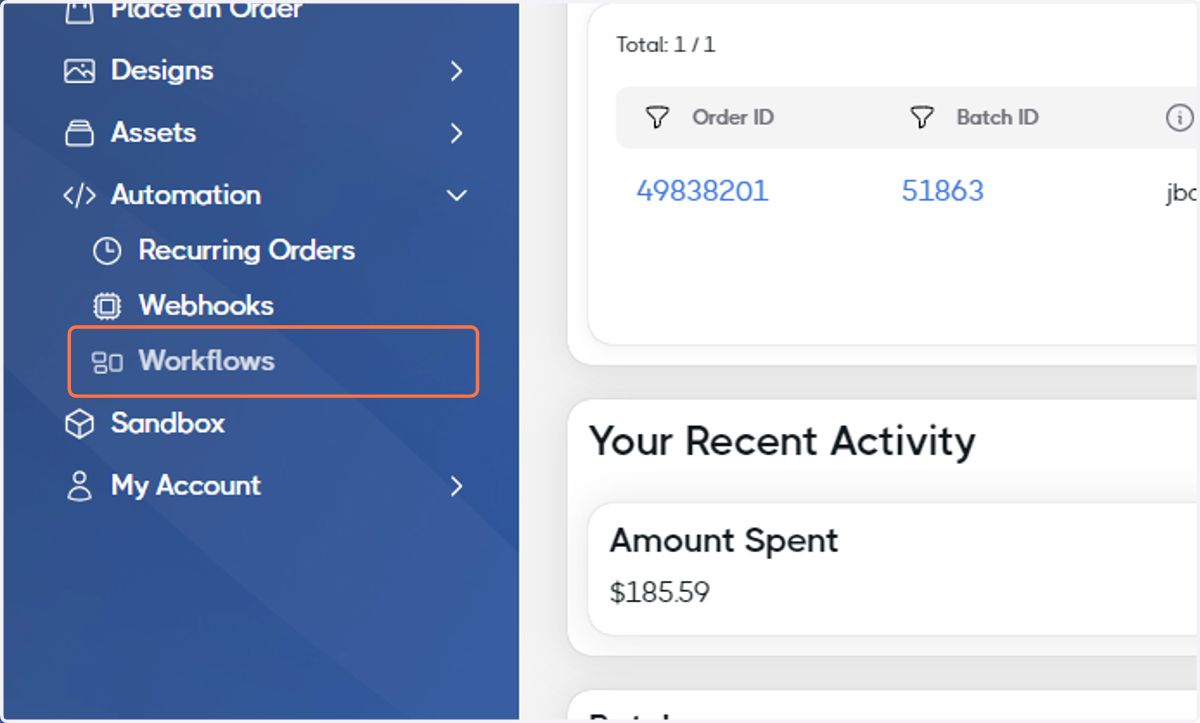
2. Click on Workflows
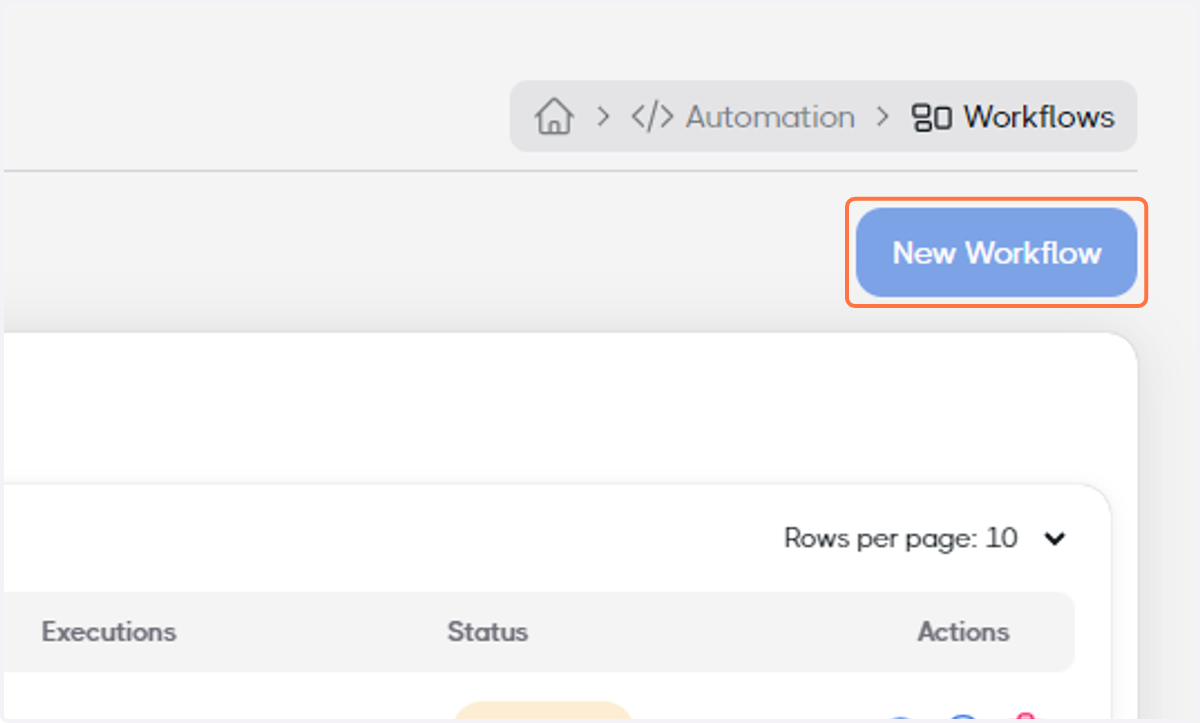
3. Click on New Workflow
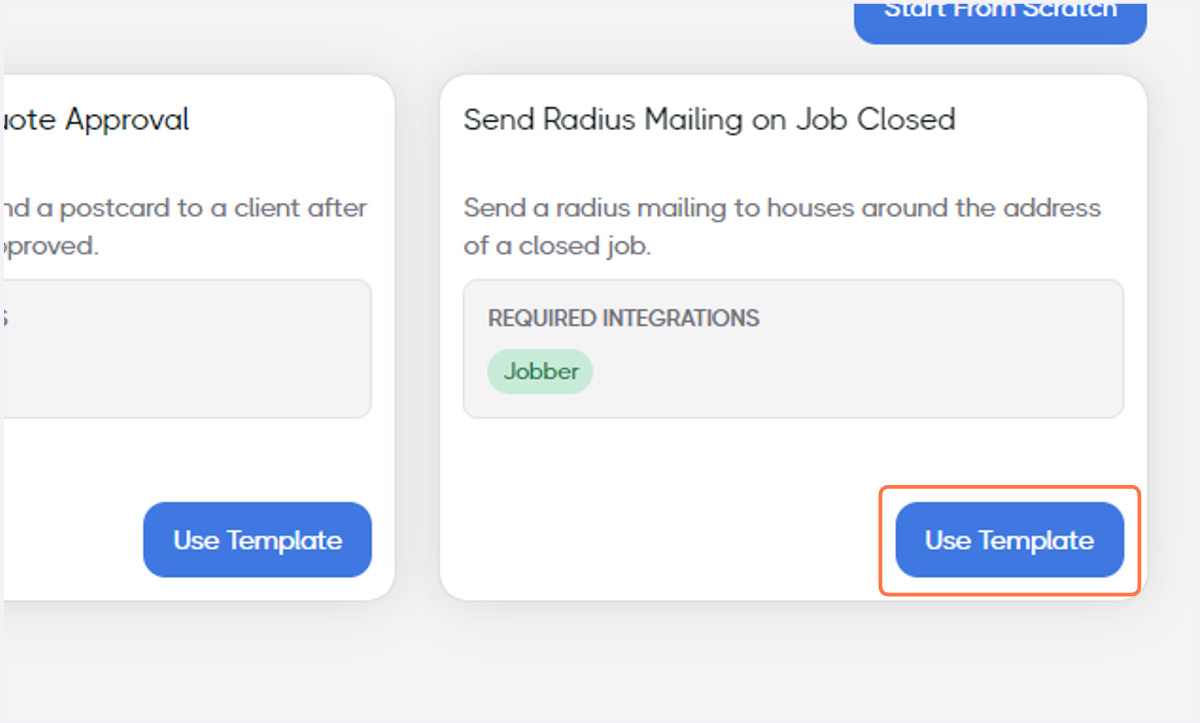
4. Find Send Radius Mailing on Job Closed and click on Use Template
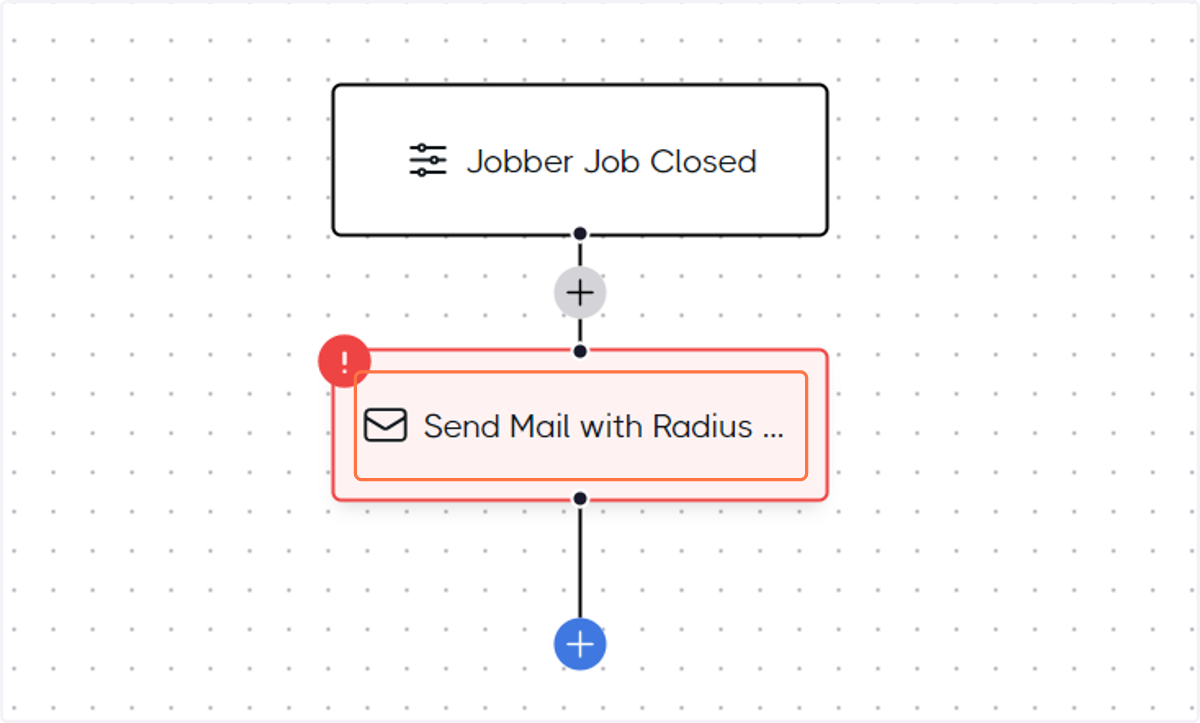
5. Click on the Send Mail with Radius... node
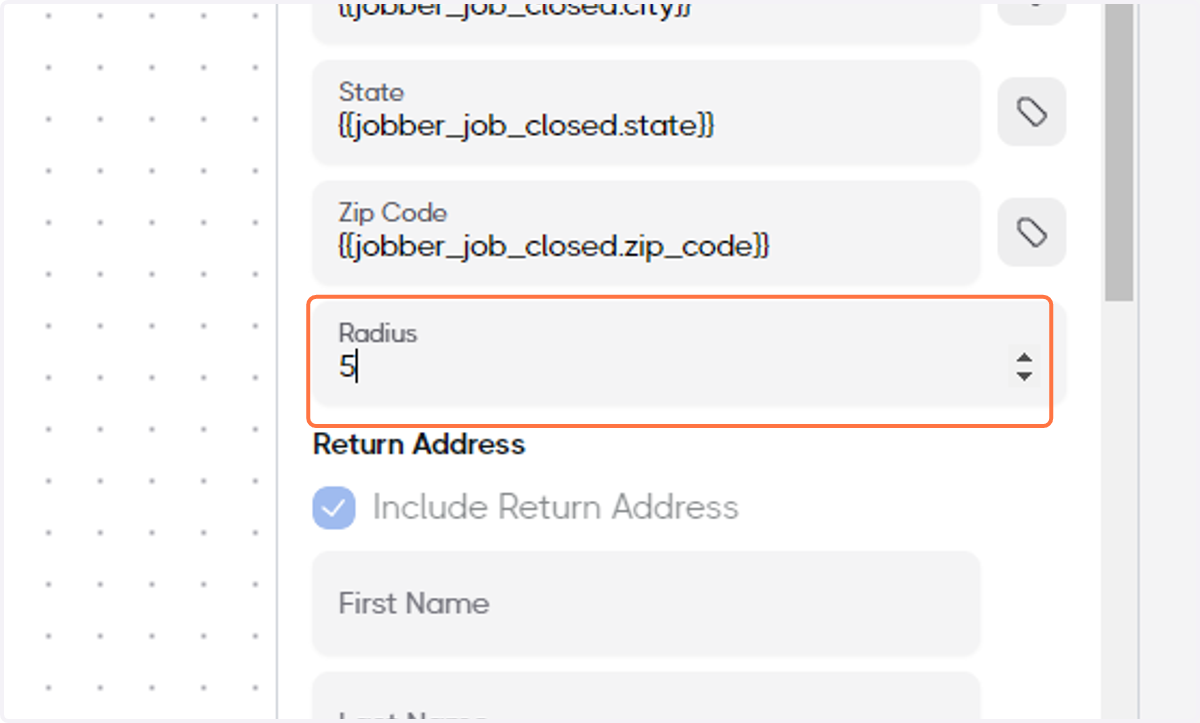
6. Determine the Radius around the closed job's address
In this example, we'll set it to 5.
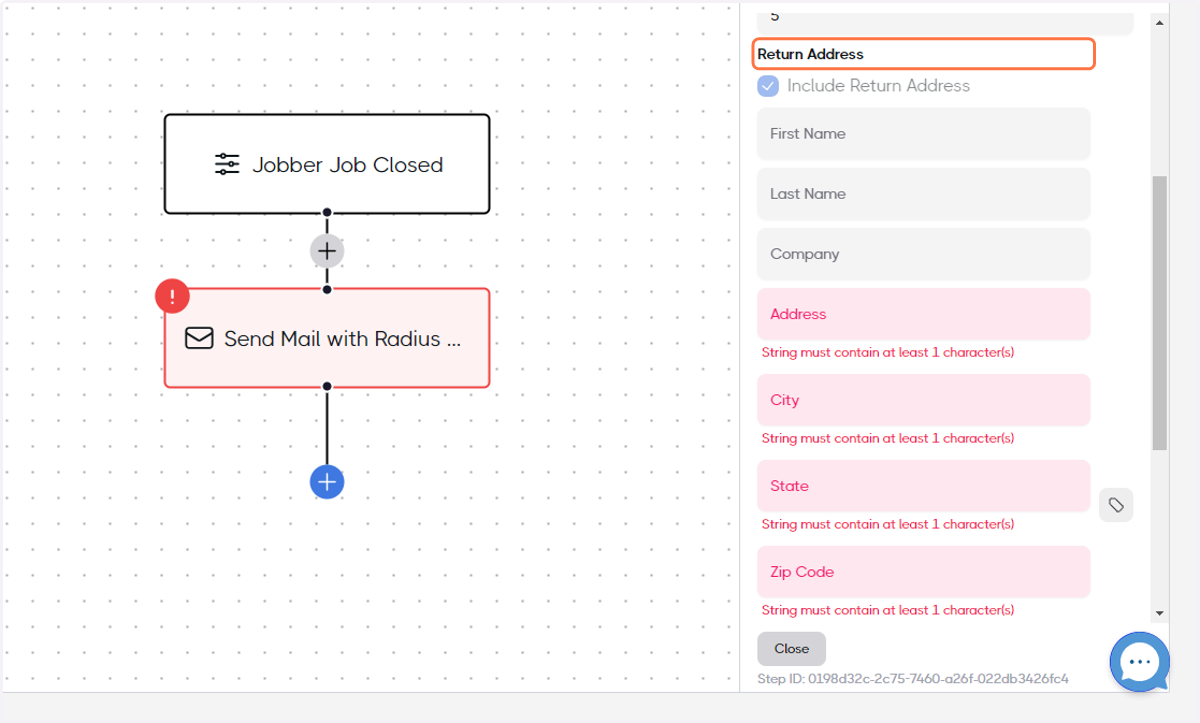
7. Add your Return Address
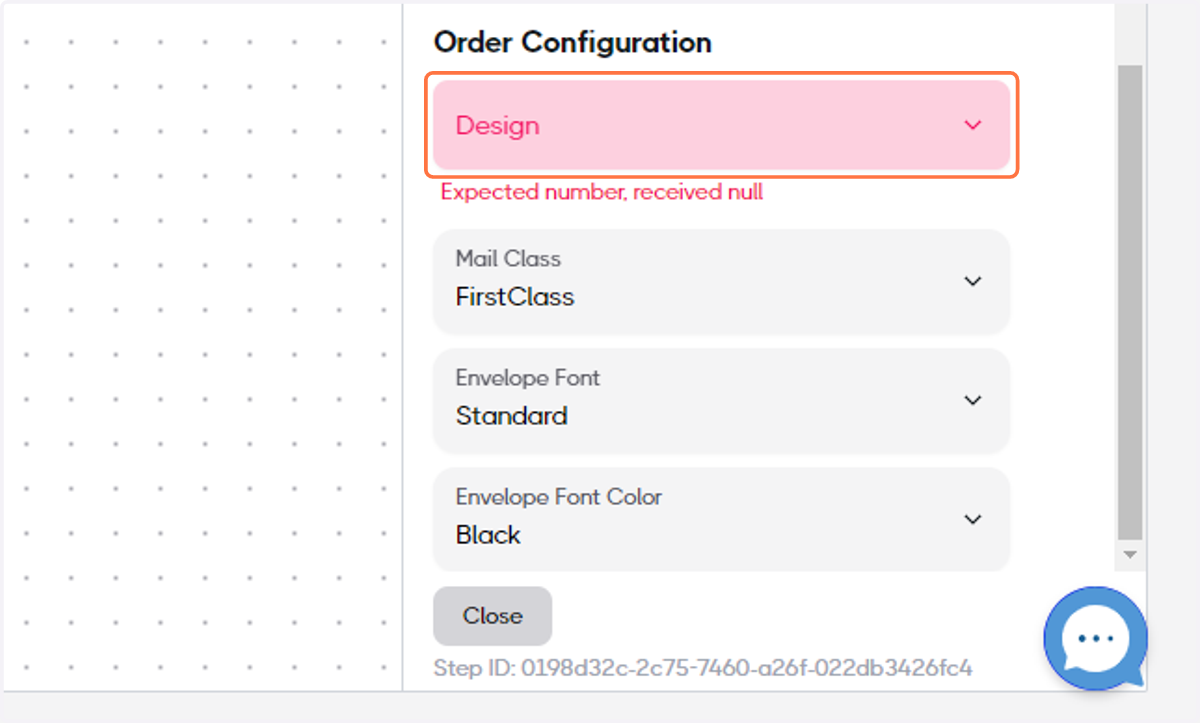
8. Select your Design
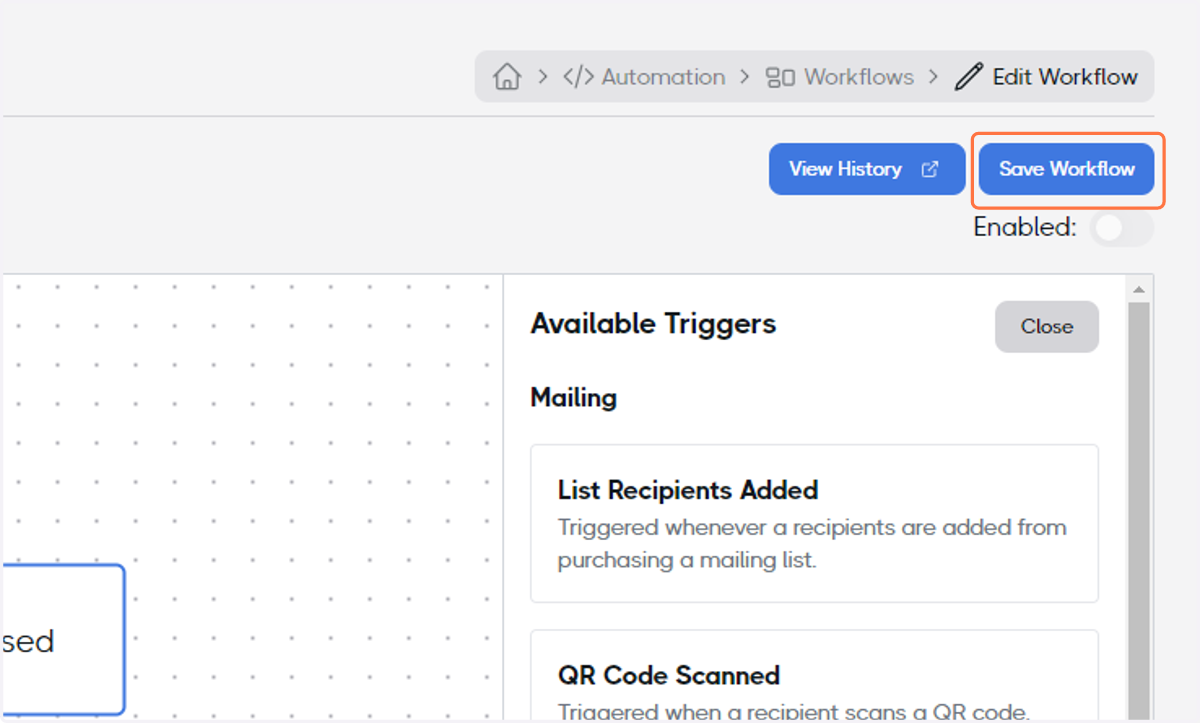
9. When the Workflow is ready, toggle the Enabled switch
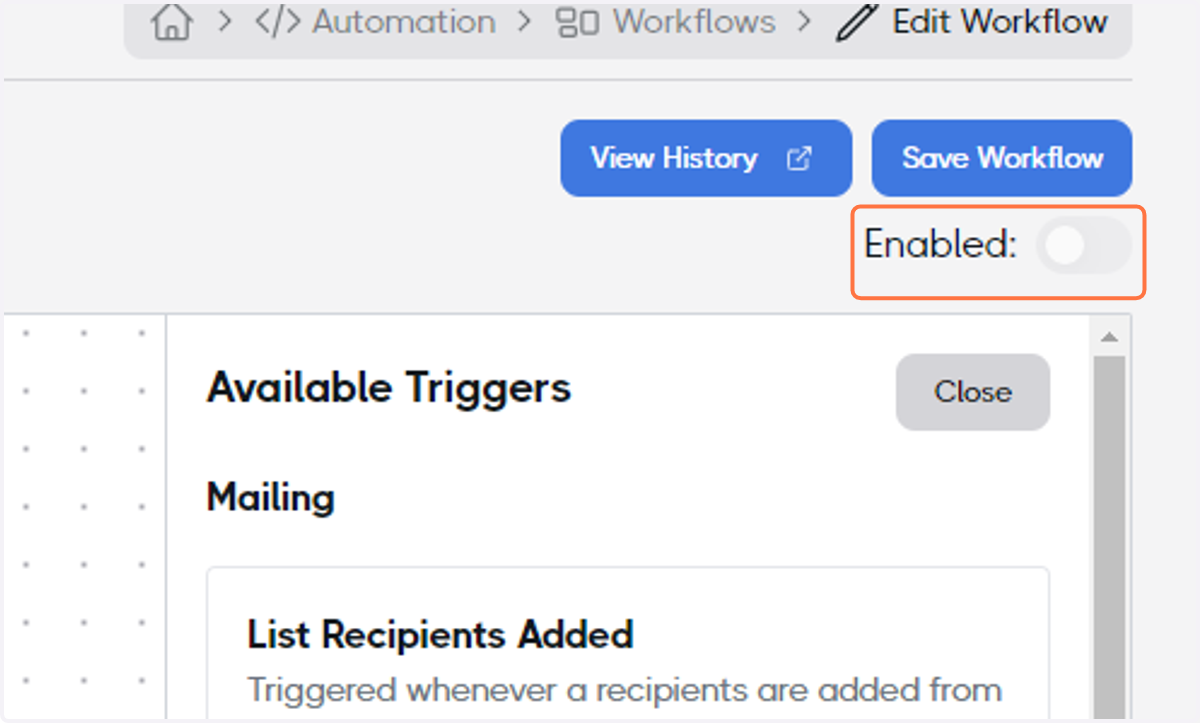
10. Click on Save Workflow and congratulations, your Workflow Automation finished!