Configuring the Send Postcard on Jobber Quote Approval Automation
Automatically send mail to clients whose quotes have been approved.
DirectMail Portal
1. Click on Automation
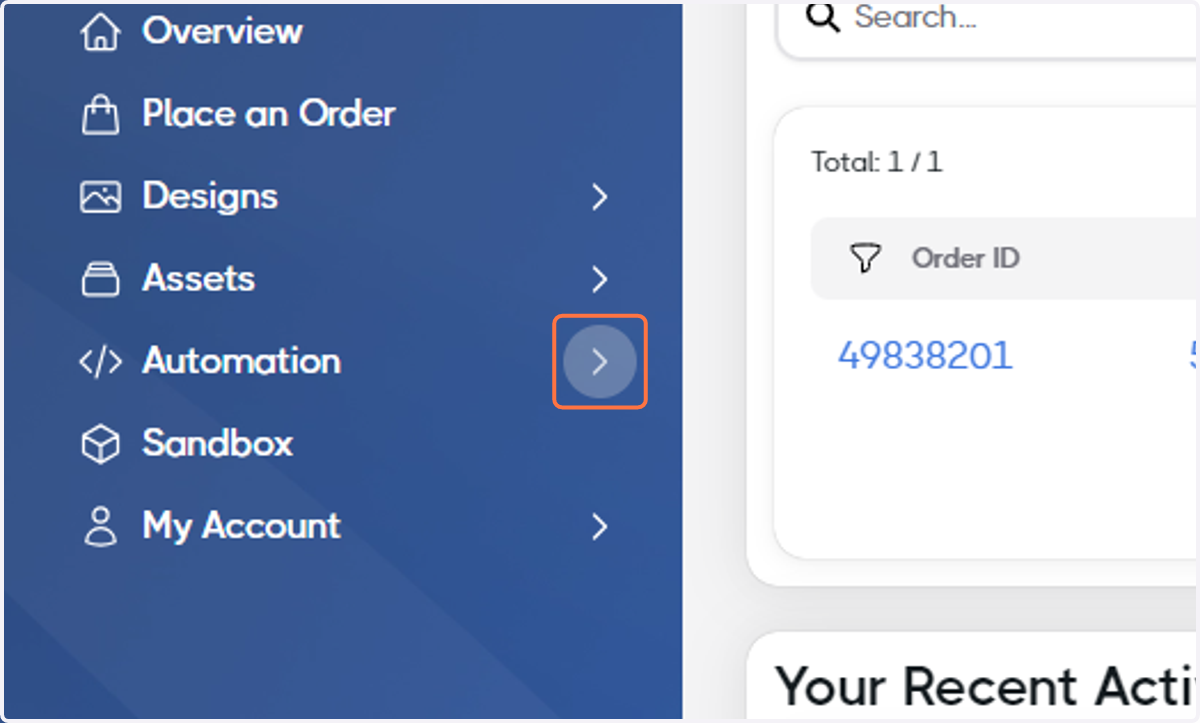
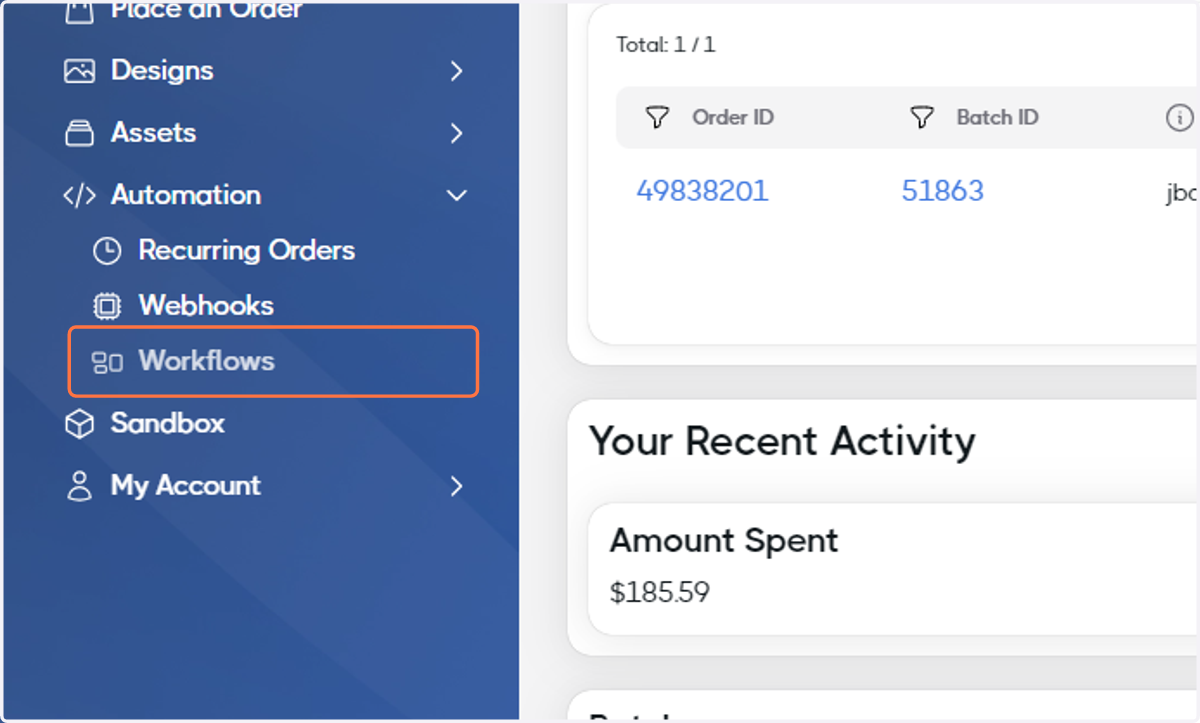
2. Click on Workflows
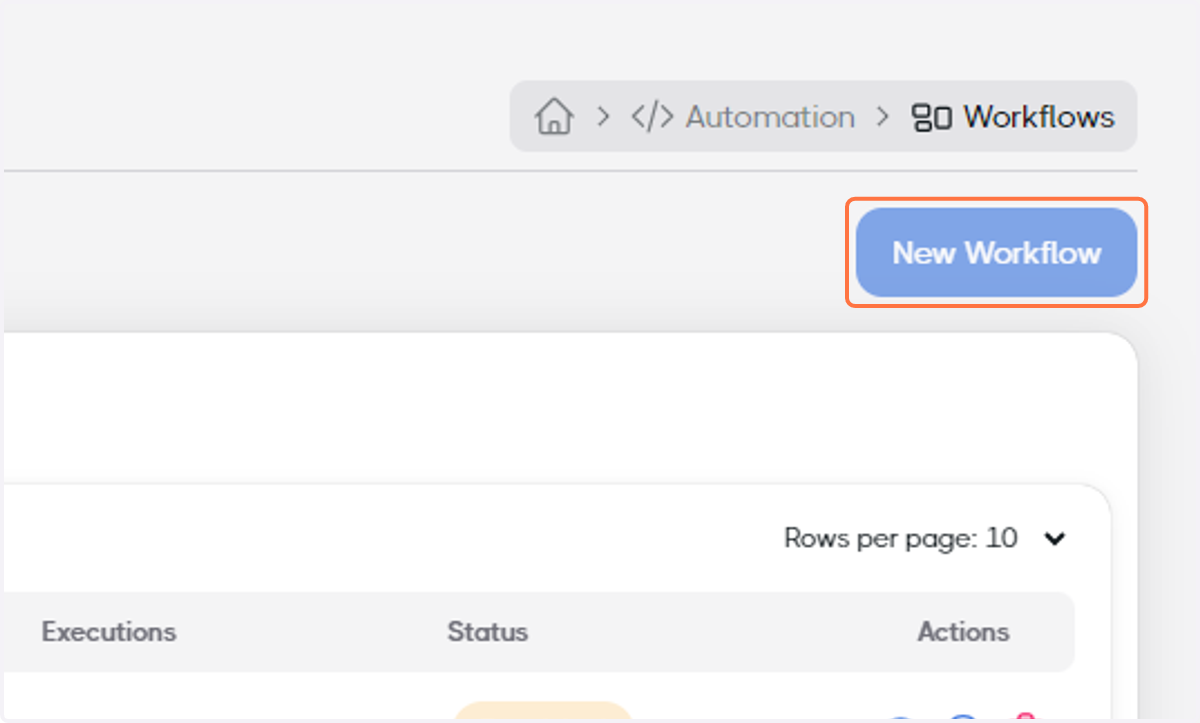
3. Click on New Workflow
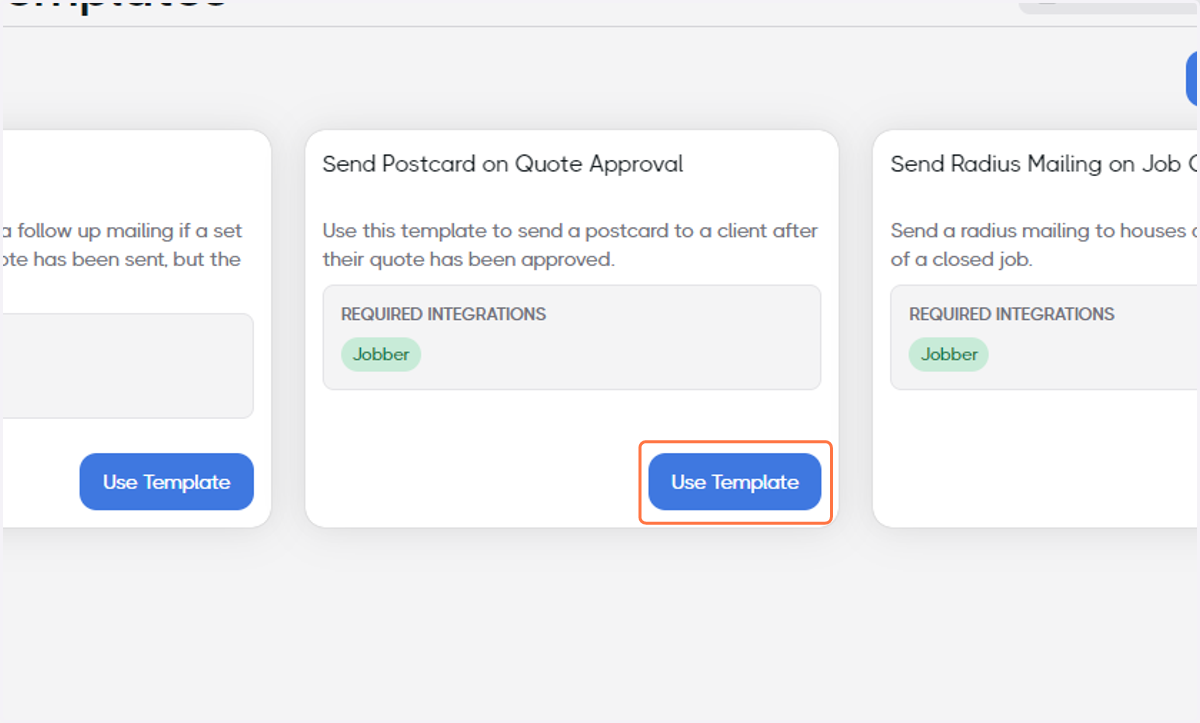
4. Find Send Postcard on Quote Approval and click on Use Template
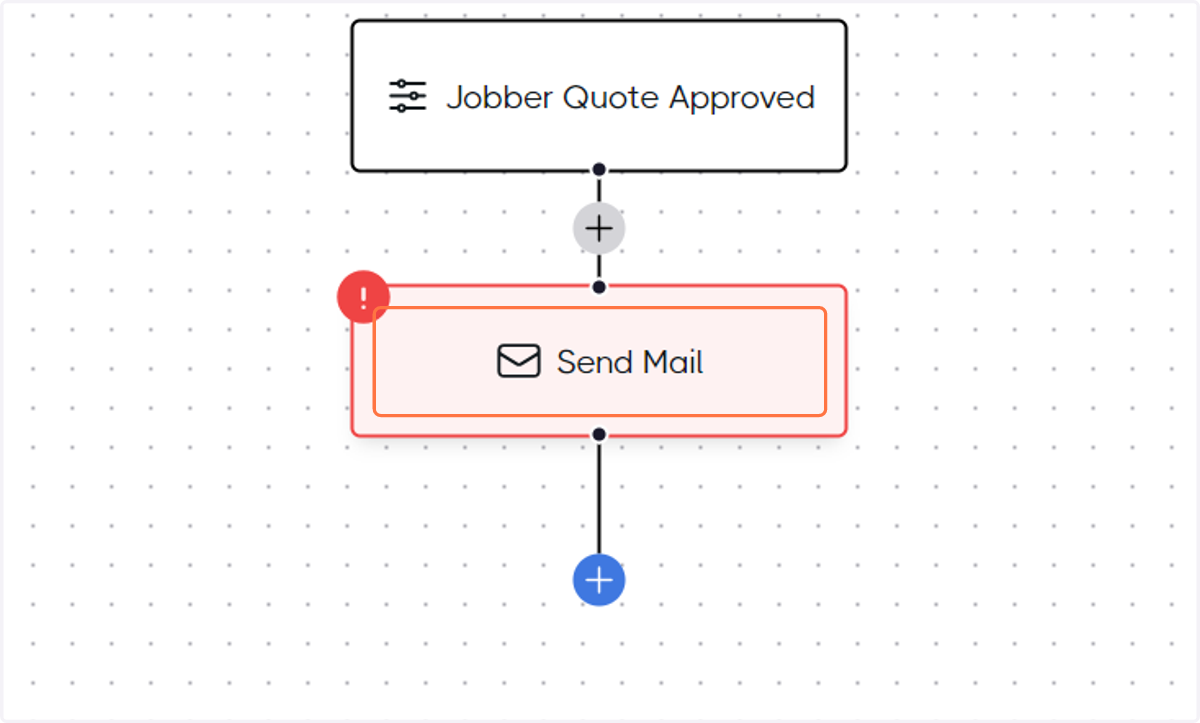
5. Click on Send Mail
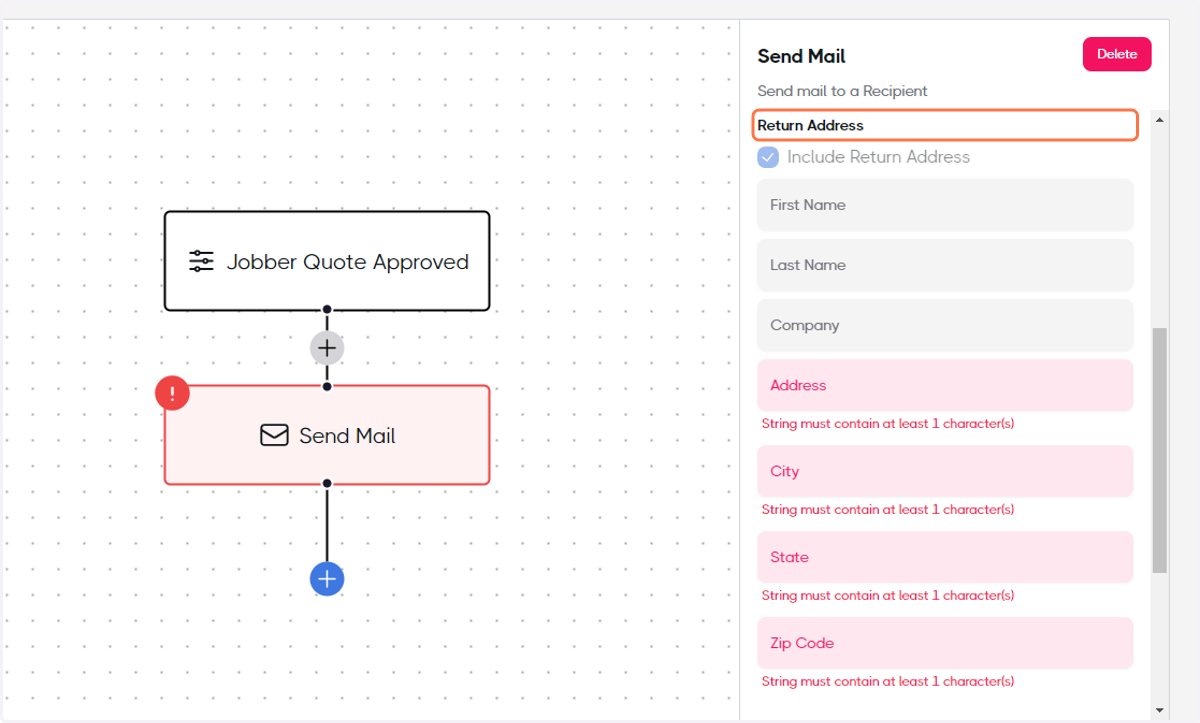
6. Add your Return Address
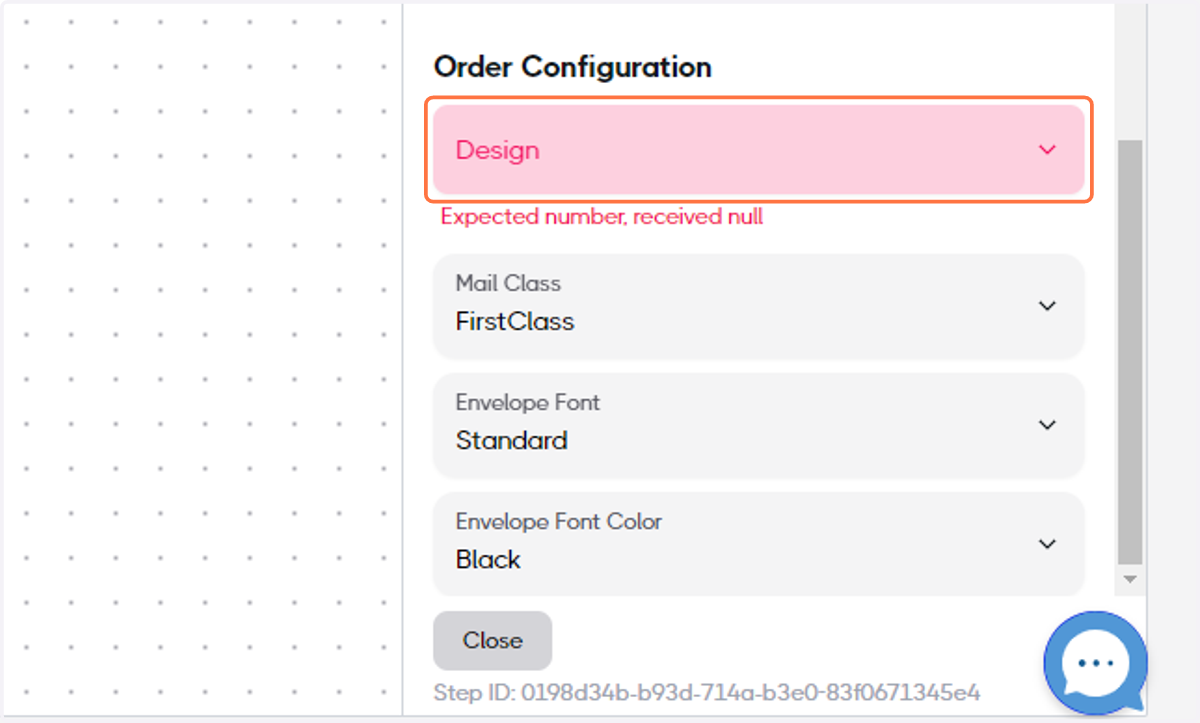
7. Select your Design
8. When the Workflow is ready, toggle the Enabled switch
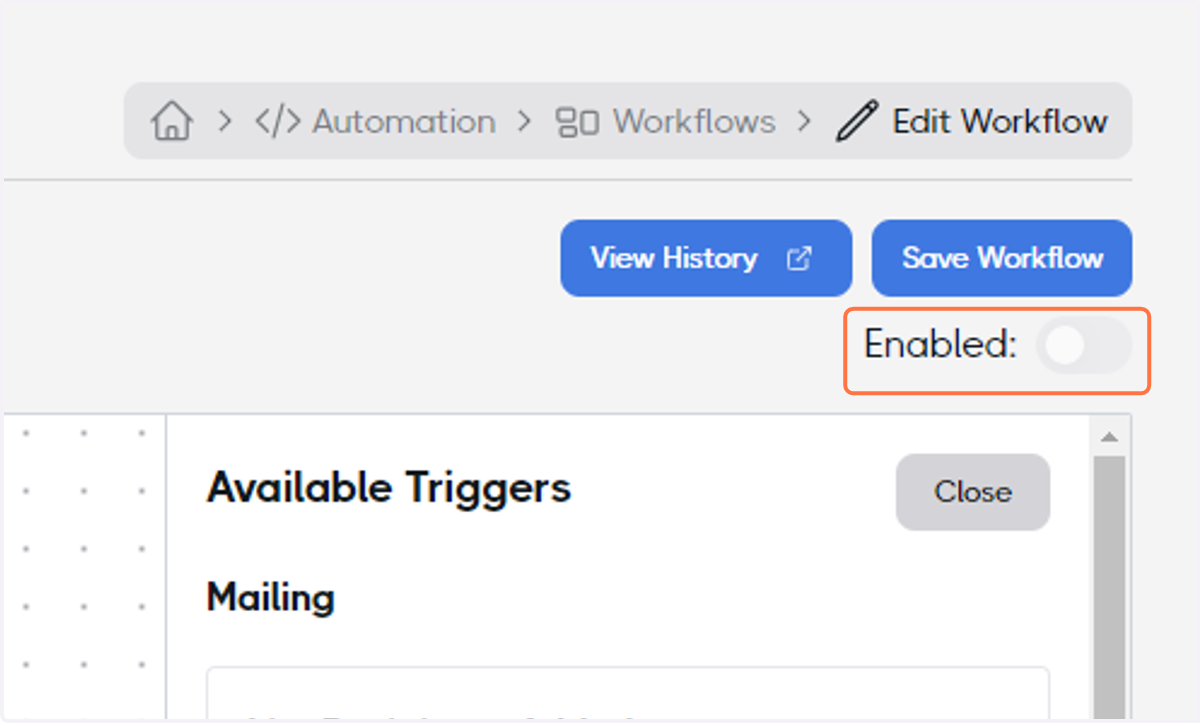
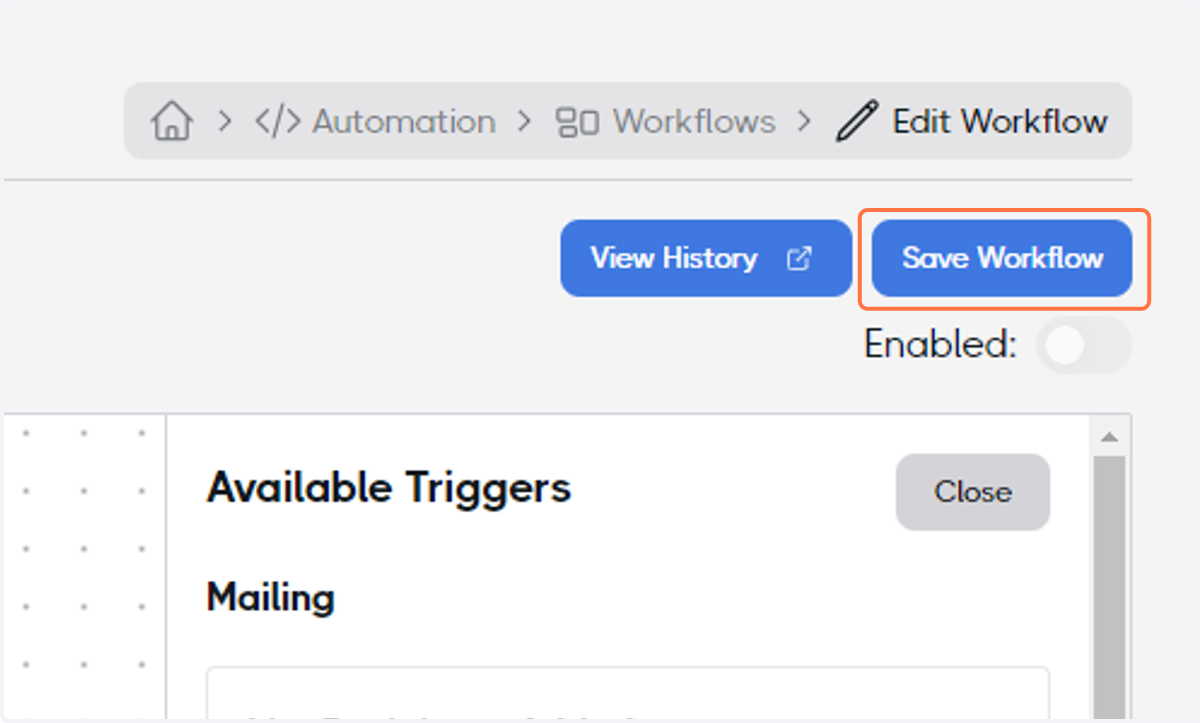
9. Click on Save Workflow and congratulations, your Workflow Automation finished!