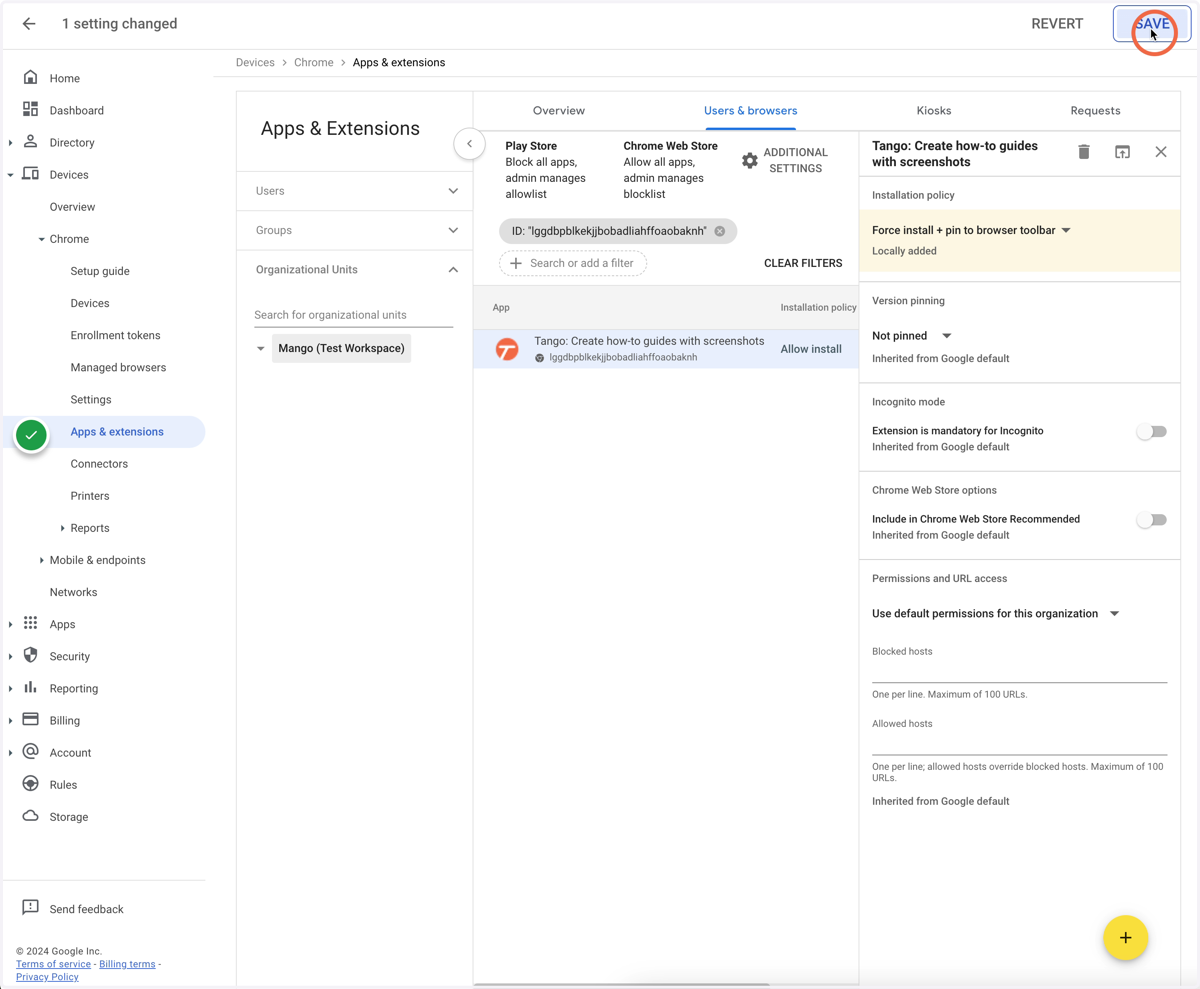
Configuring Remote Install through Google Admin
admin.google.com
1. Click on "Device" to expand it
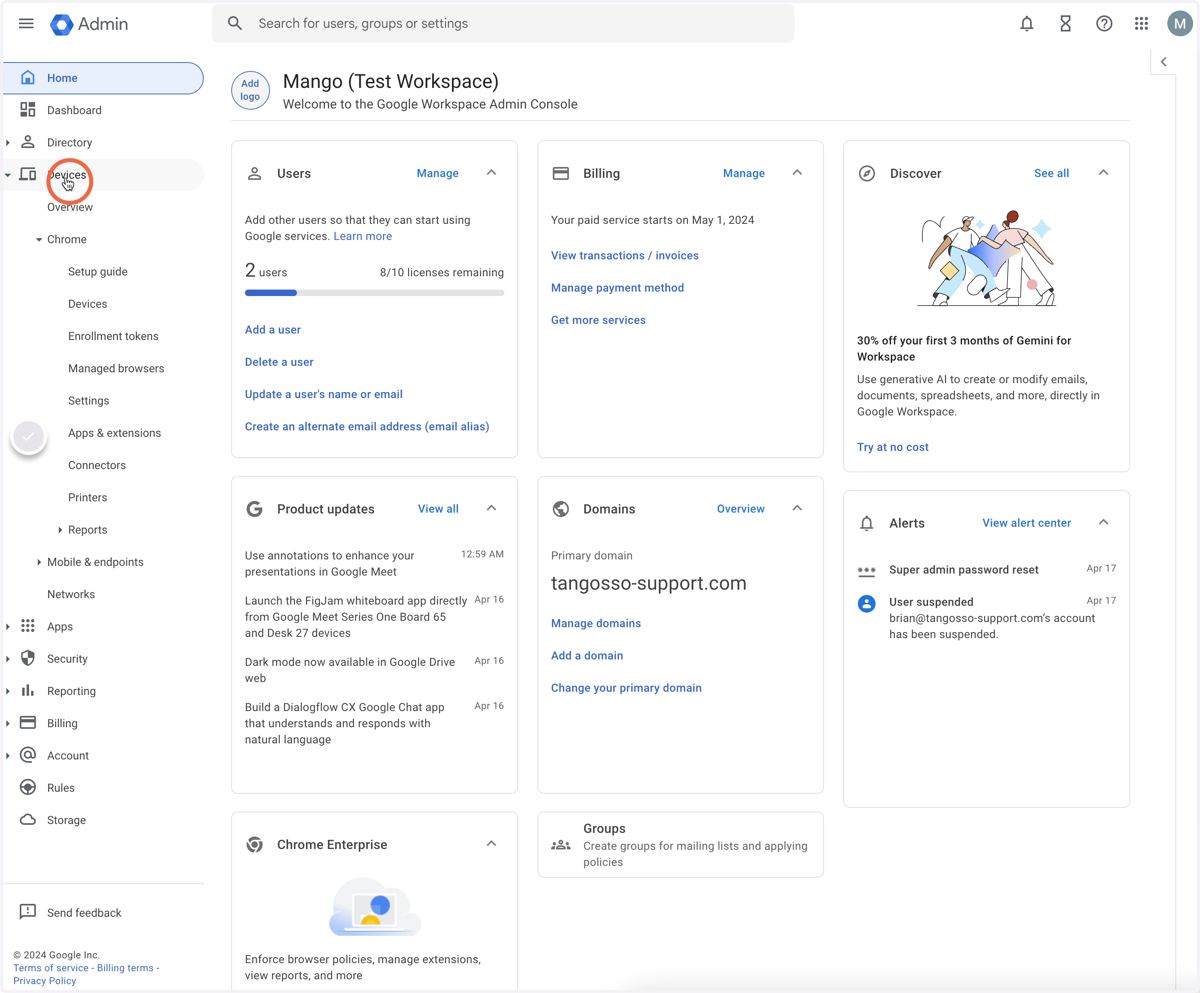
2. Click on "Chrome" to expand it
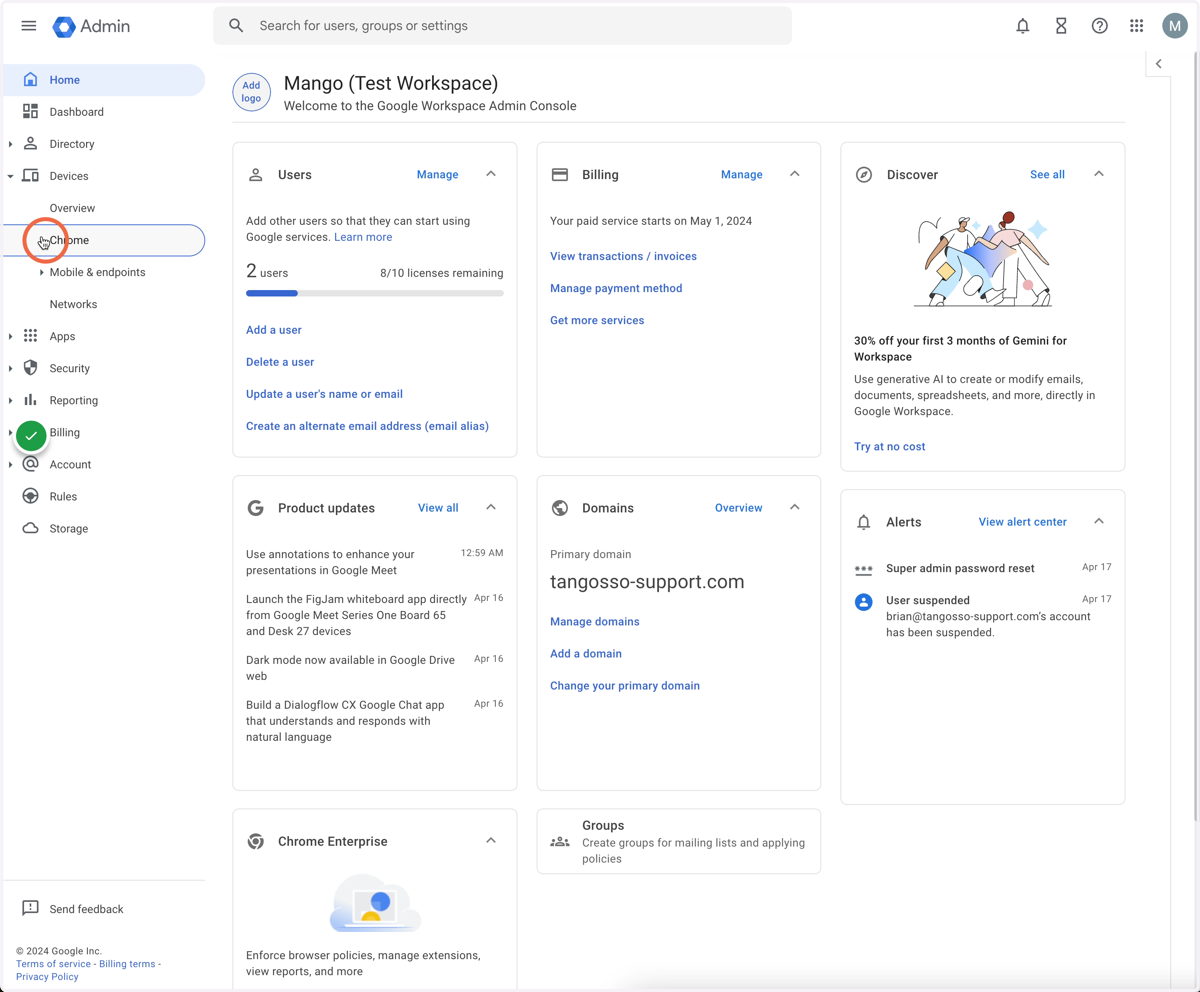
3. Click on "Apps & extensions"
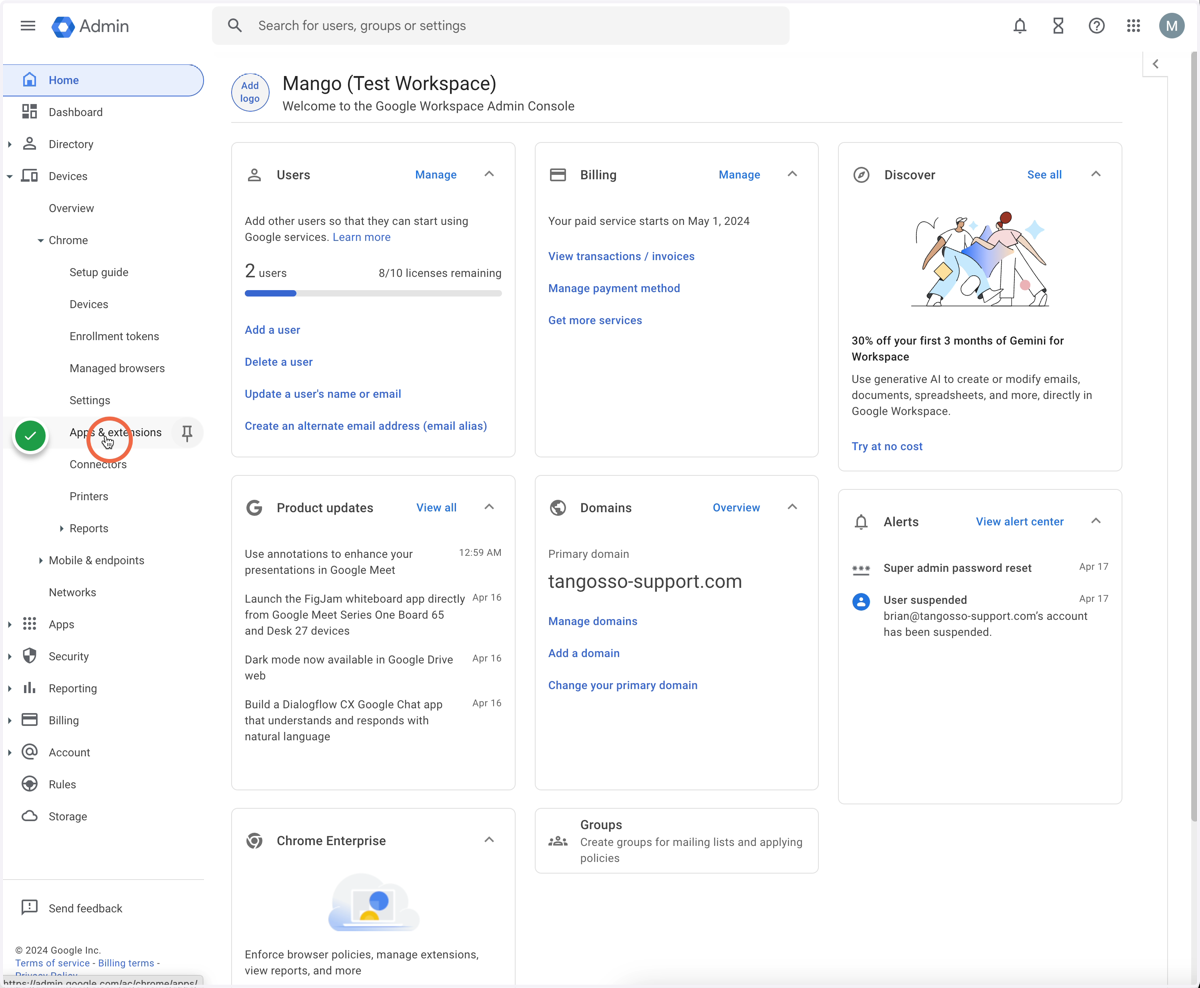
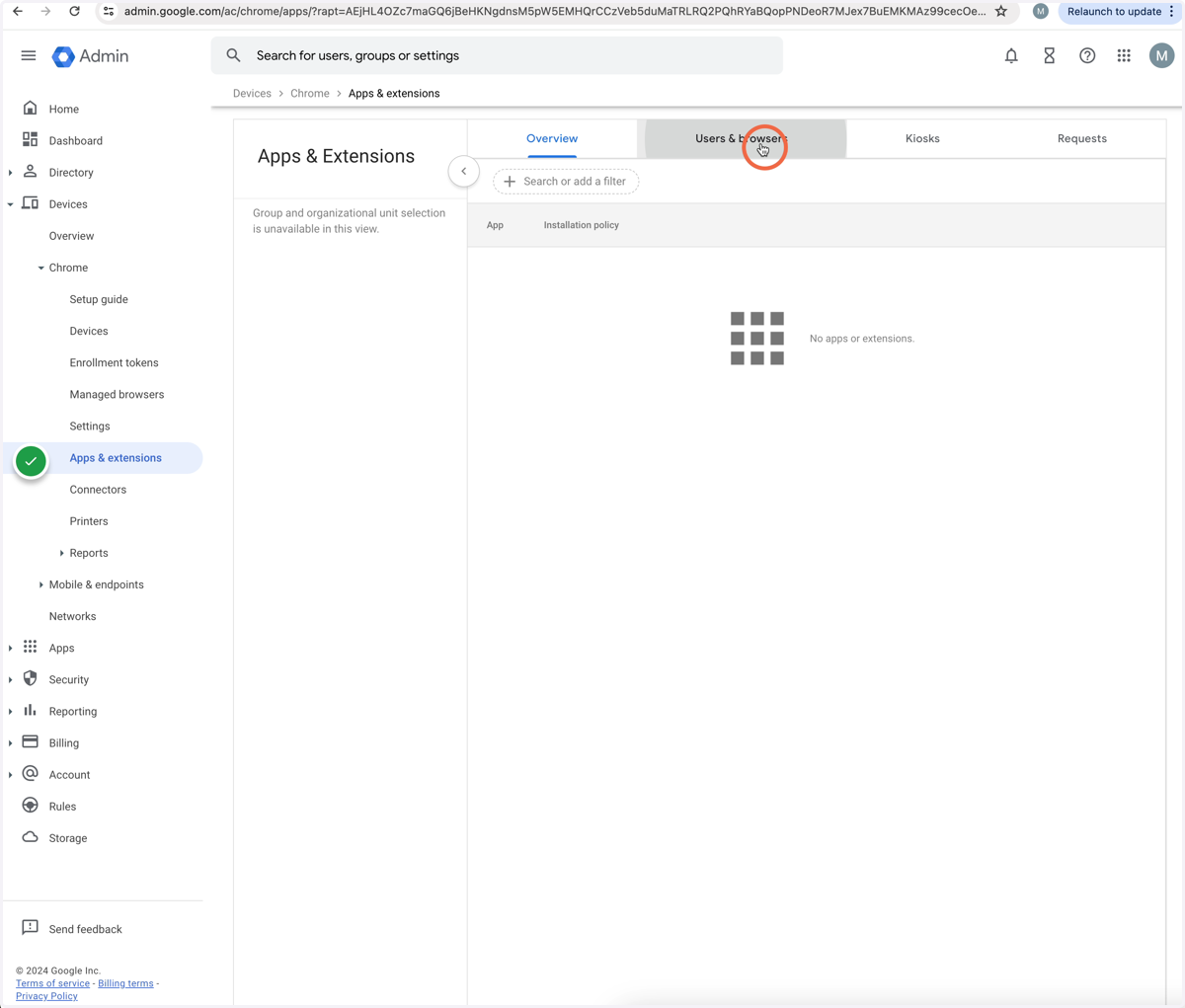
4. Click on "Users & browsers"
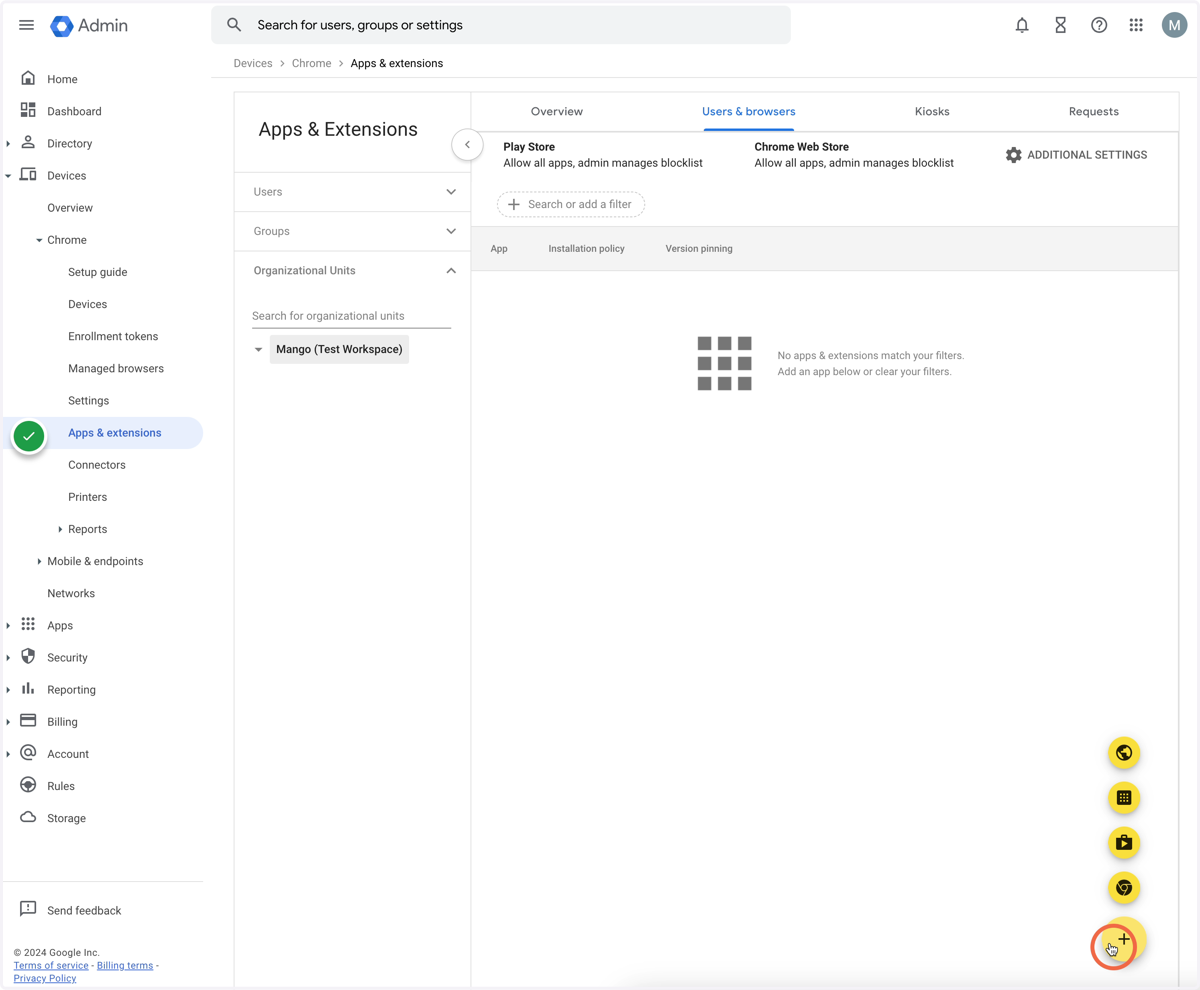
5. Click on the "Plus" button
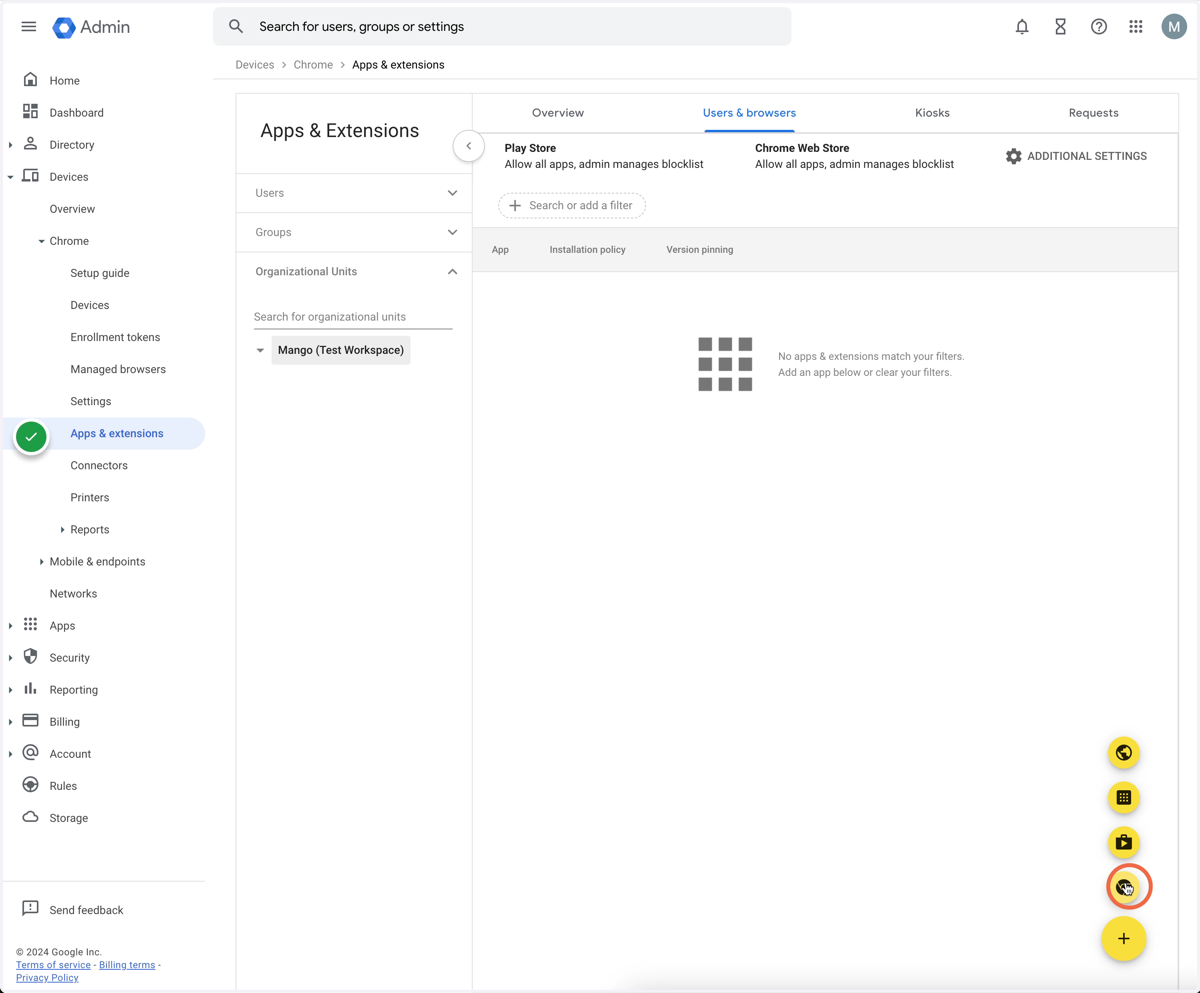
6. Click on the "Add from Chrome store" button
7. Type "tango" and hit enter to search
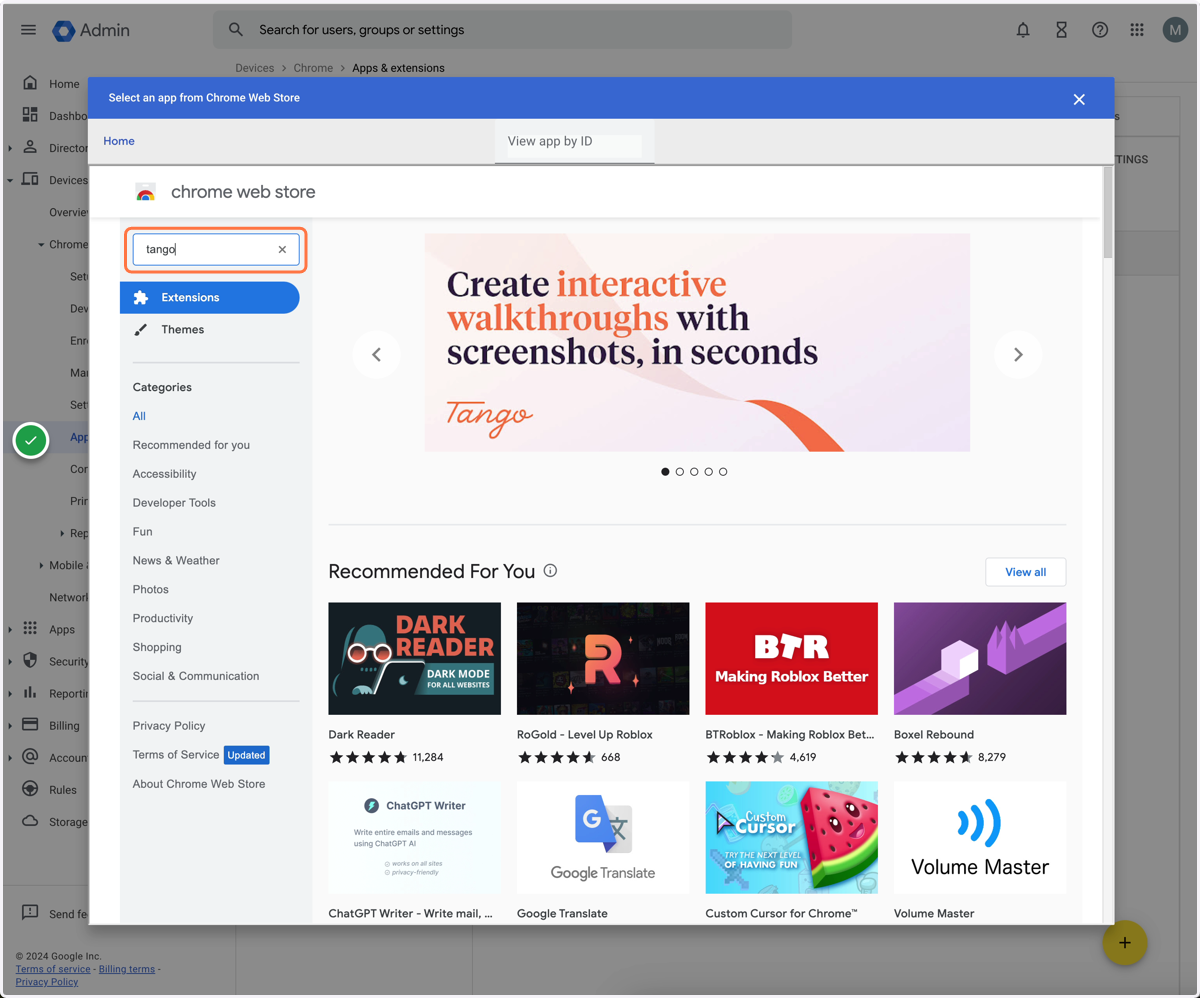
8. Click on "Tango: Create how-to-guides with screenshots"
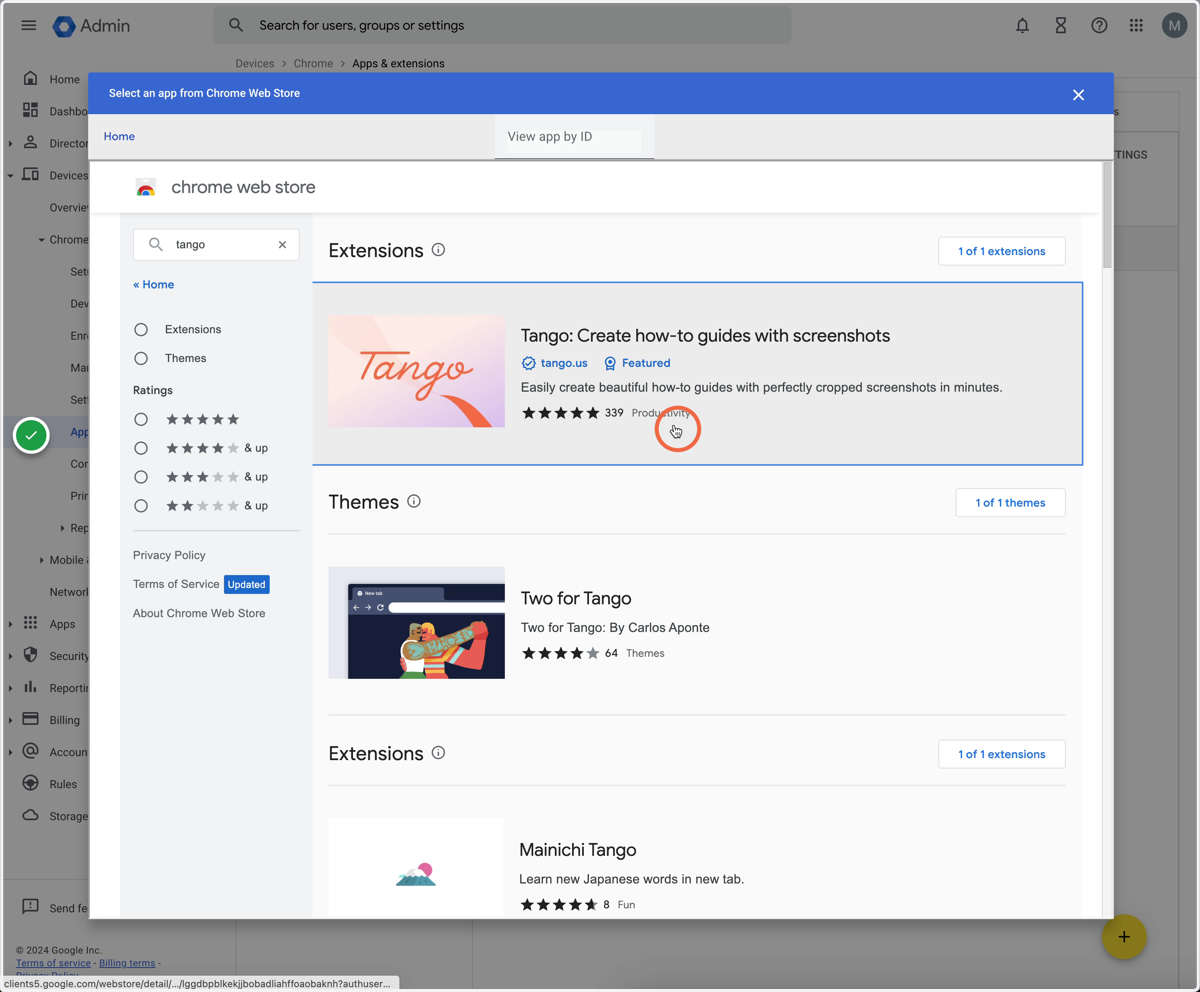
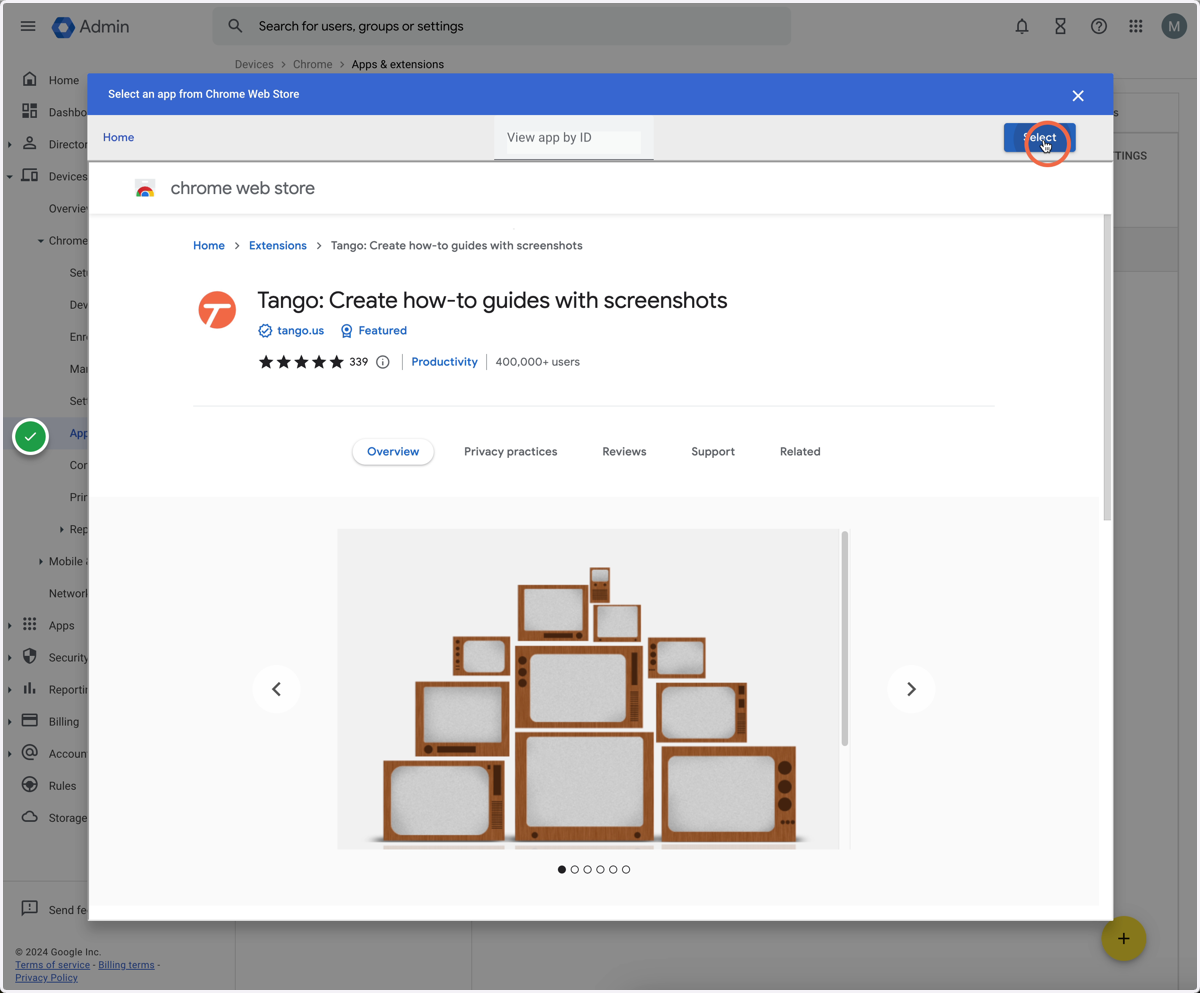
9. Click here
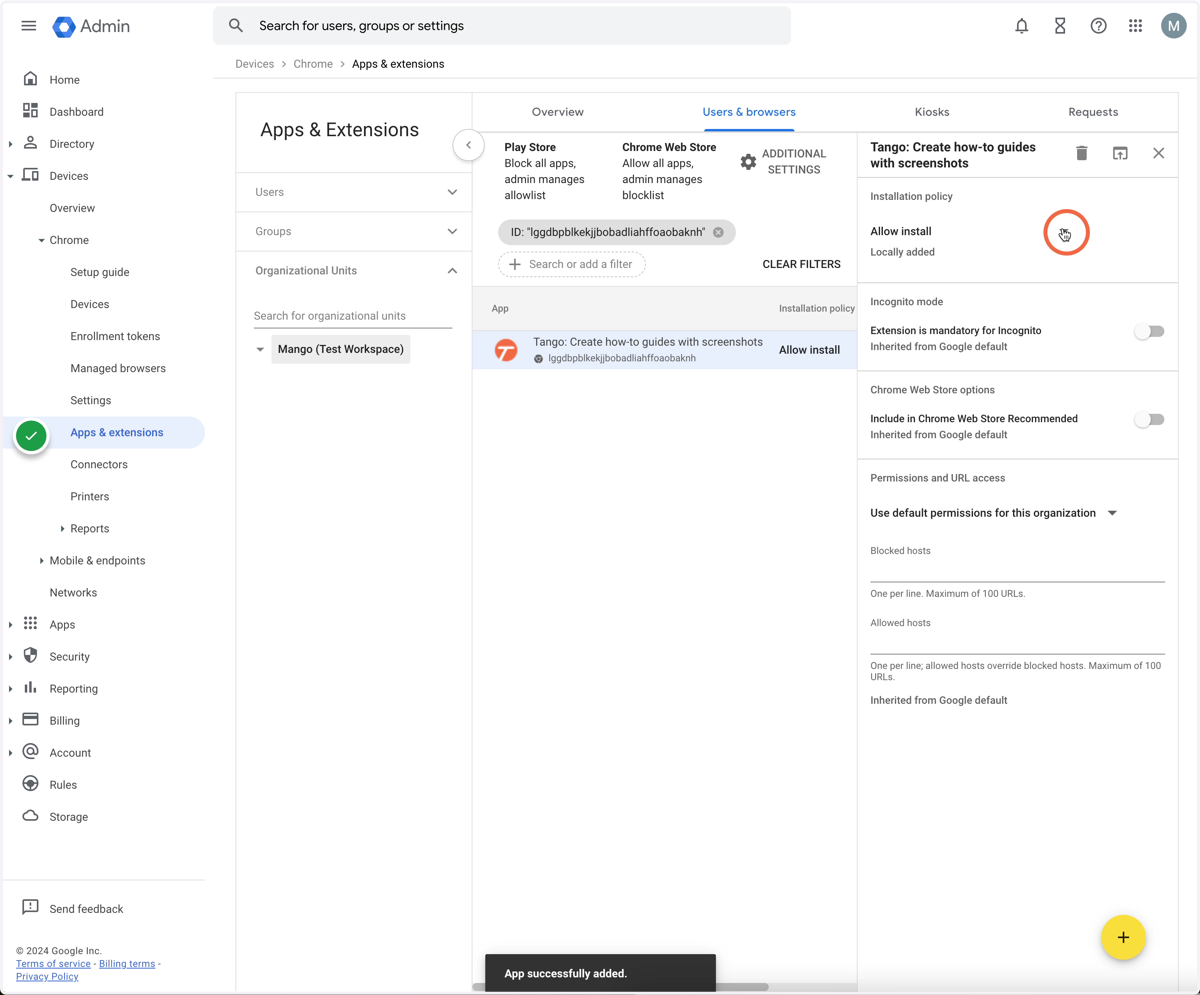
10. Click "Allow install"
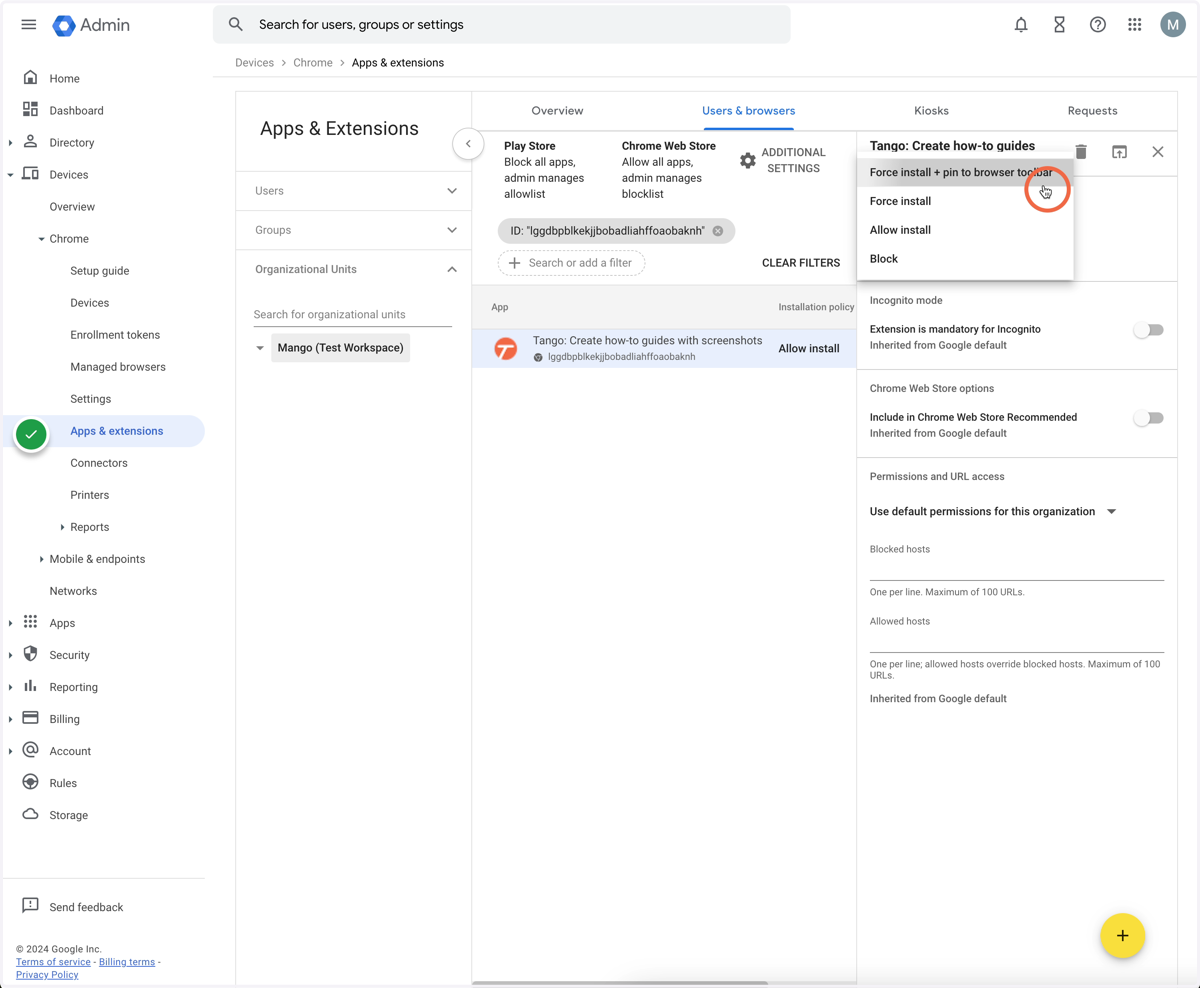
11. Click either "Force install + pin to browser toolbar" or "Force install"
12. Click "Save"