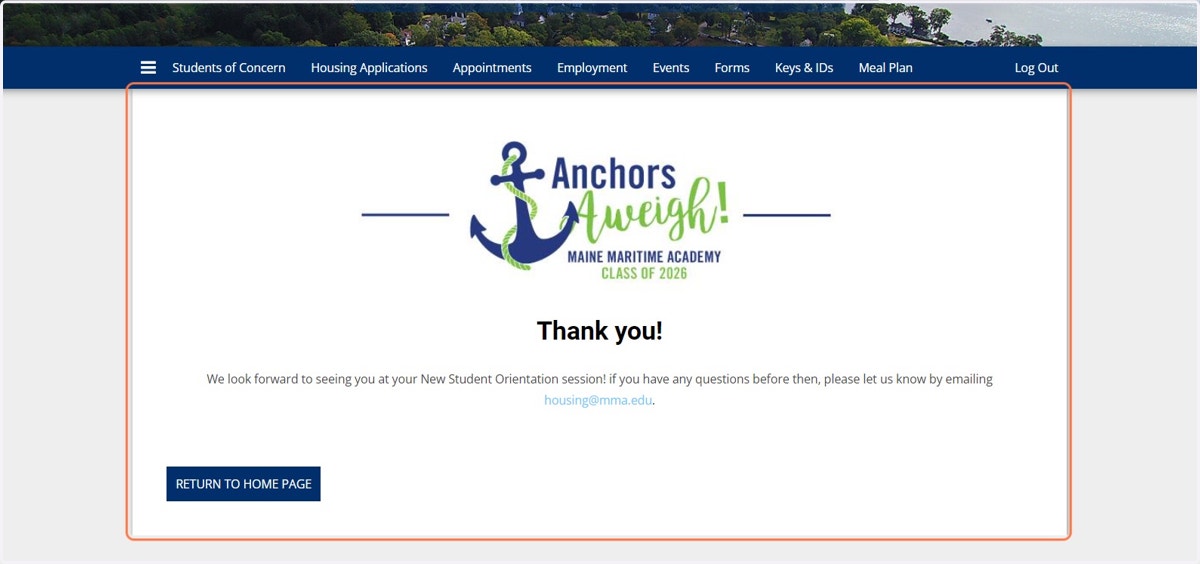
Completing the New Student Orientation Details Form
Starrezhousing
1. Go to My Student Life & Login
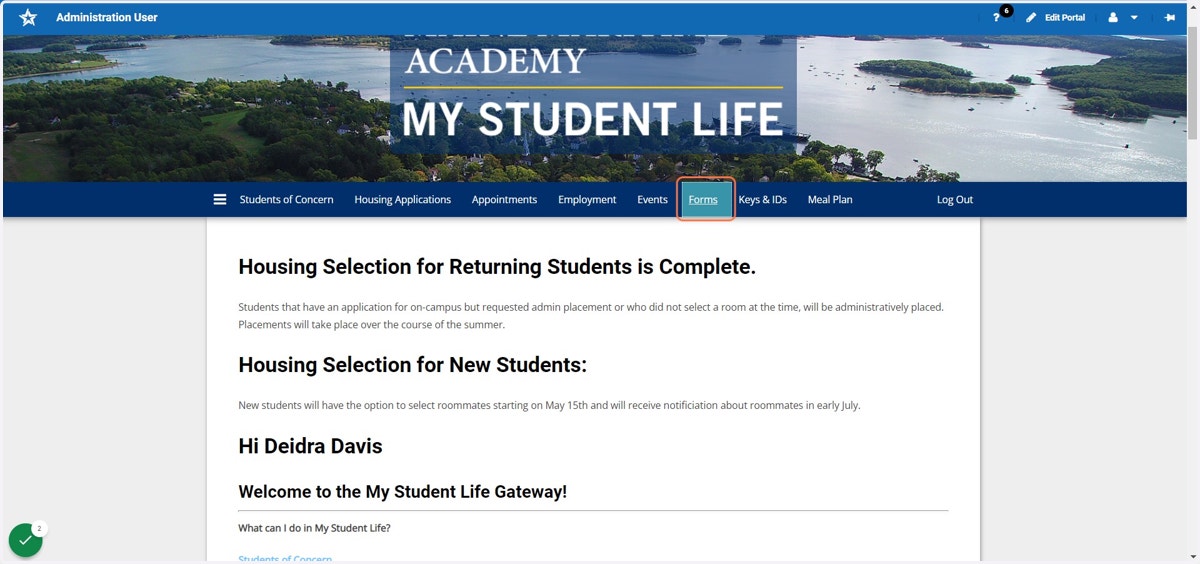
2. Click on Forms
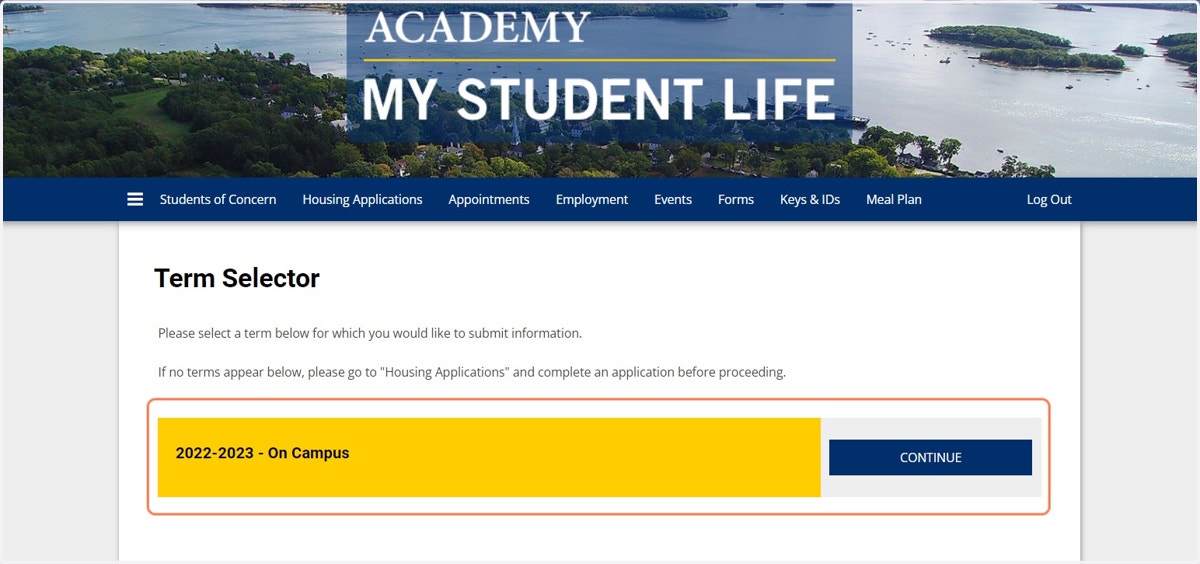
3. Click CONTINUE on your current housing application
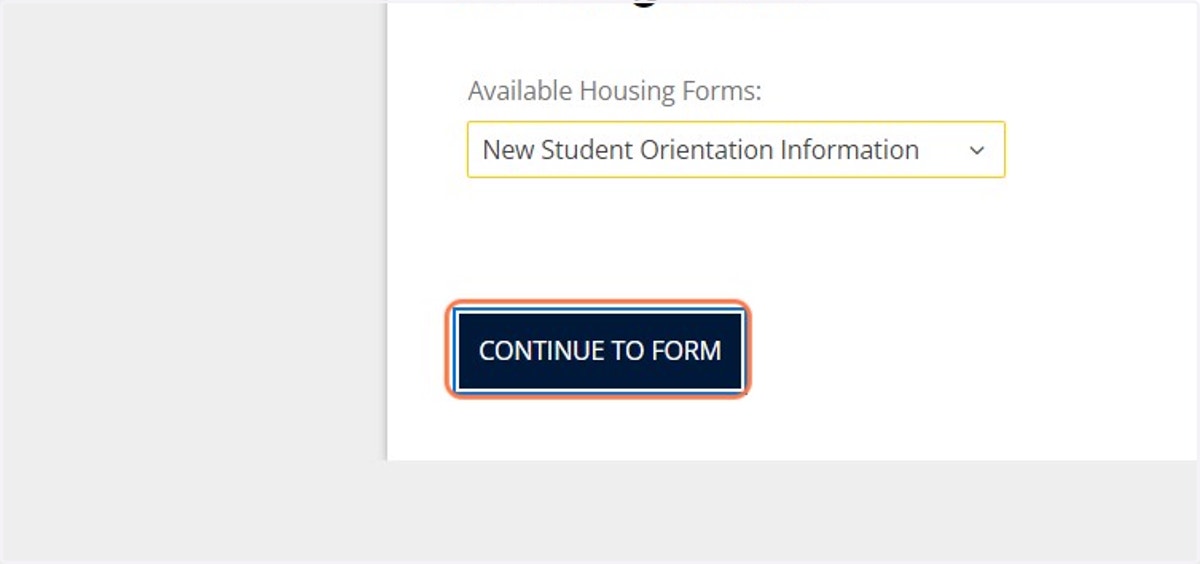
4. From the dropdown list, find and then Click on the New Student Orientation Information Form
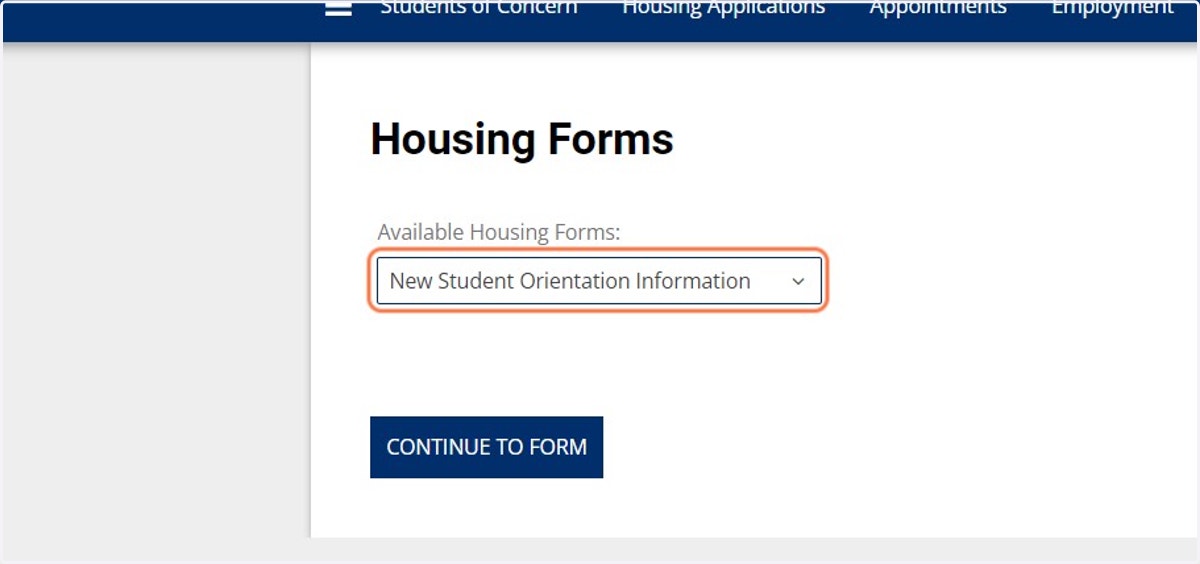
5. Click on CONTINUE TO FORM
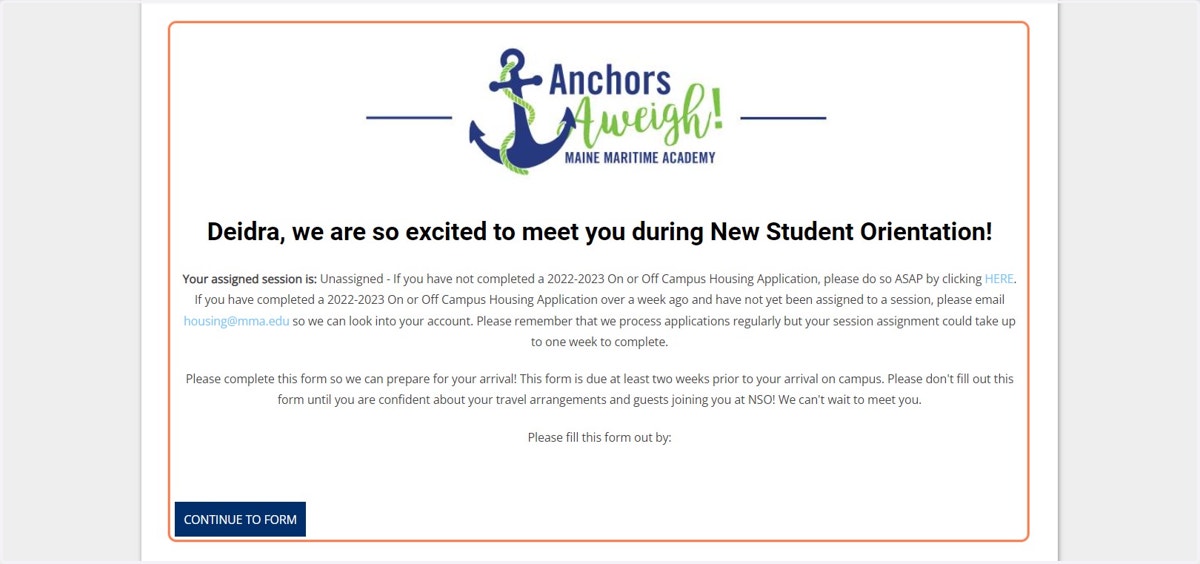
6. Read the introductory information and then click on CONTINUE TO FORM
7. Answer the questions
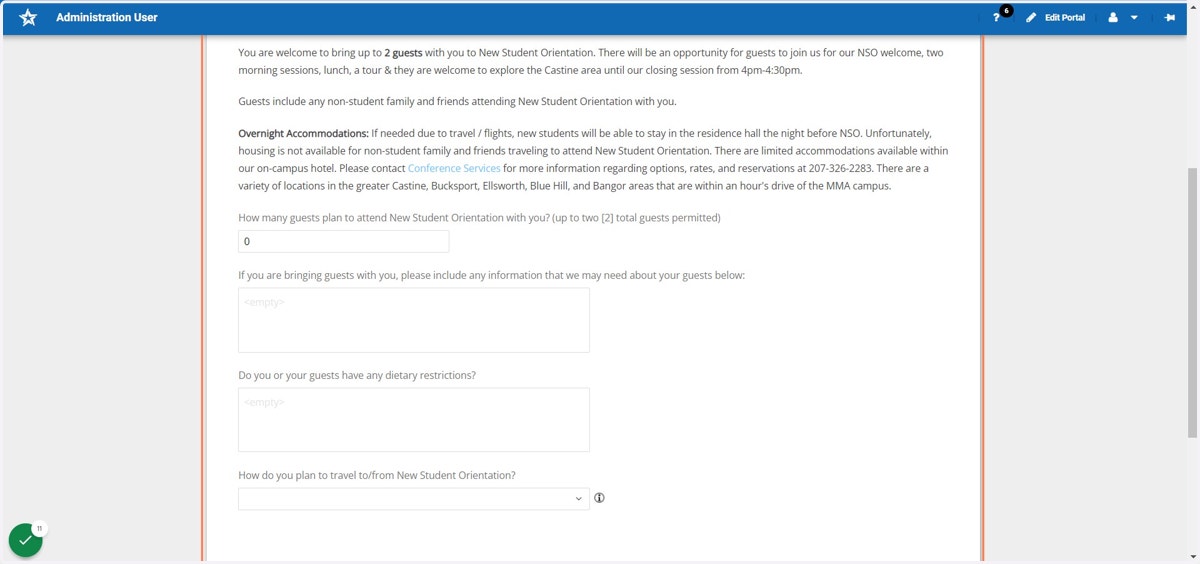
8. Click on SAVE & CONTINUE

9. Read and Answer (if applicable) the questions regarding travel arrangements & overnight accommodations
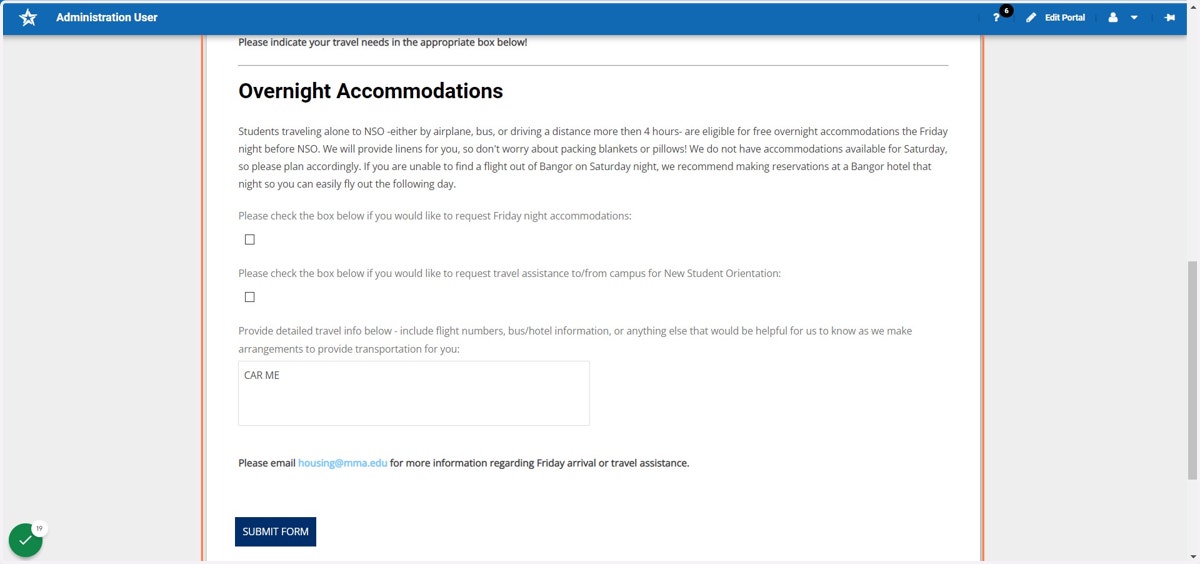
10. Click on SUBMIT FORM
11. That's it! You will see your confirmation of completion!