Completing Commitment to Serve and COI Audit
Visit https://account.nata.org/mycommittees
1. If you are logged in, this should be the screen you see.
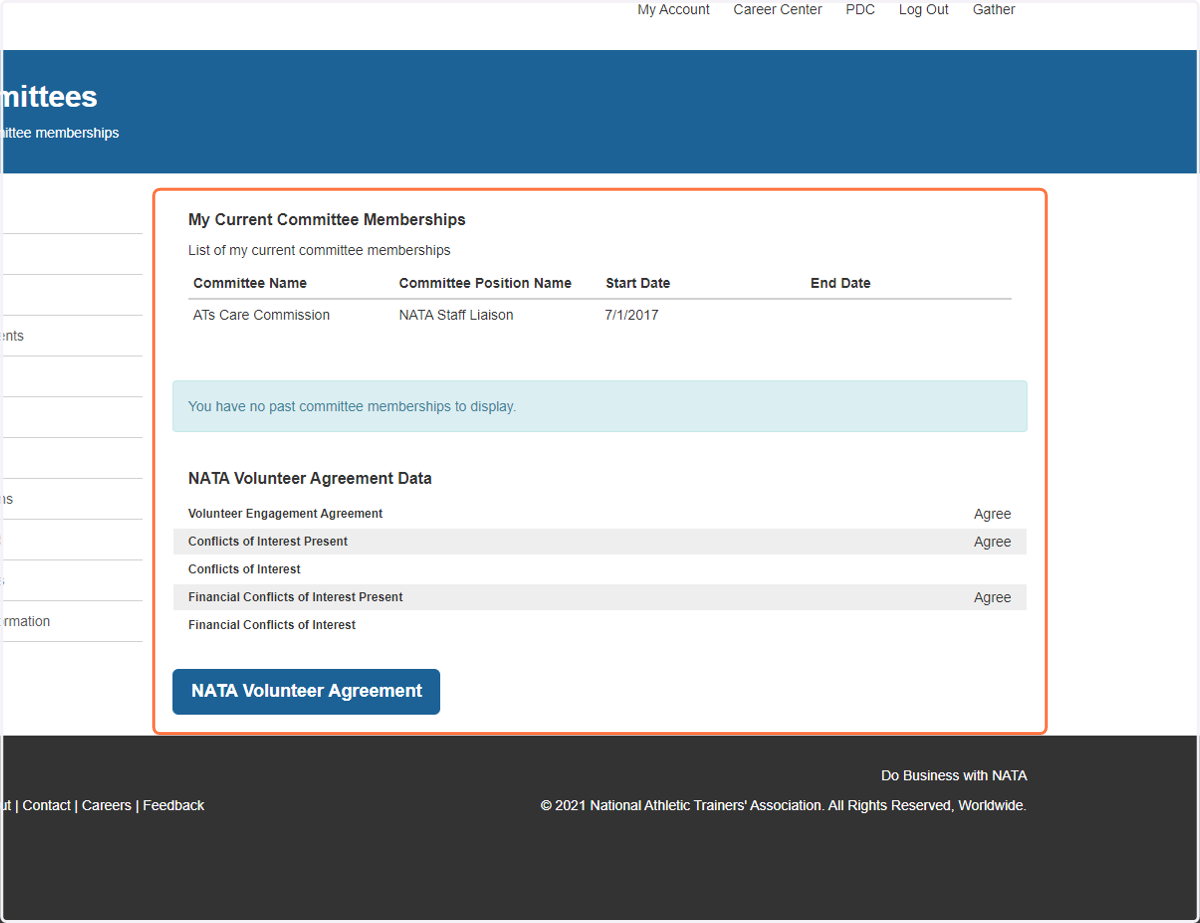
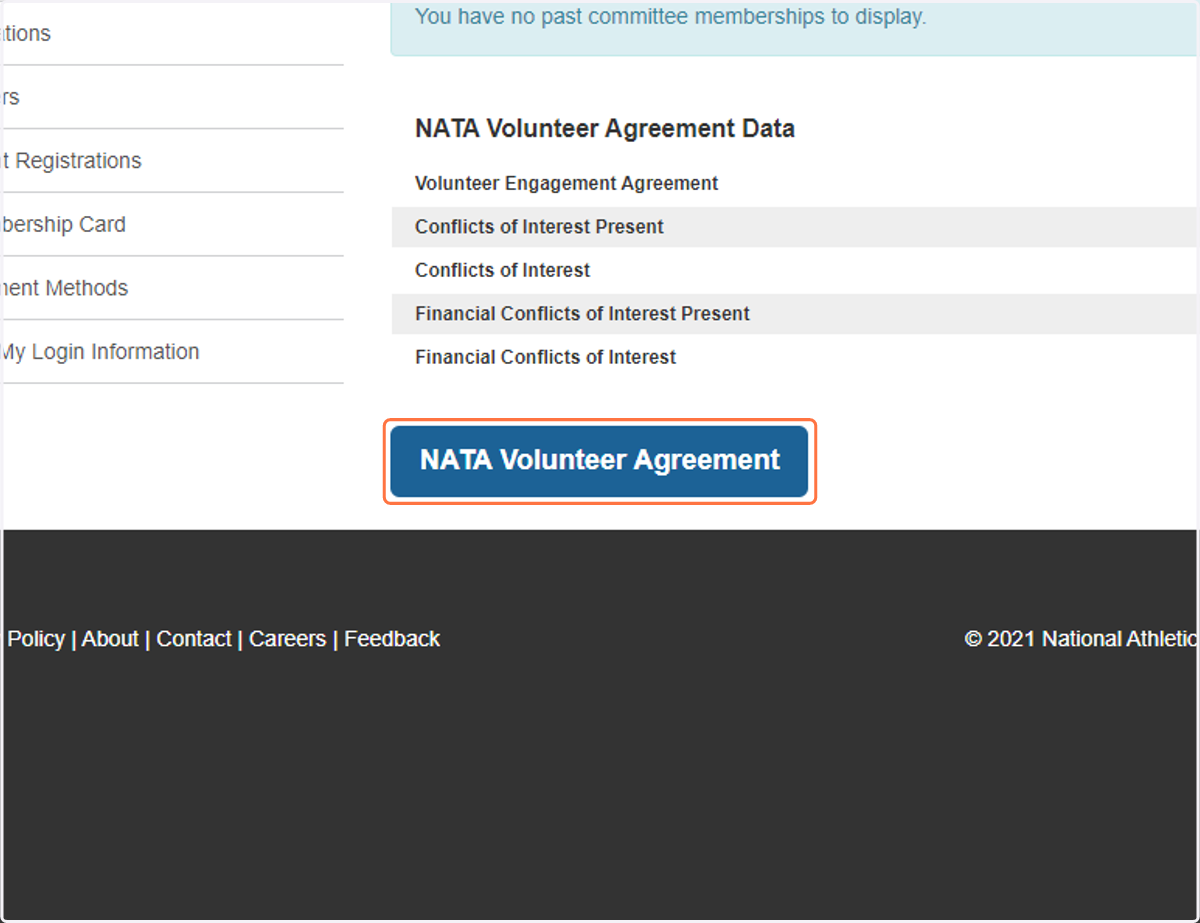
2. Click on NATA Volunteer Agreement
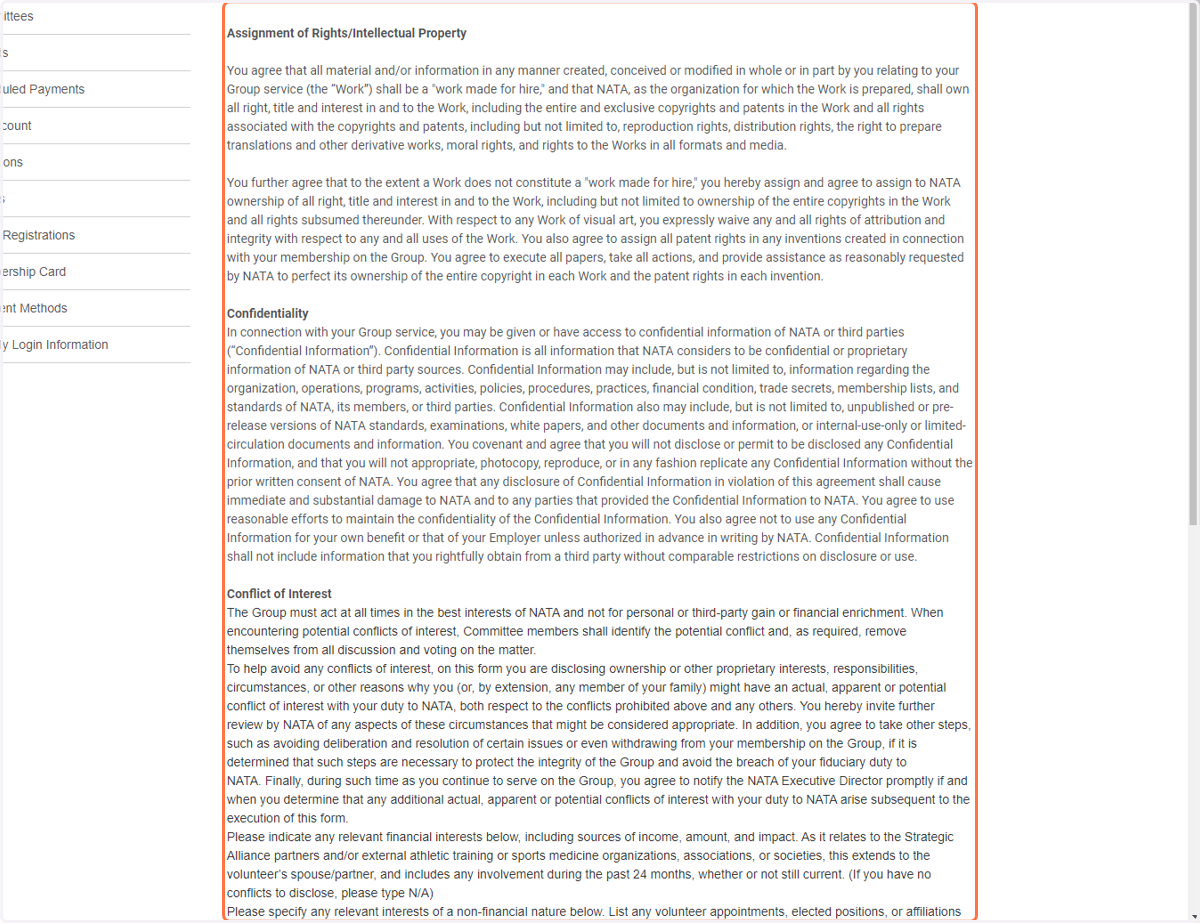
3. Review all Content of Agreement
4. Complete the questions.
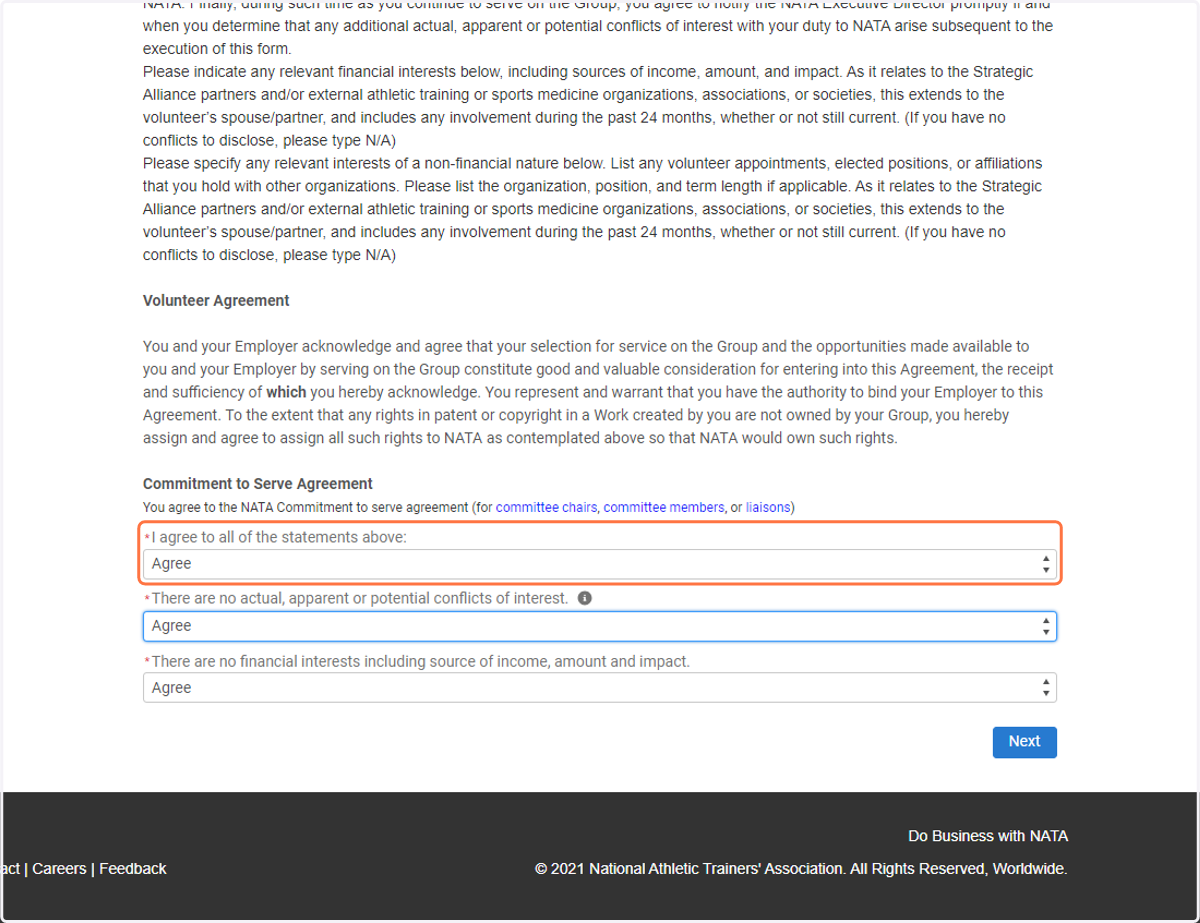
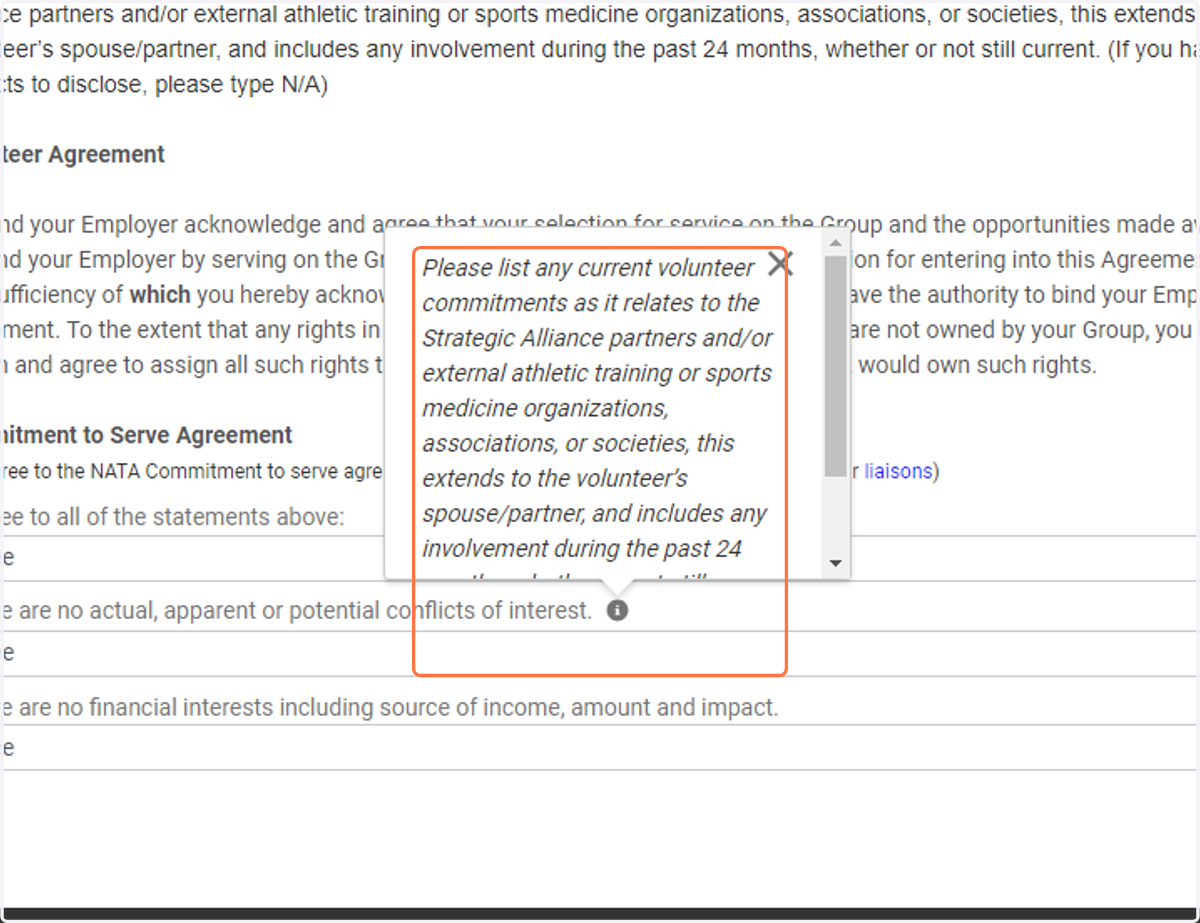
5. Review the specific COI information via the grey i button.
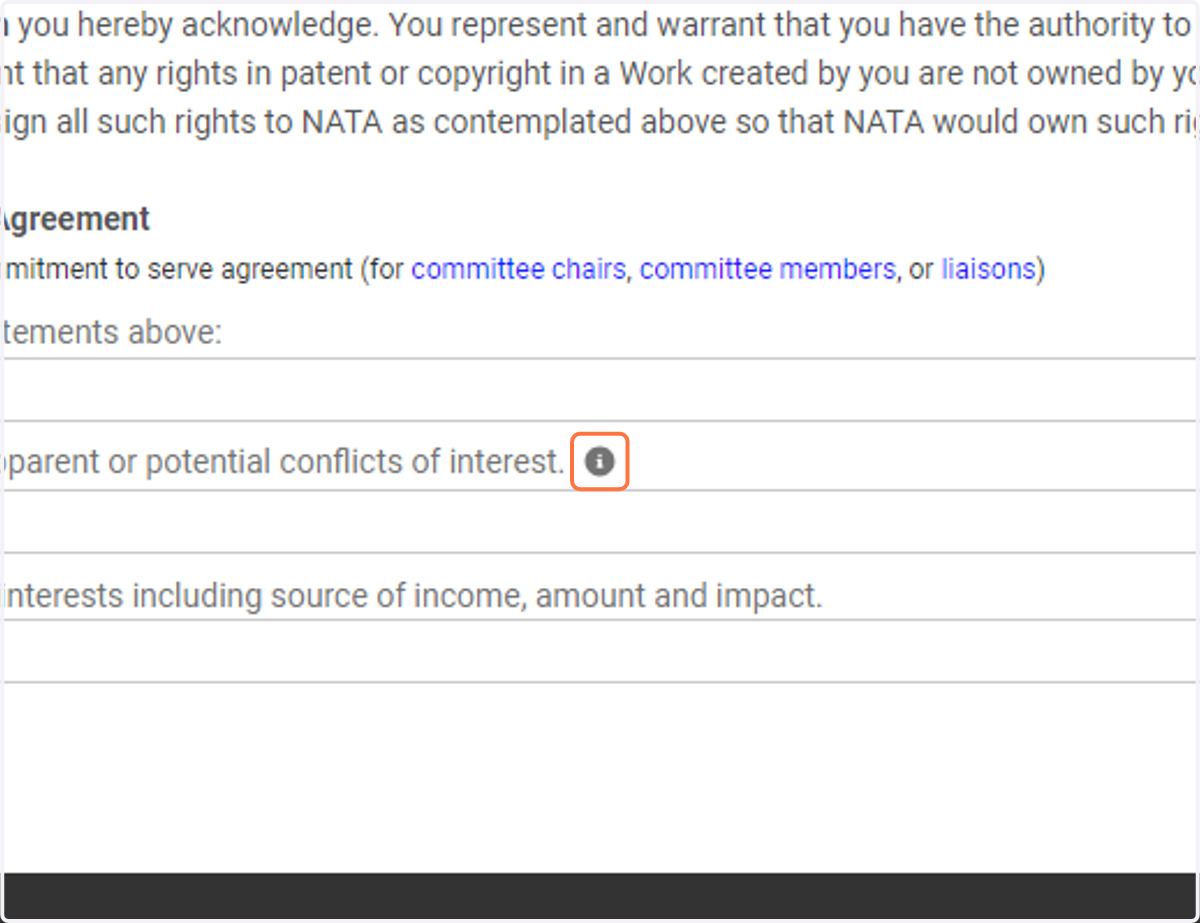
6. Review the specific COI information via the grey i button.
NATA Volunteer Agreement - Community Hub
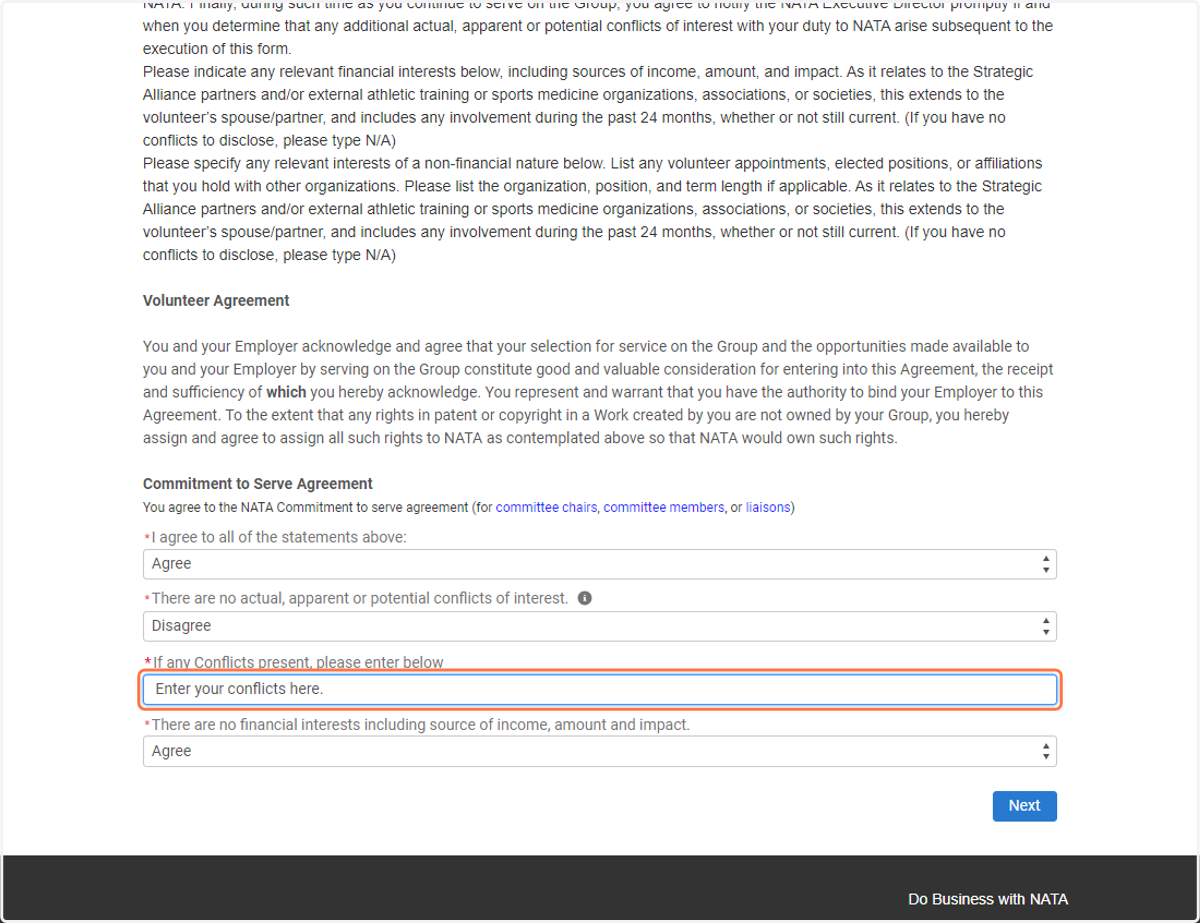
7. If you have a conflict to potentially input for review, choose "disagree" and a pop up box will appear to list your involvements.
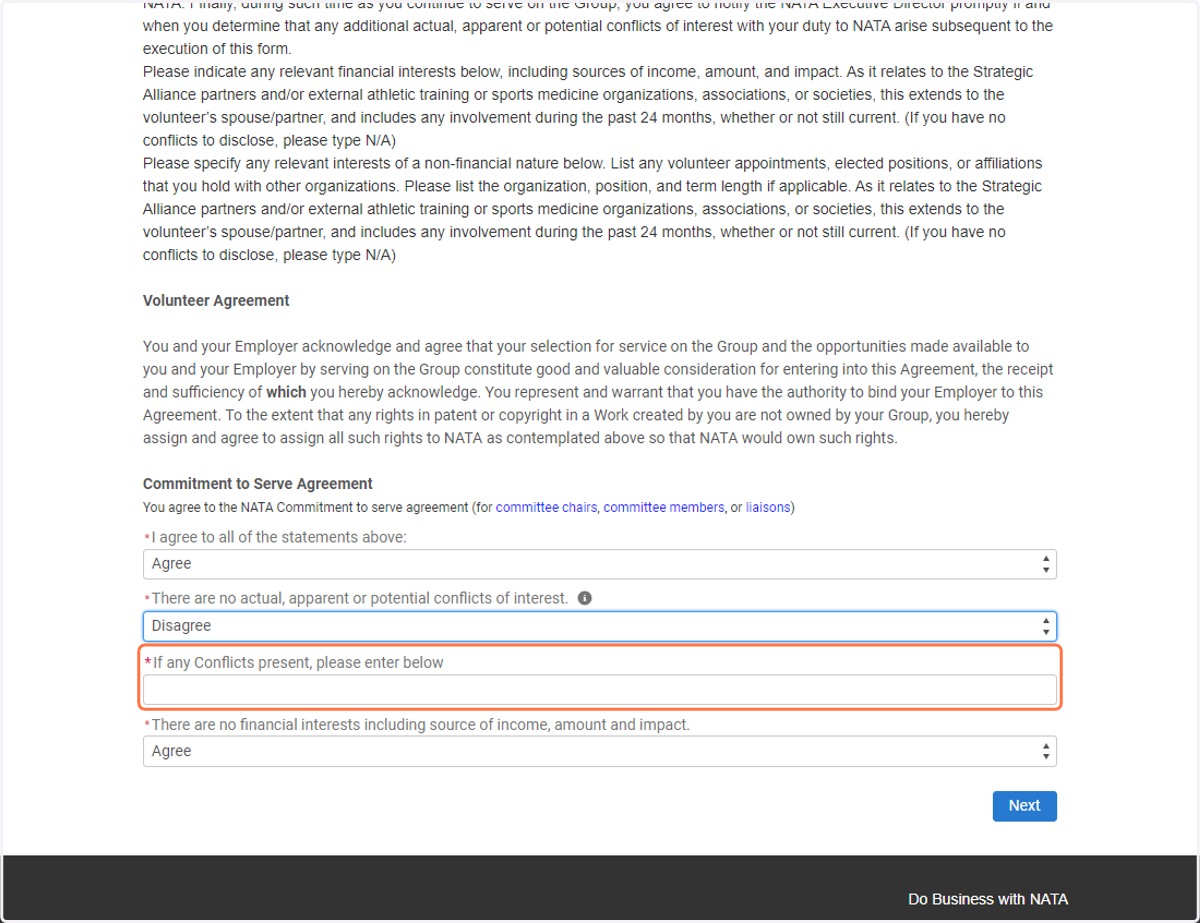
8. Type in your additional commitments
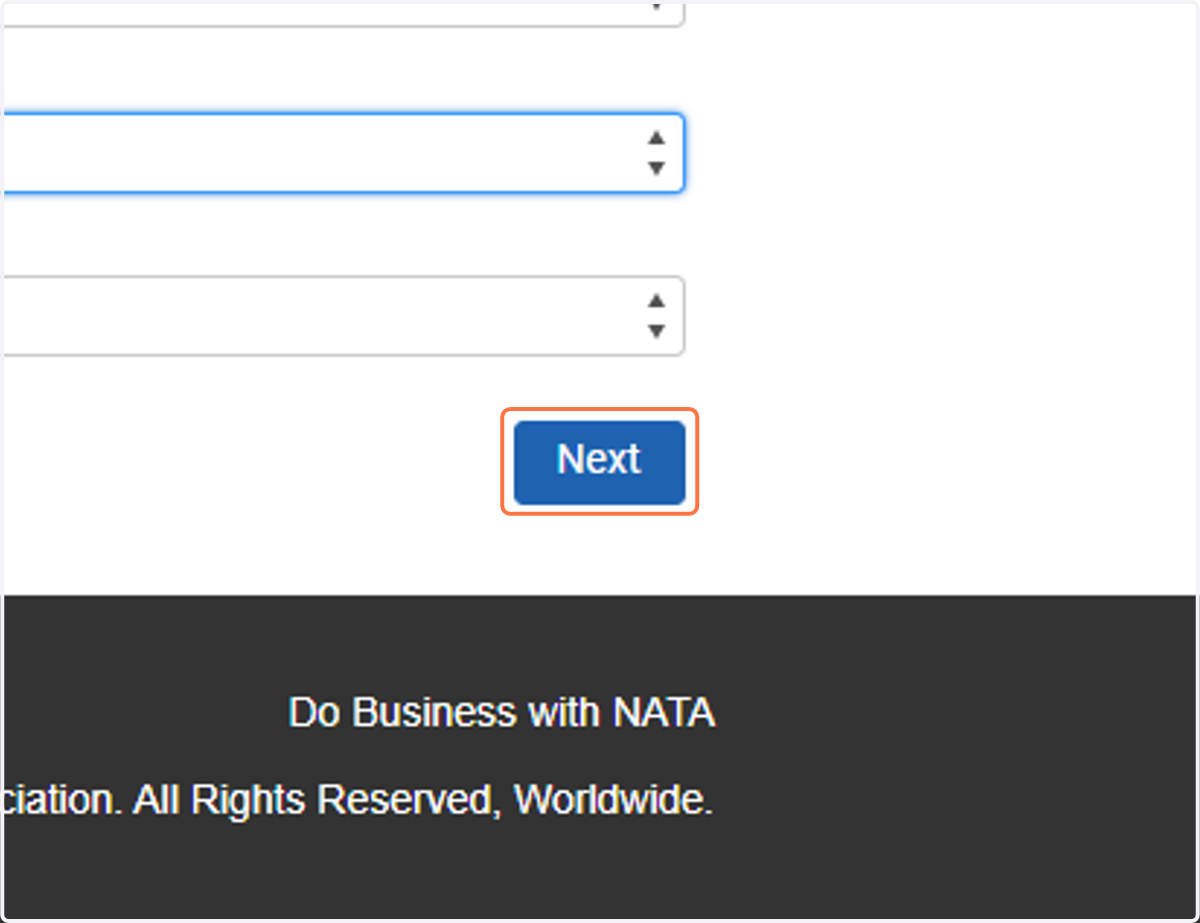
9. Click on Next to complete!