Complete KCKPS Seal Interest Form in Infinite Campus
1. This is done through the students portal - You will want start on your student profile
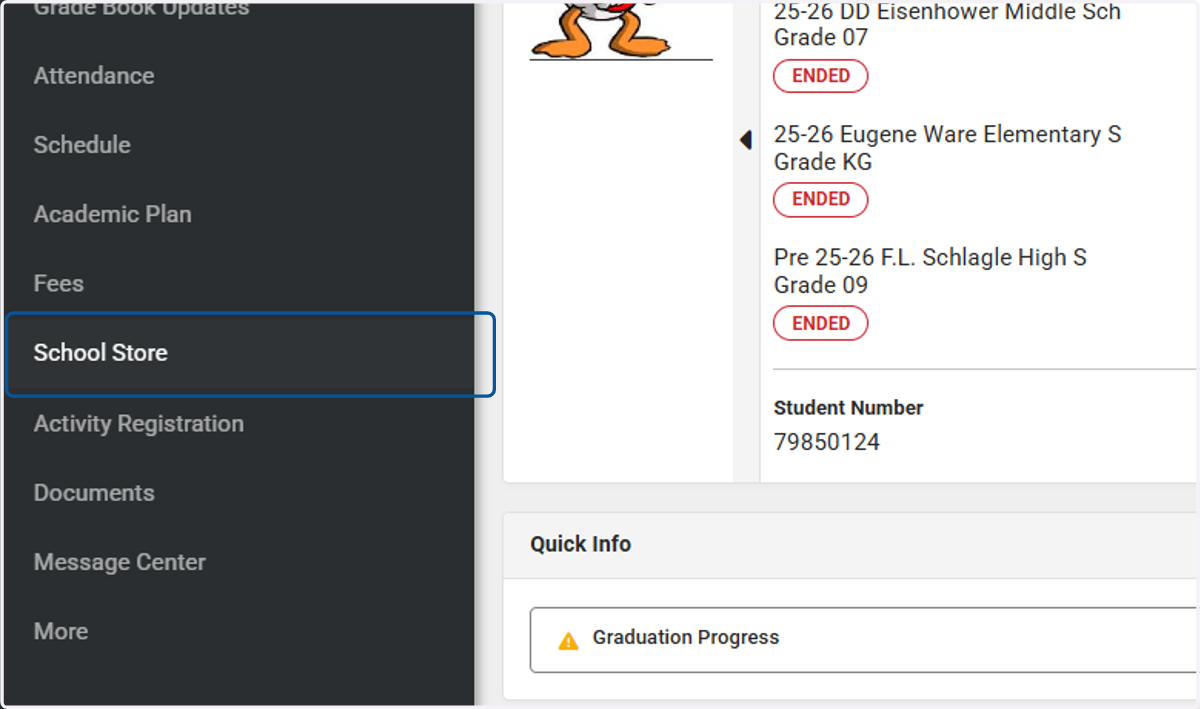
2. Click on School Store
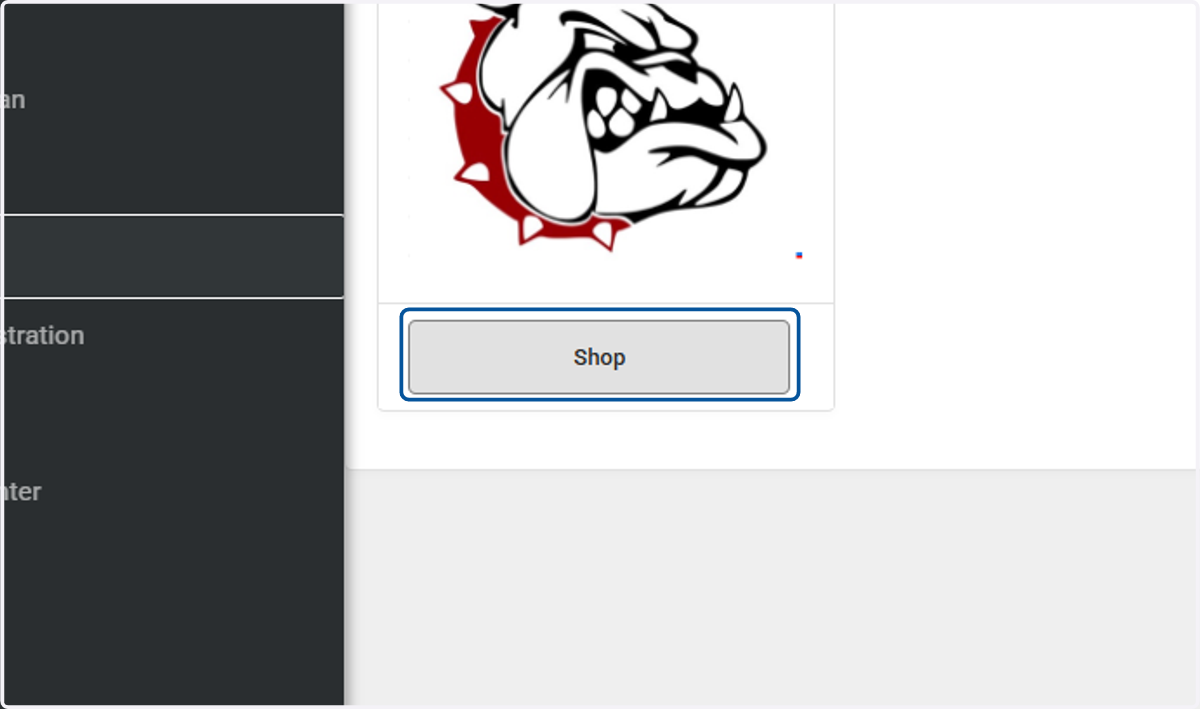
3. Click on Shop - There should only be one shop for your current high school
4. There will be multiple categories, you will need to select Diploma Plus
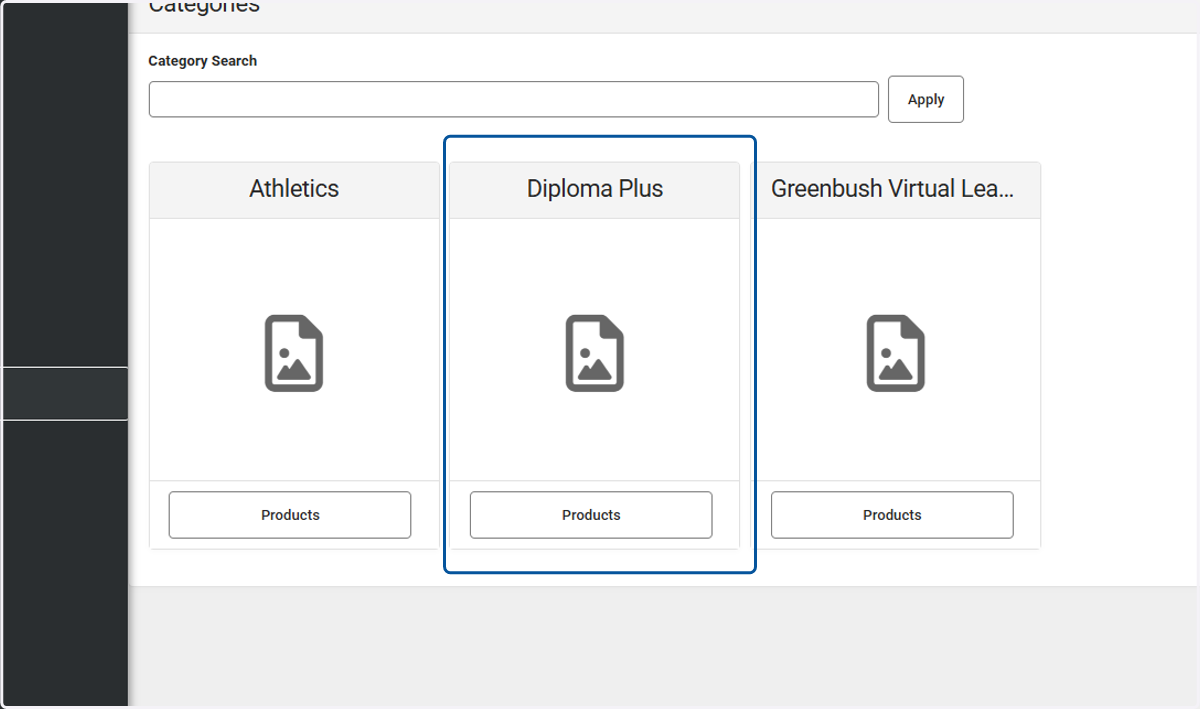
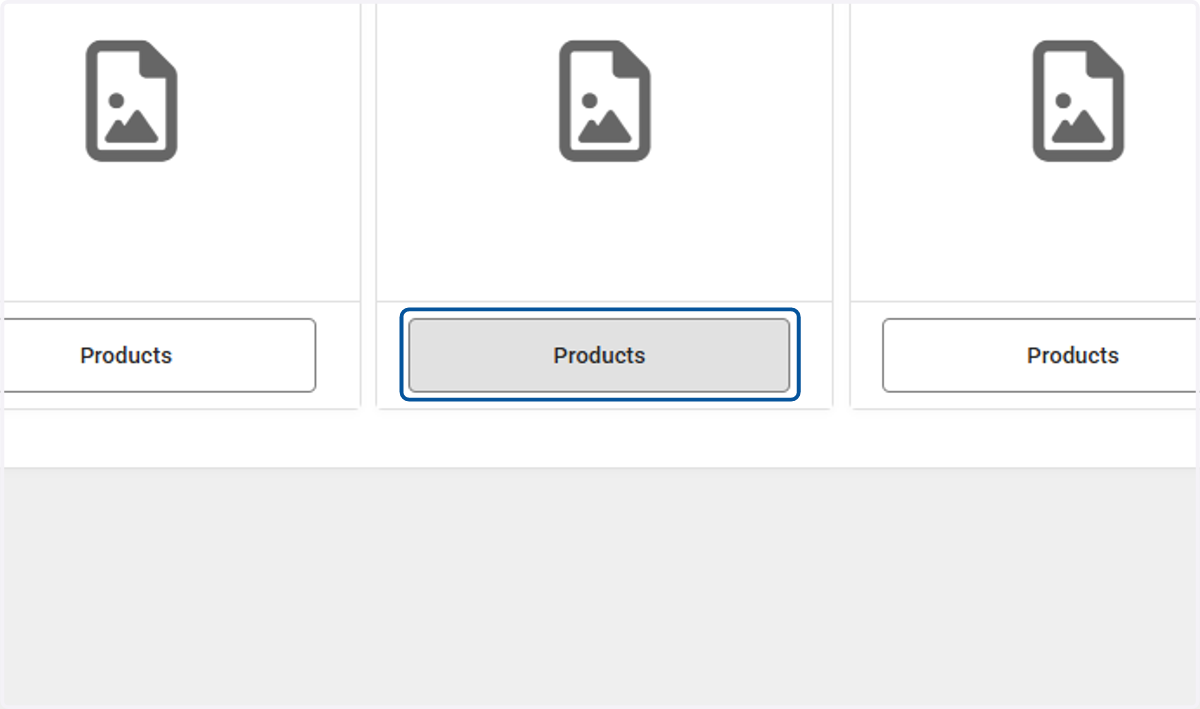
5. You will click on Products
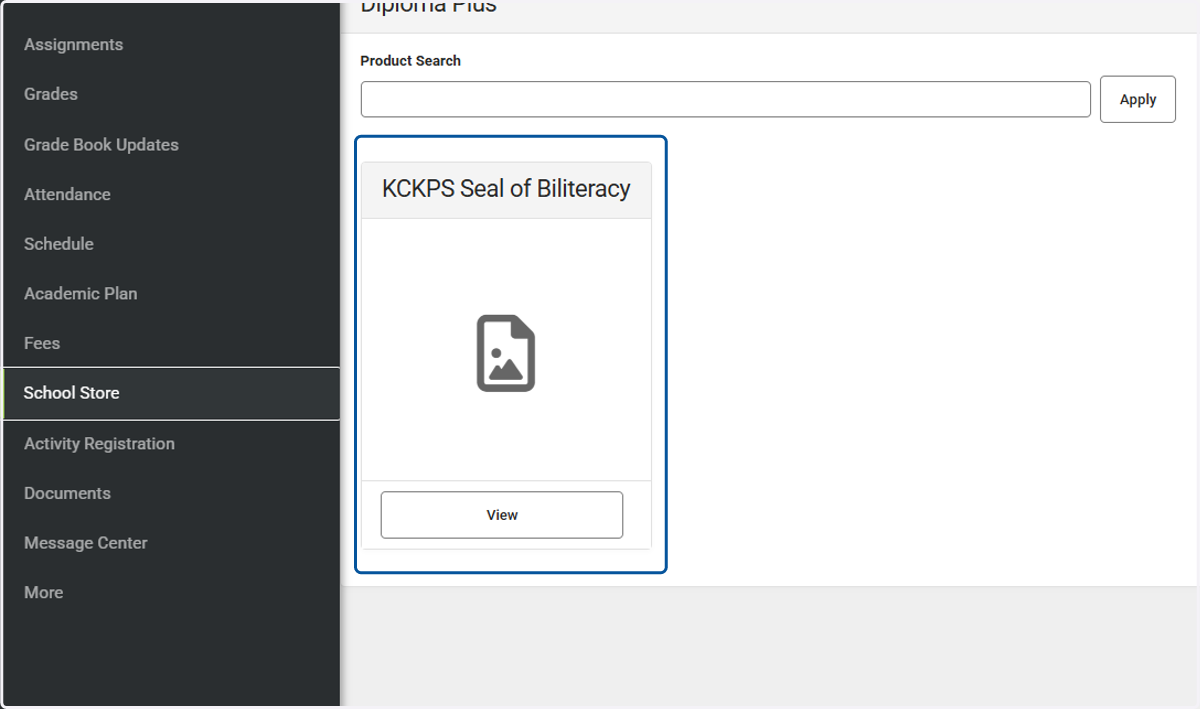
6. You should only see KCKPS Seal of Biliteracy in the Diploma Plus Products
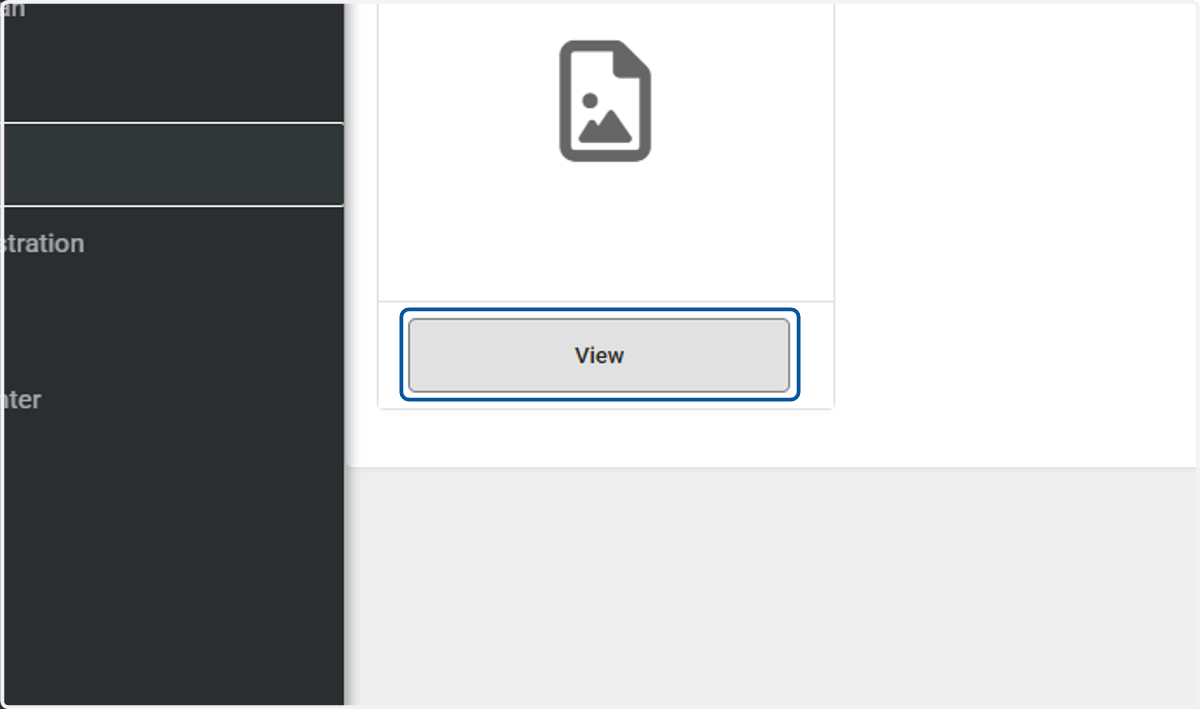
7. Click on View
8. The recipient will automatically fill in your name since you are in your student profile
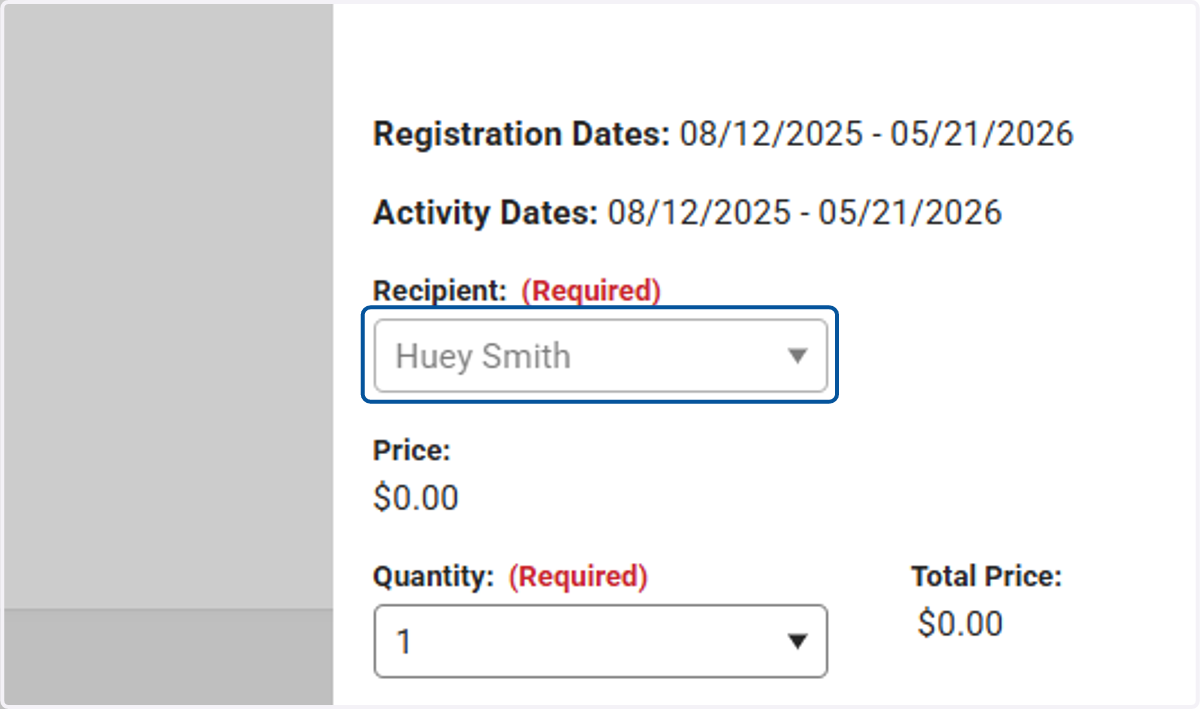
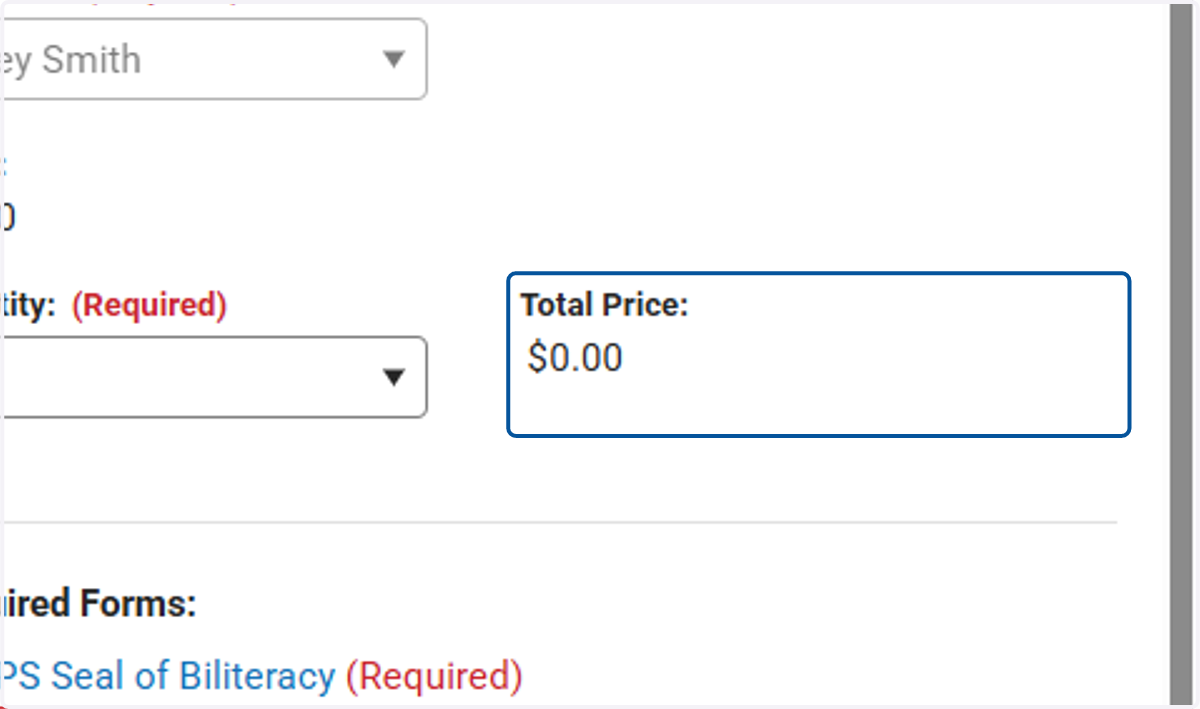
9. Although you are in a store, you can see that this is free, this is just how it has to be set up.
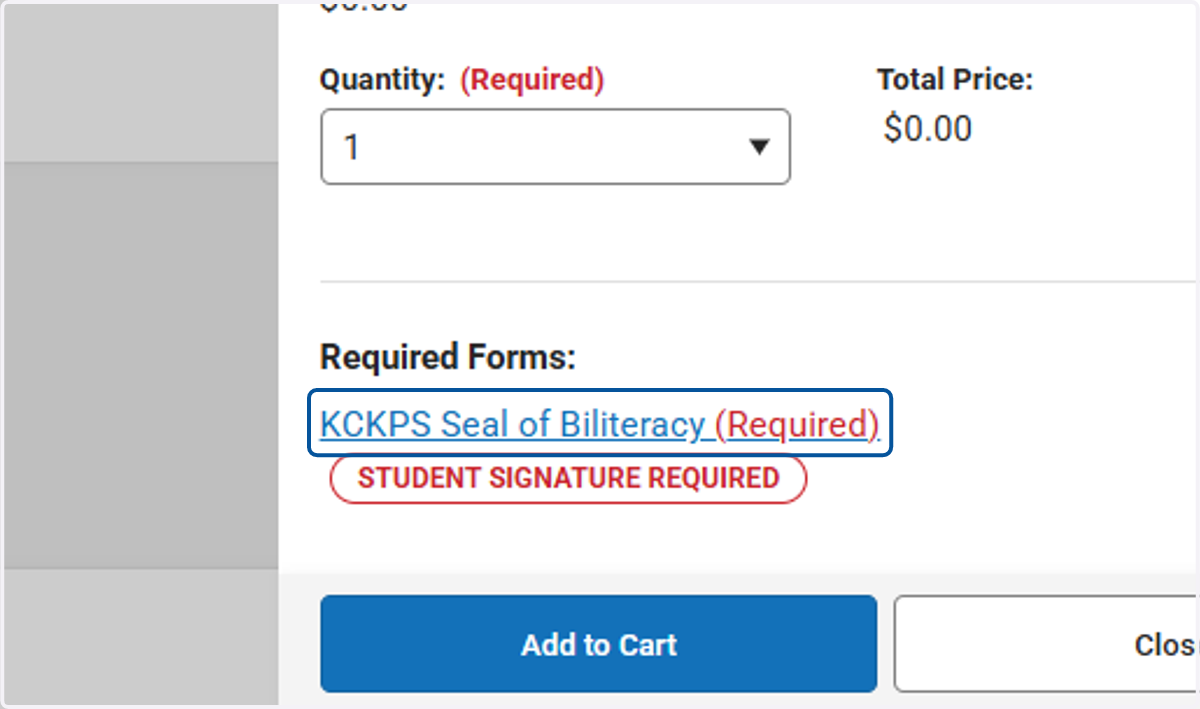
10. Click on KCKPS Seal of Biliteracy so it can open up the form you will need to sign
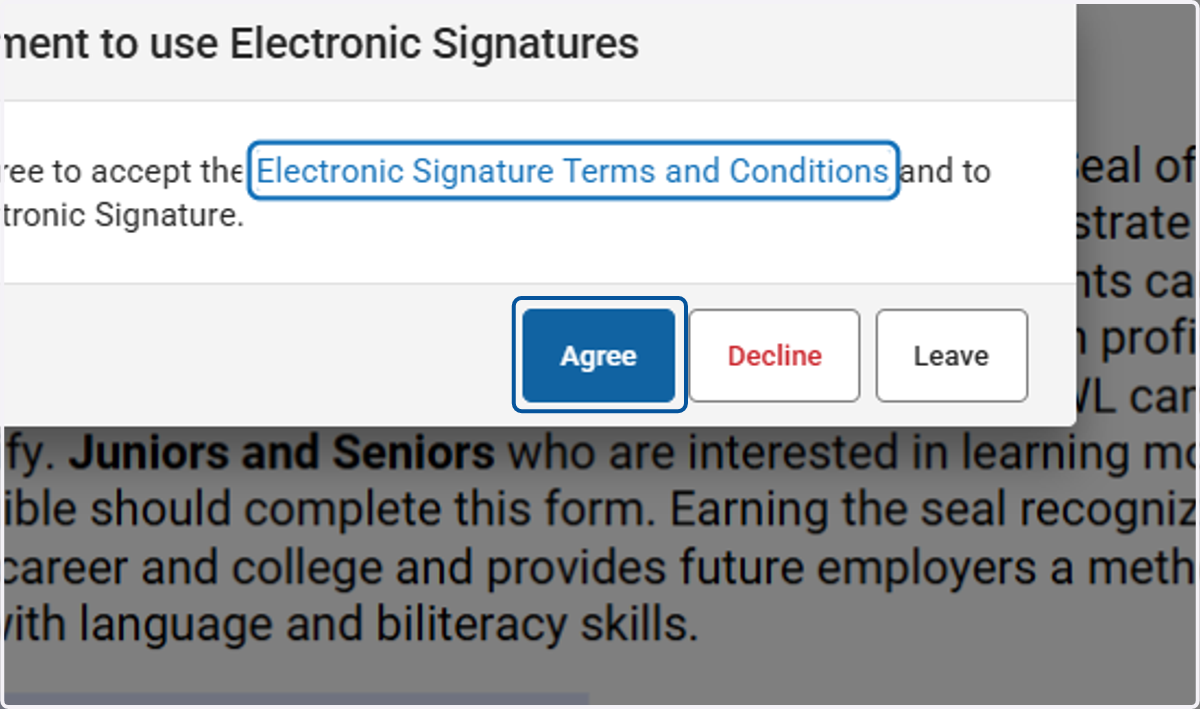
11. Click on Agree
12. It will ask for your current high school, my test student goes to Wyandotte, so I put Wyandotte.
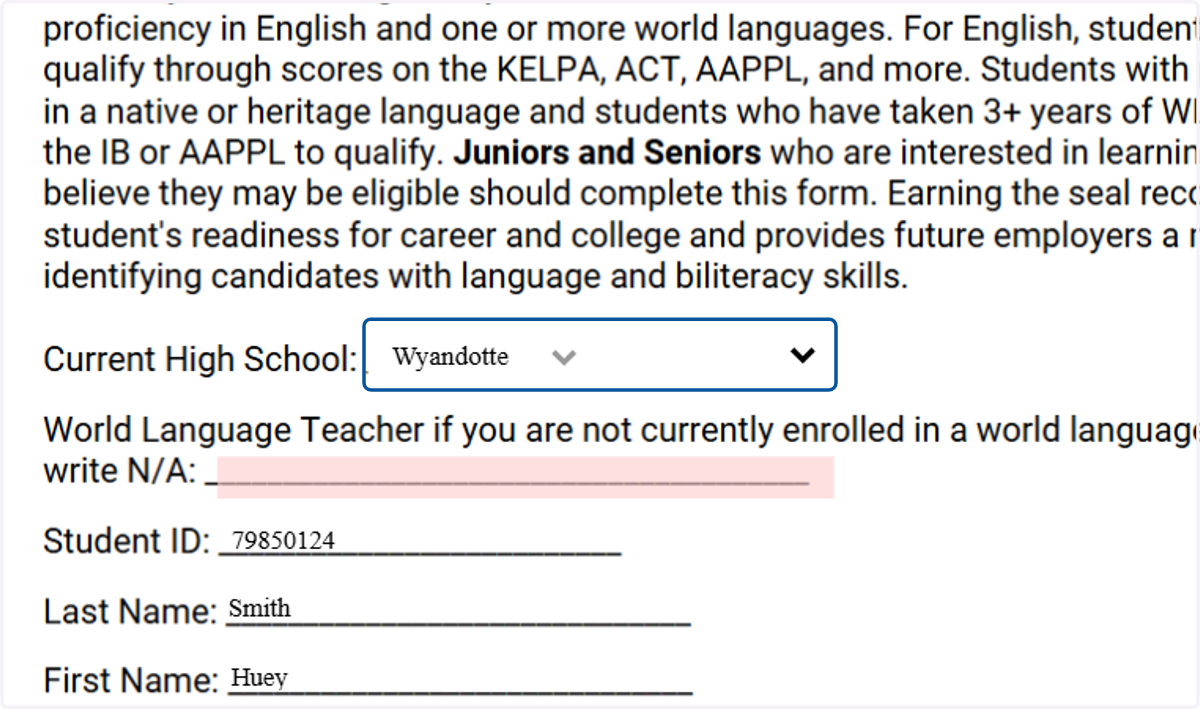
13. Please enter your world language teacher if you are currently in a language class - If you are not, you will write N/A
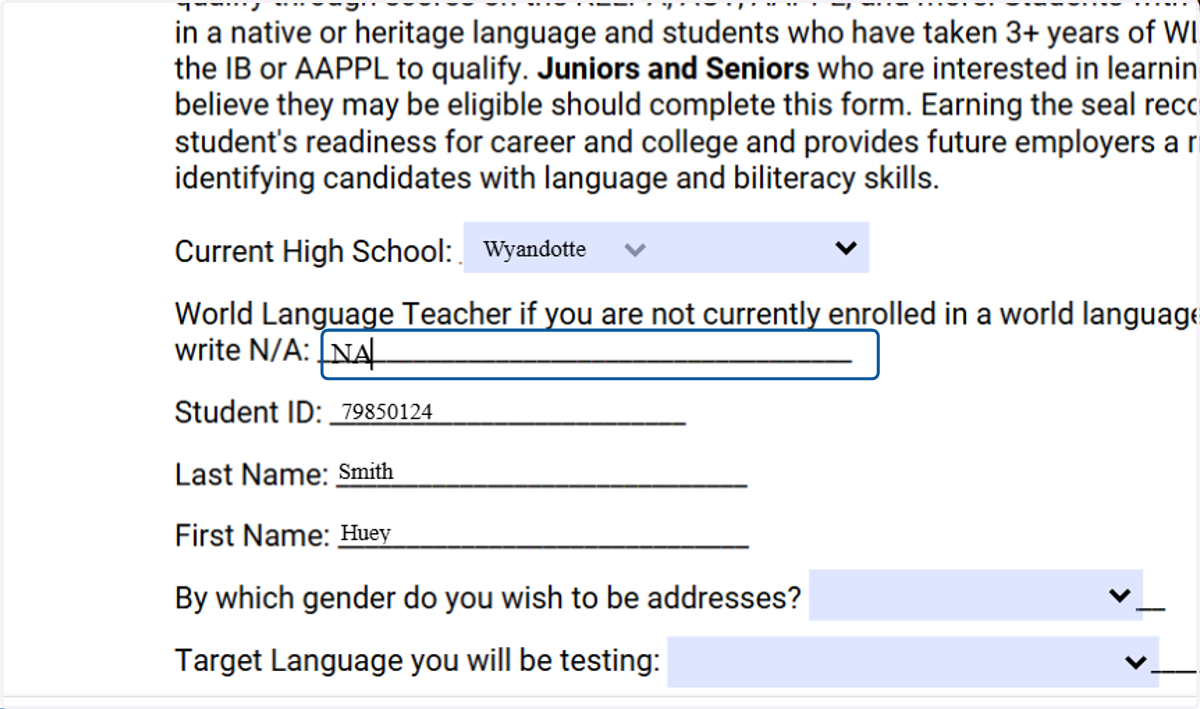
14. Continue down the form filling out and answering the questions listed.
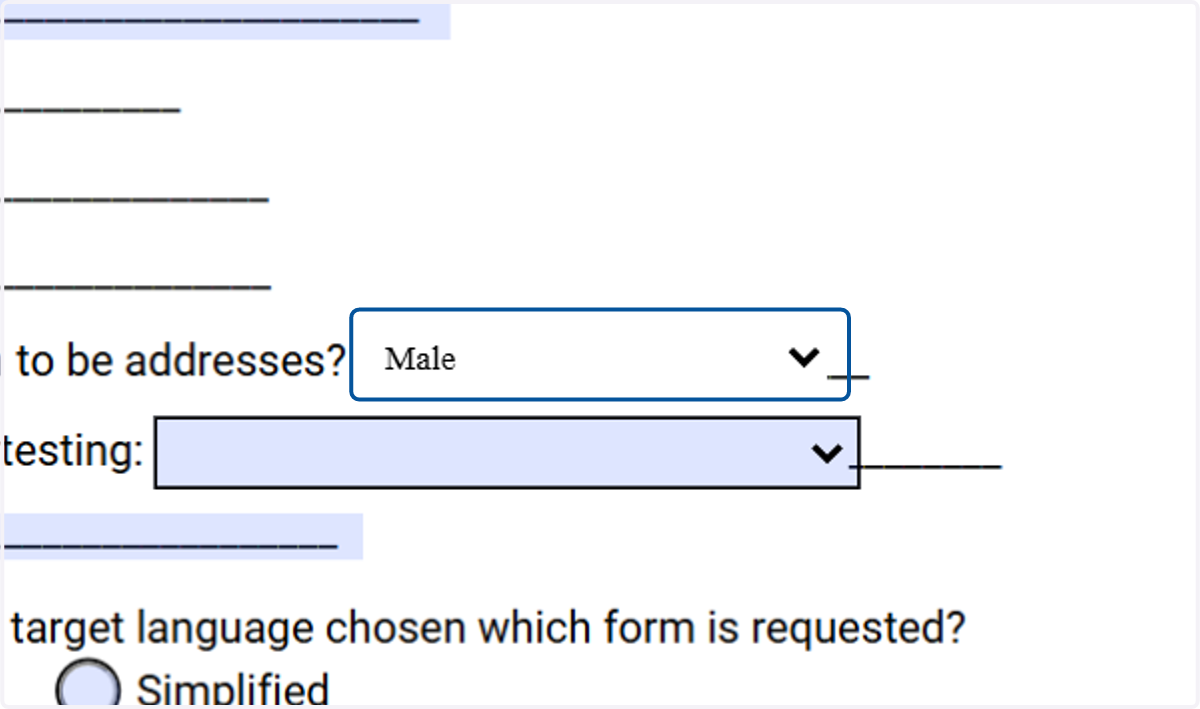
15. Continue down the form filling out and answering the questions listed.
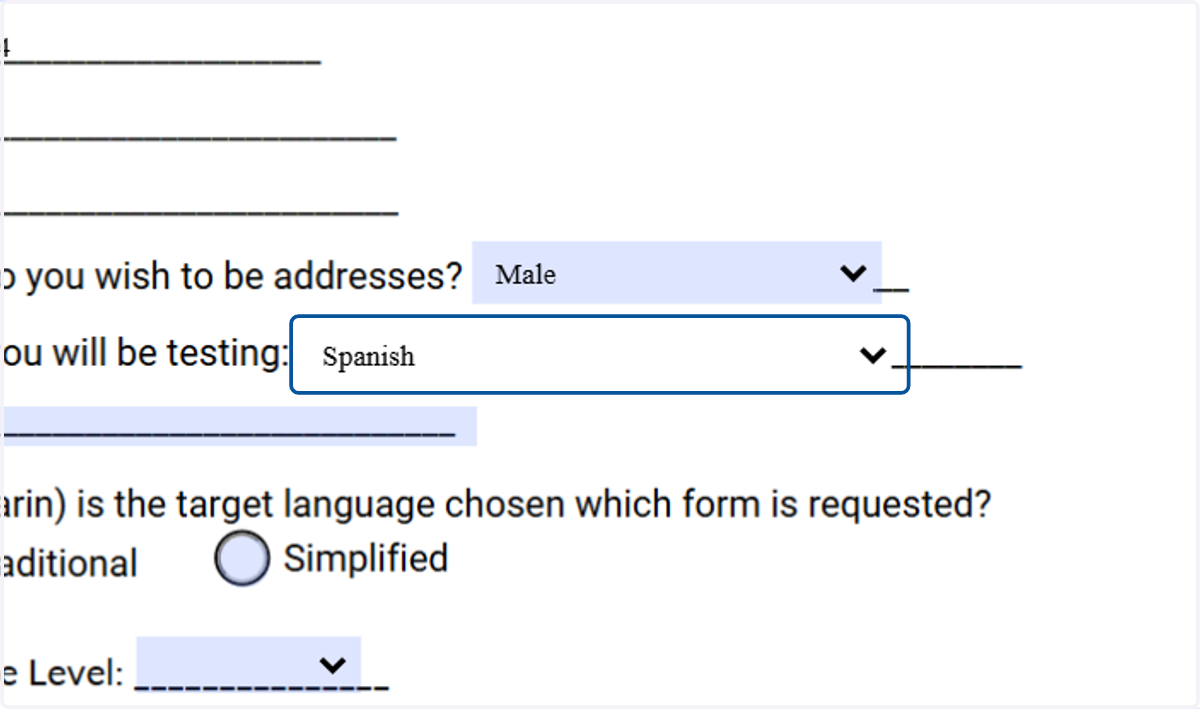
16. Once you have answered all the questions to the best of your ability, you will then sign the form.
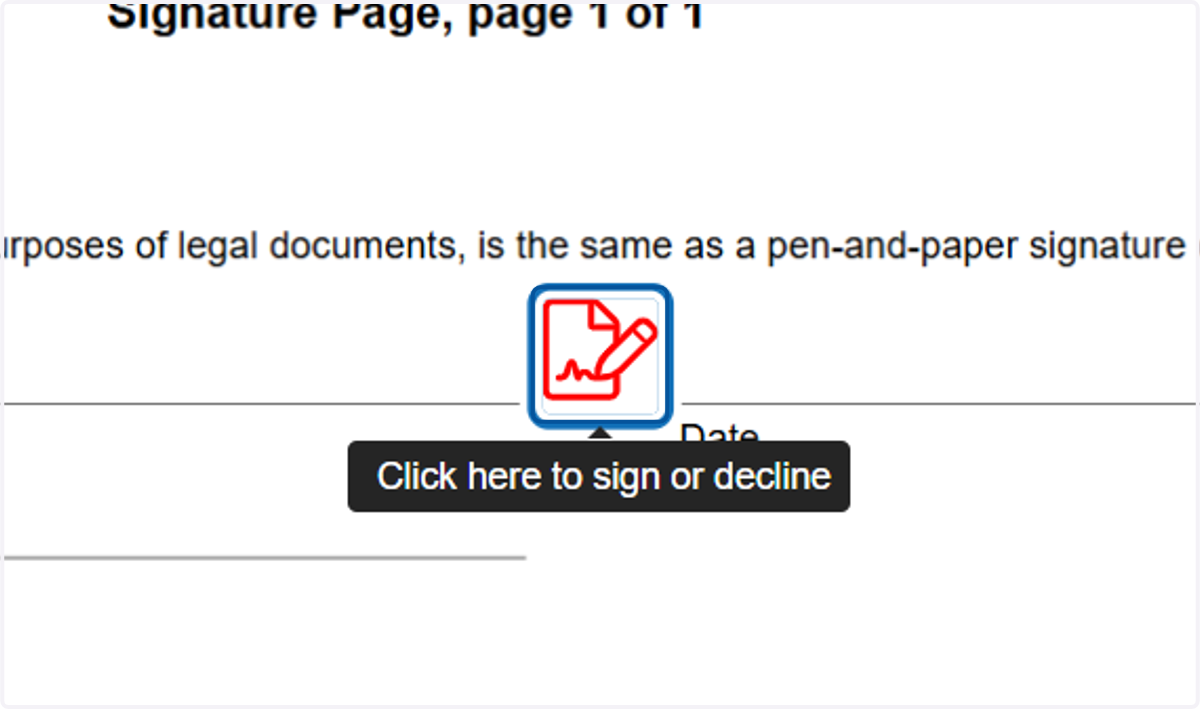
17. Click on Sign
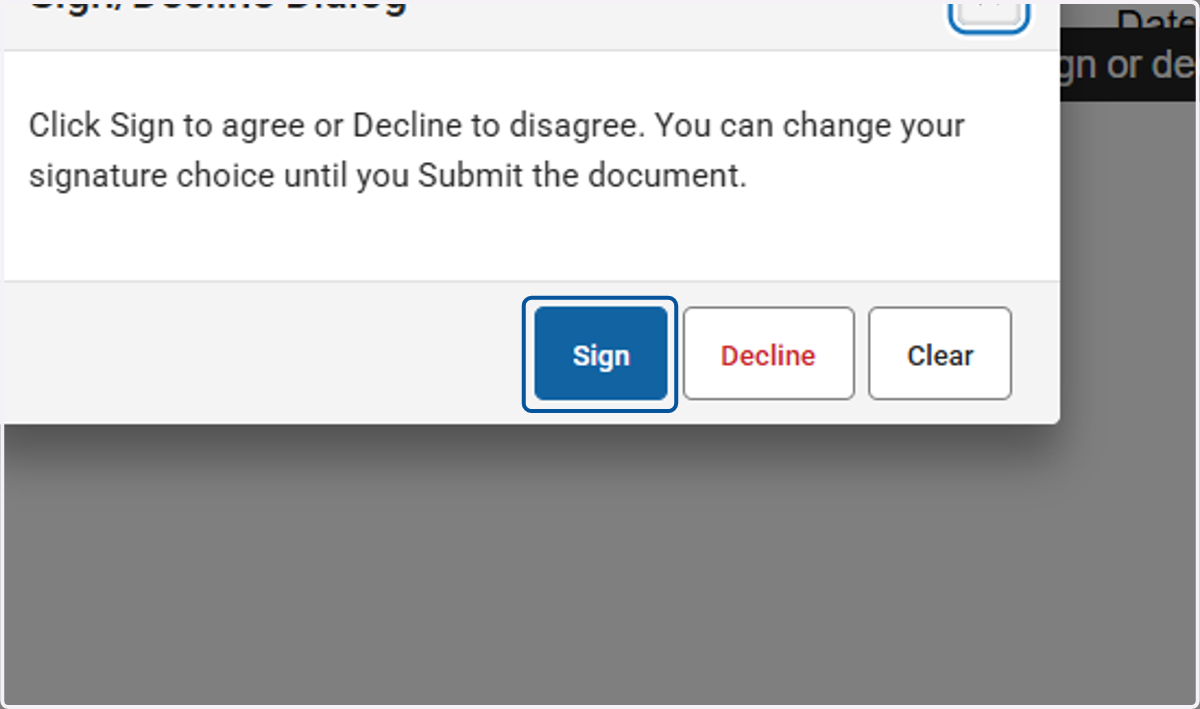
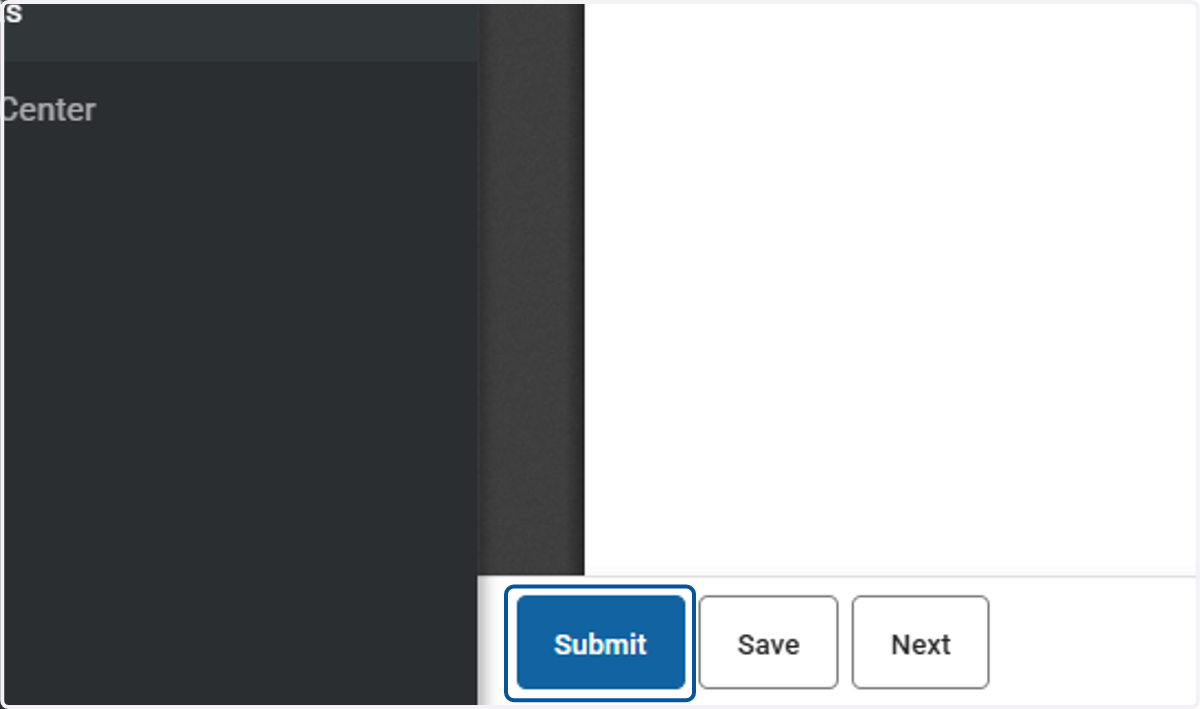
18. Once you have signed, click on Submit
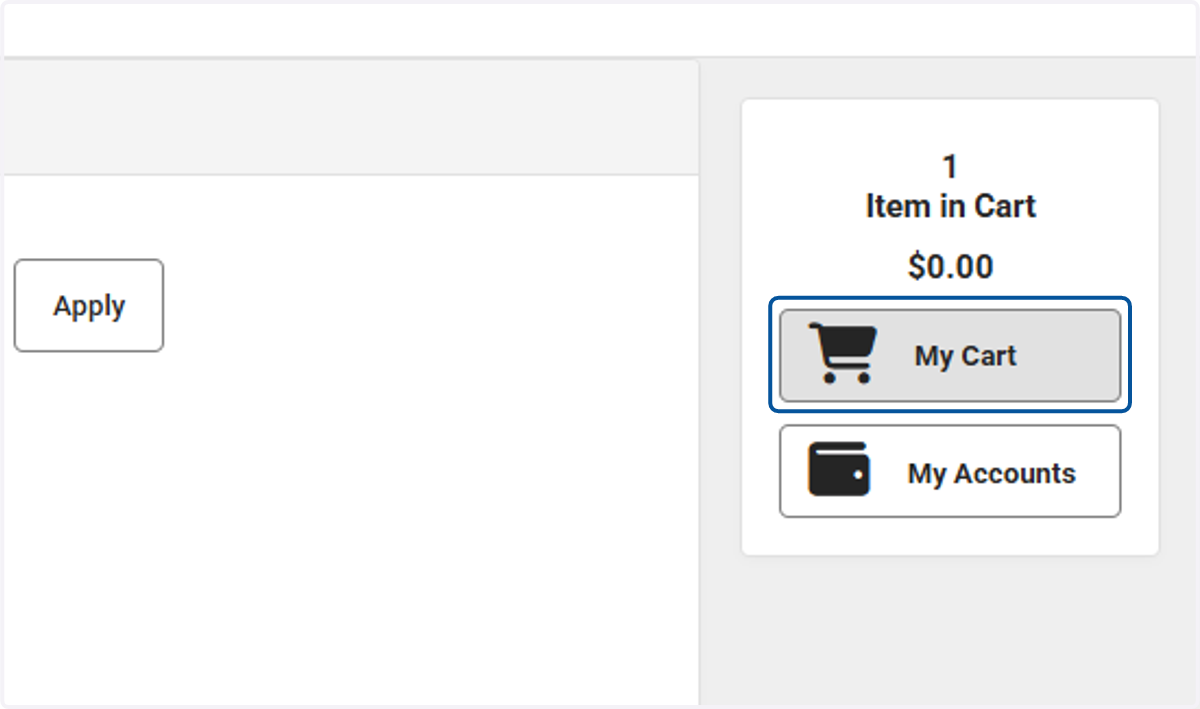
19. You will have to "Add to Cart" to complete the process
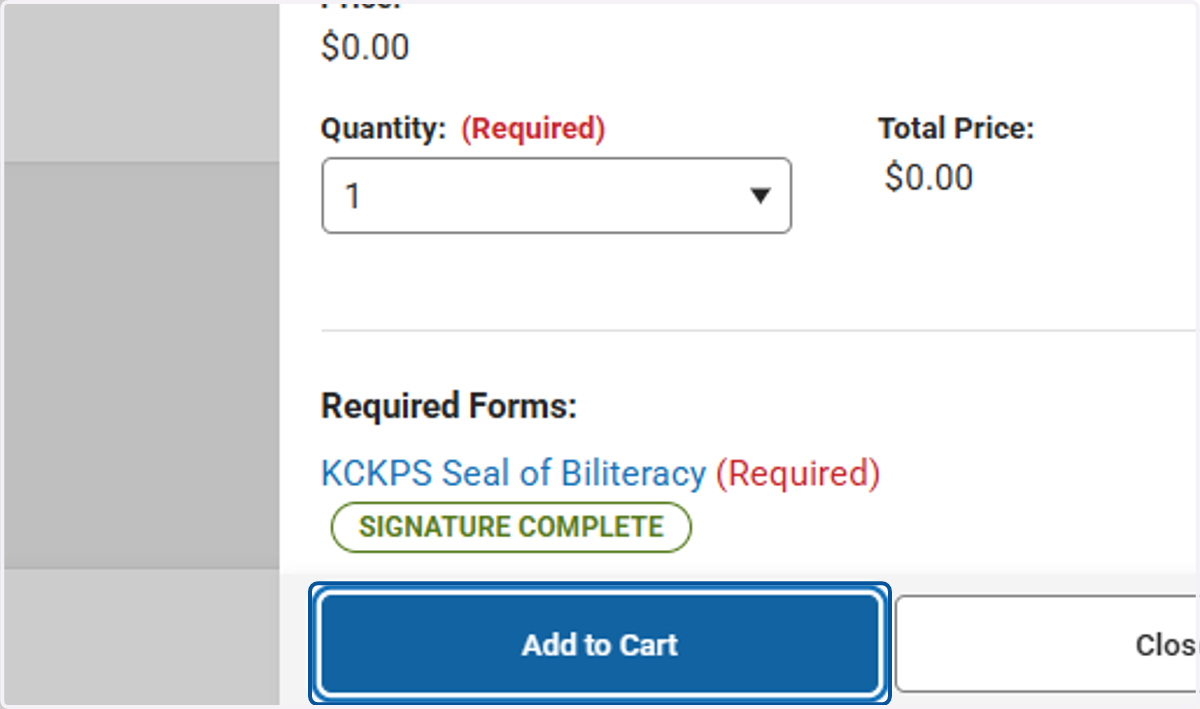
20. Click on My Cart
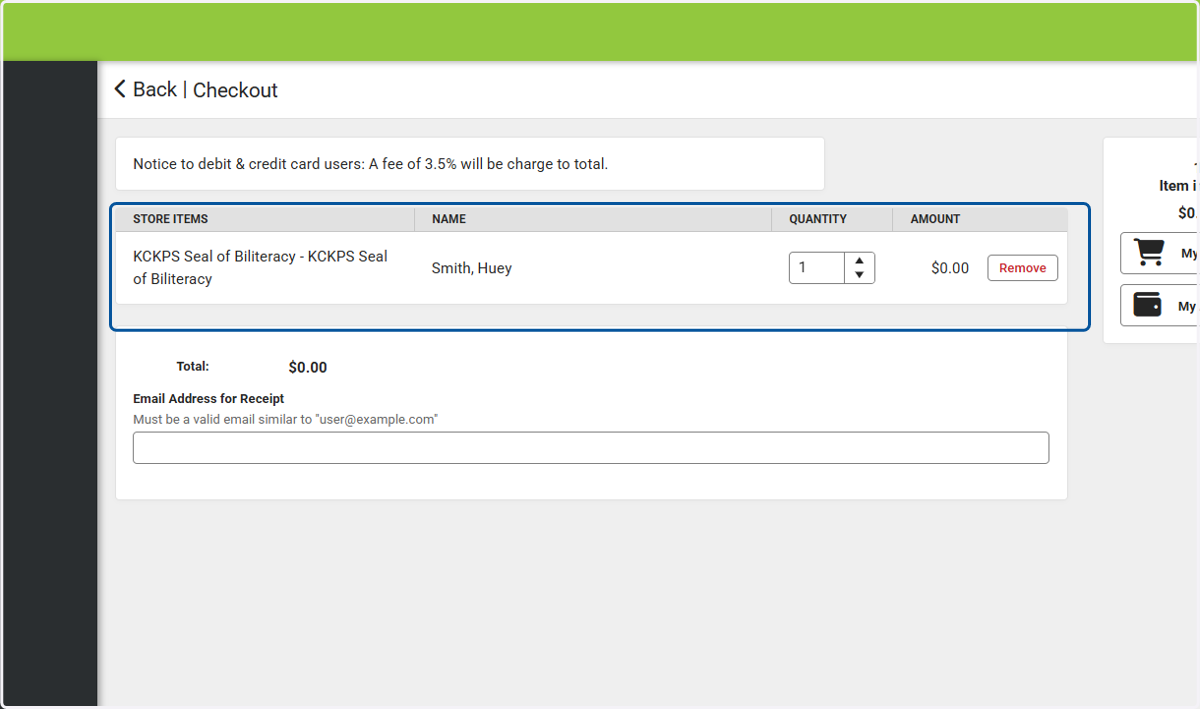
21. Here is an overview of what your checkout screen will look like. You can see the form for the Seal of Biliteracy is there and the amount is $0.00.
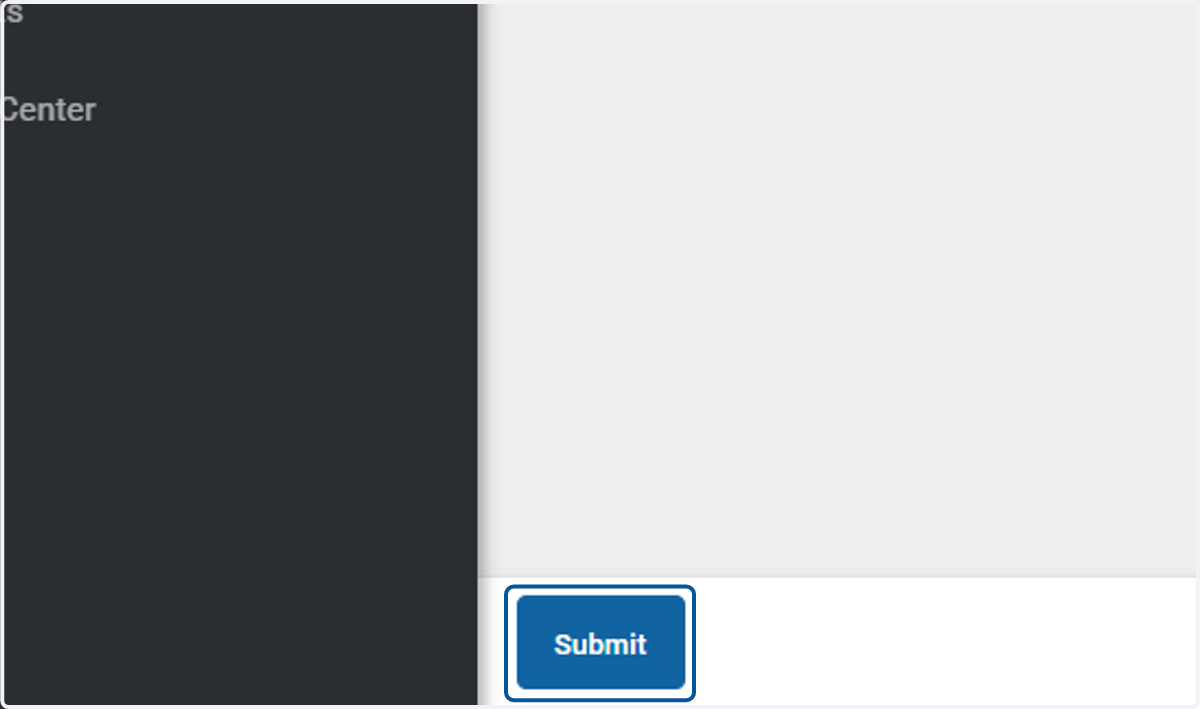
22. Click on Submit
23. Click on Yes
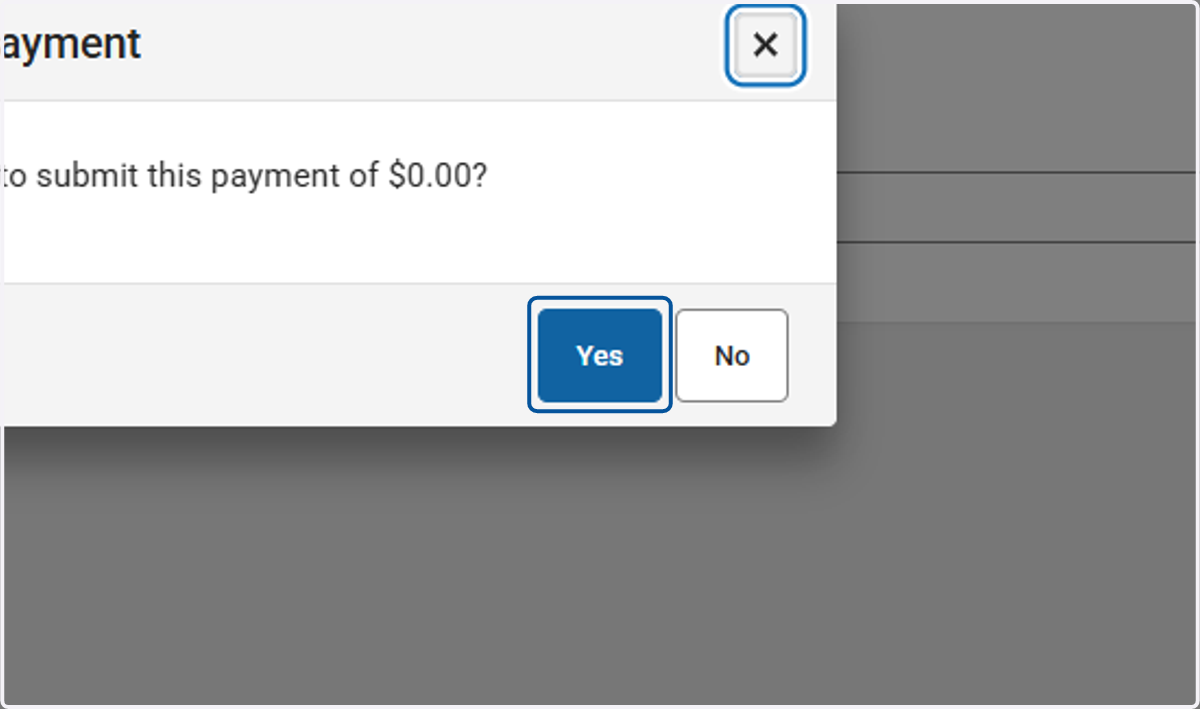
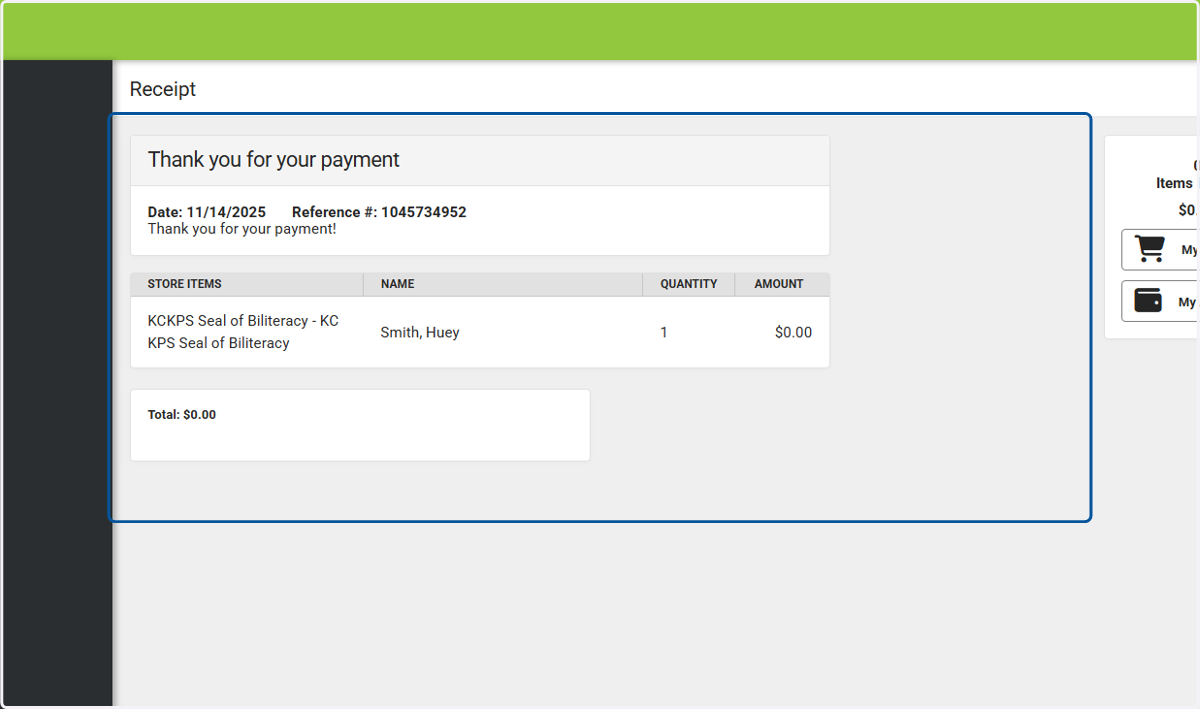
24. Once you have seen this screen, that means that your form has been submitted to the Diploma Plus team.