Clubspark Online Memberships: End User Experience
To understand how memberships work, the best thing is to provide an idea on what this looks like for someone wanting to join your club, the following examples allow you to navigate the membership purchase process so you can see how easy it is for members to join!
On the club website open the Homepage
1. Click on MEMBERSHIP

2. This club has information about their memberships, some clubs have as much or as little, but this really does depend on the club itself.

3. The club's membership packages are below, for this club they offer a mixture of Pickleball and Tennis, there a few packages listed here as there are also Student and Junior packages here.
Clubs can have as many packages as possible, depending on what you offer.

4. For example: we are wanting to purchase a Adult Membership for the upcoming season, I can see here there is the details, eligibility and price for the package.
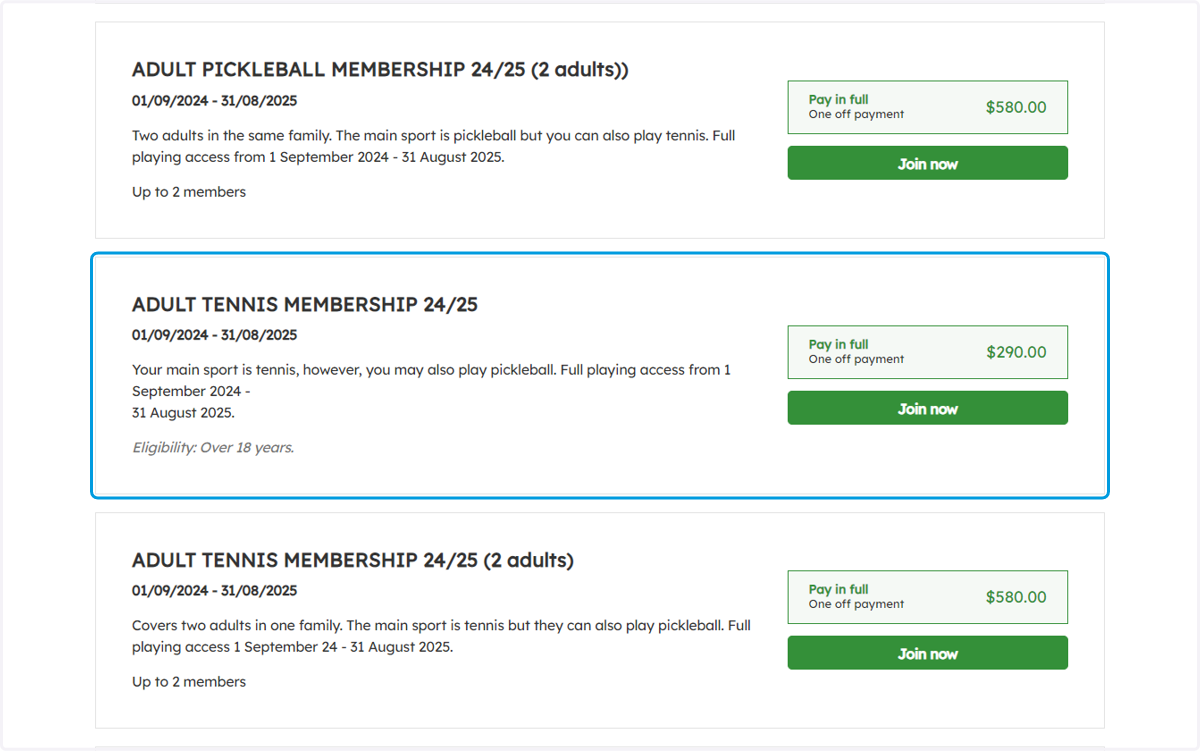
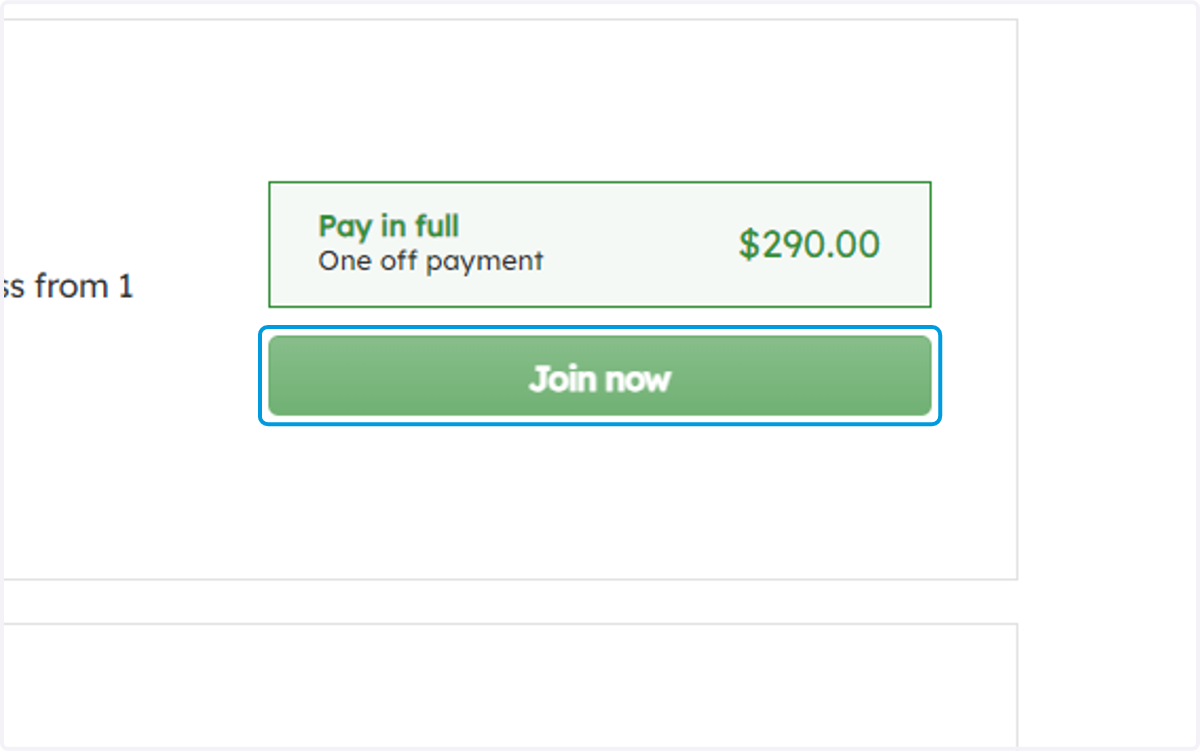
5. Click on Join now
6. If the user already has a Clubspark account i.e. If they have signed up to another club using the same platform, then they can sign in using their existing details
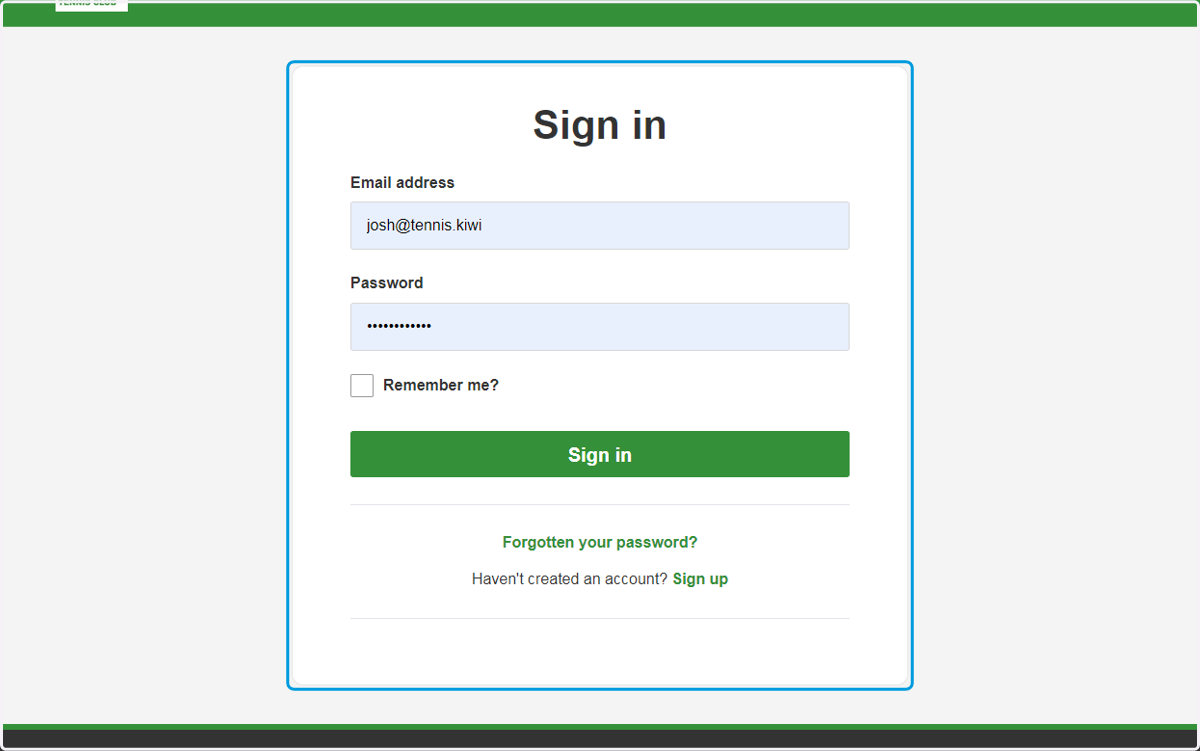
7. If the user is brand new and does not have an existing Clubspark account, then they can sign up

Clubspark / Kerikeri Tennis Club / Membership / Registration / Your details
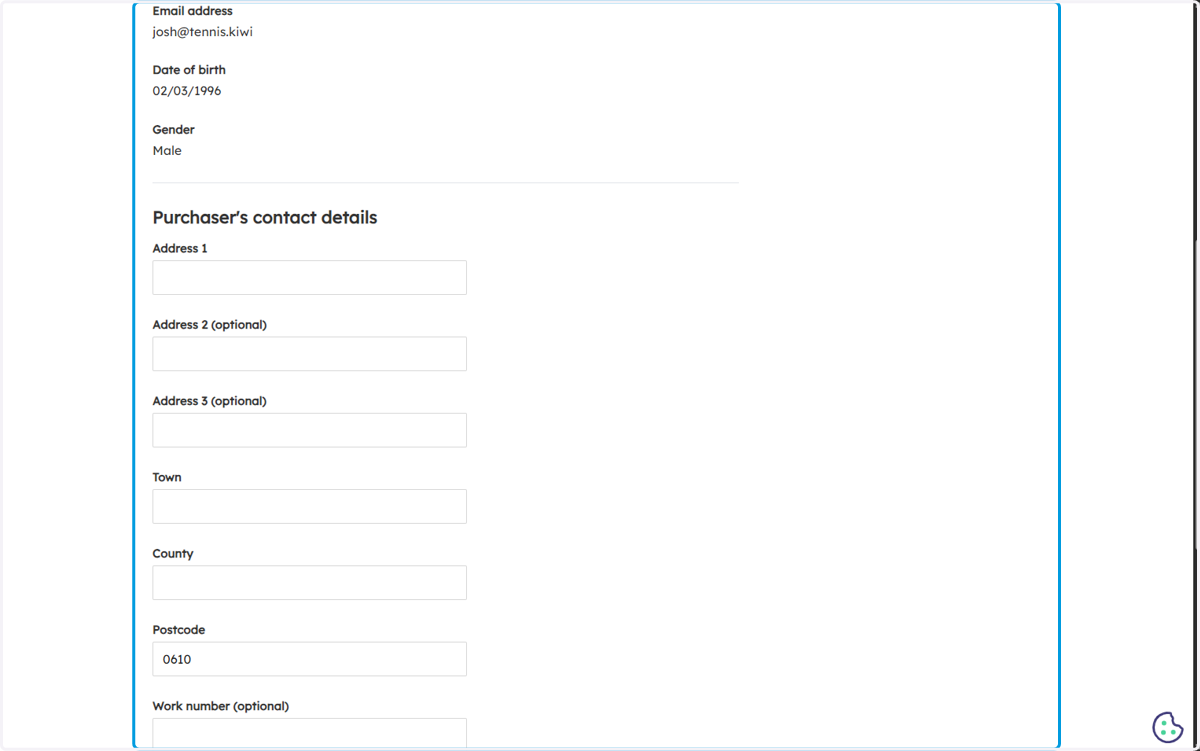
8. The user will then see their details they are submitting under the package
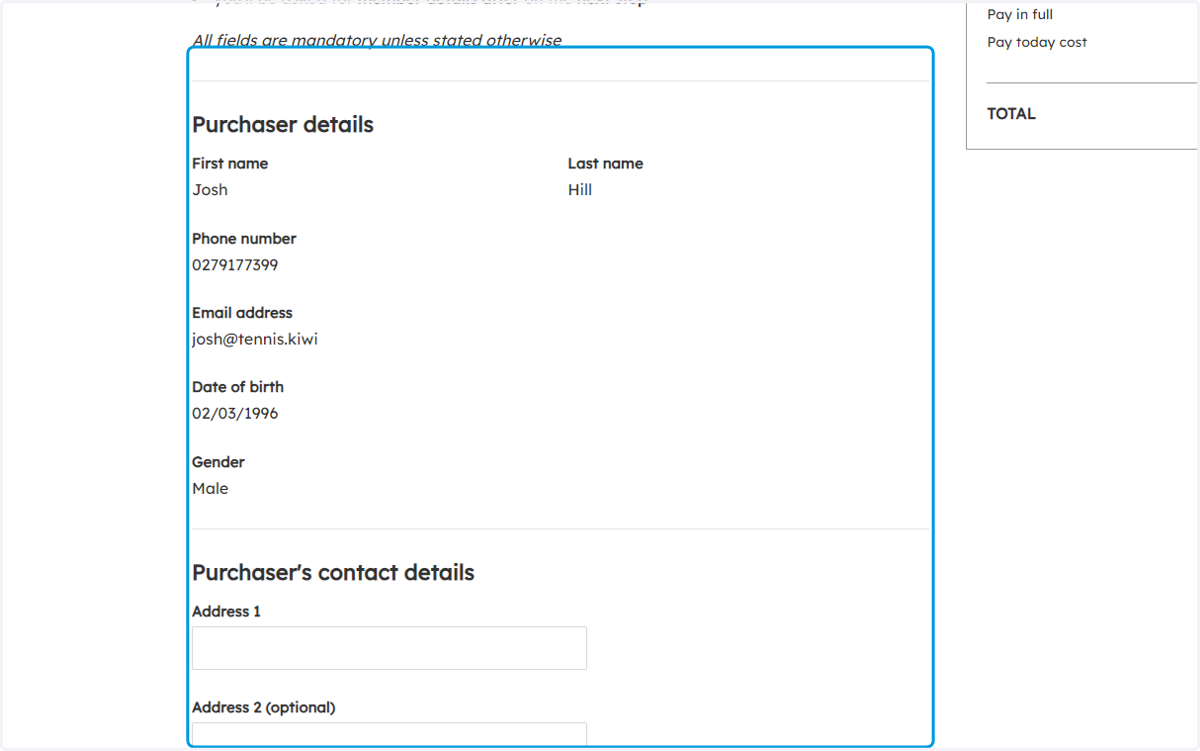
9. They will need to fill in their address
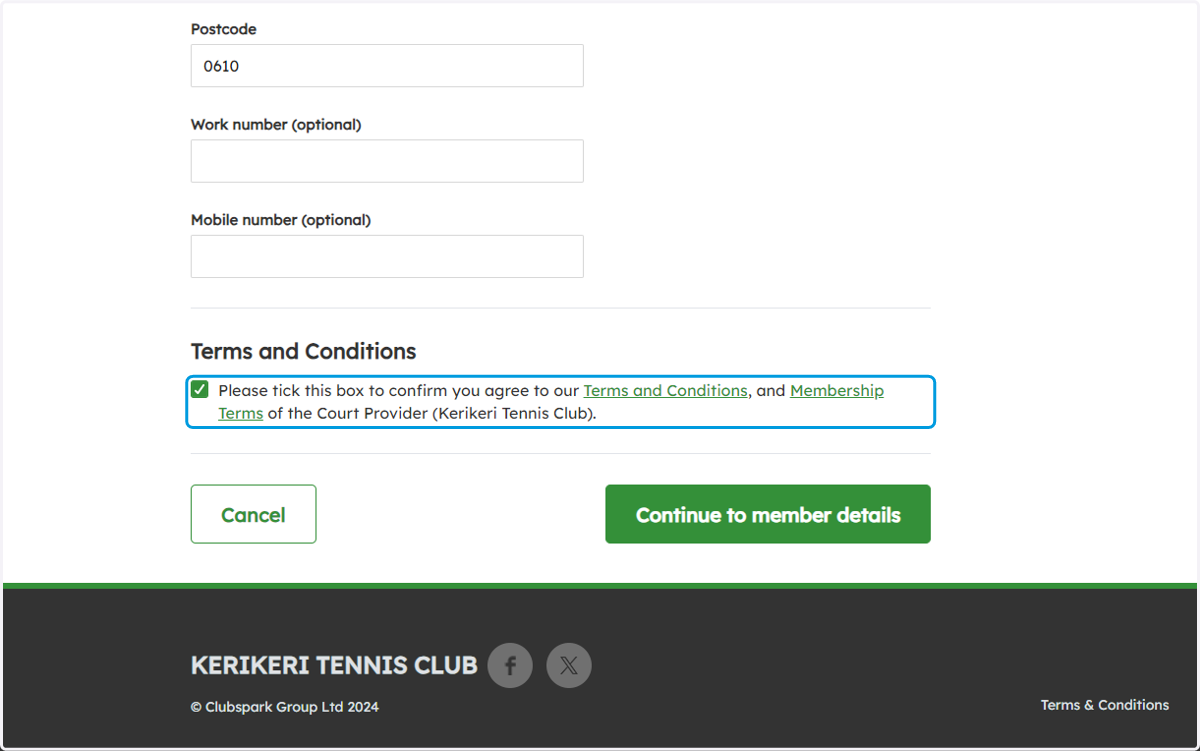
10. They will also need to agree to any terms of conditions the club has provided.
11. The user reviews the package they are buying.

12. The user then selects an option of payment method.
In this example, the club is only taking in Online Payments however you are able to offer offline payment options, and this can be viewed as a option seen below.

13. The user pays for their membership and becomes Active
They are immediately a member of the tennis club; a confirmation email is sent with any additional details the club has included (we can touch on this when building packages)
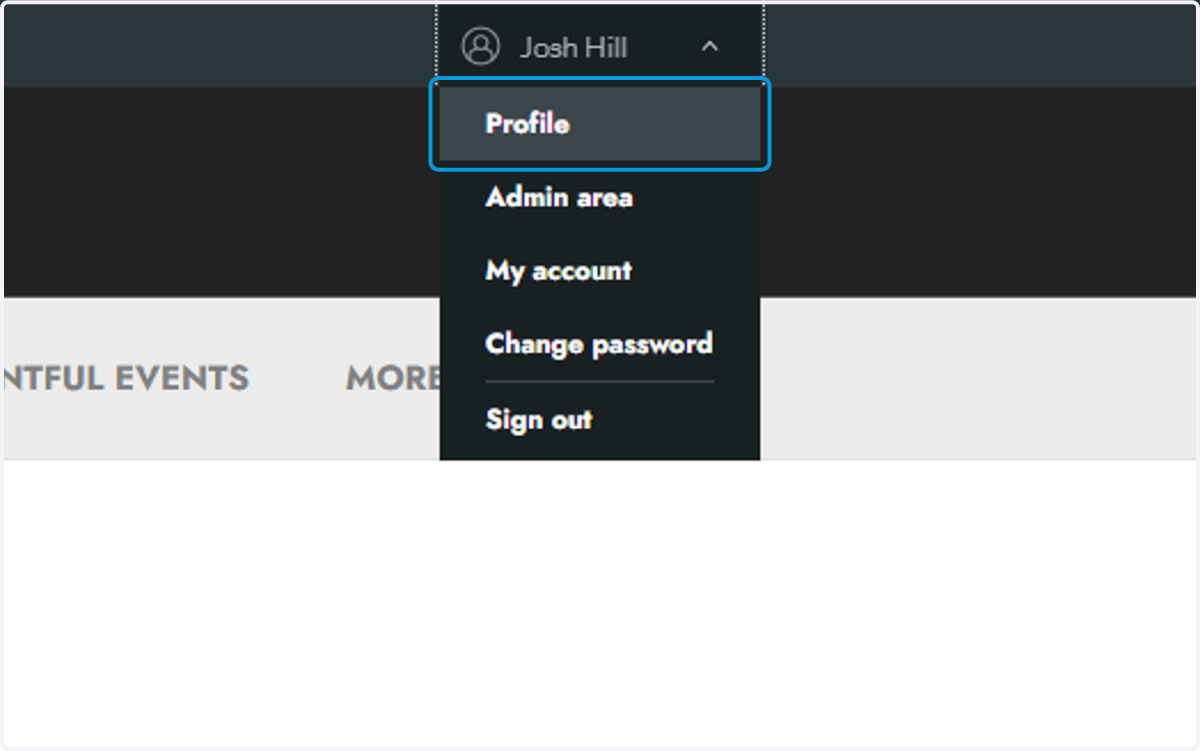
14. The user can check their membership status by clicking their name at the top right corner of the screen

15. Click on Profile
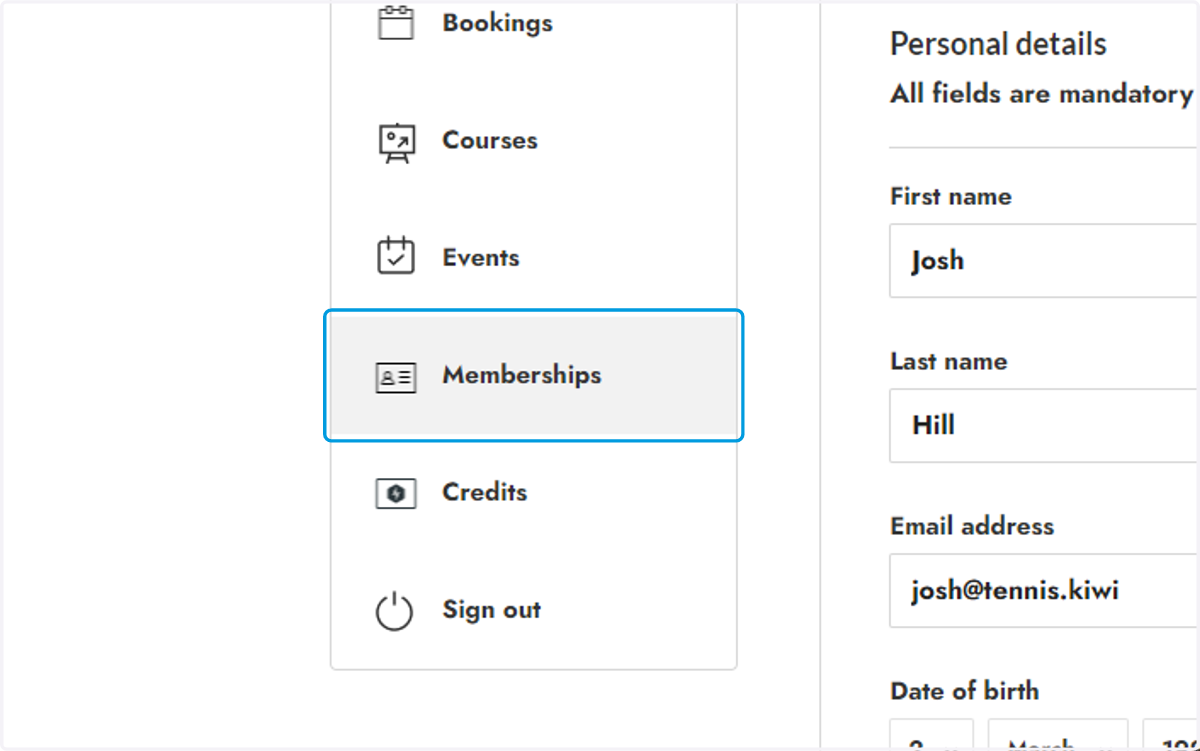
16. Click on Memberships on the left-hand side panel.
17. They can see the current package as indicated below
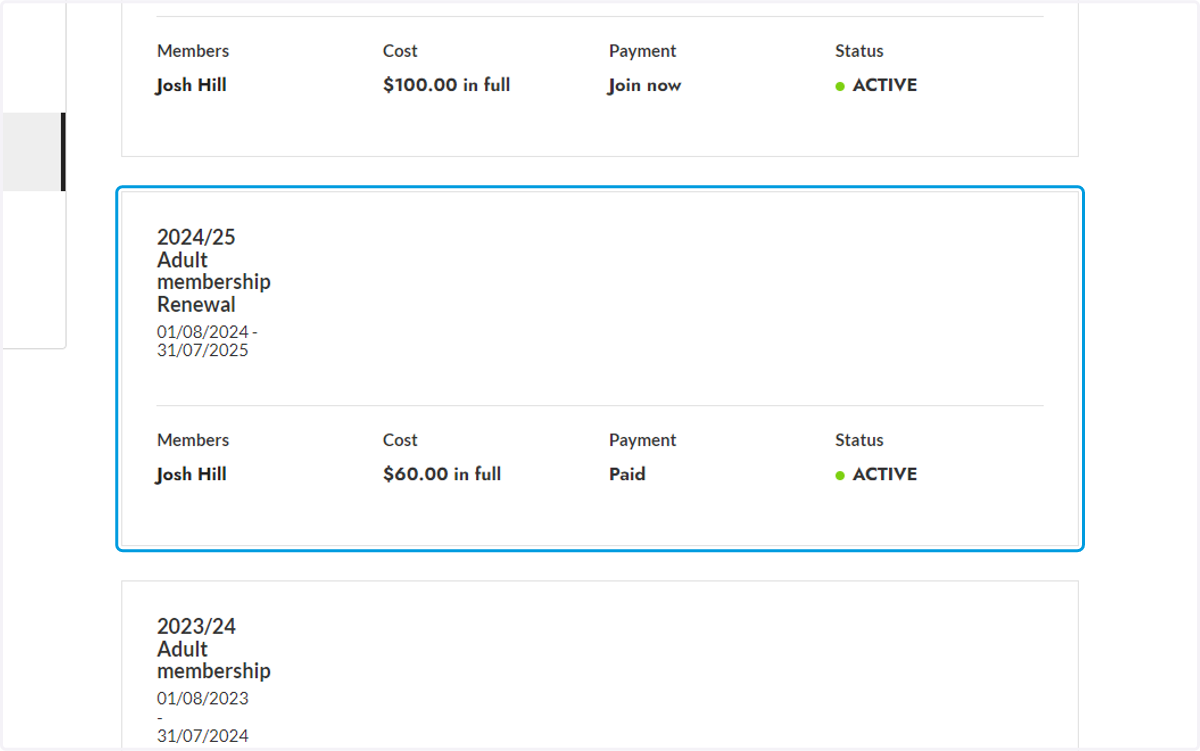
18. If the member signed up to a previous membership from the previous year, then they can see this as Lapsed
