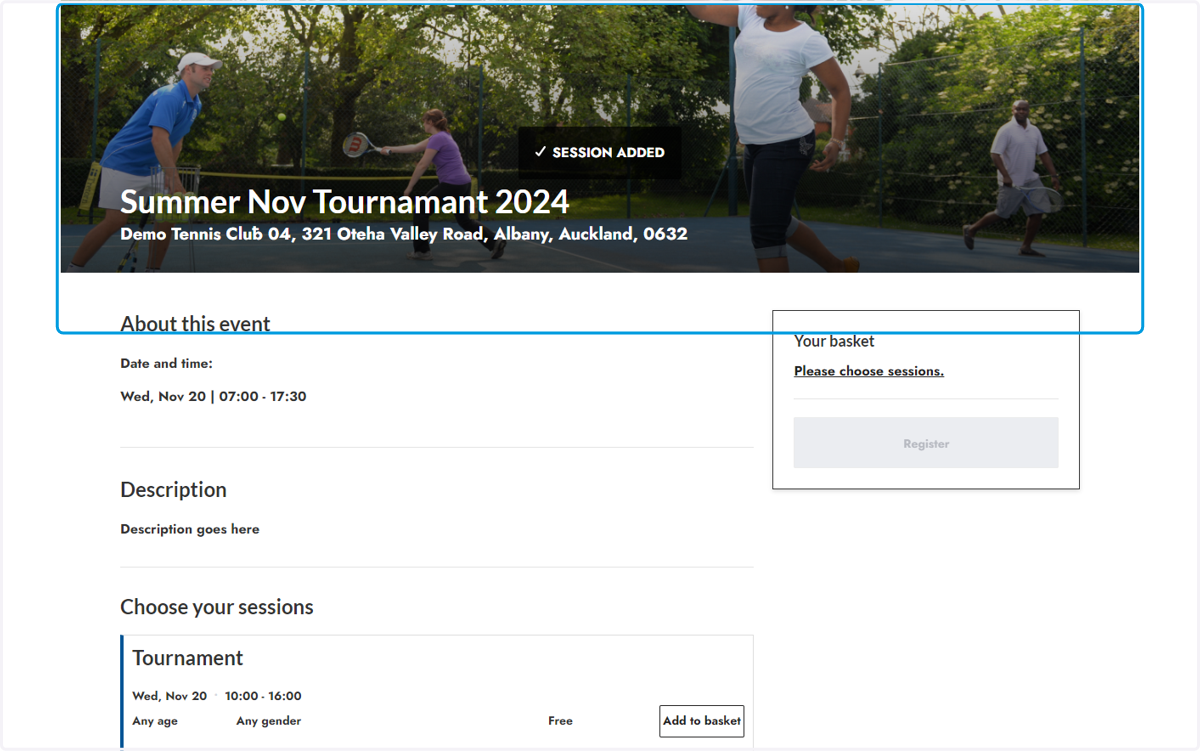
Clubspark Events: Create a new event in an existing category
This visual guide will allow you to create an event and a session within an existing category, If you would like to create a new Category then click +Add Category located at the right hand side.
Clubspark / Admin / Events / Programmes
1. Events Dashboard
Your Categories will be listed here, you can create as many as you like for different kind of events such as Love Tennis, BBQ's and tournaments

2. Click on Club Events
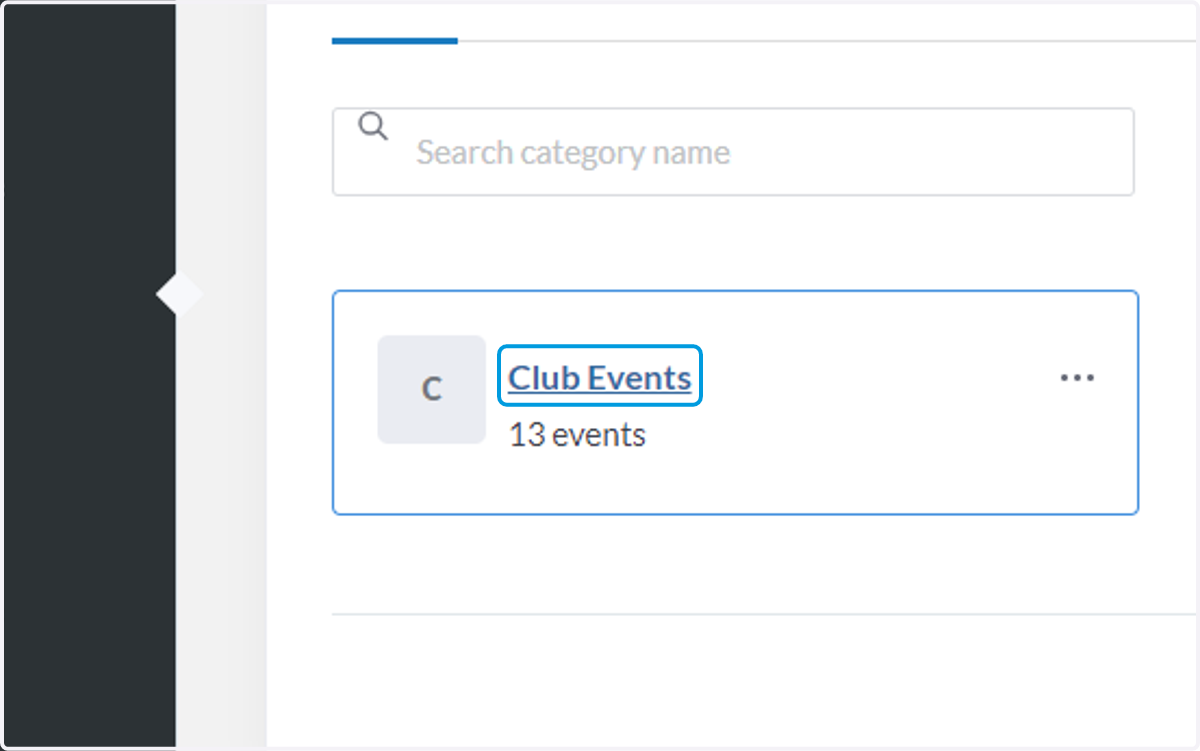
3. Click on Create a new event

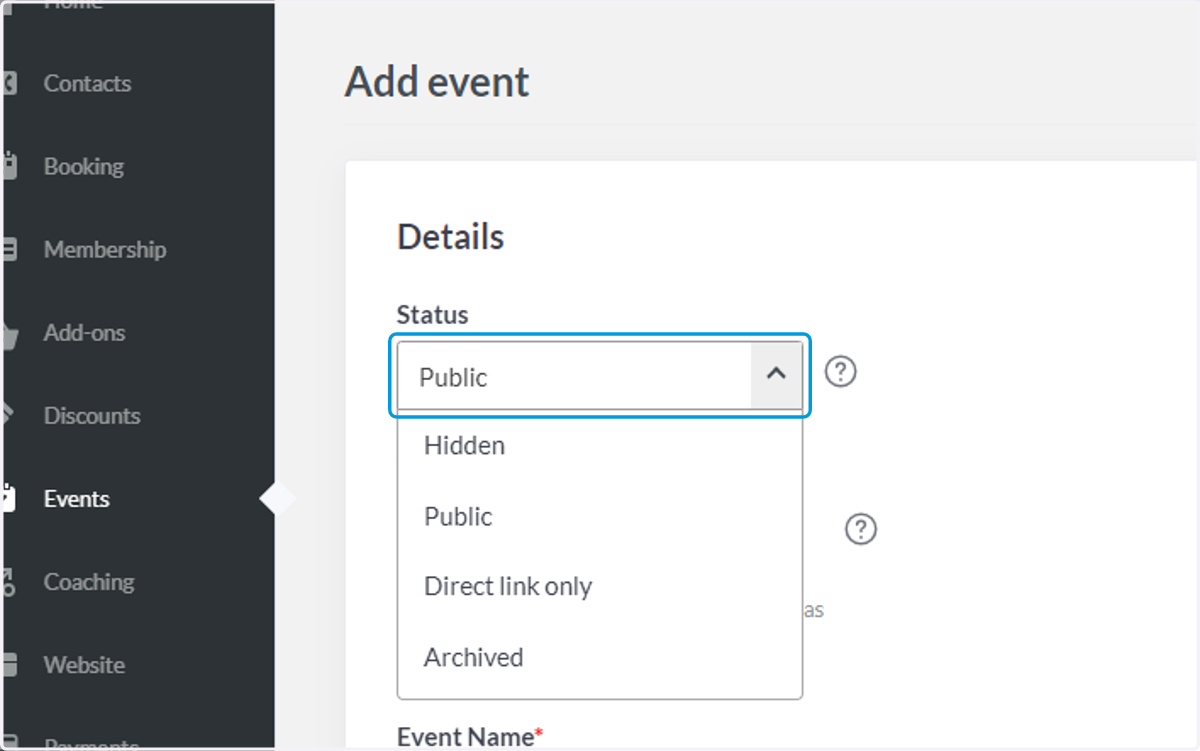
4. Click on Public
5. Type "NOVEMBERTOURNMANT"

6. Type "Summer Nov Tournamant 2024"

7. Type Press ALT 0 for help

8. Type Press ALT 0 for help

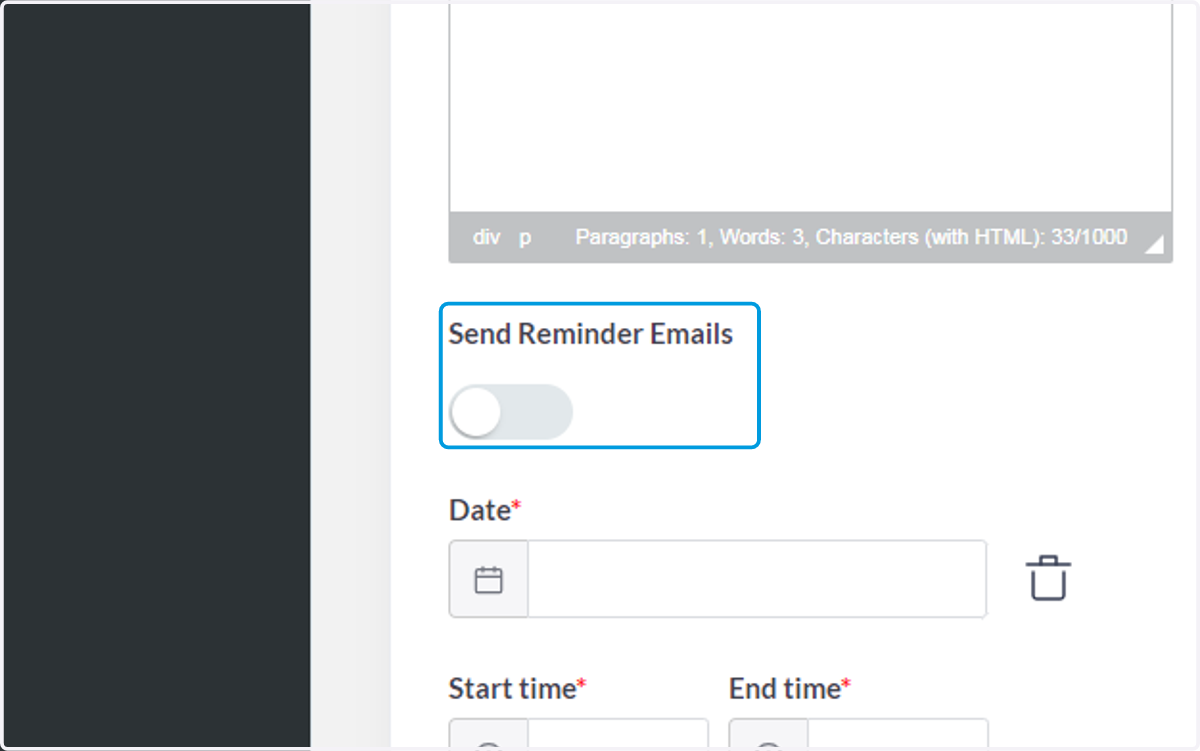
9. Click on Send Reminder Emails
10. Click on Date

11. Click on « October 2024 »

12. Click on 20
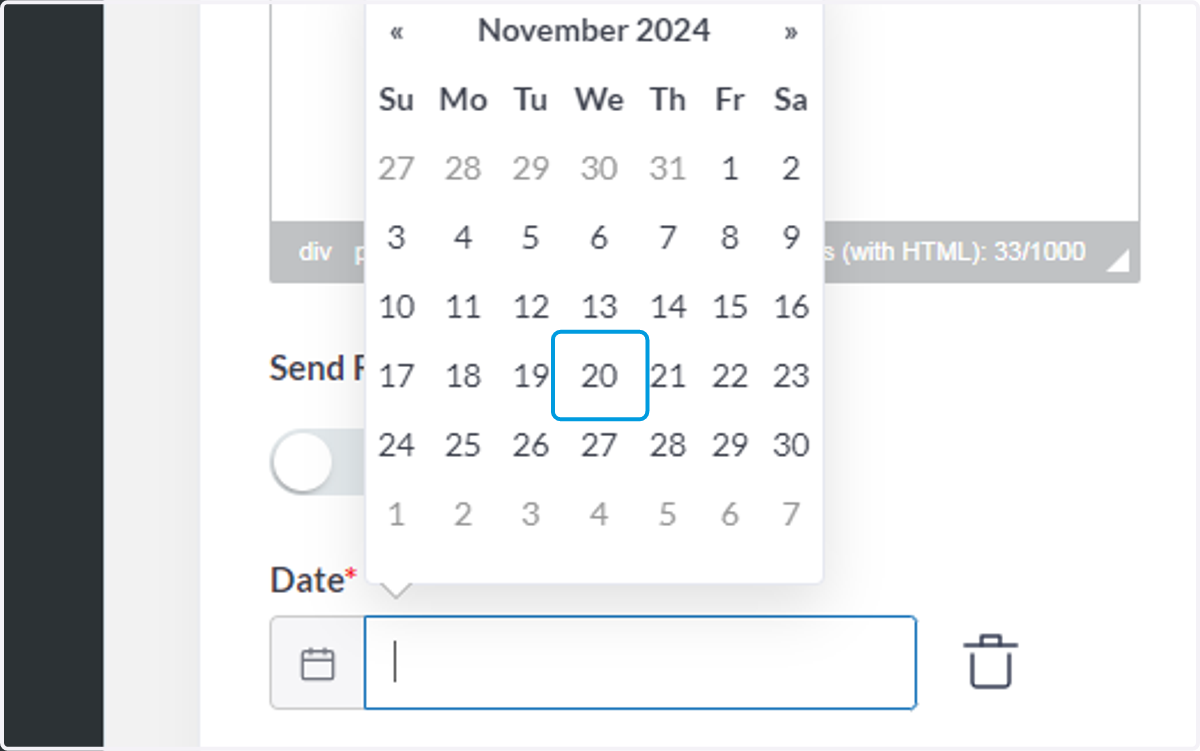
13. Click on Start time
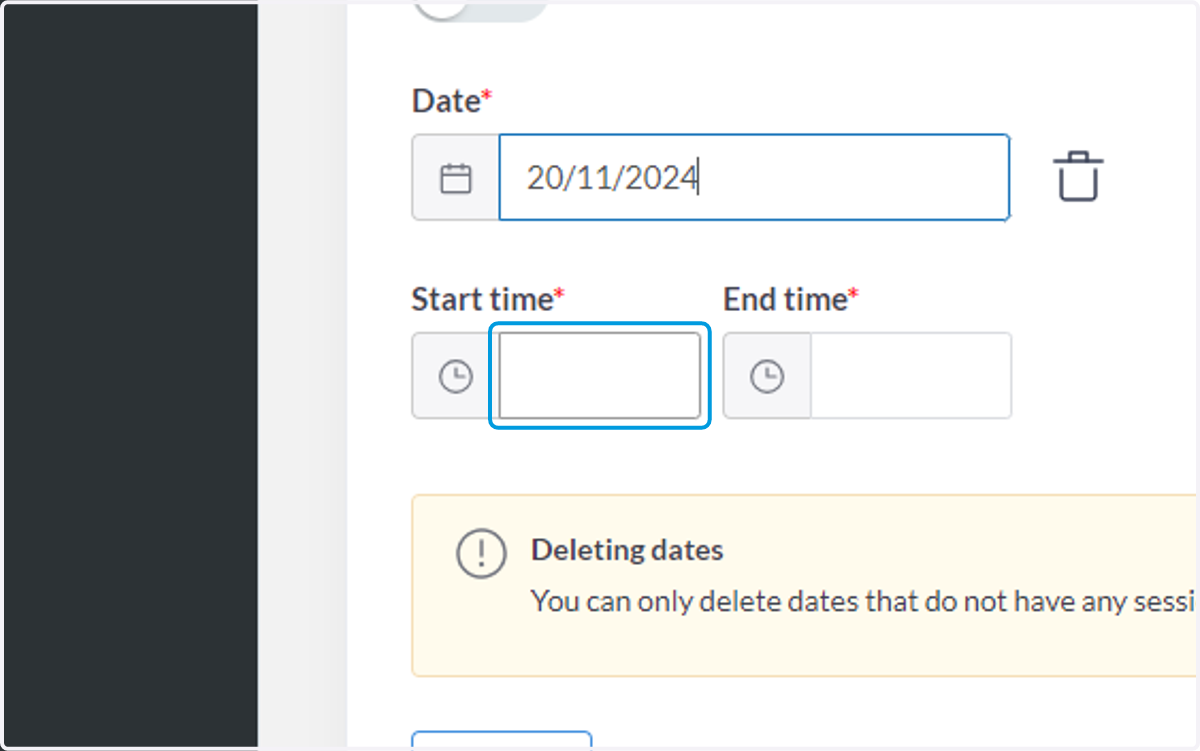
14. Click on 07:00
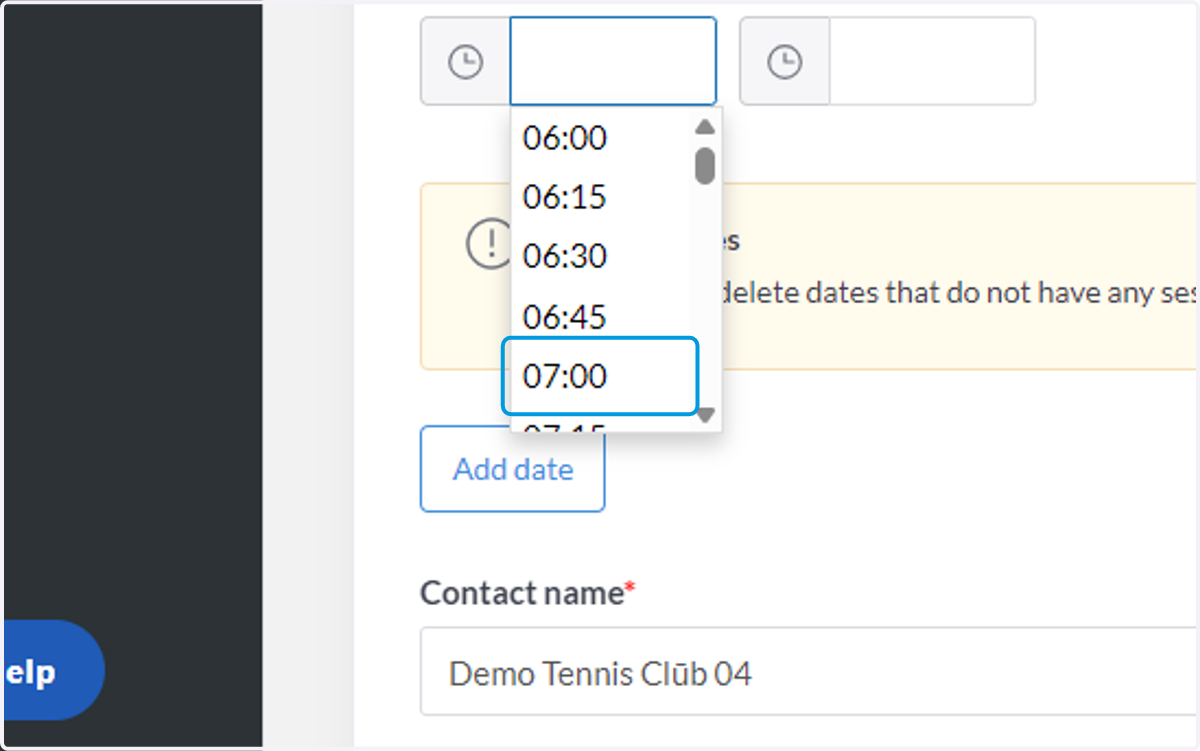
15. Click on End time
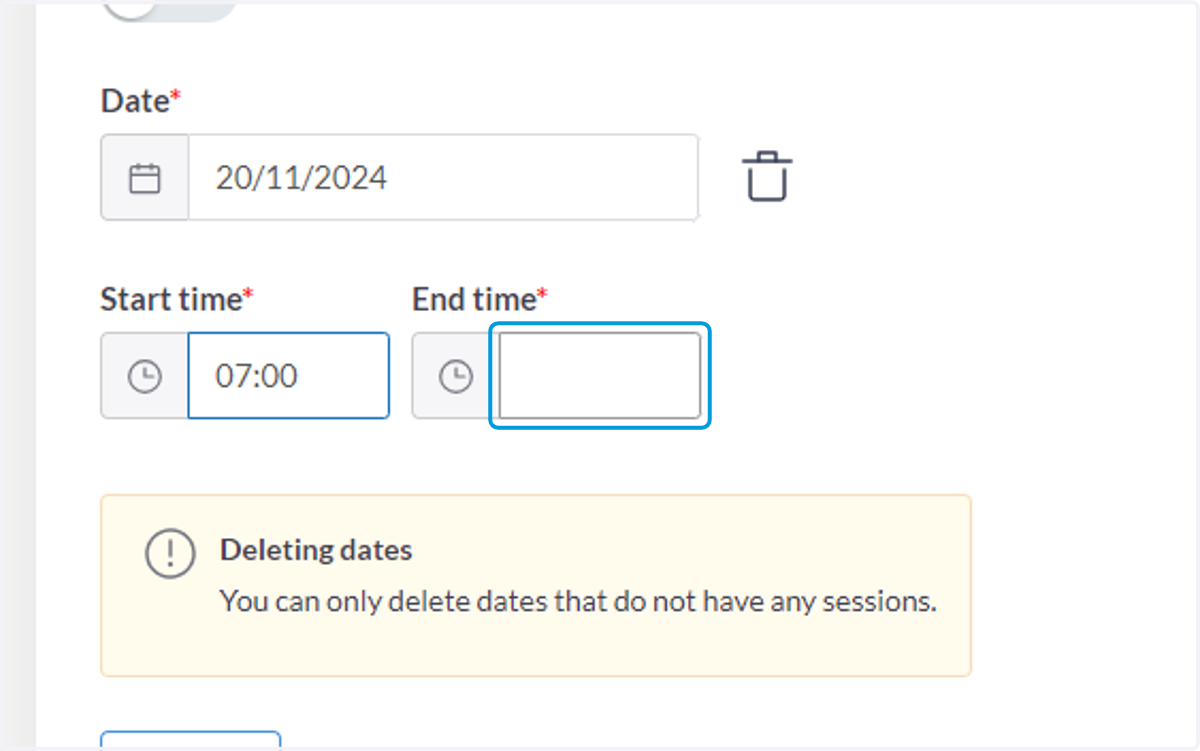
16. Click on 17:30
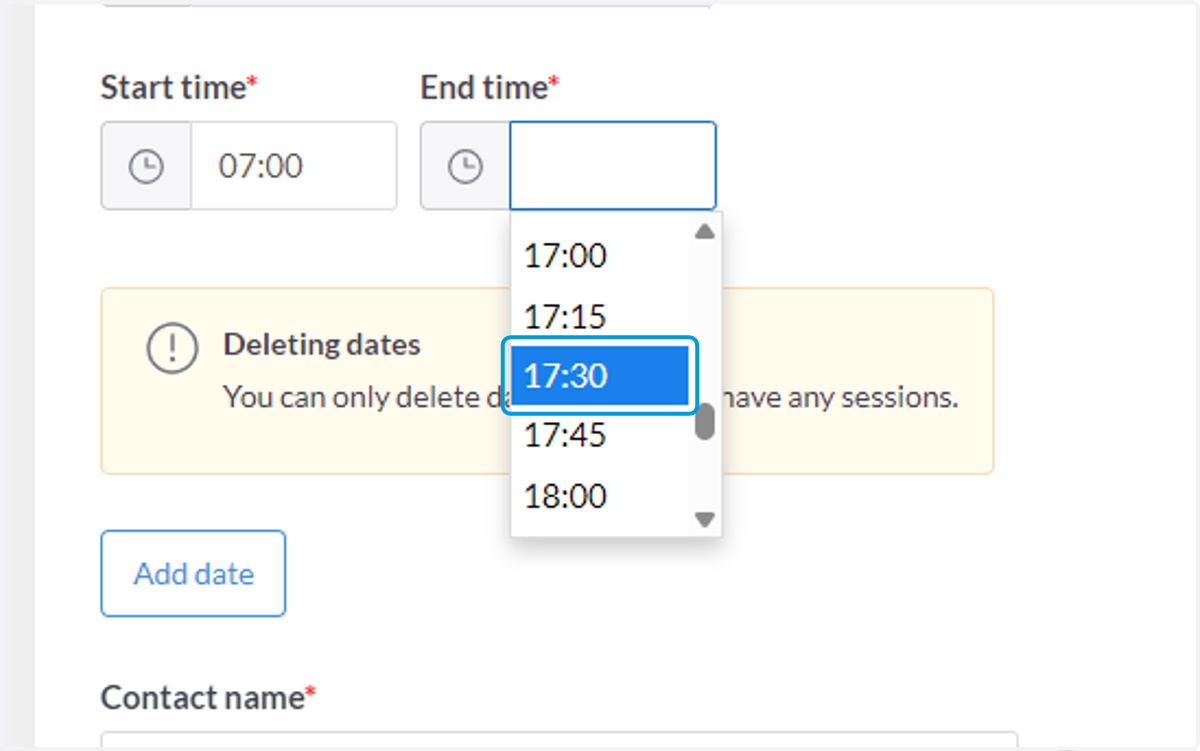
17. Click on Add date
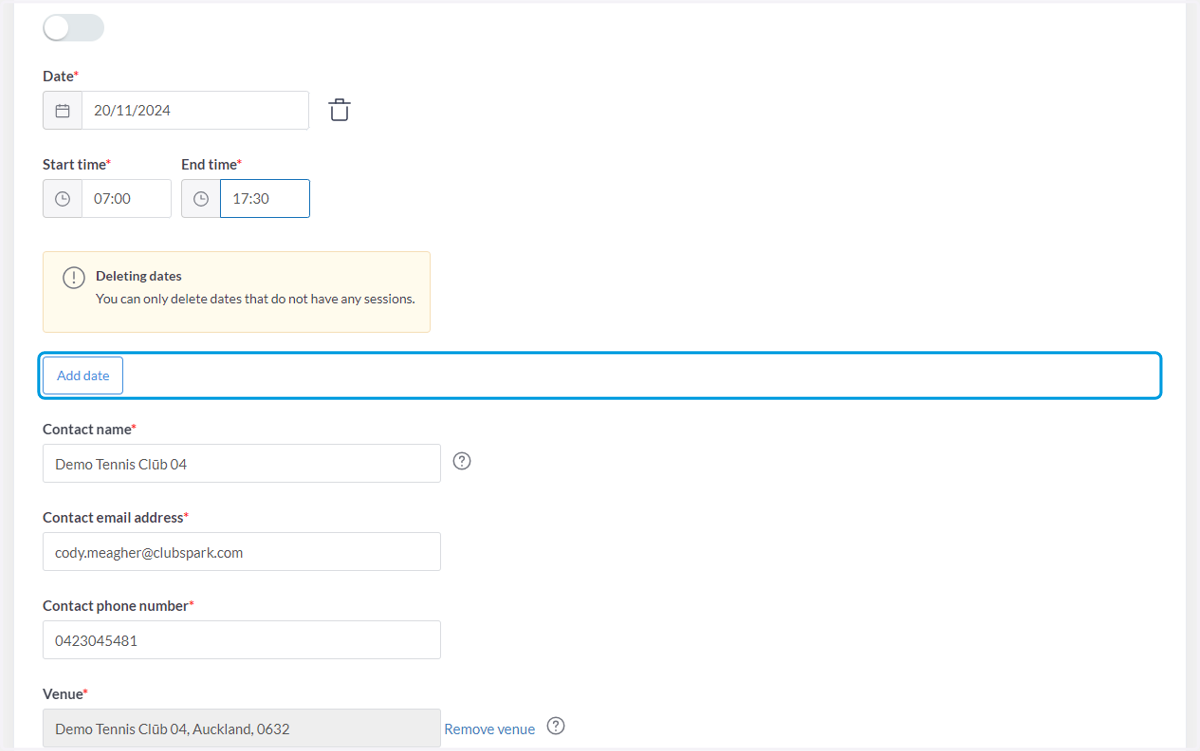
18. Click on Contact name

19. Click on Contact email address
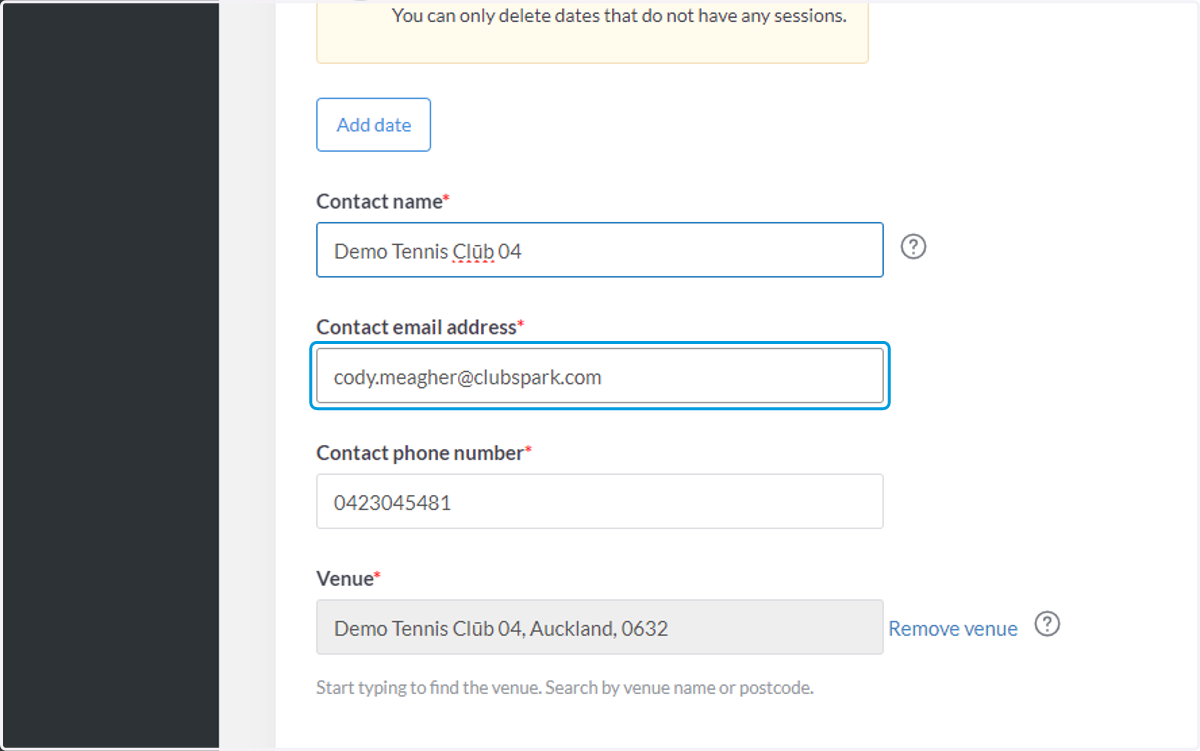
20. Click on Contact phone number

21. Click on VenueLookUp
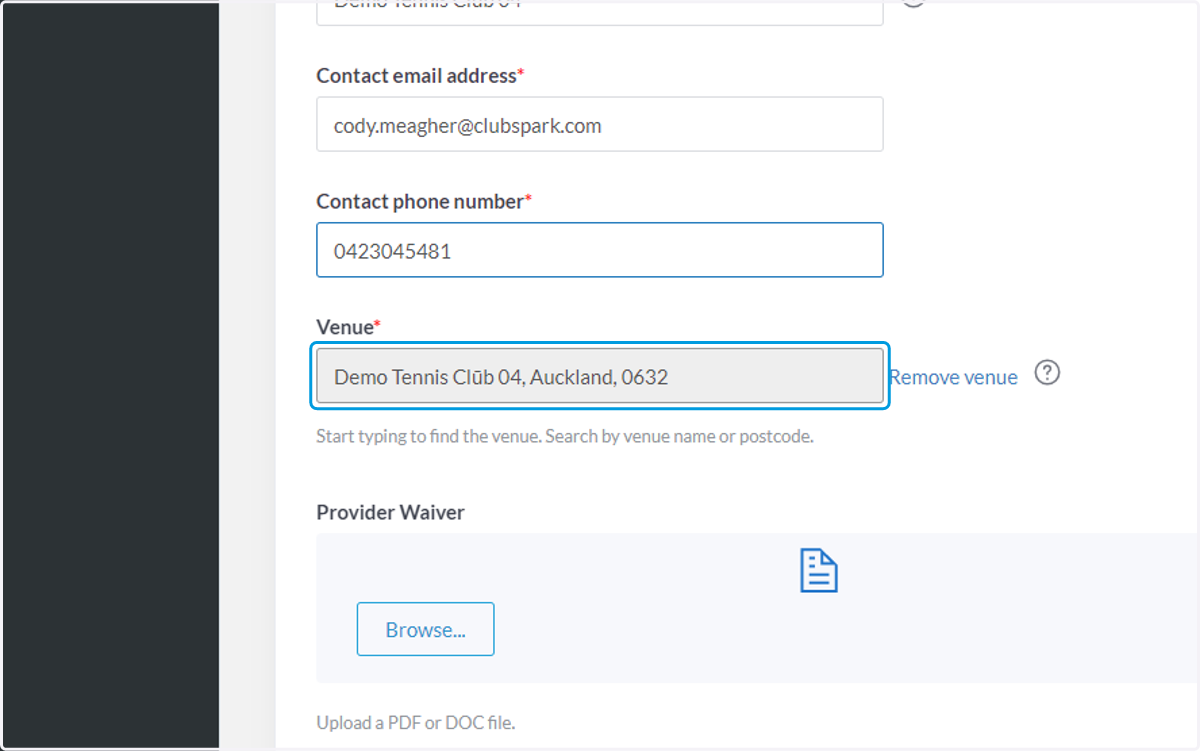
22. Click on Browse...…
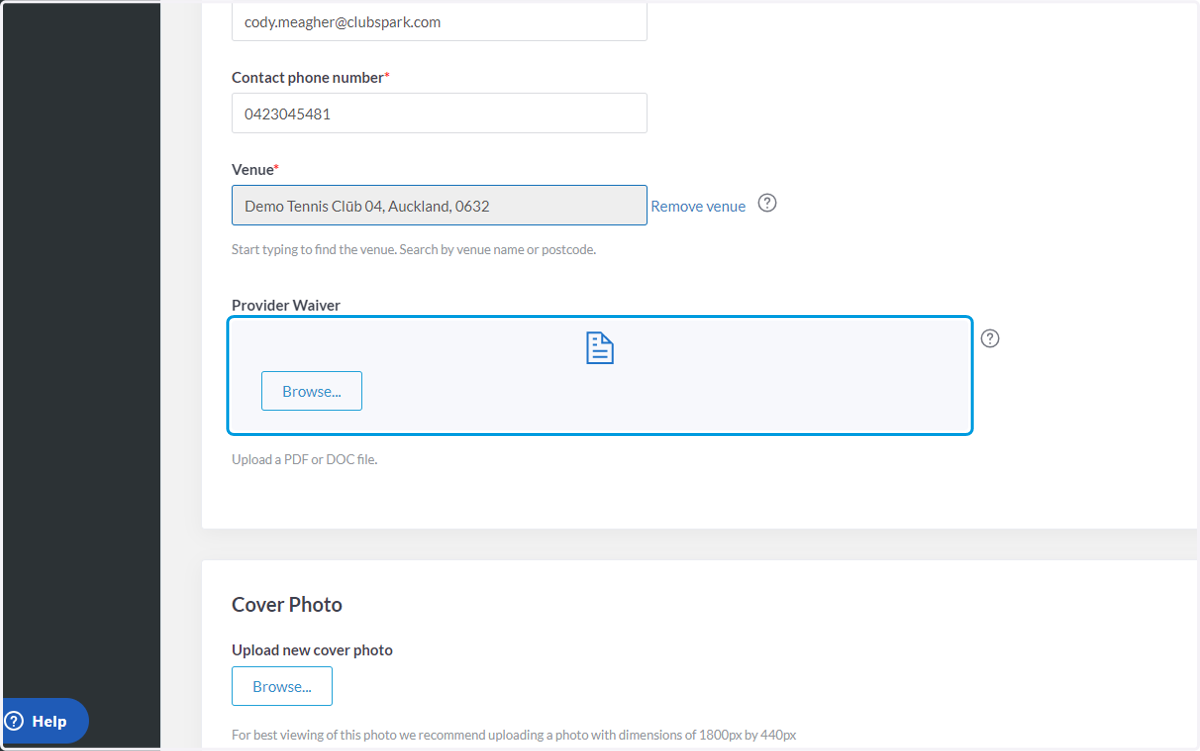
23. Click on Browse...…

24. Click on Save event
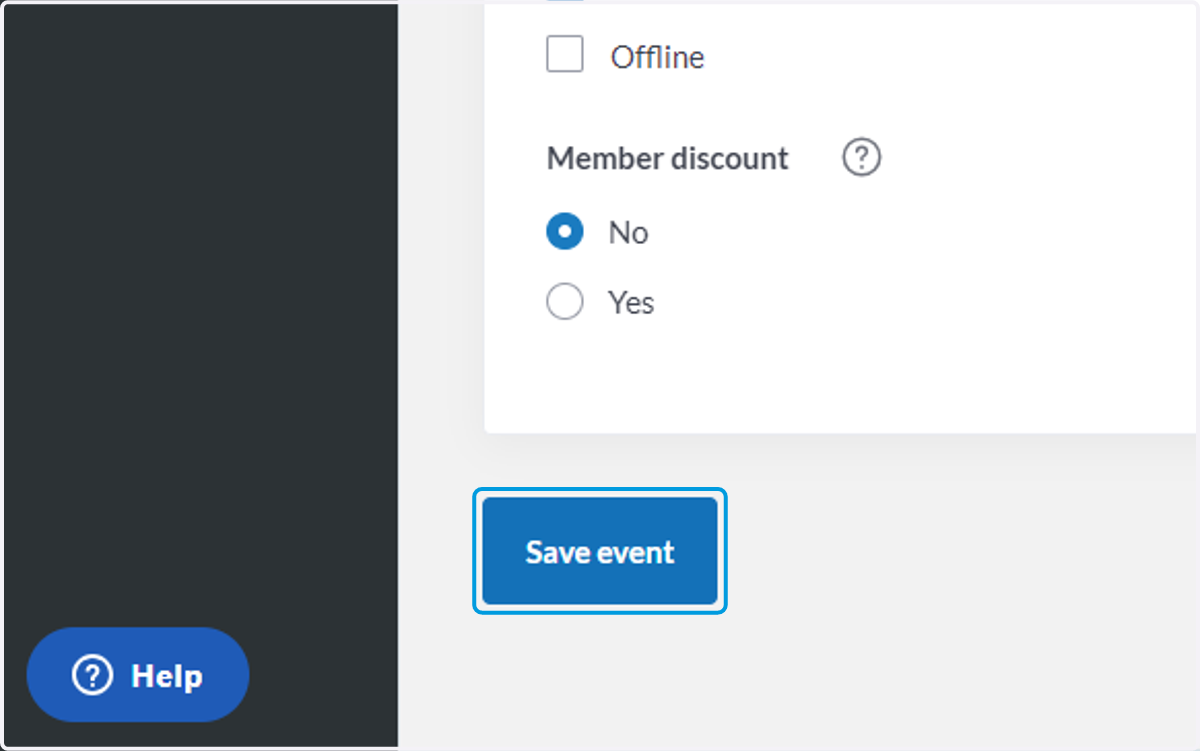
25. Click on Public

26. Click on Cardio Tennis

27. Click on Cardio Tennis is a tennis workout program catering to all fitness levels. Bringing together a variety of cardio workouts, a range of fun tennis drills, all to a high-energy soundtrack. The program is focused on leading a healthy, fun and active lifestyle.
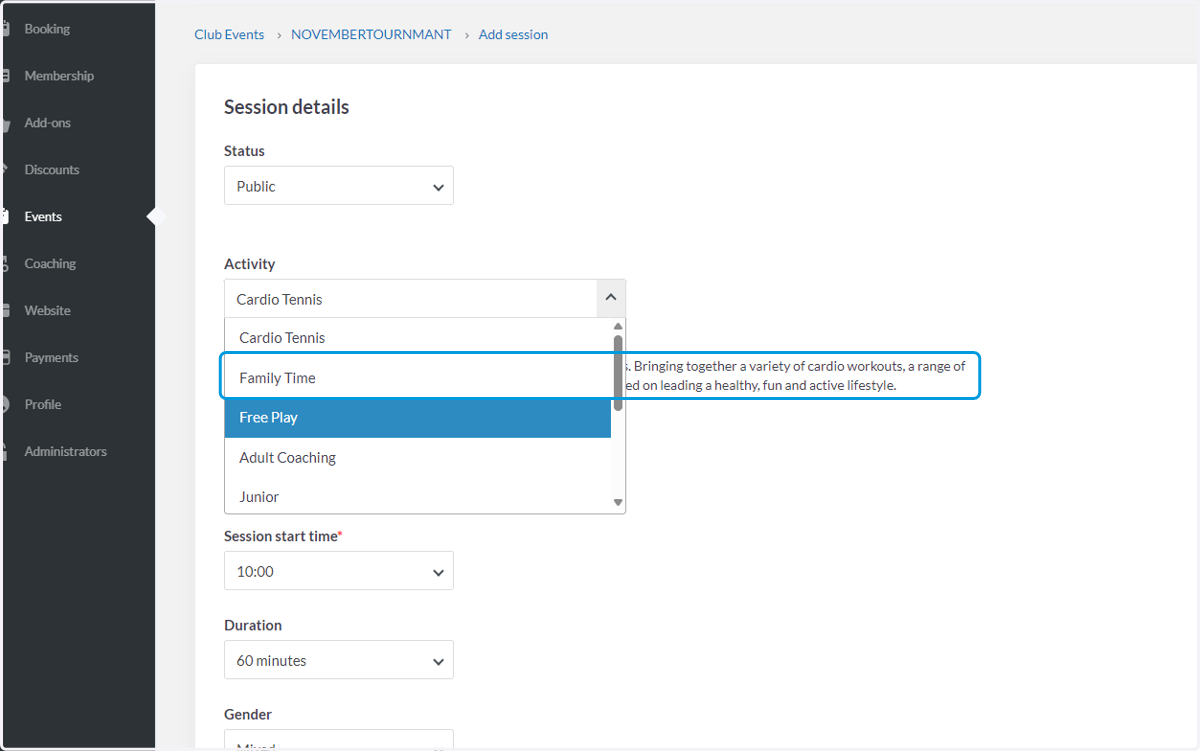
28. Click on Cardio Tennis
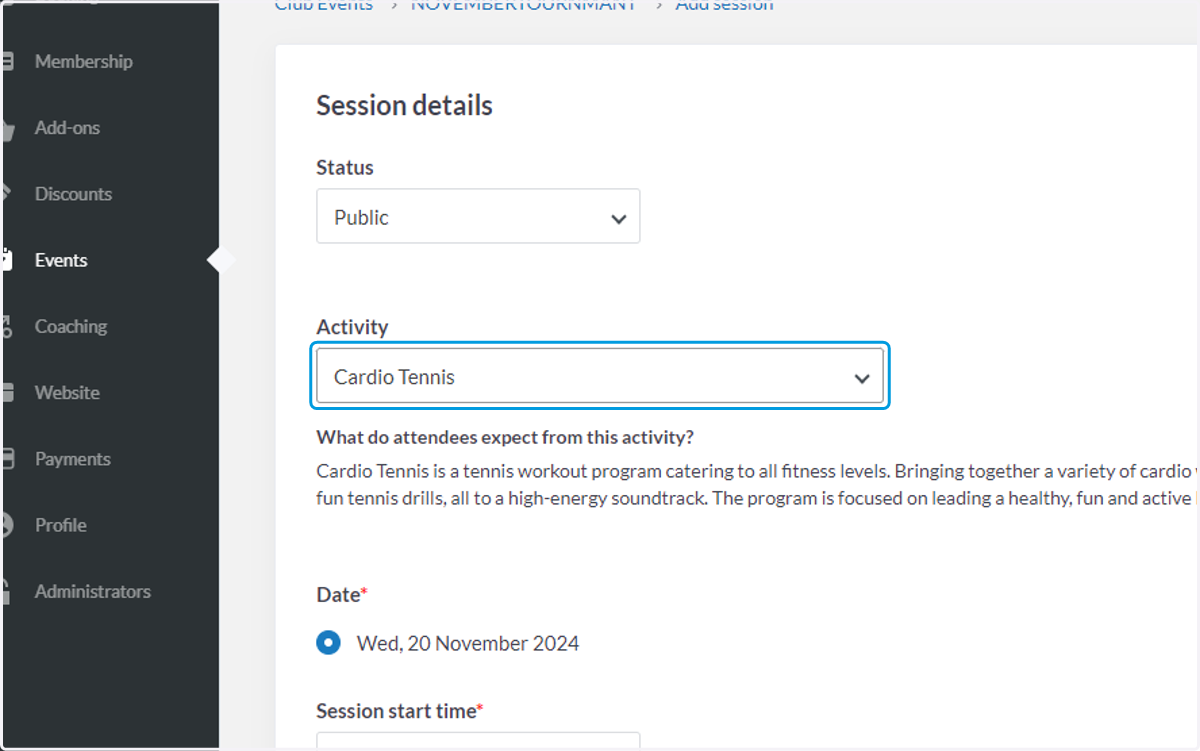
29. Click on Family Time
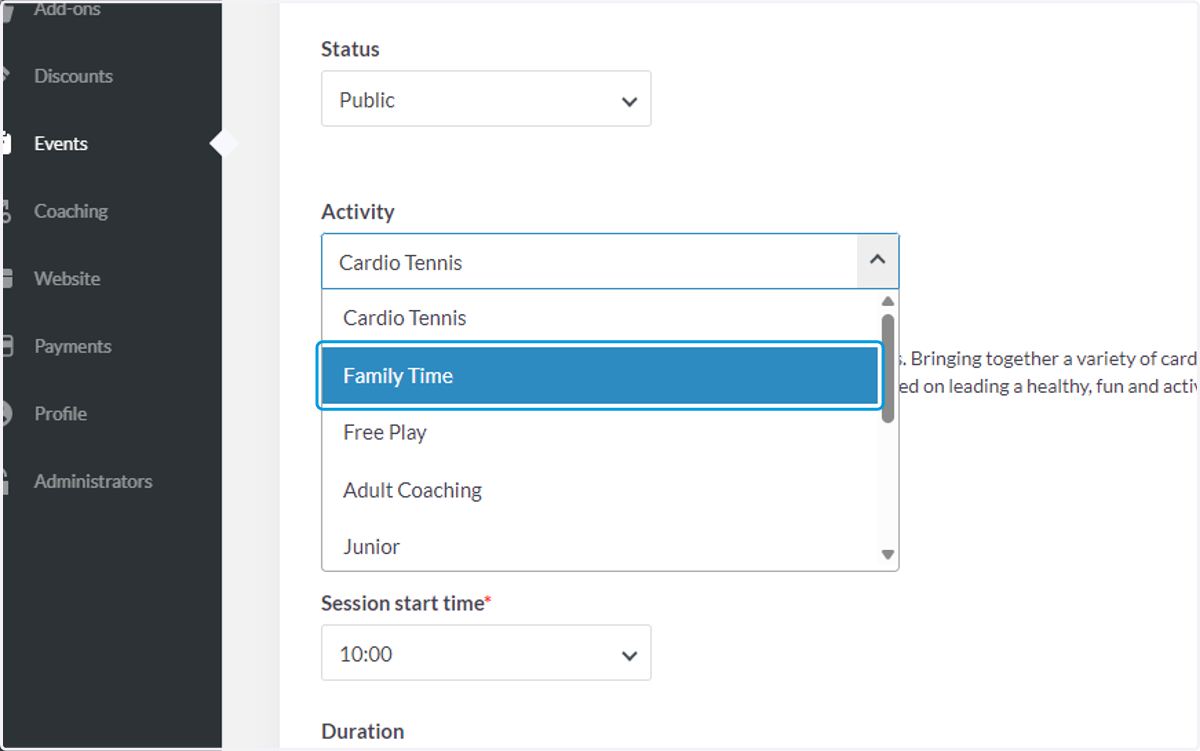
30. Click on Family Time

31. Click on + Custom Activity

32. Type "Tournament"

33. Click on 60 minutes

34. Click on 360 minutes

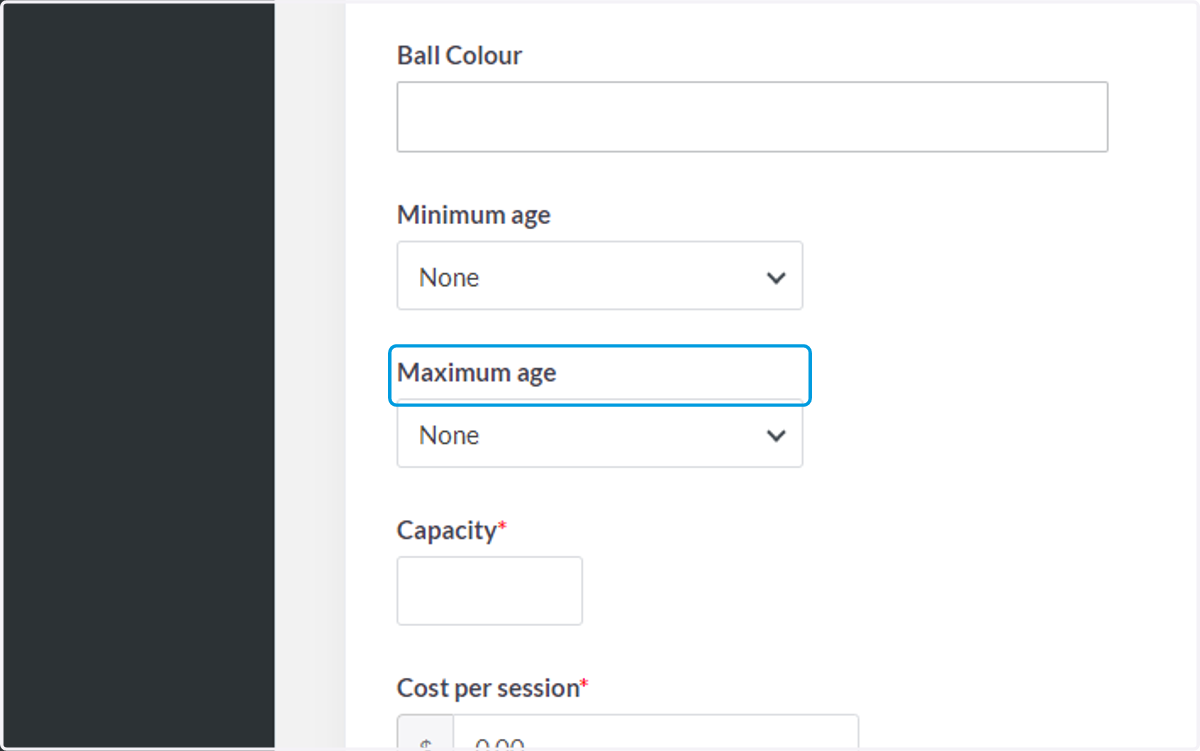
35. Click on Maximum age
36. Type "30"
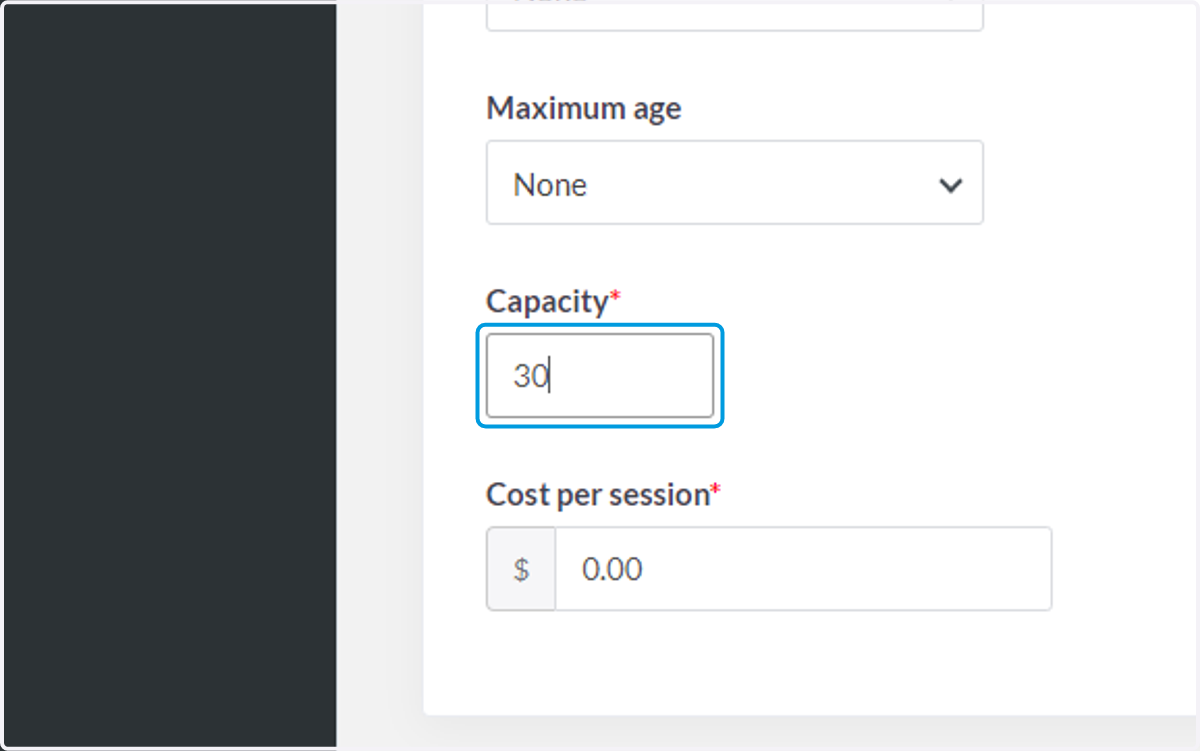
37. Click on Cost per session

38. Click on Public
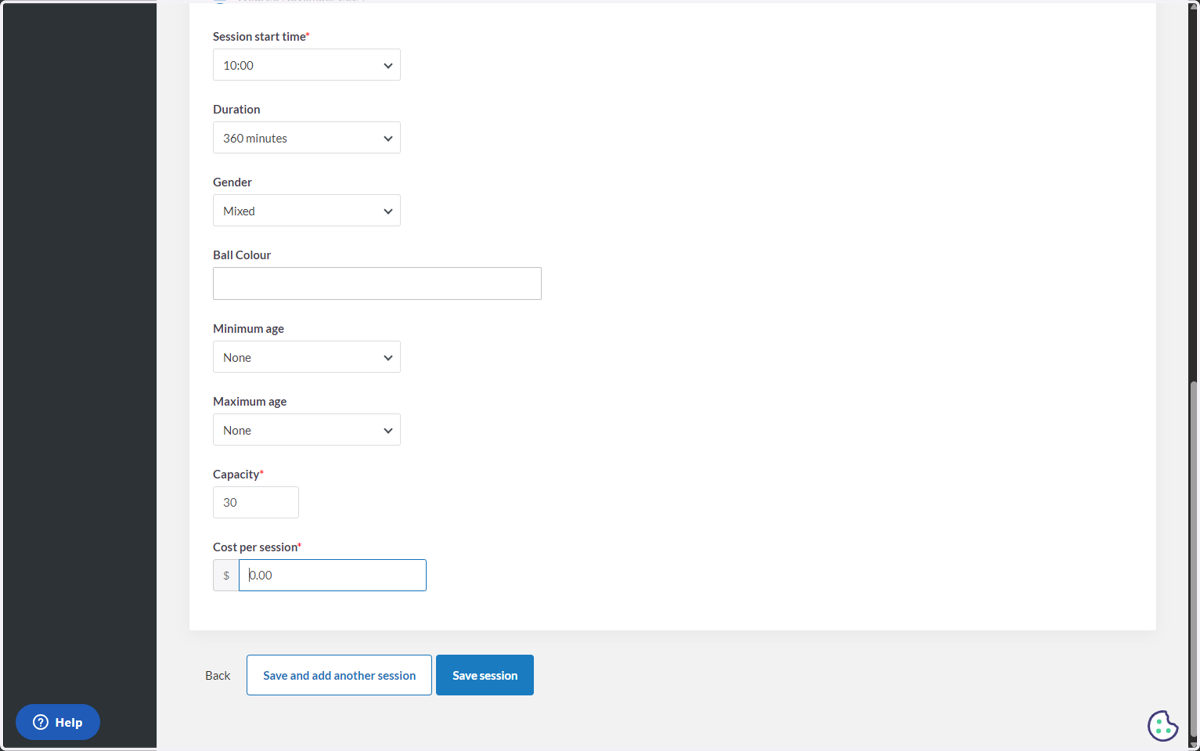
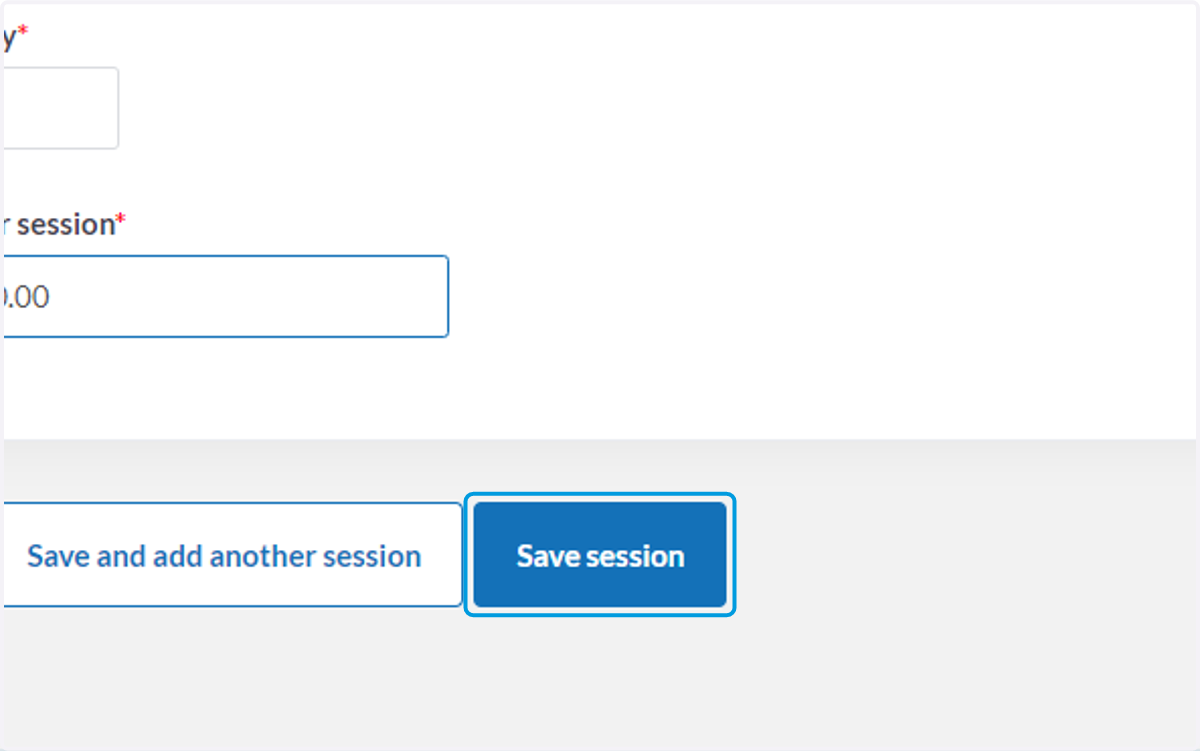
39. Click on Save session
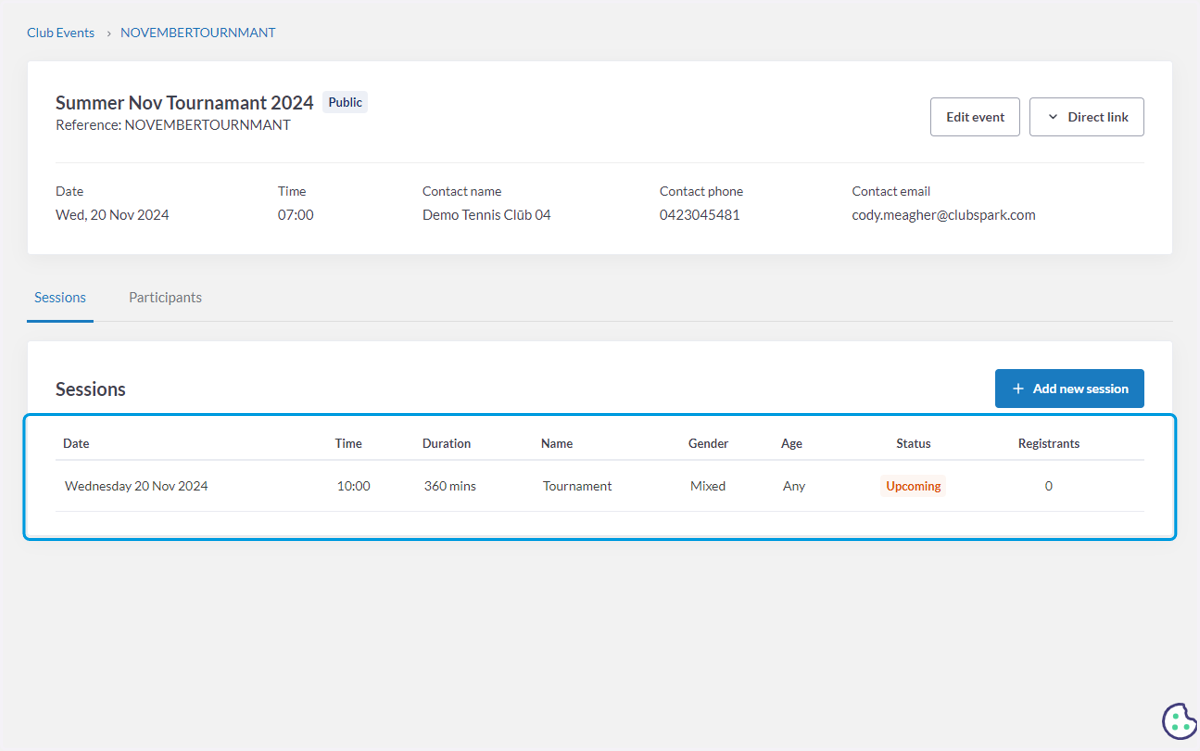
40. Click on Date Time Duration Name Gender Age Status Registrants…
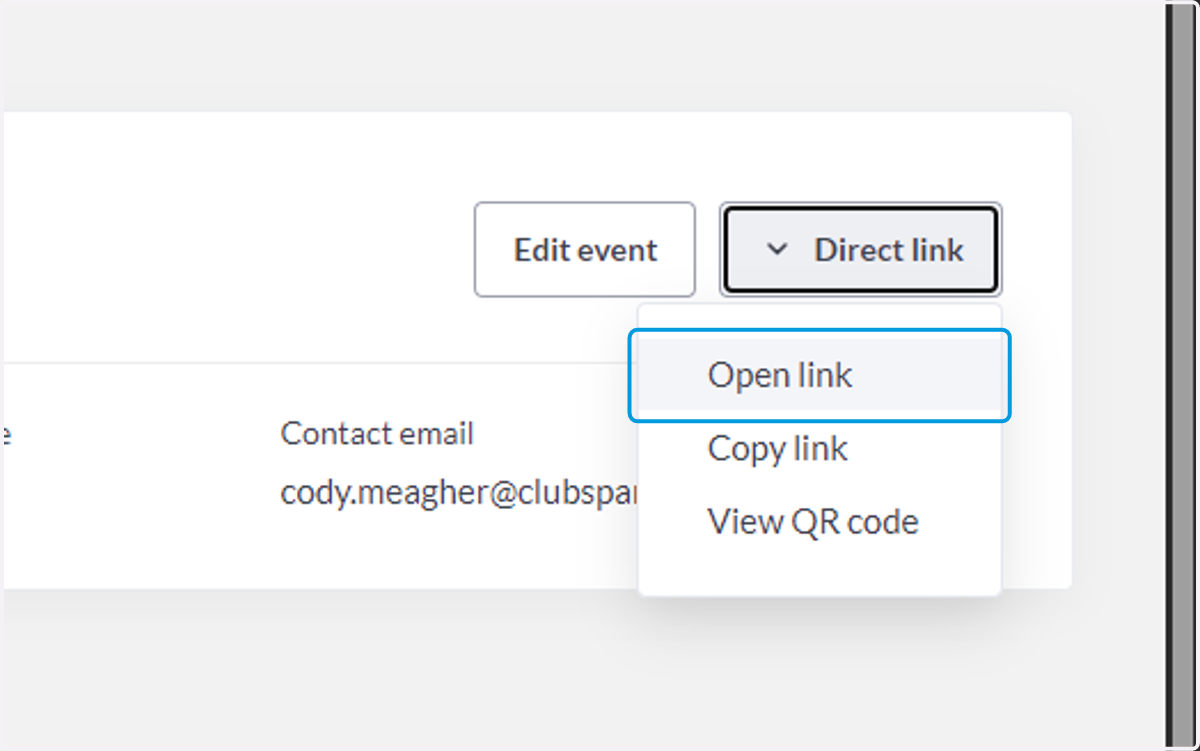
41. Click on Direct link

42. Click on Open link
43. Click on Summer Nov Tournamant 2024…