Clubspark Coaching: End User
The following guide allows you to see what the coaching module looks like from an end-user.
Clubspark / Albany Tennis Park / Coaching
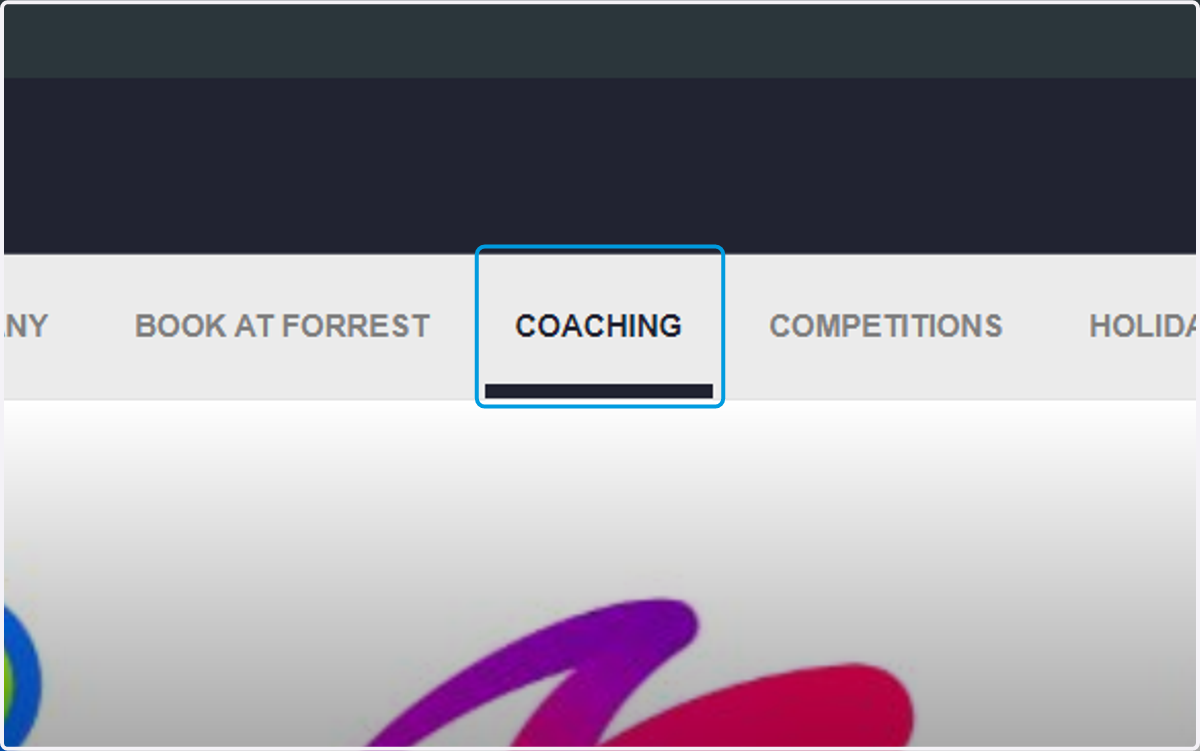
1. Click on COACHING
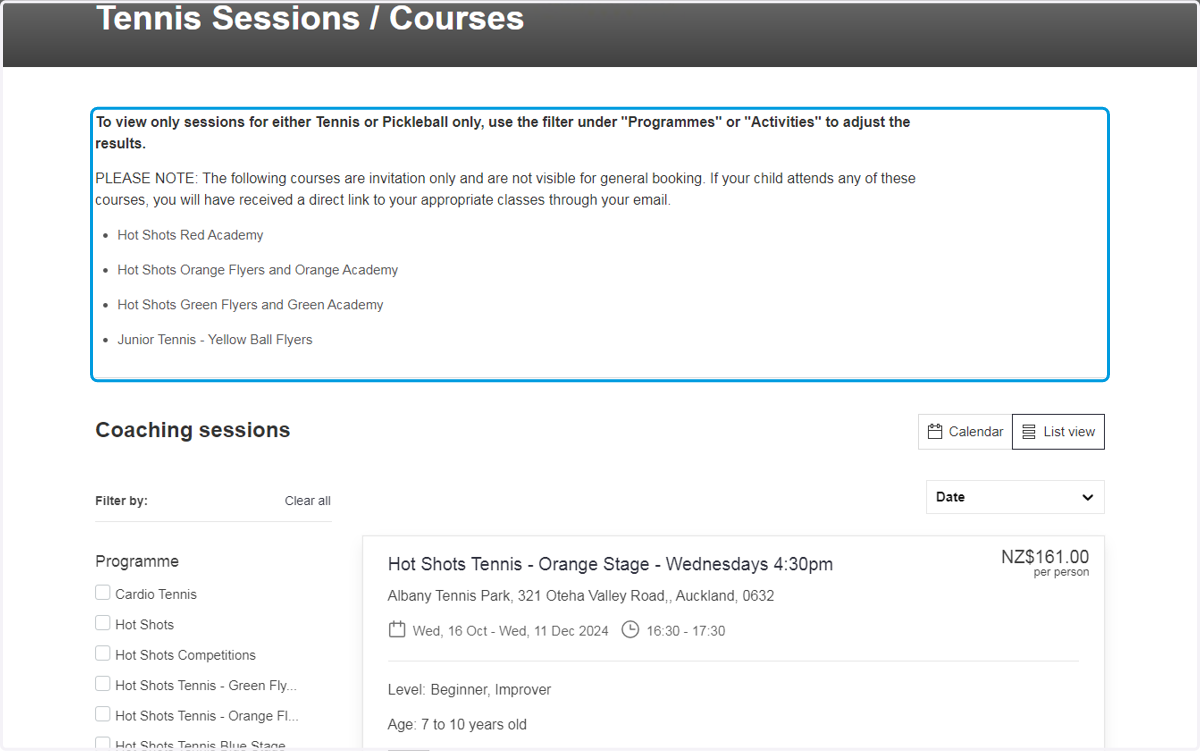
2. The venue has some brief info about their coaching program here
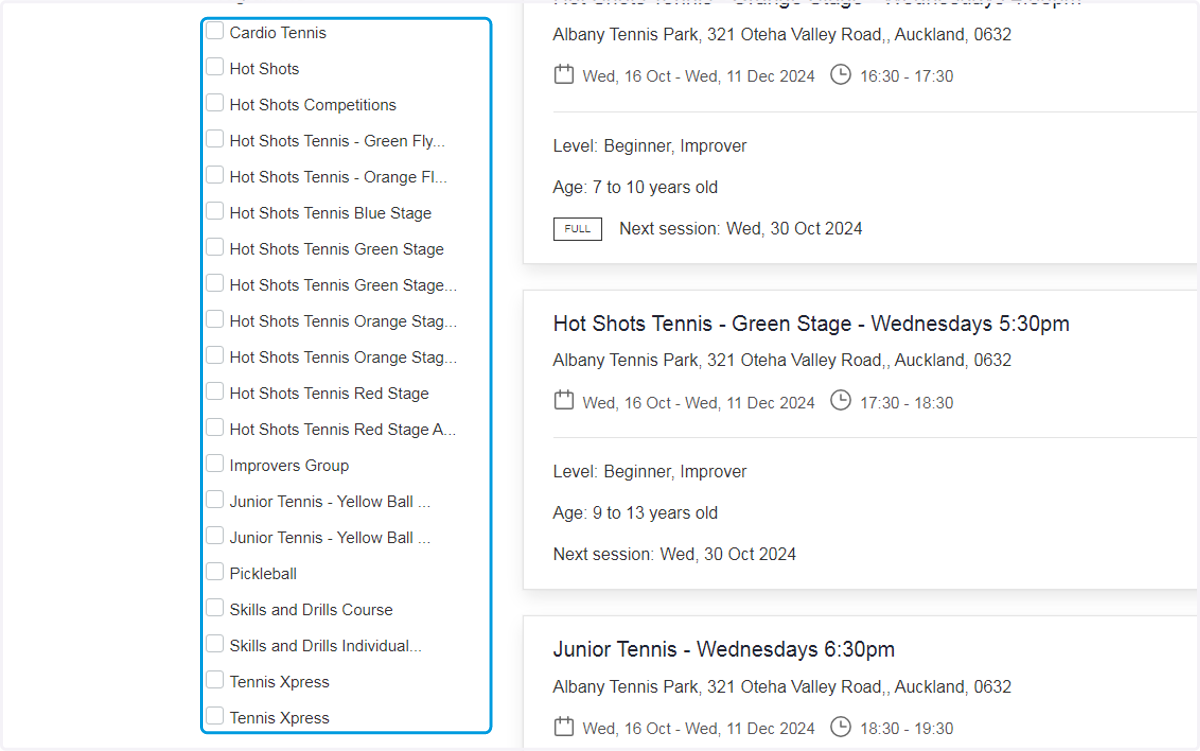
3. The full list of programmes can be found in this sidebar
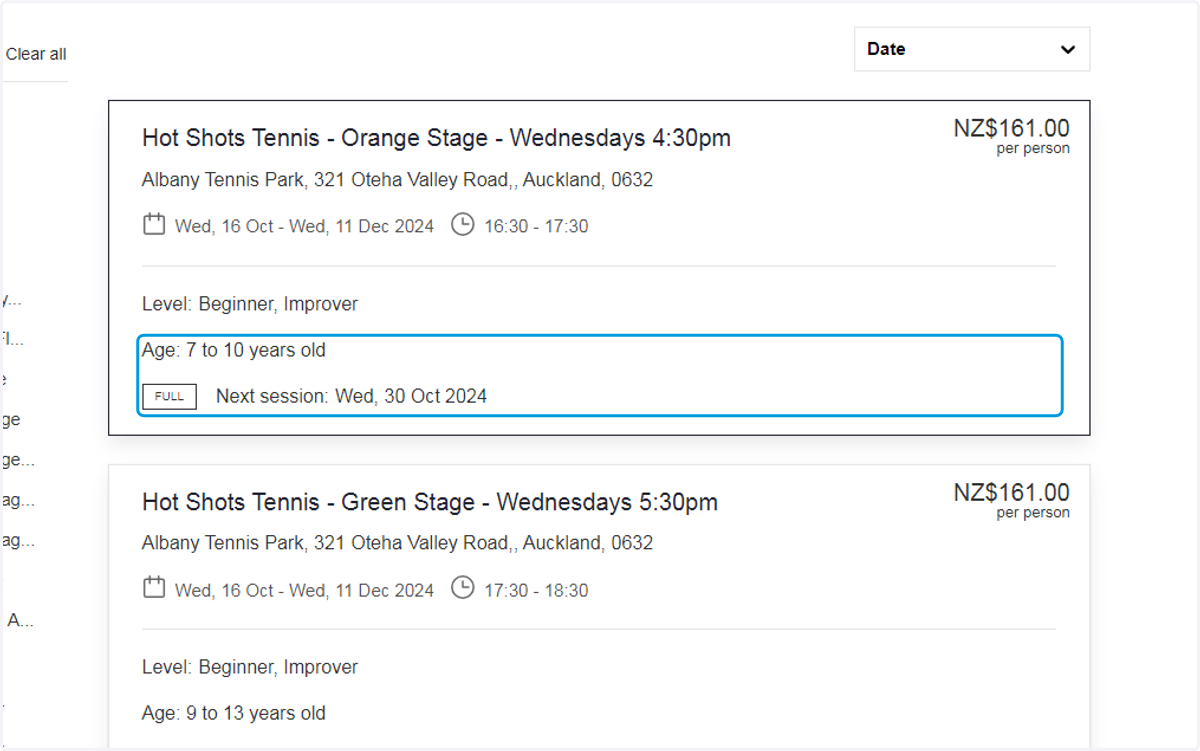
4. Details of the programe can be found to the right
In this example: the current program is full so a user will not be able to book a session here
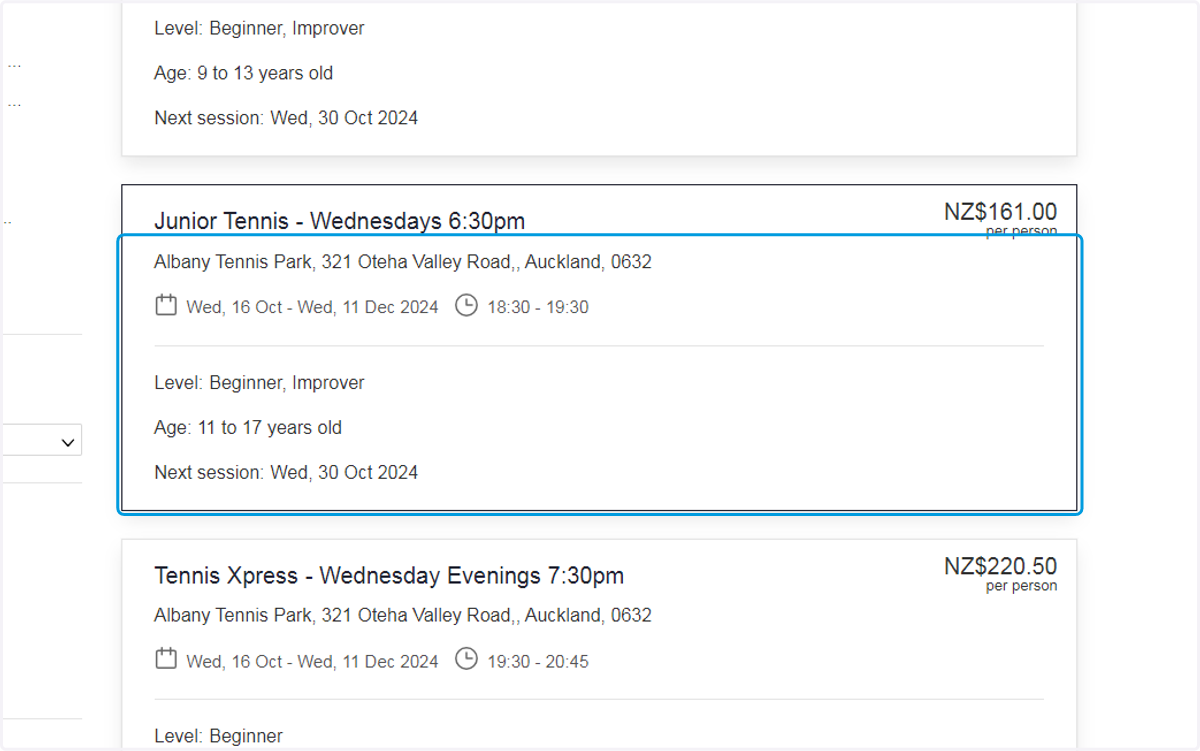
5. User clicks on a new session
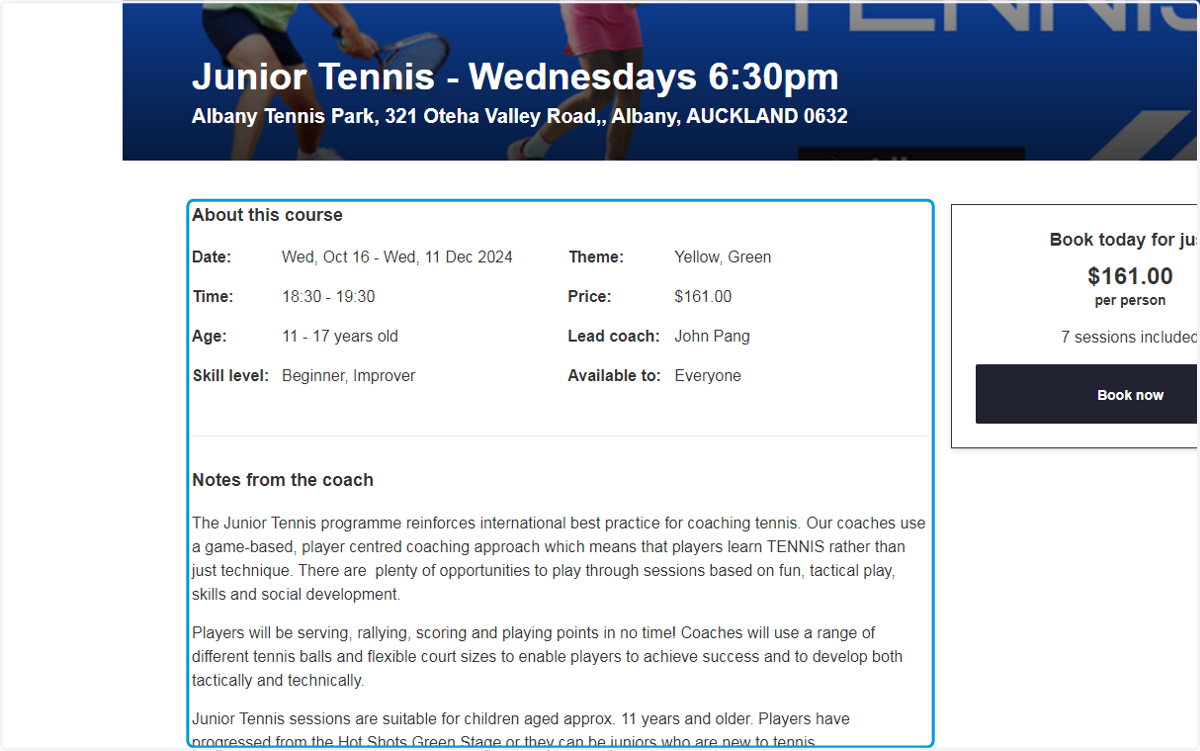
6. More details about the session are here
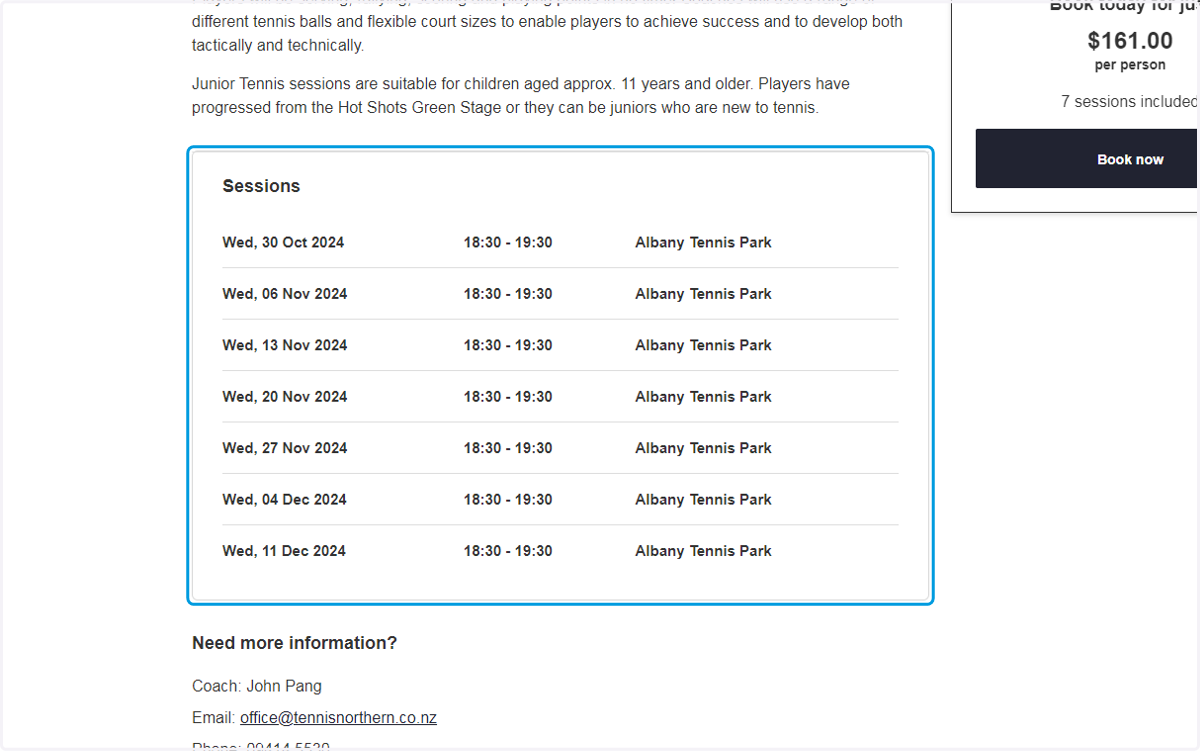
7. The dates and times of the sessions are listed here
In this example, Hot Shots is the course here, the user will need t purchase all sessions for the term (this is set by the venue)
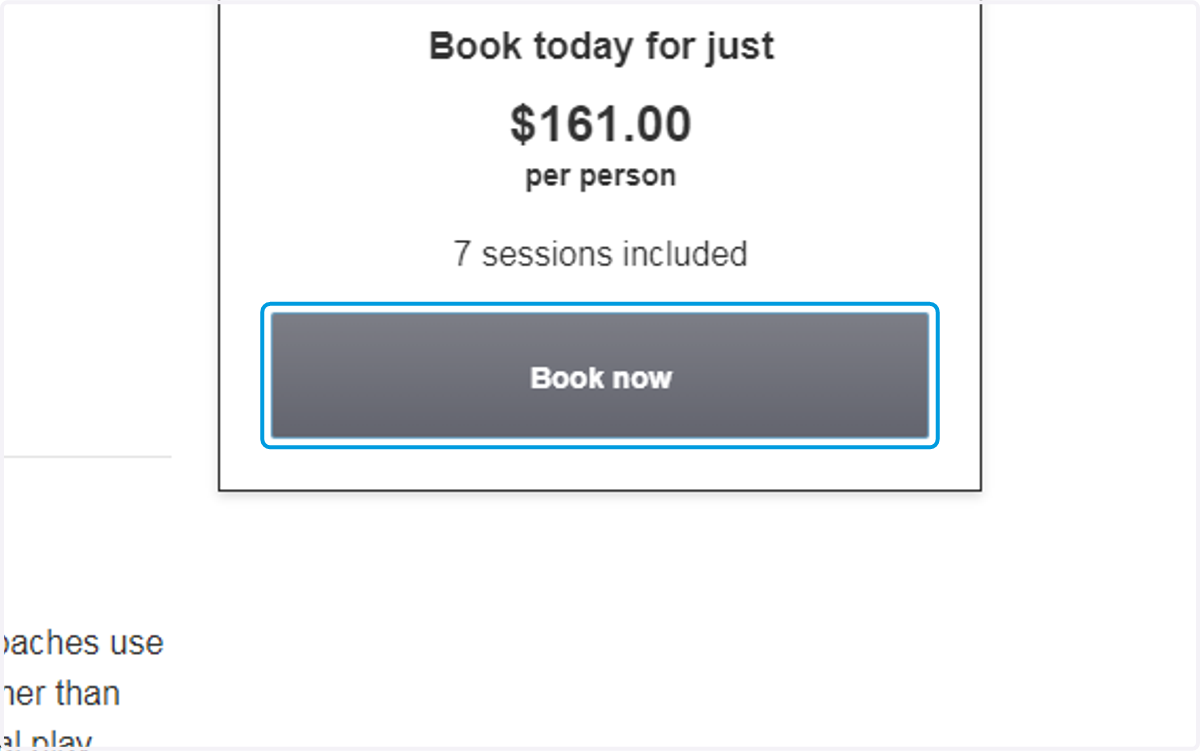
8. Click on Book now
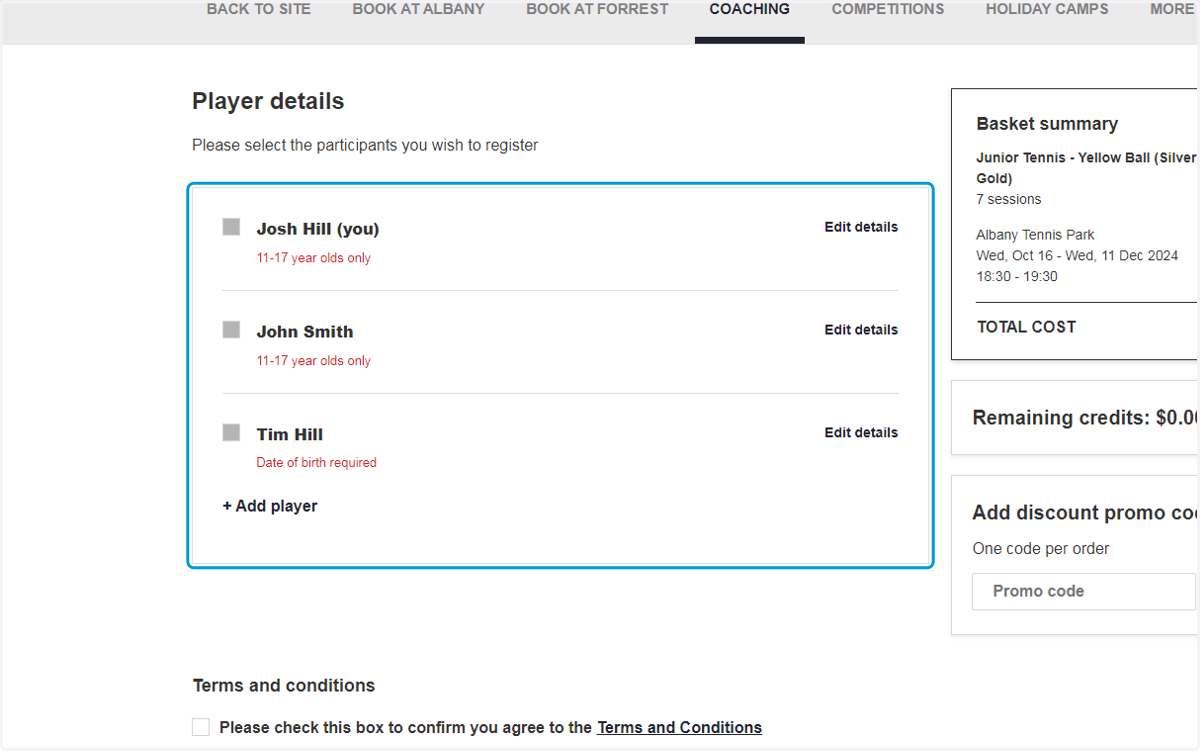
9. Click on the family member applicable
Please note: some courses may have age restrictions which Clubspark can advise if you are ineligible for booking.
10. A user will need to agree to the terms and conditions
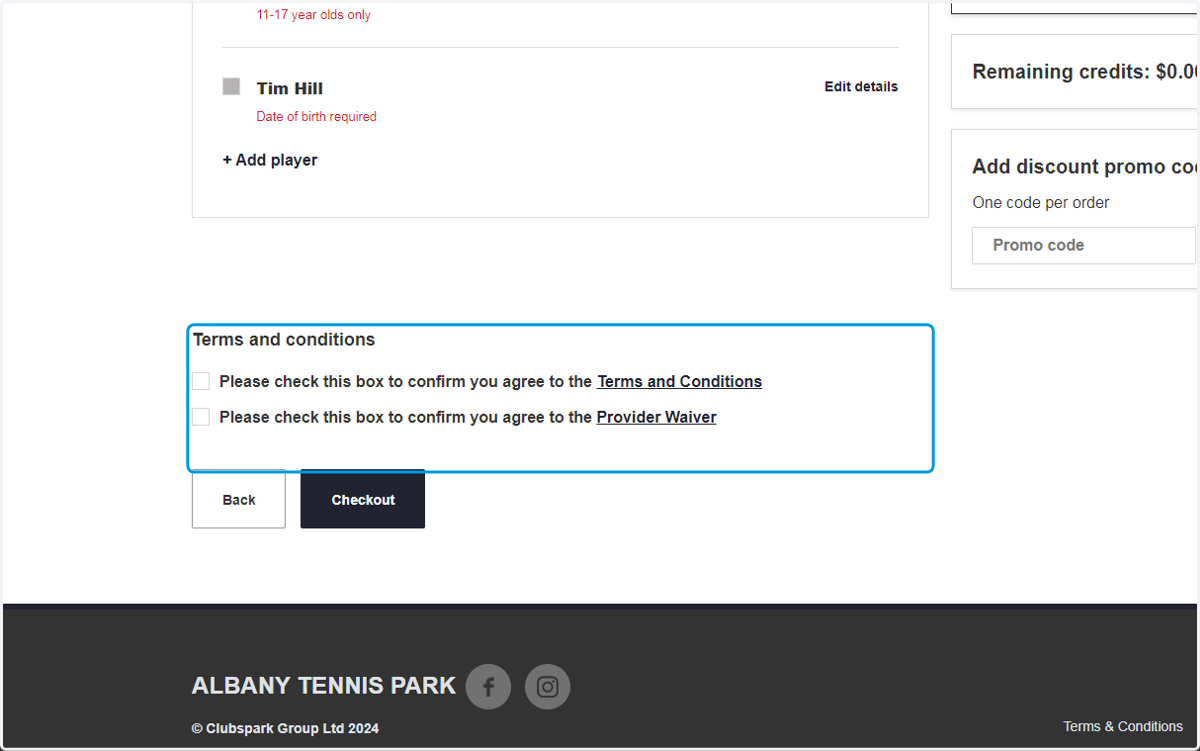
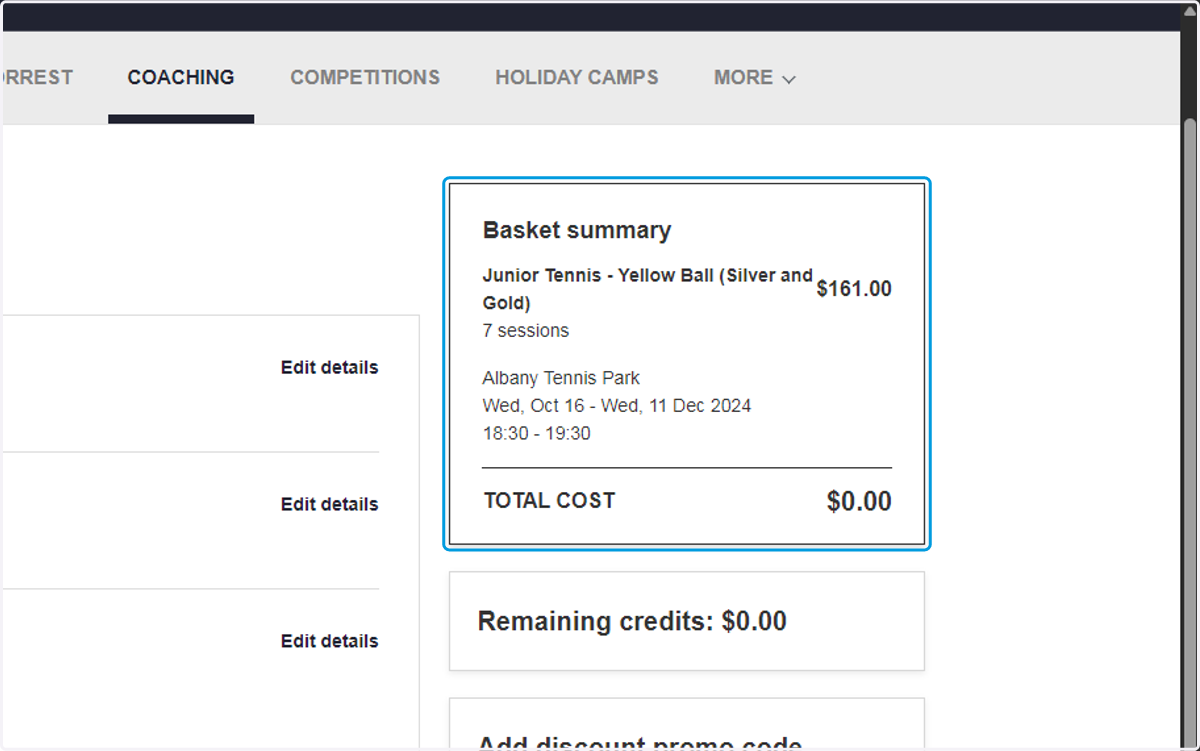
11. Basket Summary includes an overview and cost overview