Clubspark Admin: Theme, Fonts & Colors
Learn how to adjust the color and fonts to enhance your Clubspark website.
1. Let's Begin

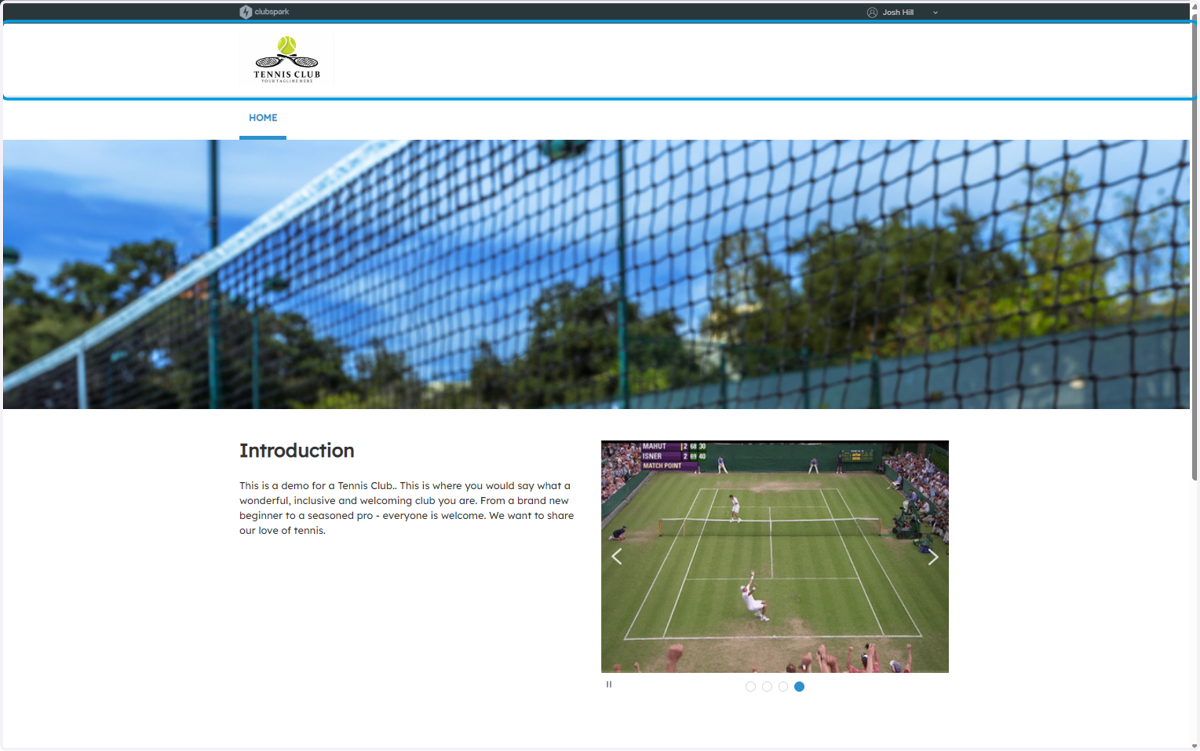
2. Looking at your website you may see the standard theme being applied, but you may wish to adjust the theme according to your logo or an environment the club is attached to.
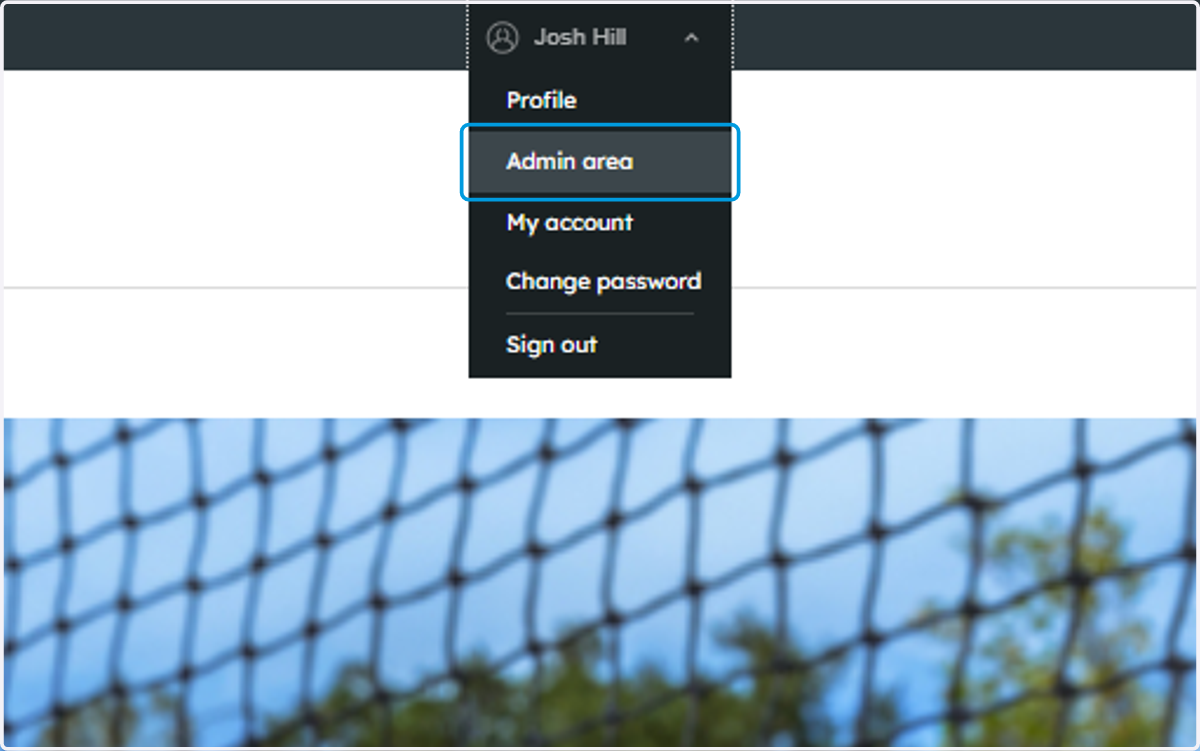
3. Head to the admin dashboard
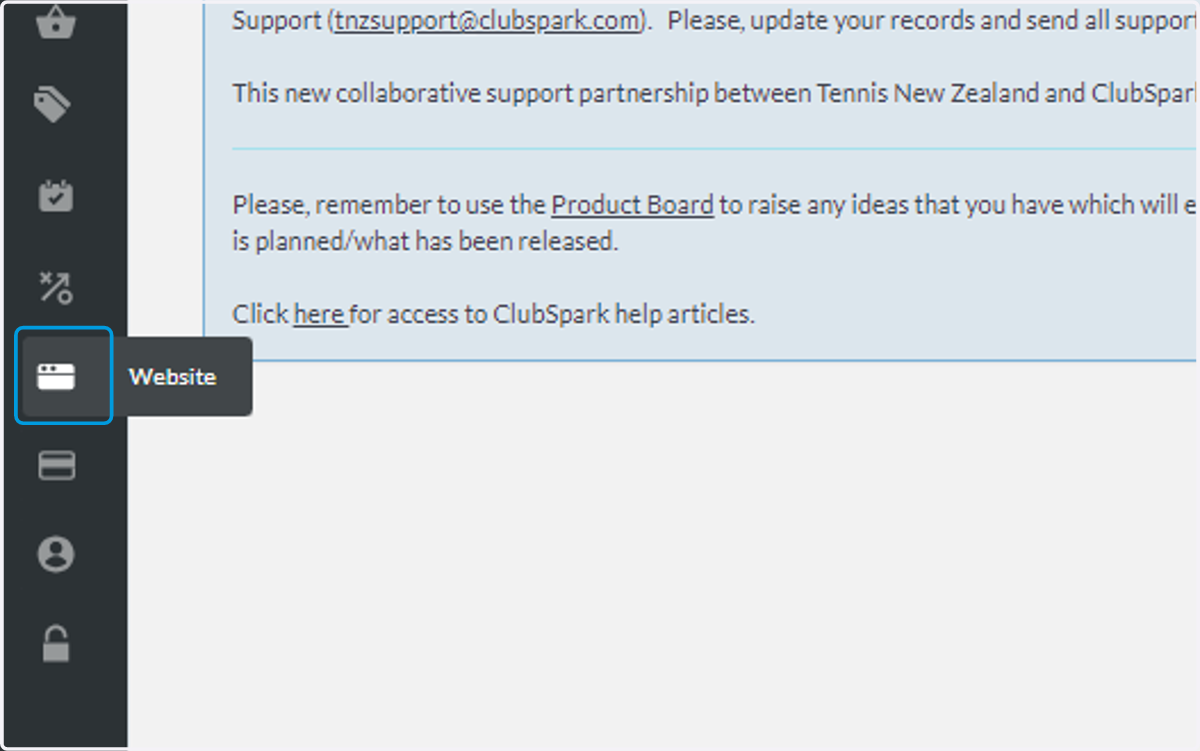
4. Click on Website
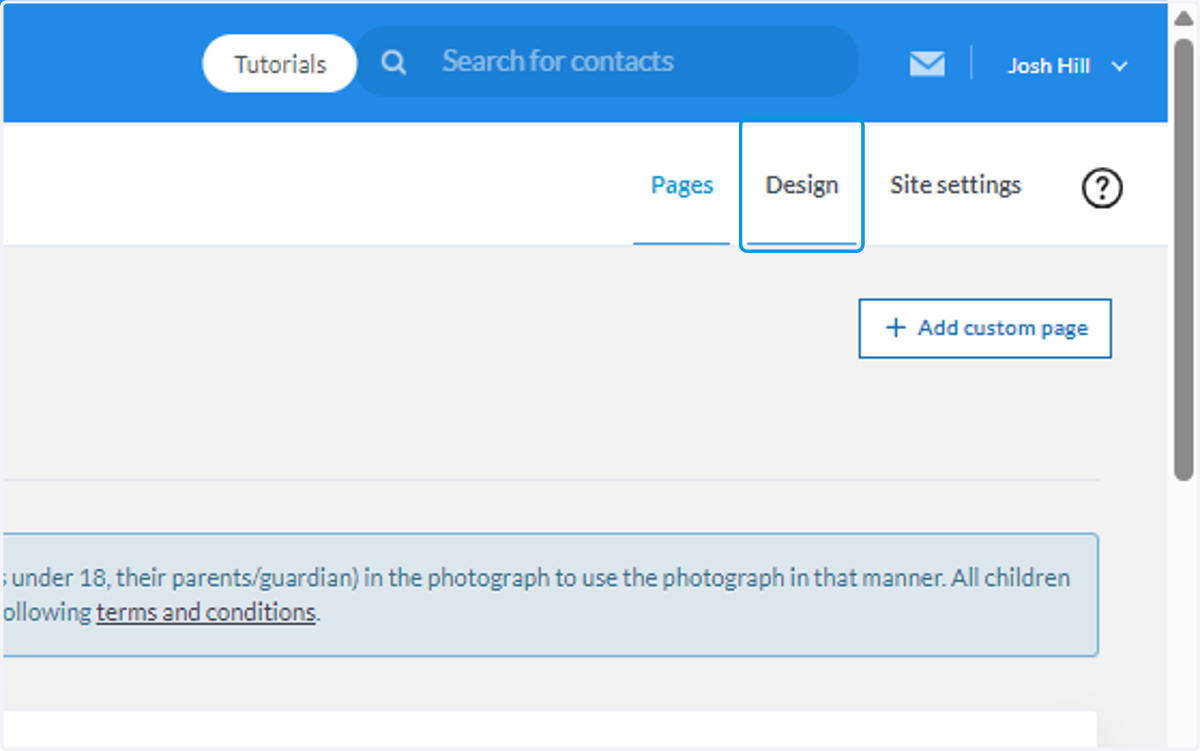
5. Click on Design
6. Set the Primary Colour
Setting the color is a great way to match the theme of a club logo,
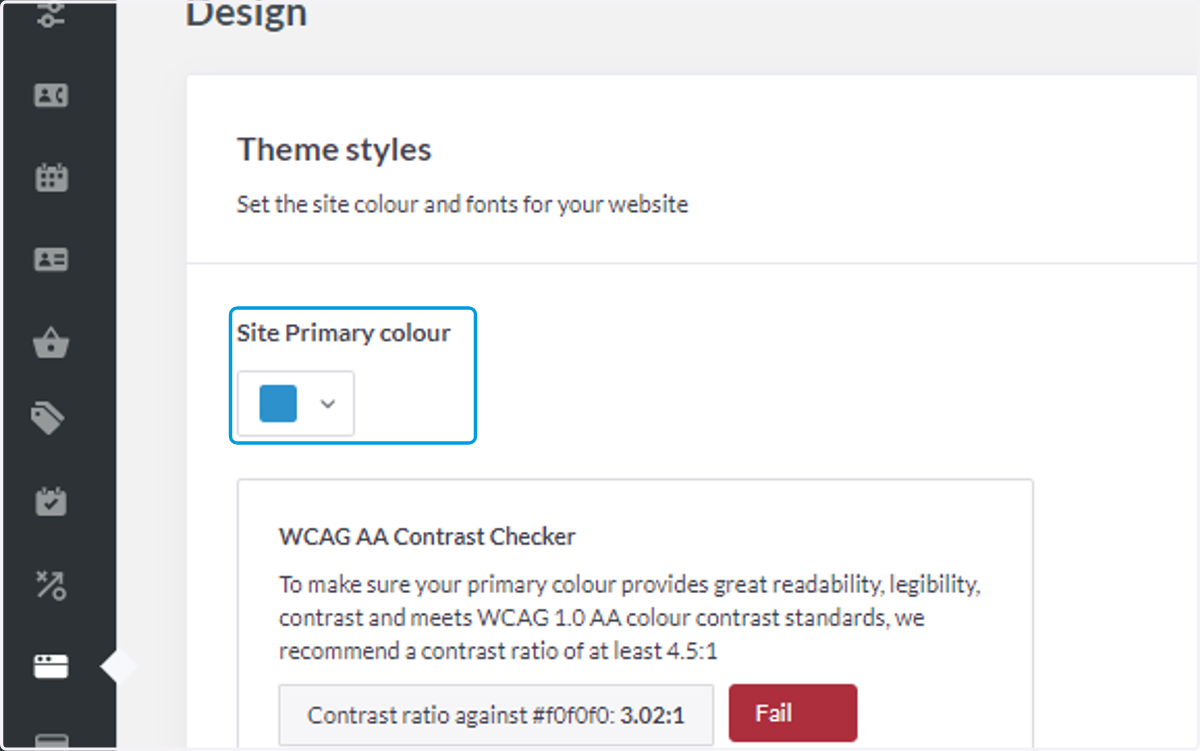
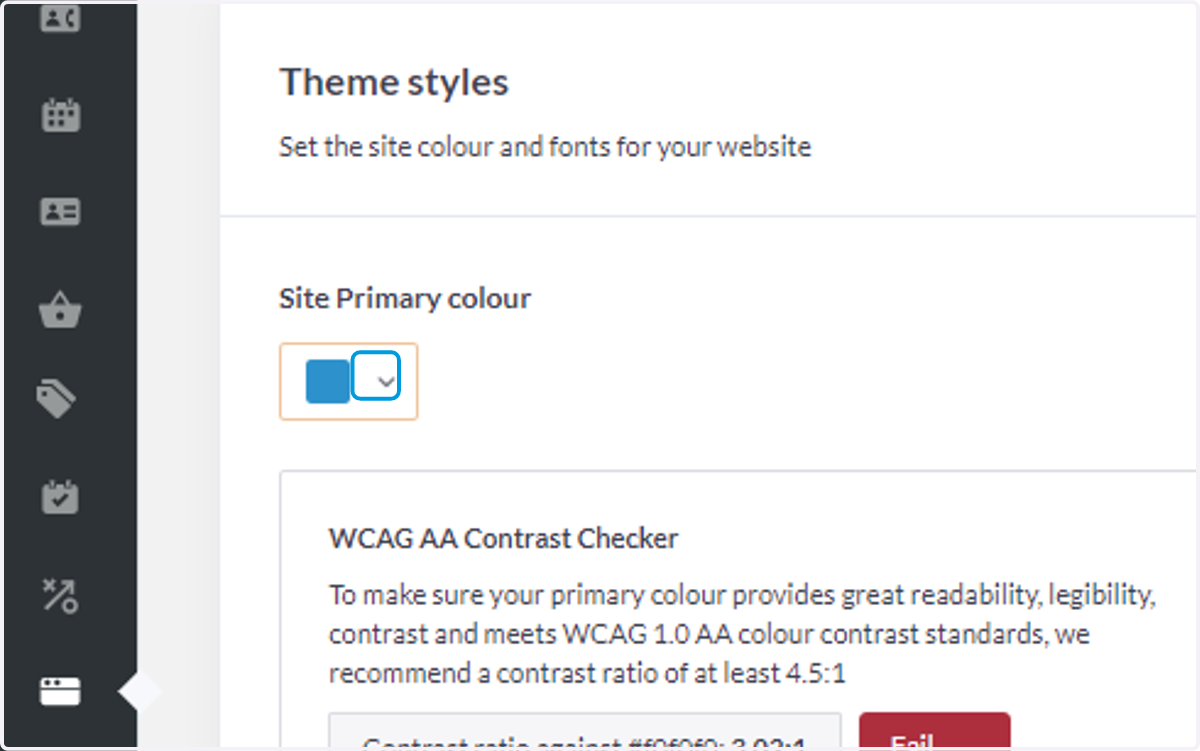
7. Click on ▼
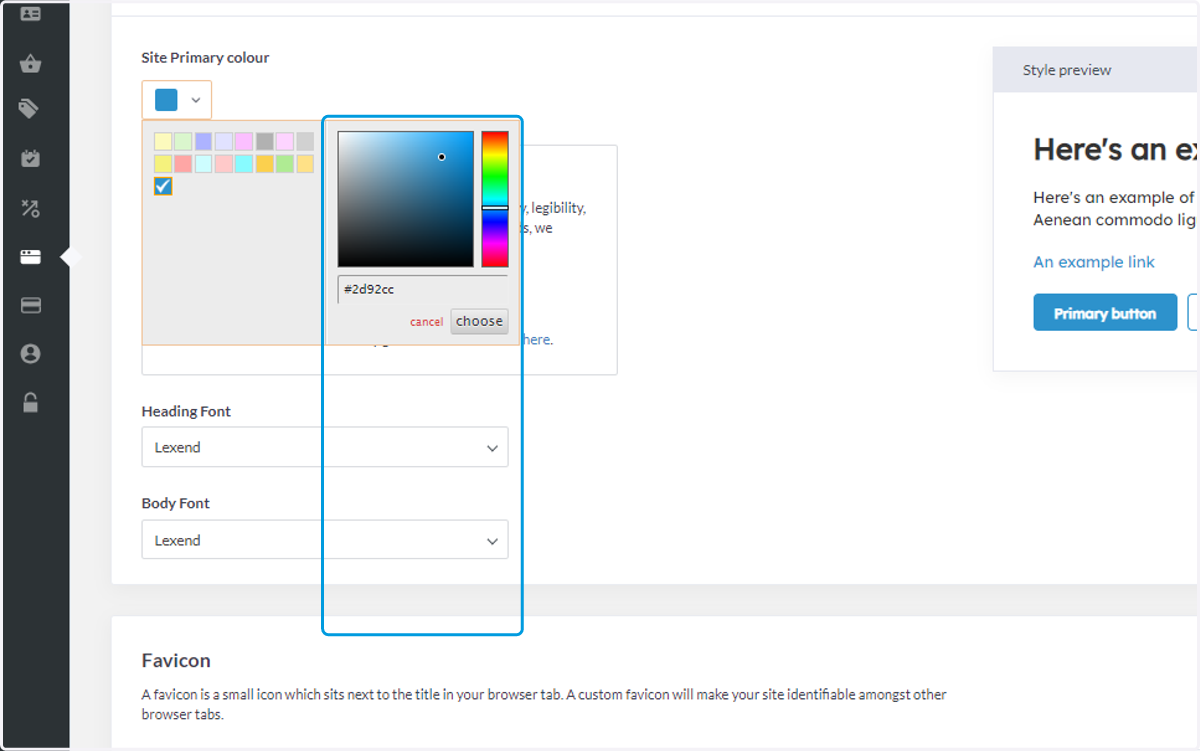
8. The color picker will appear where you can see some pre-defined colors or the ability to specify a color from a HEX # Code.
Hex Codes can be obtained from your Logo designer or you can specify HTML Color Codes
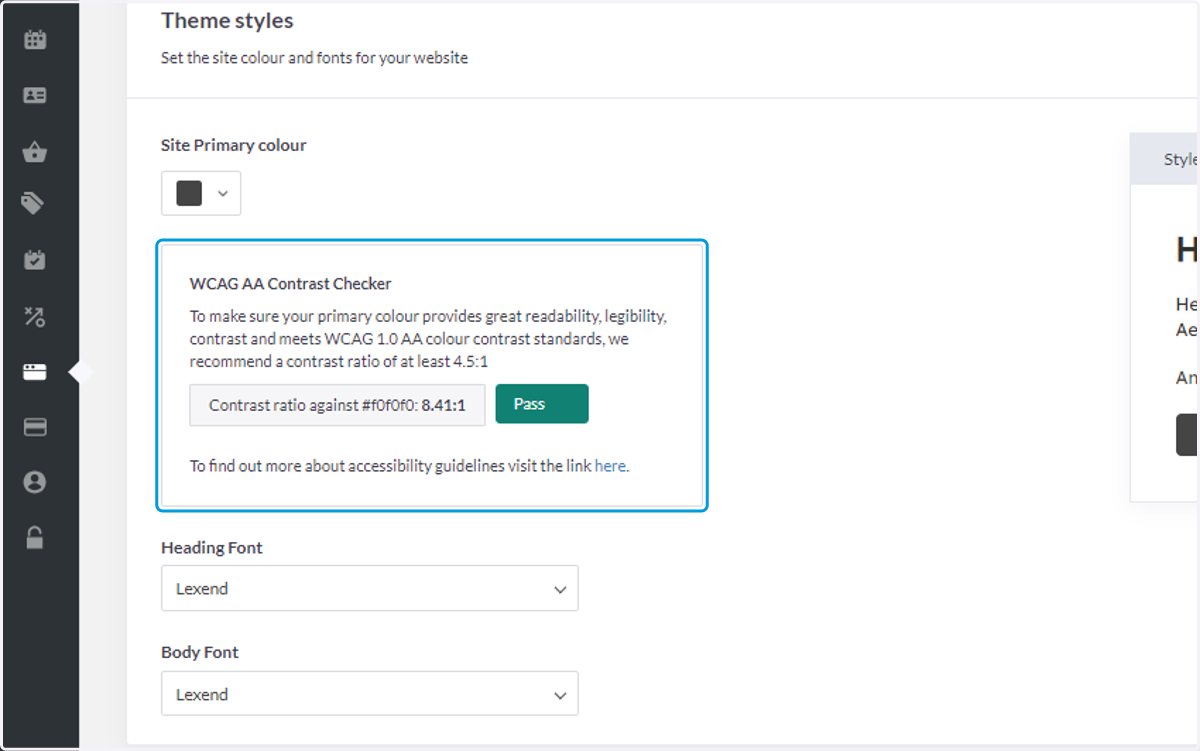
9. WCAG AA Contrast Checker
This checker determines whether the color system you chose from the previous step provides great readability within the website. You can see this via the Pass or Fail indicator. Pass means good, Fail means try to select a contrast friendly color
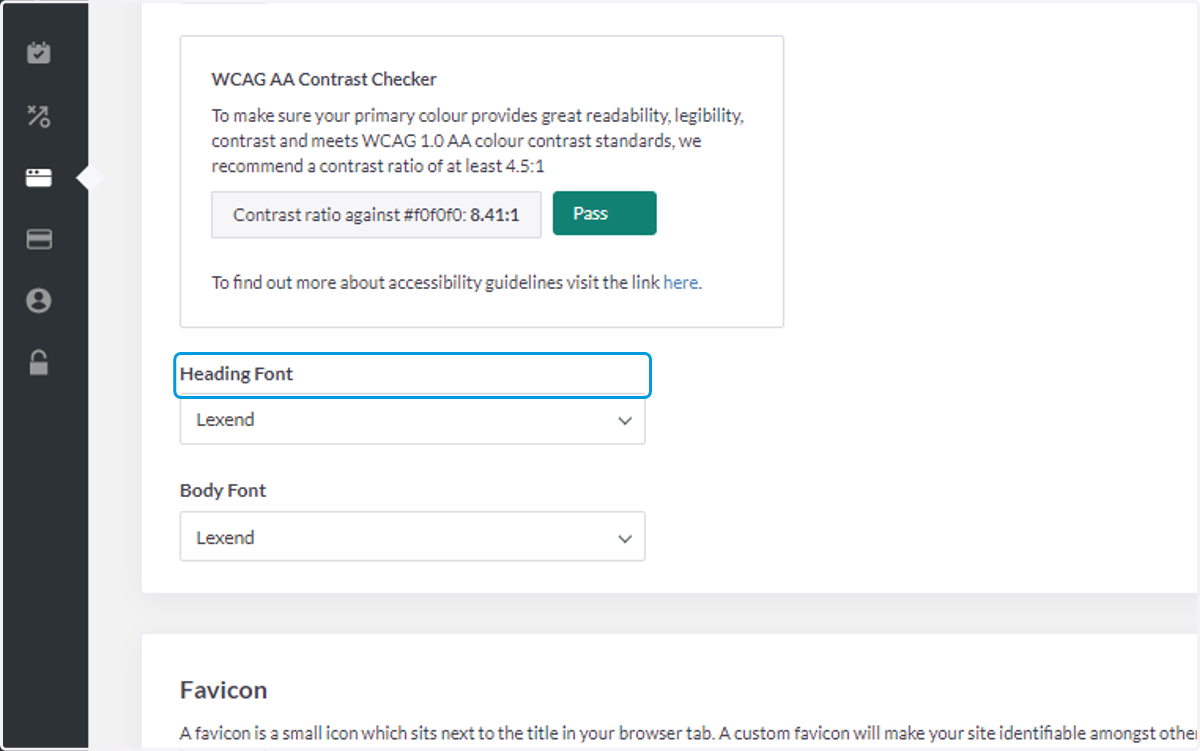
10. Select the Header Fonts
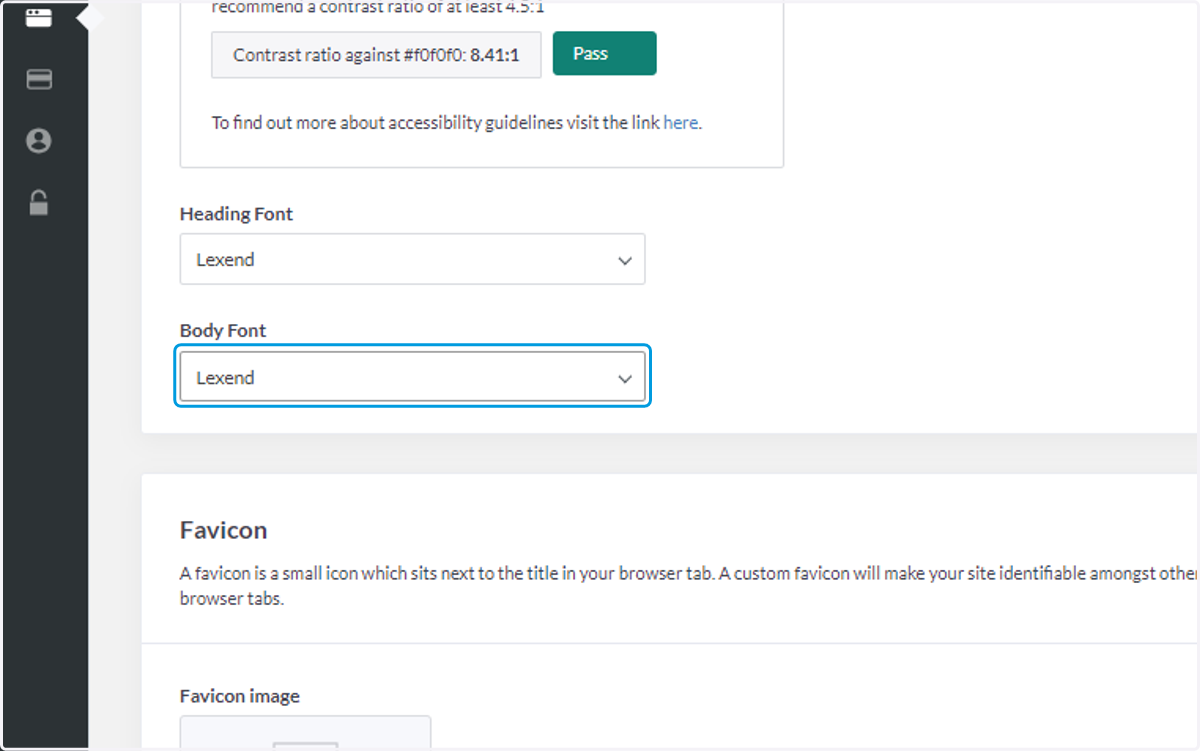
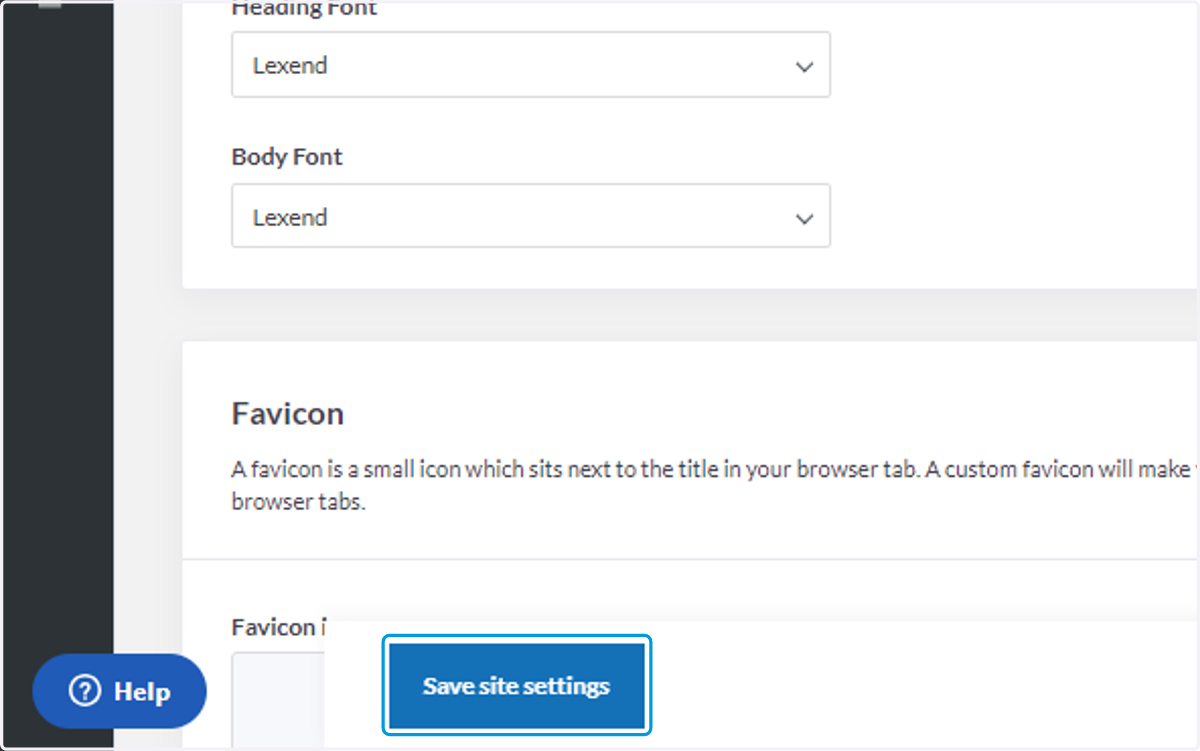
11. Select the body fonts
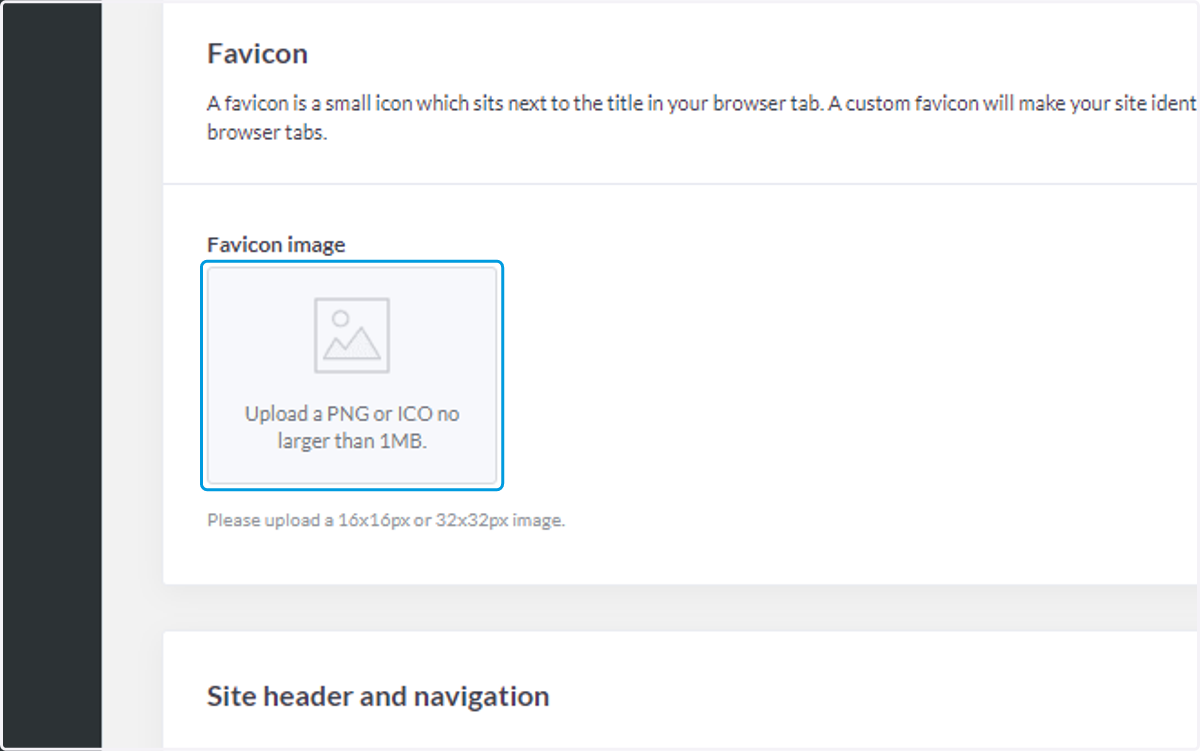
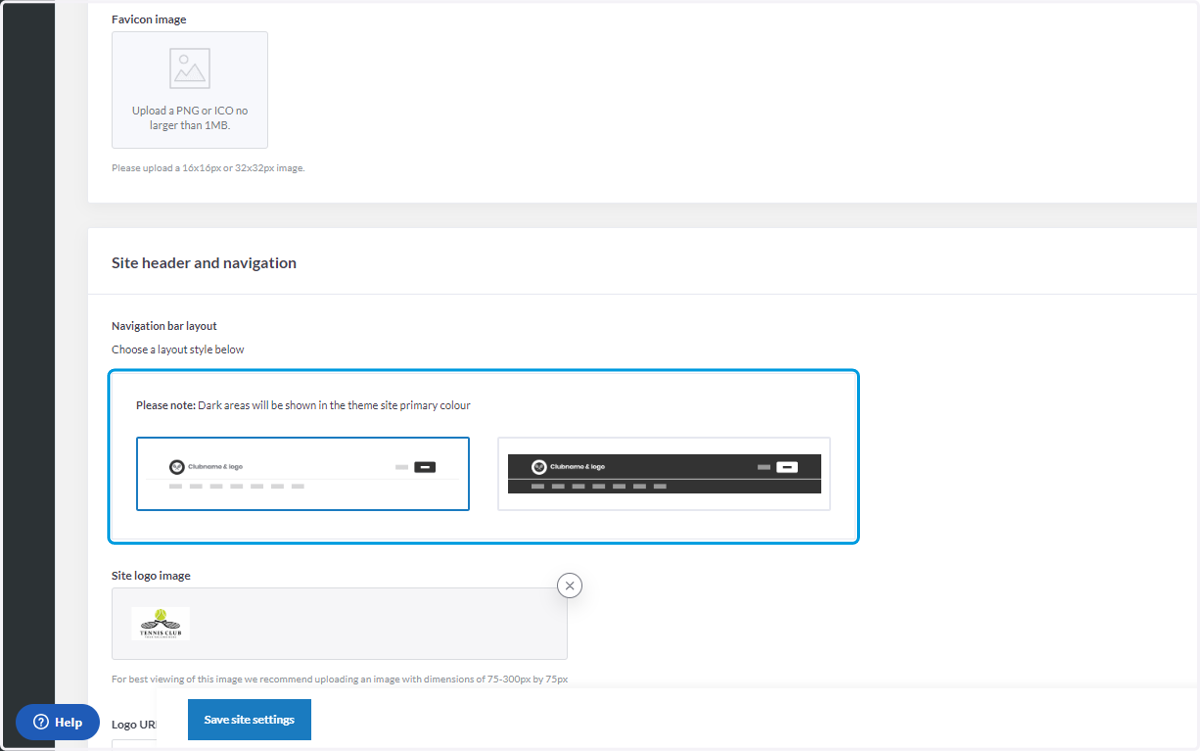
12. Upload a Favicon
Favicons are the icons you see at the tabs of the web browser, you can upload a image only icon if your logo has one.
Clubspark / Admin / Design
13. Click on Save site settings
14. You can choose a Light / Dark color theme depending on ow you wish to have the website layout displayed.
15. Click on View website online to see the changes.