Clubspark Admin: Add / Assign someone as an Administrator
Clubspark / Admin / Home
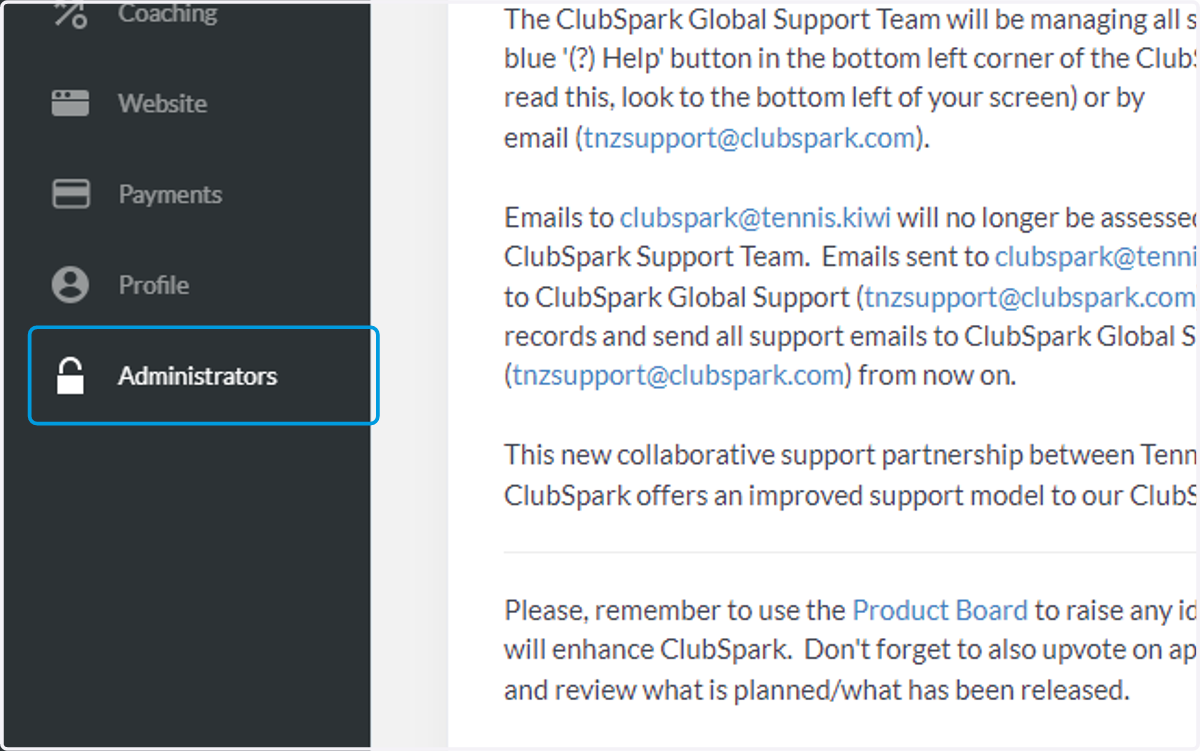
1. Click on Administrators
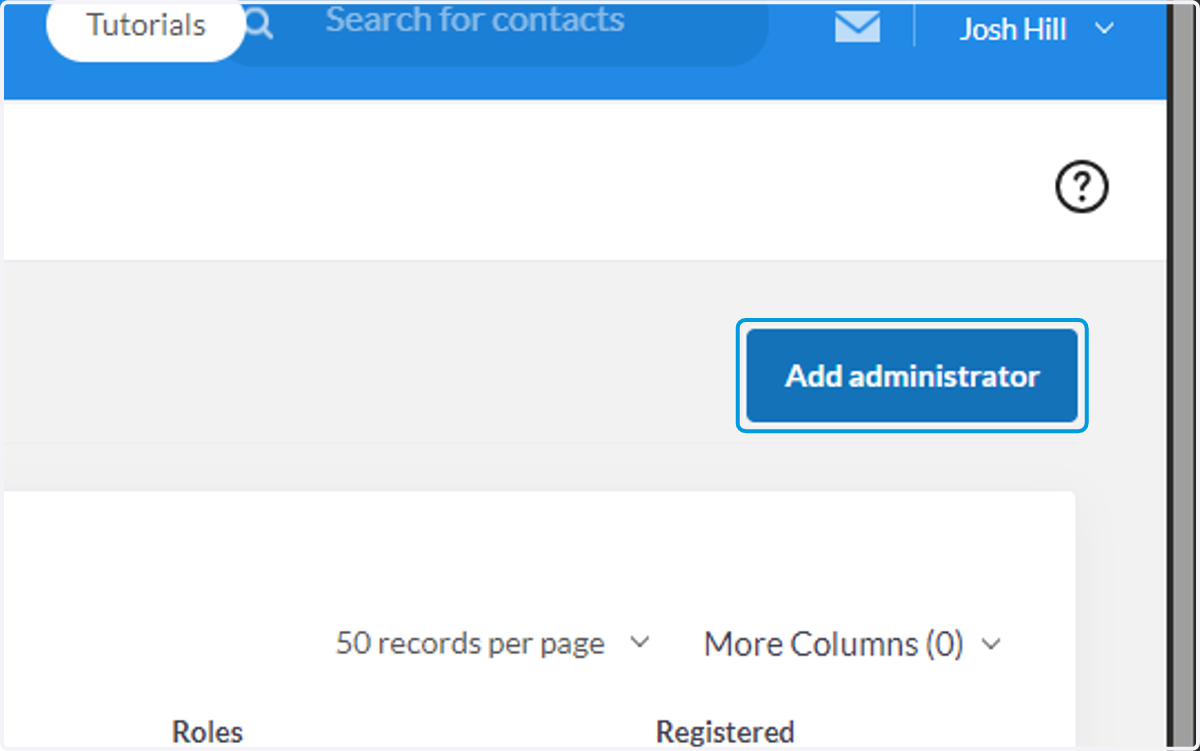
2. Click on Add administrator
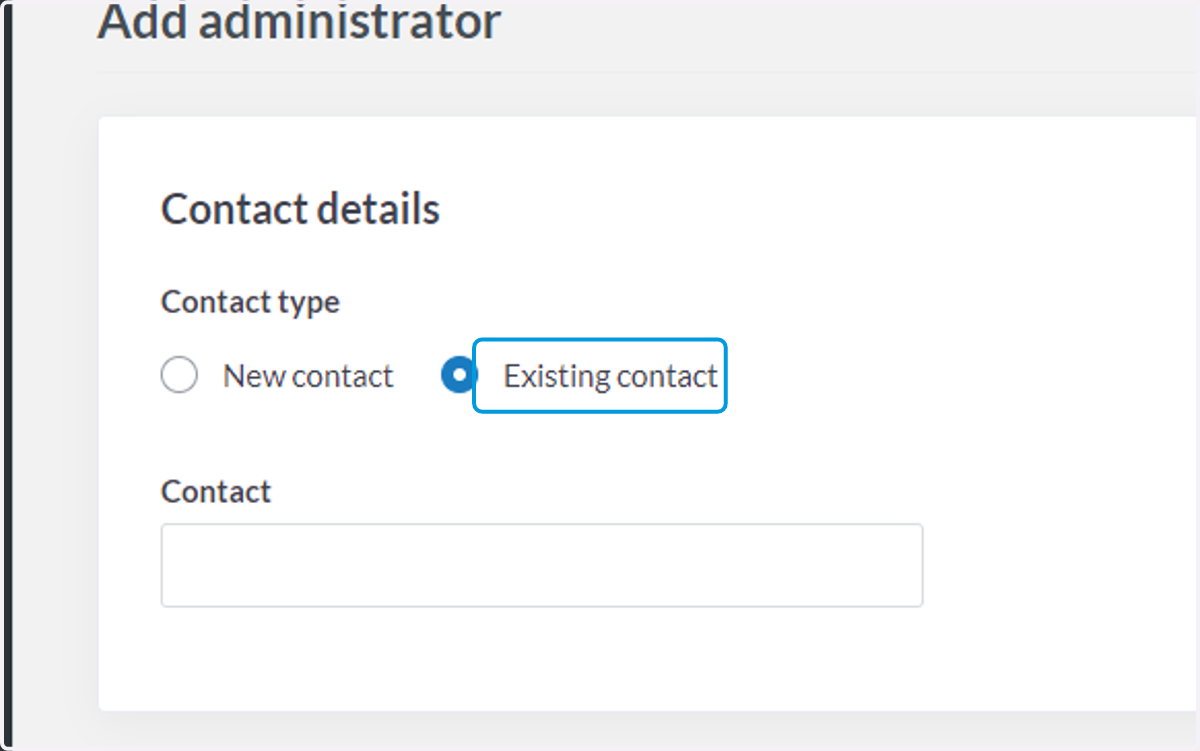
3. If you are adding a brand new contact then add their details
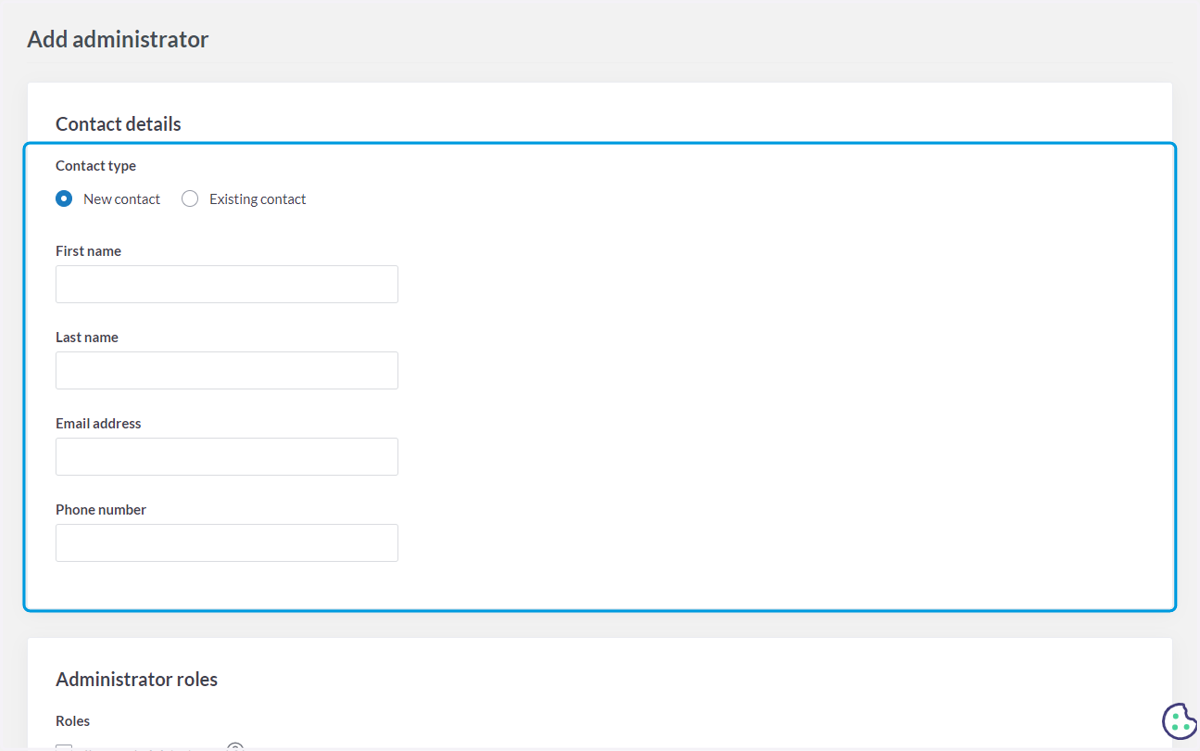
4. Select Existing contact if there is a contact already listed / member that you would like assign as an admin.
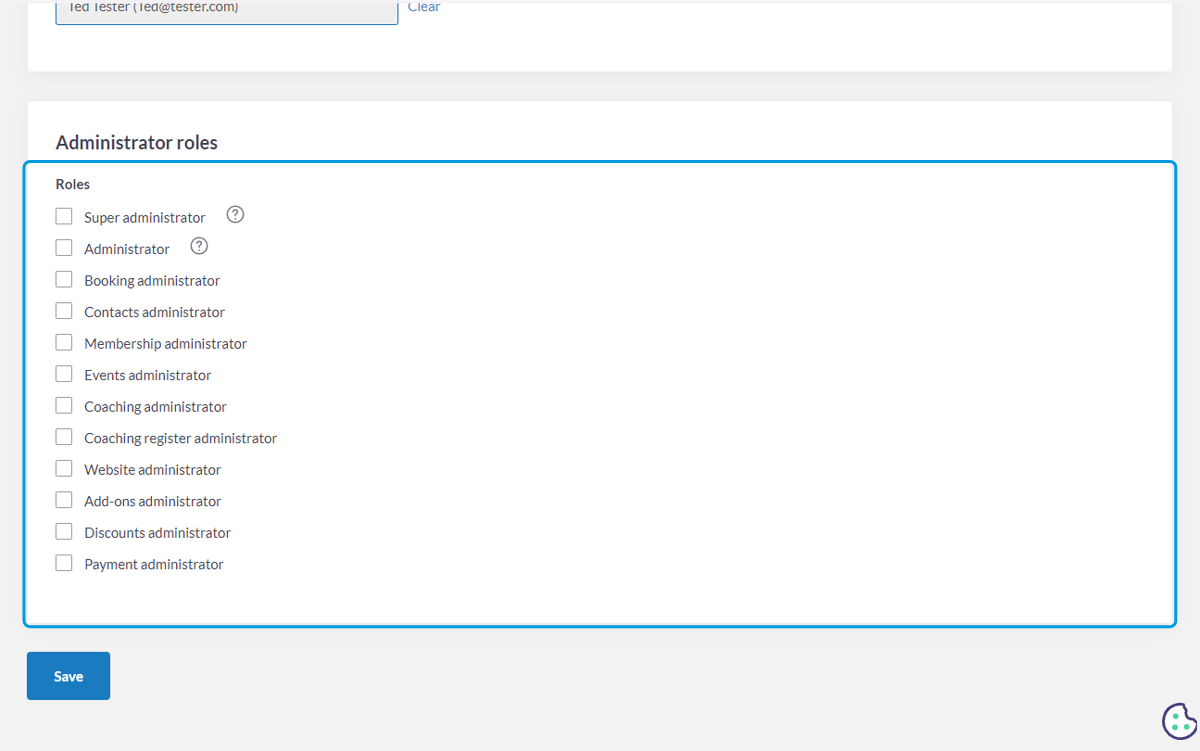
5. Specify the roles
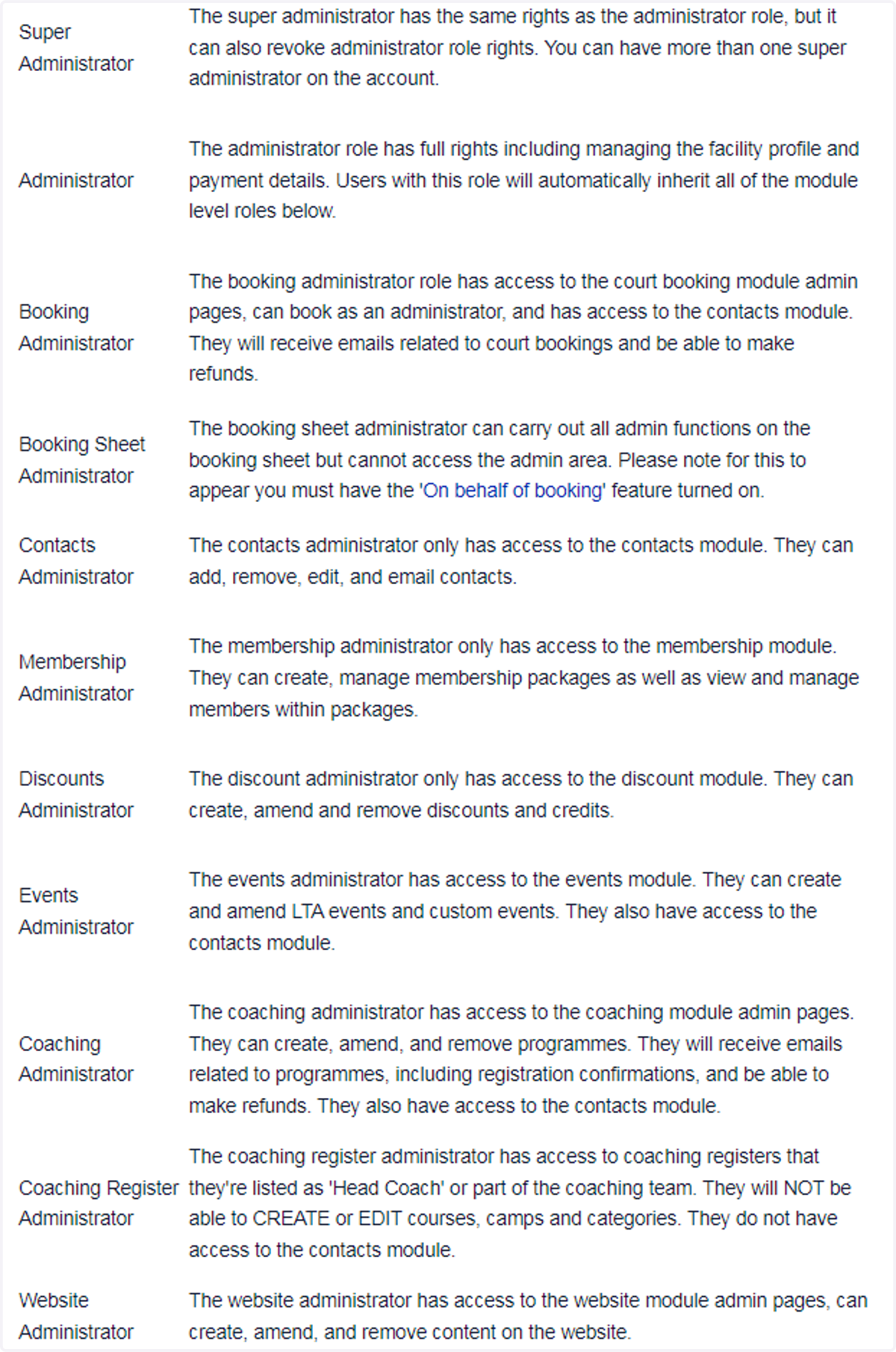
Read the roles in the next step
6. Roles explained
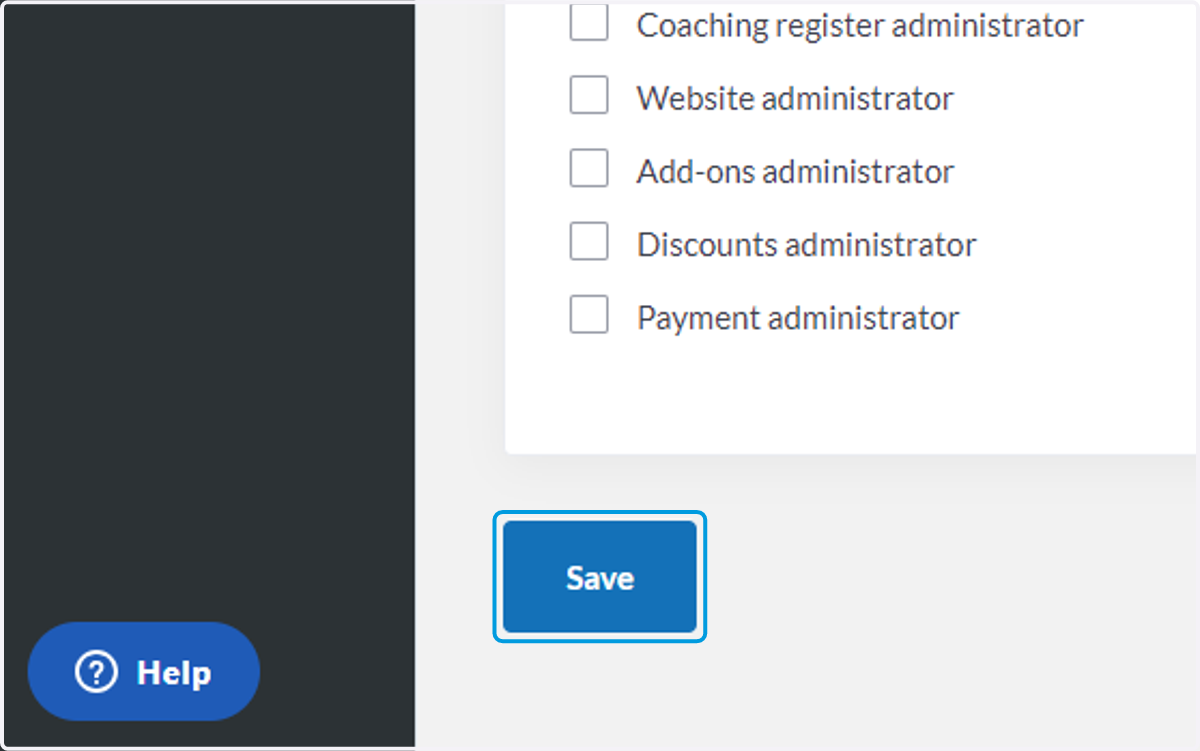
7. Click on Save
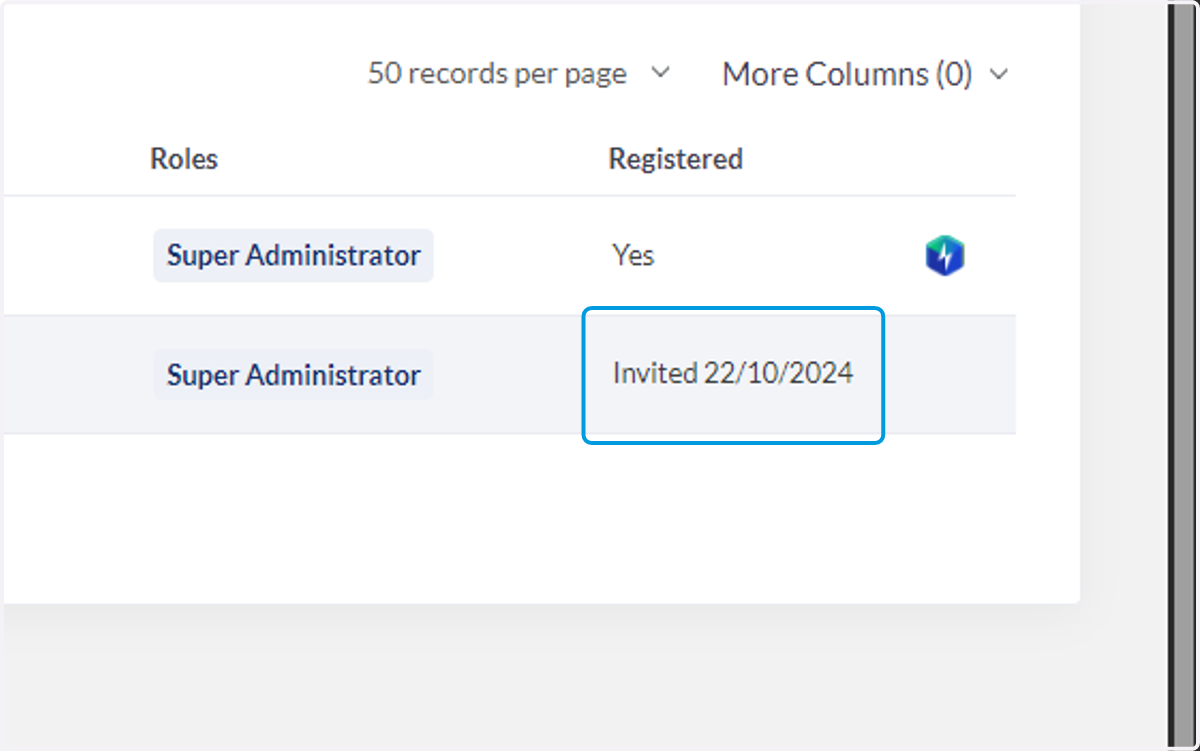
8. The contact will be sent an Invite email, they will need to accept this within 7 days, once registered the status will show Yes