Clubspark Admin - Upload a club logo
In this guide we will show you how to easily upload a club logo to your Clubspark website.
Clubspark / Admin / Home
1. Let's Begin

2. Click on Website

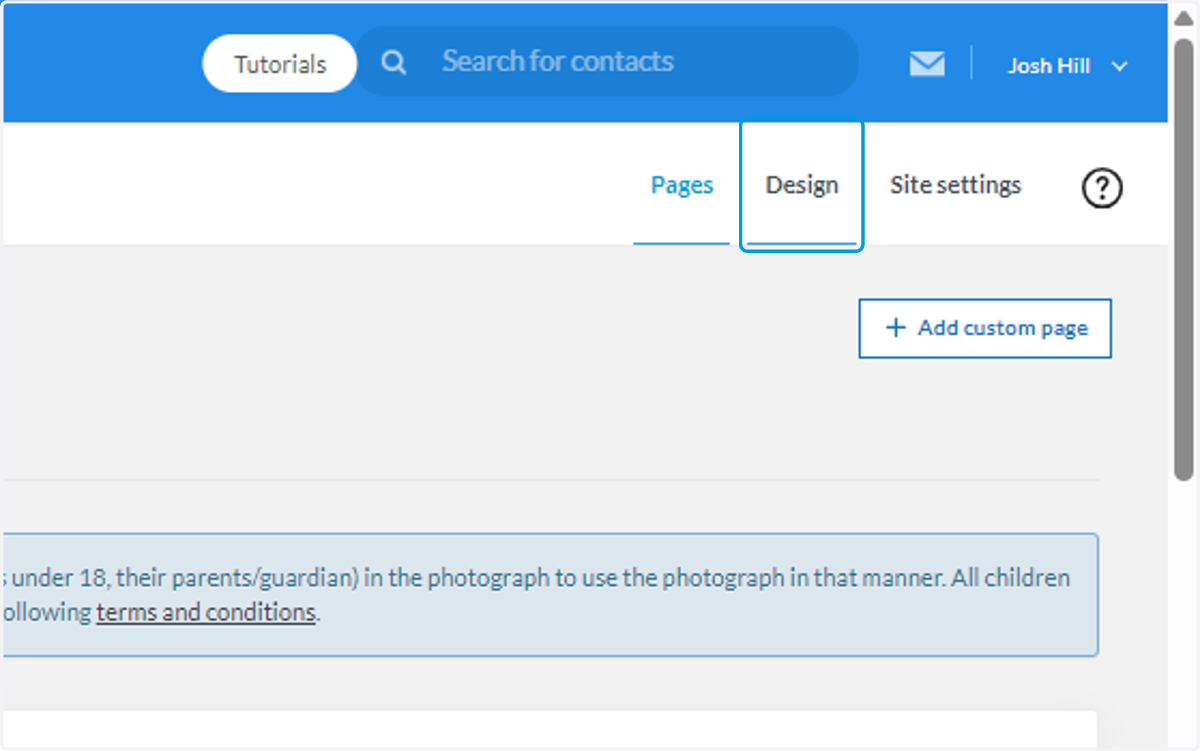
3. Click on Design
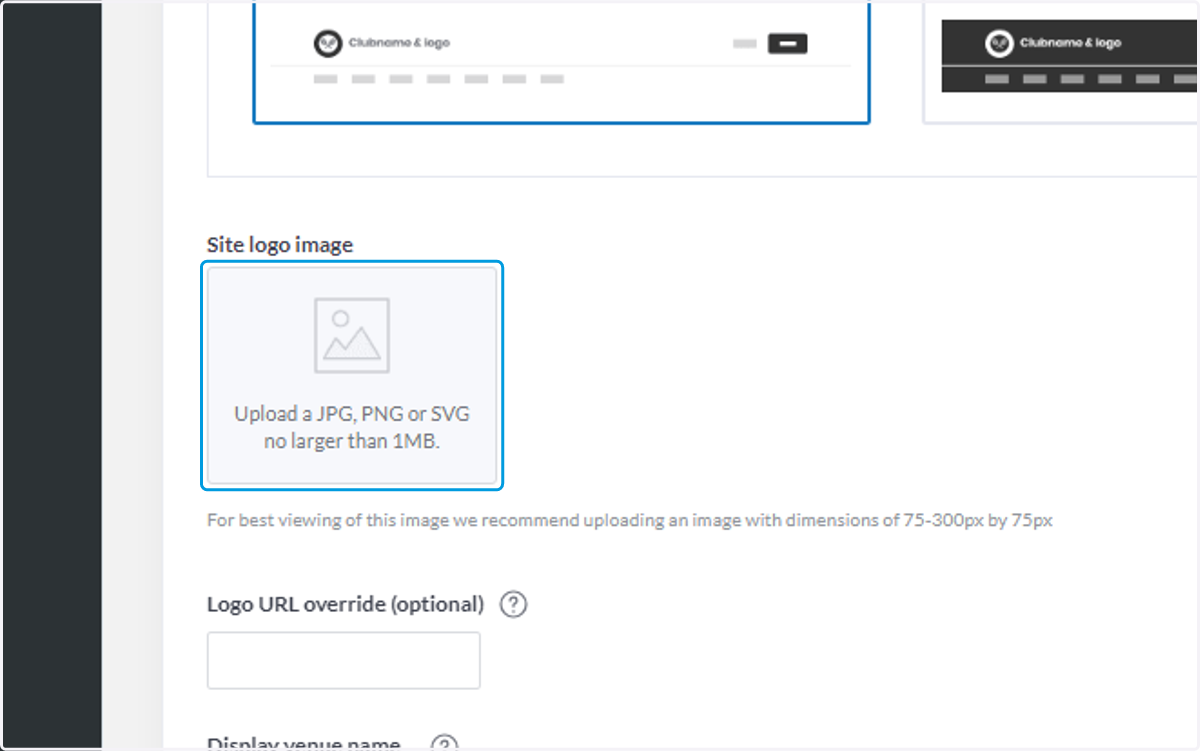
4. Locate "Site logo image" and click the image icon
Clubspark / Admin / Design
5. Upload your logo
PLEASE NOTE: It's a good idea to prepare your logo for upload.
Dimensions of 75-300px by 75px will ensure the logo uploads and displays for best viewing
Upload a JPEG, PNG or SVG File
If your logo has a large space around it, try and crop the image so that majority of the logo fits in together.
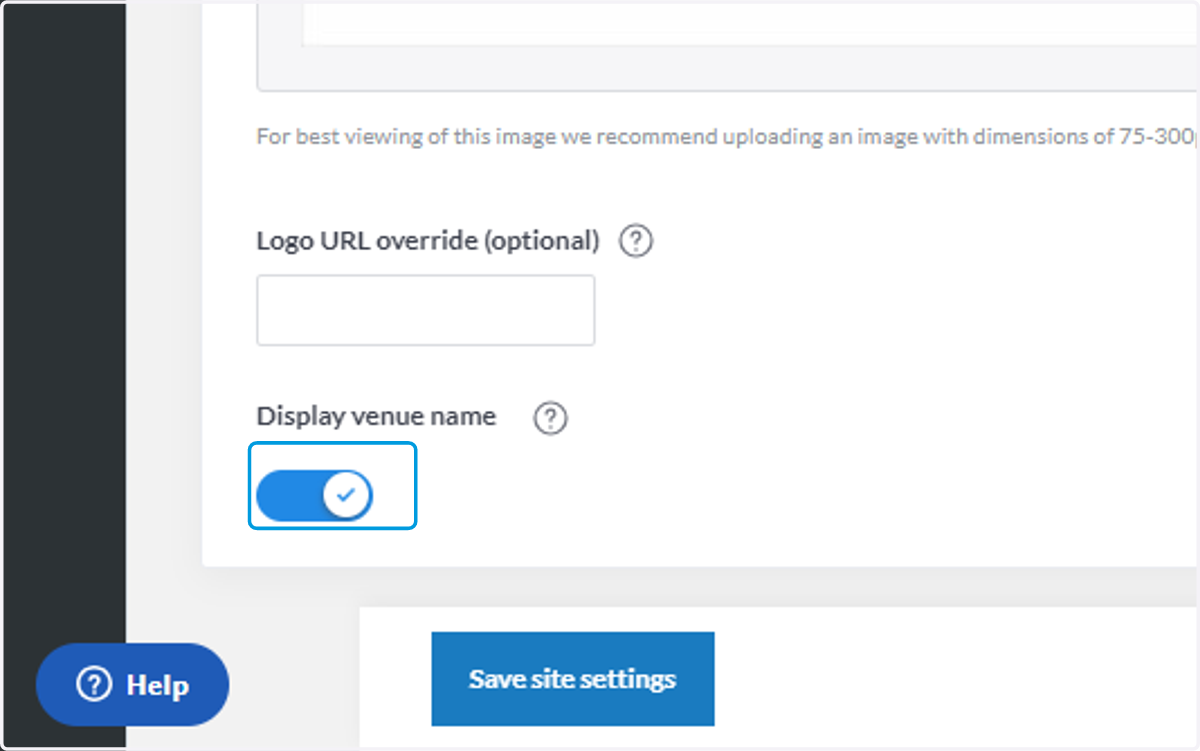
6. You may also want to tick the "Display venue name" however if your club logo clearly shows the name of the club - you can tick is off.
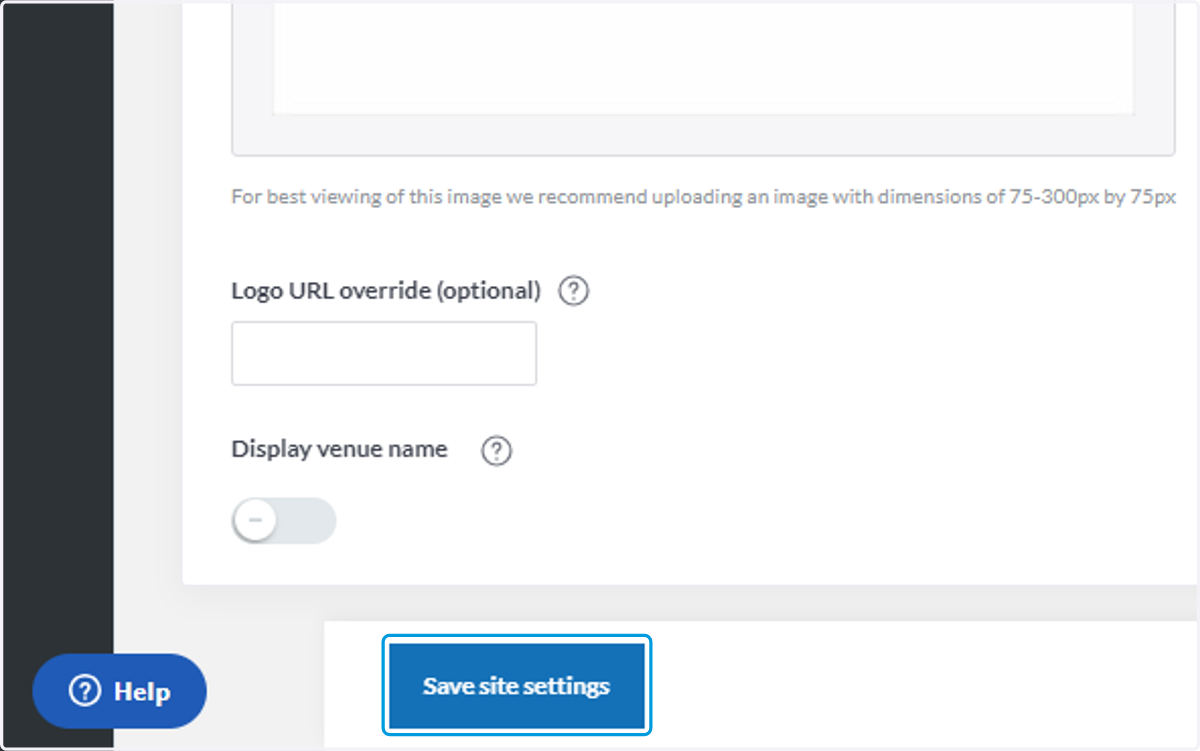
7. Click on Save site settings
8. Click on View website online to view the new logo.