Clubspark Admin - Basics: Updating Club Information
Let's ensure your club contact details are up to date including any social media channels you may have. This guide will help you update any information. You can update this anytime and is an important step to ensure visitors have the contact points.
Head to your Clubspark dashboard
1. Let's Begin
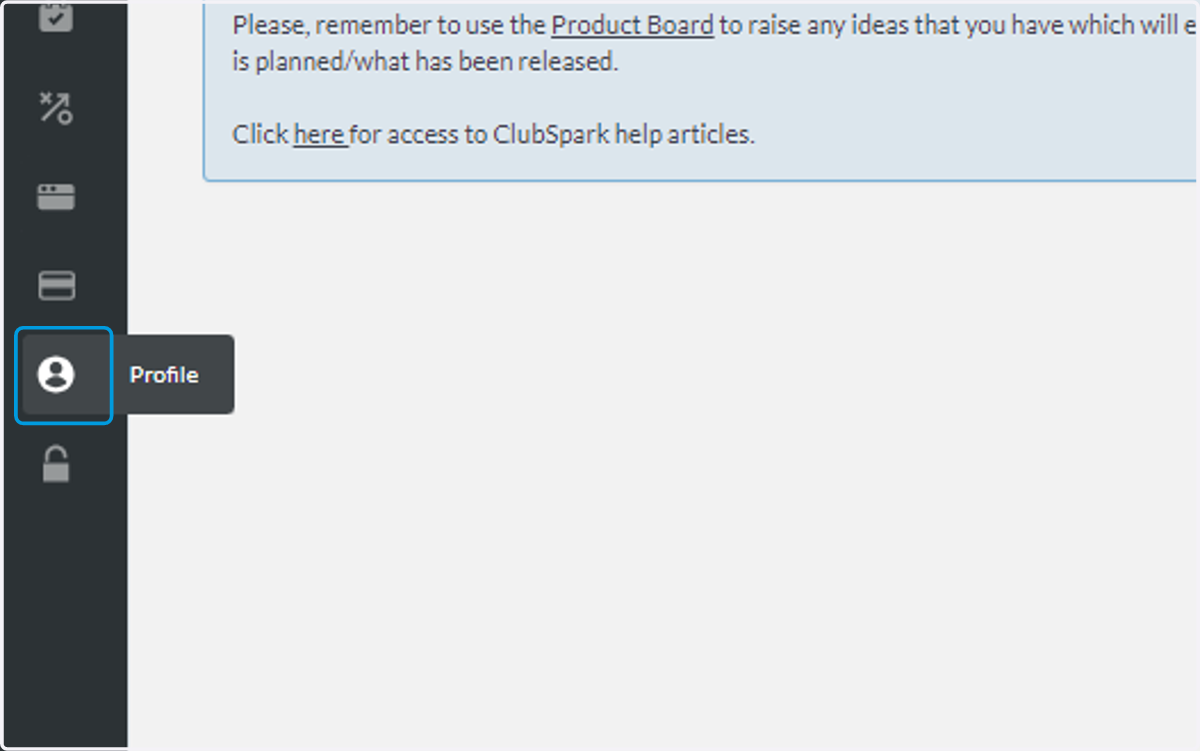
2. Click on Profile
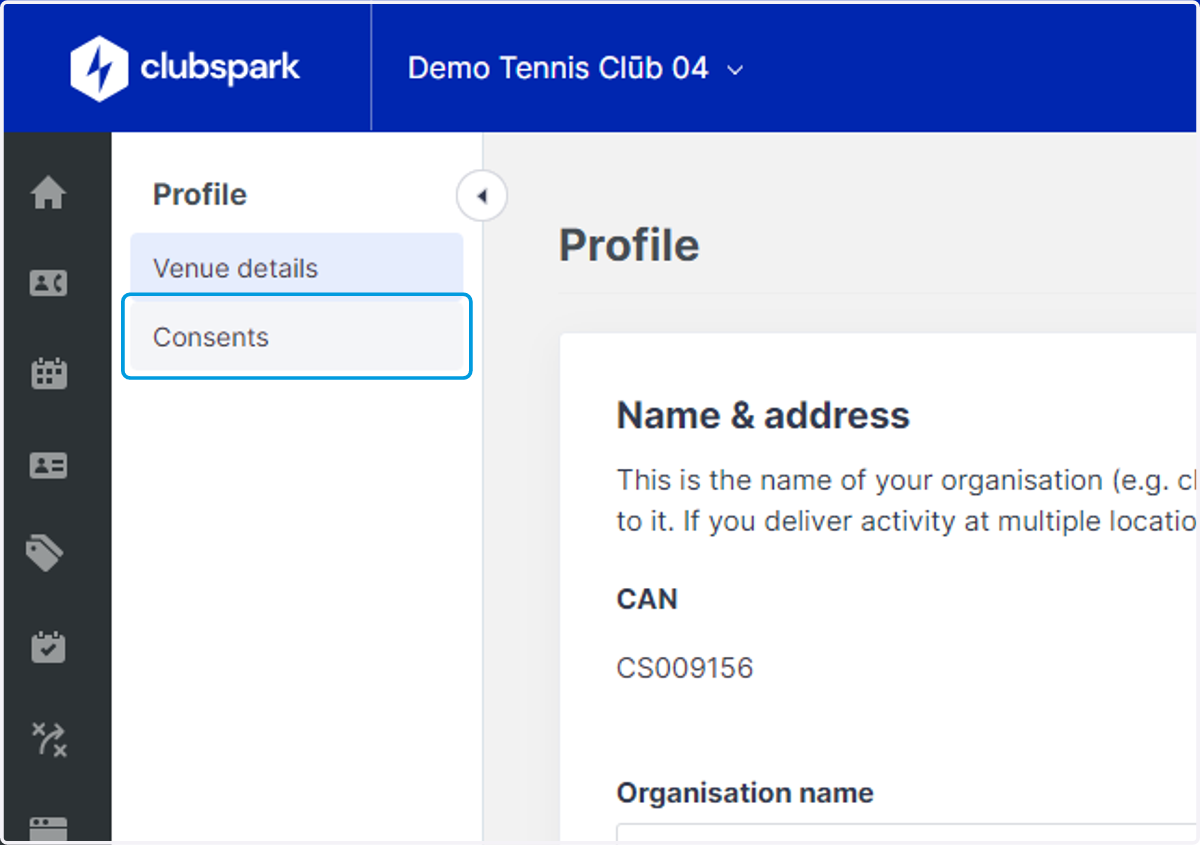
3. Here, you can update the Club Name and postal address.
Note: Please leave the Classification as is.

4. Update the club Contact Number

5. Update the clubs social media channels
These links will be located on the bottom of each page and helps your visitors stay connected and up to date.

6. On the same page, Click on Consents
7. Click on Consents
8. Privacy Policy
You can upload a copy of the Privacy Policy for the club here,

9. Click on Consents
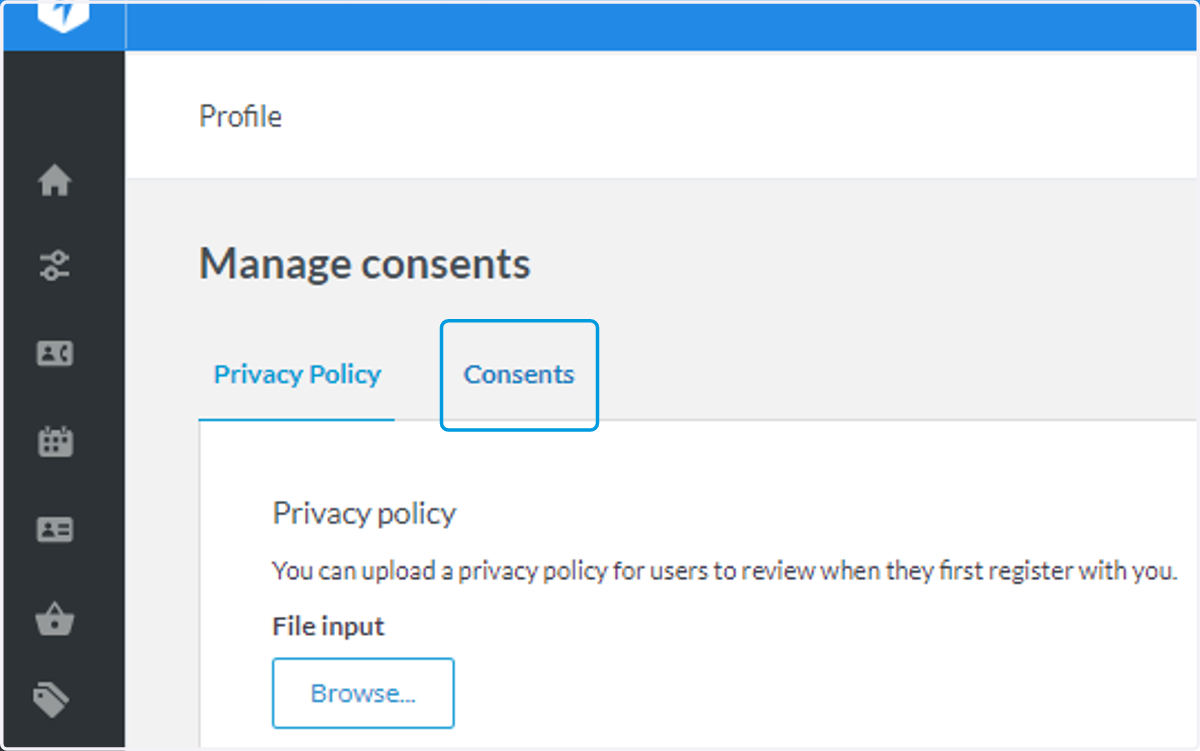
10. Click on Website consents…
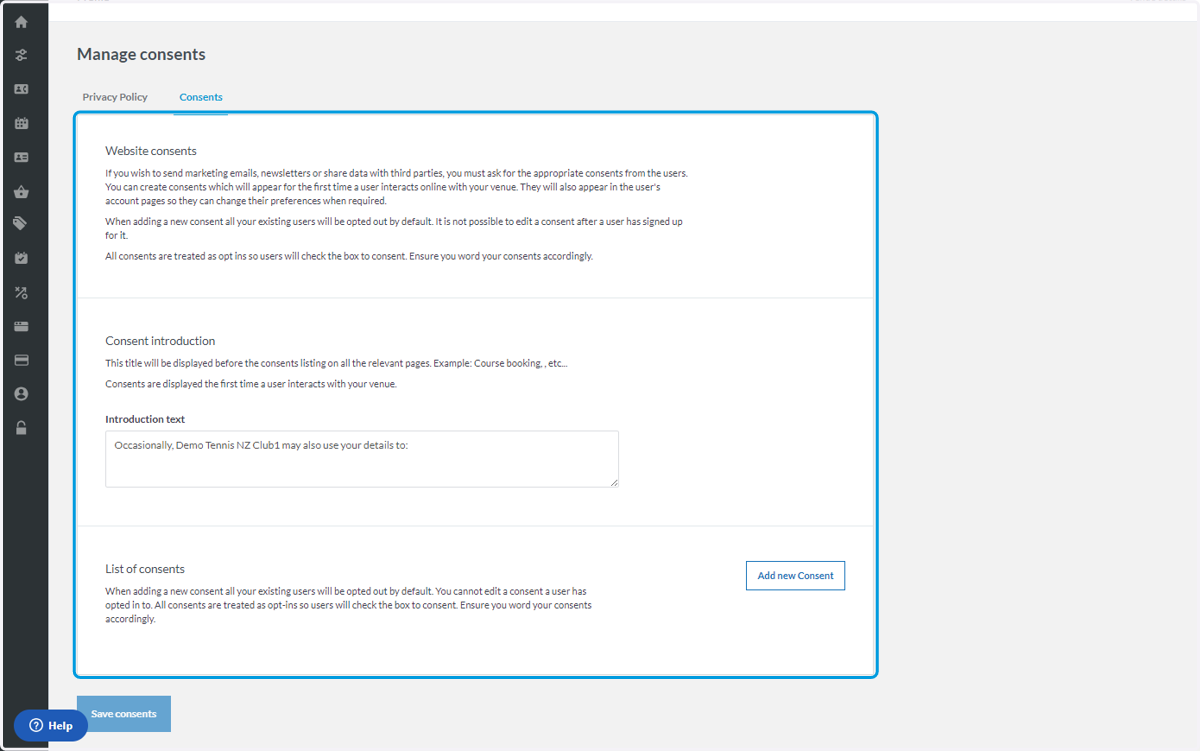
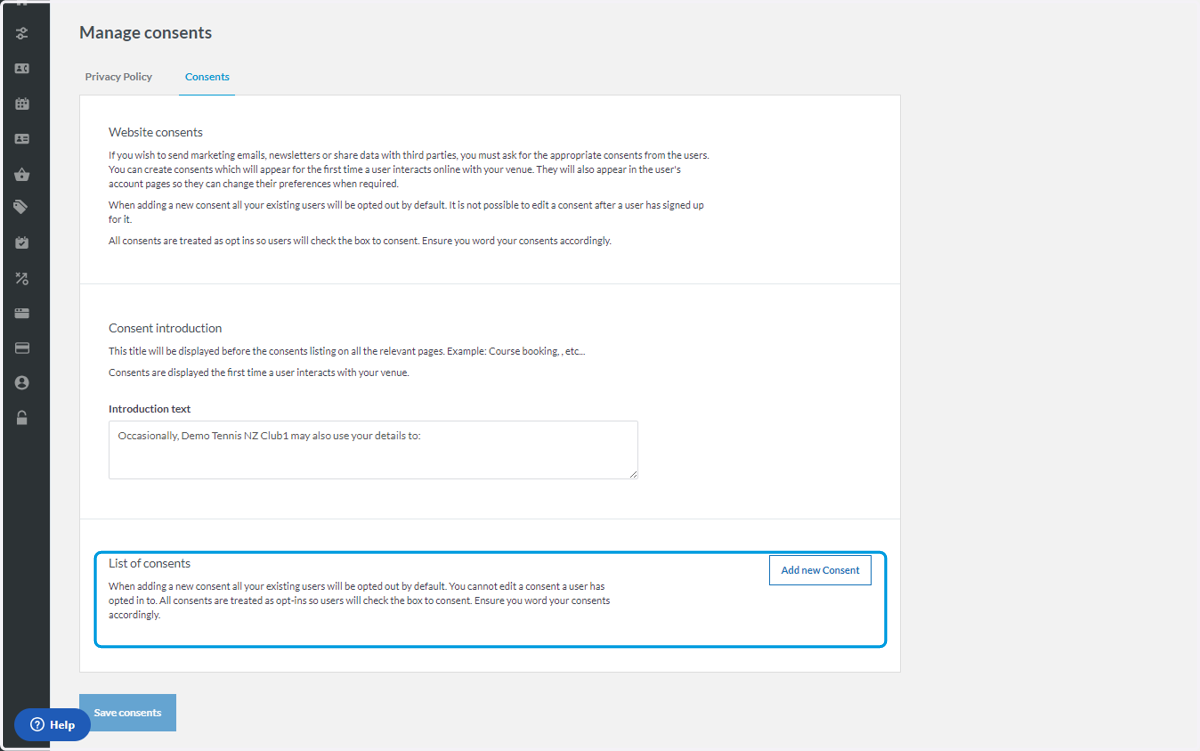
11. Click on List of consents…
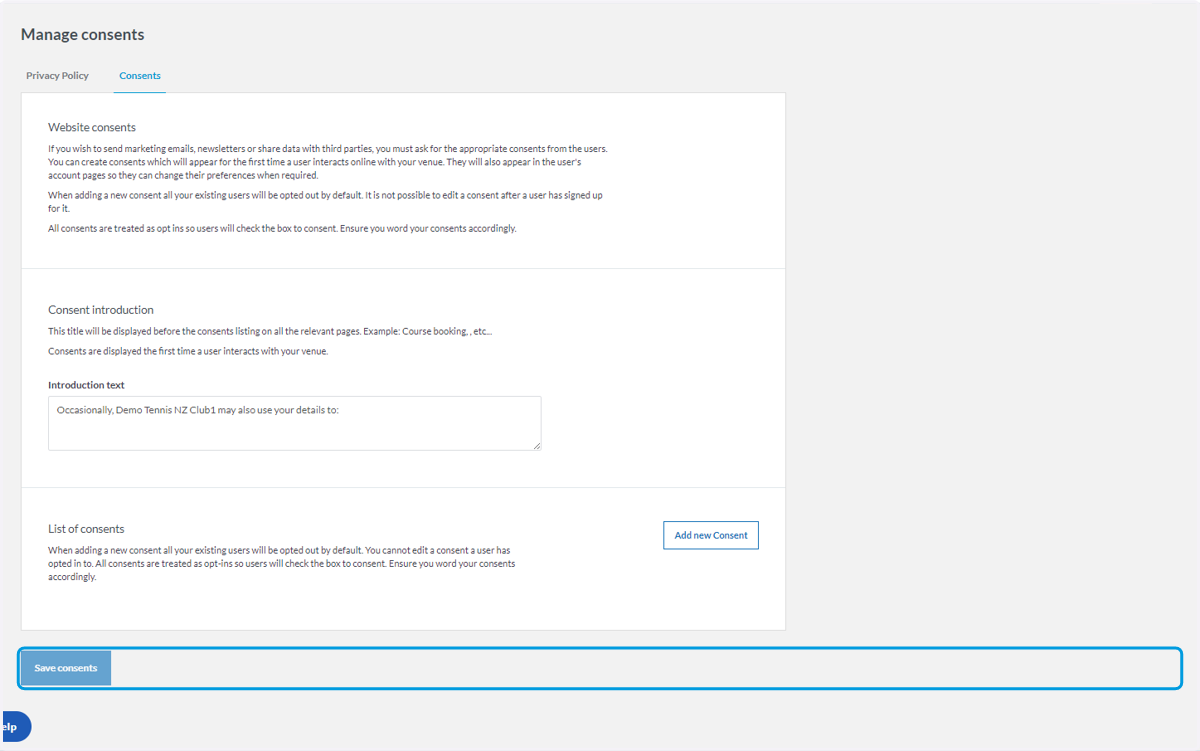
12. Click on Save consents
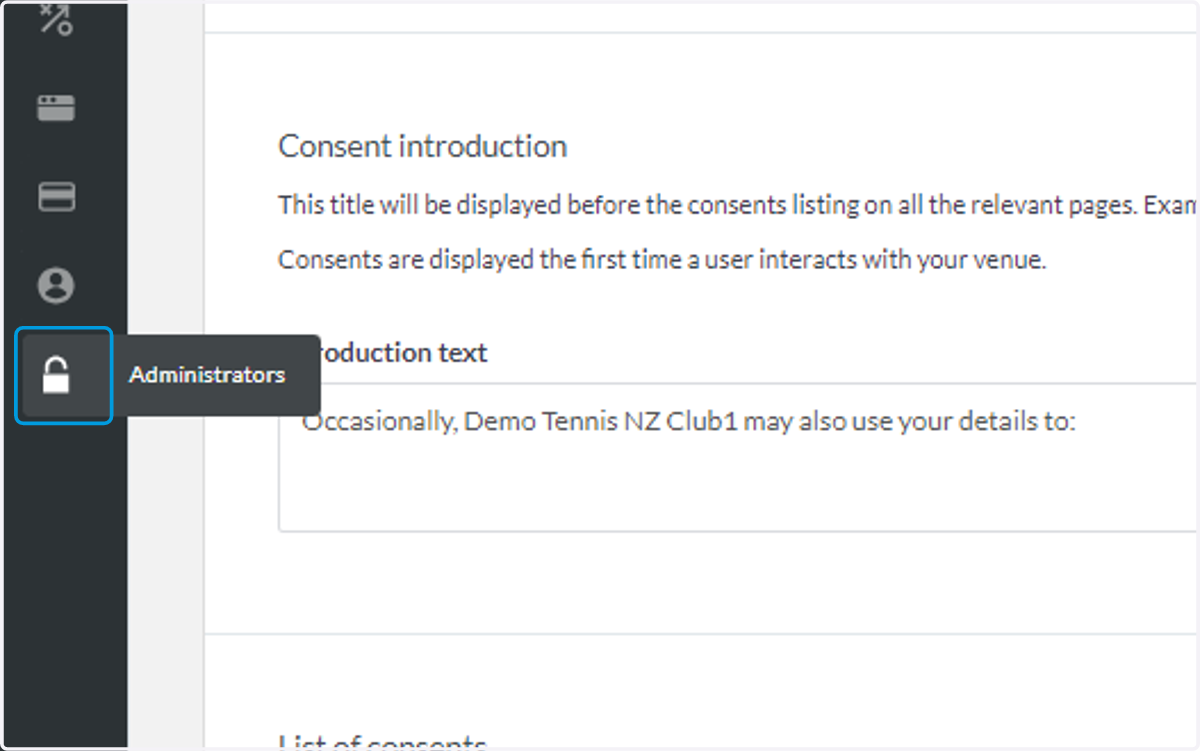
13. Click on Administrators