ClubSpark Admin Tutorial: Merging Contacts together
This tutorial will show you how to merge a contact into one
This is a great solution if you get a paid member who logs into ClubSpark but when trying to book a court they are still being charged.
General Cleanup of the Contacts module
Sometimes, contacts may be duplicated in the system (for instance, when a user registers with an email address and then at a later stage registers again using a different email or a social account.
1. Let's begin!

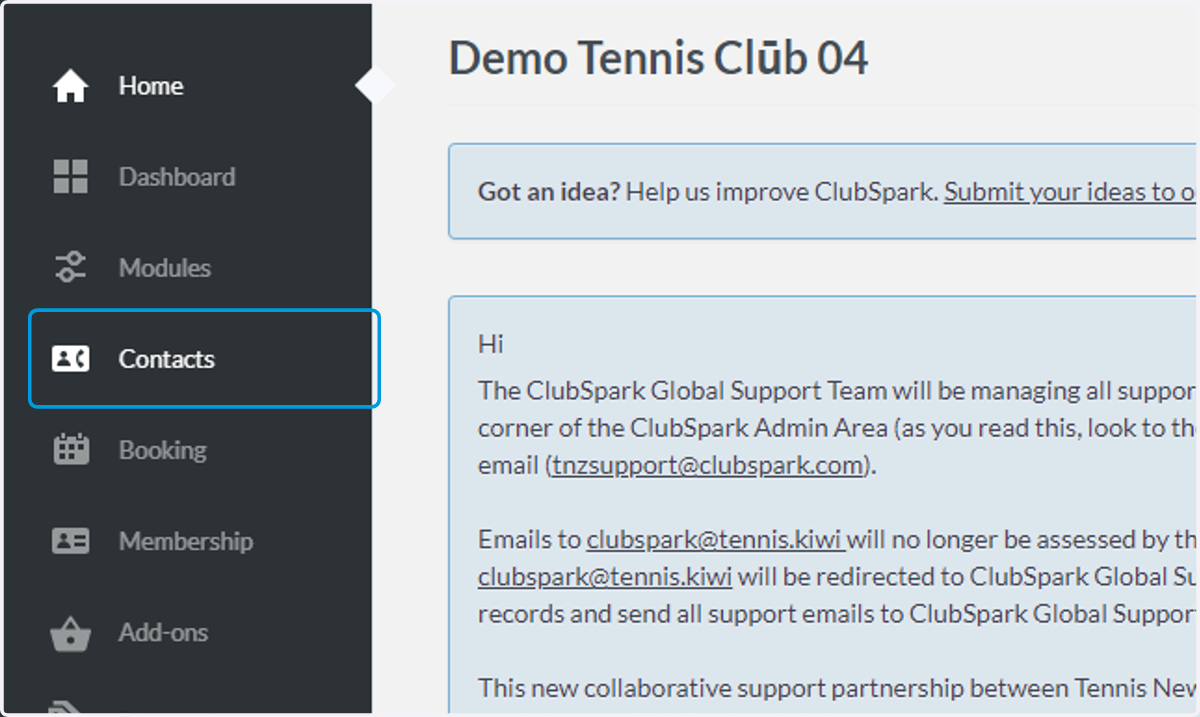
2. Click on Contacts
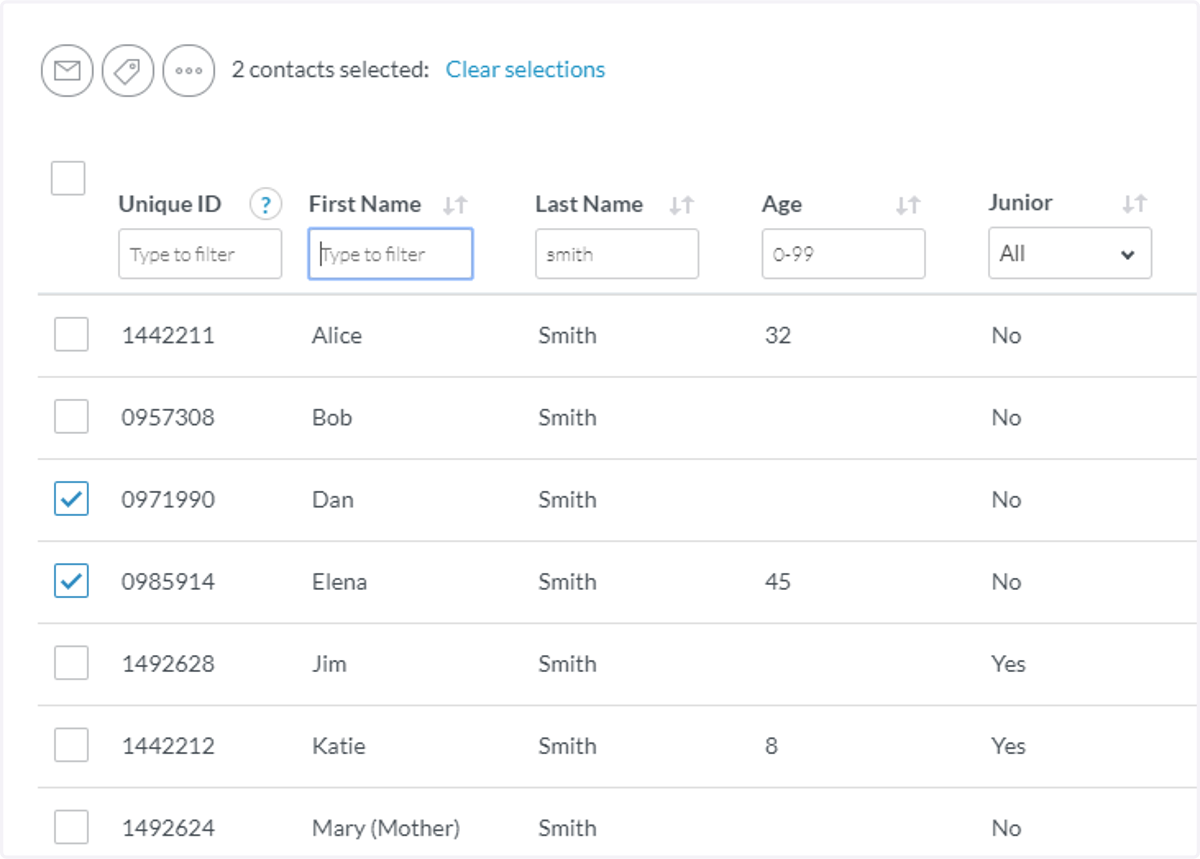
3. Find the two contacts that you wish to merge, and tick the box next to those names.
Please note: only two contacts can be 'merged' at once if more than two contacts are selected the 'merge' button will be 'greyed' out. Clear selections and select the two contacts again.