ClubSpark Admin: Sending Emails
Learn how to send an email to all your members and contacts within ClubSpark.
1. Let's begin

Clubspark / Admin / Home
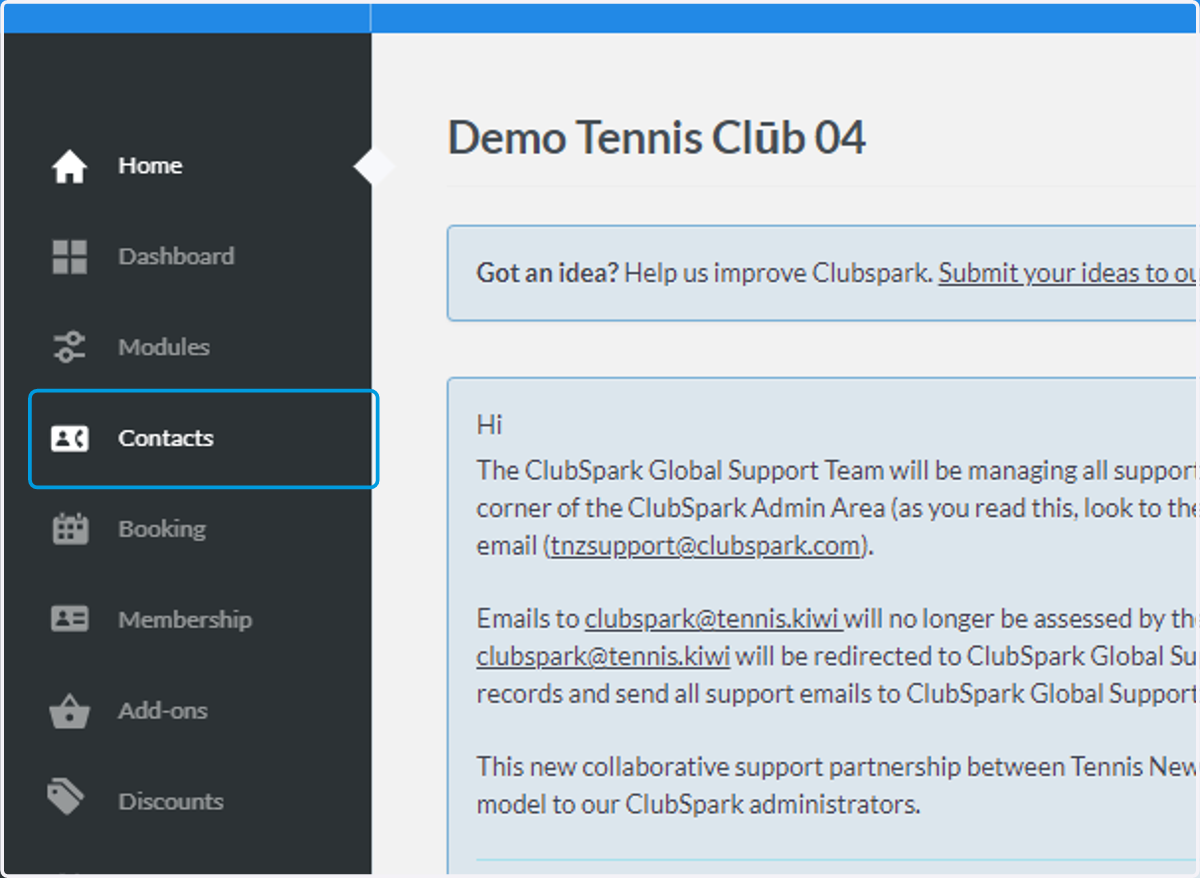
2. Click on Contacts
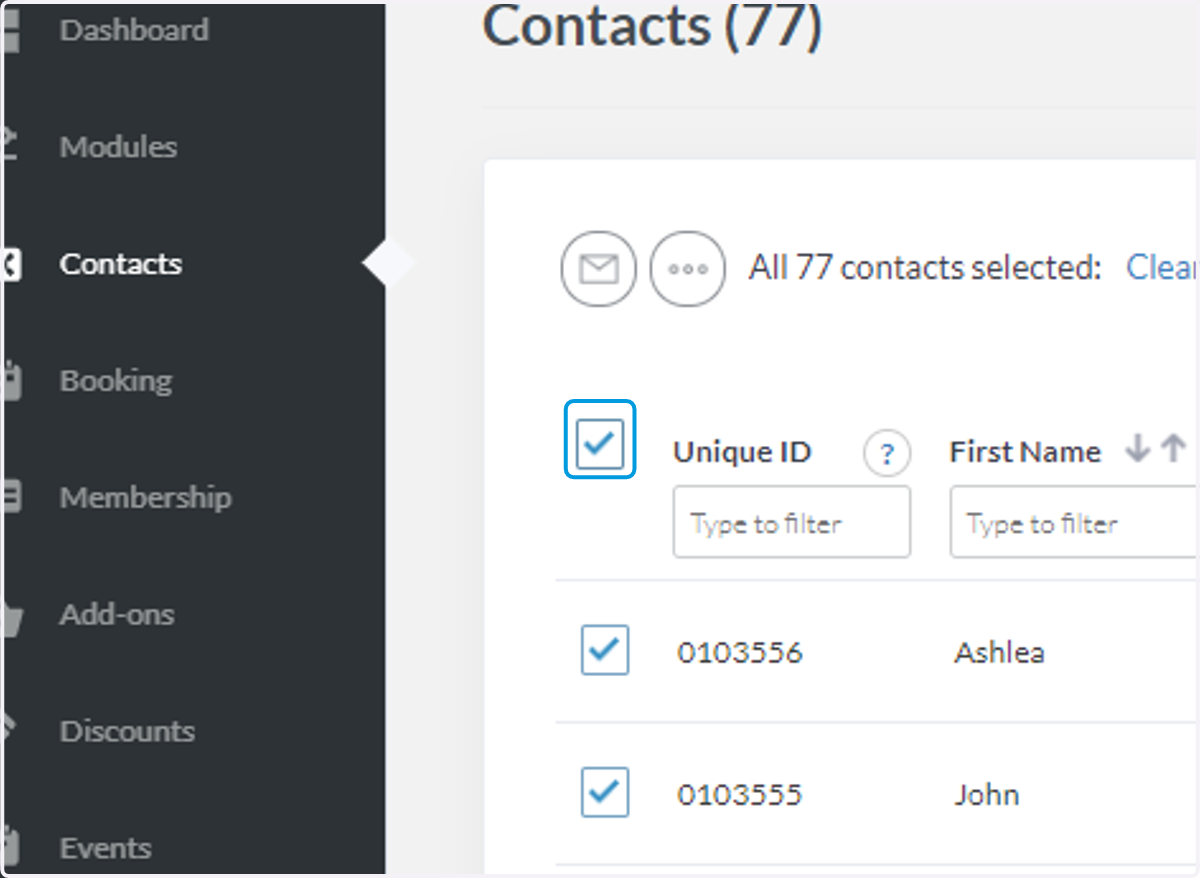
3. Click the check box next to Unique ID to select all
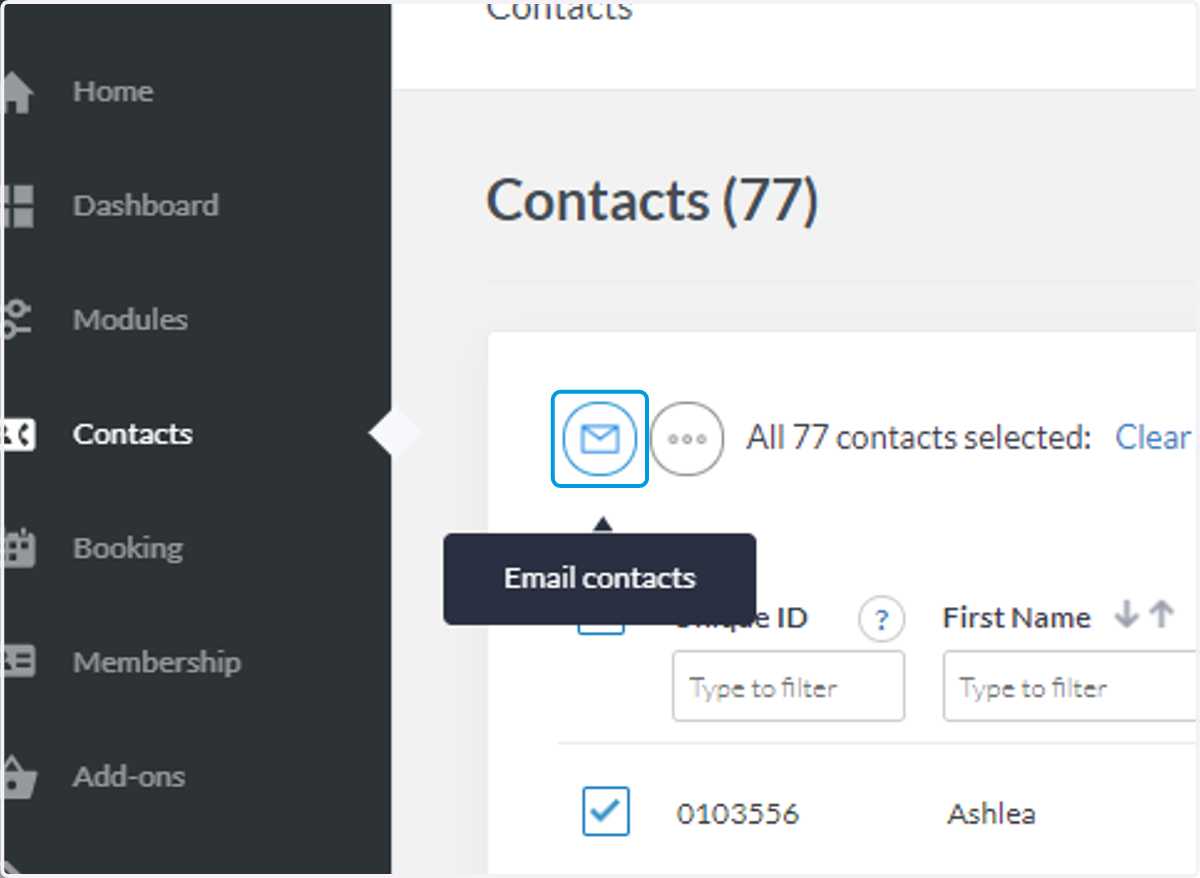
4. Click on the Email icon
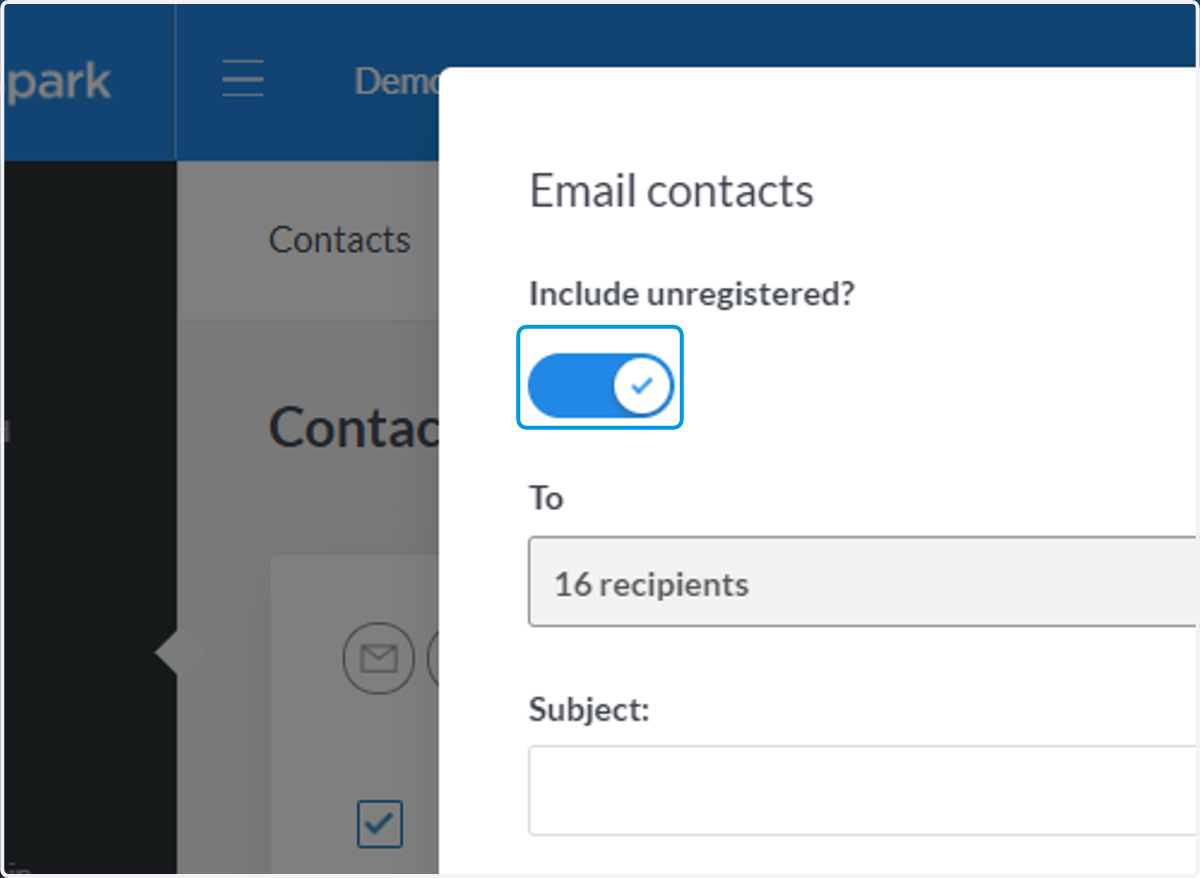
5. Check include unregistered as this will also include those who have not created a club spark account i.e. Your members who are not on ClubSpark
6. Type in the subject
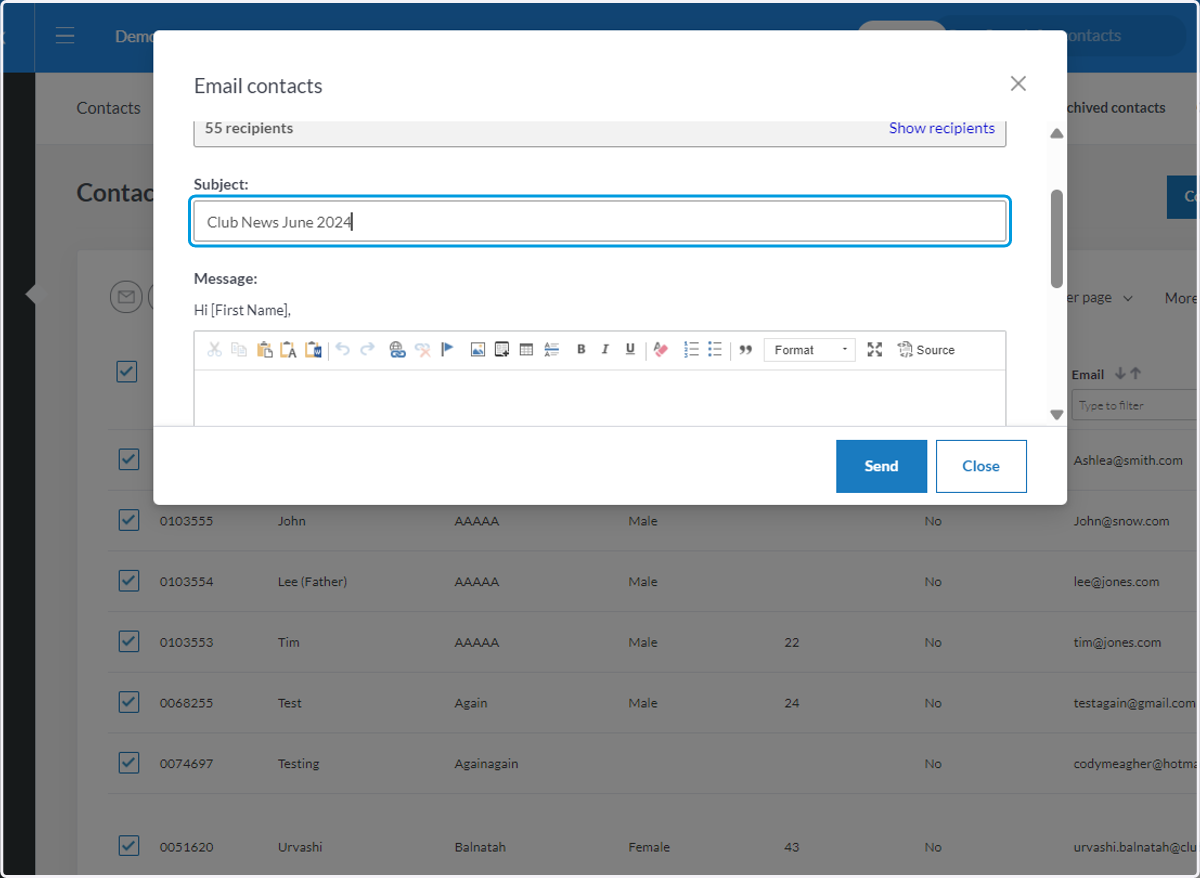
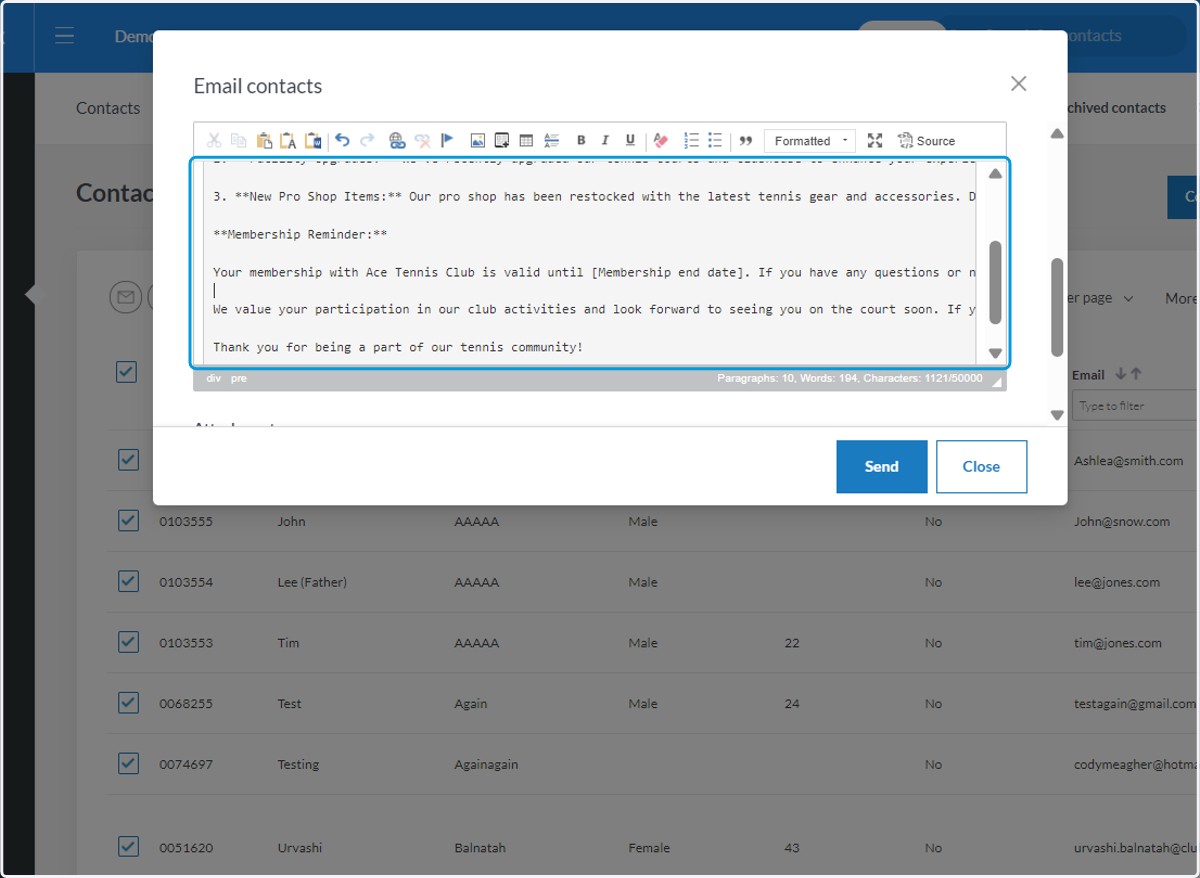
7. Enter in your news / content etc..
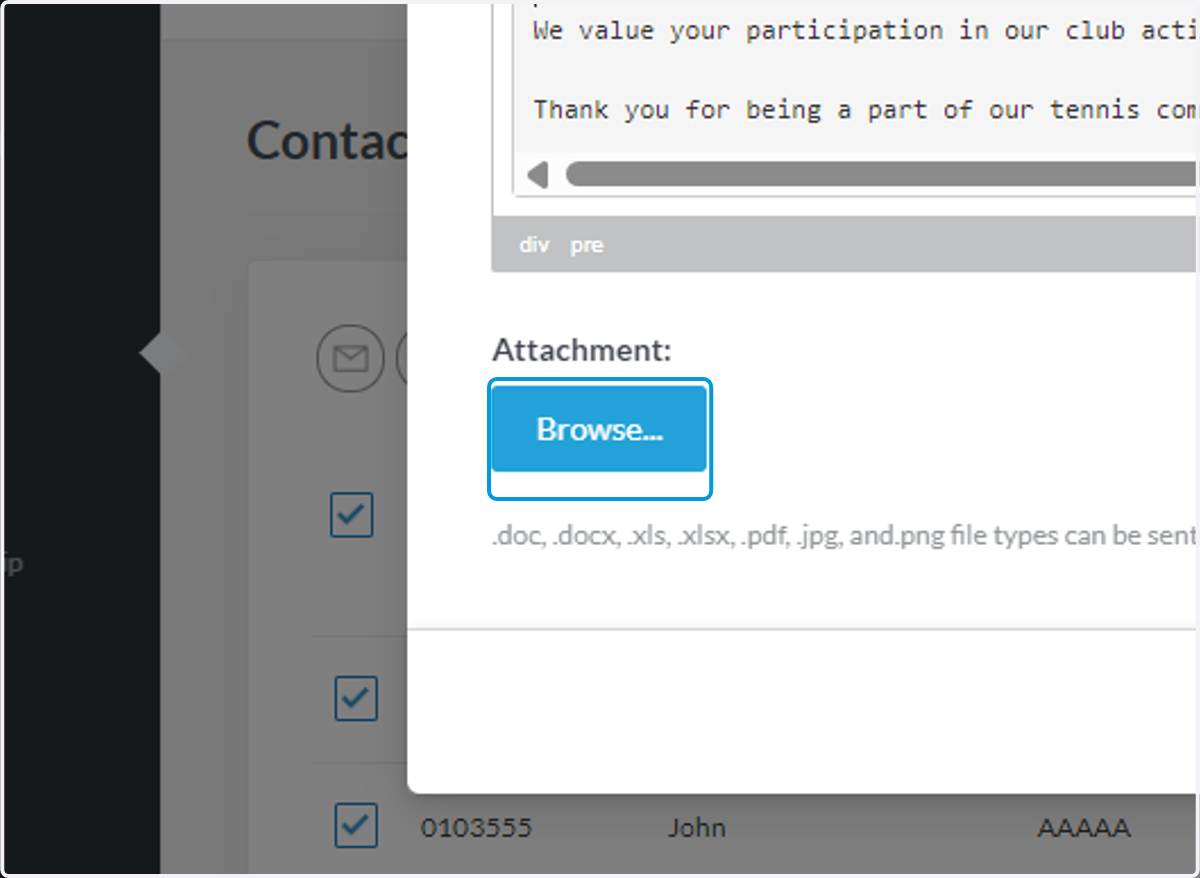
8. If you need to attach a PDF or a document you can do so here
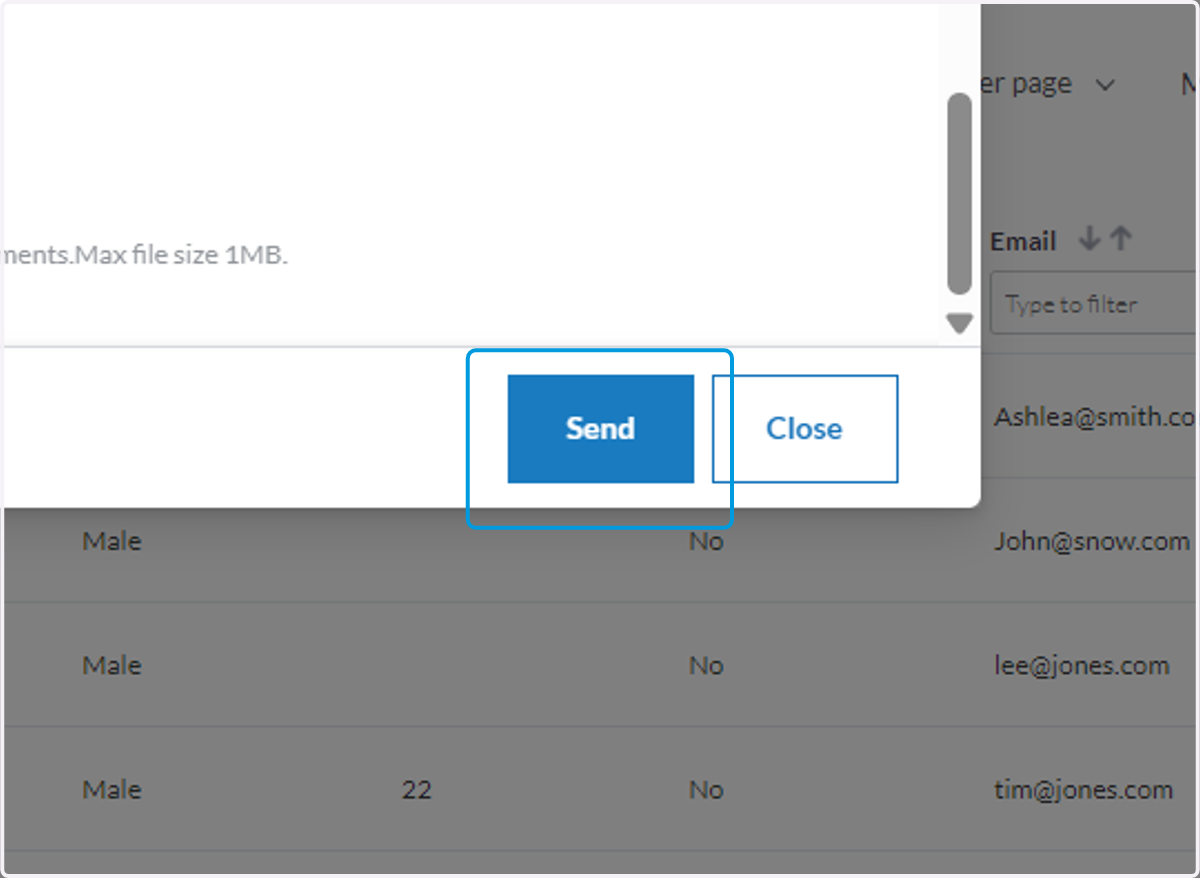
9. Click on Send once you are ready to send to your members.
10. Done!