ClubSpark Admin: Role Verification
Find out if you are a Super Administrator, this is to allow you to complete the steps to add your Padlock to the website.
Clubspark / Admin / Home
1. Let's Start

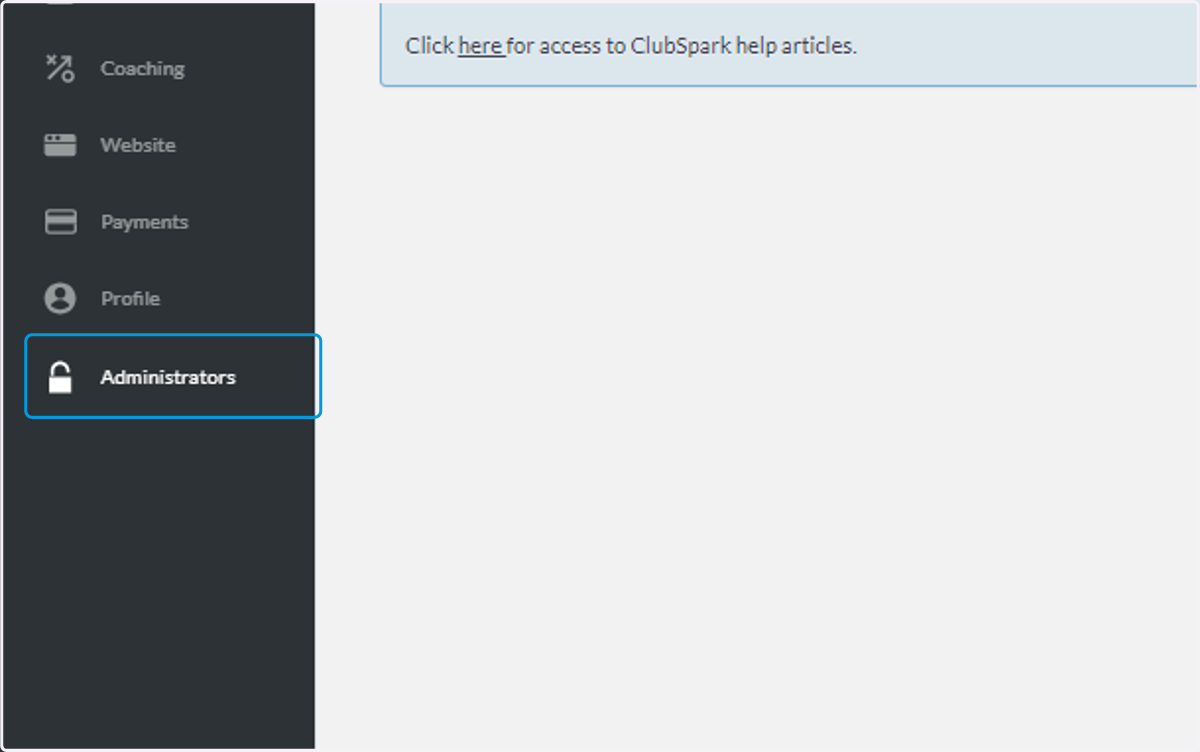
2. Click on Administrators
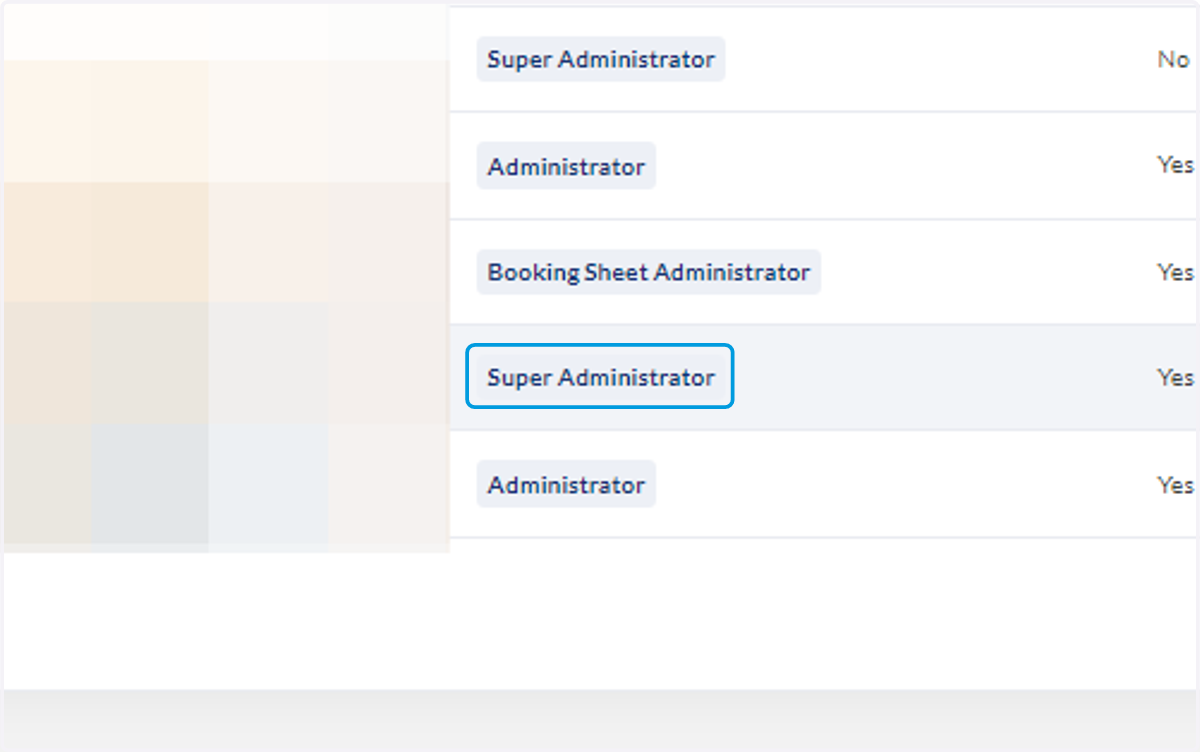
3. Check for your name and you will see the role allocated to you.
If you are not a Super Administrator:
You will need to get your current Super Administrator to allocate this role to you, you can have Multiple super admins on one website.
4. All Done!
Once you have verified that you are a Super Admin, you can continue the steps to add the Padlock 2E to the Club Spark account.