Clubspark Admin: Creating a new page
This guide will show you how to create a new page in Clubspark, this is great if you want to add your own content.
Clubspark / Admin / Home
1. Let's Begin

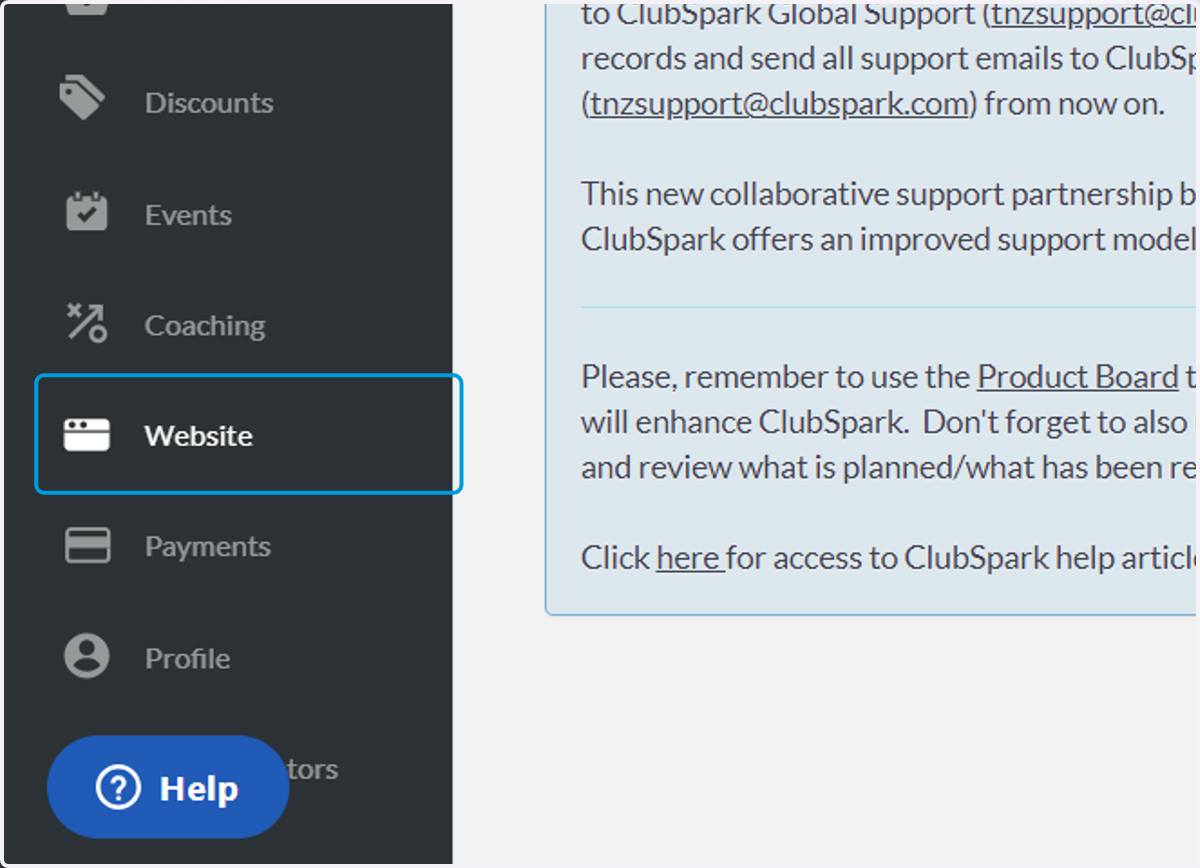
2. Click on Website tab on the left hand side.
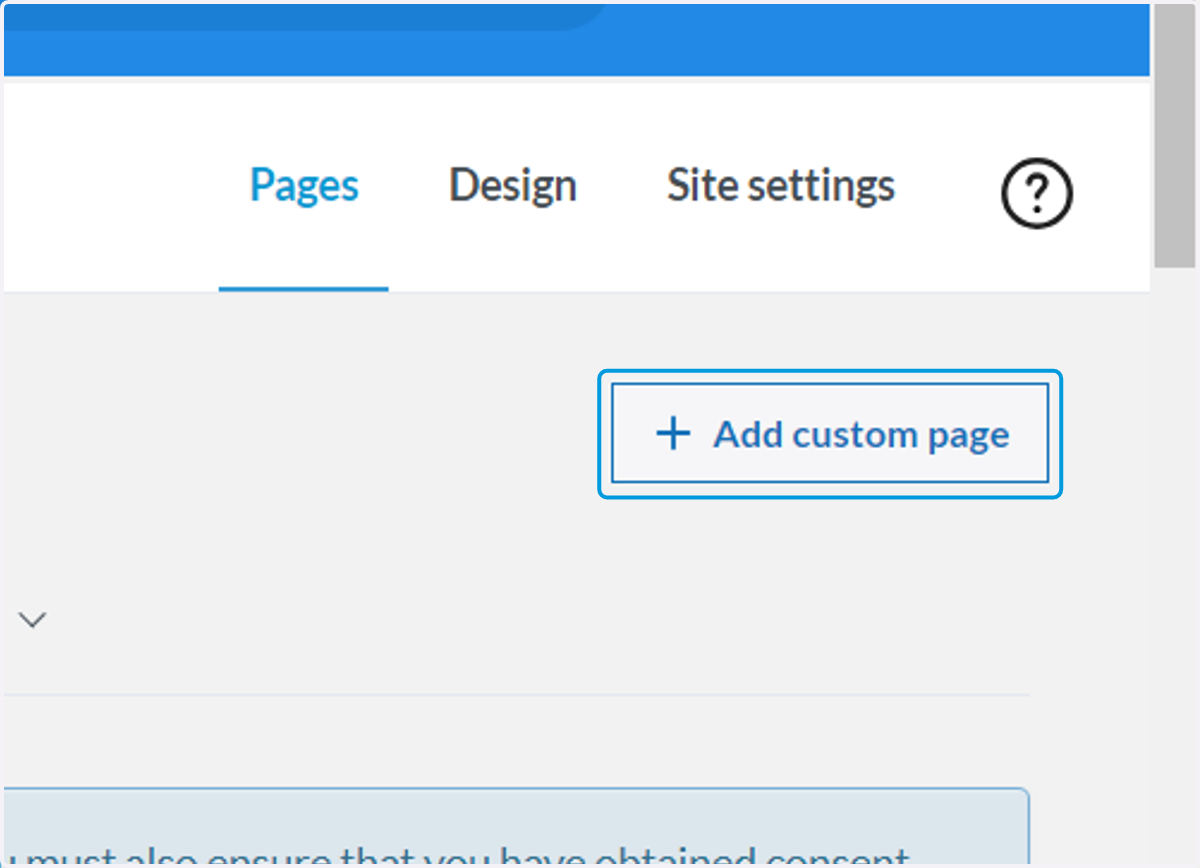
3. Click on Add custom page
4. Type the new page name
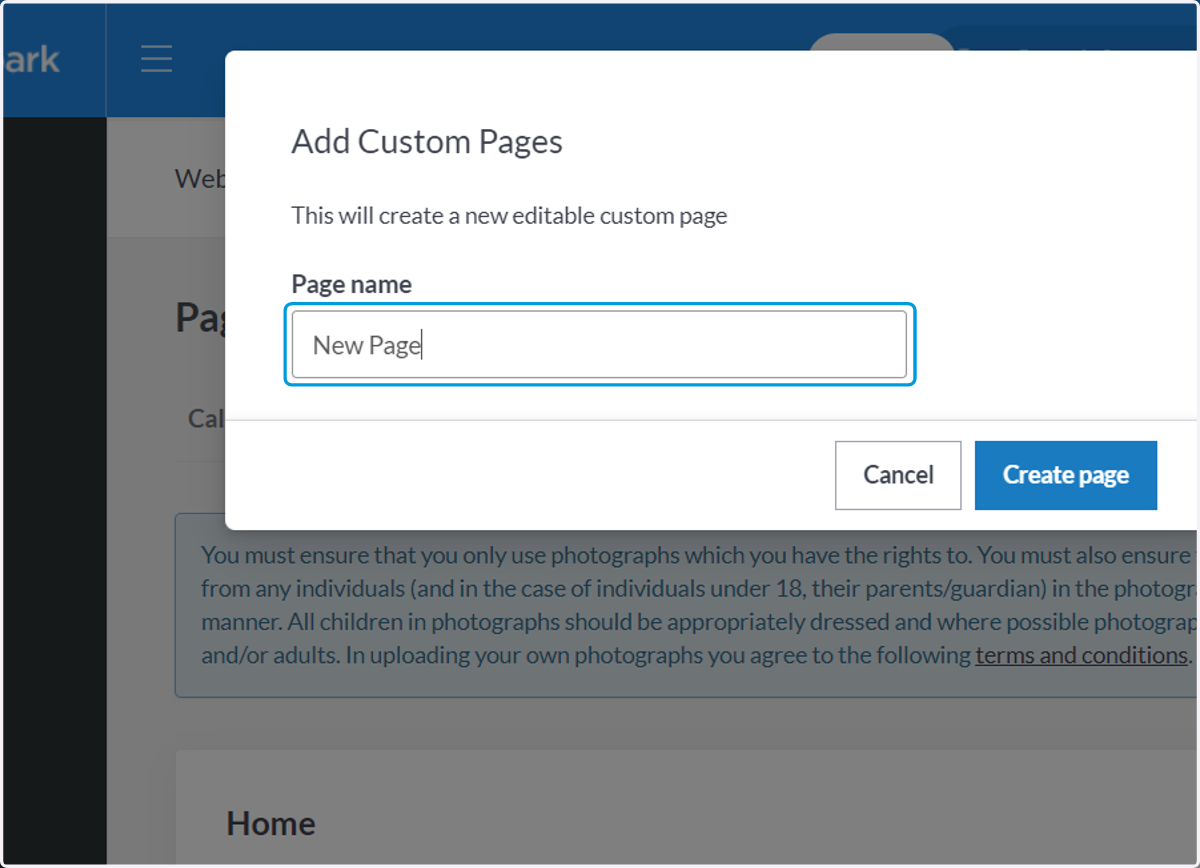
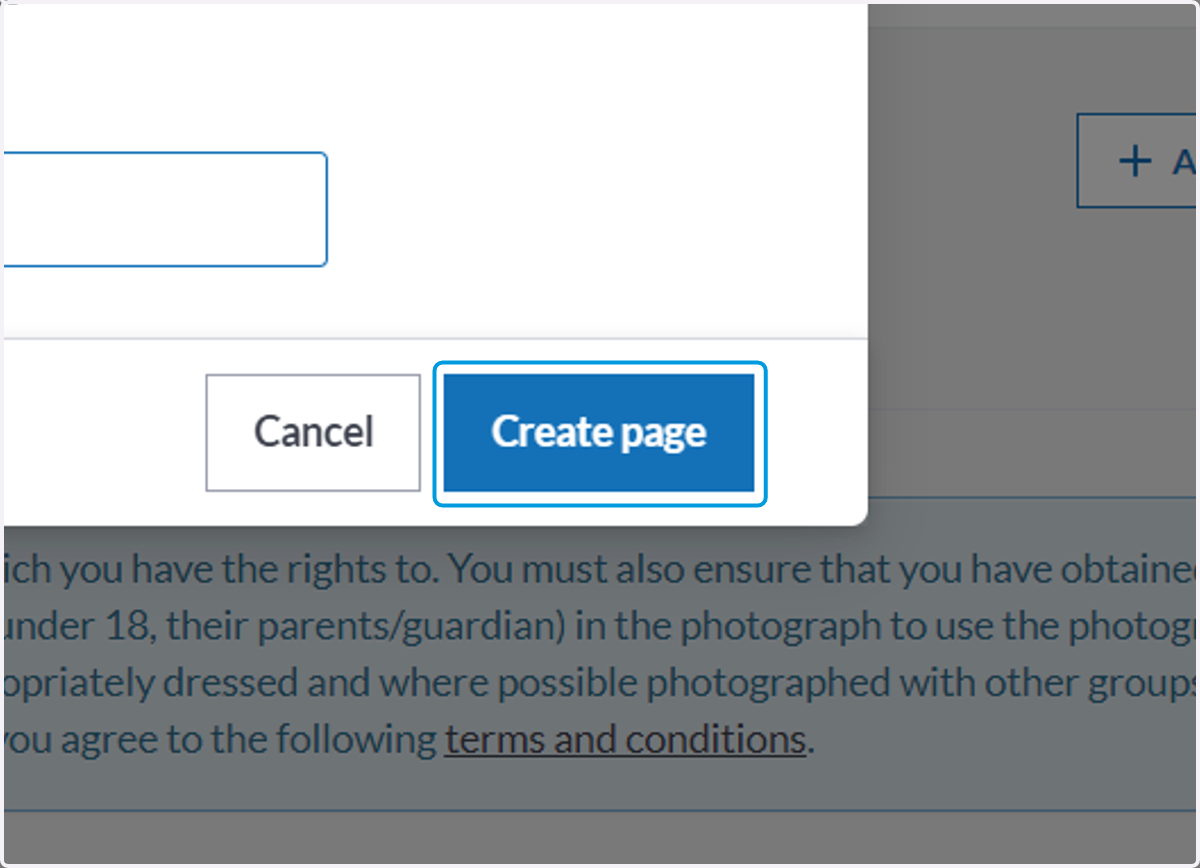
5. Click on Create page
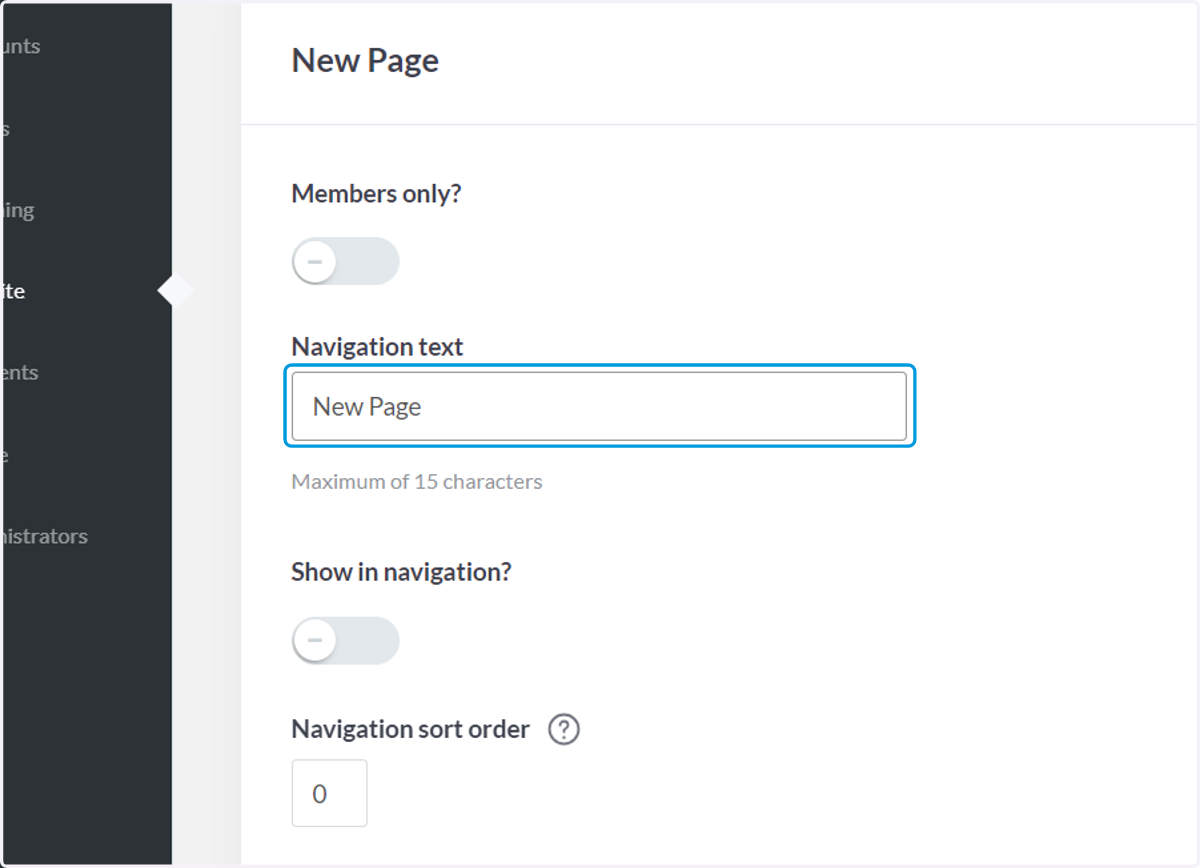
6. Click on Navigation text and confirm the name of the page that will show in the navigation bar
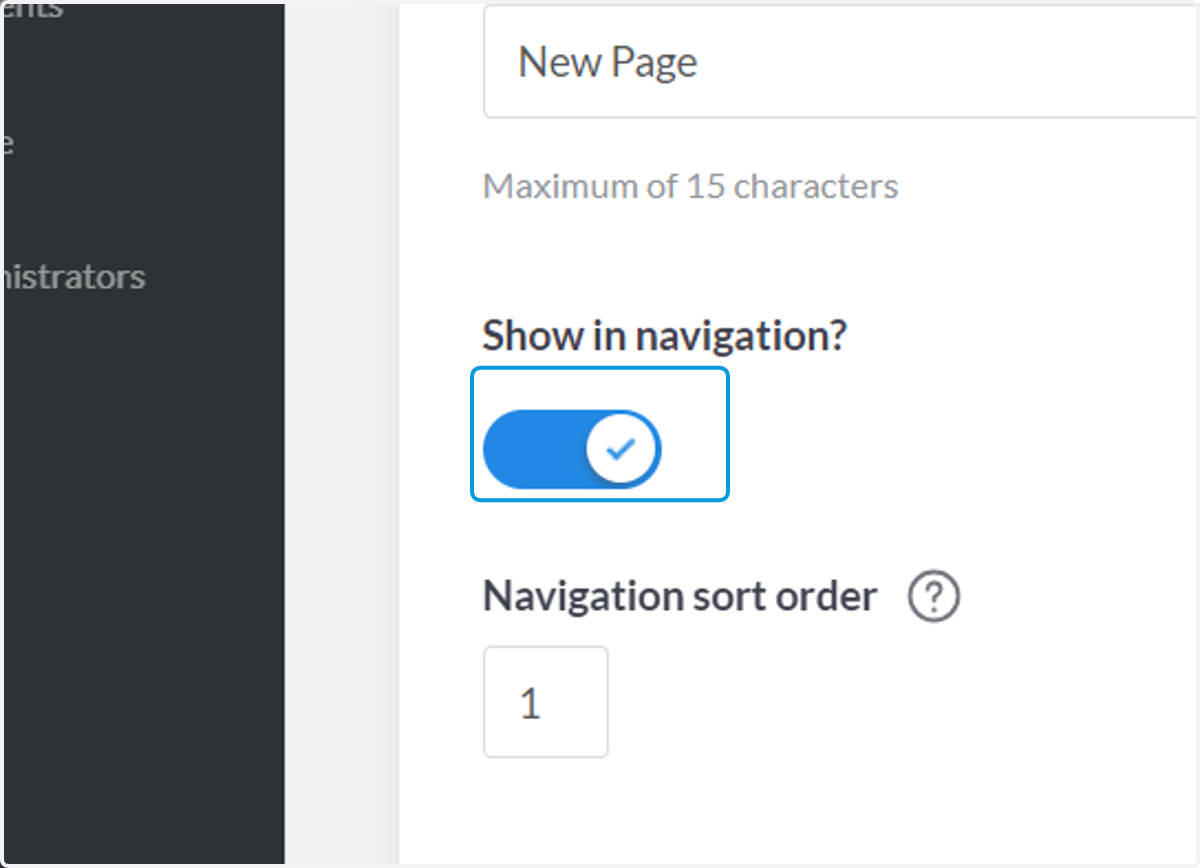
7. Tick on "show in navigation "if you want the page public
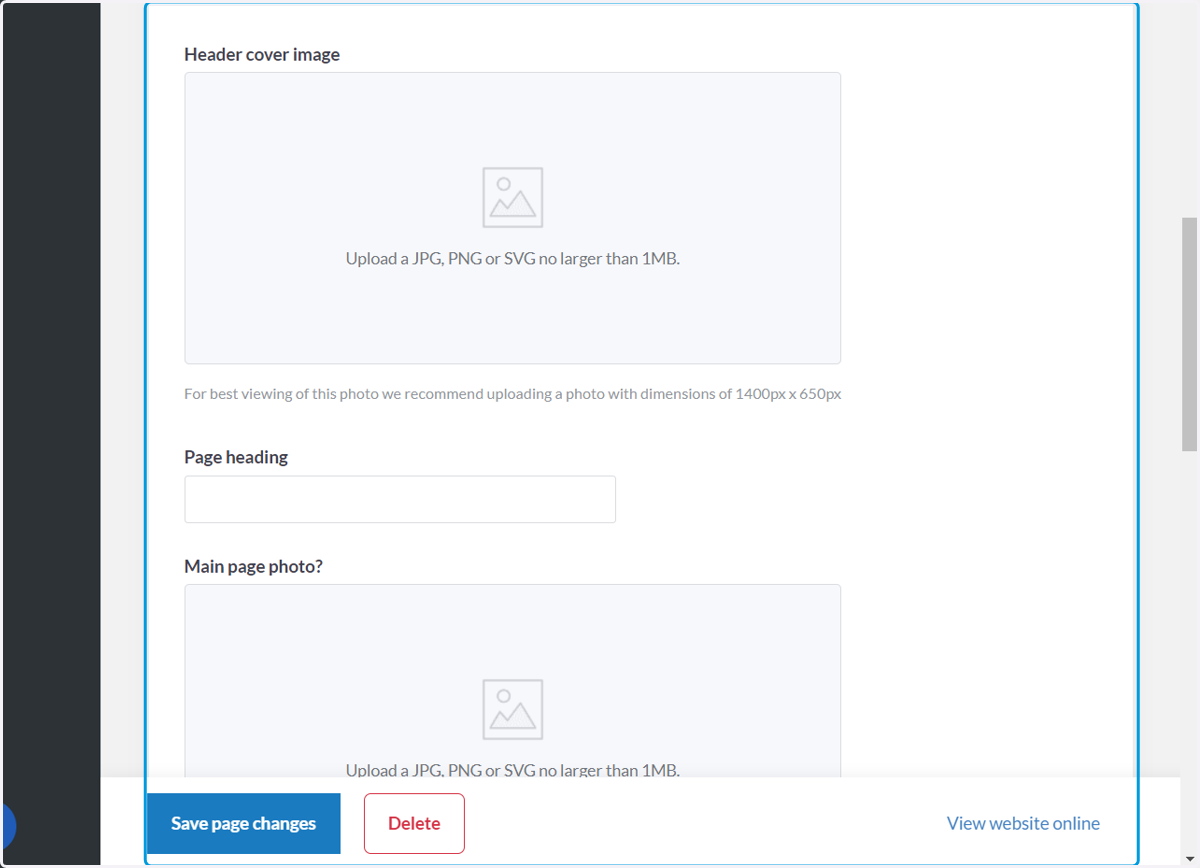
8. In this section, upload a header, add a header name for the page and body text.
9. Click on Sub pages… if you want additiona pages linked to the main page.
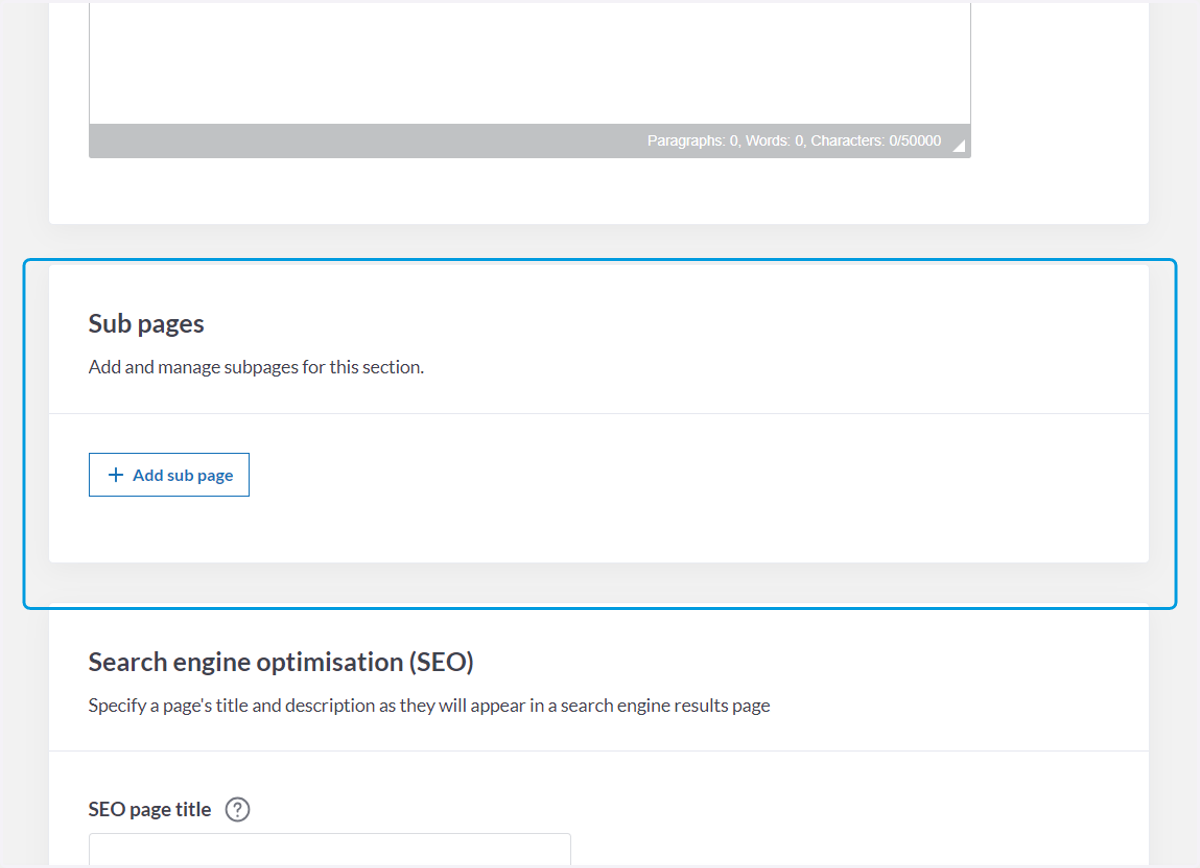
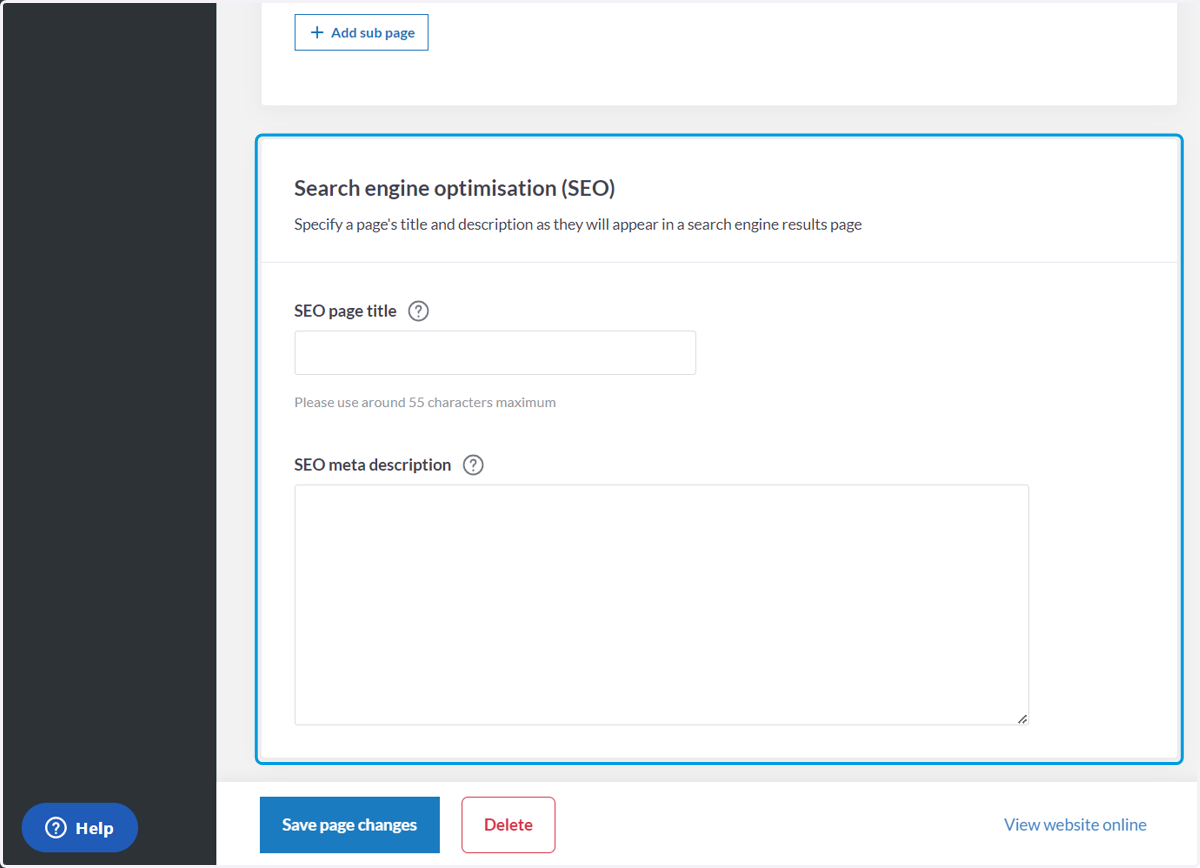
10. Click on Search engine optimisation (SEO)…
This is where you can customise what a Google Search populates if you want to capture a wider audience. this is visible behind the scenes and does not get added in the page.
11. Click on Save page changes
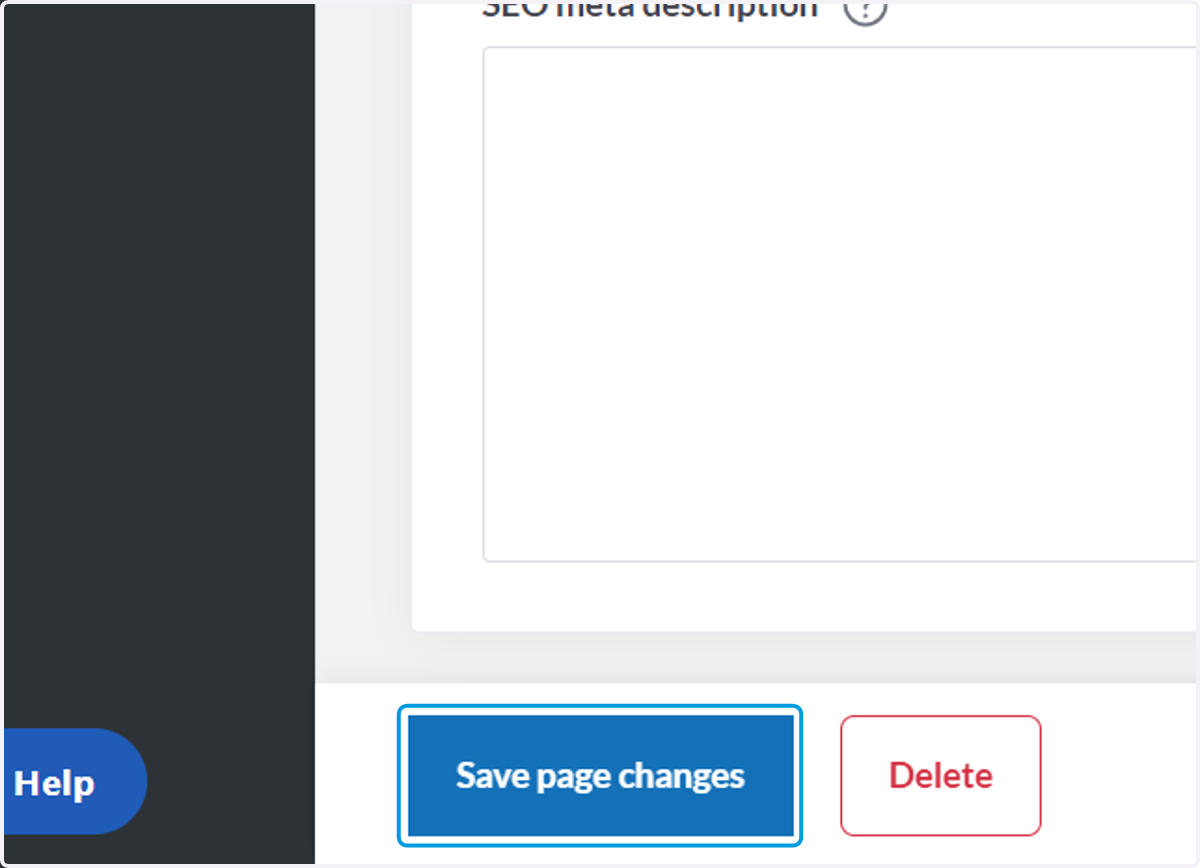
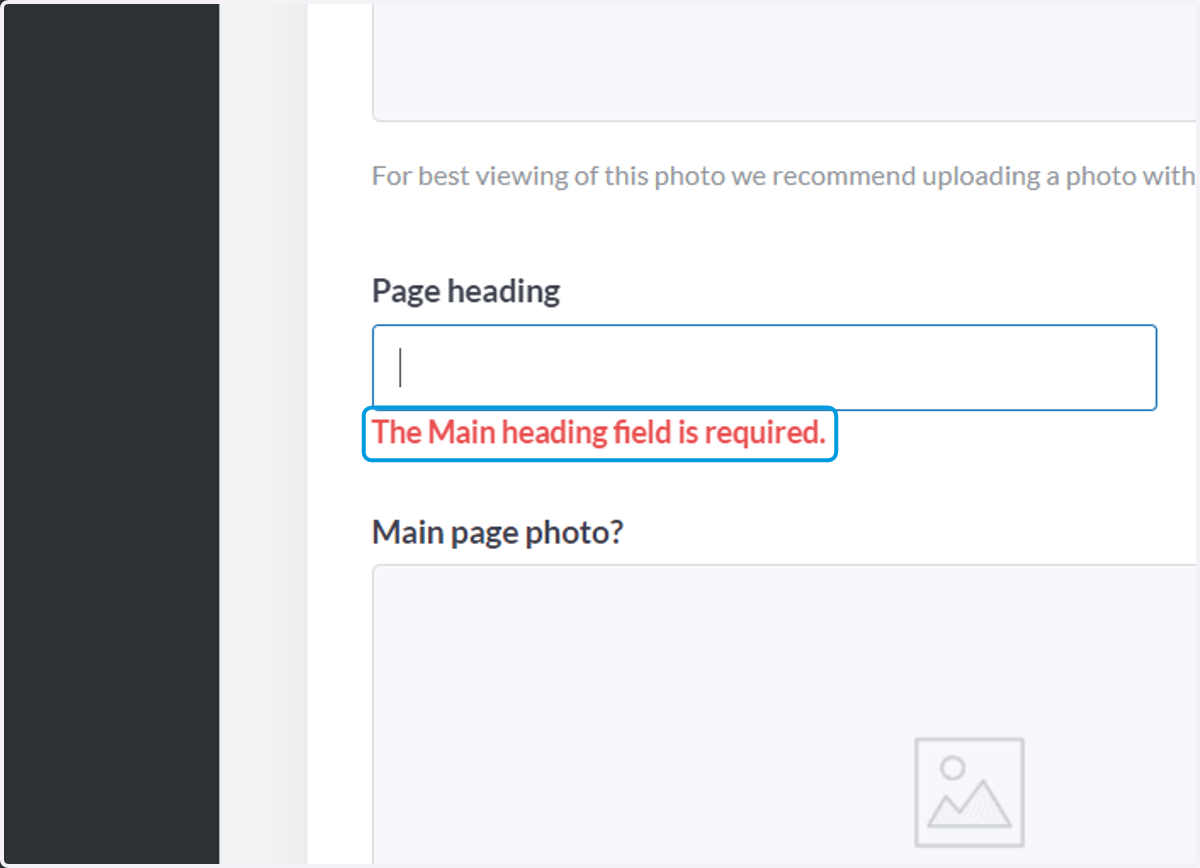
12. If you forgot a mandatory field, it will let you know in red.