ClubSpark Admin: Create / Allocate Custom Contact Roles
In this section you can create custom roles to contacts, you can use this for reporting to help set court hire costs based on rulesets.
Clubspark / Admin / Home
1. Let's Begin

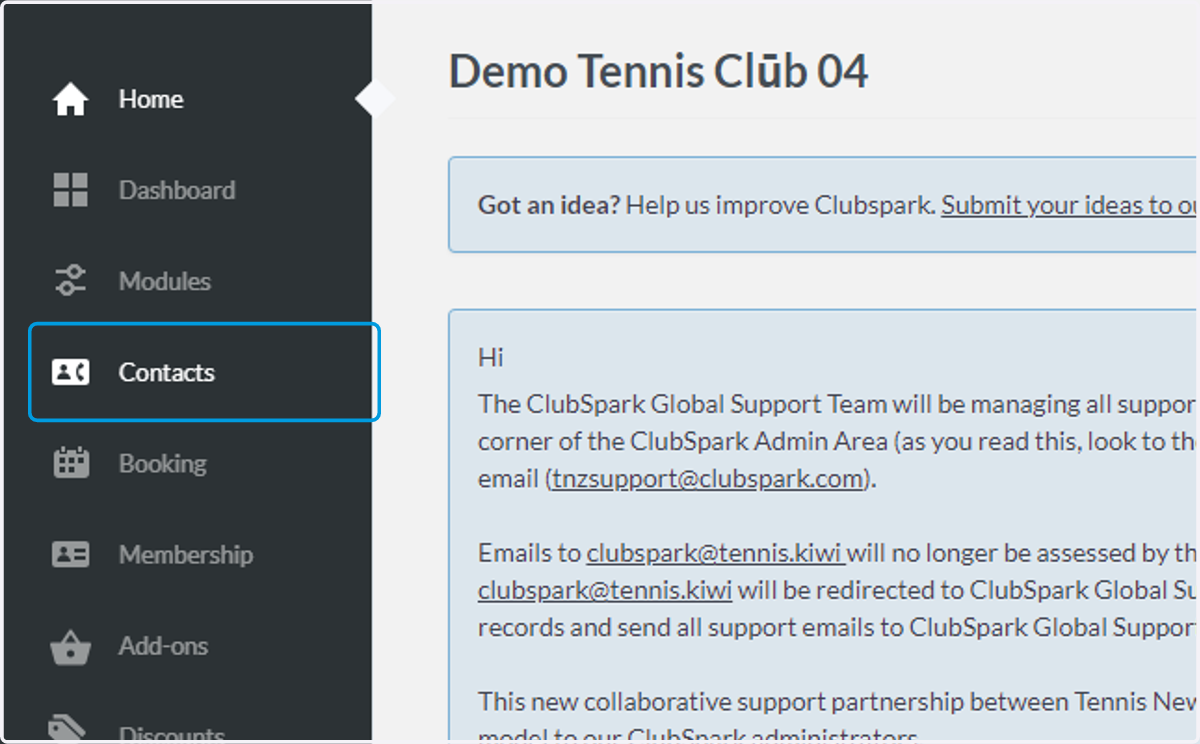
2. Click on Contacts
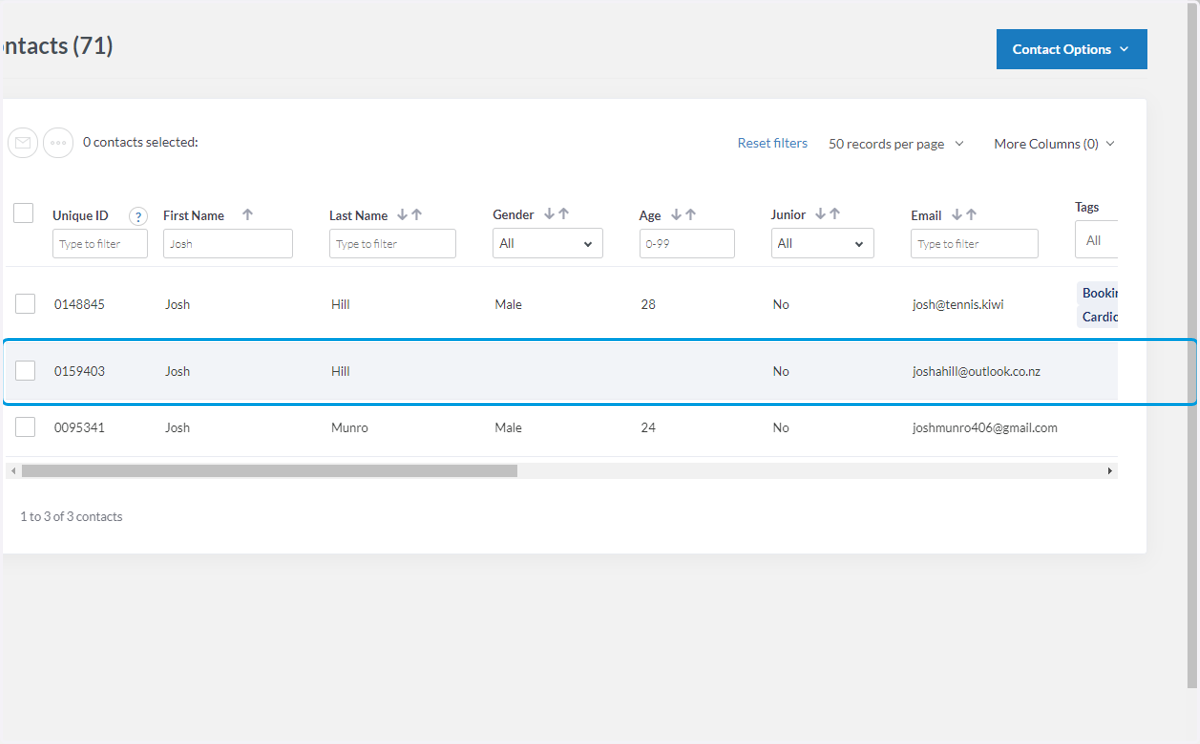
3. Click on the contact you want to allocate a role
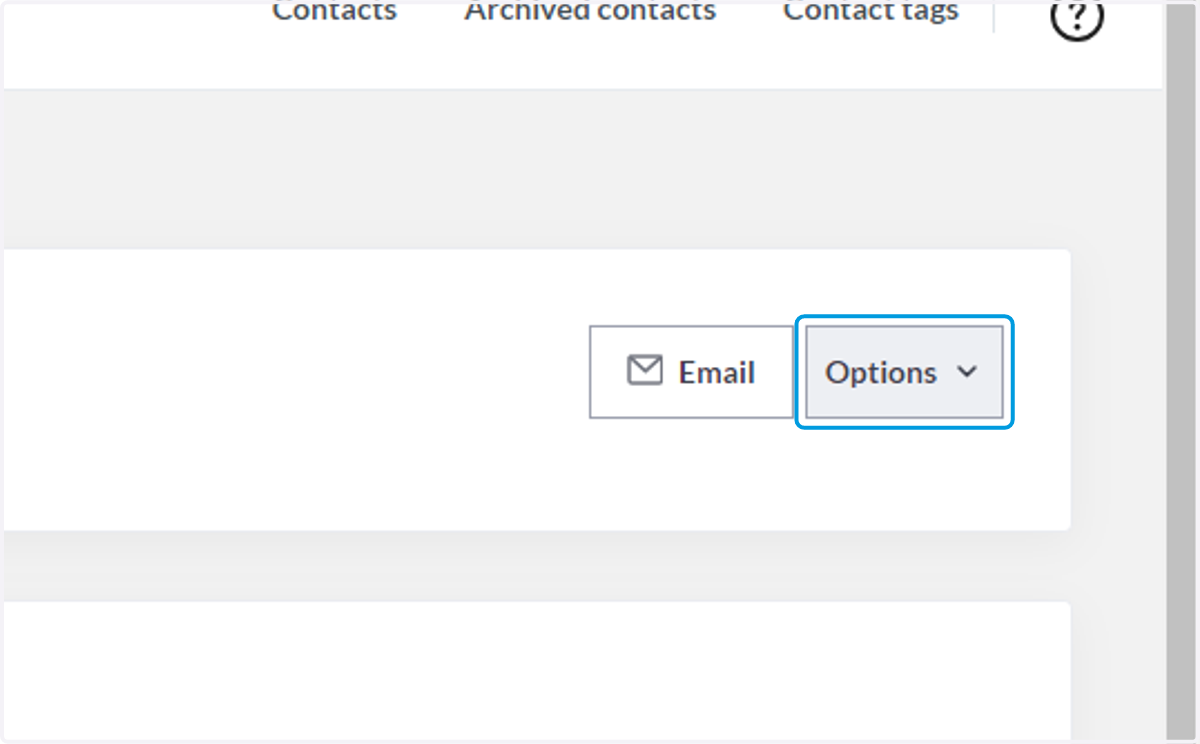
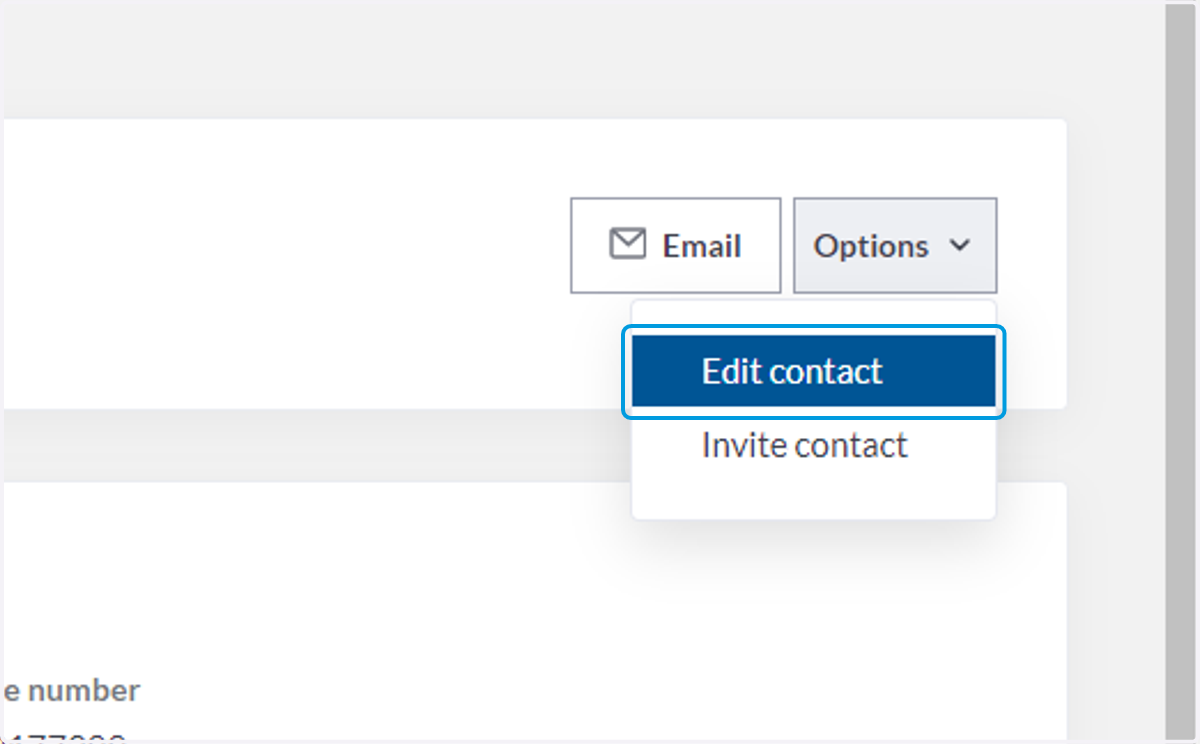
4. Click on Options
5. Click on Edit contact
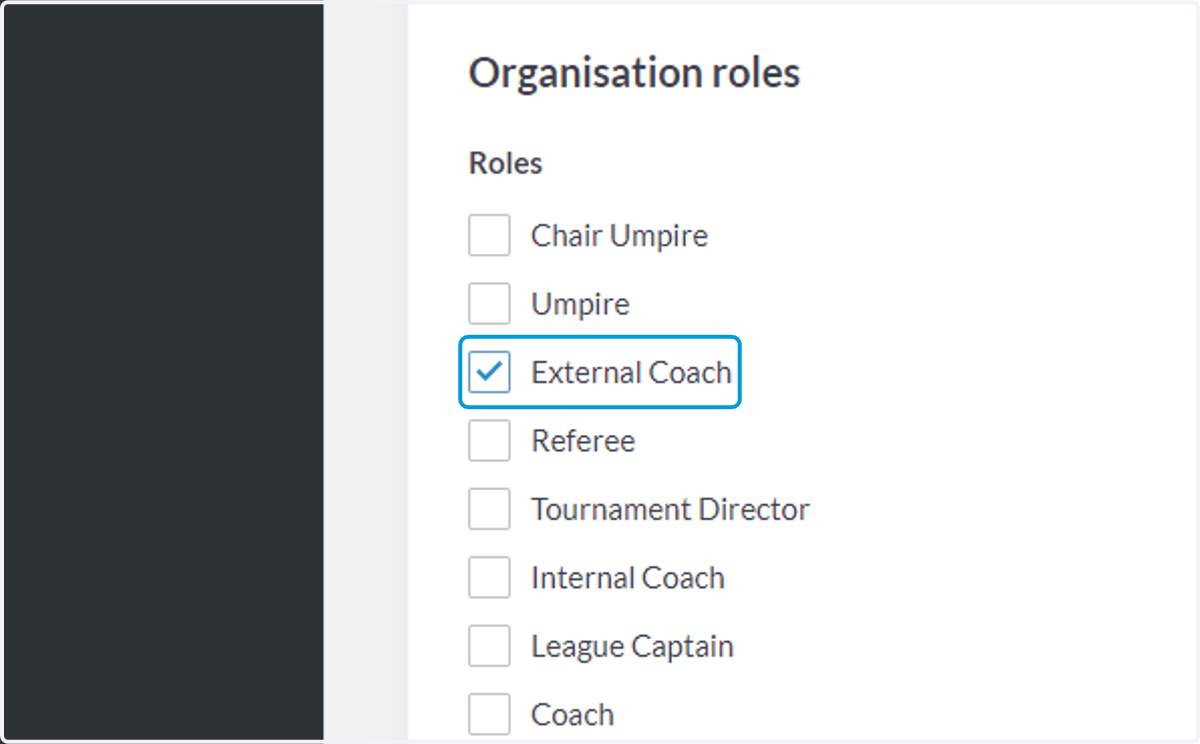
6. Check External Coach
If you want to create a new Role you can do so.
7. Click on Save contact
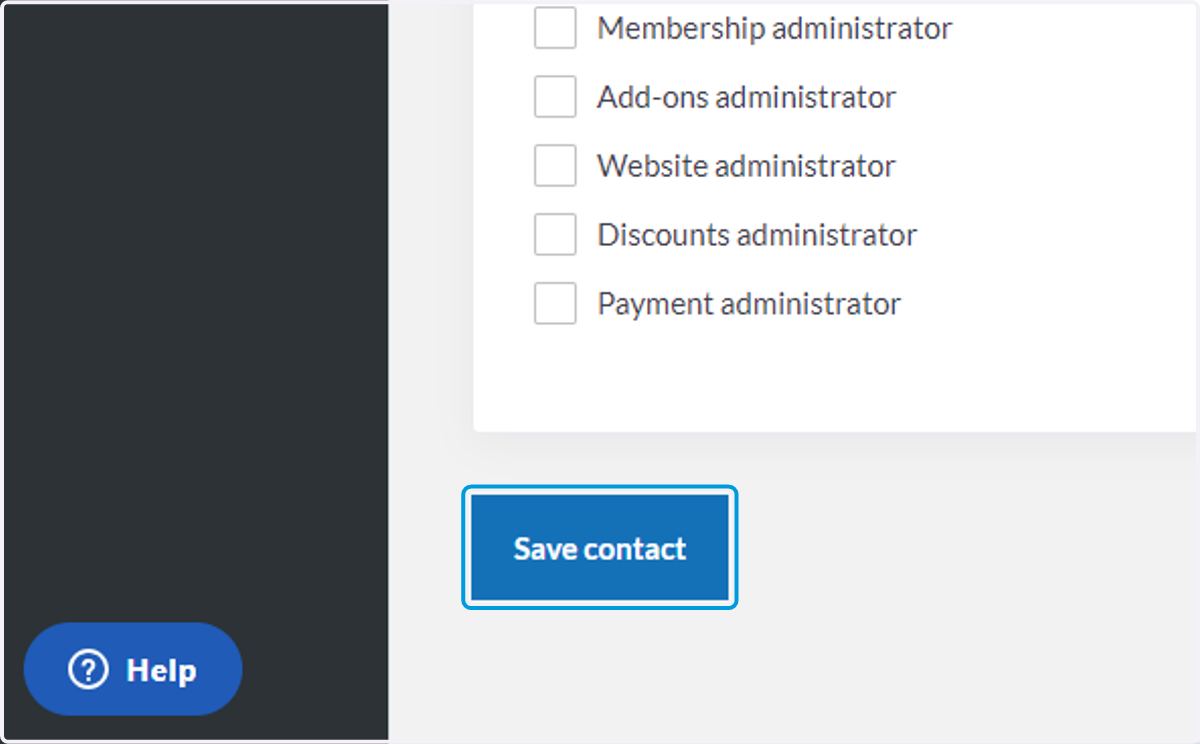
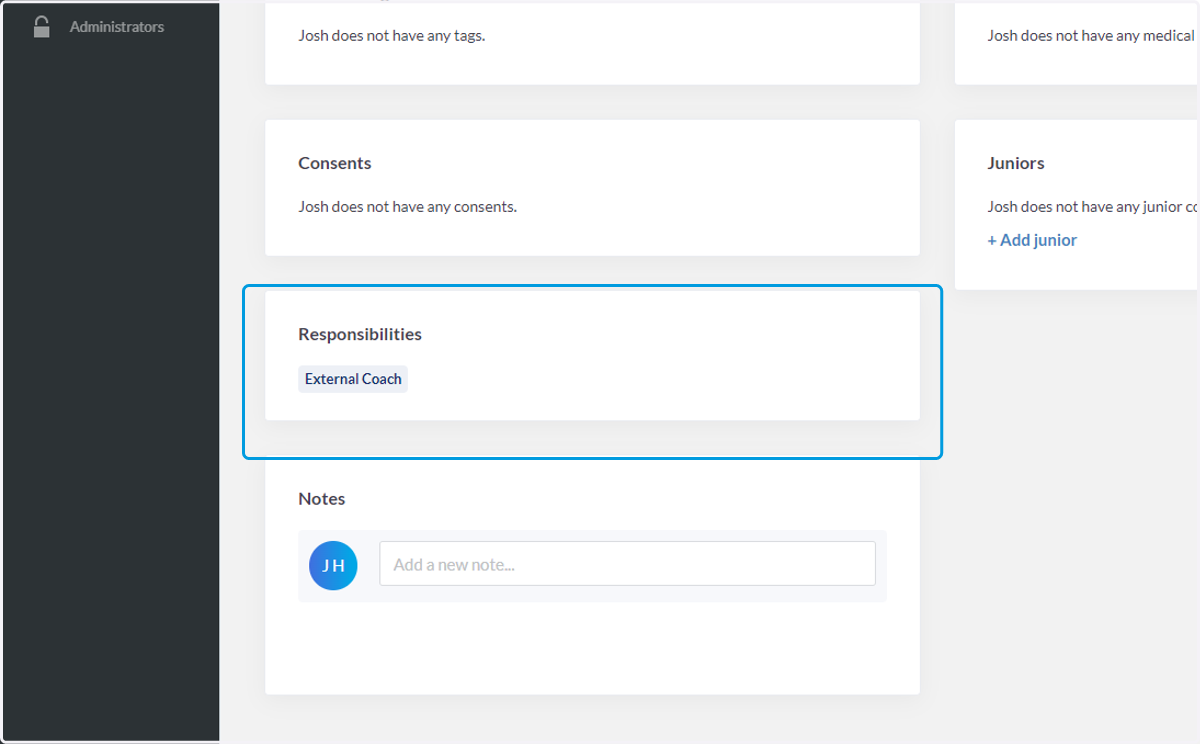
8. You will see the Tag allocated under Responsibilities