ClubSpark Admin: Booking Module > Resources (Courts)
This section covers the resource settings of the Booking Module within ClubSpark.
1. Let's Begin

Clubspark / Admin / Home
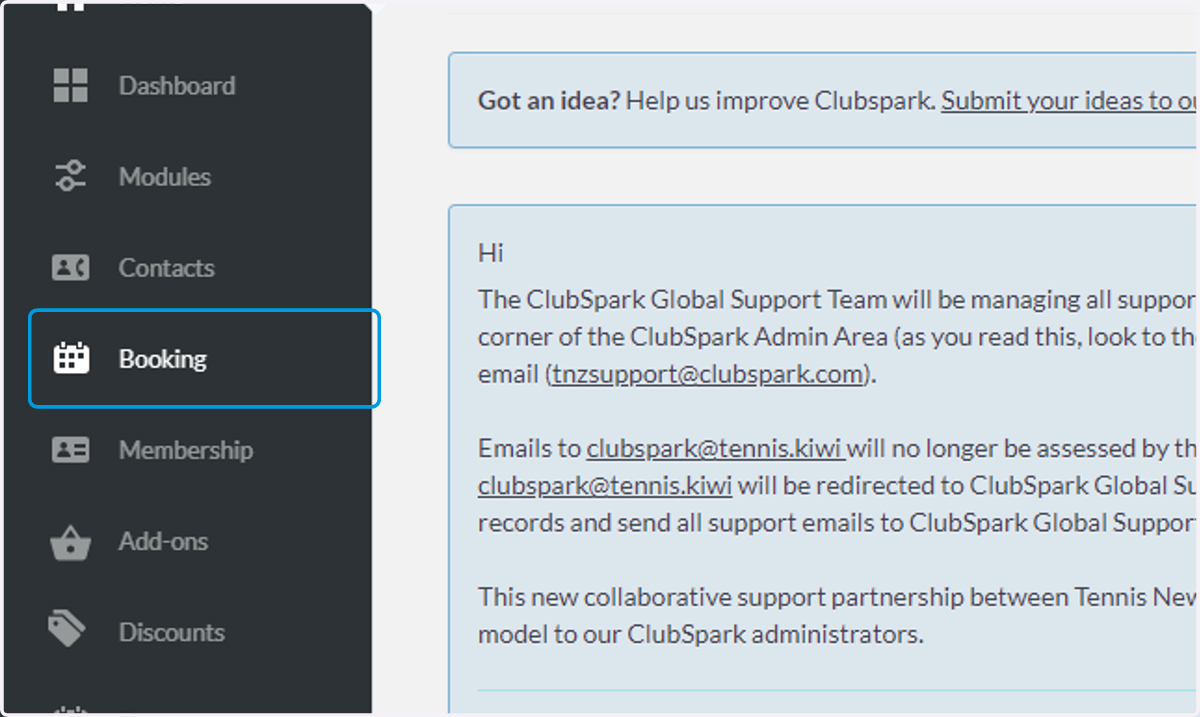
2. Click on Booking
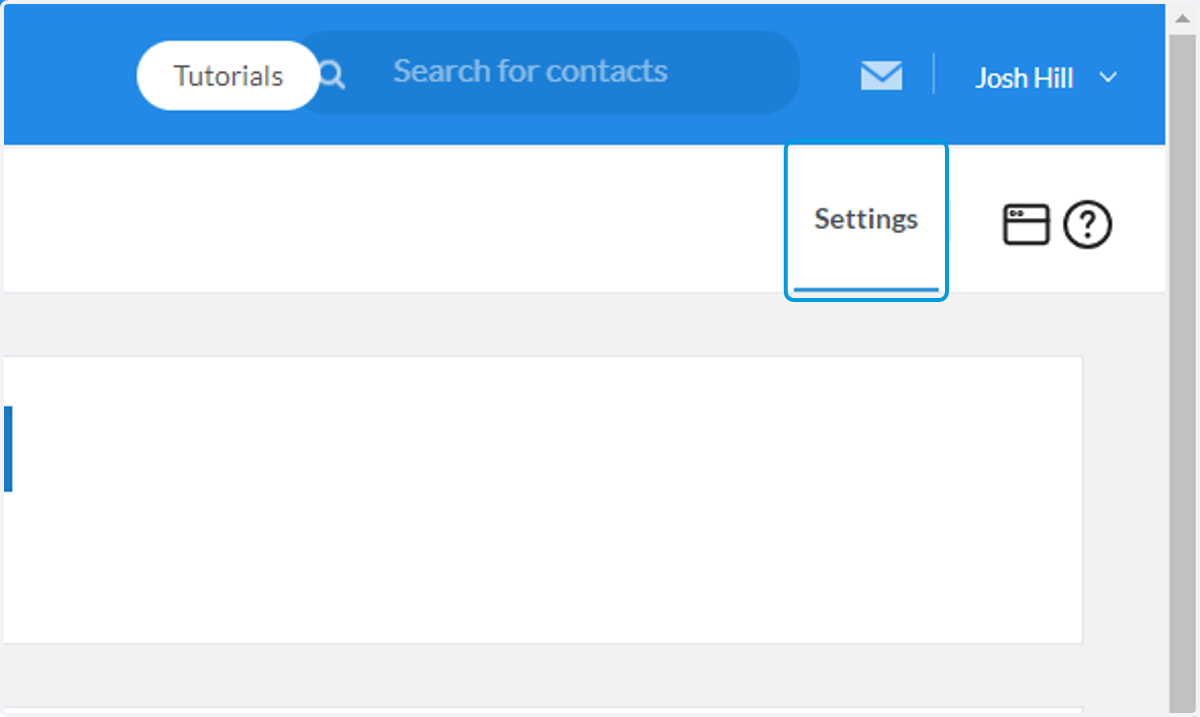
3. Click on Settings
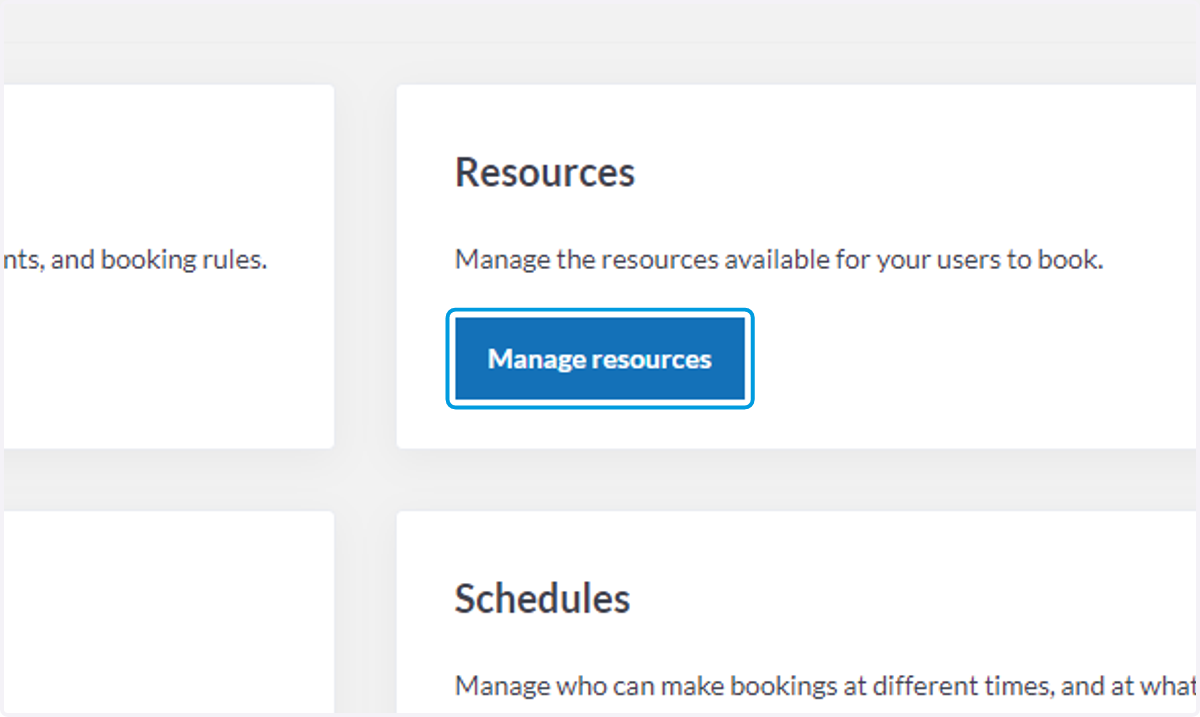
4. Click on Manage resources
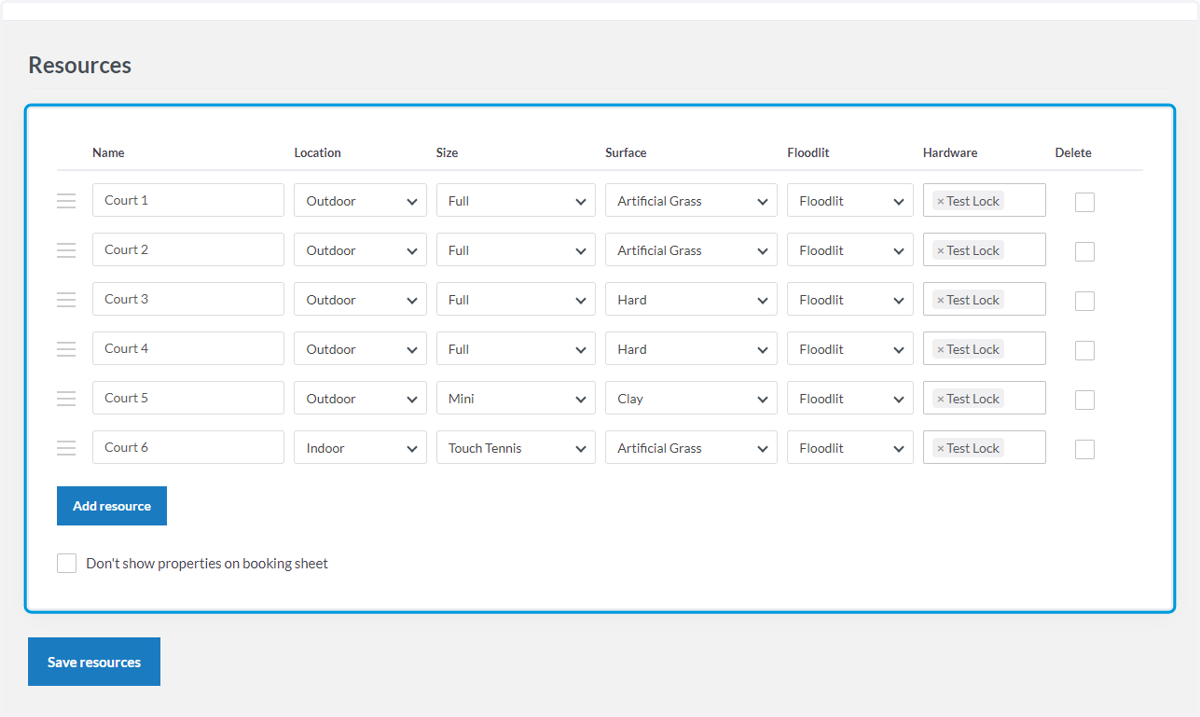
5. Resources
This section is how you build your courts and adding description Tags to them
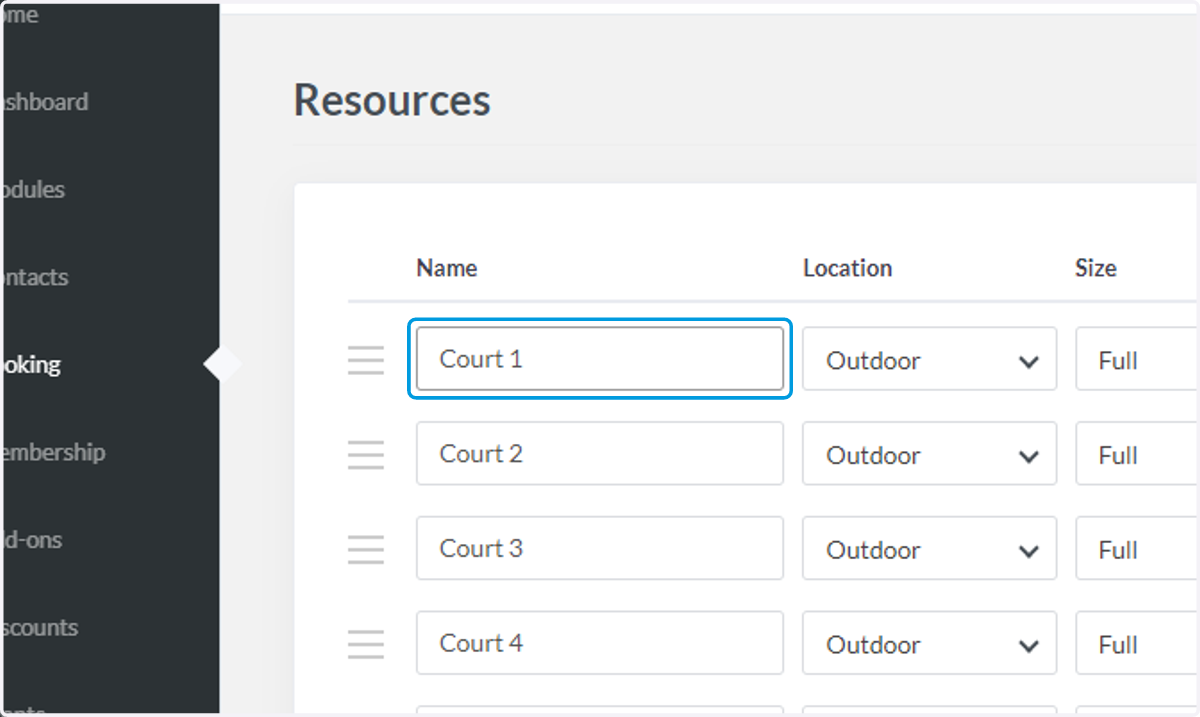
6. Court Name
Rename your courts especially if they are sponsored names, otherwise default is "Court X"
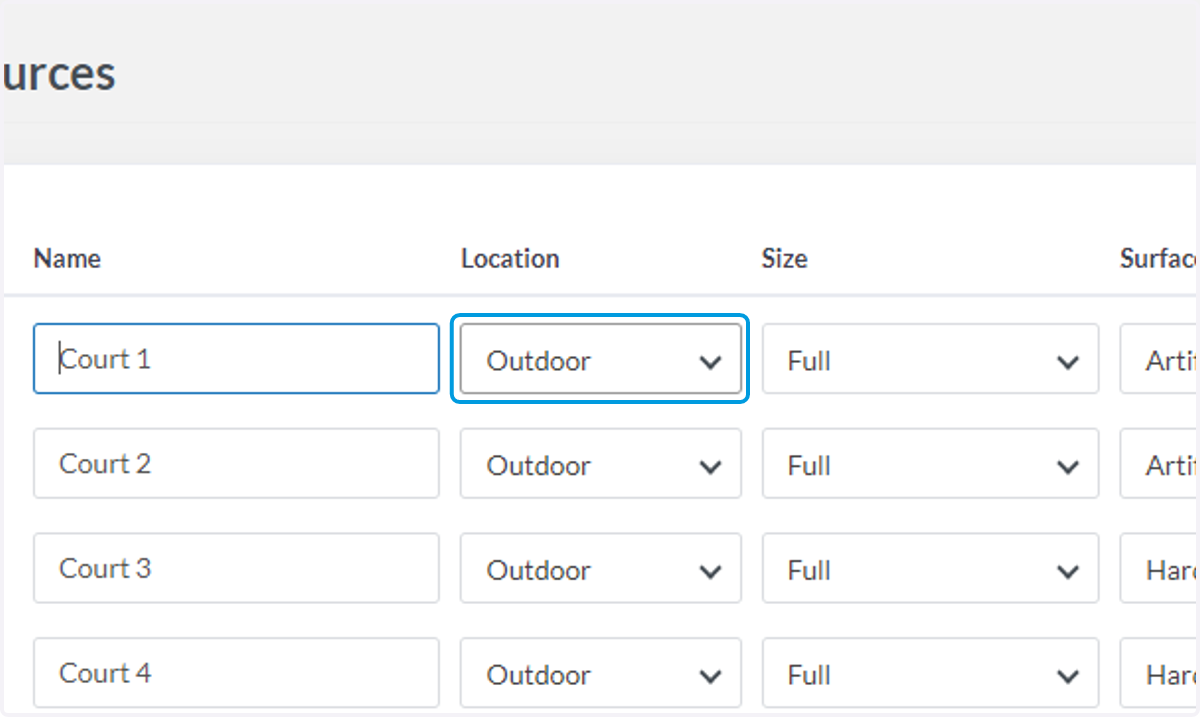
7. Location
Specify if the court is Indoors or Outdoors
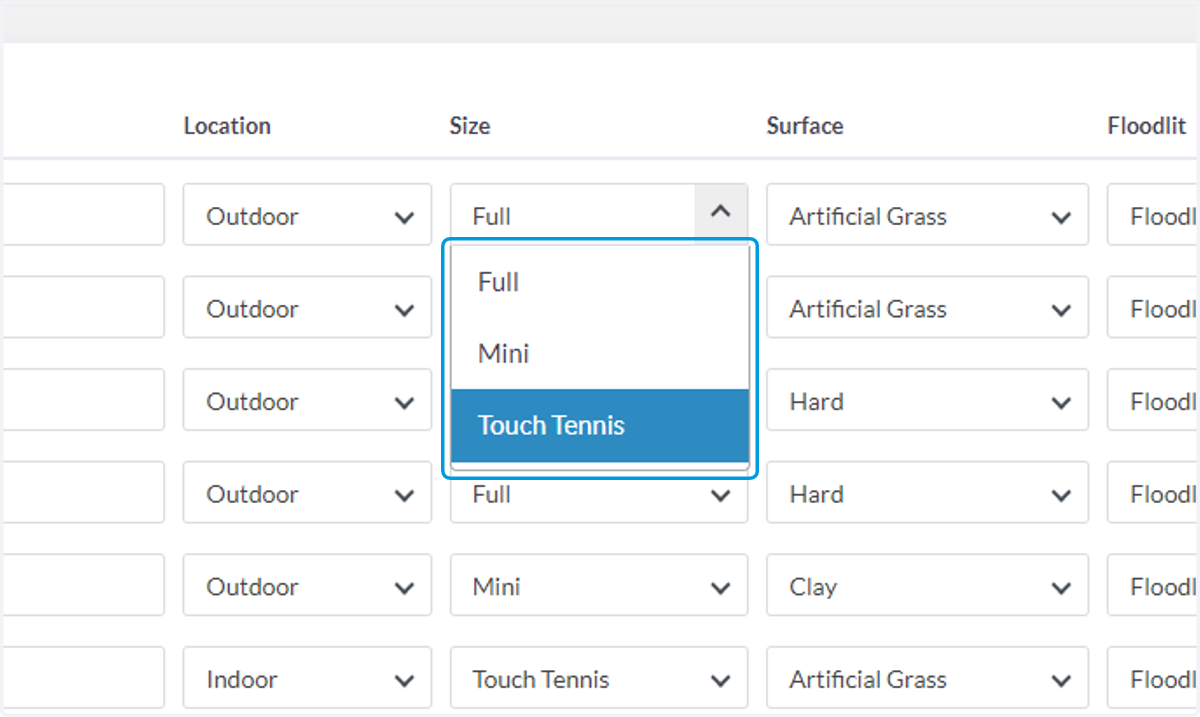
8. Court Size
Specify the size of the courrt
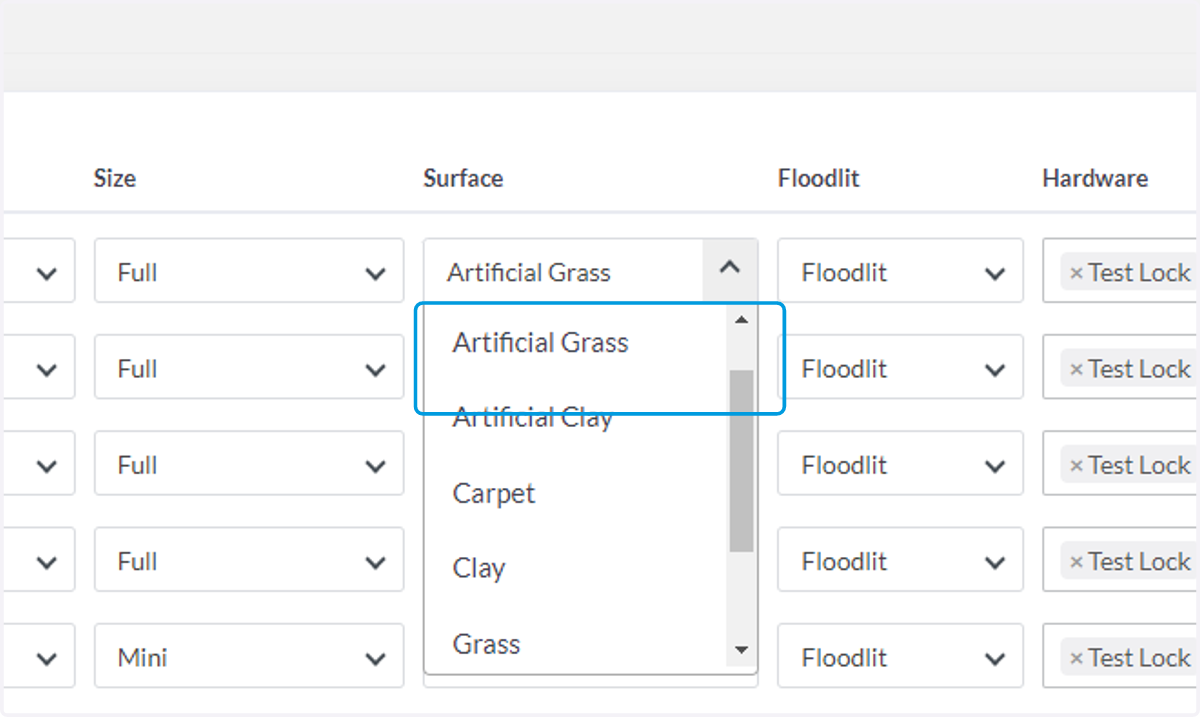
9. Surface
Specify the court surface
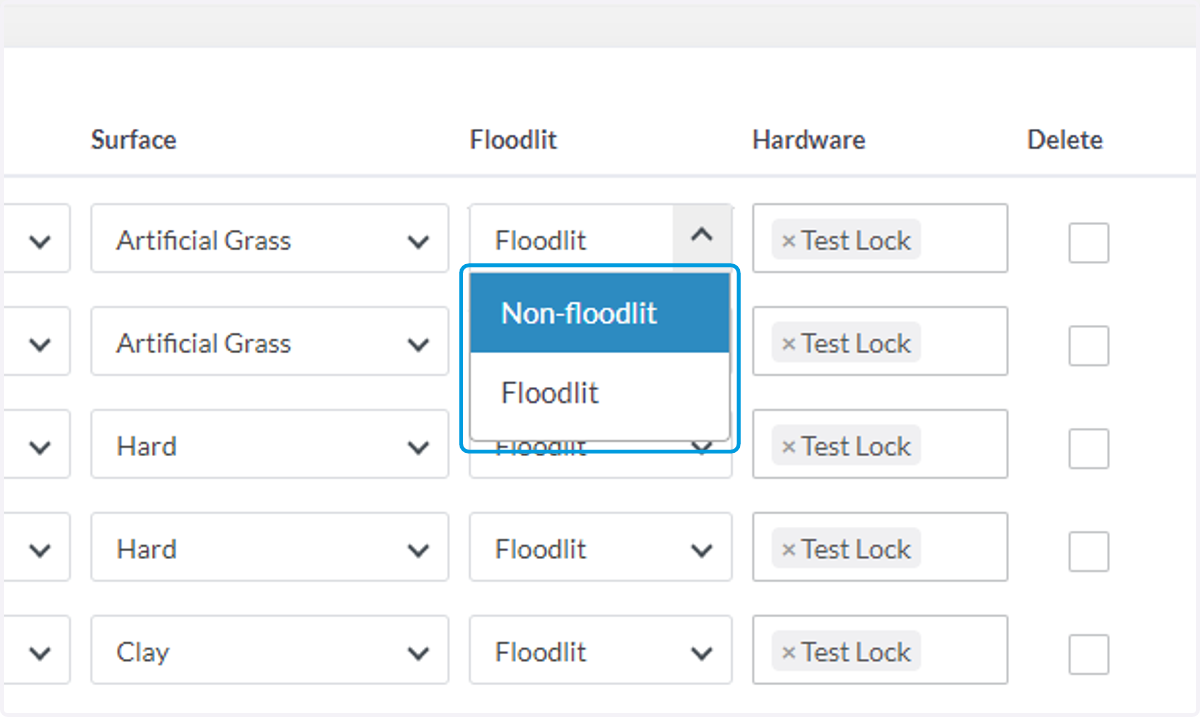
10. Lighting Options
Specify if the Court is Floodlit or Non-floodlit
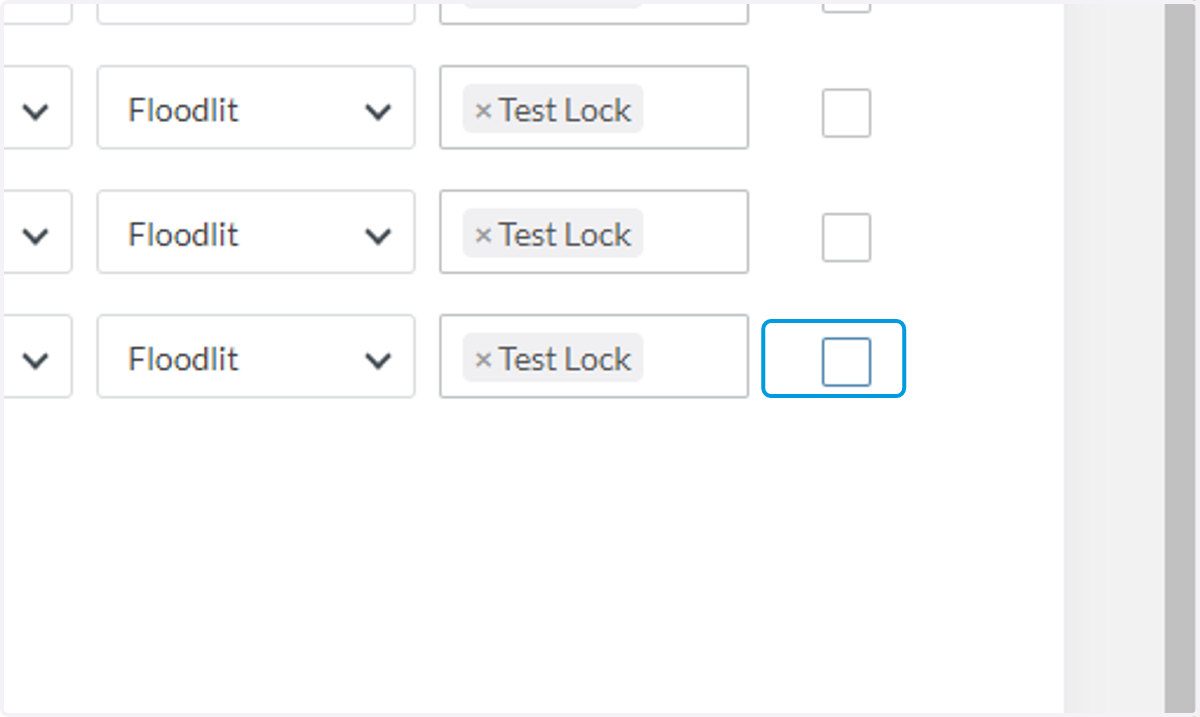
11. To delete a court, tick the box
12. To add a resource click the "Add Resource" button
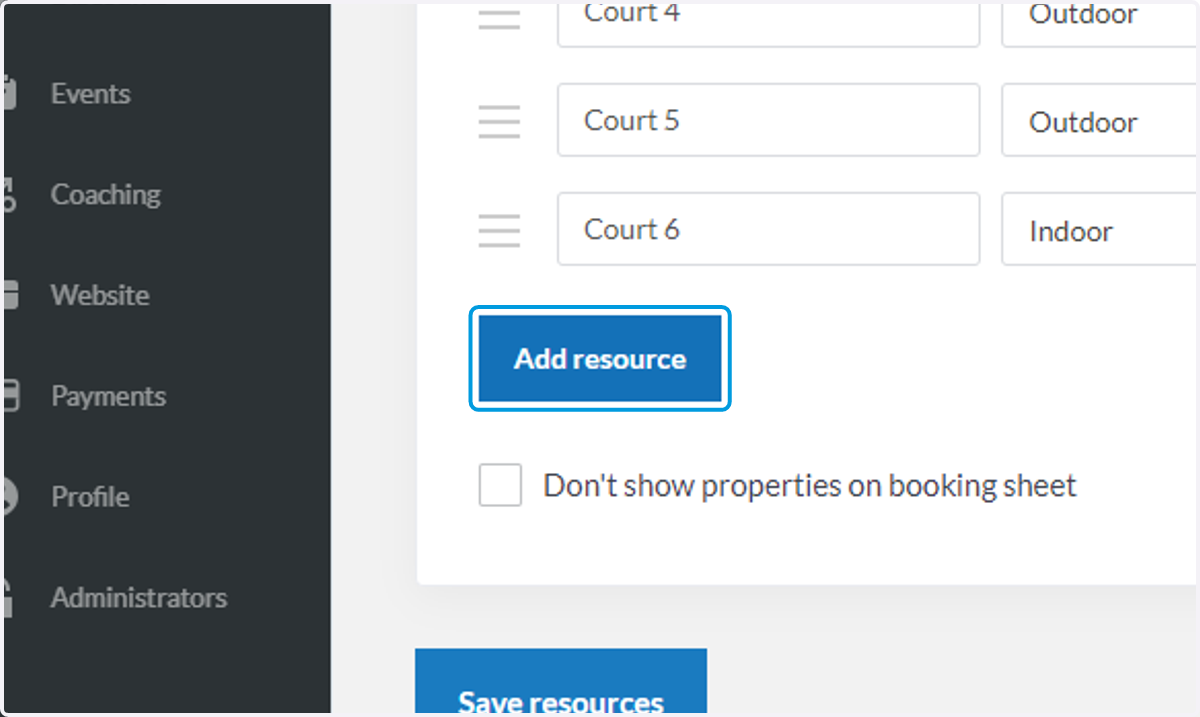
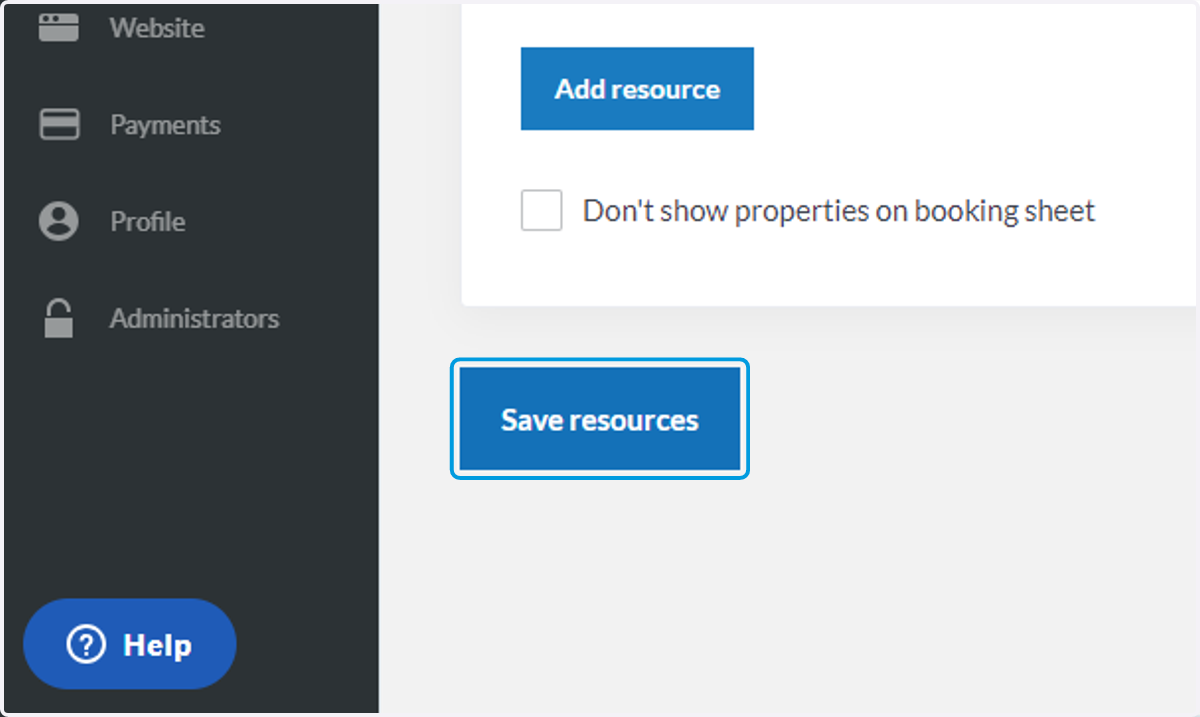
13. Click on Save resources
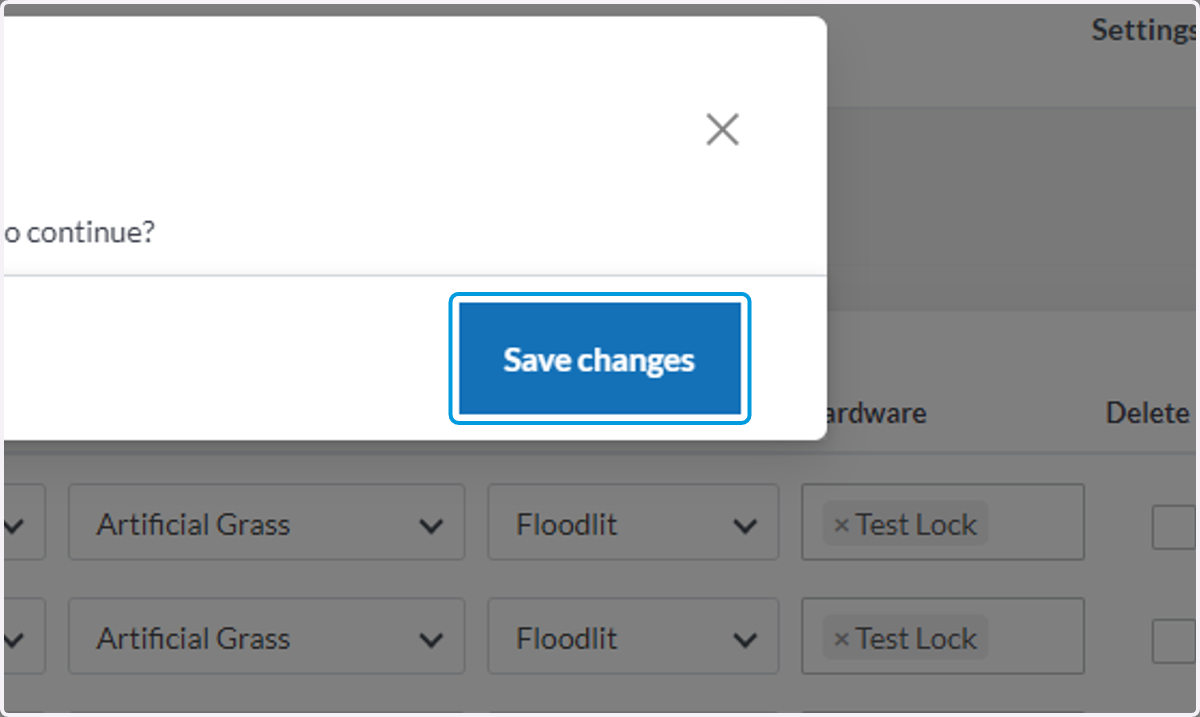
14. Click on Save changes