Club - Photo Approvals
Photo approvals are an essential step in protecting your club’s image and ensuring a positive member experience. By reviewing and approving photos before they are shared, you can prevent incorrect, low-quality, or inappropriate content from being posted. This guide will show you how to manage photo approvals effectively, helping you maintain a polished, professional, yet fun visual presence for members.
Pacesettertechnology
1. Go to app.pacesettertechnology.com
2. Click on Club
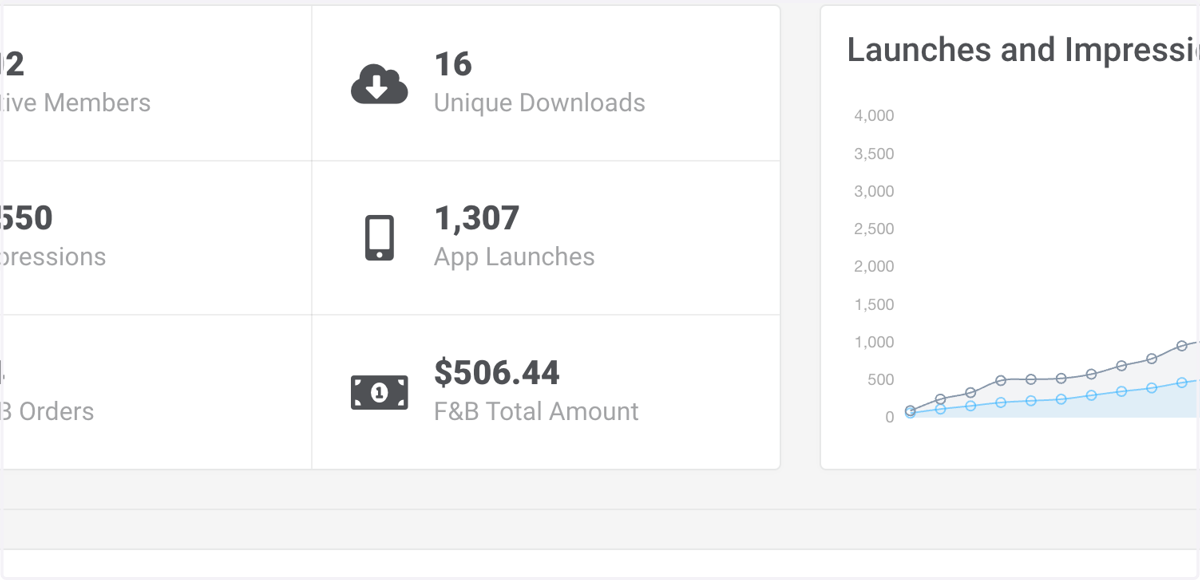
3. Click on Approvals

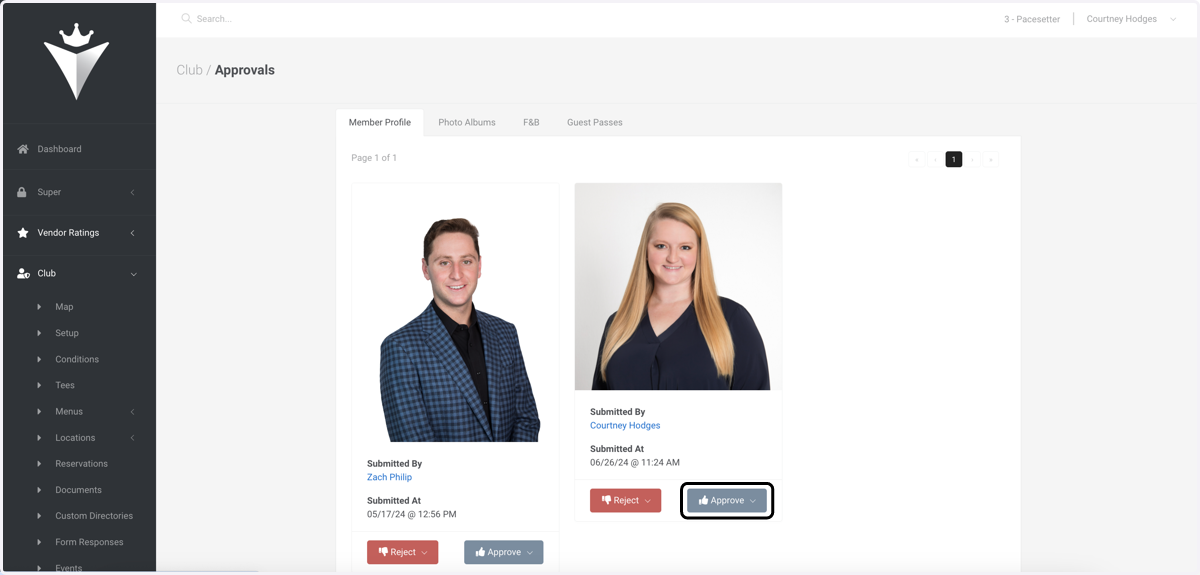
4. Click on Approve.
You will have the option to approve the photo OR approve the photo and notify the member that their image has been approved.
5. Crop the Image.
Be sure to crop out all of the grey and white grid.

6. Click on Save