Choosing Templates in Canva
1. Click on Templates
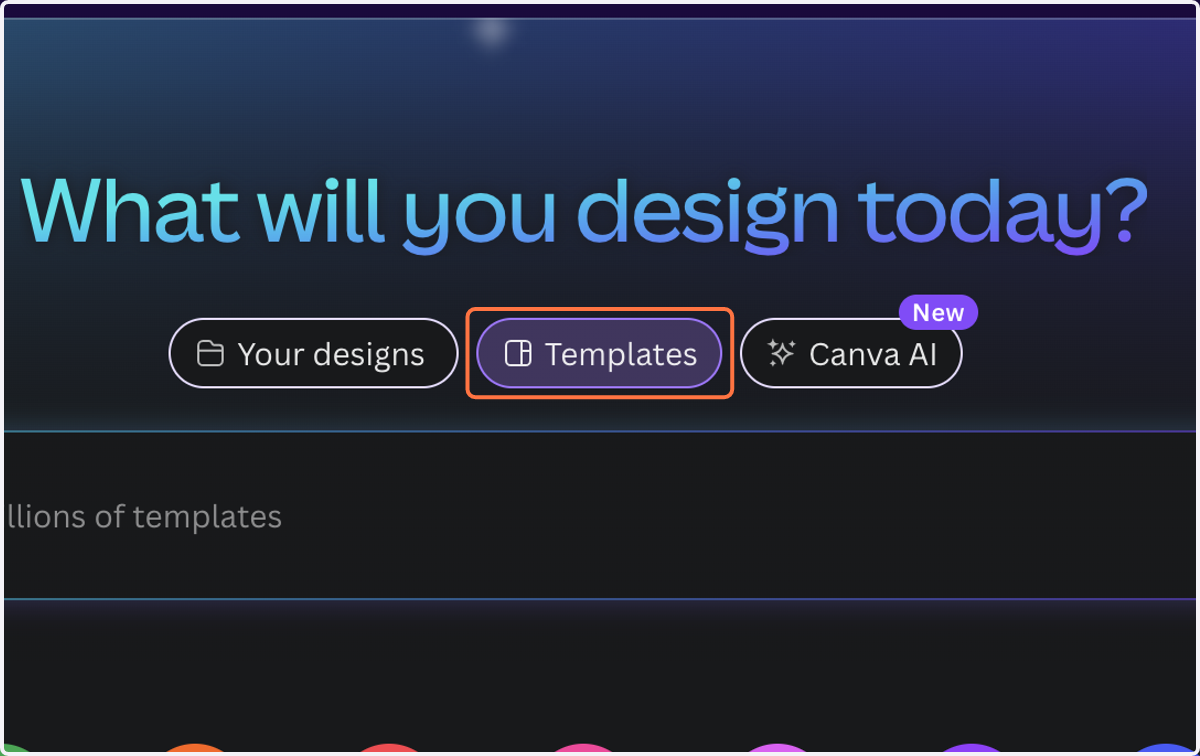
2. Type "social media" (Whatever you need a template for)

3. Choose a template
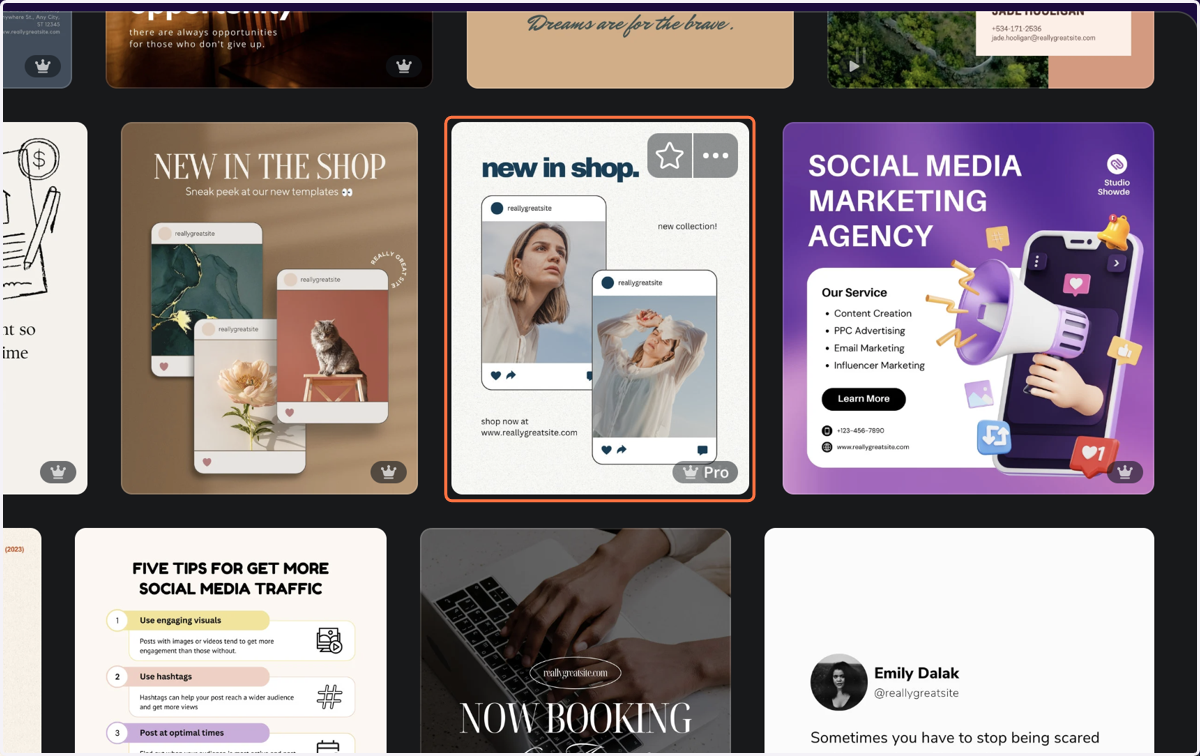
4. Browse similar templates below selected template
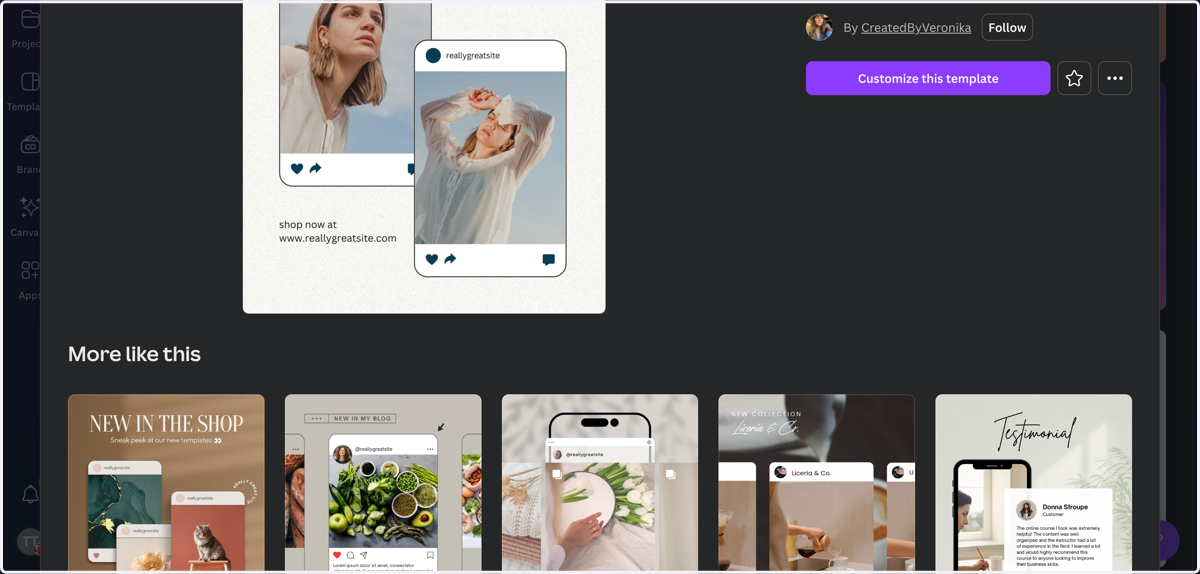
5. Click on Customize this template to customize selected template
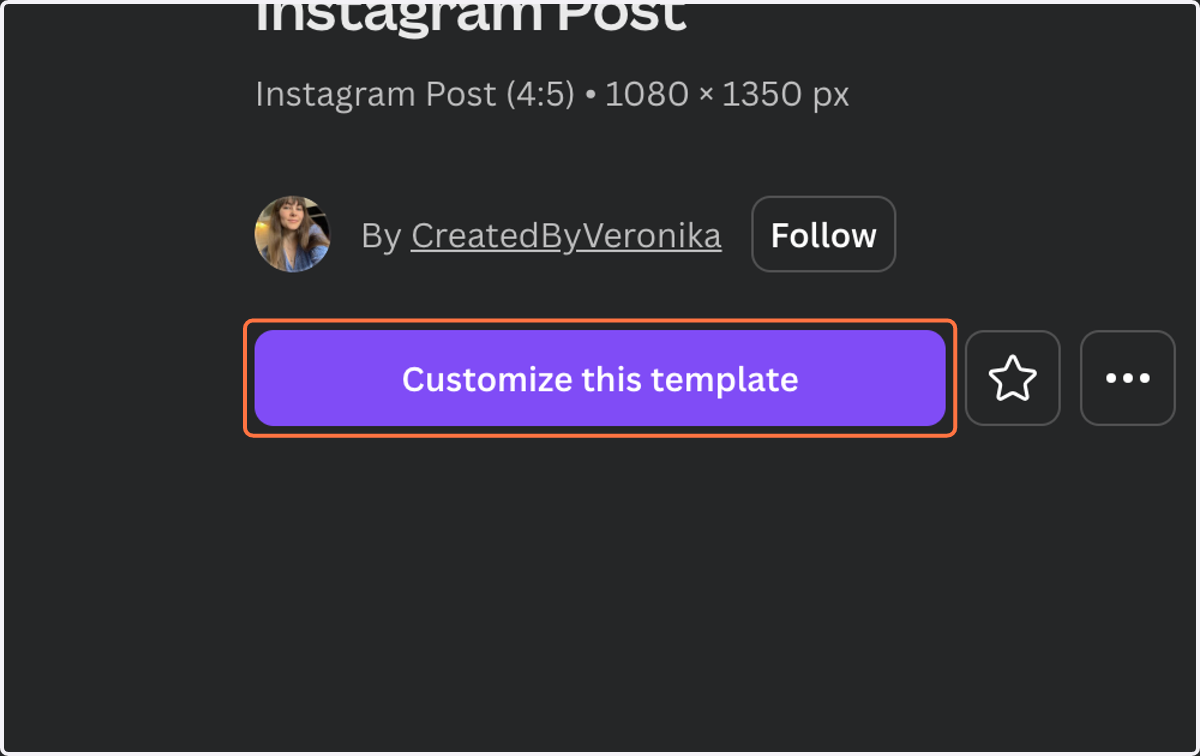
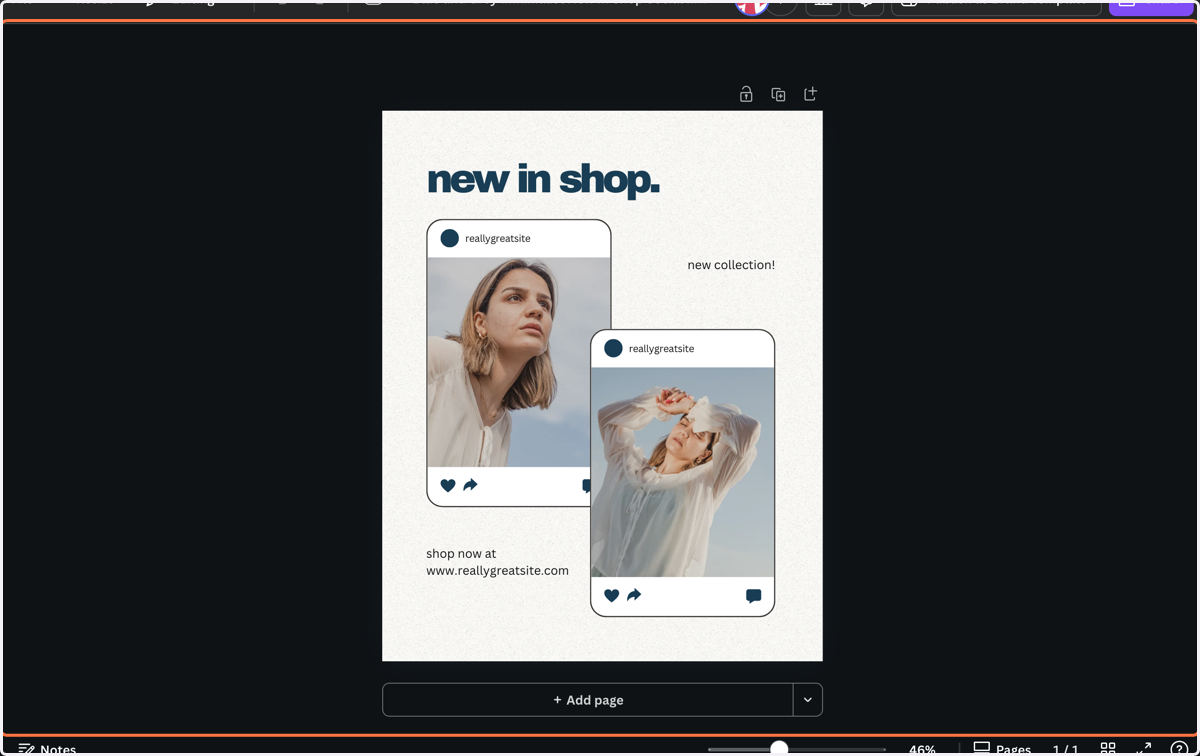
6. Template will open as a new file
🖐️ Another way to browse templates for your canvas size
7. Click on Design
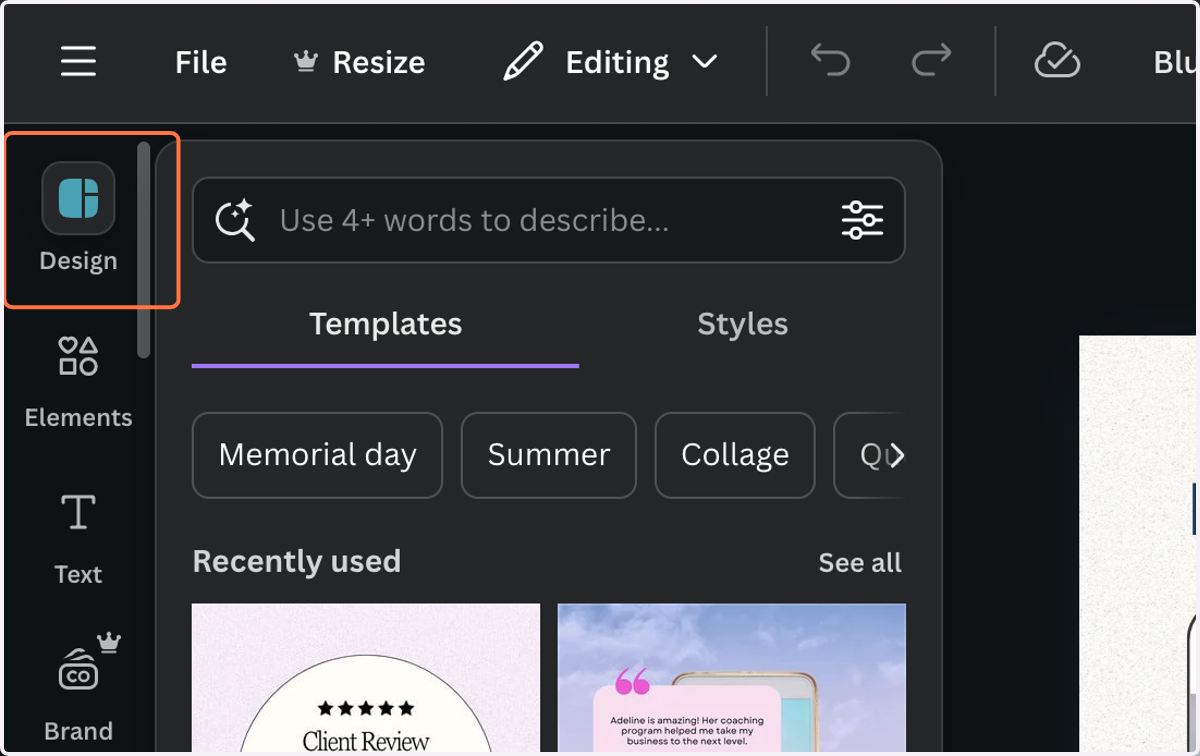
8. Click on Templates
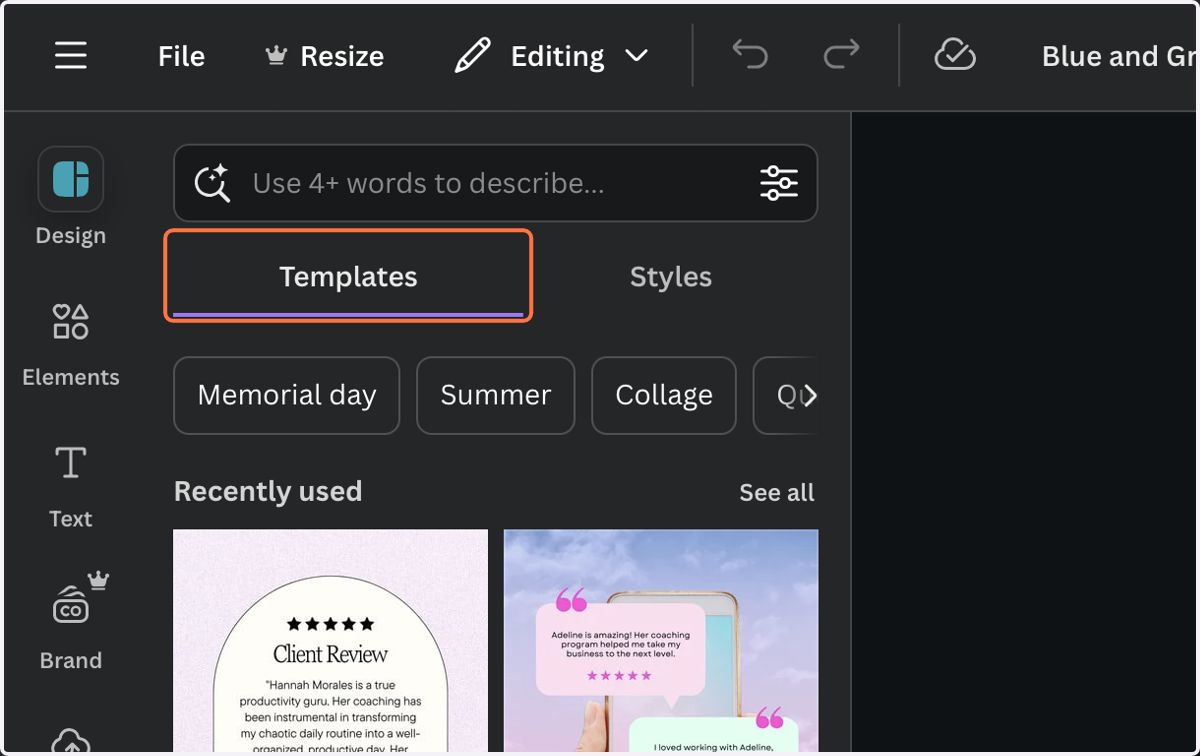
9. Click on Open template item page and browse
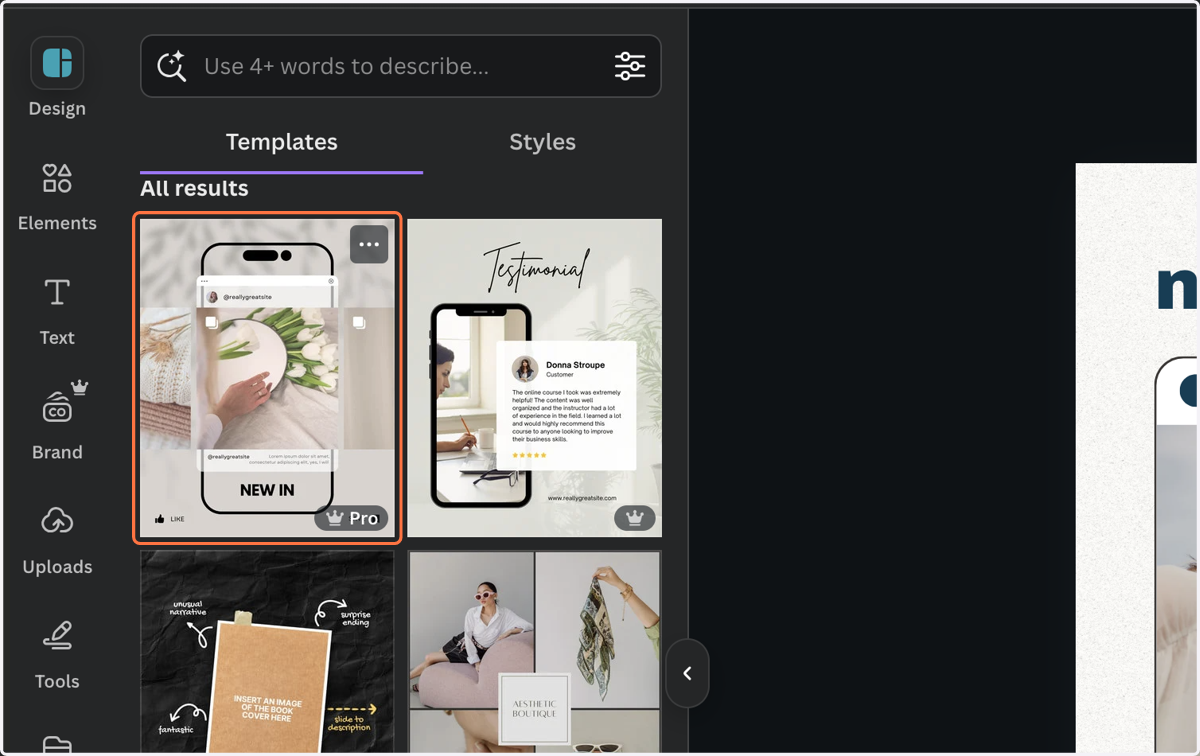
😀 Filter results
10. Type in the type of template you are looking for (Can be the text you need on it or the style of template)
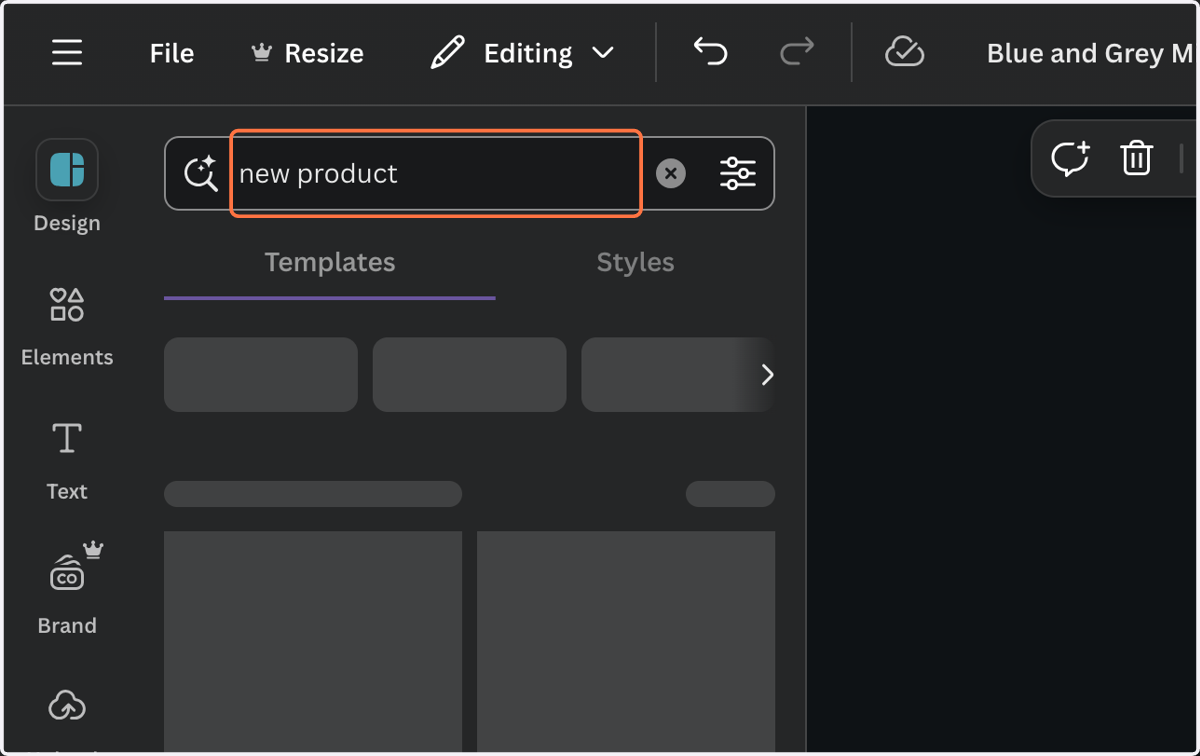
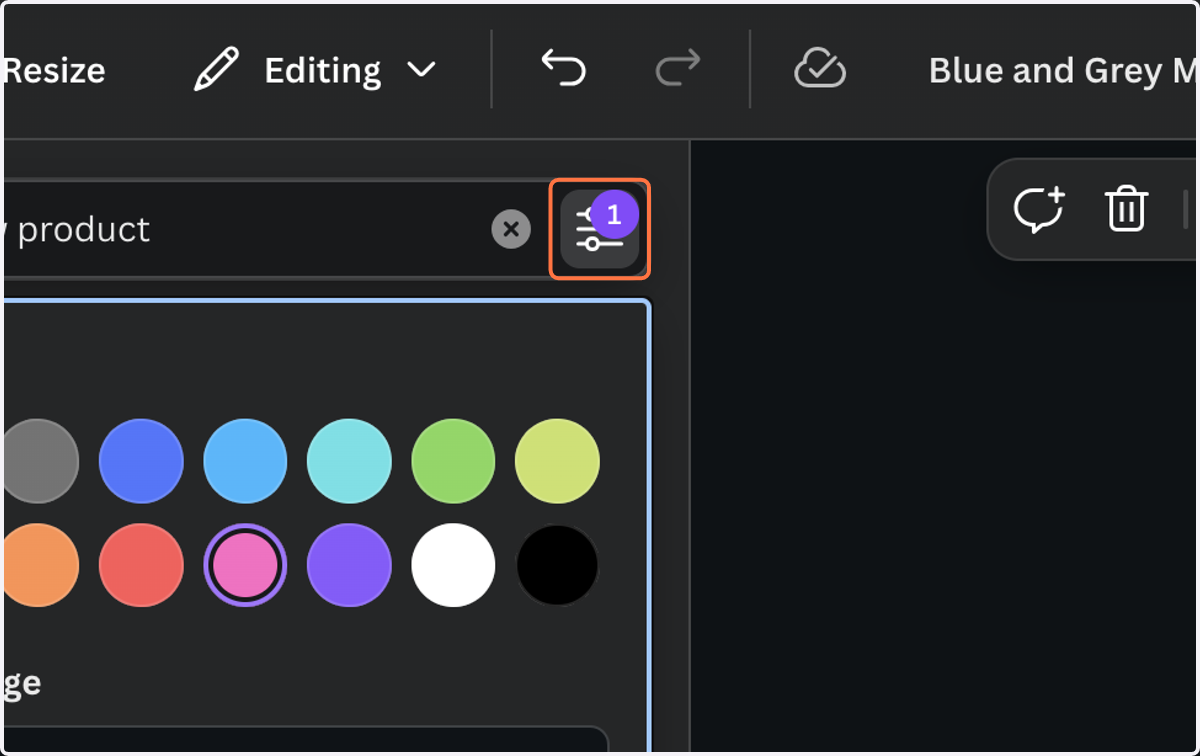
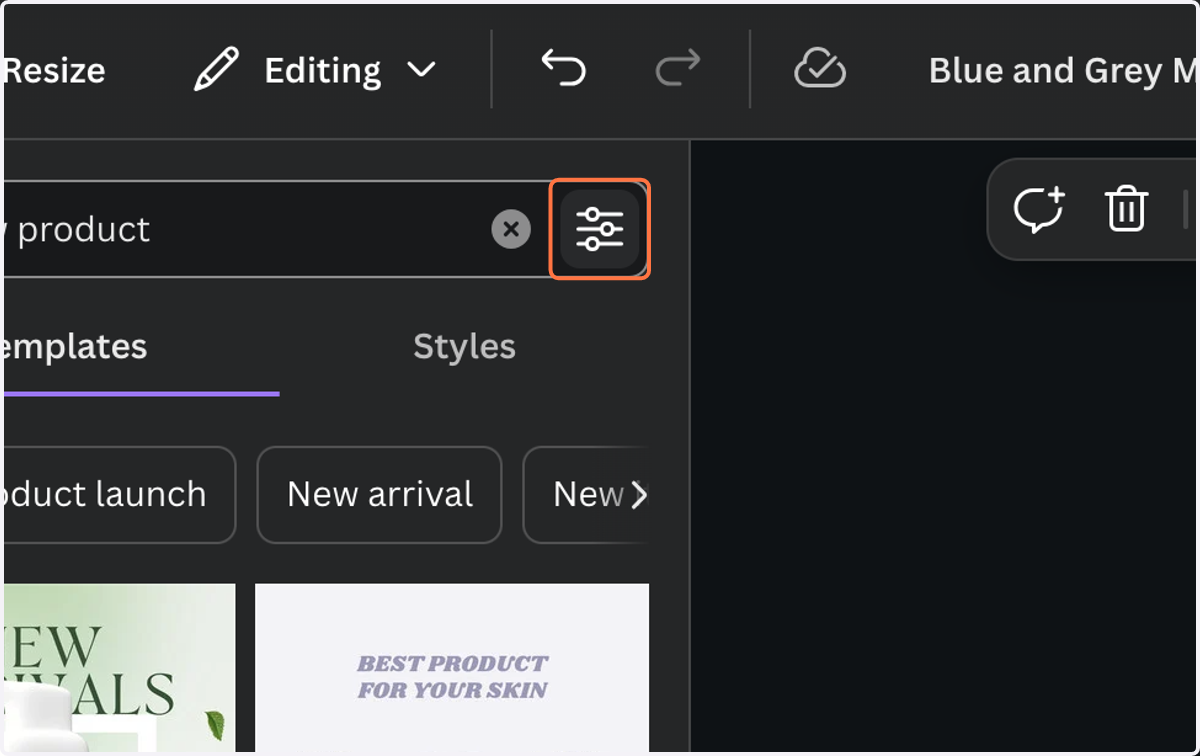
11. Click on Show filters
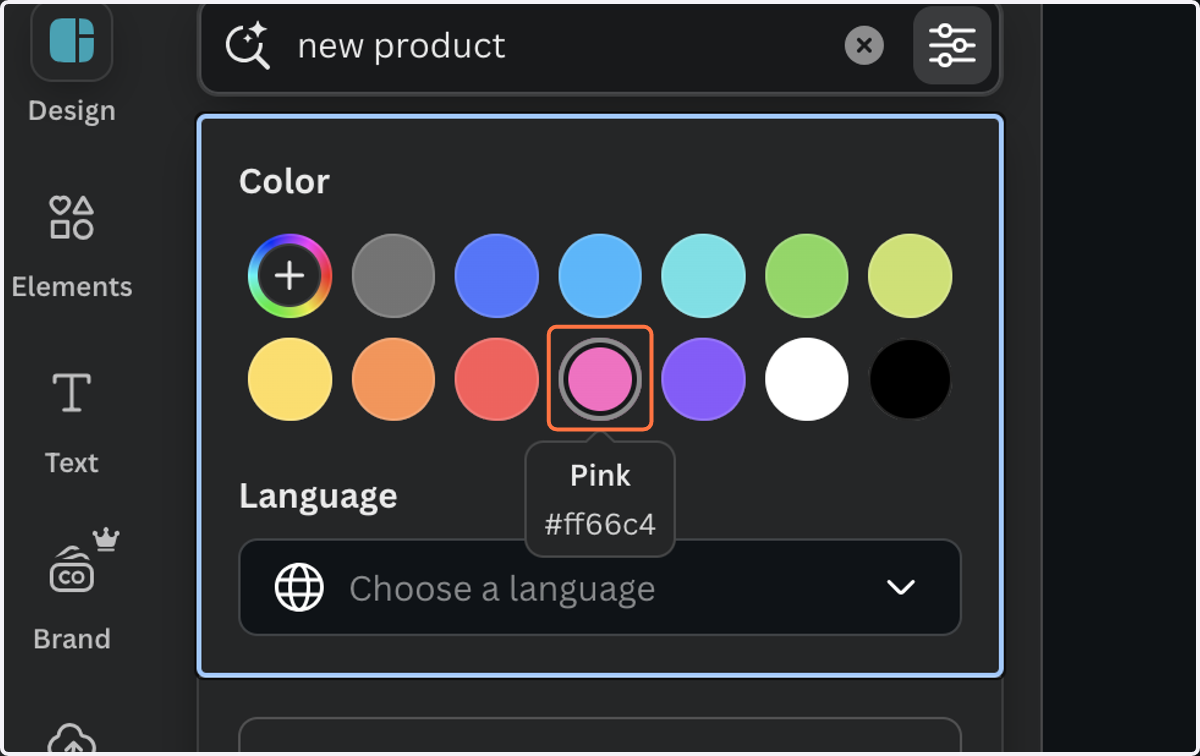
12. Click on the color of templates you want to see
13. Click on Show filters again to close menu and browse freely