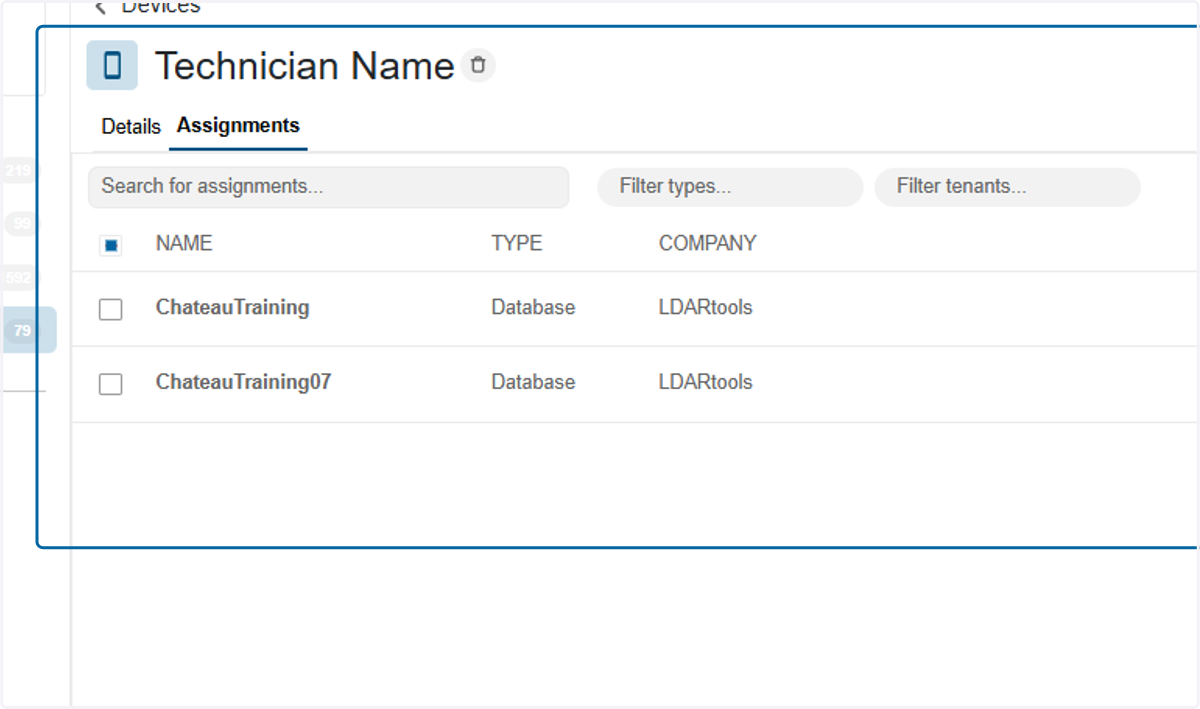
Chateau Mobile Device Registration
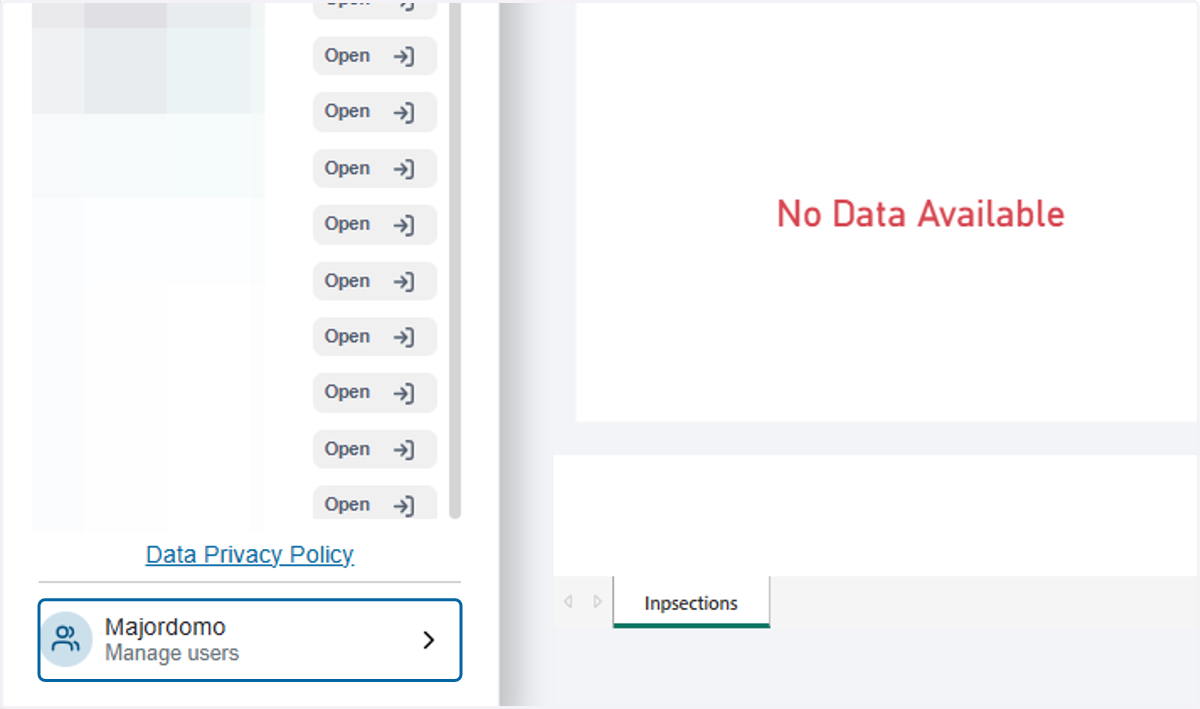
1. Click on Majordomo
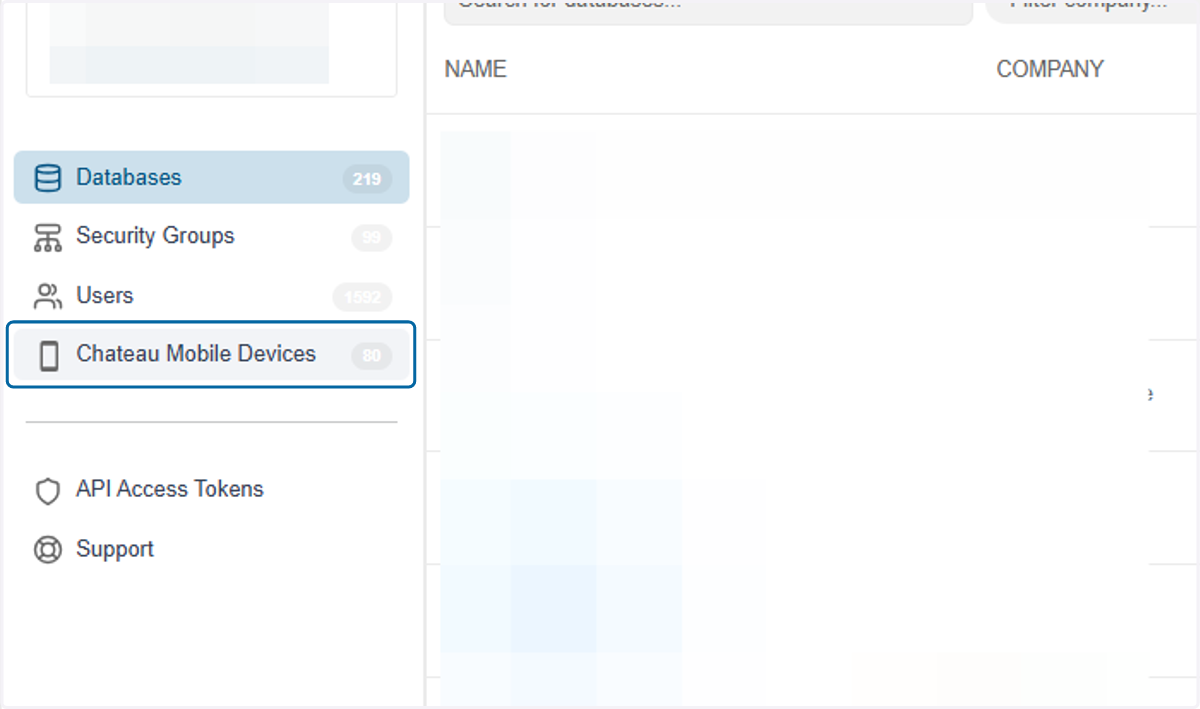
2. Click on Chateau Mobile Devices
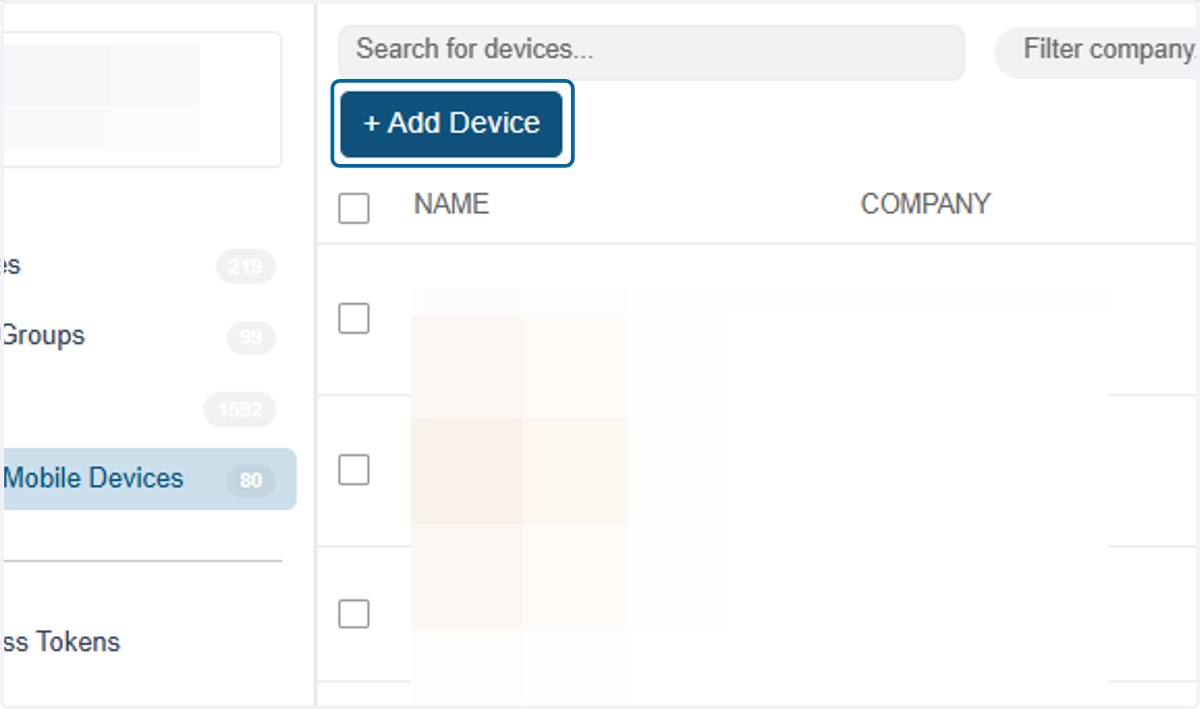
3. Click on + Add Device
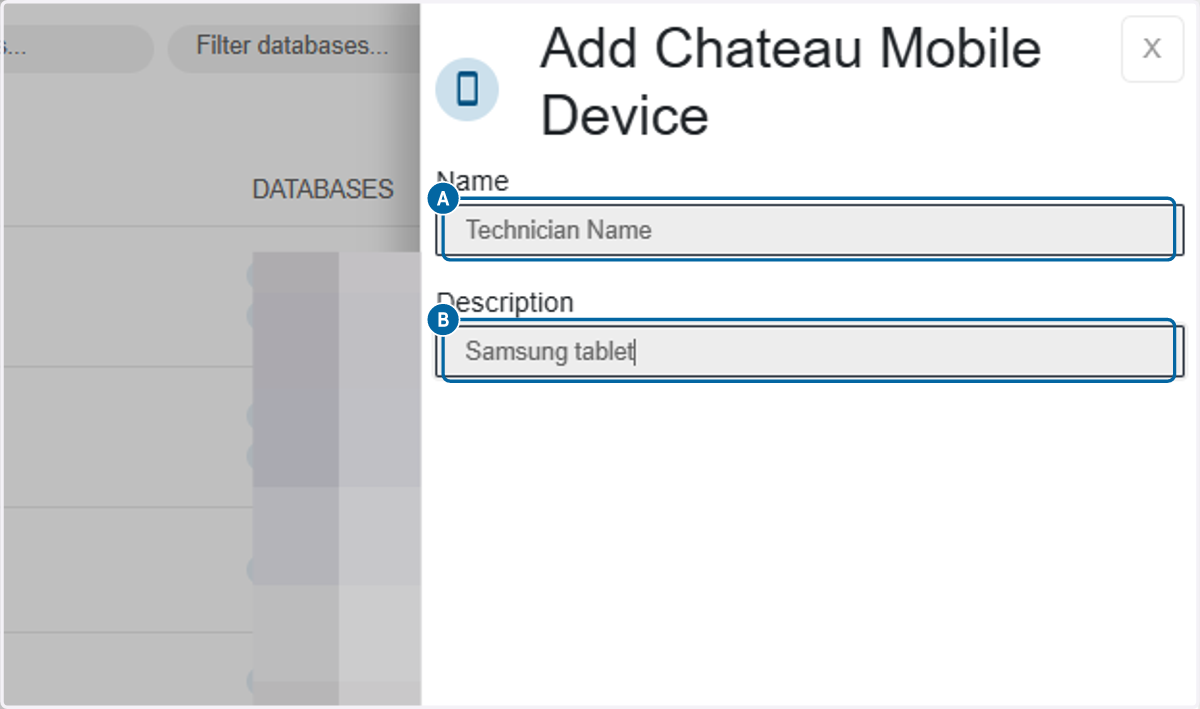
4. A. Fill in the Technician Name
4. B. Add a description if wanted.
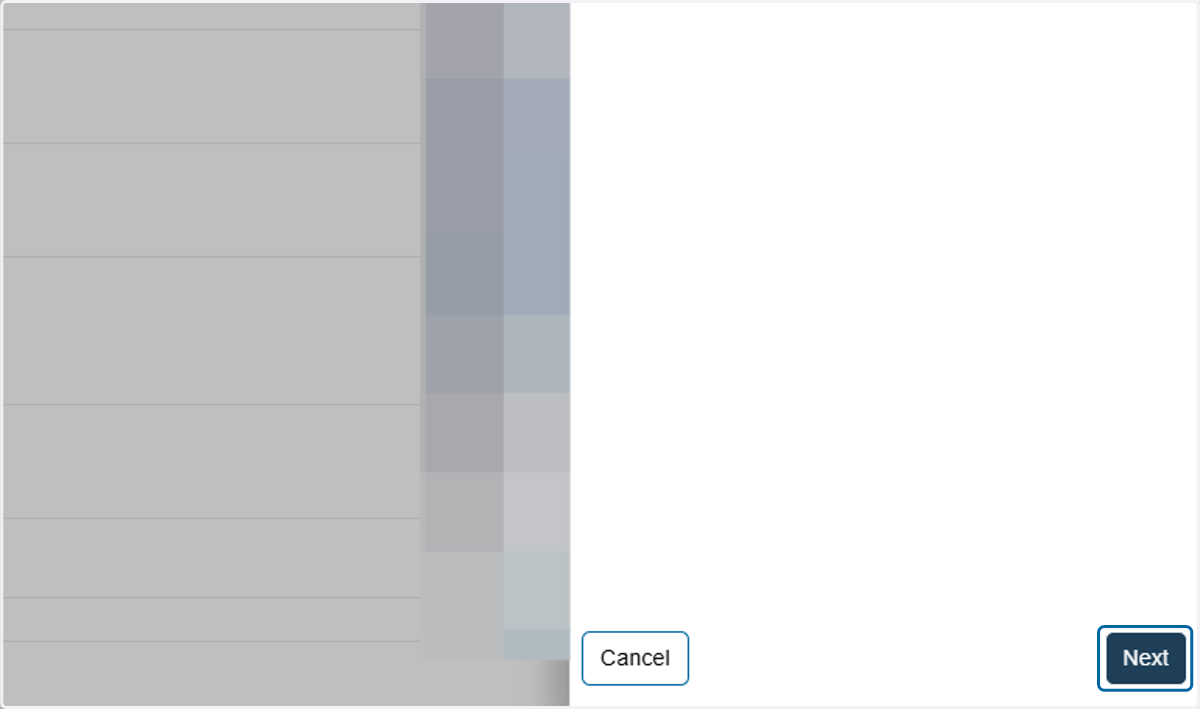
5. Click on Next
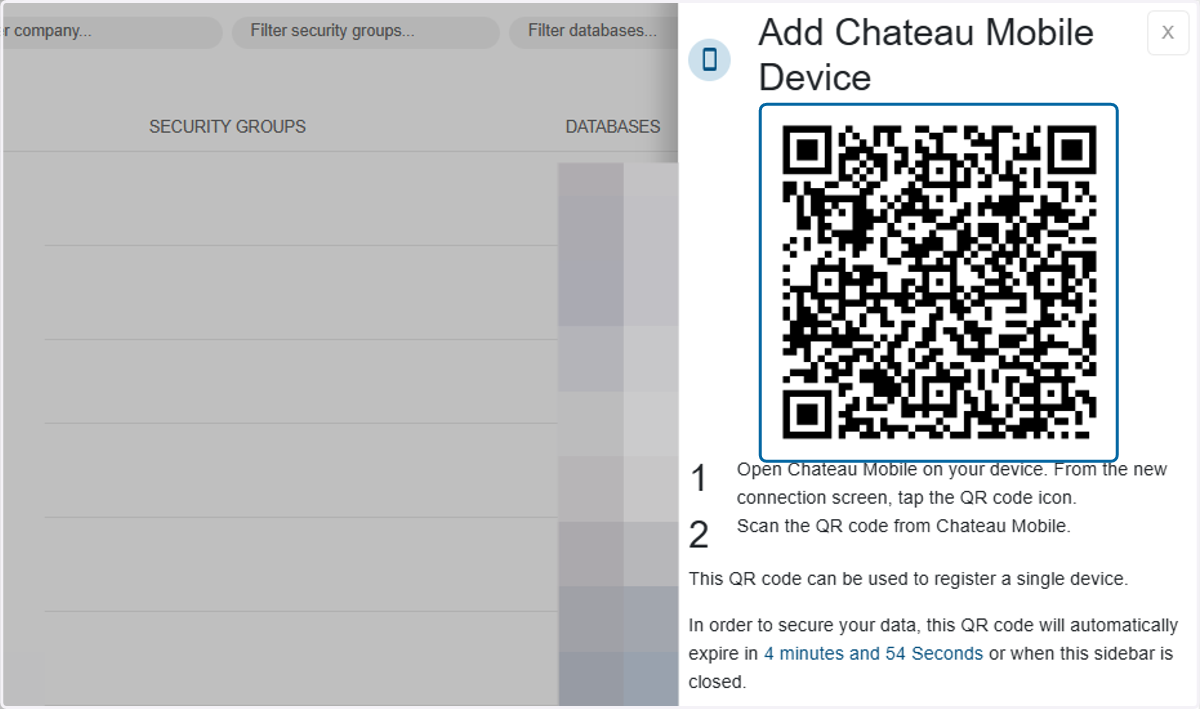
6. Using Chateau Mobile, scan the QR code until this window disappears.
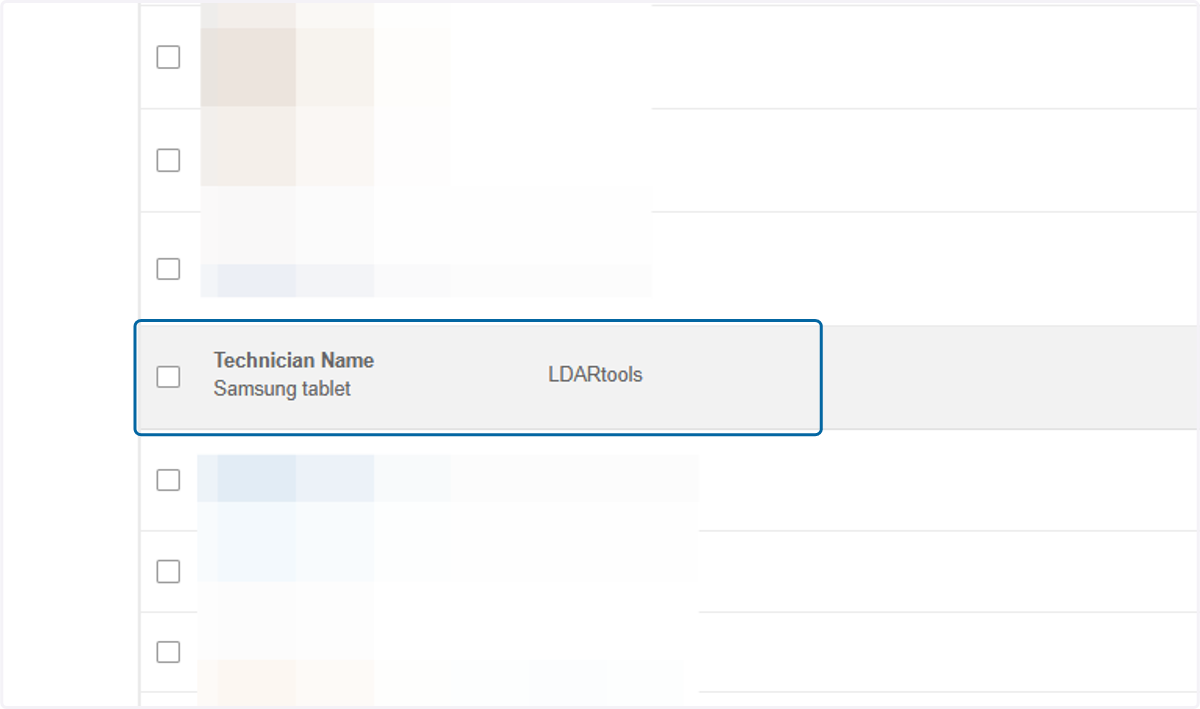
7. Find the device you just added in the list and click on the name.
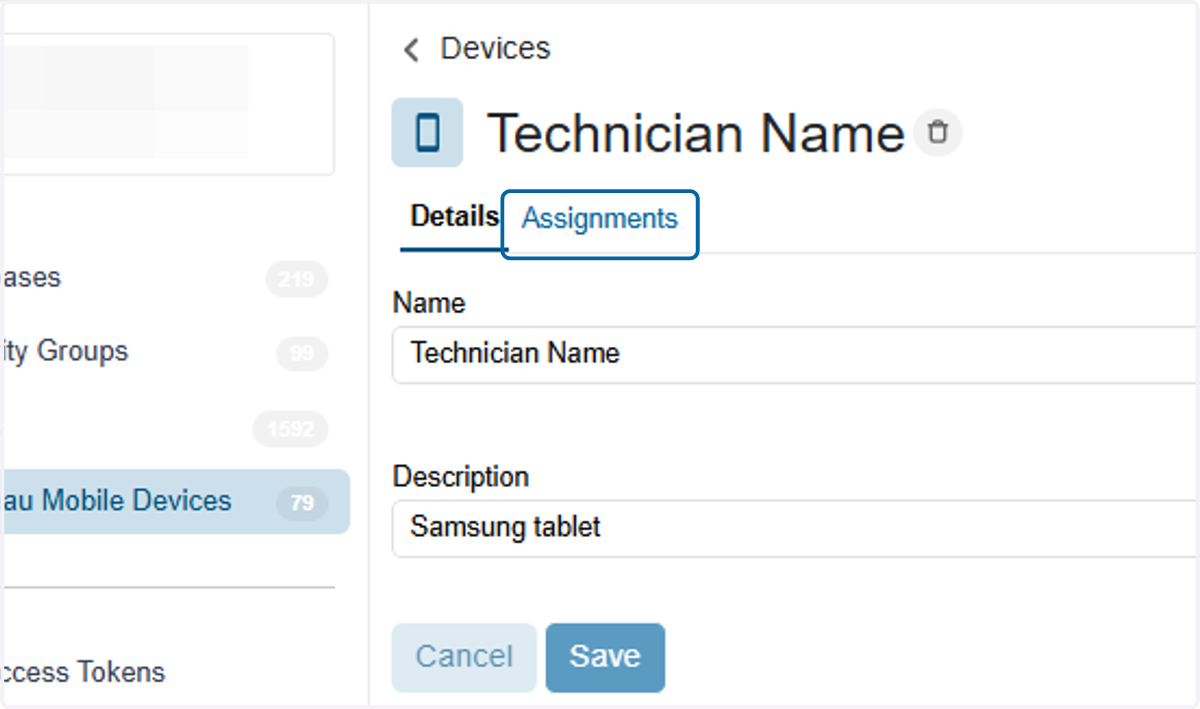
8. Click on Assignments
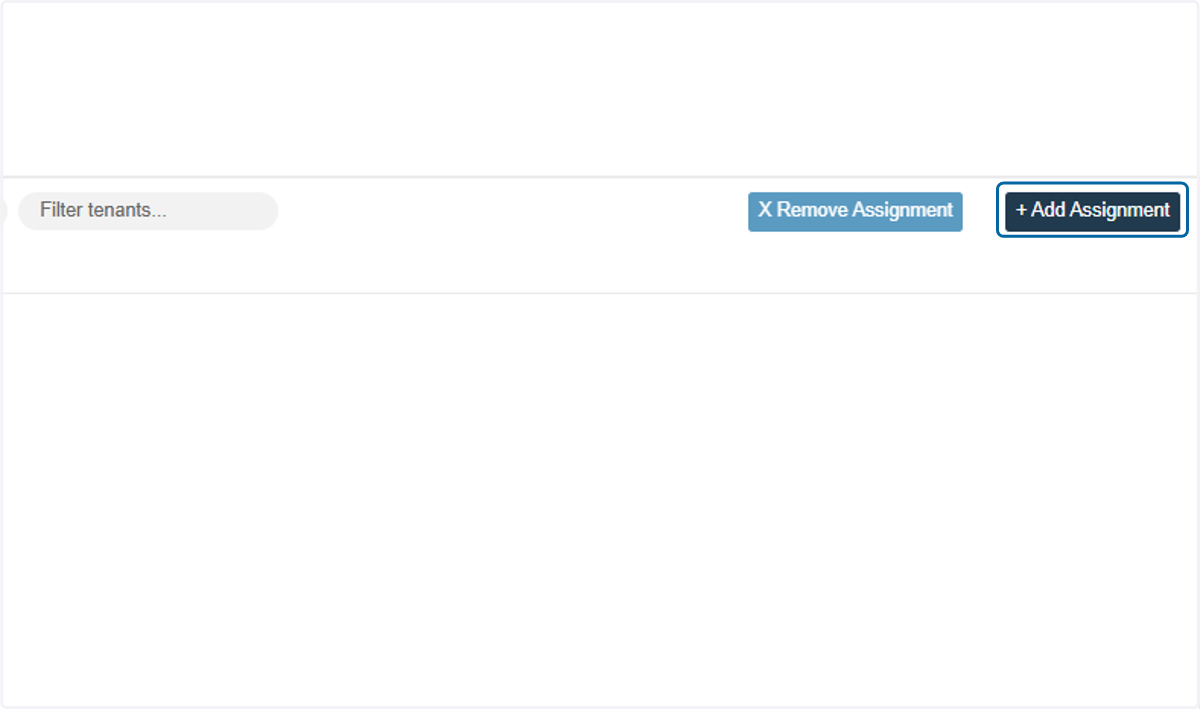
9. Click on + Add Assignment
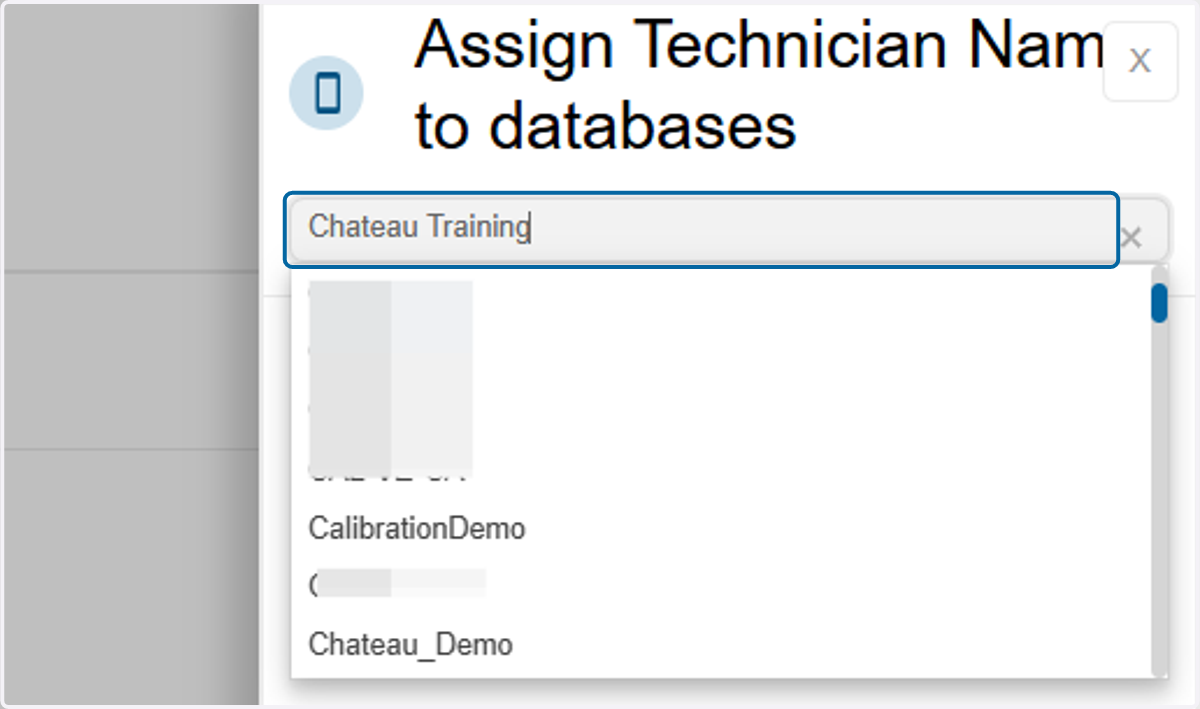
10. Search for the database you want to assign to the technician
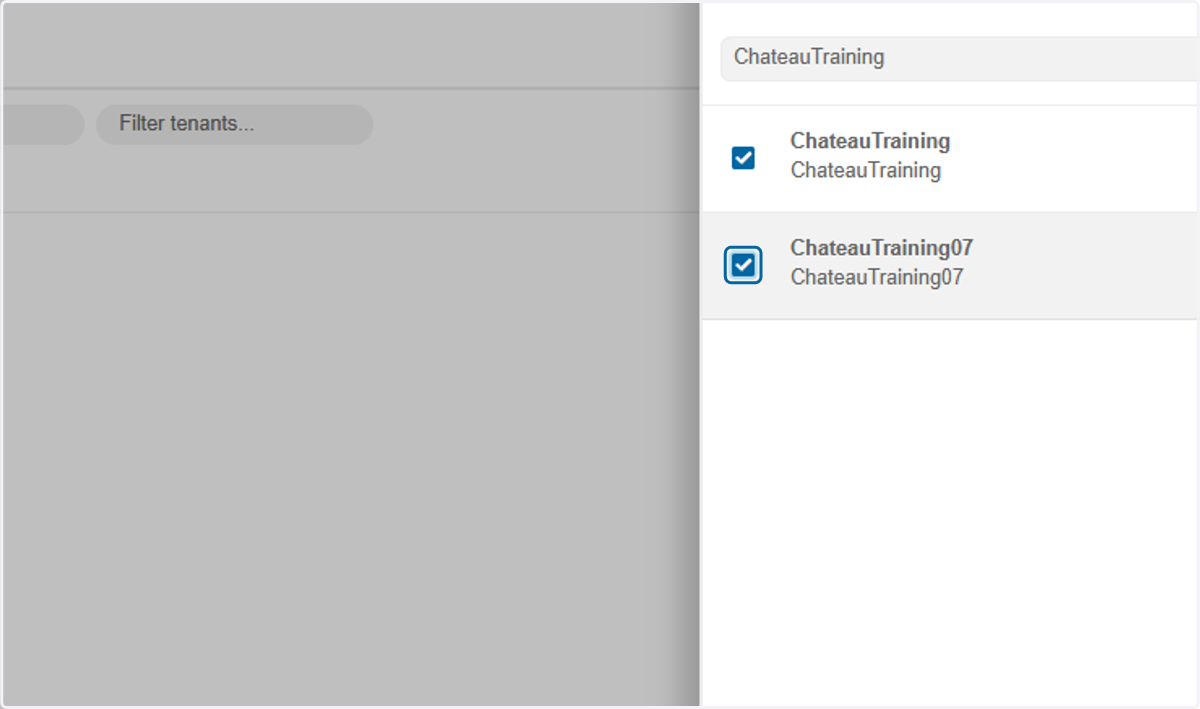
11. Select checkbox next to the database you want to assign.
12. Click on Assign
13. You're done!