Changing your T.R.U.S.T Profile Alerts
How to modify your T.R.U.S.T alerts
FGIWW
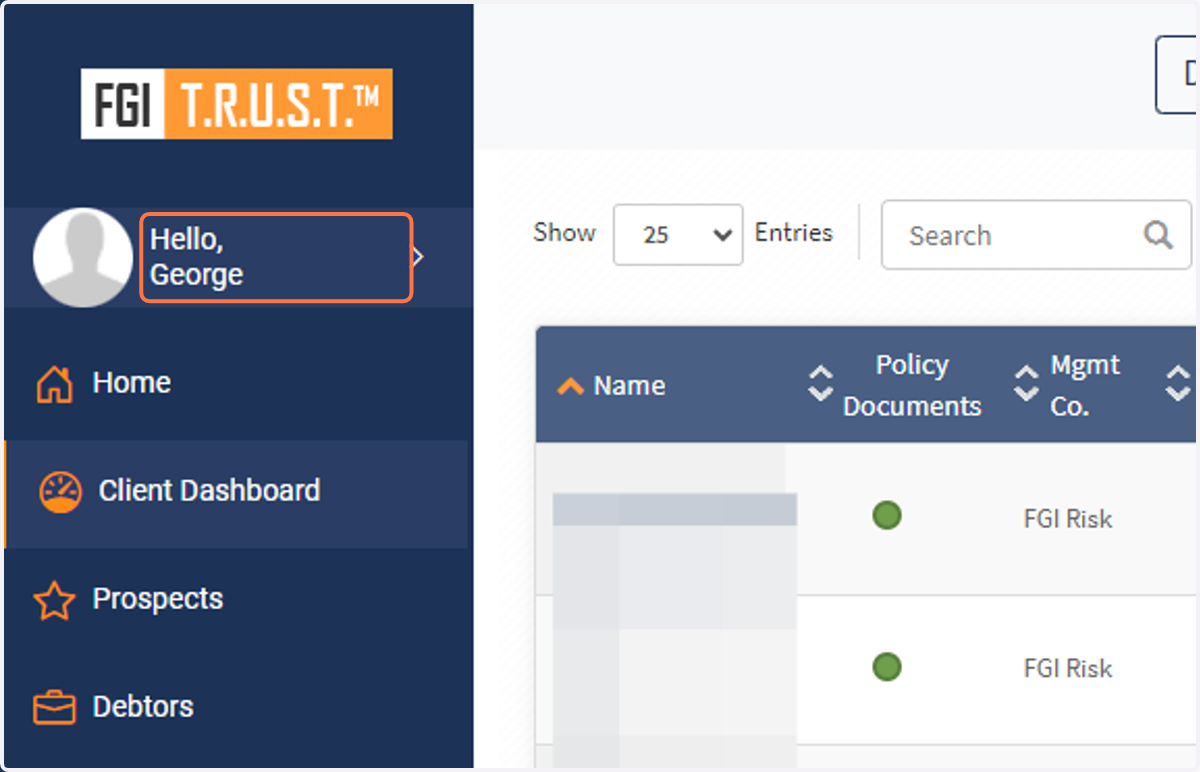
1. On the sidebar Click on Hello,…
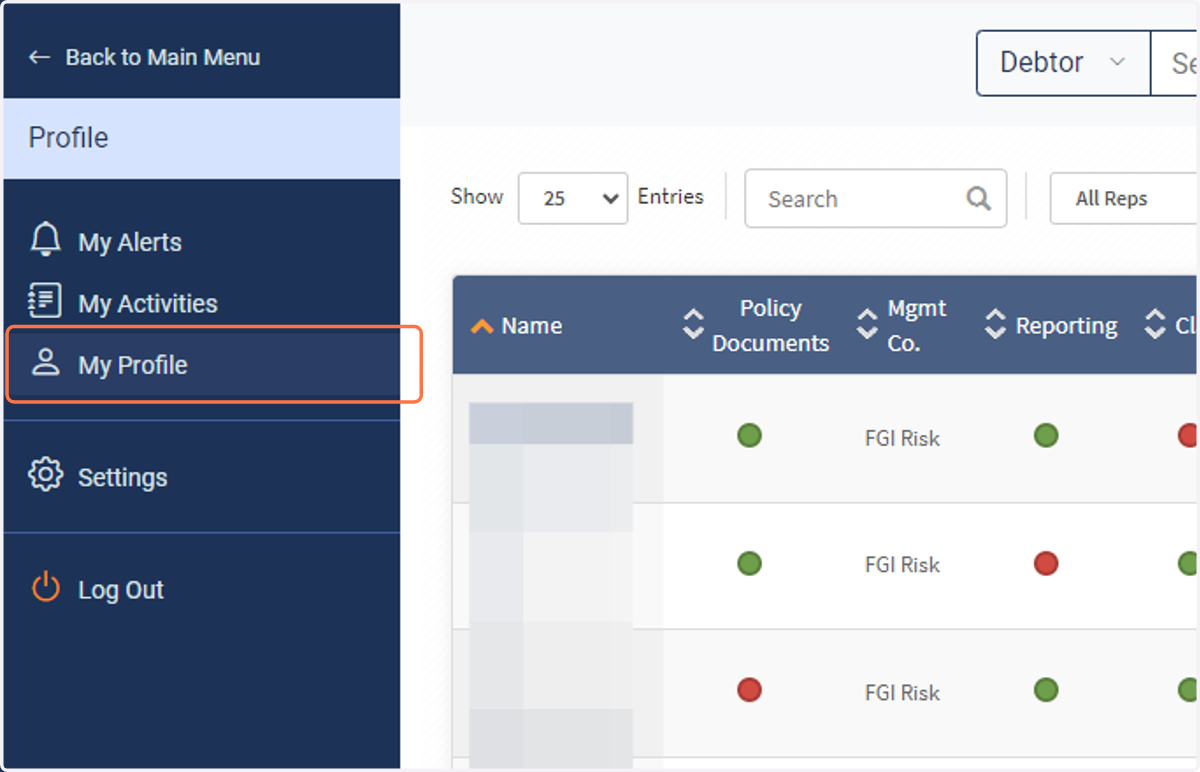
2. Click on My Profile
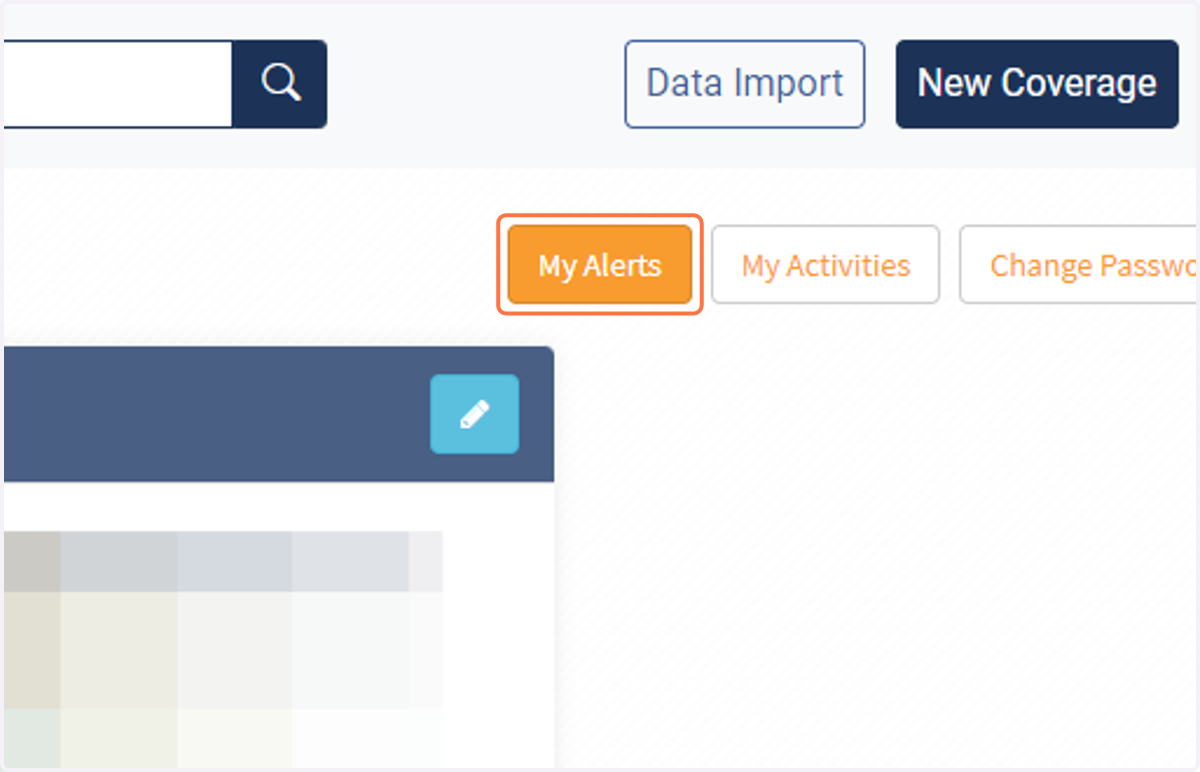
You can also click on "My Alerts" as well
3. Click on My Alerts
4. Click the alert you would like to change
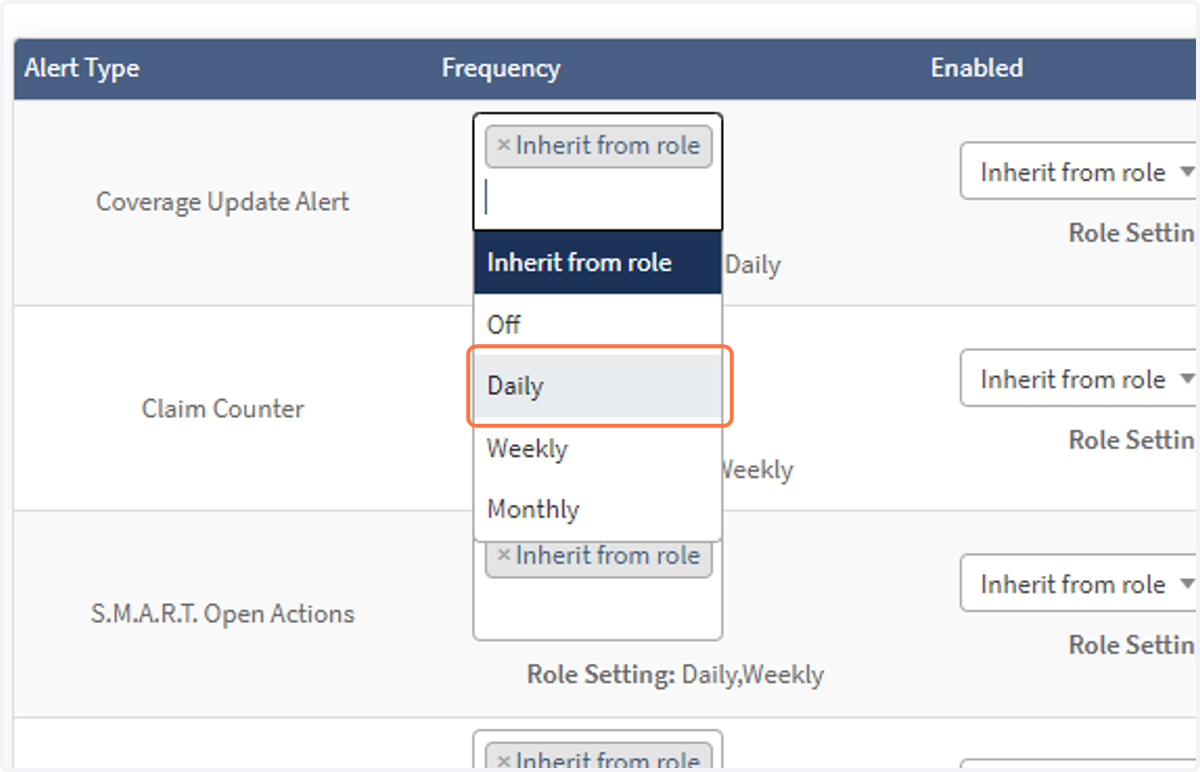
You can make modifications to the Daily and Weekly email alerts. These settings have been automatically set based on your user access, however you are able to modify the frequency of each “Alert Type” by clicking on the respective dropdown.
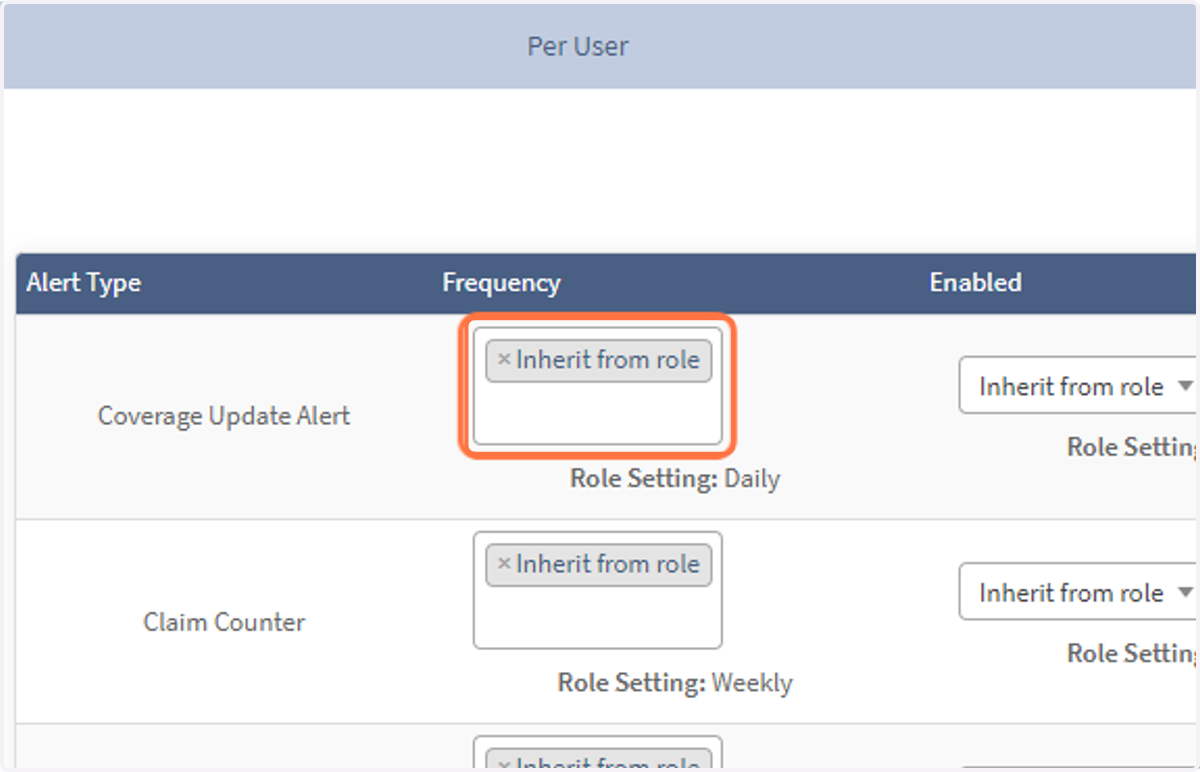
5. Click on the new frequency you would like to use
You will need to change each alert separately
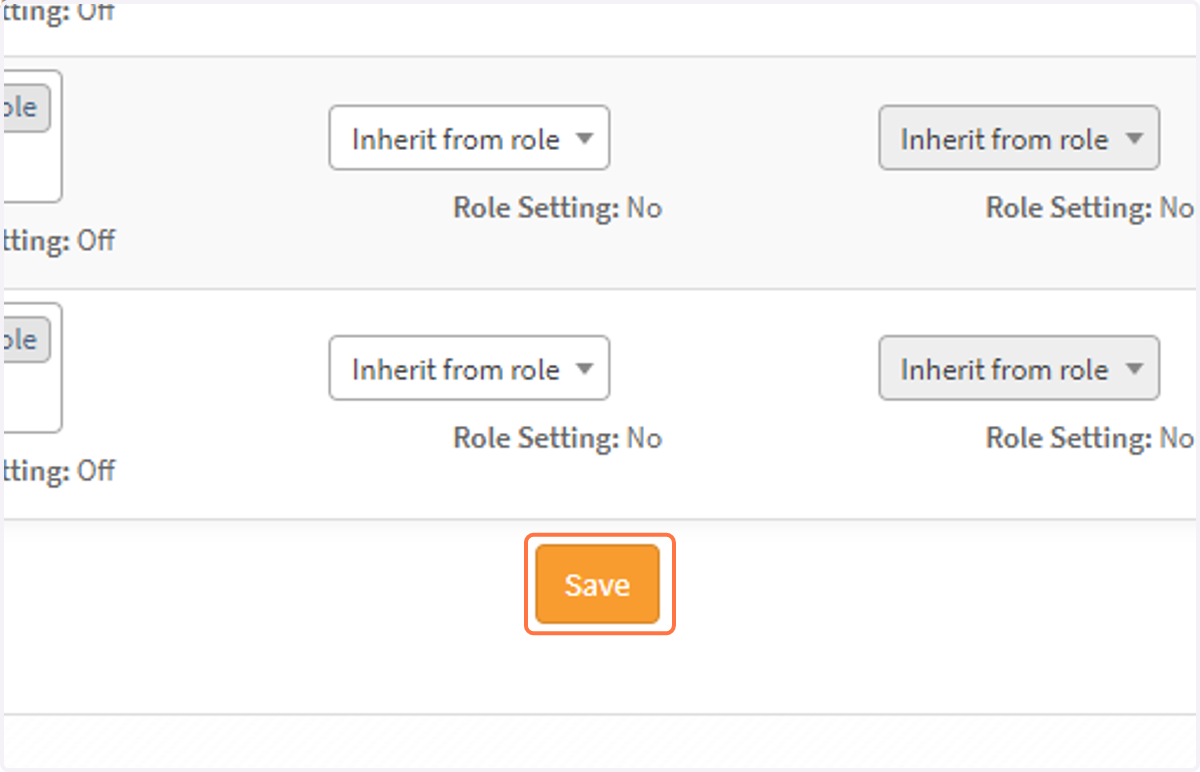
6. Click on Save
Once you have made all changes, please make sure to click “Save” at the bottom of the screen.