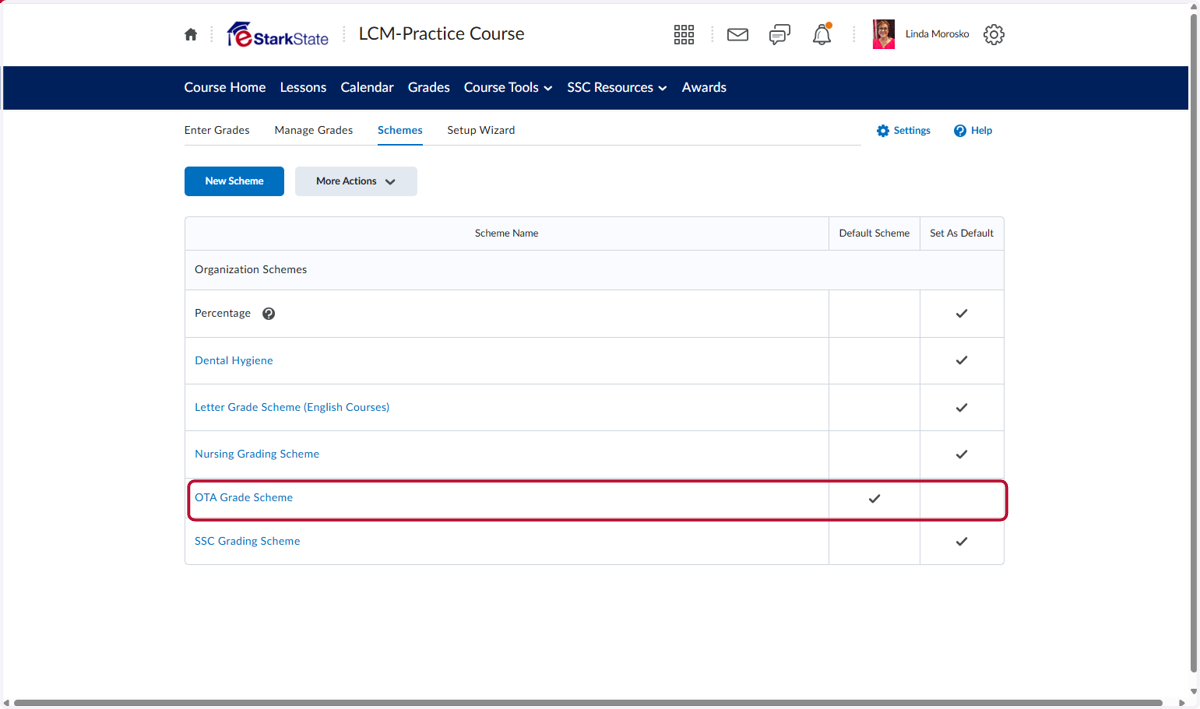
Changing the Default Grade Scheme
Click on the Course that needs a different grading scheme.
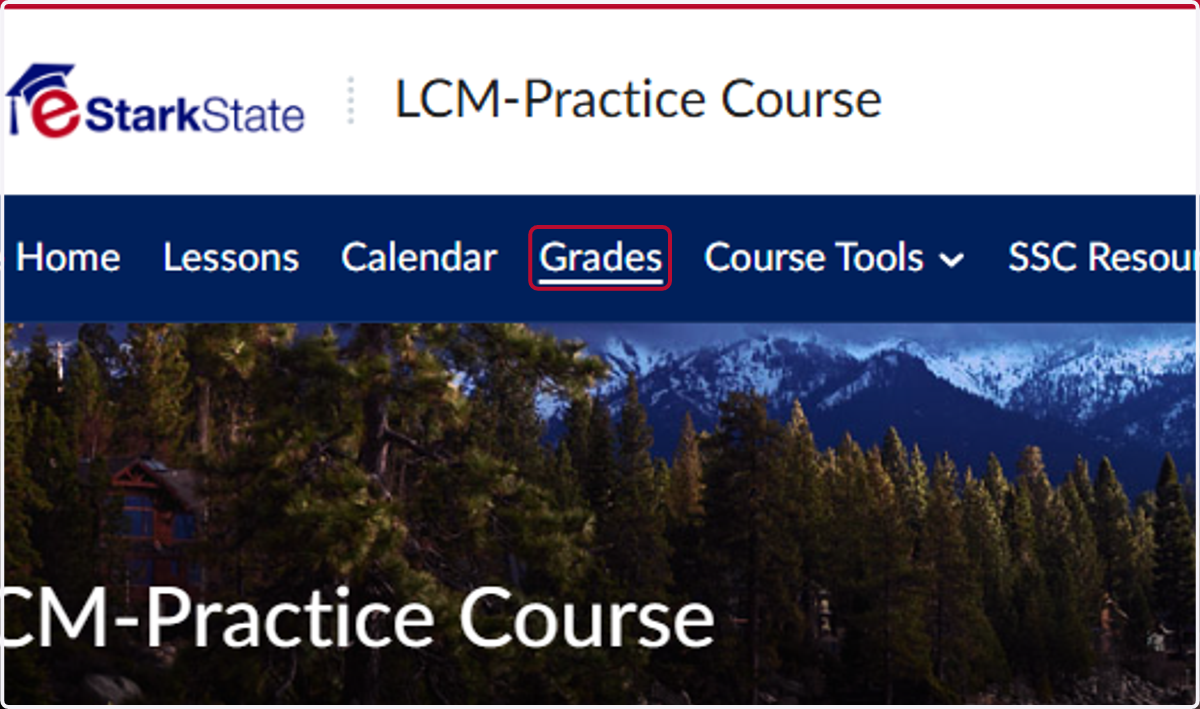
1. Click on Grades on the menu bar.
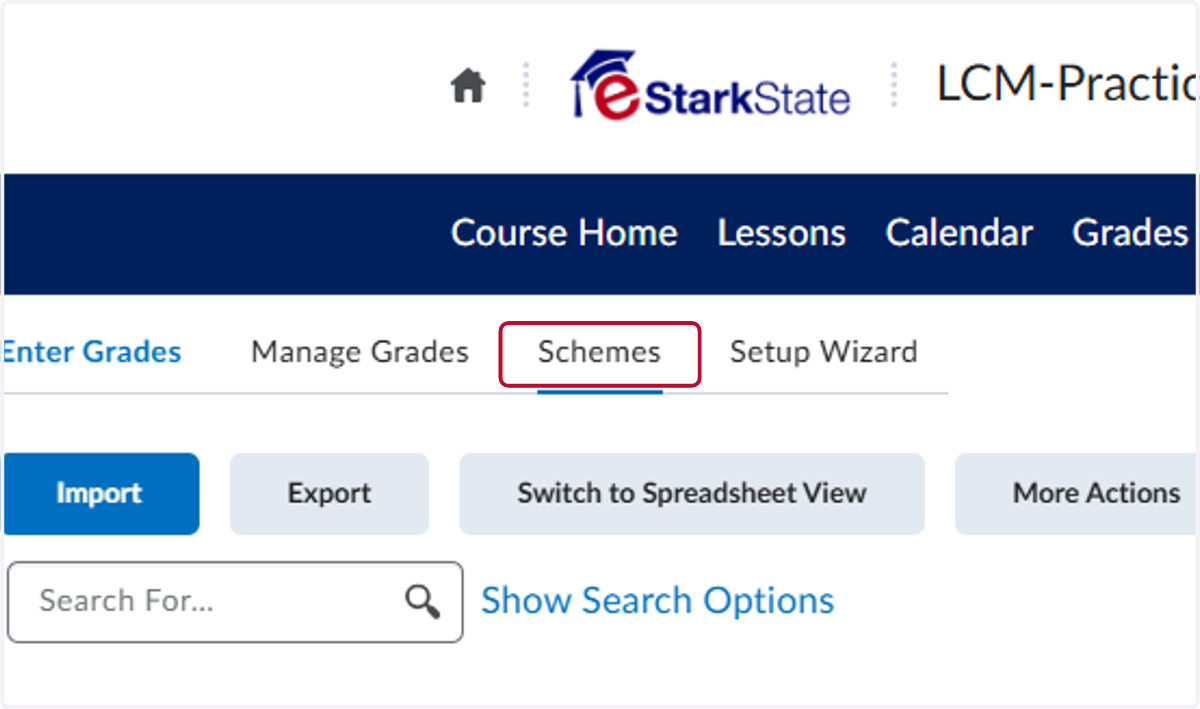
2. On the Grades page, click on Schemes.
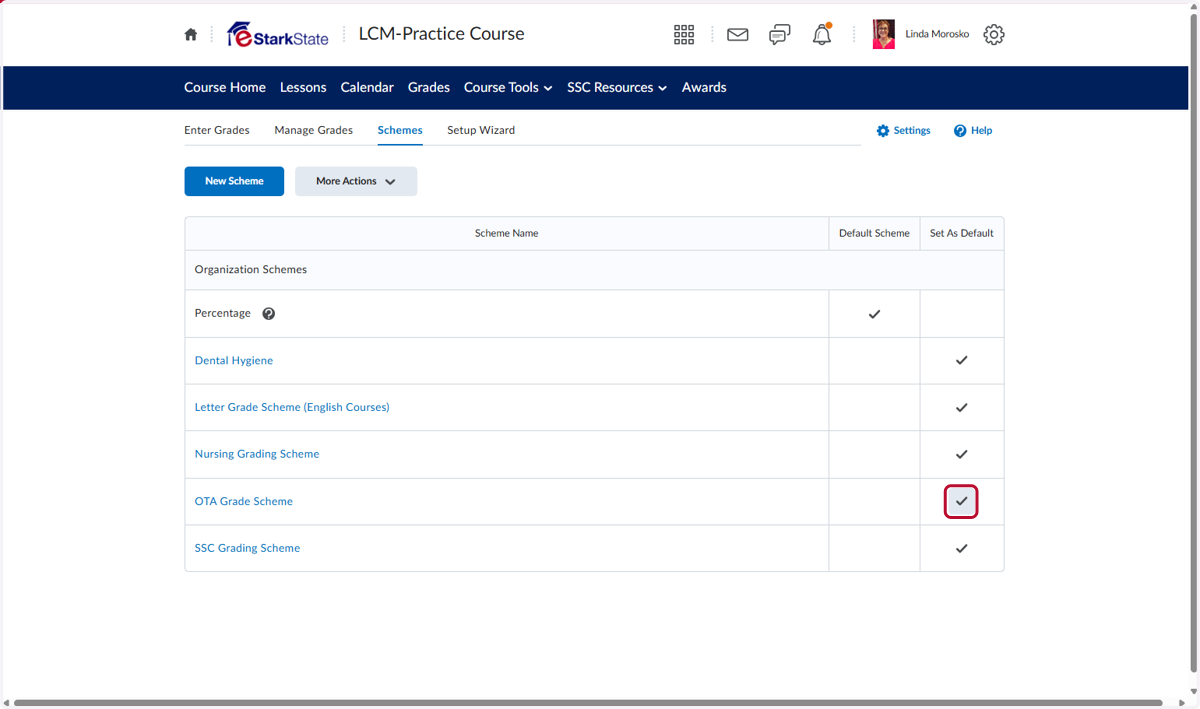
3. In the list of Grade Schemes, choose the one you want to use. Click the check box in the Set as Default column.
4. Click on the Yes button in the Confirmation window pop-u
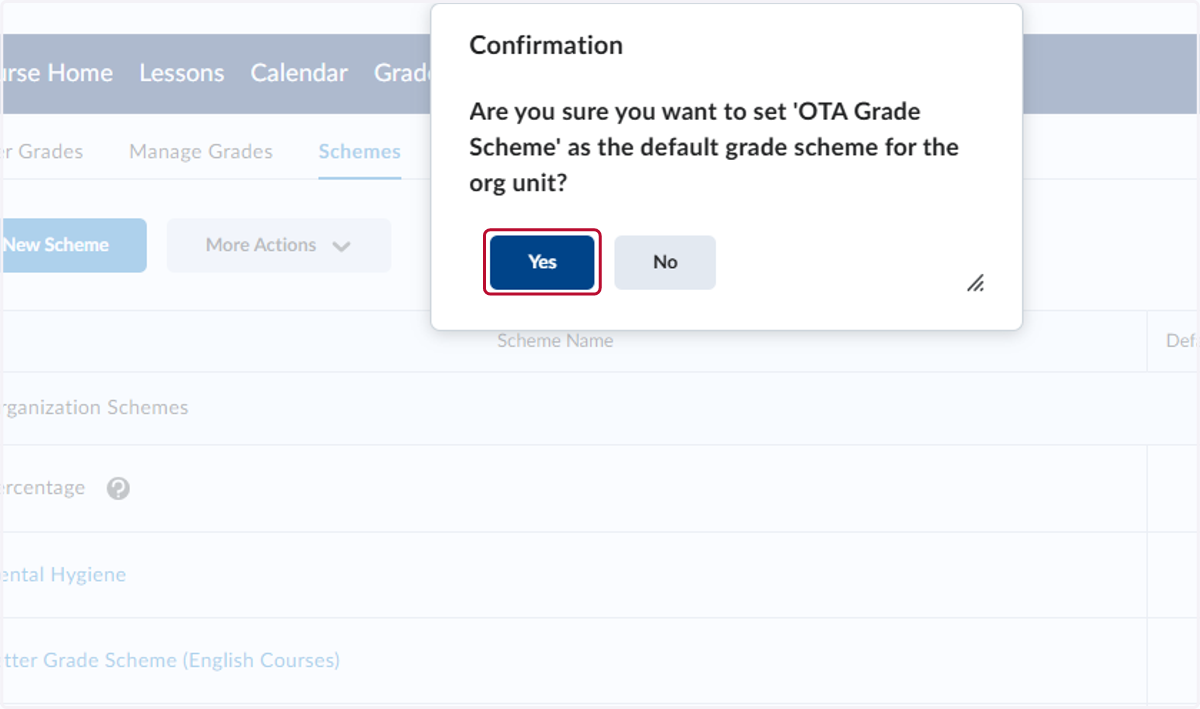
5. A new scheme is now chosen for the class.