Change Members' Power

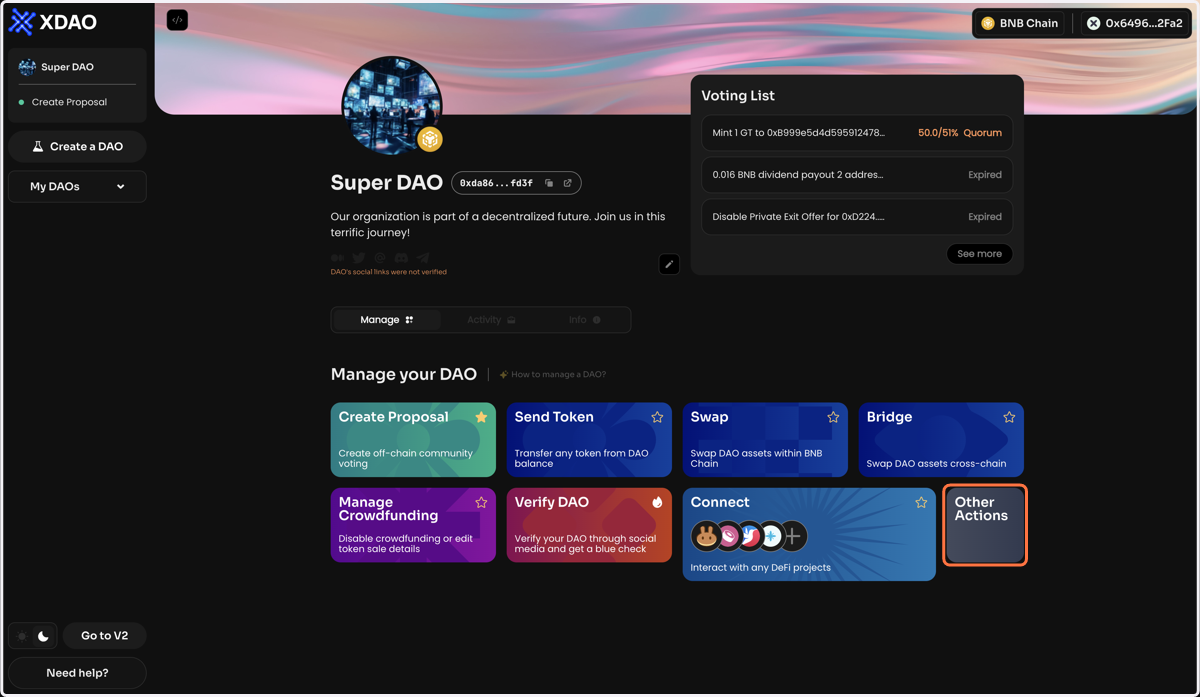
  1. 1. Click on Other Actions

    Click on Other Actions
  2. 2. Click Change Members' Power on the Manage page of your DAO
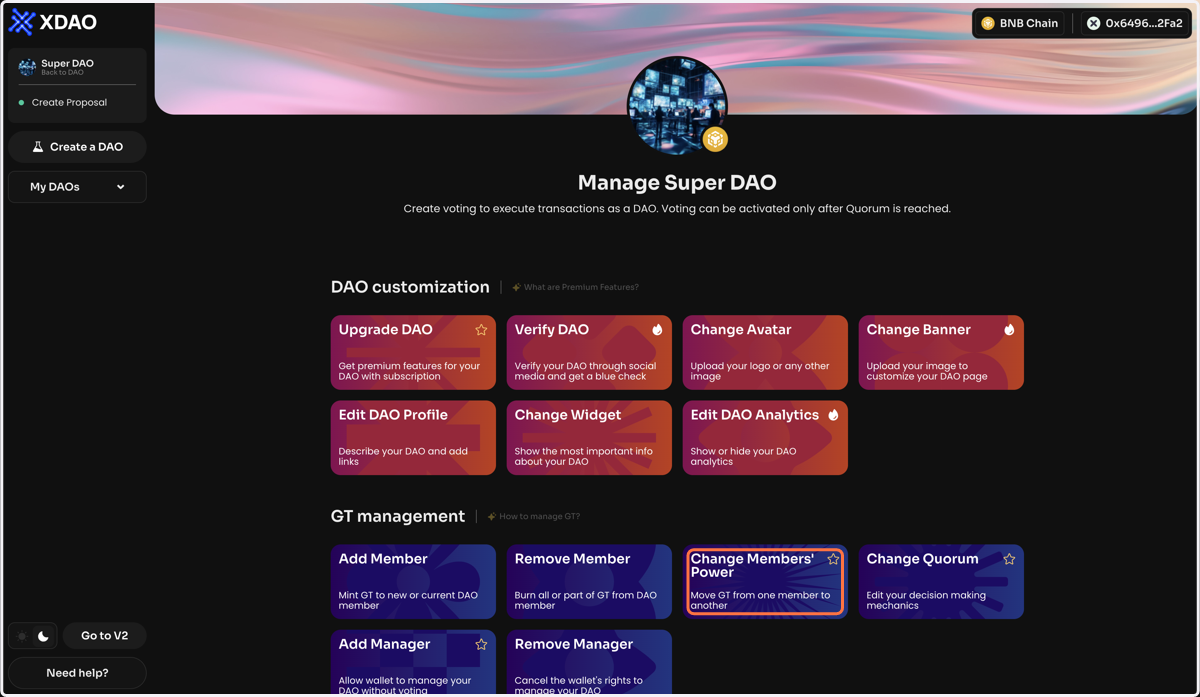
    Click Change Members' Power on the Manage page of your DAO
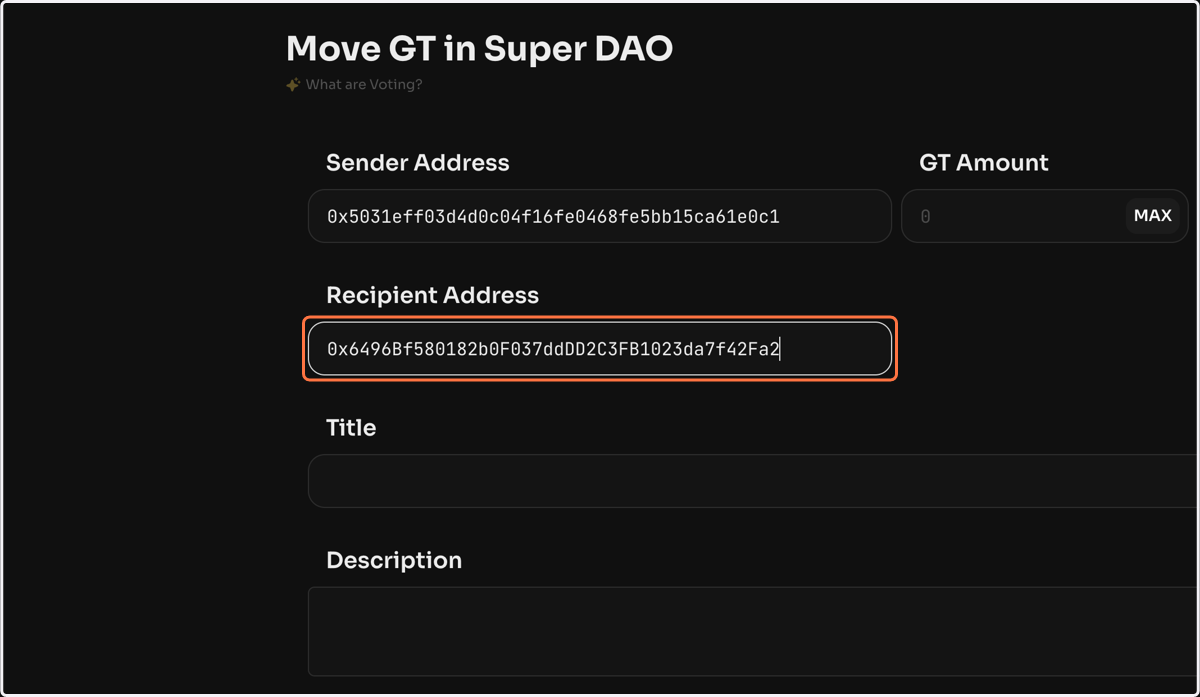
  3. 3. To transfer GT from one member to another, enter the sender and recipient members' public addresses and the number of GTs
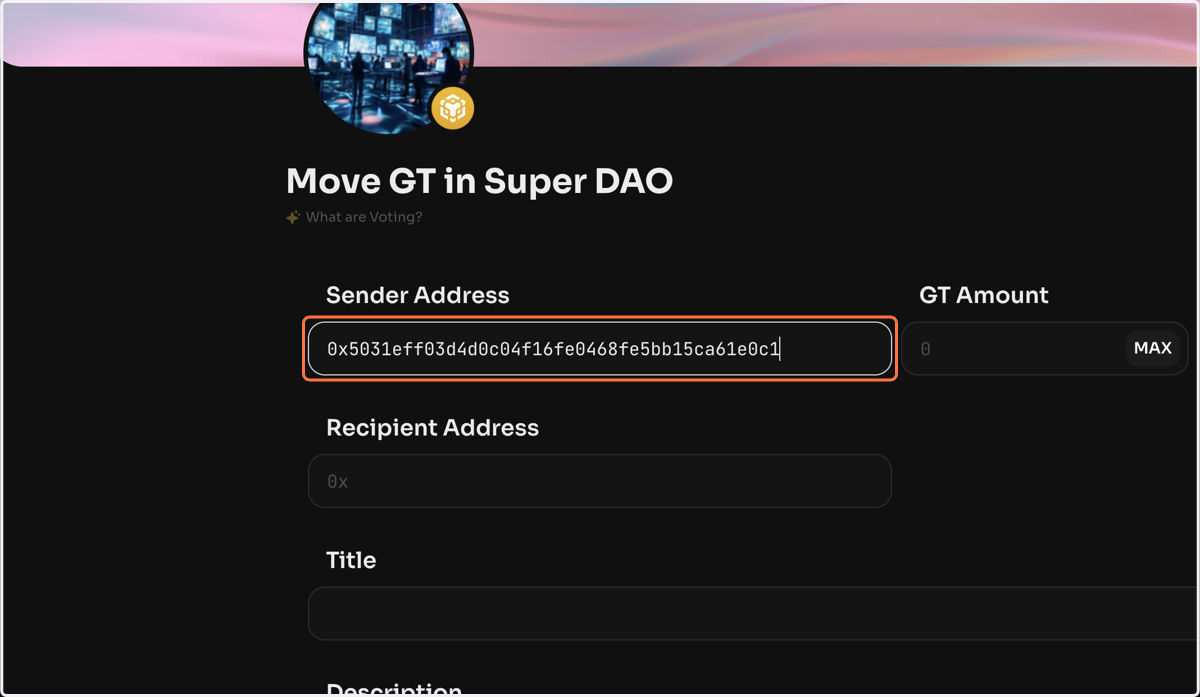
    To transfer GT from one member to another, enter the sender and recipient members' public addresses and the number of GTs
  4. 4. Paste input

    Paste input
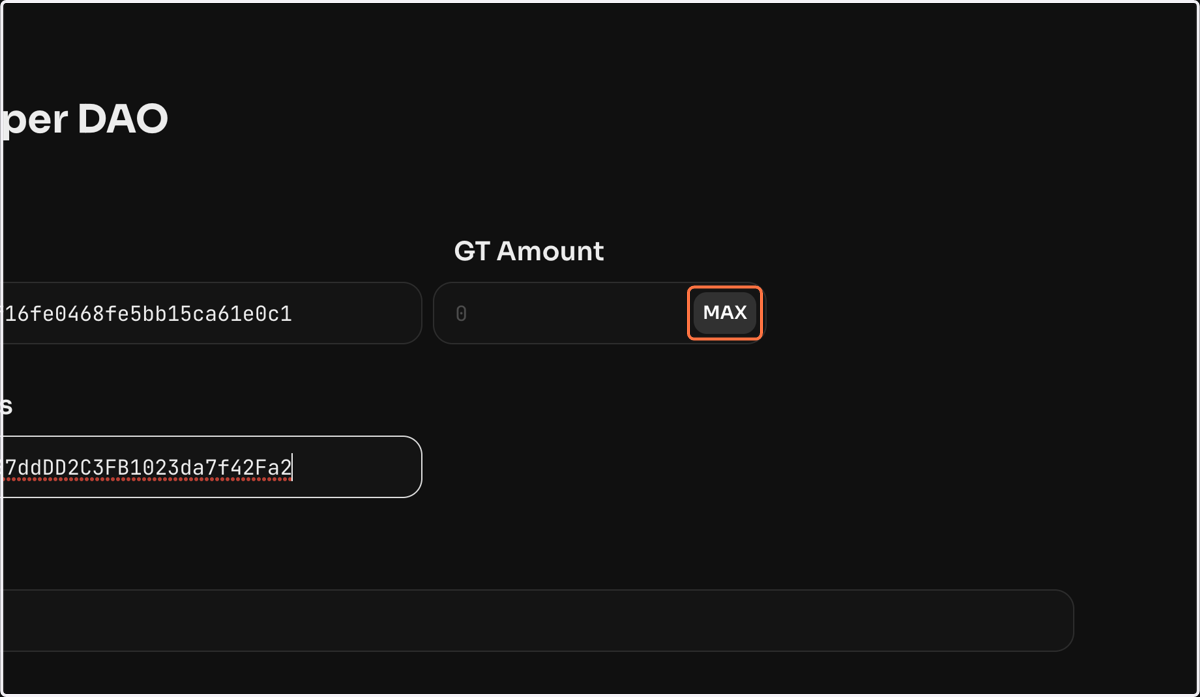
  5. 5. Click on MAX

    Click on MAX
  6. 6. Click on Create voting, once the vote is created and activated, the specified amount of GT will be transferred to the recipient.
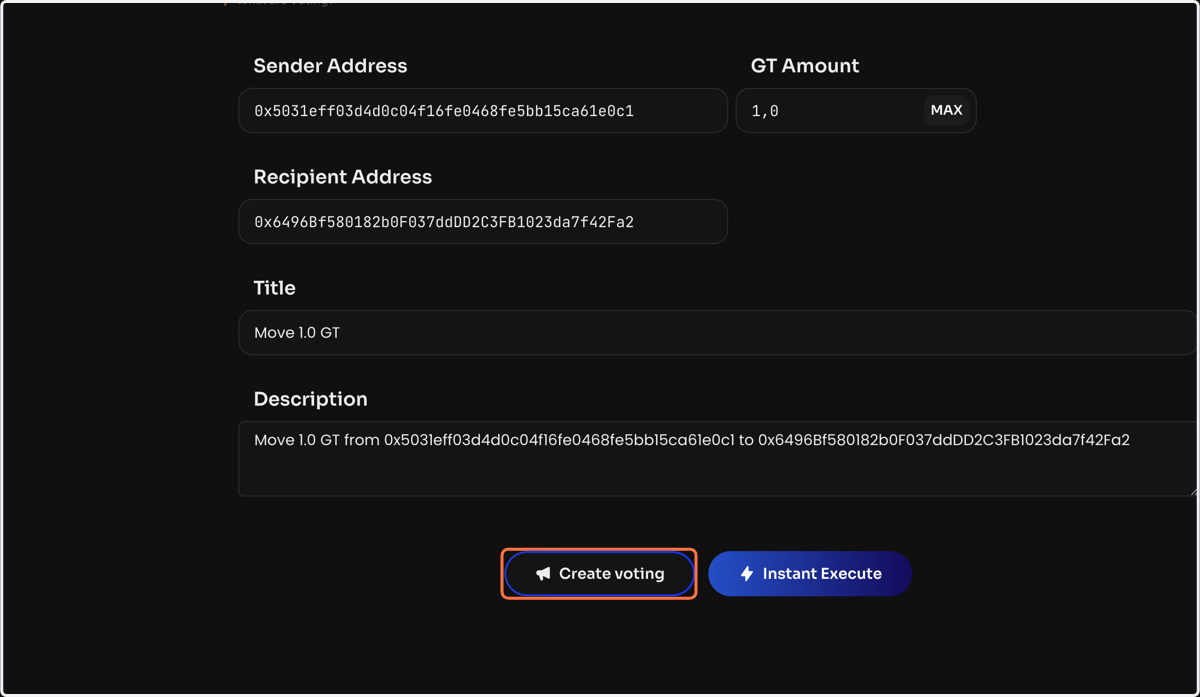
    Click on Create voting, once the vote is created and activated, the specified amount of GT will be transferred to the recipient.