Certification Program Application in Educator Portal
Go to Apps | Texas A&M University - Texarkana Digital Backpack
www.portal.tamut.edu
1. Log in with your Eagle ID
EagleID:
The format for your EagleID is the first 4 letters of your last name, then the last 4 digits of your CWID. For example, John Smith (CWID: 80000000), would be “Smit0000”.
Your EagleID is used to login to Canvas, EagleSync, DegreeWorks, Campus computers, etc.
The default password for your EagleID is “Tamut****”, where the asterisks are the last 4 digits of your CWID. Taking the example from above, it would be “Tamut0000”
Your EagleID password can be changed by going to password.tamut.edu and logging in with your EagleID and password. Once inside of the password self-service, you can setup security questions and change your password.
If you’re unable to login, and have not setup your password self-service, or security questions, please give us a call at 903-334-6603, or visit us at UC-257.
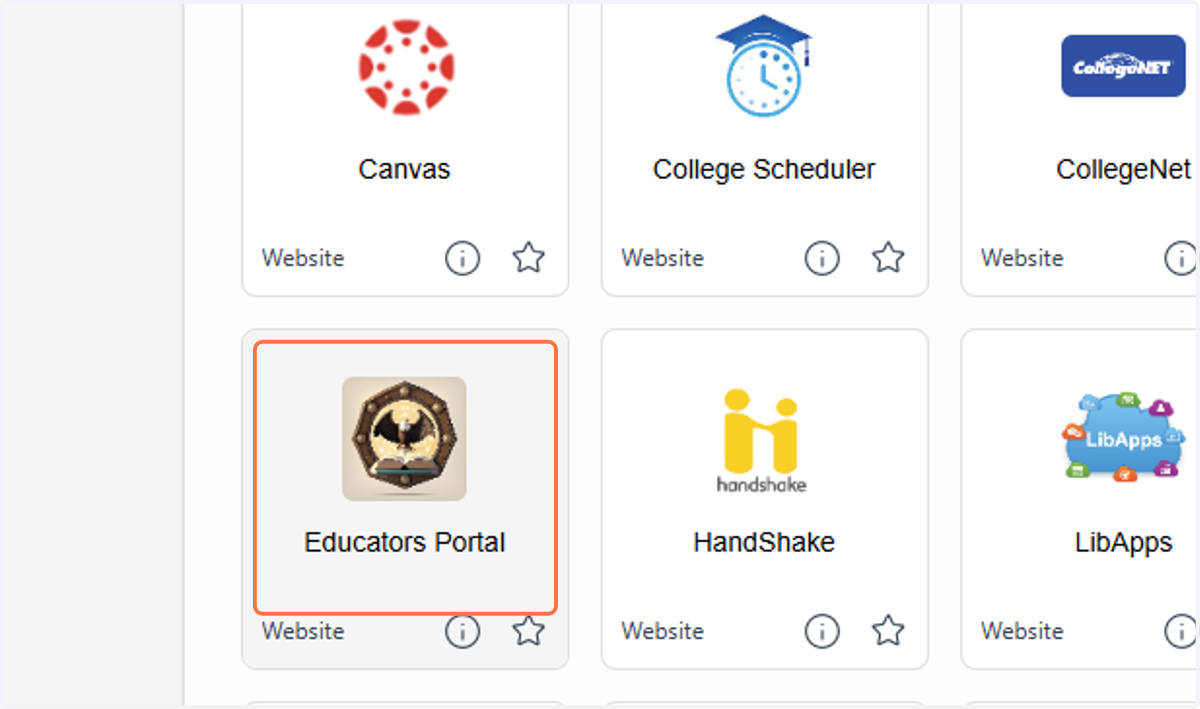
2. Click on Educators Portal
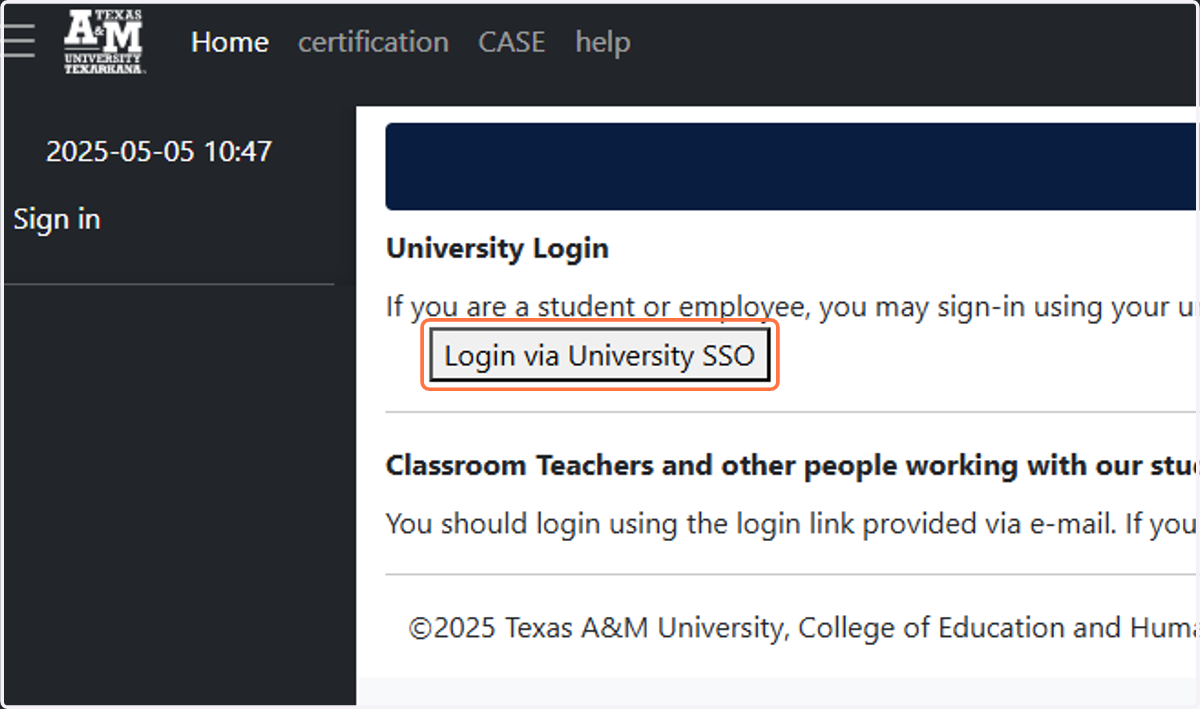
3. Click on Login via University SSO
4. Click on Texas A&M University-Texarkana
5. Click on Admissions
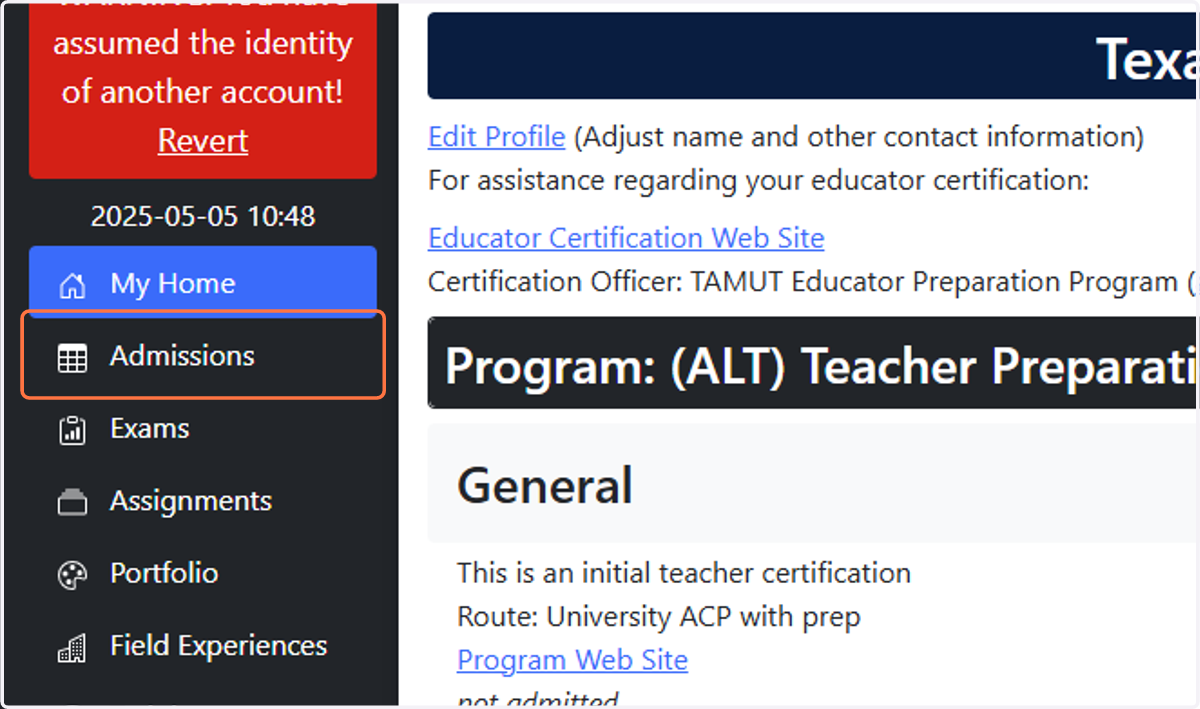
6. Click on Start Application next to the appropriate program