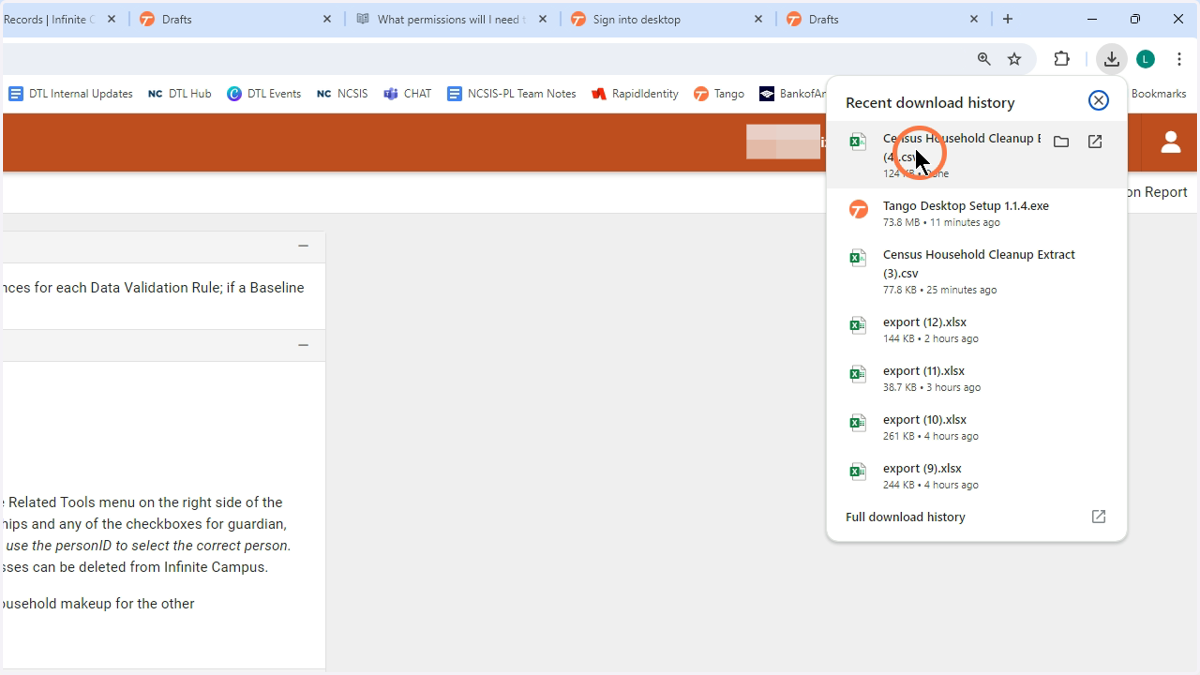
Census Cleanup

Google Chrome

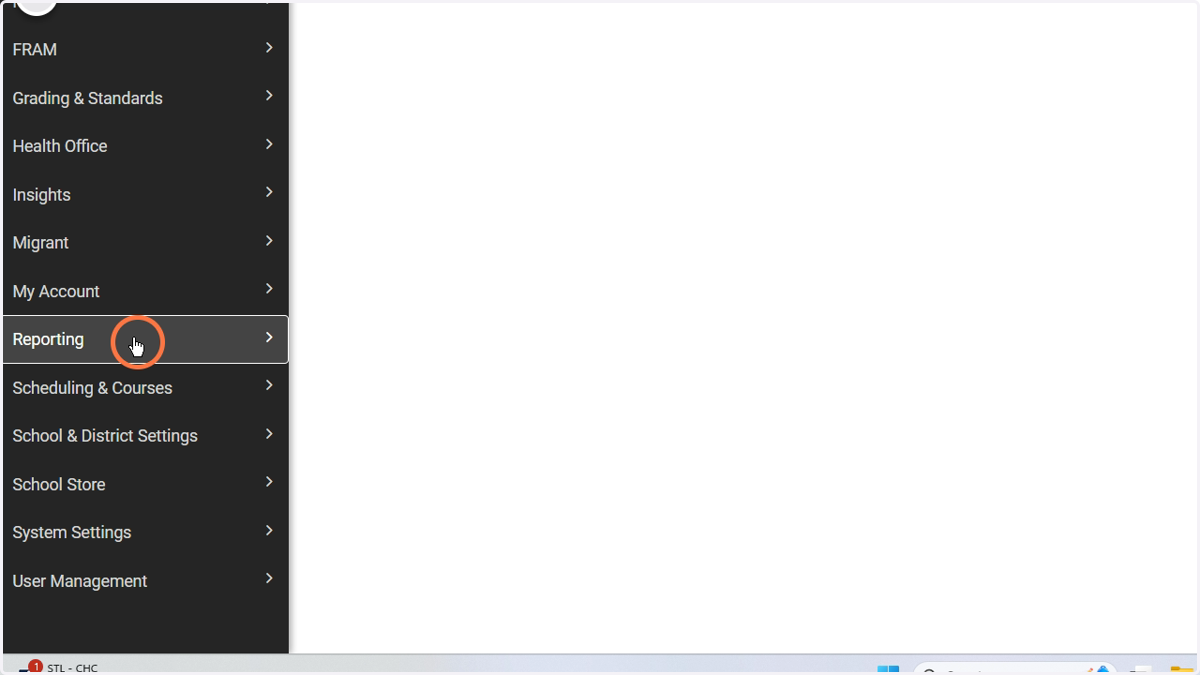
  1. 1. Click Reporting

    Click Reporting
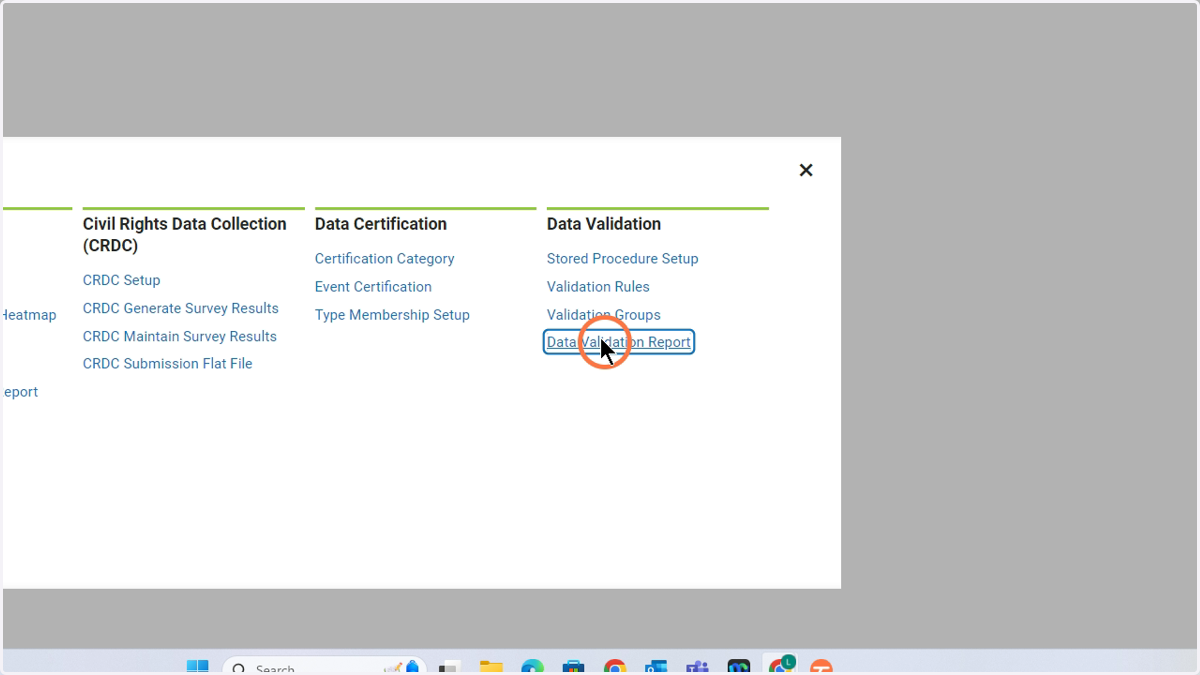
  2. 2. Click Data Validation Report

    Click Data Validation Report
  3. 3. Under the Data Validation Group, choose Census Household Cleanup
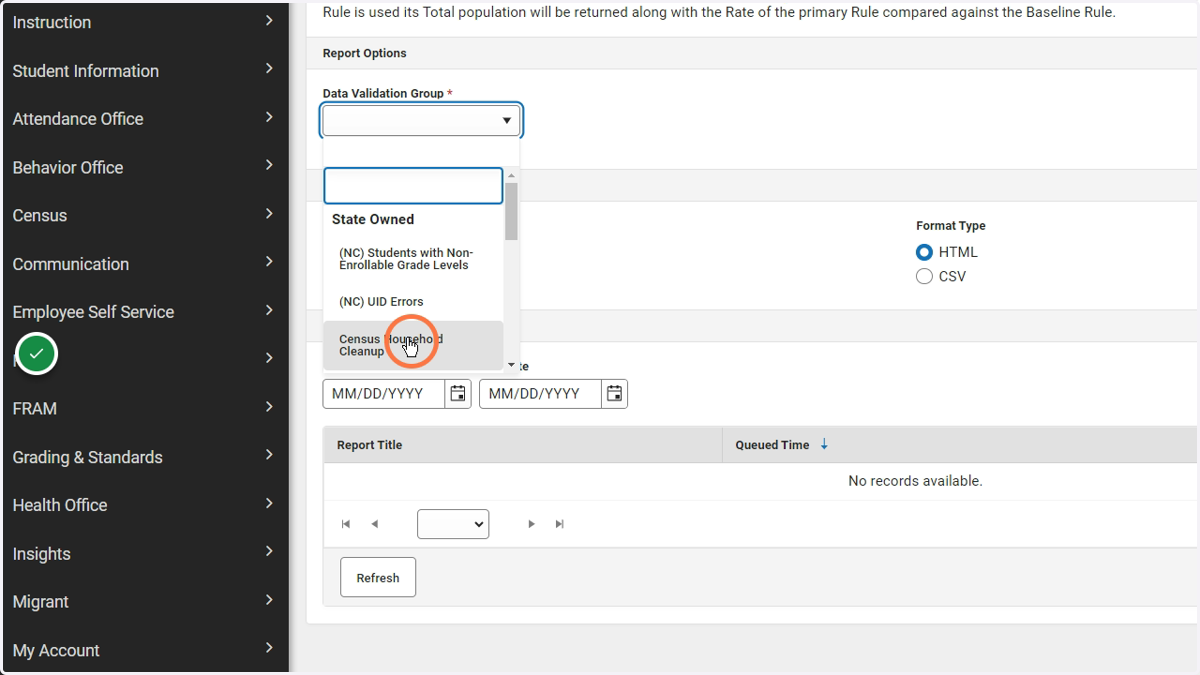
    Under the Data Validation Group, choose Census Household Cleanup
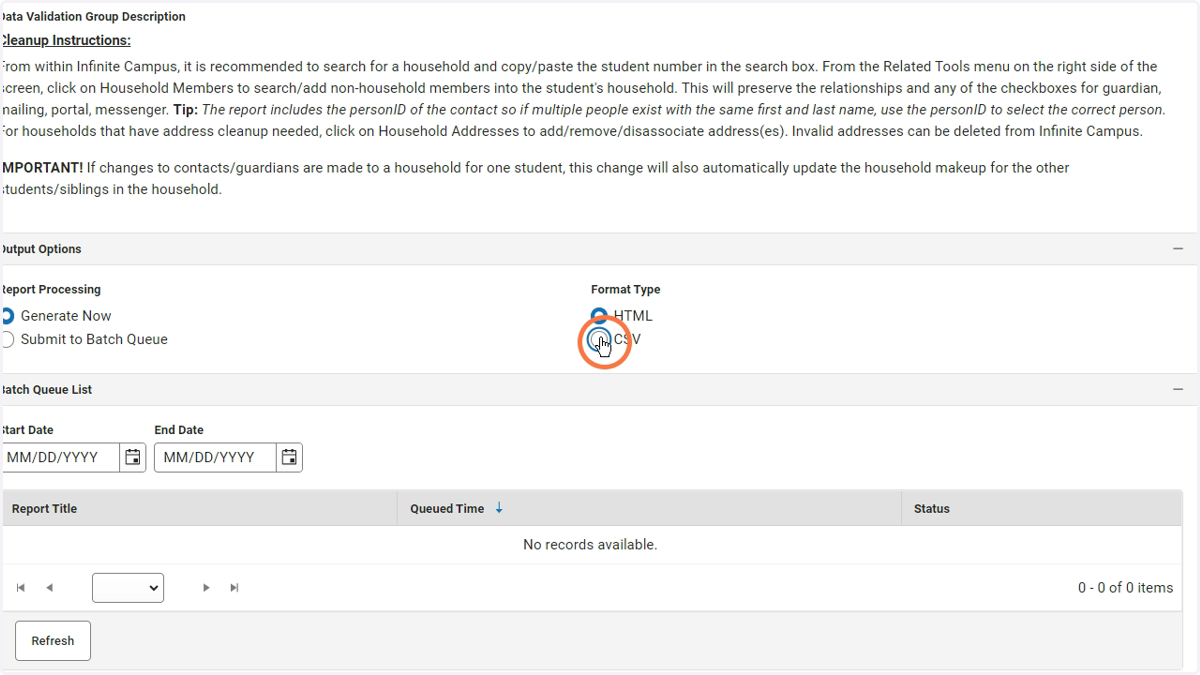
  4. 4. Choose your settings. Click Generate.
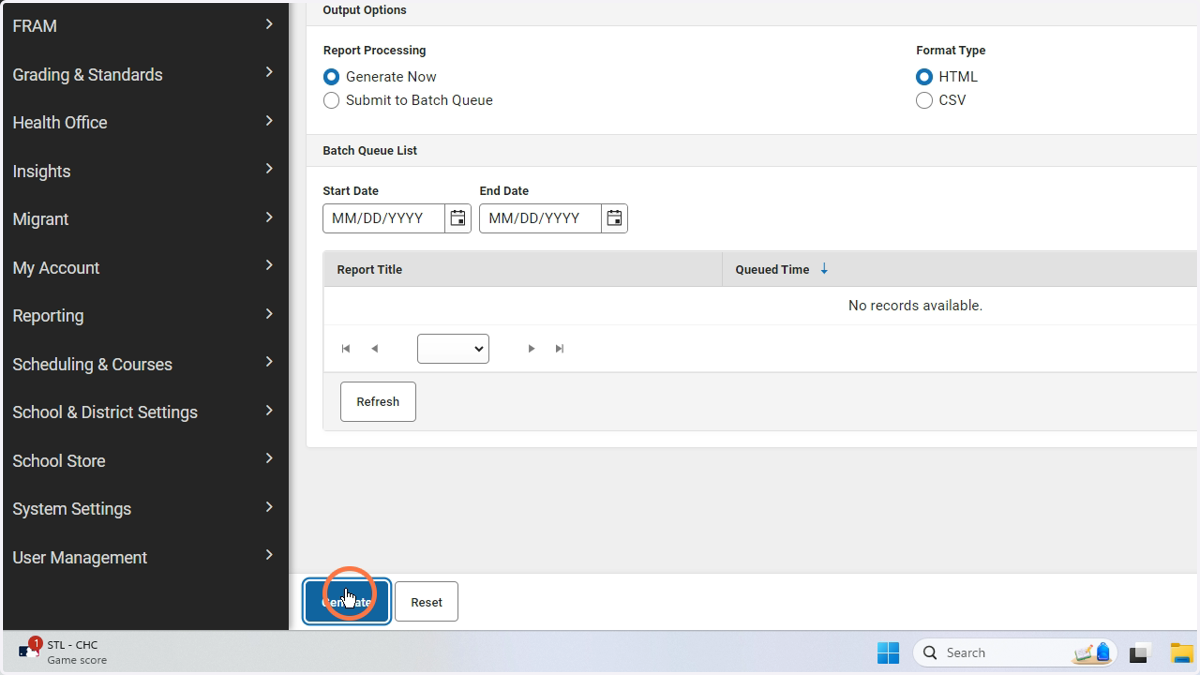
    Choose your settings. Click Generate.
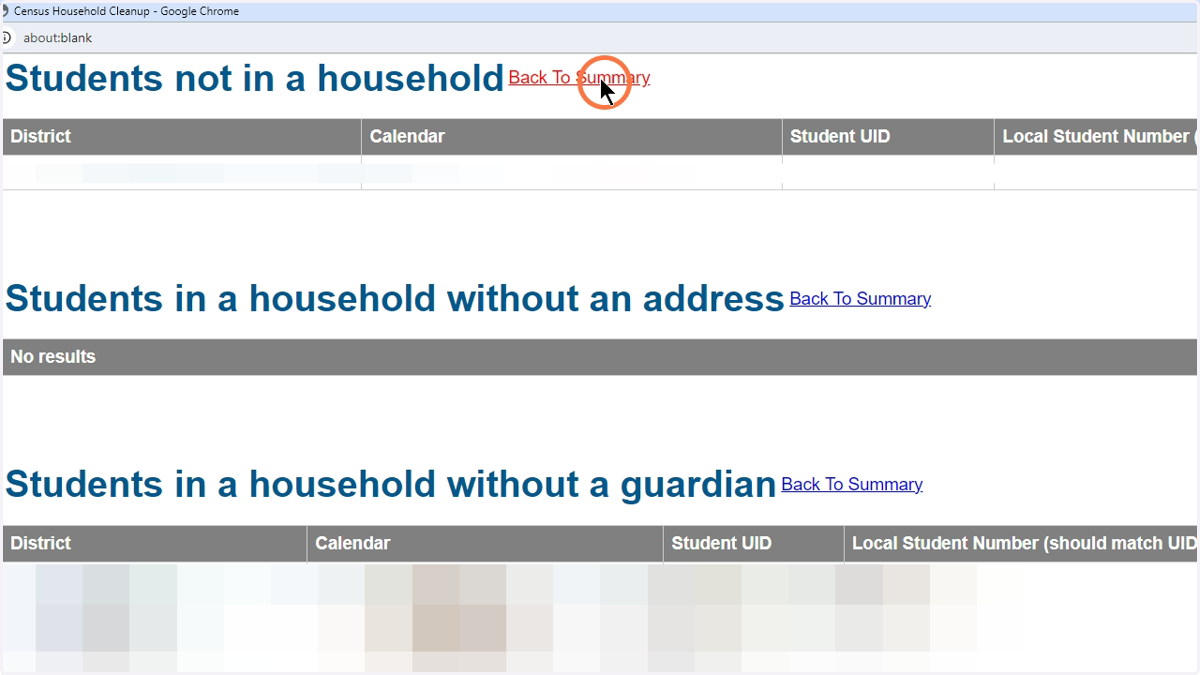
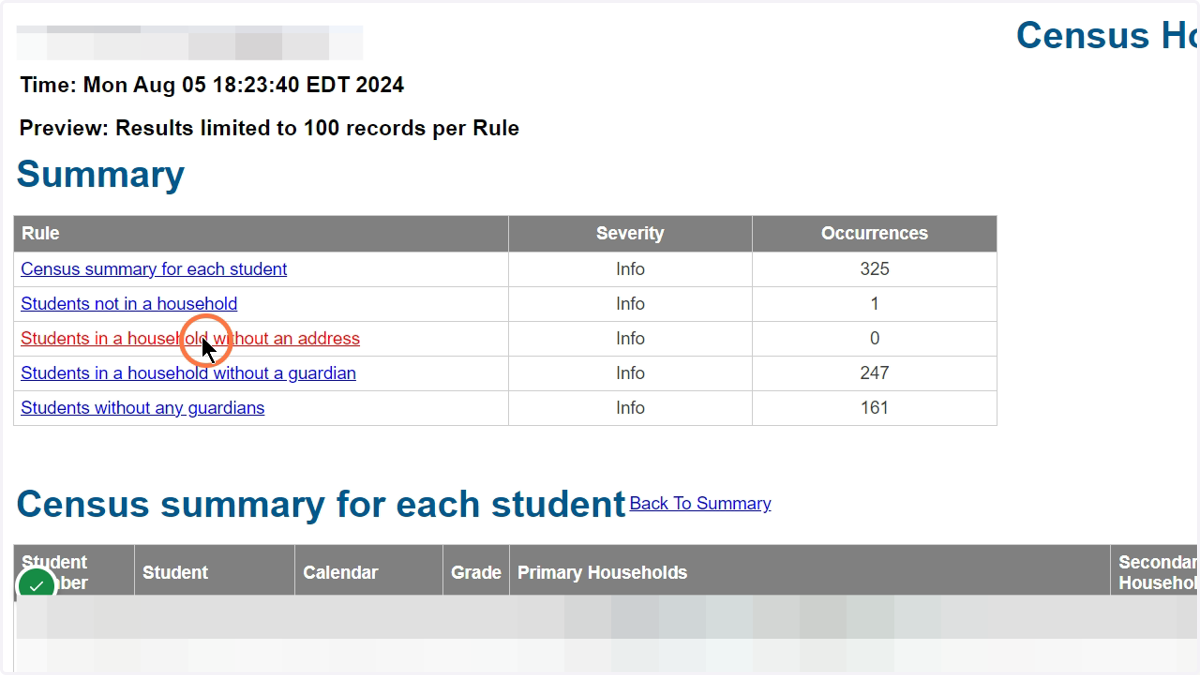
  5. 5. The links at the top of the HTML report allows you to quickly view the possible issues without having to filter using an Excel Spreadsheet.
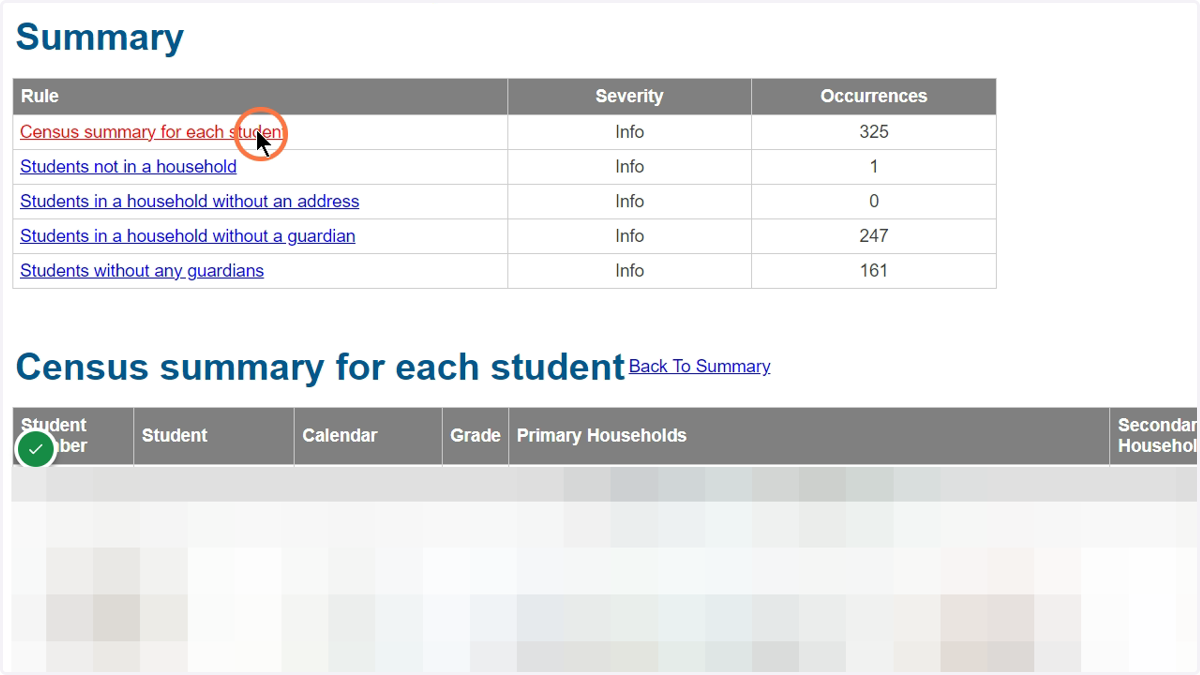
    The links at the top of the HTML report allows you to quickly view the possible issues without having to filter using an Excel Spreadsheet.
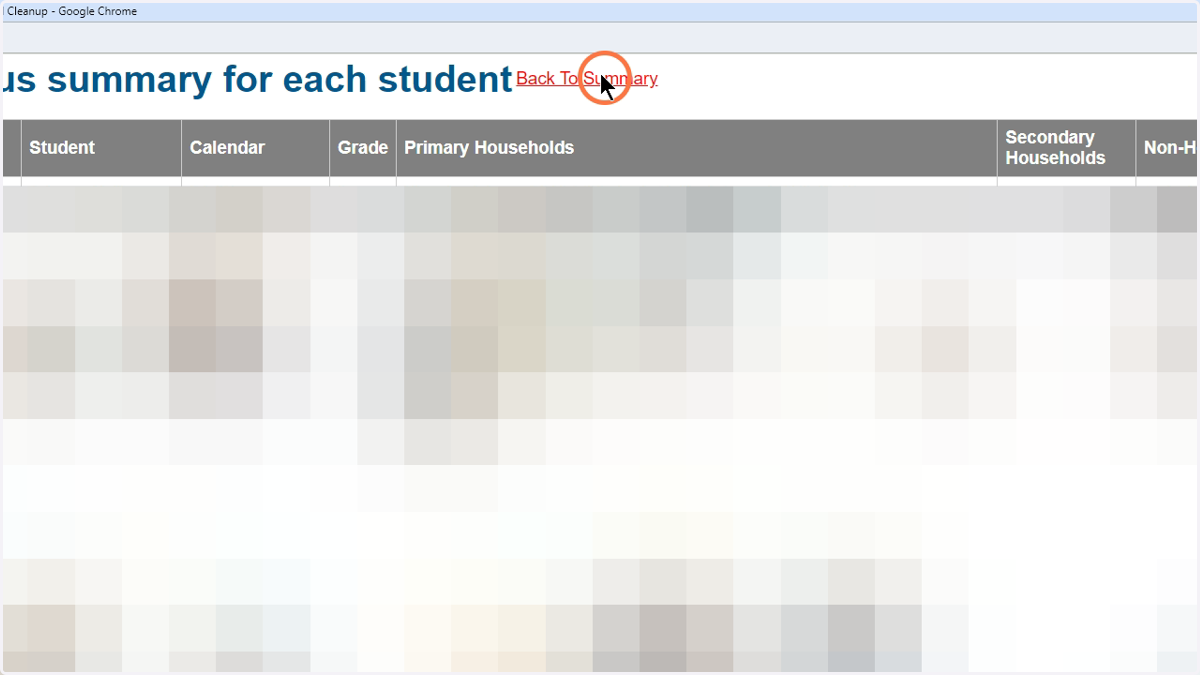
  6. 6. HTML view of the CSV Spreadsheet

    HTML view of the CSV Spreadsheet
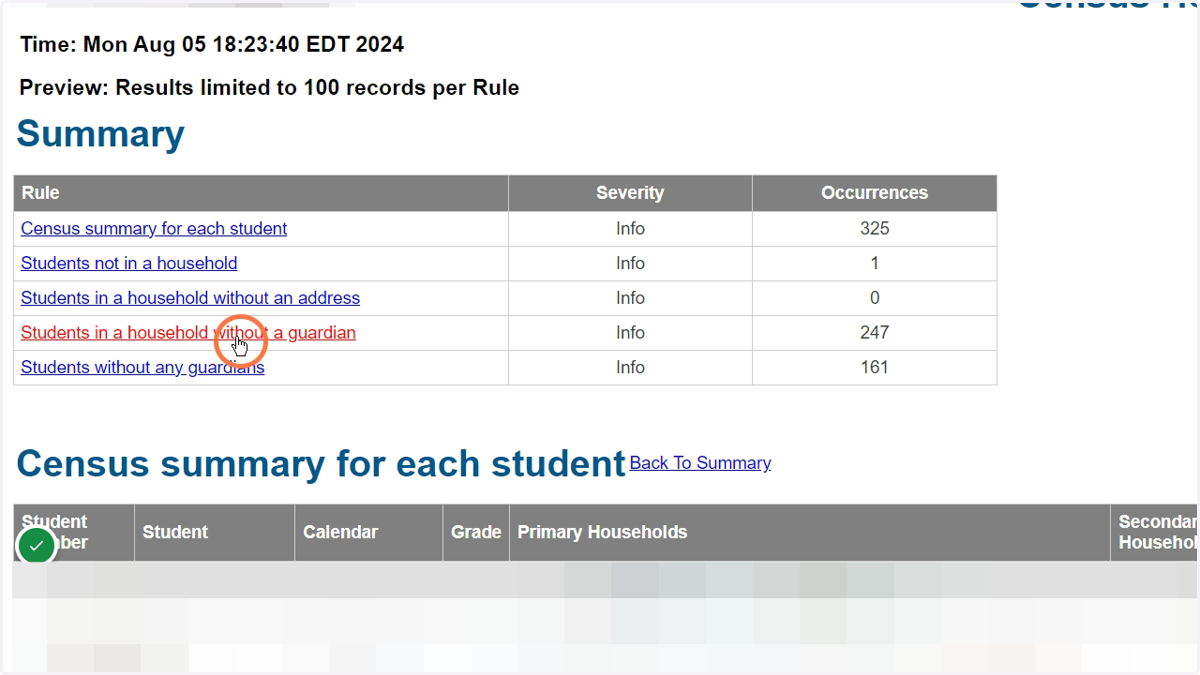
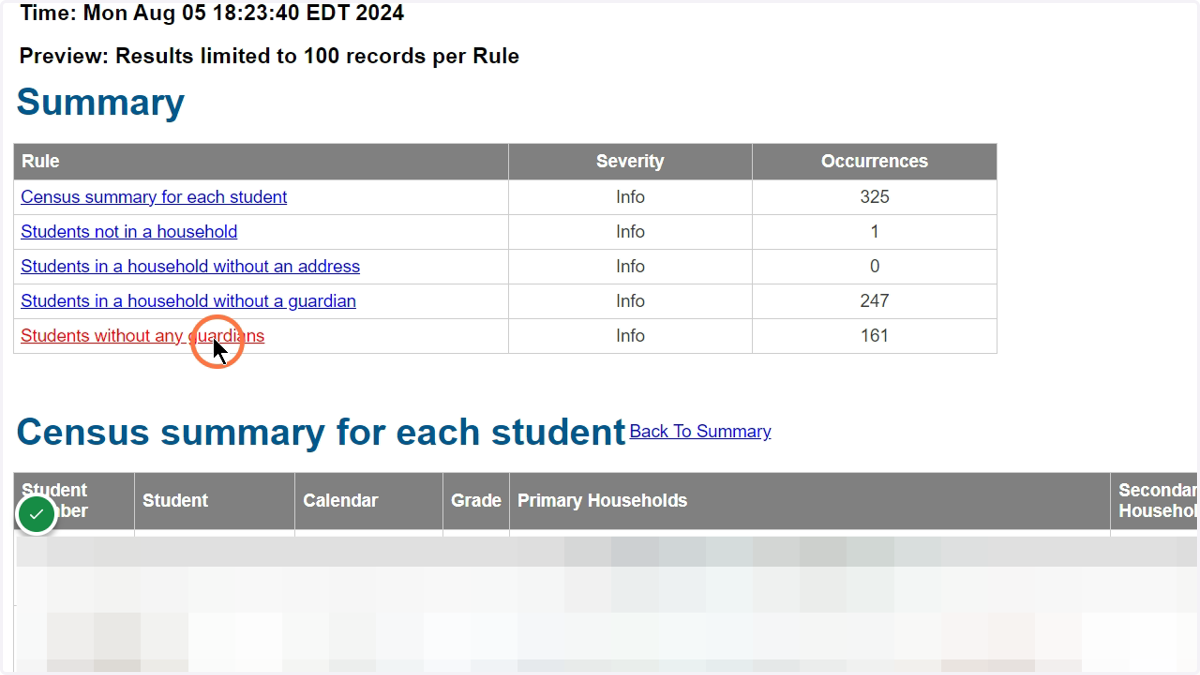
  7. 7. Click the links to jump to the different sections for cleanup.
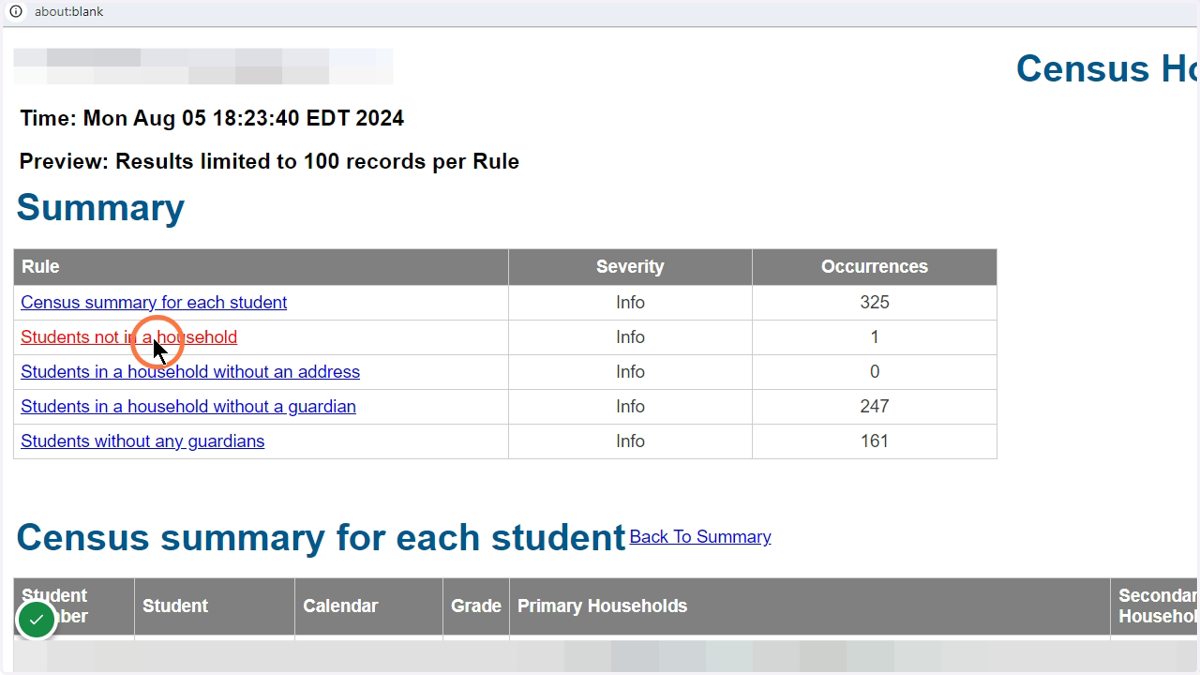
    Click the links to jump to the different sections for cleanup.
  8. 8. Click here

    Click here
  9. 9. Click here

    Click here
  10. 10. Click here

    Click here
  11. 11. Click here

    Click here
  12. 12. Example of a CSV Export

    Example of a CSV Export
  13. 13. Click your downloads to open.

    Click your downloads to open.

Microsoft Excel

  1. 14. You must do your own filtering if using Excel
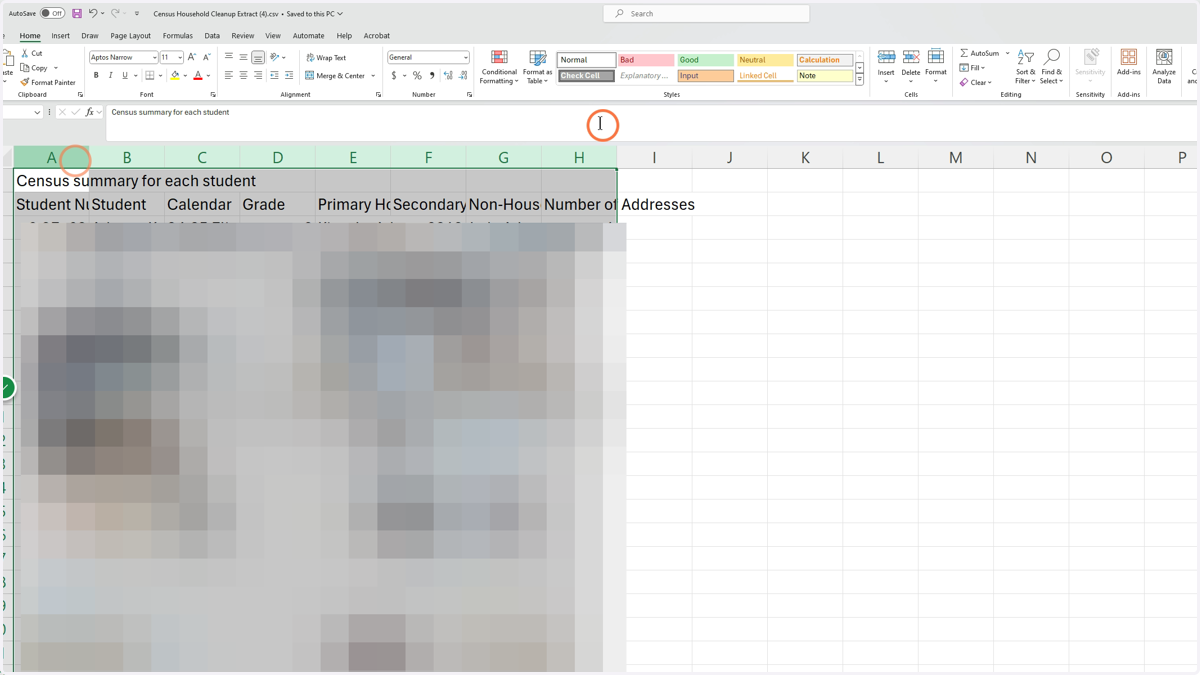
    You must do your own filtering if using Excel