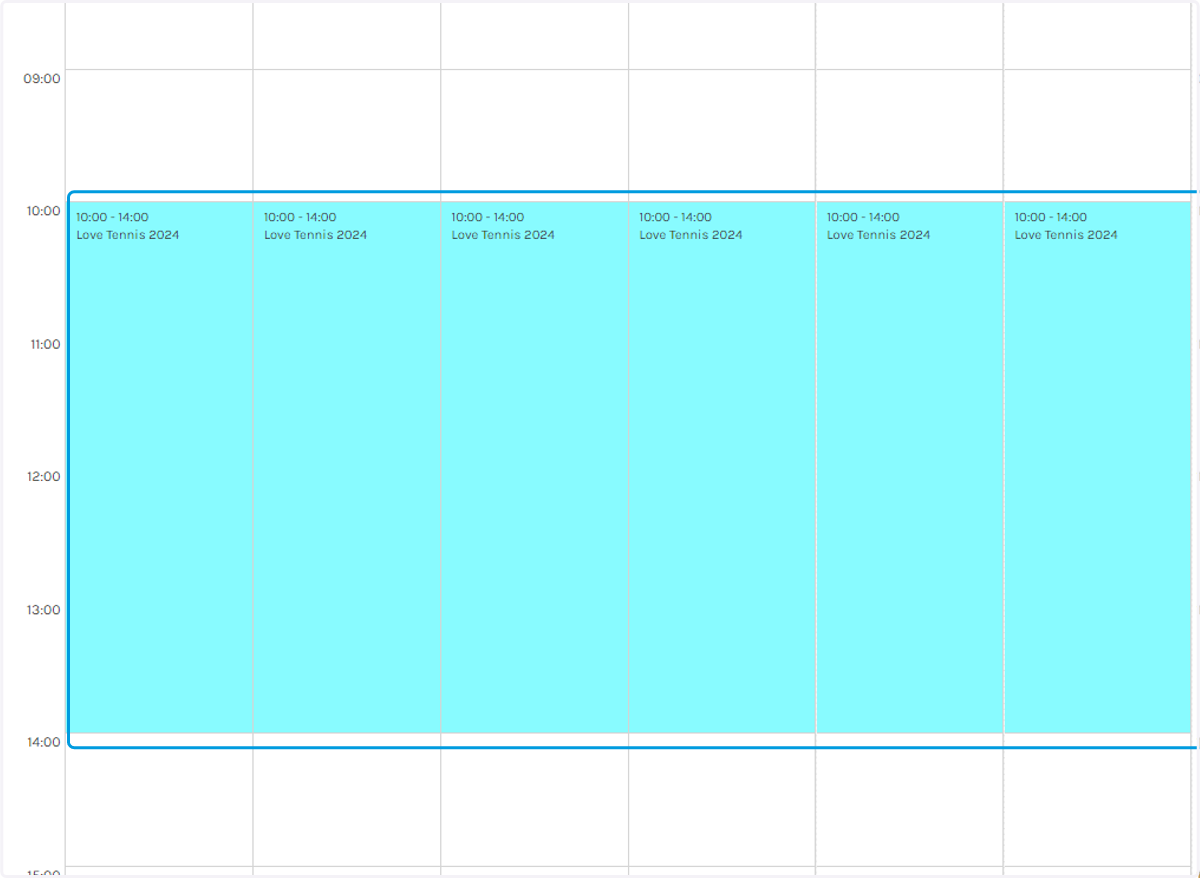
Blocking out courts for Events
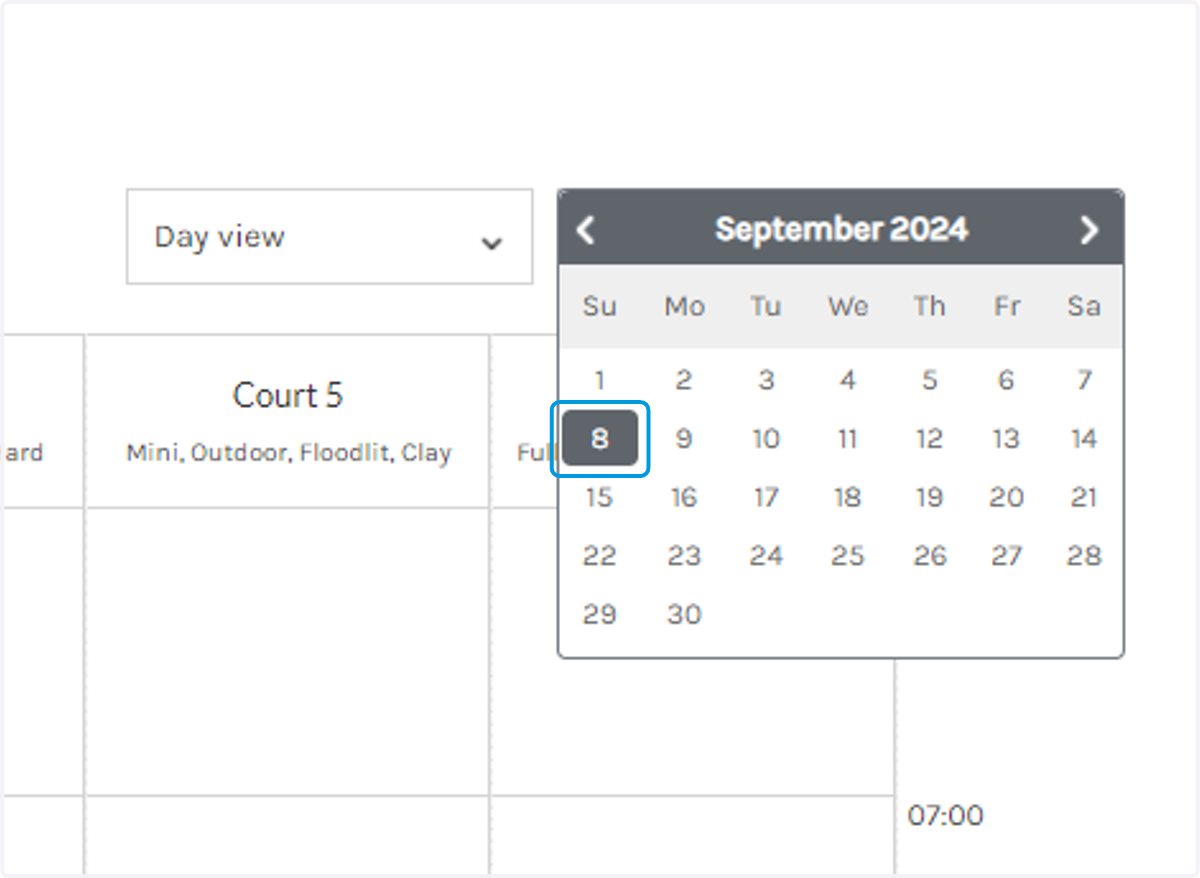
This guide will show you how to block out the courts on your "Court Bookings" page for events such as Love Tennis or other sessions. This will allow casuals or members to not book during that time. The following example is for Love Tennis event held in September of 2024
Head to your Court Bookings Page
1. Let's Begin

2. Click on Select a date
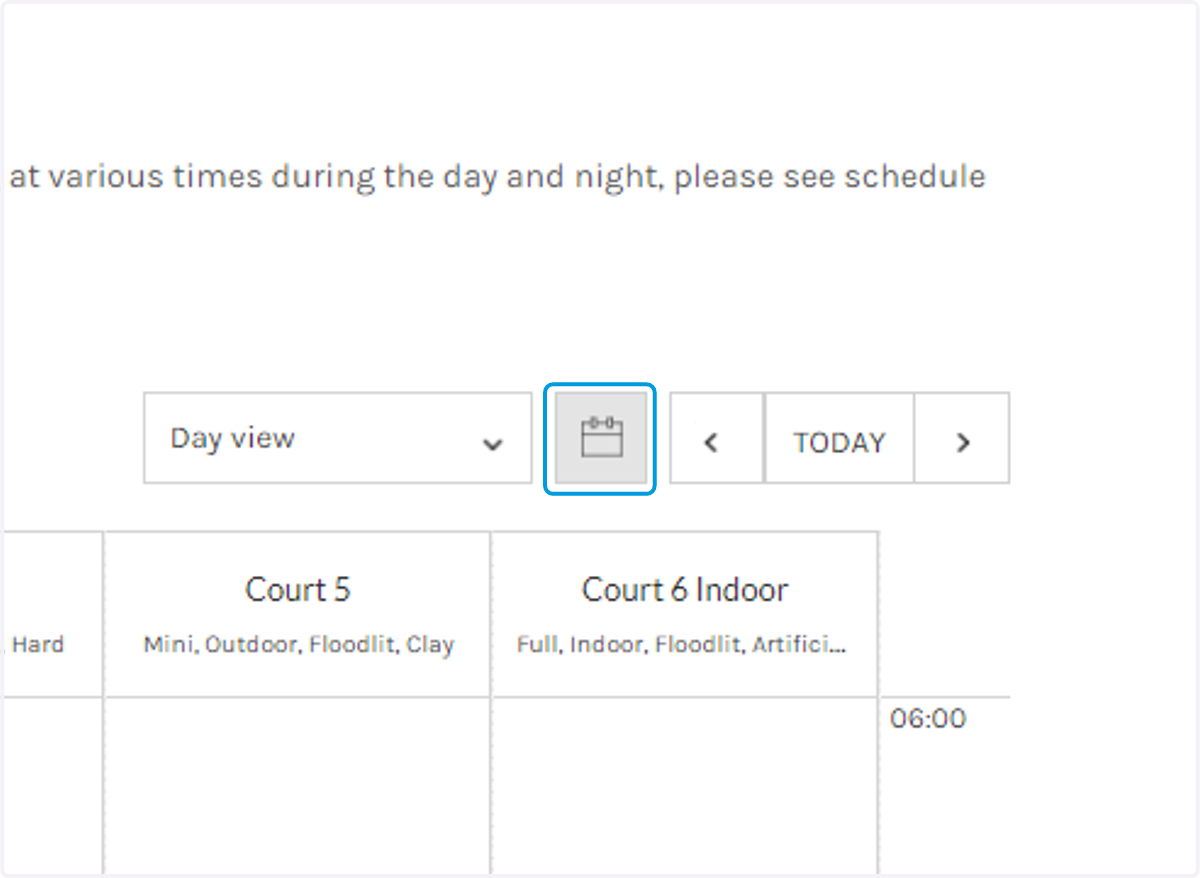
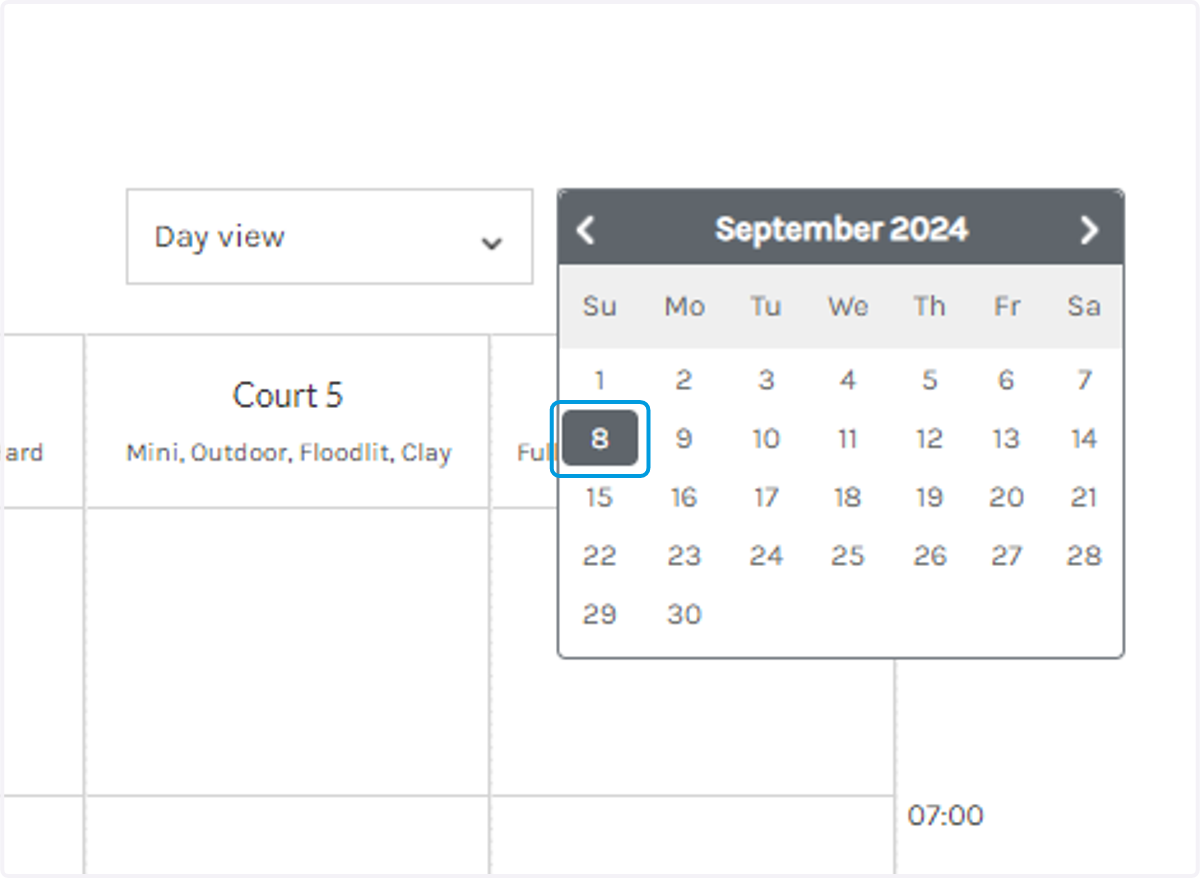
3. Click on the date of the event
4. Click on the starting time block of the court.
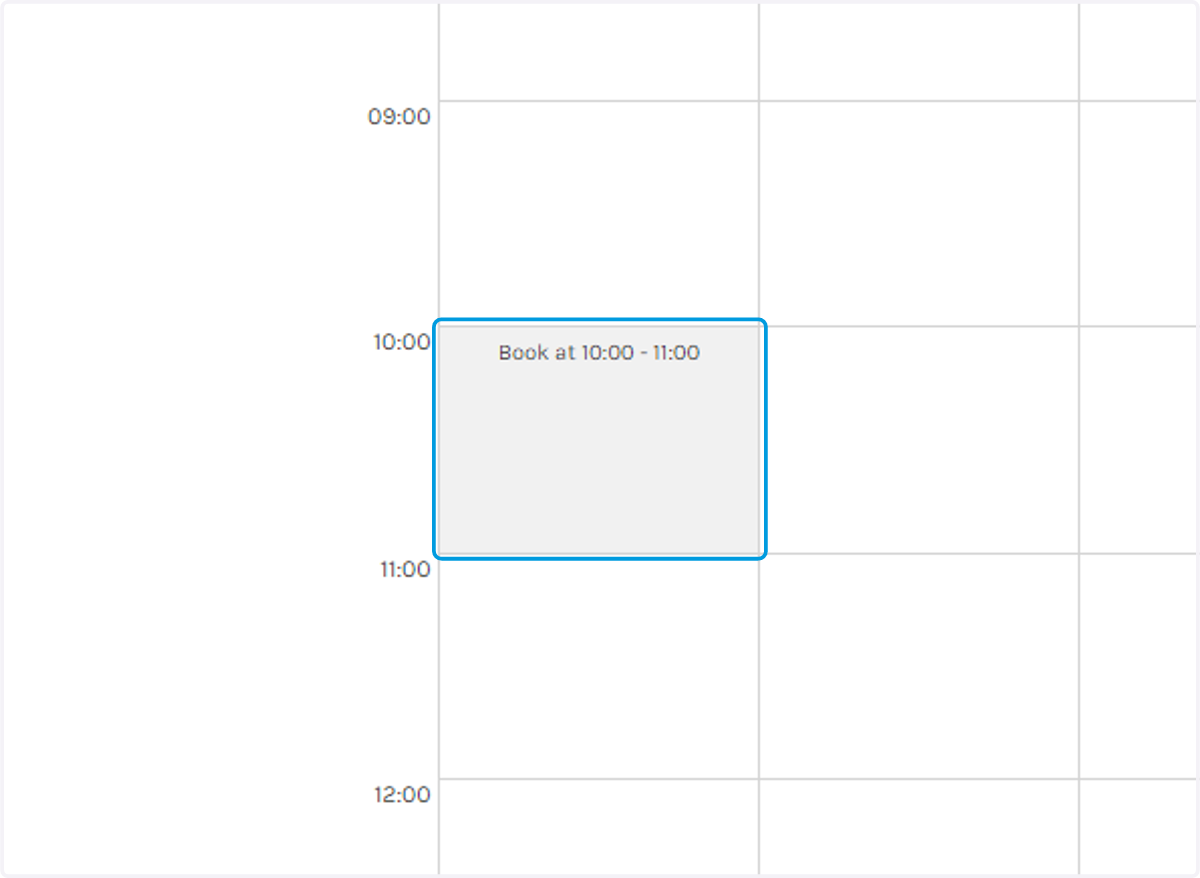
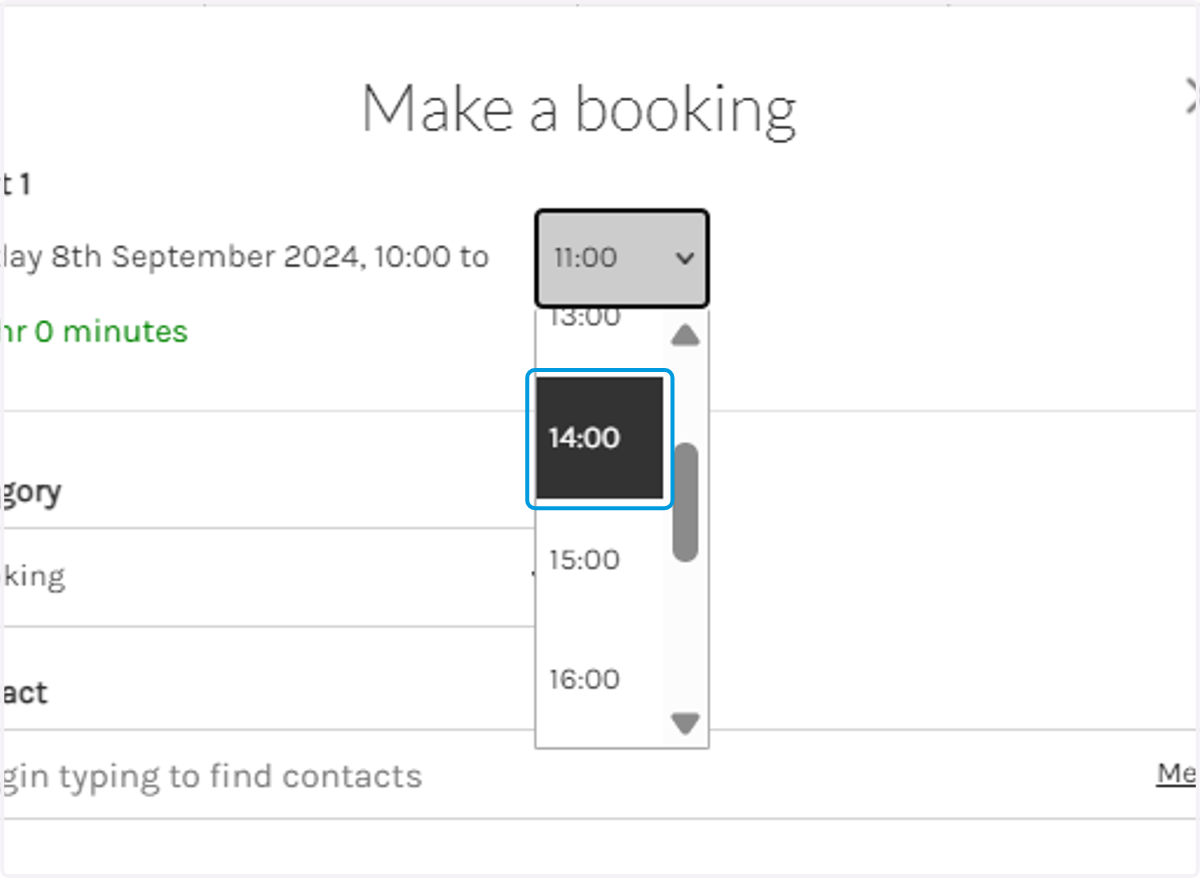
5. Specify the end time of the event
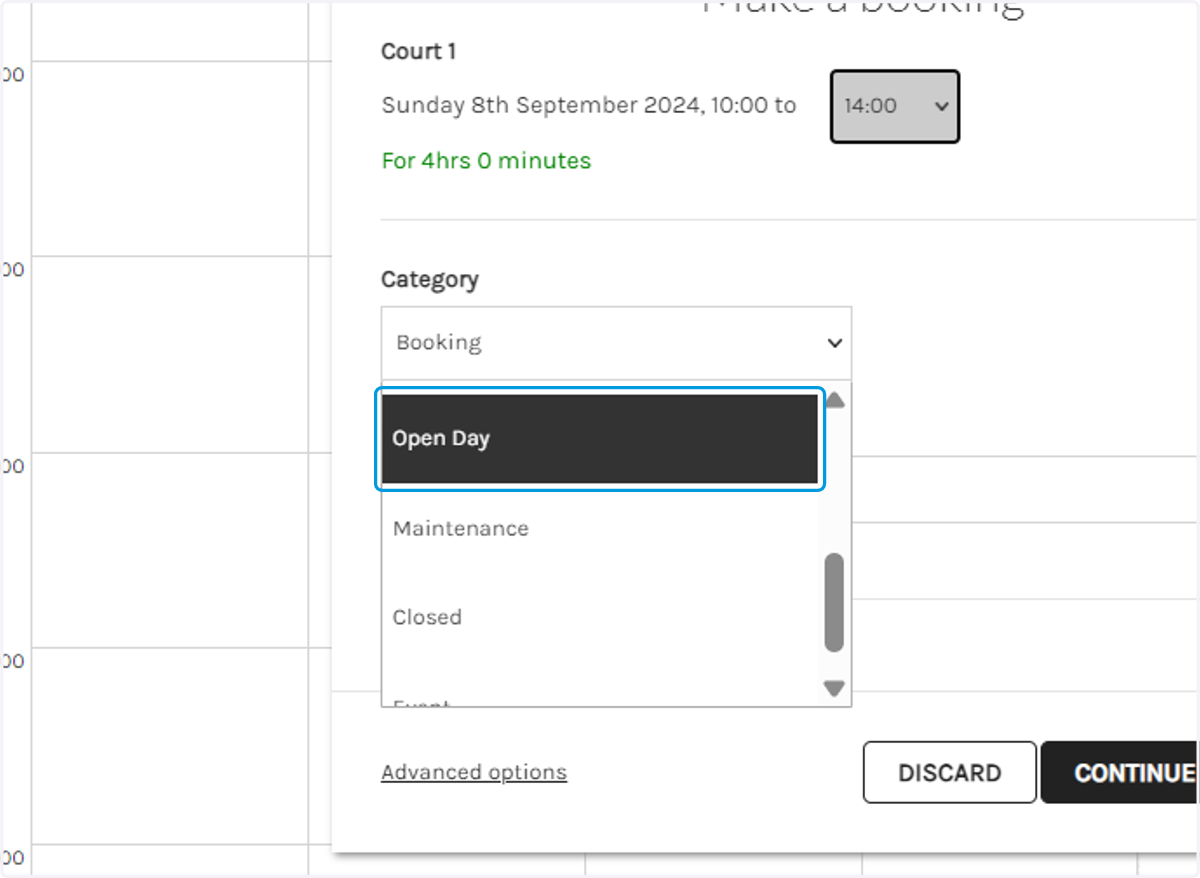
6. Click on Open Day as the Category
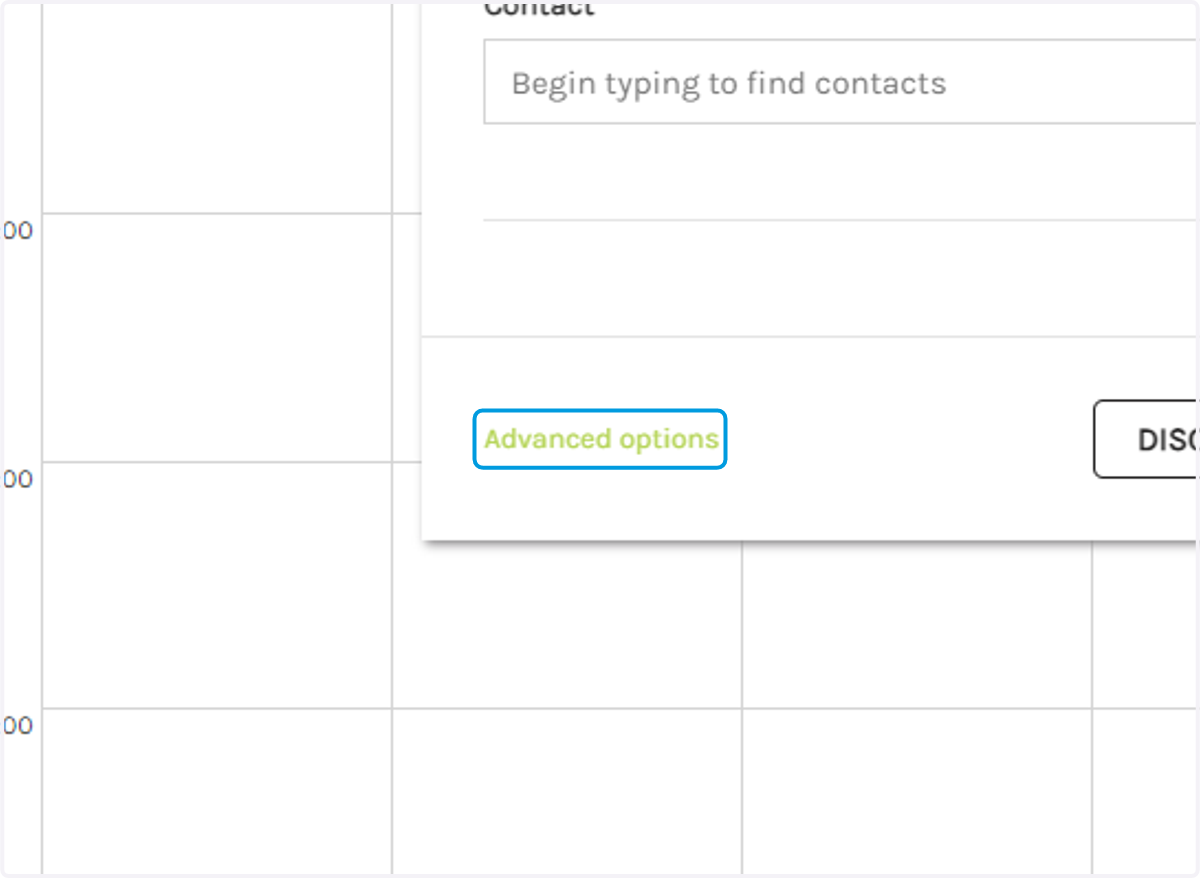
7. Click on Advanced options
8. Name the event
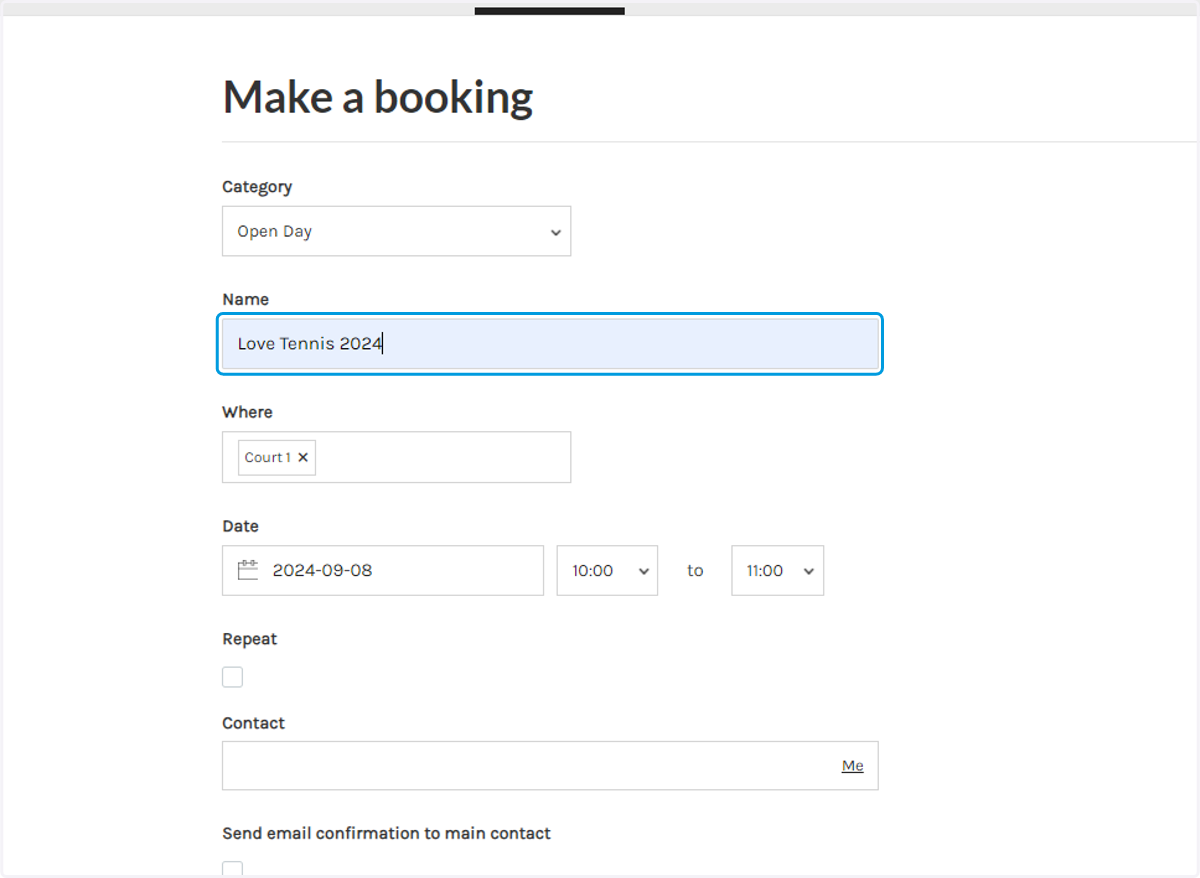
9. If multiple courts are required you can select the courts you wish to close off
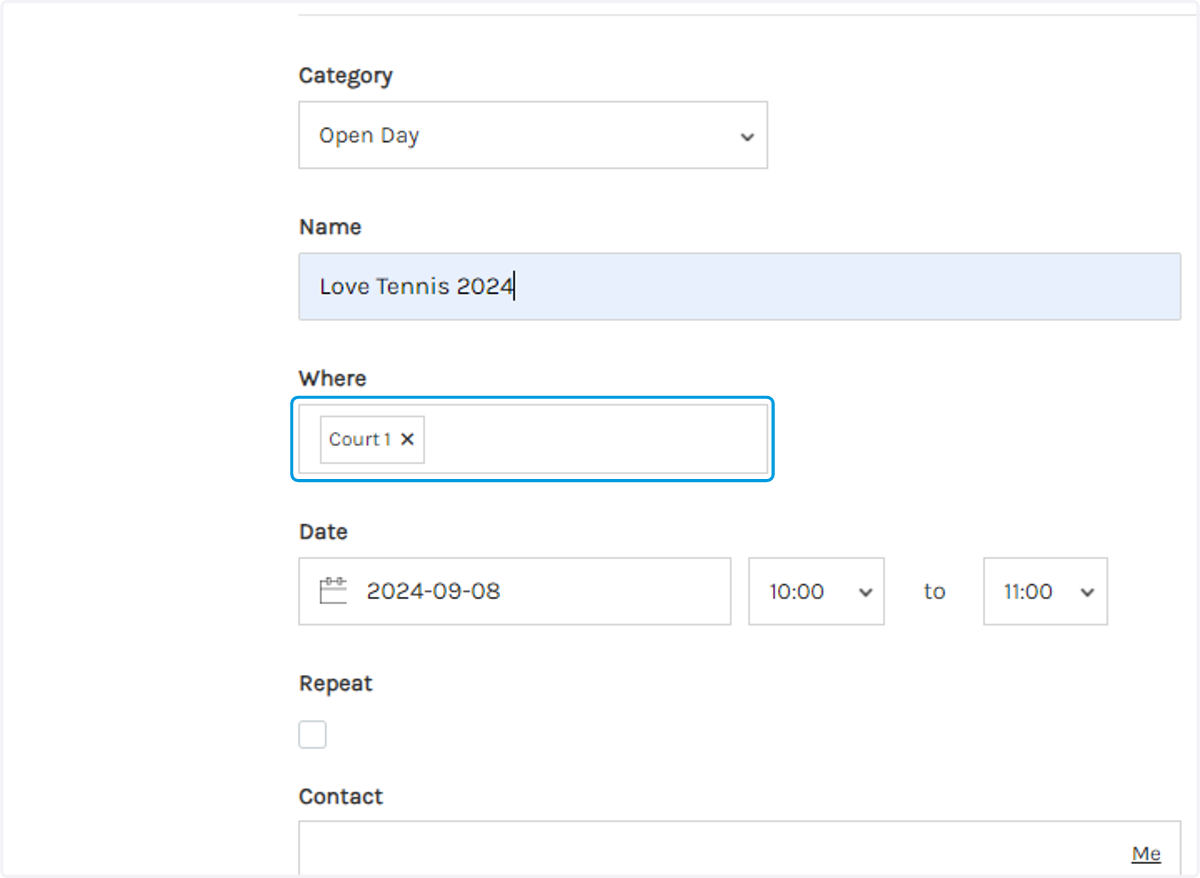
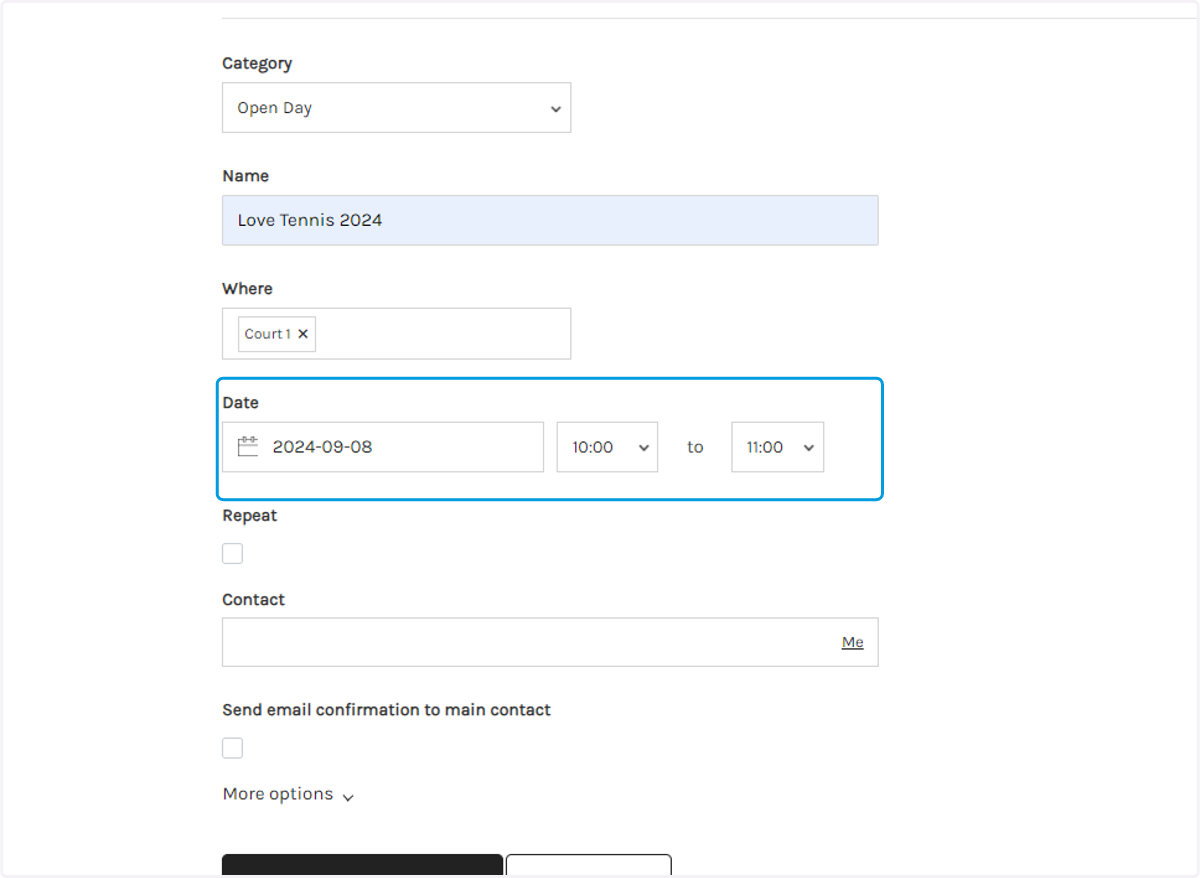
10. Adjust the date and times
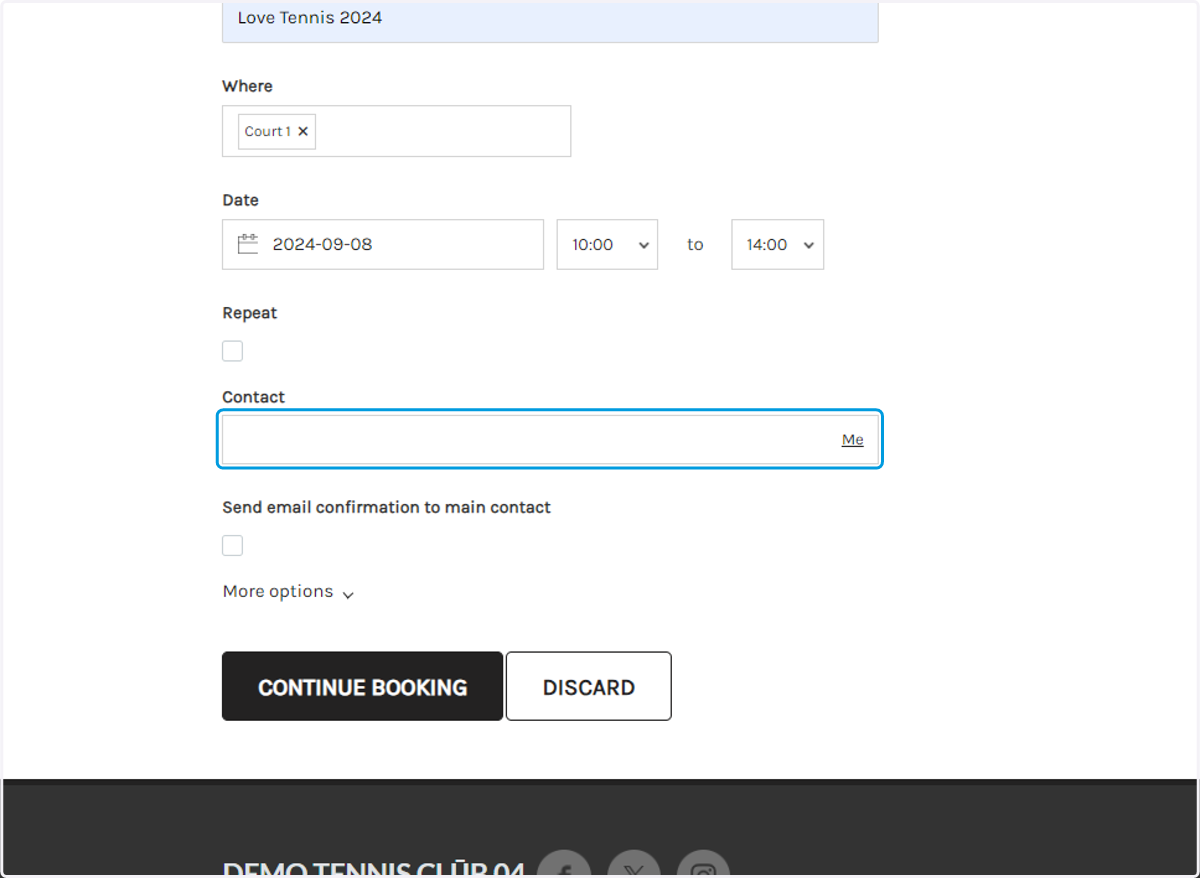
11. Add a contact person for the event
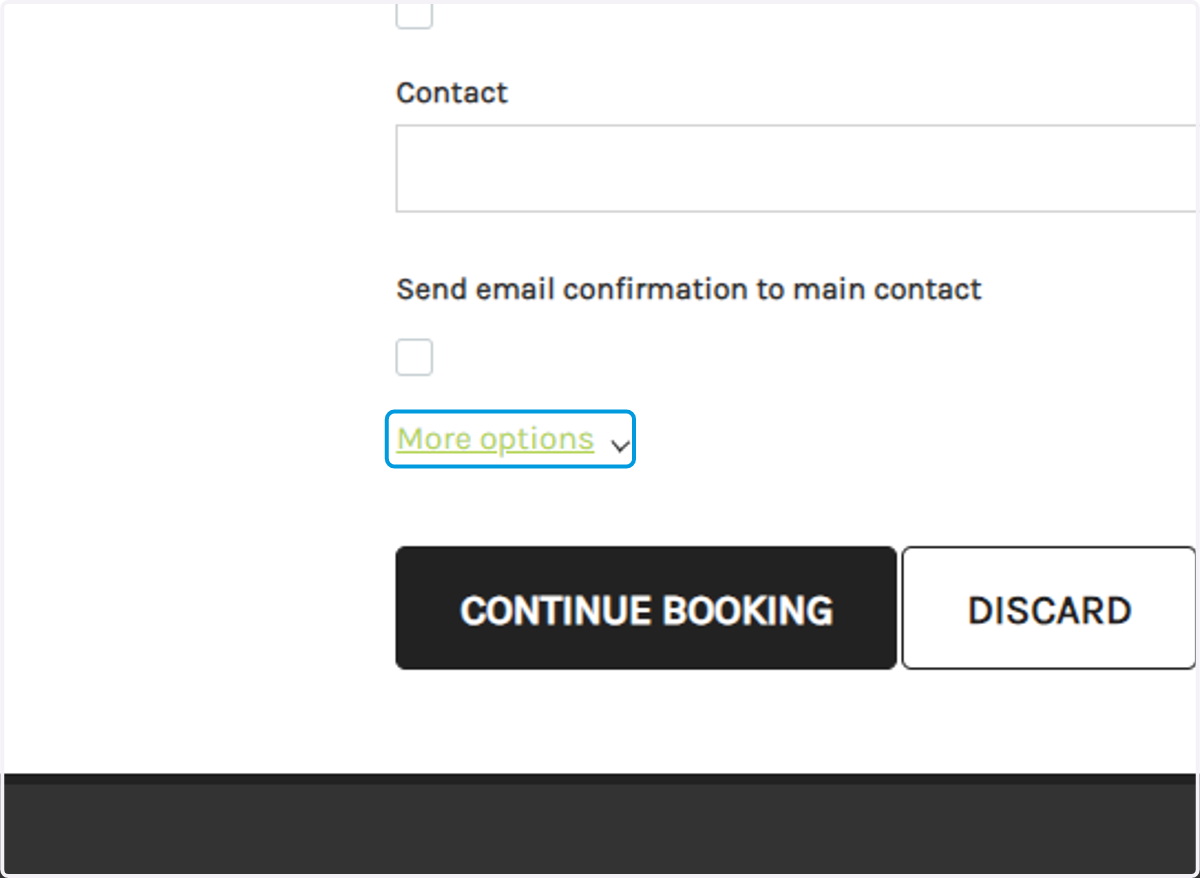
12. Click on More options
13. Add a brief event description
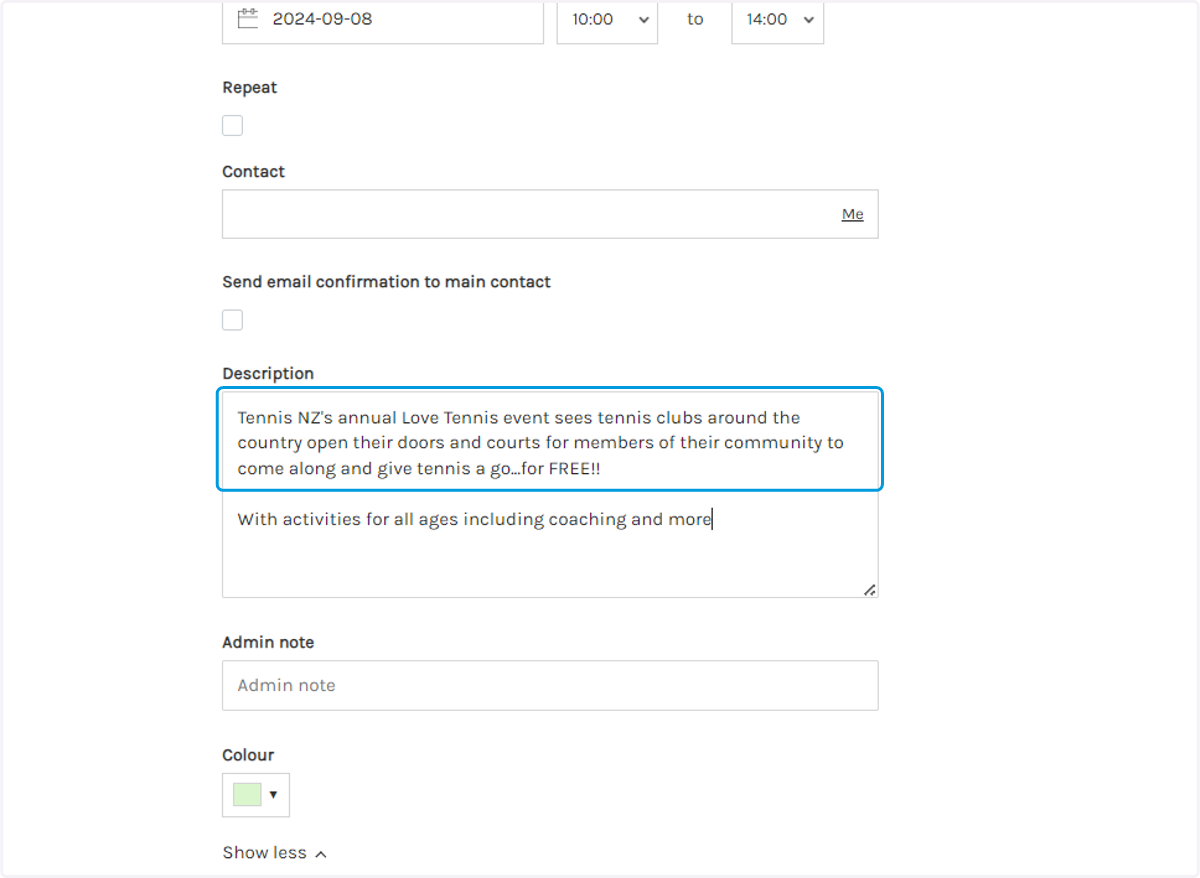
14. You can choose to add a admin note which is used internally
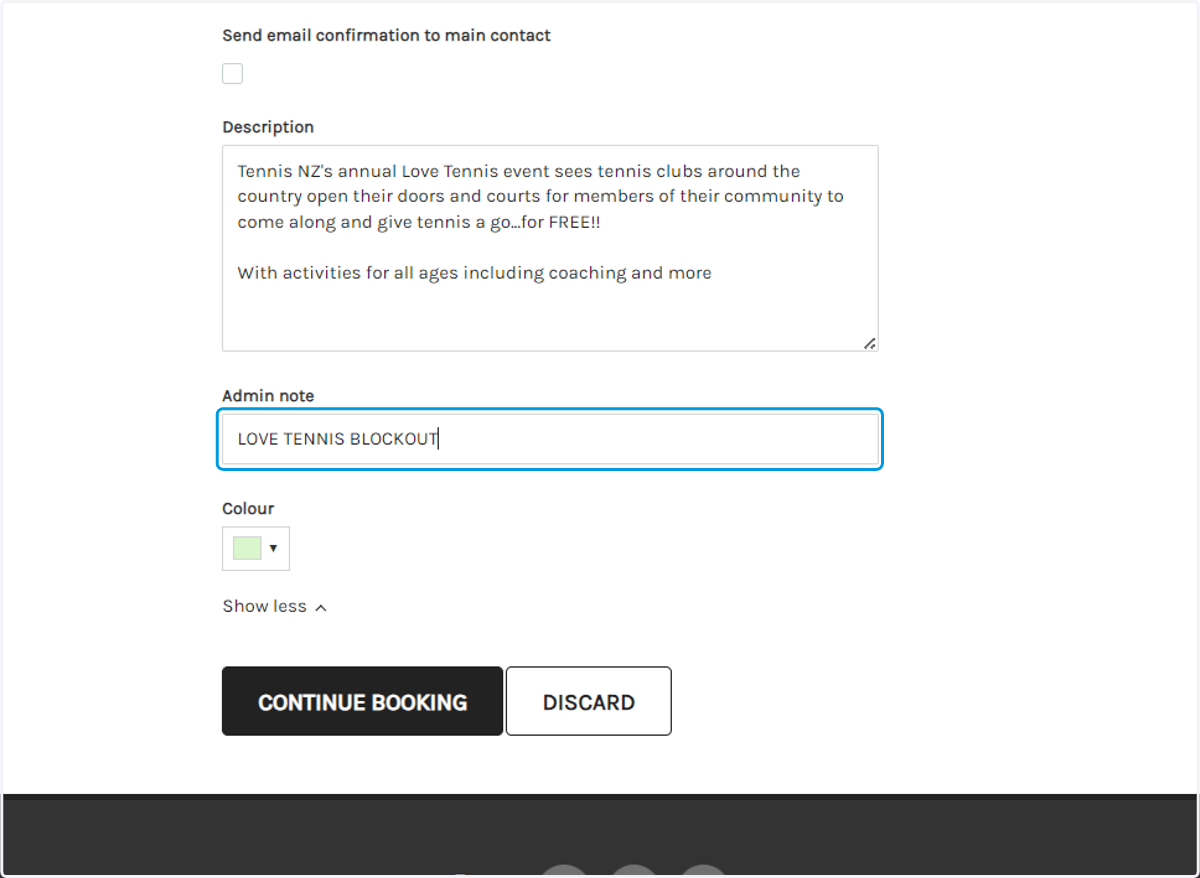
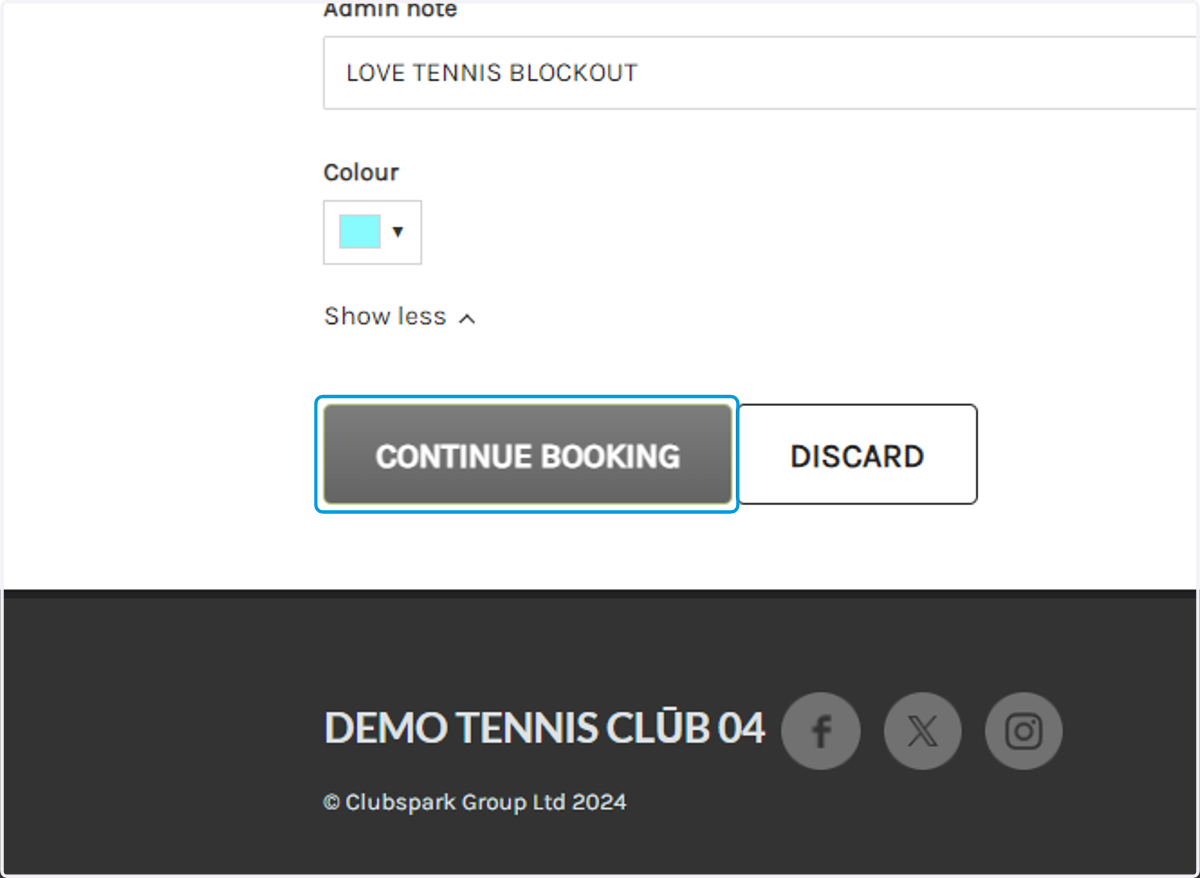
15. Click on CONTINUE BOOKING
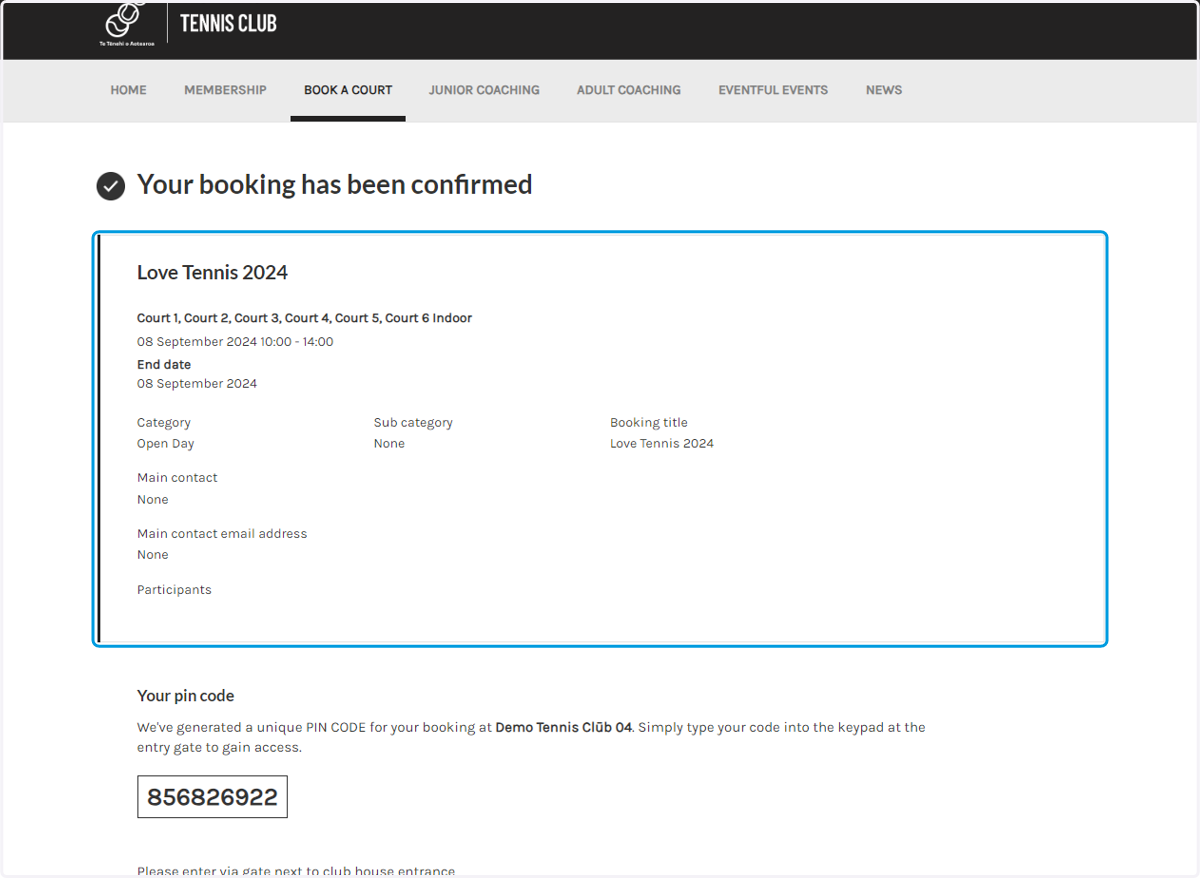
16. Confirmation details will appear, If you have electronic gate access you will also be given the code to unlock.
17. Click on BOOK A COURT
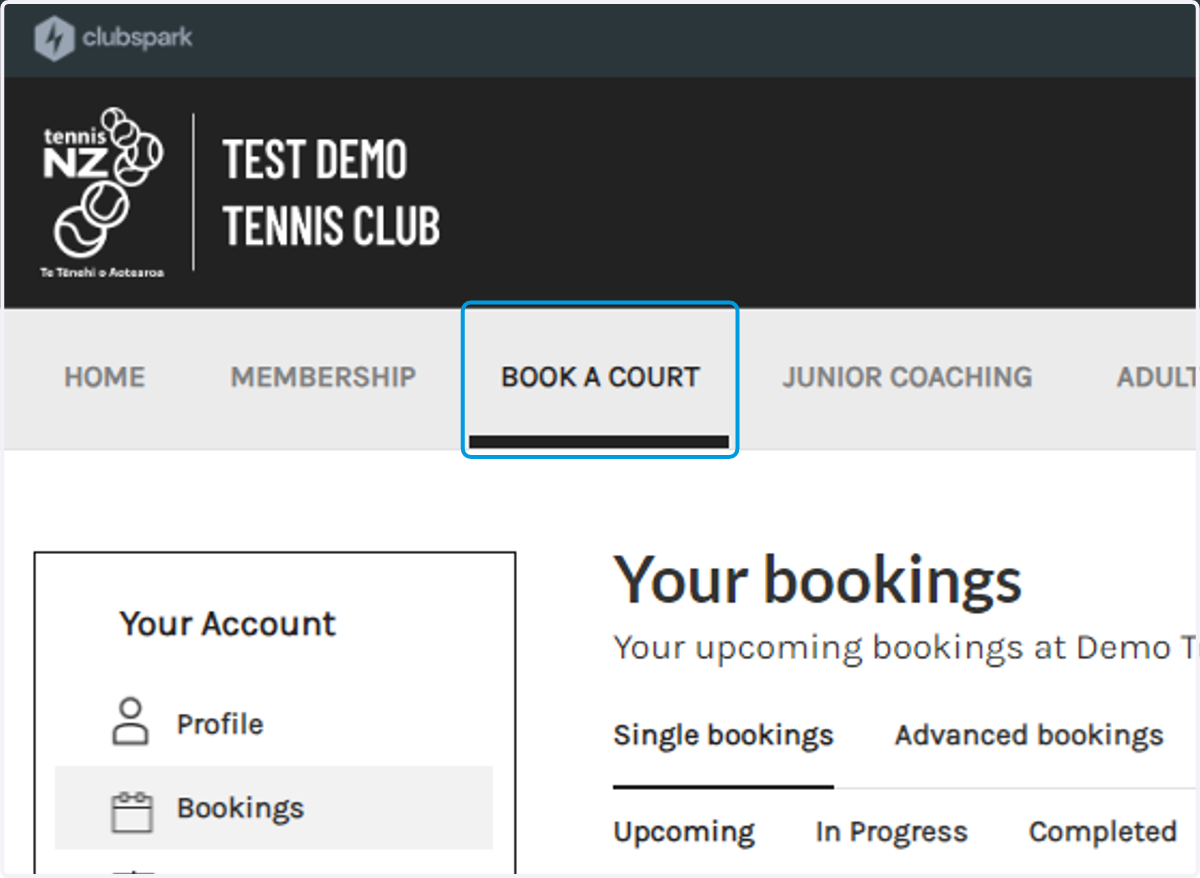
18. Go to the date of your event/s
19. You can now see the courts blocked out, if the public clicks on this court they can see contact details and the brief event description.